
 Ali Tanis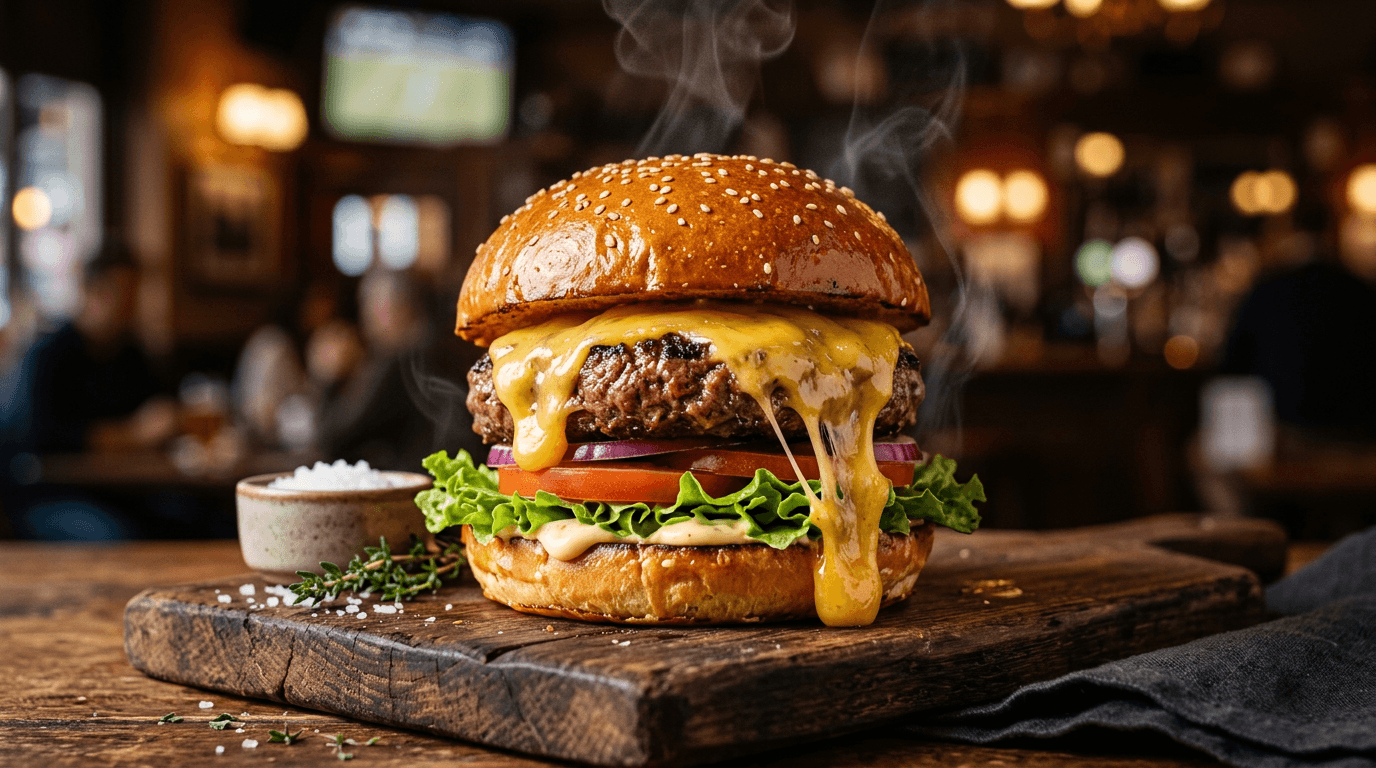
Your pad thai looks incredible in person. On your phone? Washed out, flat, and about as appetizing as cardboard.
That gap between what your food actually looks like and what your camera captures costs real money. Restaurants with quality food photos see up to 70% more orders on delivery platforms compared to text-only menus.
FoodShot AI is a food image enhancer built specifically for food photography. Upload any dish photo — even a quick phone snap under bad kitchen lighting — and our AI transforms it into a professional, menu-ready image in about 90 seconds. No Photoshop. No photography sessions. Just enhanced food photos that make people hungry.
Quick Summary: FoodShot AI enhances your existing food photos with AI-powered lighting correction, color optimization, and 30+ style presets designed for delivery apps, restaurant menus, and social media. Trusted by 8,000+ restaurants, cafes, and food creators.
The AI Food Image Enhancer That Actually Understands Food
Most food photos fail for the same reasons: bad lighting, flat colors, lost texture. FoodShot's AI food image enhancer identifies these problems and corrects them automatically — no manual editing required.
Automatic Lighting Correction
Kitchen fluorescents and tungsten lights create yellow casts and harsh shadows that kill appetite appeal. The AI rebalances lighting to mimic the soft, directional light that professional food photographers use with diffusers and reflectors. Dark corners brighten. Hot spots soften. Your dish gets the studio-quality lighting it deserves.
Smart Color Optimization
Phone cameras auto-adjust white balance in ways that flatten vibrant food colors. Green basil turns muddy. Golden crusts go gray. Rich sauces lose their gloss. FoodShot restores natural, appetizing colors that pop on screens without looking artificially oversaturated.
Texture & Detail Enhancement
Crispy should look crispy. Glossy should look glossy. The AI enhances surface detail so your fried chicken shows every crackle, your chocolate ganache gleams, and your fresh salads look dewy. This level of texture work used to require hours in photo editing software.
Composition & Angle Cleanup
Wonky angles and awkward framing make food images look amateur. The AI adjusts camera angles and composition for a polished, professional finish that draws the eye straight to the dish.
All of this happens when you upload a photo. One click. One enhanced food image.
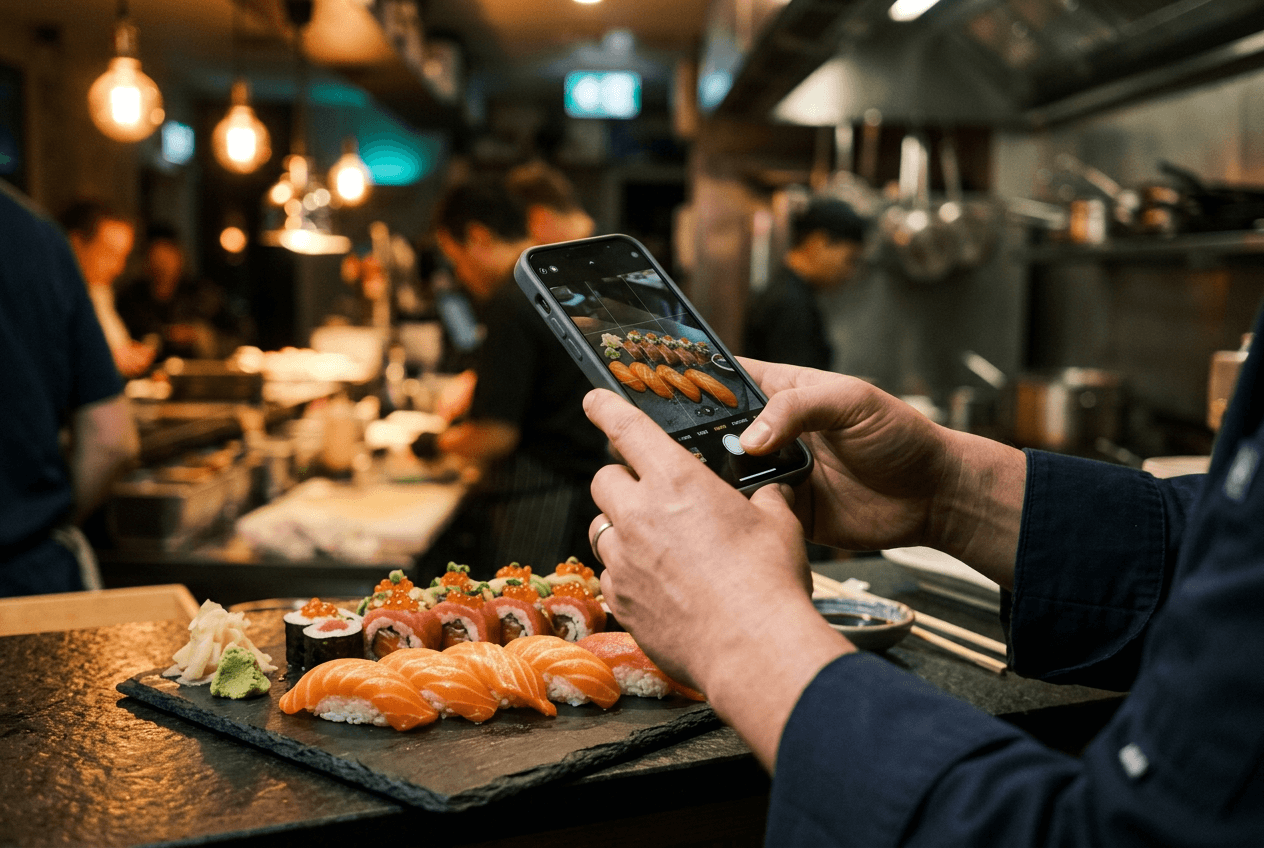 Restaurant owner photographing sushi with smartphone for AI food image enhancement
30+ Style Presets for Every Food Photography Need
A great food photo for Uber Eats looks different from one for Instagram. Different platforms need different visual approaches.
FoodShot includes 30+ enhancement presets designed for specific food photography use cases:
Delivery App Presets
High contrast, tight framing, and vibrant colors optimized for tiny thumbnail previews on food delivery apps like Uber Eats, DoorDash, and Grubhub. These presets enhance your food images to grab attention even at 80 pixels wide on a phone screen.
Restaurant & Fine Dining Presets
Clean, appetizing styling for printed menus, table displays, and website galleries. The fine dining presets create elegant, moody lighting with refined plating enhancement that matches the atmosphere of upscale food photography.
Social Media & Marketing Presets
Bright, scroll-stopping aesthetics for Instagram feeds. Bold, high-impact visuals for posters and banners. Each preset is trained specifically on food photography — a "Delivery" preset boosts contrast for small screens while an "Instagram" preset creates the bright, airy look that dominates food feeds.
You can also create complete marketing materials using your enhanced photos with ready-made poster and social media templates.
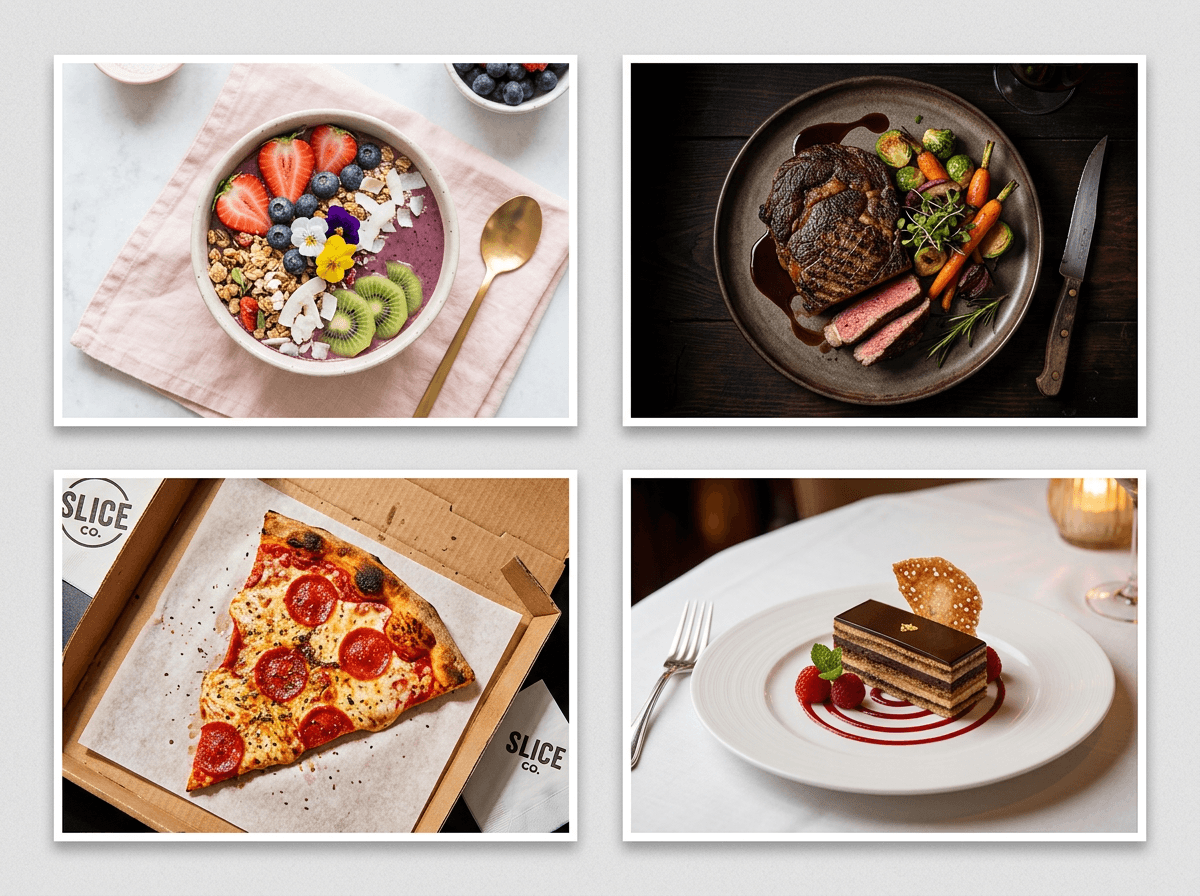 Four food photos showing different AI enhancement style presets for delivery, Instagram, fine dining, and restaurants
Clone Any Food Photography Style
See a food photo on Pinterest that captures exactly the vibe you want? Upload it as a reference, and FoodShot's AI will match the lighting, composition, props, and styling to enhance your own food photos the same way.
Pinterest-style cloning is perfect for:
- Building a consistent Instagram feed aesthetic across dozens of food images
- Matching a specific photography style your brand uses
- Replicating professional food photography looks without the photographer
Upload any reference image — from Pinterest boards, food magazines, or your own best shots — and the AI applies that visual DNA to every photo you enhance.
Batch Enhancement: Process Your Full Menu at Once
Updating a 30-item menu with new photos traditionally means booking a photographer for a half-day shoot ($500–$1,500+), waiting days for edited files, then uploading everything platform by platform.
With FoodShot's Scale plan, you can enhance 5 food images simultaneously through bulk processing. Combined with the 90-second turnaround, you can transform an entire menu's worth of food photos during a lunch break.
Every enhanced image maintains consistent quality and style — something surprisingly hard to achieve even with a professional photographer across a long shoot day.
Ideal for cafes rotating seasonal menus, delivery kitchens adding new items weekly, or food brands launching product lines.
How the Food Image Enhancer Works
Step 1: Upload Any Food Photo
Grab your phone, snap a picture of your dish, and upload it to FoodShot Studio or the iOS app. The AI works with any image quality — from a rushed kitchen photo to a DSLR shot that needs polish.
Step 2: Choose Your Enhancement Style
Pick from 30+ presets (Delivery, Restaurant, Fine Dining, Instagram, Marketing) or upload a reference image to clone a specific photography look.
Step 3: Download Your Enhanced Food Image
Get a professional-quality food photo ready for menus, delivery apps, social media, or marketing materials. Every paid plan includes a commercial use license, so you can use enhanced images anywhere.
No learning curve. No photo editing tutorials. No expensive software.
Why Enhanced Food Photos Pay for Themselves
This isn't vanity — it's revenue. The data on food photography's business impact is clear:
| Metric | Impact | Source |
|---|---|---|
| Orders from menus with photos vs. without | Up to 70% increase | GrubHub |
| Delivery volume with quality images | 15% increase | DoorDash |
| Purchase likelihood with quality photos | 2.5x more likely | Industry research |
| Average order values with professional images | 30–40% increase | Platform data |
Meanwhile, traditional food photography costs run $200–$2,000+ per session. One session might cover 10–15 dishes.
FoodShot's Starter plan: 25 enhanced food images for $15/month. That's $0.60 per image versus hundreds per dish with a photographer — a 95% cost reduction with results in 90 seconds.
See our full traditional vs AI food photography comparison for a detailed breakdown.
Built for Every Food Business
FoodShot's food image enhancer is purpose-built for food photography across every type of food business:
- Restaurant owners — Update menu photos whenever you change a dish, not just when you can book a photographer
- Food delivery businesses — Enhance food images optimized for how Uber Eats, DoorDash, and Grubhub display thumbnails
- Food bloggers & creators — Maintain a consistent, professional feed without hours in editing software
- Marketing agencies — Process client food photos at scale with the Enterprise plan's API access and custom workflows
- Cafes & bakeries — Showcase daily specials with fresh, appetizing food photography every time
Avoid the most common food photography mistakes by letting AI handle the technical side while you focus on creating great food.
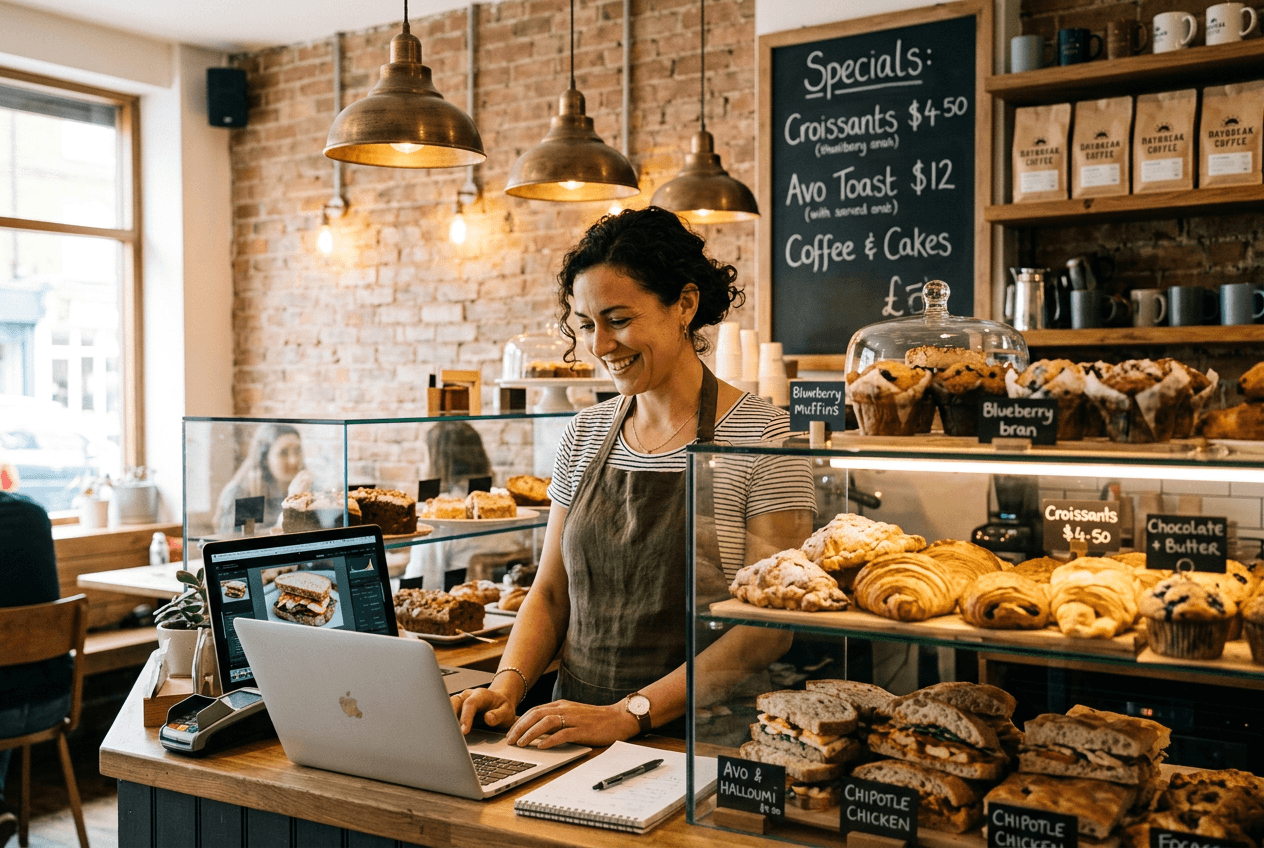 Cafe owner managing food photos and menu visuals for their bakery business
Plans That Fit Your Kitchen
| Plan | Price | Enhanced Images | Best For |
|---|---|---|---|
| Starter | $15/mo | 25/month | Solo restaurants, small cafes |
| Business | $45/mo | 100/month | Active restaurants, food bloggers |
| Scale | $99/mo | 250/month + bulk processing | Multi-location, agencies |
| Enterprise | Custom | Volume + API access | Large food brands, platforms |
All paid plans include watermark removal, commercial license, private image visibility, and priority support. Save 40% with annual billing.
Quick ROI math: One professional food photography session costs $500–$1,500. FoodShot's Business plan at $45/month gives you 100 enhanced food images — roughly 7 sessions' worth for the cost of one cheap shoot.
View all plans and start enhancing your food photos →
Frequently Asked Questions
What does a food image enhancer do?
A food image enhancer uses AI to automatically improve the quality of existing food photos. This includes correcting lighting, optimizing colors, sharpening textures, and adjusting composition — transforming an average phone photo into a professional food image suitable for menus, delivery apps, and social media.
How is enhancement different from food photo editing?
Enhancement focuses on improving what's already in your photo — better lighting, truer colors, sharper details. Editing involves modifying the image — adding or removing elements, changing backgrounds, swapping plates. FoodShot AI does both: the food image enhancer upgrades quality, while our full editing features let you make creative modifications.
What types of food photos can I enhance?
Any food photo works. The AI handles everything from steaming entrees and plated desserts to coffee drinks, bakery items, salads, and bowls. It works with images taken on any smartphone or camera, under any lighting condition. Starting with a reasonably composed photo gives the best results.
Do I need photography skills to use FoodShot AI?
No. Upload your food photo, pick a style, and the AI handles everything. For tips on taking better starting photos, check our iPhone food photography guide.
Can I use AI-enhanced food images commercially?
Yes. Every paid FoodShot plan includes a commercial use license. Use your enhanced food images on menus, delivery platforms, social media, marketing materials, and websites. The Enterprise plan adds a resale license for agencies creating food photography for clients.
How many food images can I enhance per month?
Starter includes 25 food images, Business includes 100, and Scale includes 250 with bulk processing. Enterprise plans offer custom volume. Check current pricing →