
15 Best Restaurant Marketing Tools for 2026 (Free & Paid)
 Ali Tanis24 min read
Running a restaurant is hard enough without becoming a full-time digital marketer. But here's the reality: 90% of diners now choose where to eat online before they ever walk through your door. Your food might be incredible, but if your online presence is weak, you're invisible to potential customers.
The good news? You don't need a marketing degree or a massive budget. The right combination of restaurant marketing tools can automate the tedious stuff, make your food look stunning online, and keep customers coming back — all for less than you'd spend on a single weekend's food waste.
Quick Summary: The best restaurant marketing tools in 2026 span seven categories: visual content, social media, email marketing, reviews, loyalty programs, websites, and delivery optimization. Most restaurants can build an effective marketing stack for $50–$350/month. Start with the free essentials (Google Business Profile, Google Analytics), add visual content tools to make everything else more effective, then layer on social media management, email, and loyalty as you grow.
All 15 Restaurant Marketing Tools at a Glance
| # | Tool | Category | Starting Price | Free Plan? | Best For |
|---|---|---|---|---|---|
| 1 | FoodShot AI | Visual Content | $15/mo | No | Any restaurant needing pro food photos |
| 2 | Canva | Design & Templates | Free | Yes | Social posts, flyers, menus |
| 3 | Buffer | Social Media | Free | Yes | Small restaurants, 1–3 accounts |
| 4 | Hootsuite | Social Media | $99/mo | No | Restaurant groups & chains |
| 5 | Mailchimp | Email Marketing | Free | Yes | Beginners starting with email |
| 6 | ActiveCampaign | Email Marketing | $15/mo | No | Advanced automation & CRM |
| 7 | Google Business Profile | Reviews & Local SEO | Free | Yes | Every restaurant (non-negotiable) |
| 8 | Yelp for Business | Review Management | Free | Yes | Metro-area restaurants |
| 9 | Toast Marketing Suite | Loyalty & CRM | $185/mo | No | Toast POS users |
| 10 | Square Loyalty | Loyalty Programs | $45/mo | No | Small restaurants on Square |
| 11 | BentoBox | Restaurant Website | $119/mo | No | Full-service restaurants |
| 12 | Squarespace | Website Builder | $16/mo | No | Budget-conscious restaurants |
| 13 | Uber Eats Manager | Delivery Optimization | Free | Yes | Uber Eats partners |
| 14 | DoorDash Business Manager | Delivery Optimization | Free | Yes | DoorDash partners |
| 15 | Google Analytics | Analytics & Data | Free | Yes | Every restaurant with a website |
Now let's break each restaurant marketing tool down — what it actually does, what it costs, and whether it's right for your restaurant.
Visual Content & Food Photography
Every restaurant marketing channel — your website, social media, delivery apps, email newsletters — depends on one thing: great food photos. According to the 2025 DoorDash Delivery Trends Report, Instagram (22%) leads as the most popular social media platform for discovering restaurants, followed by Facebook (19%) and TikTok (18%). All visual-first platforms.
Yet most restaurants still use dark, blurry phone photos for their online presence. This is the single biggest marketing gap you can close quickly.
1. FoodShot AI — AI Food Photo Editor
What it does: FoodShot AI is a purpose-built AI tool that transforms ordinary smartphone food photos into professional, studio-quality images in about 2 minutes. You upload a photo of your dish, pick a style preset (Delivery, Fine Dining, Instagram, Restaurant, and 30+ more), and the AI handles the rest — lighting correction, background replacement, plating enhancement, and more.
It also creates social media posters and marketing templates from your food photos, with 50+ ready-made designs for Instagram posts, Pinterest pins, and delivery app banners. Need to match a specific aesthetic? Upload a Pinterest reference photo and FoodShot will clone the style — lighting, composition, props, everything.
Pricing:
- Starter: $15/mo (25 image generations)
- Business: $45/mo (100 generations)
- Scale: $99/mo (250 generations + bulk processing)
- Enterprise: Custom pricing with API access
- All paid plans include 40% off with annual billing — see full pricing
Pros: Turns any phone photo into professional-grade visuals at roughly 95% less than traditional food photography. No photography skills needed. Commercial license included on all plans. Works via web and iOS app.
Cons: Credit-based system — you get a set number of generations per month. Requires a real food photo as input (it enhances existing photos, not generates from scratch). No Android app yet.
Best for: Any restaurant, cafe, or food business that needs professional food photos without the $500–$1,500 cost of hiring a photographer for every menu update. Particularly valuable for restaurants on delivery platforms where photo quality directly impacts order volume.
2. Canva — Design & Social Media Templates
What it does: Canva is a drag-and-drop design tool for creating social media graphics, menu layouts, flyers, event posters, and promotional materials. It has thousands of restaurant-themed templates you can customize with your branding.
Pricing:
- Free: Limited templates, 5GB storage
- Pro: $13/mo per person (full template library, brand kit, background remover)
- Teams: $10/mo per person (5+ people, brand management)
Pros: Massive template library. Intuitive editor anyone can use. Brand kit keeps everything consistent. Great for non-photo marketing materials like event flyers, specials boards, and social graphics.
Cons: Templates are generic — your posts can look like every other restaurant using Canva. The food photos in their stock library are decent but won't show your actual dishes. For your actual food photography, you'll still need a dedicated food photo editor.
Best for: Restaurants that need to produce a high volume of social media graphics, print materials, and promotional designs. Pairs well with a food photography tool — use FoodShot for the photos, Canva for the layouts around them.
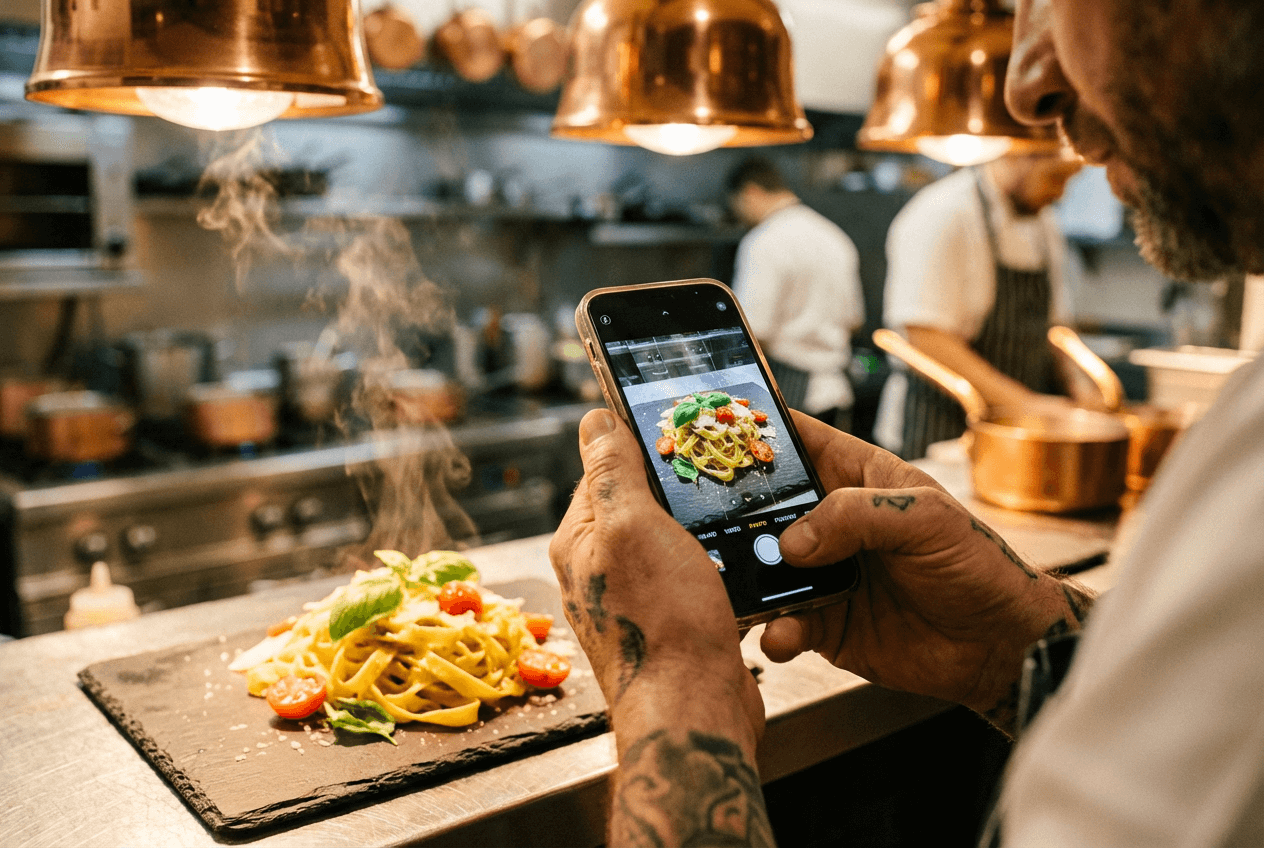 Chef photographing a plated pasta dish with smartphone for restaurant food content creation
Social Media Management
Posting consistently on social media without a scheduling tool is like running a kitchen without a prep list — technically possible, but chaotic and unsustainable. These restaurant marketing tools help you plan, schedule, and analyze your social content across platforms.
 Cafe owner managing social media marketing schedule on laptop at her restaurant during morning hours
3. Buffer — Simple Social Scheduling
What it does: Buffer lets you schedule posts across Instagram, Facebook, TikTok, LinkedIn, and other social media platforms from one dashboard. Write your posts, pick your times, and Buffer publishes them automatically.
Pricing:
- Free: 3 social channels, limited scheduling
- Essentials: $5/mo per channel (unlimited posts, analytics)
- Team: $10/mo per channel (collaboration, approvals)
Pros: One of the cleanest, simplest interfaces in social media management. Generous free tier. Affordable enough that a single-location restaurant could manage three social media accounts for $15/mo. The content calendar makes it easy to see your entire week of restaurant marketing at a glance.
Cons: No social listening (can't monitor brand mentions). Limited engagement tools — you'll still need to respond to comments natively in each app. Doesn't suggest optimal posting times.
Best for: Single-location restaurants or small chains managing 1–5 social media accounts without a dedicated marketing person. If you want simple, affordable social media management for restaurants without the bells and whistles, Buffer is hard to beat.
4. Hootsuite — Enterprise Social Management
What it does: Hootsuite is a comprehensive social media management platform with scheduling, analytics, social listening, team collaboration, and advertising tools all in one dashboard.
Pricing:
- Standard: $99/mo per user (annual) / $149/mo (monthly)
- Advanced: Higher tier with custom pricing
- Enterprise: Custom
Pros: Powerful analytics show what's actually working. Social listening tracks mentions of your restaurant across the internet. Team collaboration features let multiple people manage your accounts with approval workflows. Bulk scheduling saves time for multi-location restaurant marketing operations.
Cons: Expensive — a single user costs $99/mo minimum. No free plan anymore. The interface has a steeper learning curve than simpler tools. Overkill for a restaurant with one or two social accounts.
Best for: Restaurant groups, franchises, and chains with dedicated marketing teams managing multiple locations and social media accounts. If you're a single-location restaurant, Hootsuite's price tag doesn't make sense — go with Buffer instead.
Email Marketing
Email marketing delivers an average of $36 for every $1 spent — the highest ROI of any marketing channel. For restaurants specifically, email campaigns see open rates up to 43%, well above the cross-industry average. And 42% of restaurant-goers aged 18–29 say they check emails for updates from their favorite restaurants.
If you're collecting customer emails (and you should be), these email marketing tools turn that list into revenue.
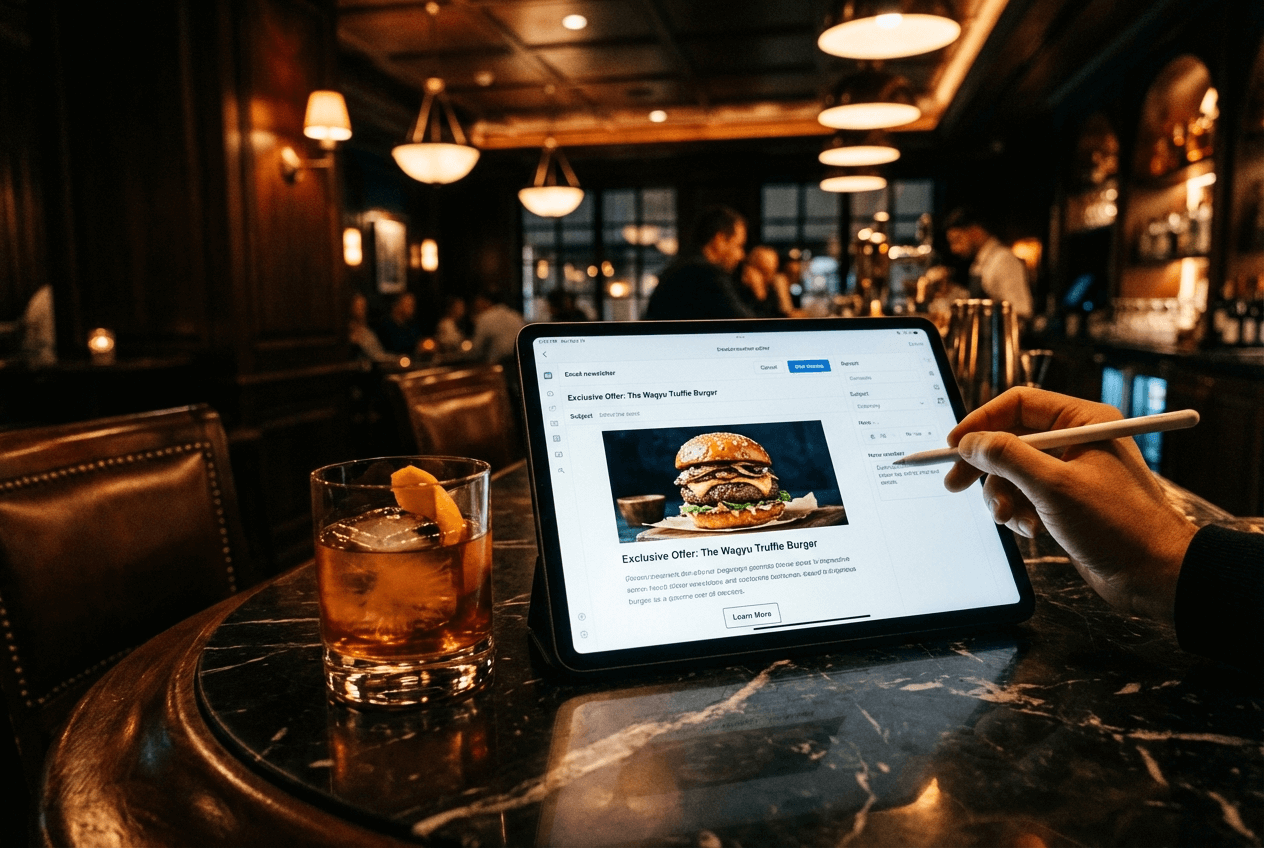 Restaurant email marketing campaign being created on tablet at an upscale bar counter with cocktail
5. Mailchimp — Beginner-Friendly Email Marketing
What it does: Mailchimp handles email campaign creation, audience segmentation, automation (welcome sequences, birthday emails, re-engagement), and basic landing pages. Their drag-and-drop editor makes it easy to build professional-looking emails for your restaurant customers.
Pricing:
- Free: 250 contacts, 500 emails/mo (significantly reduced in early 2026)
- Essentials: $13/mo (500 contacts, 5,000 emails/mo)
- Standard: ~$20/mo (more automation, A/B testing)
- Premium: $175/mo (advanced segmentation, priority support)
Pros: The easiest email marketing platform to learn. Good template library. Automation features let you set up welcome emails that run on autopilot — and welcome emails have a 91% open rate. Integrates with almost everything.
Cons: The free plan is barely useful after the 2026 reductions (250 contacts, 500 emails/mo). Pricing scales steeply as your customer list grows. Advanced features like behavioral targeting require the Standard or Premium plan.
Best for: Restaurants just starting with email marketing who want something up and running in an afternoon. Once your list exceeds 1,000–2,000 contacts, compare costs carefully — Mailchimp gets expensive fast.
6. ActiveCampaign — Advanced Email Automation
What it does: ActiveCampaign combines email marketing with a CRM and sophisticated marketing automation. You can build workflows that trigger based on customer behavior — a customer hasn't visited in 30 days? Automatic win-back email. Diner's birthday next week? Automatic offer. Guest ordered a specific dish? Follow-up with similar menu recommendations.
Pricing:
- Starter: $15/mo (1,000 contacts, basic automation)
- Plus: Scales with contacts and features
- Pro: Advanced features, CRM, predictive sending
- Note: 20% off with annual billing
Pros: The automation engine is genuinely the best in the email marketing category. Built-in CRM tracks individual customer journeys. Behavioral triggers mean you can personalize marketing without manually segmenting. Predictive sending delivers emails at each contact's optimal time.
Cons: Steeper learning curve than Mailchimp — you'll need an hour or two to understand the automation builder. No free plan (14-day trial only). Pricing increases noticeably as your customer contact list grows past 2,500.
Best for: Established restaurants with an existing customer email list who want to move beyond basic newsletters to behavior-driven, personalized marketing campaigns. If you have guest data from your POS or reservation system, ActiveCampaign can put it to work.
Review & Reputation Management
Here's an uncomfortable truth: a single star increase on your Google rating can boost restaurant revenue by 5–9%. Reviews aren't just ego metrics — they directly influence whether a customer walks through your door or picks your competitor.
7. Google Business Profile — Local SEO Powerhouse
What it does: Google Business Profile (GBP) controls how your restaurant appears in Google Search and Google Maps. It displays your hours, location, phone number, menu, photos, posts, reviews, and Q&A. When someone searches "restaurants near me," GBP determines whether you show up.
Pricing: Completely free.
Pros: Free and arguably the highest-ROI marketing tool for any restaurant. Post weekly updates about specials and events. Upload photos directly (use your FoodShot-enhanced food photos here for maximum impact). Respond to reviews. See insights on how customers find you. Direct messaging lets customers reach you without calling.
Cons: Requires regular maintenance — stale profiles get pushed down in local search rankings. Limited customization options. You're building on Google's platform, so algorithm changes can impact visibility. Negative reviews are permanent unless they violate Google's policies.
Best for: Literally every restaurant, regardless of size or budget. If you do only one thing on this list, claim and optimize your Google Business Profile. It's the foundation of local restaurant marketing and SEO.
8. Yelp for Business — Review Platform & Advertising
What it does: Yelp for Business lets you manage your restaurant's Yelp listing, respond to reviews, add photos and menu details, and run targeted advertising to reach customers actively searching for restaurants.
Pricing:
- Free listing: Claim your page, respond to reviews, add photos
- Yelp Ads: Typically $300–$500/mo for small restaurants
- Yelp Guest Manager: Starting around $99/mo for reservation management
- Yelp Host (AI phone answering): $149/mo or $99/mo for Guest Manager users
Pros: Yelp users are high-intent — they're actively looking for somewhere to eat right now. Review management tools help you respond professionally to customer feedback. Guest Manager adds reservations and waitlist management. Yelp Host can answer your phone when staff are busy.
Cons: The "pay-to-play" perception persists — some restaurant owners feel organic visibility suffers without ad spend. Advertising costs can add up quickly. You cannot remove legitimate negative reviews. Yelp's algorithm may filter some positive reviews.
Best for: Restaurants in metropolitan areas where Yelp has a strong user base (major U.S. cities especially). Less essential in markets where Google reviews dominate. At minimum, claim your free listing and respond to every review — that costs nothing.
Loyalty Programs & CRM
One stat should scare every restaurant owner: 77.4% of restaurant guests never return. That means more than three-quarters of the customers who eat at your restaurant come once and never come back. Loyalty programs are the most direct restaurant marketing tool to change that math.
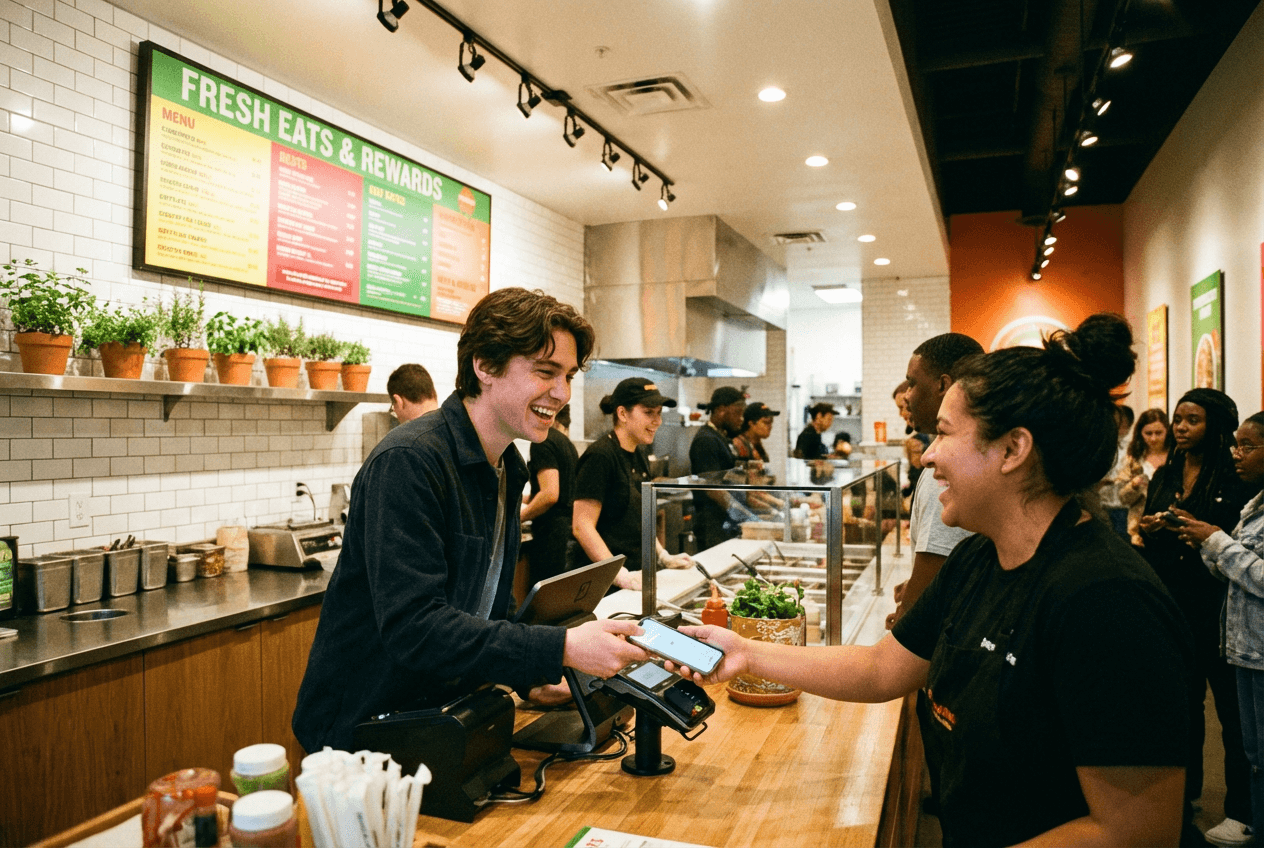 Customer scanning digital loyalty rewards card on phone at a fast-casual restaurant counter
9. Toast Marketing Suite — POS-Integrated Loyalty
What it does: Toast Marketing Suite combines a loyalty program, digital gift cards, and email/SMS marketing, all integrated directly with the Toast POS system. Because it's built into the POS, it automatically tracks guest visits, spending, and order history without requiring a separate app or customer action.
Pricing:
- Marketing Essentials: $185/mo (includes loyalty program, gift cards, email/SMS)
- Requires existing Toast POS subscription
Pros: Seamless POS integration means no extra steps for staff or customers. Automated marketing campaigns trigger based on real purchase data. Gift card functionality is built in. Guest profiles build automatically from transactions.
Cons: Expensive add-on at $185/mo on top of your existing Toast bill. Only works with Toast POS — if you switch POS systems, you lose everything. The lock-in effect is real; a restaurant doing $50K/mo in card sales on Toast might pay $1,500–$2,500/mo all-in for the full platform.
Best for: Restaurants already using Toast POS who want an integrated loyalty and marketing system without managing separate platforms. If you're not on Toast, this restaurant marketing tool isn't relevant to you.
10. Square Loyalty — Affordable Card-Linked Rewards
What it does: Square Loyalty is a simple, card-linked rewards program built into the Square POS ecosystem. Customers earn loyalty points automatically when they pay with a linked card — no app download or paper punch card needed.
Pricing:
- From $45/mo per location (30-day free trial available)
- Pricing increases as loyalty membership grows
Pros: Card-linked means zero friction for customers — they just pay normally and earn points. Easy to set up in minutes. Affordable entry point for restaurant loyalty. Customizable reward tiers.
Cons: Basic feature set compared to dedicated loyalty platforms. Costs scale with member count, which can surprise you as the program succeeds. Requires Square POS. No sophisticated behavioral triggers or advanced customer segmentation.
Best for: Small restaurants and cafes already using Square POS who want a simple "earn points, get rewards" loyalty program without the complexity or cost of enterprise platforms.
Website & SEO
Your website is your only marketing channel you fully own and control. Social media platforms change algorithms, delivery apps take commissions, but your restaurant website is yours. And with 62% of customers using Google to find restaurants, showing up in search results matters.
11. BentoBox — Restaurant-Specific Website Platform
What it does: BentoBox is a marketing and commerce platform built specifically for restaurants. It provides designed websites with built-in online ordering (no commissions), event management, gift card sales, catering requests, and email capture — all in one platform.
Pricing:
- Foundations: From ~$119/mo (essential tools for counter-service restaurants)
- Signature: Higher tier with full commerce features
- Custom pricing based on restaurant needs
Pros: Every feature is designed with restaurants in mind. Online ordering without commission fees means you keep more revenue compared to third-party delivery apps. Beautiful, mobile-first templates. Event booking and gift card features are built in, not bolted on. Great customer support for restaurant marketing teams.
Cons: More expensive than general website builders. Limited design customization — you trade flexibility for simplicity. No API access for advanced integrations. If your team has web development experience, the lack of flexibility may feel restrictive.
Best for: Full-service restaurants that want a professional website with integrated ordering, events, and commerce features — without building anything from scratch. Particularly valuable for restaurants that want to shift ordering away from high-commission third-party delivery platforms.
12. Squarespace — Beautiful DIY Restaurant Sites
What it does: Squarespace is a general-purpose website builder with elegant templates, including restaurant-specific designs with menu pages, gallery layouts, and reservation integration (via Tock).
Pricing:
- Personal: $16/mo (annual billing)
- Business: $23/mo
- Commerce Basic: $28/mo
- Commerce Advanced: $52/mo
Pros: Stunning templates that make your restaurant look high-end. Affordable compared to restaurant-specific platforms. Drag-and-drop editor is genuinely easy to use. Tock integration adds reservation capabilities. Built-in SEO tools help with local restaurant marketing.
Cons: Not restaurant-specific — you'll need third-party integrations for online ordering, loyalty, and advanced restaurant features. Templates can be too similar to other Squarespace sites. Limited functionality without add-ons.
Best for: Budget-conscious restaurants that want a visually impressive website without spending $100+/mo on a platform. Great for cafes, fine dining spots, and any restaurant where the website's primary job is to look beautiful and provide information (hours, menu, location).
Delivery Platform Optimization
If your restaurant is on delivery platforms, those listings are marketing channels — not just order-taking systems. Optimizing them with quality photos, accurate descriptions, and strategic promotions can dramatically increase order volume. Using professional photos on delivery apps is one of the fastest ways to stand out, but the platforms also offer free built-in marketing tools most restaurants never touch.
13. Uber Eats Manager — Delivery Listing Optimization
What it does: Uber Eats Manager is the free dashboard for restaurants on Uber Eats. Beyond order management, it provides analytics on menu performance, tools to run promotions (BOGO, free delivery, featured placement), photo management for your delivery listings, and customer feedback tracking.
Pricing: Free for all Uber Eats restaurant partners (promotions have their own costs).
Pros: Completely free analytics show which menu items sell and which don't. Promotion tools let you run targeted marketing campaigns (new customer offers, loyalty discounts). Menu performance data helps you optimize pricing and descriptions. Photo management lets you update listing images — use your best food photos here.
Cons: Only works for Uber Eats — doesn't help with other platforms. Commission-based model means you're paying 15–30% per order. Promotion costs are on top of commissions. Limited branding customization.
Best for: Any restaurant on Uber Eats. The dashboard is free, and most restaurants barely use it beyond checking orders. Spending 30 minutes optimizing your menu descriptions, photos, and running a strategic promotion can meaningfully increase monthly delivery revenue.
14. DoorDash Business Manager — Storefront Marketing
What it does: DoorDash's merchant dashboard provides order analytics, customer insights, promotion management, and access to DoorDash Storefront — a commission-free online ordering page branded to your restaurant.
Pricing: Free dashboard. Promotions are funded by ad spend. DoorDash Storefront charges lower fees than standard marketplace orders.
Pros: DoorDash Storefront lets you accept commission-free orders through your own branded page. Customer insights reveal ordering patterns and demographics. Targeted promotions reach specific customer segments (lapsed customers, new customers in your area). Marketing analytics show actual ROI on promotion spend.
Cons: Standard marketplace commissions are steep (15–30%). DoorDash Storefront still charges per-order fees, just lower ones. Marketing spend on promotions can escalate quickly. Limited to the DoorDash ecosystem.
Best for: Restaurants that generate significant delivery revenue through DoorDash and want to optimize that channel. DoorDash Storefront is particularly interesting as a restaurant marketing tool to reduce commission costs while keeping delivery volume.
Analytics & Data
The restaurant marketing tools above generate data. Google Analytics helps you make sense of it all.
15. Google Analytics — Website & Campaign Tracking
What it does: Google Analytics 4 (GA4) tracks everything happening on your restaurant's website: where visitors come from, which pages they view, how long they stay, whether they click your "Order Online" button, and which marketing campaigns actually drive traffic and revenue.
Pricing: Completely free.
Pros: Free, powerful, and industry-standard. Tracks the full customer journey from ad click to website visit to conversion. Integration with Google Ads means you can measure the ROI of paid marketing campaigns. Audience insights show who's visiting your site (demographics, interests, devices).
Cons: GA4 has a steep learning curve — it's significantly more complex than the old Universal Analytics. Initial setup requires some technical knowledge (or a web developer's help for 30 minutes). The amount of data can feel overwhelming without knowing what restaurant metrics to focus on.
Best for: Every restaurant with a website. At minimum, install GA4 to track traffic sources and basic conversion events (clicks on "Order Online," "Make a Reservation," or "Get Directions"). Even if you never look at advanced reports, having the data collecting in the background means you'll have it when you need it.
 Colorful building blocks representing a restaurant marketing technology stack with ascending layers
The Complete Restaurant Marketing Stack (By Budget)
Not every restaurant needs all 15 tools. Here's how to build a restaurant marketing stack that matches your size and budget:
The Starter Stack — $15–$75/mo
For: Single-location restaurants, food trucks, new cafes
| Tool | Cost |
|---|---|
| Google Business Profile | Free |
| Google Analytics | Free |
| FoodShot AI Starter | $15/mo |
| Buffer Free | Free |
| Mailchimp Free | Free |
| Uber Eats/DoorDash Manager | Free |
| Total | $15/mo (or ~$75 with paid Buffer/Mailchimp tiers) |
This stack covers your essentials: professional food photos, social media scheduling, email collection, review management, and delivery optimization. You could technically run everything except FoodShot for free, but those $15/mo will pay for themselves the first time a customer orders because your food actually looks appetizing online.
The Growth Stack — $140–$350/mo
For: Established single-location or 2–3 location restaurants
| Tool | Cost |
|---|---|
| Google Business Profile | Free |
| Google Analytics | Free |
| FoodShot AI Business | $45/mo |
| Buffer Essentials (3 channels) | $15/mo |
| Mailchimp Essentials | $13/mo |
| Square Loyalty | $45/mo |
| Squarespace Business | $23/mo |
| Delivery platform managers | Free |
| Total | ~$141/mo |
You've got professional food photos at volume, consistent social media posting, email automation, a loyalty program to drive repeat customer visits, and a proper website. This restaurant marketing stack gives you 80% of what a major chain's marketing department does, for a fraction of the cost.
The Scale Stack — $500+/mo
For: Multi-location restaurants, growing chains, restaurants with a marketing team
| Tool | Cost |
|---|---|
| Google Business Profile | Free |
| Google Analytics | Free |
| FoodShot AI Scale | $99/mo |
| Hootsuite Standard | $99/mo |
| ActiveCampaign Plus | ~$50/mo |
| Toast Marketing Suite | $185/mo |
| BentoBox | $119/mo |
| Canva Pro | $13/mo |
| Delivery platform managers | Free |
| Total | ~$565/mo |
This is a full-service restaurant marketing operation. Bulk food photo processing, enterprise social media management, advanced email marketing automation, POS-integrated loyalty, a restaurant-specific website with commission-free ordering, and professional design tools. At this level, you're competing with chains that have dedicated marketing departments.
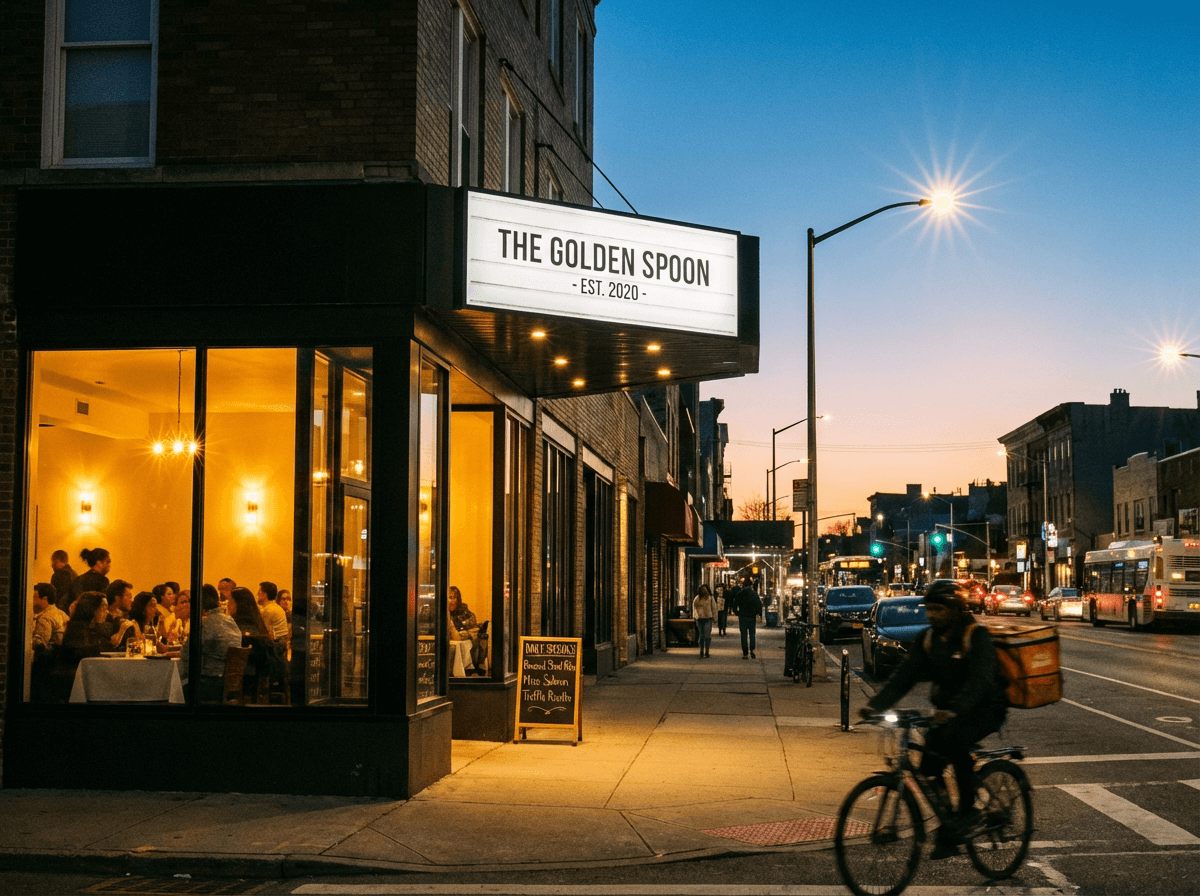 Thriving restaurant storefront at dusk with packed dining room and delivery cyclist passing by
How to Choose the Right Restaurant Marketing Tools
A few principles to keep your restaurant marketing tool selection sane:
Start with the free essentials. Google Business Profile and Google Analytics cost nothing and impact everything. Set them up before spending a dollar on paid tools.
Invest in visual content early. Every other marketing channel — social media, email, delivery platforms, your website — performs better with great food photos. A $15/mo investment in AI food photography improves the ROI of every other tool on this list. Think of it as the multiplier for your entire restaurant marketing stack.
Don't buy everything at once. Start with 2–3 tools, master them, then add more. A restaurant using Buffer and Mailchimp well will outperform one with six half-configured marketing tools.
Match tools to your POS. If you're on Toast, Toast's marketing tools make more sense than standalone alternatives. Same with Square. POS integration means less manual work and better customer data.
Measure before scaling. Use Google Analytics and each platform's built-in reporting to understand what's actually driving revenue. Then invest more in what works and cut what doesn't.
Frequently Asked Questions
What is the best free restaurant marketing tool?
Google Business Profile — and it's not close. It's completely free, directly impacts whether customers find you in local search results, and influences both Google Search and Google Maps rankings. Every restaurant should have a fully optimized profile before spending money on anything else. After that, Google Analytics (free) and the free tiers of Buffer and Mailchimp round out a solid zero-cost restaurant marketing starter kit.
How much should a restaurant spend on marketing tools?
Most industry guidance suggests 3–6% of revenue on total marketing. For marketing tools specifically (not ad spend), a realistic range is $50–$350/mo for single-location restaurants. A $15/mo tool that produces professional food photos can replace $500–$1,500 photo shoots. A $13/mo email marketing tool generating $36 per $1 spent pays for itself many times over. Focus on ROI, not on the sticker price.
Do small restaurants really need marketing software?
Yes, but you don't need much. A small restaurant can build a legitimate marketing presence with just Google Business Profile (free), FoodShot AI ($15/mo), and a free Buffer account. That's $15/mo total to show up in local search, have professional food photos across all channels, and post consistently on social media. The question isn't whether you can afford restaurant marketing tools — it's whether you can afford to be invisible online when 90% of diners are choosing restaurants digitally.
What's the most important marketing tool for a new restaurant?
For a brand-new restaurant, prioritize in this order: (1) Google Business Profile to appear in local search immediately, (2) a visual content tool to create professional food photos for every marketing channel, and (3) social media management — even just an Instagram account with a consistent posting schedule. These three things establish your online presence and give new customers a reason to try you. Everything else (email marketing, loyalty programs, advanced analytics) can come after you've built an initial customer base.
How do I measure ROI from restaurant marketing tools?
Track these metrics for each tool: Email marketing — open rate, click rate, and redemptions of any offers (aim for $36 return per $1 spent). Social media — engagement rate and traffic to your website or ordering page. Loyalty programs — repeat visit rate and average spend per loyalty member vs. non-members. Food photography — compare online order volume before and after upgrading photos on delivery platforms. Google Business Profile — track "Direction requests" and "Calls" month over month. Most restaurant marketing tools include built-in analytics; Google Analytics ties everything together at the website level.