
How to Get More Orders on DoorDash: 12 Proven Strategies
 Ali Tanis16 min read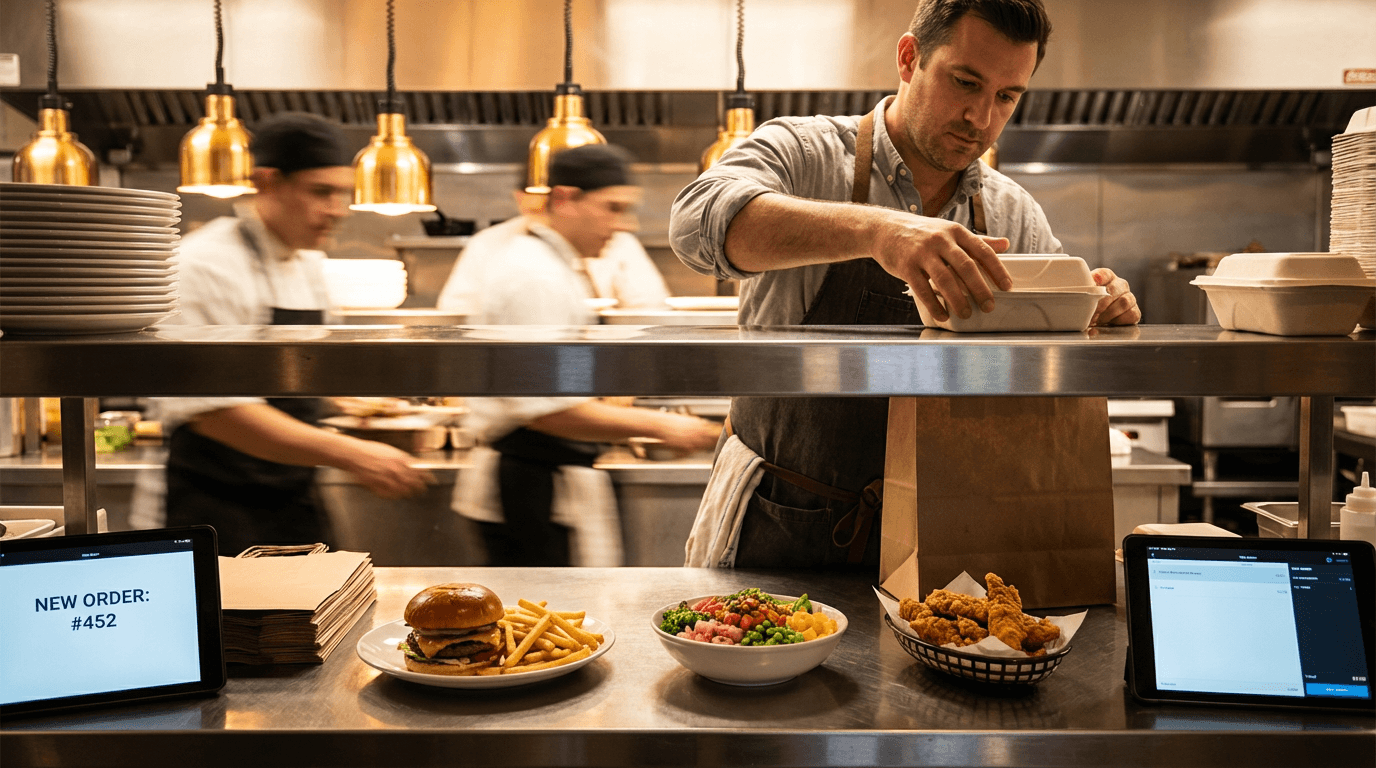
If you're trying to learn how to get more orders on DoorDash, you're asking the right question. DoorDash has over 42 million monthly active users — that's a massive pool of customers browsing the app every day. But most restaurants capture only a tiny fraction of available orders.
The problem usually isn't the food. It's the listing itself.
Restaurants that consistently get more orders on DoorDash don't just cook well — they optimize their profile, photos, menu, pricing, and customer experience to work with the platform's algorithm. These 12 strategies show you exactly how to get more orders on DoorDash, ranked by impact.
Quick Summary: Start with menu photos — DoorDash's own data shows professional food photos increase restaurant sales by 30–50%. Then layer on DashPass participation, strategic promotions, and menu engineering for a fundamentally higher order volume. Most restaurants see measurable results within 1–2 weeks of making these changes.
Restaurant owner preparing multiple DoorDash delivery orders in a busy kitchen with professional food plating
1. Upgrade Your Menu Photos — The Fastest Way to Increase DoorDash Orders
This is the single most impactful change any restaurant can make on the DoorDash app. Every data point confirms it: menu photos are the most powerful conversion tool on any food delivery app.
Here's what the delivery platforms report:
- Grubhub: Adding food photography increases orders by 30%
- DoorDash (April–June 2022 study): Menus with header images get 50% more monthly sales
- A restaurant logo alone adds 23% more monthly sales on the app
- 38% of customers choose which restaurant to order from based on menu photos (DoorDash 2024 Trends Report)
- For Gen Z: 46% say food photos directly influence which order they place
Photo reliance grew 11% year over year in 2024. This trend keeps accelerating over time.
Think about your own behavior on the app. You open DoorDash. You scroll. You don't read every description — you scan food photos. Dark, blurry images versus bright, appetizing shots? One restaurant gets the order. The other gets scrolled past every single time.
DoorDash Photo Specs: The Complete Cheat Sheet
DoorDash rejects photos that don't meet their technical specs. Here are the exact requirements to save time and avoid rejected submissions:
Item Photos (individual menu items):
- Resolution: 1400 × 800px minimum
- Aspect ratio: 16:9 (landscape)
- File size: Under 16 MB
- File type: JPG, JPEG, or PNG
- Center your food — DoorDash crops thumbnails to 1:1 squares
Header/Carousel Photos (storefront banner):
- Resolution: 1400 × 800px minimum
- Aspect ratio: 4:1 (web) or 16:9 (app)
- Show multiple food items — not a collage of separate photos
Logo:
- Resolution: 230 × 230px minimum
- Square (1:1) format works best
- File size: Under 2 MB
DoorDash's photo review team usually approves within 1 business day. During busy periods, allow 3–5 days. Track review status in your Merchant Portal.
Common DoorDash Photo Rejection Reasons
DoorDash has 14 documented rejection reasons. These are the ones that trip up restaurant owners most often:
- Blurry or low-resolution — aim well above the 230×230px minimum
- Distracting backgrounds — busy tablecloths, bright surfaces, cluttered frames
- Text or graphic overlays — no prices, logos, or promo text on individual item photos
- Bad lighting — too dark or harsh flash that washes out food colors
- Unappetizing presentation — partially eaten food, plastic utensils, messy plating
- Non-representative — images that look AI-generated in a way that doesn't match the actual dish a Dasher delivers
DoorDash wants photos that accurately represent what customers receive in their order. Don't create fantasy food. Make your real food look as appealing as it actually tastes.
Check rejection reasons in Menu Manager. Click the flagged item. DoorDash tells you what went wrong so you can fix it.
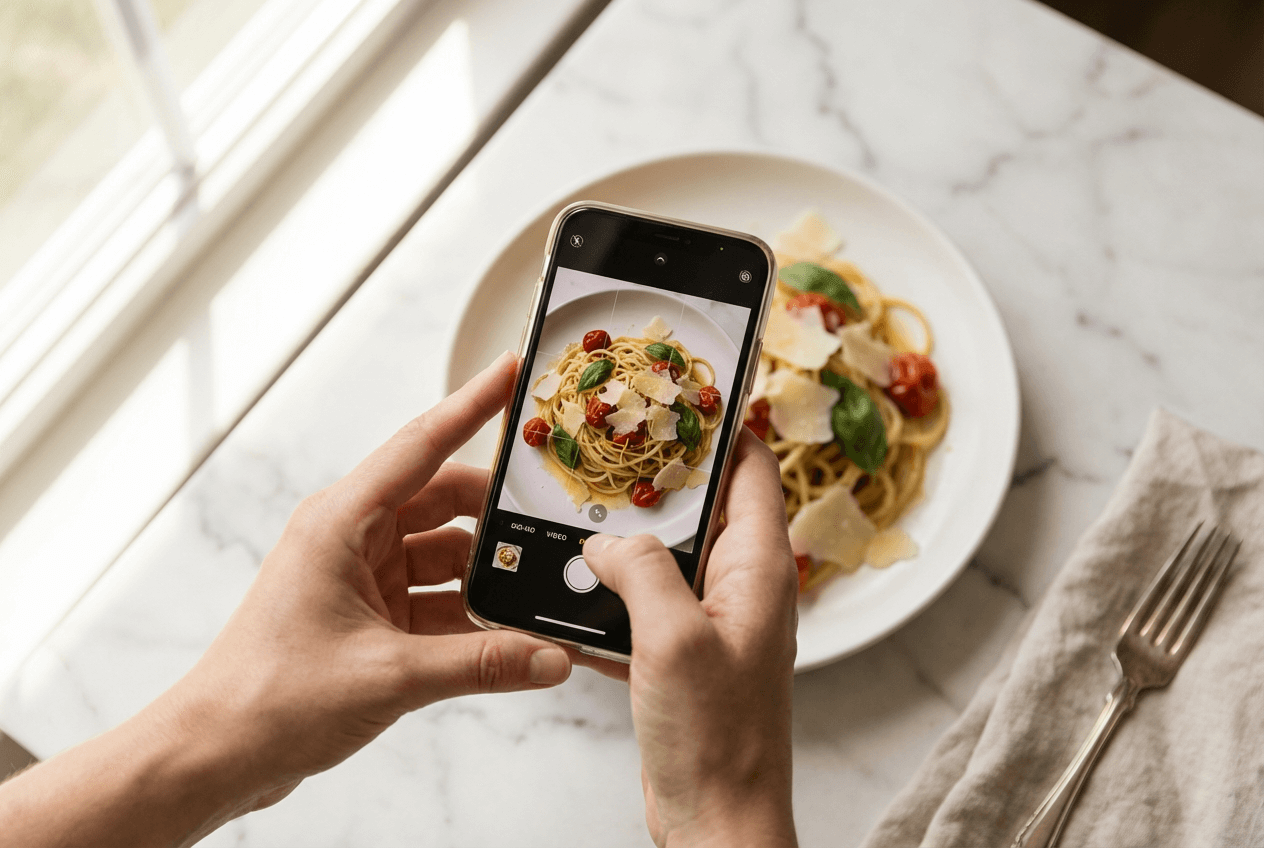 Smartphone capturing professional food photo of pasta dish with natural lighting for DoorDash menu
How AI Food Photography Helps You Get More Orders on DoorDash
Here's the dilemma every restaurant owner faces. You know great photos drive orders on every delivery app. But the options feel expensive or limited in time.
Option 1: Professional photographer. Budget $300–$1,400+ per session. You'll get 10–20 polished shots. Every menu update means rebooking and paying again.
Option 2: DoorDash's free photoshoot. Up to 20 item photos plus a header shot — no cost to you. Premier plan merchants get a $200 food cost credit. Solid start, but 20 photos rarely covers a full restaurant menu. You can't rebook every time a seasonal item changes.
Option 3: DIY phone photos. Most restaurant owners grab their iPhone, snap a shot in kitchen lighting, and hope for the best. That's how you end up with dark, unflattering food photos customers scroll past. Our guide on food photography mistakes that kill delivery orders covers the five biggest offenders.
Option 4: AI food photography. This changes the math. Upload a basic smartphone photo of your food. Get a professional-quality, delivery-ready image in about 2 minutes. No lighting rigs. No scheduling a Dasher to deliver a photographer. No per-session fees.
FoodShot AI is built for this workflow. Upload your phone photo. Pick a delivery-optimized style. Download a 2K image, crop it to DoorDash's 16:9 frame (at least 1400×800px) and keep the file under 2 MB. Process your entire menu — not just 20 items — at a fraction of traditional photography costs.
The key advantage: re-shoot menu photos any time you want. New seasonal item? Five minutes. Updated plating? Quick retake. Holiday carousel refresh? Batch it. That agility keeps your DoorDash listing competitive over time.
Already using iPhone photos for your menu? Even small AI enhancements — better lighting, cleaner backgrounds, accurate food colors — measurably improve click-through rates on the delivery app.
2. Write Menu Descriptions That Convert Orders
Photos grab attention. Descriptions close the sale.
The Formula That Works
Great DoorDash menu descriptions follow one formula: what it is + what makes it special + what's included.
Weak: "Chicken sandwich. Comes with fries."
Strong: "Crispy buttermilk-fried chicken breast on a toasted brioche bun with house-made pickles, spicy aioli, and a side of seasoned fries."
Description Best Practices for the DoorDash App
- Lead with cooking method or flavor — "wood-grilled," "slow-braised," "hand-rolled"
- Name specific ingredients — builds trust and helps customers with dietary needs find food they can order
- Keep it to 2–3 lines — the DoorDash app truncates long descriptions on mobile
- Mention portion size — "feeds 2" or "16oz" sets expectations and reduces order complaints
- Use searchable category keywords — "spicy," "vegan," "gluten-free," "family meal" help the DoorDash search algorithm surface your restaurant to more customers
Blank descriptions make food look generic. Every item deserves words that sell it. Take the time to write descriptions for at least your top 15 menu items — it's one of the simplest ways to get more orders on DoorDash.
3. Run Strategic Pricing and Promotions
DoorDash's 2025 Delivery Trends Report found that 41% of consumers use promotions to discover new restaurants. No promotions? You're invisible to nearly half of potential new customers browsing the DoorDash app.
Top-Performing DoorDash Promotions
- "$0 Delivery Fee" — removes the biggest psychological barrier to placing an order
- "Spend $25, Get $5 Off" — lifts average order value while customers feel they're getting a deal
- Percentage discounts on first orders — drives trial from new customers
- Combo meal deals — bundles increase ticket size and make the ordering decision easier
Sponsored Listings Worth Testing
DoorDash's Sponsored Listings deserve a test. Restaurants using them see an average 20% increase in orders, according to DoorDash. You pay for premium placement when customers search your food category in the app.
One warning: don't discount yourself into losses. Run promotions during slow time periods, for new customer acquisition, or on high-margin food items. Track ROI in your Merchant Portal. Not every promotion works — let the data tell you which ones drive real orders.
4. Join DashPass to Reach 22 Million High-Value Customers
DashPass subscribers order more frequently. They spend more per order. They're DoorDash's most loyal customers. There are 22 million of them — and they actively filter the app for DashPass-eligible restaurants.
Not enrolled? You don't appear for these high-value customers.
DashPass members get $0 delivery fees from participating restaurants. Enrollment is automatic with DoorDash's Plus plan (25% delivery commission, 6% pickup) or Premier plan (adds maximum delivery area, automatic ads, photography credits).
The repeat order effect compounds over time. DoorDash data shows 73% of consumers reorder from the same restaurant, and 49% place repeat orders weekly. DashPass makes your restaurant cheaper to reorder from than competitors who aren't enrolled. Dashers also prioritize DashPass deliveries, meaning faster delivery times and better reviews for your listing. If you're wondering how to get more orders on DoorDash with one simple change, DashPass enrollment is near the top of the list.
5. Optimize for Peak Hours and Off-Peak Opportunities
Staff your kitchen during lunch (11 AM–2 PM) and dinner (5–9 PM). That's table stakes for any DoorDash restaurant.
Target the Time Slots Competitors Ignore
- Breakfast delivery (7–10 AM) — growing fast, few restaurants compete for these orders on the app
- Late night (9 PM–2 AM) — less competition, higher per-order spending from customers
- The 6 PM decision window — Gen Z decides what to eat around this time, per DoorDash's 2025 Trends Report
Fill Slow Time Periods
During slow periods, run off-peak promotions. Offer discounted delivery between 2–5 PM. Create a quick-prep lunch menu. Keep orders flowing throughout the day rather than sitting idle.
Every market differs. Use Merchant Portal analytics to find your specific demand patterns. What's dead at 3 PM in one area might be peak order time in another.
6. Build a 5-Star Review Strategy
Your DoorDash rating directly affects where your restaurant appears in search results within the app. A 4.5+ star average keeps you competitive. Below 4.0? Your listing gets buried and customers never find you.
How to Build Reviews Systematically
- Thank-you cards in every delivery order — include a prompt: "Loved your meal? Leave us a review on DoorDash!"
- Respond to every review — genuine thanks for positives, accountability and resolution for negatives
- Fix recurring complaints fast — three mentions of cold food means your packaging needs work
- Track ratings weekly in the Merchant Portal and share targets with your team
Repeat customers spend 67% more than new ones. Reviews build the trust that turns first-time orderers into regulars who keep placing orders over time.
 Restaurant manager reviewing customer feedback and DoorDash performance data in back office
7. Engineer Your Menu for Maximum Profit
Menu engineering means spotlighting items that are both popular and profitable. It directly affects how many orders you get and how much money each order earns your restaurant.
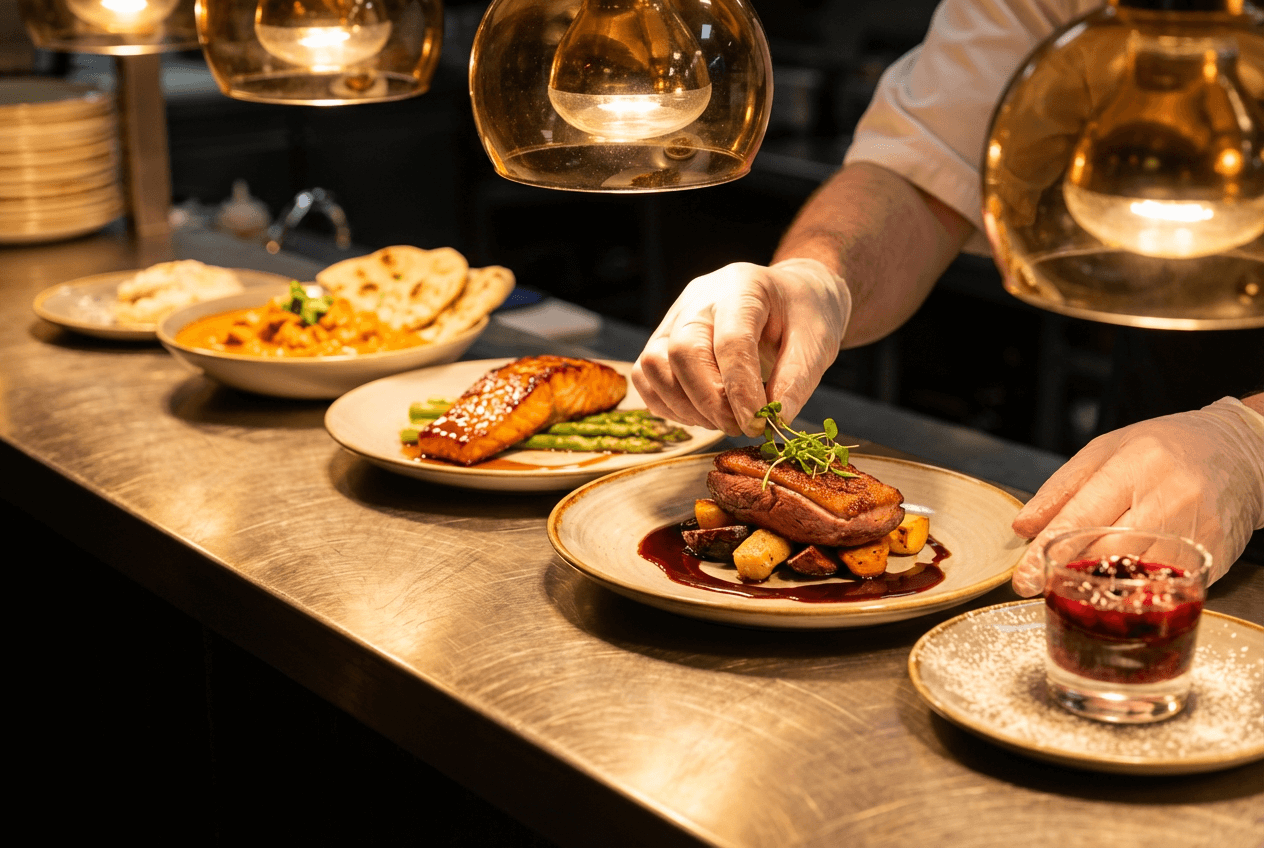 Chef garnishing curated menu items at restaurant pass showing menu engineering for delivery orders
Categorize Every Menu Item
Use your DoorDash Merchant Portal data to sort items into four groups:
- Stars — high popularity, high margin. Feature with the best food photos and top menu placement.
- Plowhorses — popular but low margin. Adjust pricing or portions to make more money per order.
- Puzzles — low popularity, high margin. Better photos and descriptions can lift these over time.
- Dogs — low popularity, low margin. Consider removing them from the delivery menu.
High-Impact Menu Changes
- Add modifiers (toppings, sides, drinks, desserts). DoorDash data shows modifier images create a 4% lift in customer conversion on the app.
- Keep your menu at 25–40 items. Too many choices slows down the ordering process.
- Feature trending food. French fries were the #1 ordered item on DoorDash in 2025. If your restaurant serves them, put them front and center with a great photo.
8. Expand Your Delivery Radius Strategically
More area means more potential customers. But it also means longer Dasher drive times and food arriving cold. Dashers traveling further means more time between your kitchen and the customer's door.
Expand incrementally. Measure results.
DoorDash plan tiers offer different delivery coverage:
- Basic: Standard delivery radius
- Plus: Expanded delivery area + DashPass access
- Premier: Maximum delivery area + ads + photo credits
Monitor average delivery time and customer satisfaction scores after expanding. If both hold, keep the larger area. If food quality complaints spike from Dashers delivering over longer distances, pull back. For delivery-fragile food (soups, ice cream, delicate plating), a tighter radius often gets you more orders and better reviews than a wider one.
9. Nail Packaging and Presentation
Great food photos get the order. Great packaging earns the reorder.
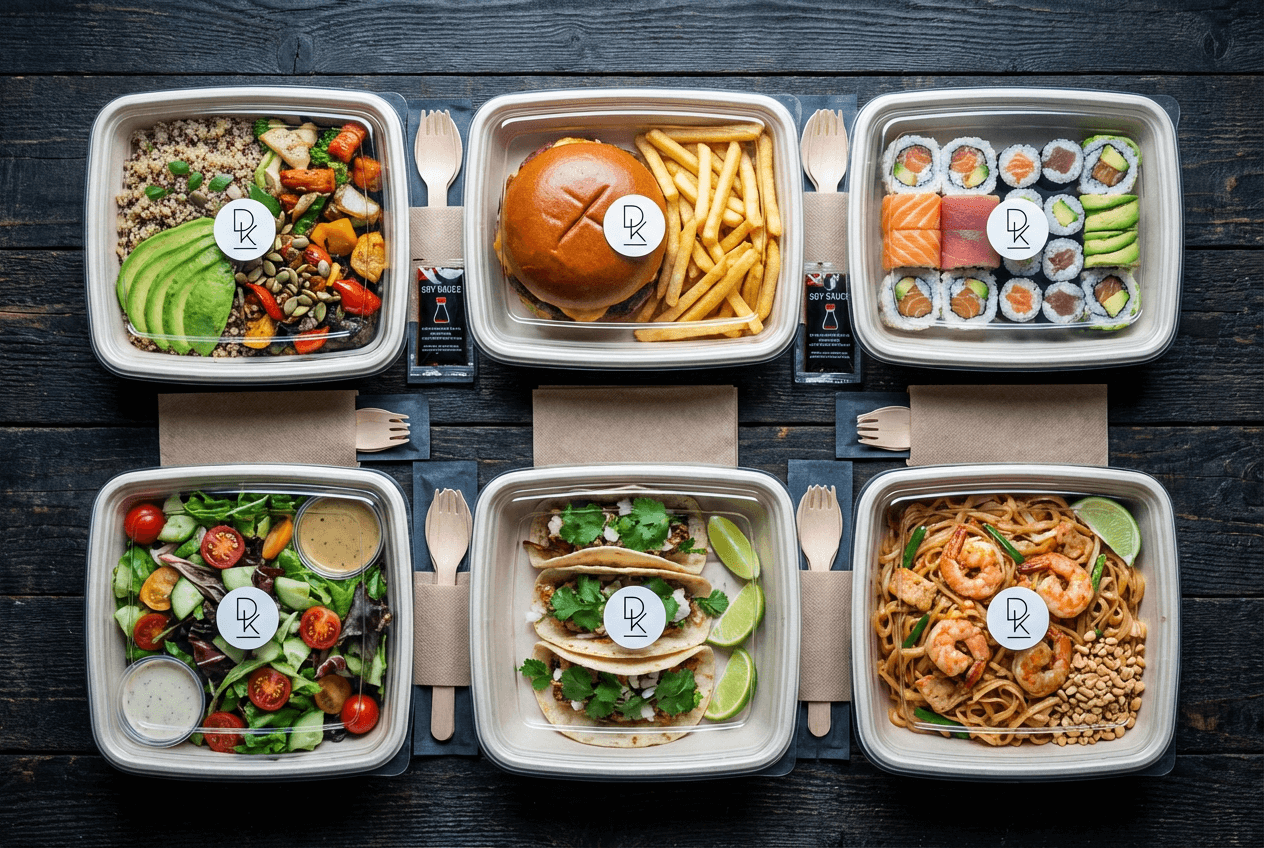 Overhead view of neatly organized food delivery containers with diverse menu items ready for DoorDash orders
What Good Delivery Packaging Includes
Food needs to arrive looking like the menu photo when the Dasher hands it to the customer. Invest in:
- Leak-proof containers for saucy dishes
- Vented containers for fried food — prevents sogginess during the Dasher's drive
- Temperature separation — hot and cold food items in different containers
- Branded packaging — a sticker or stamp builds restaurant recognition over time
- Proactive extras — napkins, utensils, condiments, wet wipes for messy foods
The gap between your DoorDash food photos and the actual delivery experience is where reviews are won or lost.
10. Respond to All Customer Feedback
This goes beyond star ratings. The DoorDash Merchant Portal surfaces feedback trends — common complaints, frequently praised items, and delivery satisfaction over time.
Make Feedback Response a Weekly Habit
Review this data weekly. It shows exactly what to fix to get more orders.
When customers leave negative reviews, respond within 24 hours. A genuine reply — "Sorry your fries arrived cold. We've upgraded packaging. Hope you'll order again" — beats any discount code for customer retention.
For positive reviews, be specific. "Glad you loved the pad Thai — it's our chef's favorite too" feels personal and encourages repeat orders from your best customers.
11. Keep Your Menu Fresh With Seasonal Updates
Menus that never change feel stale to repeat customers. Seasonal items create urgency ("get it before it's gone") and give regulars a reason to place another order on the DoorDash app.
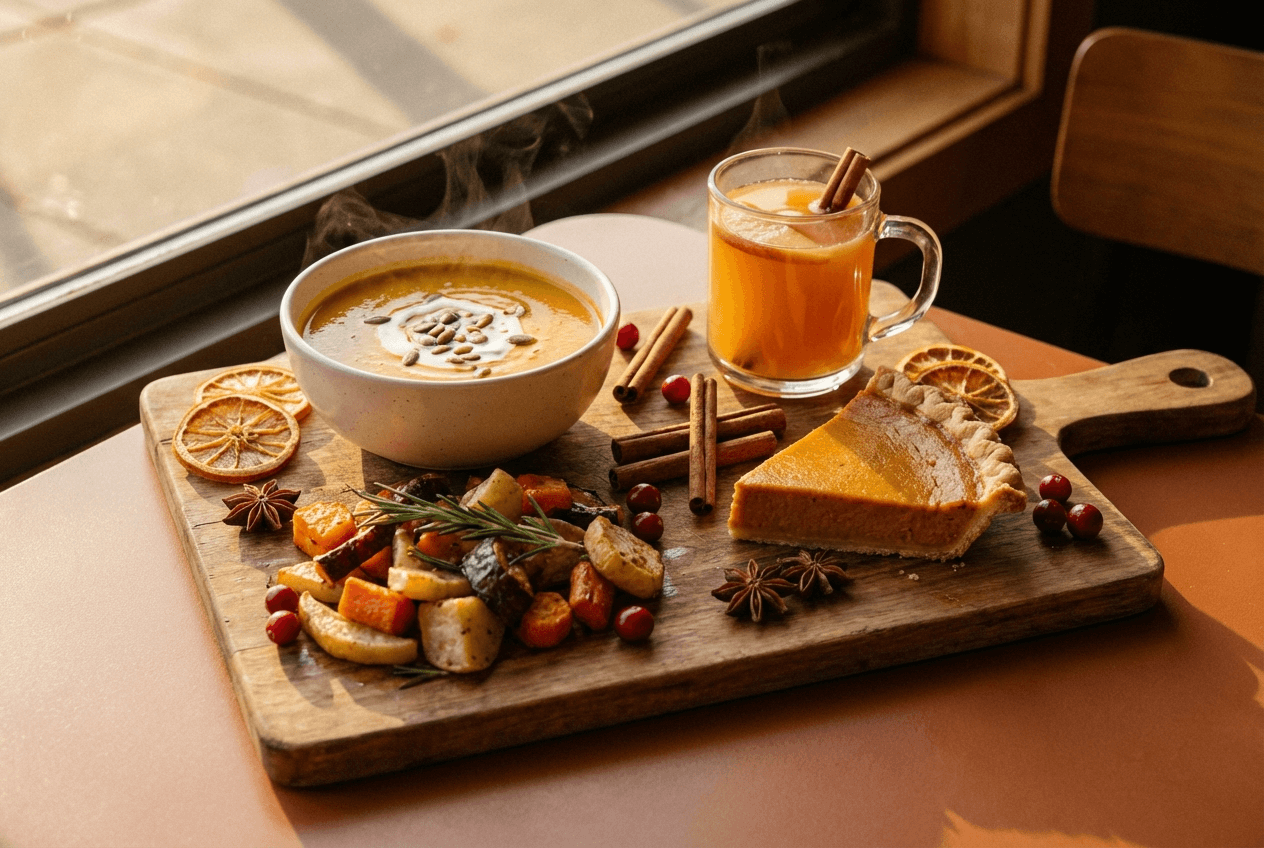 Seasonal autumn menu items including soup, roasted vegetables, and pie for DoorDash seasonal updates
Seasonal Menu Tactics That Drive More Orders
- Rotate 2–3 seasonal specials monthly or quarterly
- Update carousel/header photos — your DoorDash storefront is your billboard
- Tie promotions to holidays — Super Bowl combos, Valentine's desserts, summer BBQ bundles
- Remove dead items — a leaner menu is easier to photograph, prep, and deliver
- Refresh photos when plating changes — stale images trigger DoorDash's "non-representative" rejection
Menu agility matters for any delivery restaurant. If every food photo update requires a $500 photoshoot, you'll update once a year. With AI food photography, snap a photo and get a menu-ready image in minutes. See our menu photo guide for delivery platforms for specs across all major apps.
12. Maintain Cross-Platform Delivery Consistency
You're probably on DoorDash, Uber Eats, and Grubhub. Customers find you on all these delivery apps. Inconsistency destroys trust and costs you orders.
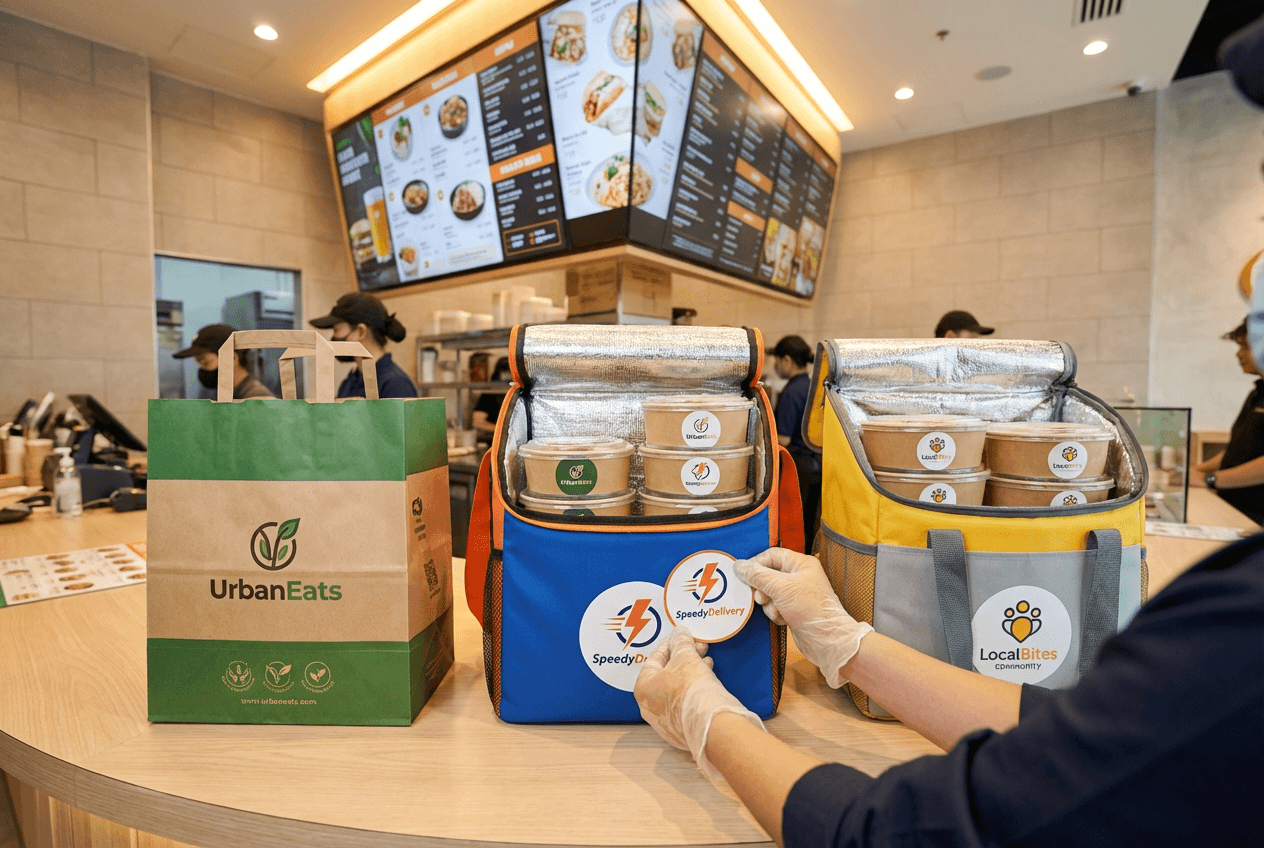 Multiple delivery platform orders being prepared for consistent cross-platform restaurant branding
What to Keep Consistent Across Delivery Apps
- Menu item names and descriptions
- Pricing (or close to it — wildly different prices confuse customers)
- Food photo quality and style
- Hours of operation and item availability
What to Adjust Per Platform
- Photo dimensions — DoorDash uses 16:9, other delivery apps have different specs
- Platform-specific promotions and ad formats
Use one source for your food photos and descriptions. Adapt output for each platform. Batch-processing tools save hours of time compared to managing three separate photo libraries.
Your DoorDash Growth Checklist
Here's every strategy ranked by priority. Start at the top and work down over time:
- ✅ Upload professional-quality photos for every menu item
- ✅ Add a header image and logo to your DoorDash storefront
- ✅ Write specific, compelling descriptions for top food items
- ✅ Enroll in DashPass (Plus or Premier plan)
- ✅ Launch a new customer promotion
- ✅ Test DoorDash Sponsored Listings
- ✅ Review and respond to all customer feedback weekly
- ✅ Add modifiers to popular menu items
- ✅ Invest in proper delivery packaging
- ✅ Optimize delivery radius with Merchant Portal data
- ✅ Schedule monthly menu refreshes with new food photos
- ✅ Audit cross-platform consistency every quarter
Learning how to get more orders on DoorDash isn't about one trick. It's about systematically optimizing every part of your restaurant's presence on the app — from the first food photo a customer sees to the packaging a Dasher hands them at the door.
Start with photos. They're the highest-impact change you can make. Then work through the rest of this checklist over time. Track progress in the Merchant Portal. Adjust based on data. Your food is already great — now make your DoorDash listing match.
Frequently Asked Questions
How long does it take to see more orders after optimizing my DoorDash listing?
Photo and menu description updates show results within 1–2 weeks. Customers respond fast to visual improvements on the delivery app. Promotions and DashPass enrollment impact order volume within the first week. Longer-term strategies like review building and menu engineering take 4–8 weeks to show measurable trends. Track numbers in the DoorDash Merchant Portal before and after each change.
What photo size does DoorDash require for menu items?
Item photos need to be 1400 × 800 pixels minimum, in 16:9 landscape format, under 16 MB, as JPG, JPEG, or PNG. Thumbnails display as 1:1 squares cropped from center. Detail pages show the full 16:9 on the app. Center your food in the frame. Header photos use the same resolution with 4:1 for web and 16:9 for the mobile app.
Does DoorDash offer free photoshoots for restaurants?
Yes. DoorDash provides a free professional photoshoot — up to 20 item photos plus a header shot at no cost. The only expense is the food itself. Premier plan merchants get a $200 credit for food costs. Photos can be used on DoorDash, your restaurant website, and social media — but not on competing delivery platforms.
How much does DashPass cost for merchants?
There's no separate DashPass fee. It's bundled into DoorDash's Plus plan (25% delivery commission, 6% pickup) and Premier plan (higher commission, maximum delivery area, automatic ads, photography credits). Your restaurant is automatically marketed to 22 million DashPass subscribers when enrolled.
What's the most effective type of DoorDash promotion?
"$0 Delivery Fee" promotions drive the most new orders by removing the biggest friction point for customers. "Spend $X, Get $Y Off" deals increase average order size effectively. Sponsored Listings on the DoorDash app show an average 20% lift in orders for restaurants using them to get more visibility.