
 Ali Tanis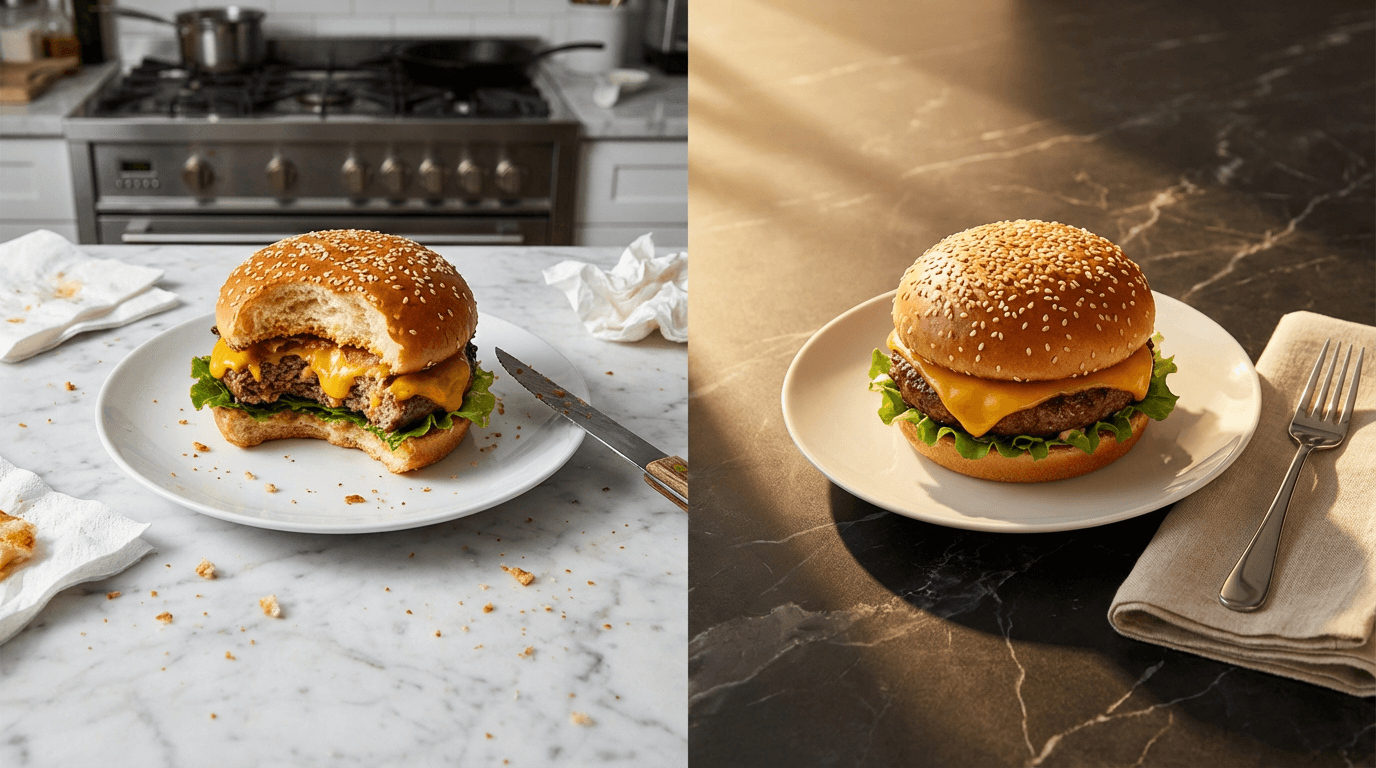
Need a food transparent background for your delivery app listing? An aesthetic food background for Instagram? A clean food white background PNG for your printed menu? FoodShot AI does it all — fast.
Upload any food photo. Remove the background to get a transparent PNG you can download in about 2 minutes. Replace it with one of 30+ professional food background images. Or upload your own custom backdrop. Download high-res results in about 2 minutes. No Photoshop. No design skills needed.
Quick Summary: FoodShot AI removes and replaces food photo backgrounds in one click. Download transparent PNG exports for delivery apps, pick from 30+ preset environments (luxury restaurants, beach cafés, rustic kitchens), or upload custom backgrounds for brand consistency — all from a smartphone food photo in about 2 minutes.
Your Food Deserves a Better Background
Every restaurant owner knows the struggle. You snap a quick photo of today's burger special, but the background tells a different story — a cluttered prep station, fluorescent lighting bouncing off stainless steel, or a random customer's elbow in frame.
These backgrounds actively hurt your business. Delivery platforms reject food photos with distracting backgrounds. Instagram followers scroll past cluttered food images fast. Printed menus with inconsistent food background images look cheap and disjointed.
Generic background removal tools like Remove.bg or PhotoRoom handle product shots fine. But food is different. Steam rising from soup, sauce drizzled over a plate's edge, delicate garnish leaves, powdered sugar dust — these details get butchered by tools that weren't designed for food.
FoodShot AI is purpose-built for food photography. It understands food edges — the transparent wisps of steam, the irregular drip of caramel, the sesame seeds scattered around a burger bun. When it removes a background, your food keeps its natural character. The result? A clean food PNG that looks studio-shot — not hacked out with digital scissors. You can download the app or use the web Studio to start editing food images immediately.
Food Transparent Background for Delivery Apps
Uber Eats, DoorDash, and Grubhub all require clean, distraction-free food photos. "Distracting backgrounds" is one of DoorDash's specific photo rejection reasons. A messy background means your listing might never go live.
Platform requirements at a glance:
- Uber Eats: 5:4 aspect ratio, minimum 1200×800px, neutral backgrounds
- DoorDash: 16:9 landscape, minimum 1400×800px, clean and focused
- Grubhub: Dish centered, background minimal, similar specs
FoodShot creates a food transparent background or food white background from any photo with one tap. Download the transparent PNG and upload directly to your platform — fast and compliant.
This matters beyond passing review. Professional delivery photos increase orders by 20–35%. When customers scroll through dozens of listings, the one with clean, well-lit food images on a white background gets the tap. Whether it's a burger, sushi platter, or fast-casual bowl — the food background makes the first impression.
Check our delivery app photography guide and Uber Eats and DoorDash photo requirements for platform-specific tips. Our post on food delivery photography mistakes covers the most common issues we see.
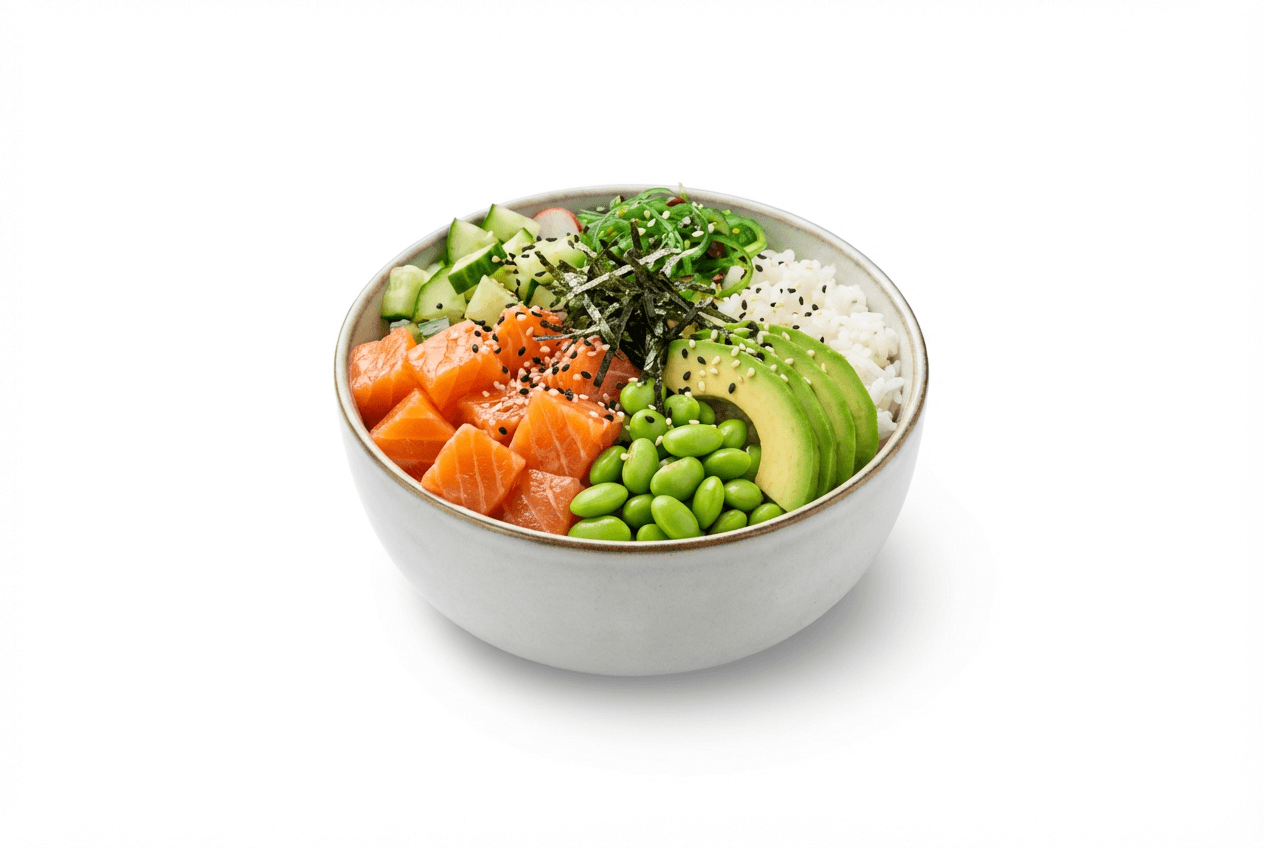 Poke bowl on clean white background ready for delivery app menu listing with professional food photography quality
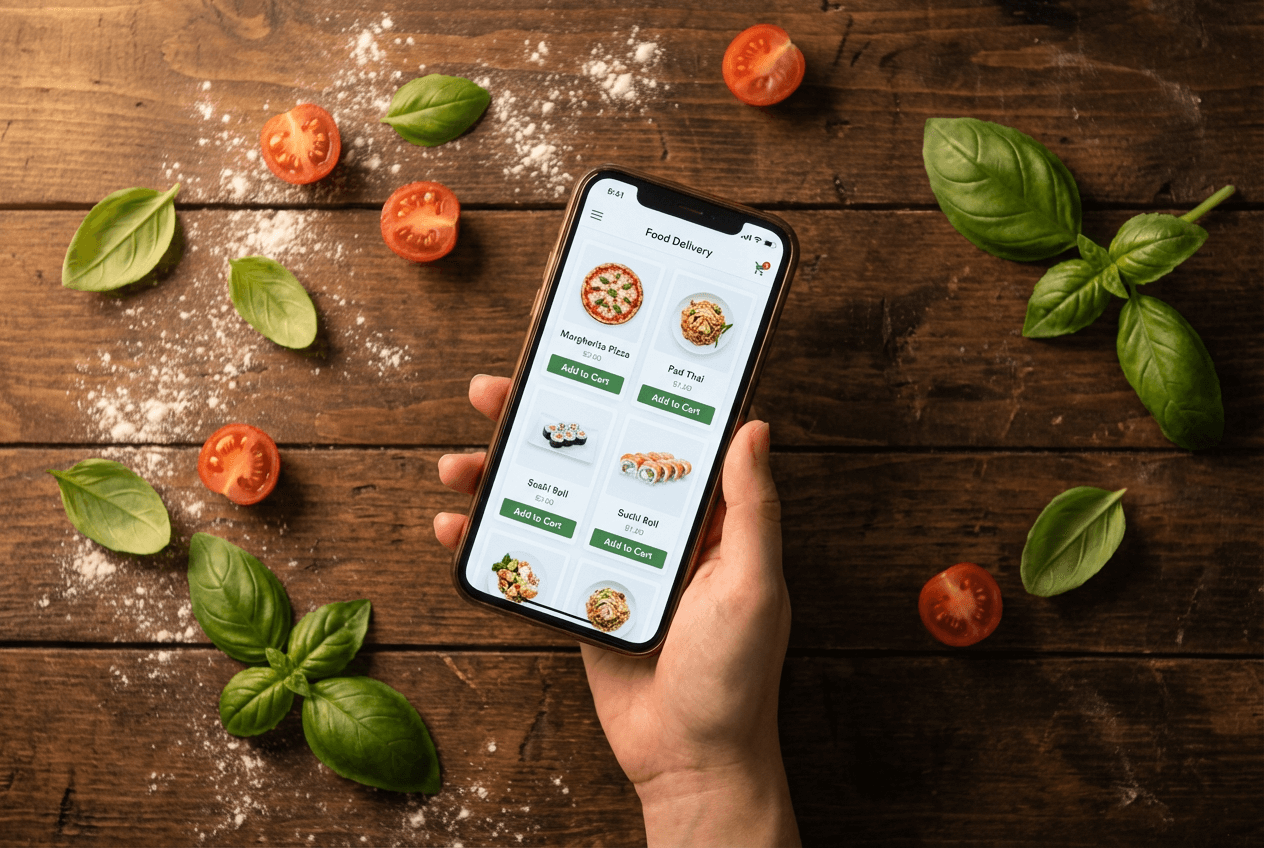 Food delivery app menu with clean white food background images displayed on smartphone in restaurant setting
30+ Preset Food Background Images to Download
Removing the background is step one. Replacing it with a scene that sells? That's the real value.
FoodShot AI includes 30+ food background images you can download — curated environments built for food photography. These aren't generic stock textures. They're full scenes with proper lighting, natural shadows, and surface reflections that make your food look like it was photographed right there.
Food background styles available to download:
| Background Style | Best For | Mood |
|---|---|---|
| Clean White Studio | Delivery apps, food PNG cutouts, food clipart | Minimal, professional |
| Dark Marble Surface | Fine dining, steakhouses | Elegant, dramatic |
| Rustic Wooden Table | Cafés, bakeries, farm-to-table | Warm, artisanal |
| Beach Café Setting | Brunch spots, tropical restaurants | Bright, relaxed |
| Luxury Restaurant Interior | Upscale menus, advertising | Sophisticated, premium |
| Rooftop Dining Scene | Cocktail bars, event catering | Aspirational, social |
| Bright Linen Tablecloth | Wedding catering, afternoon tea | Soft, refined |
| Industrial Concrete | Fast-casual, burger joints, pizza shops | Modern, urban |
The same dish looks completely different depending on its food background. A pasta bowl on rustic wood says "neighborhood Italian." On dark marble, it says "fine dining." On clean white, it says "order this fast on Uber Eats." One photo, multiple food background images to download for different platforms.
Create versions in minutes — one aesthetic food background for Instagram, one transparent PNG for your delivery listing, one food menu background for print. Download each as high-res PNG or JPEG.
Explore all food background templates →
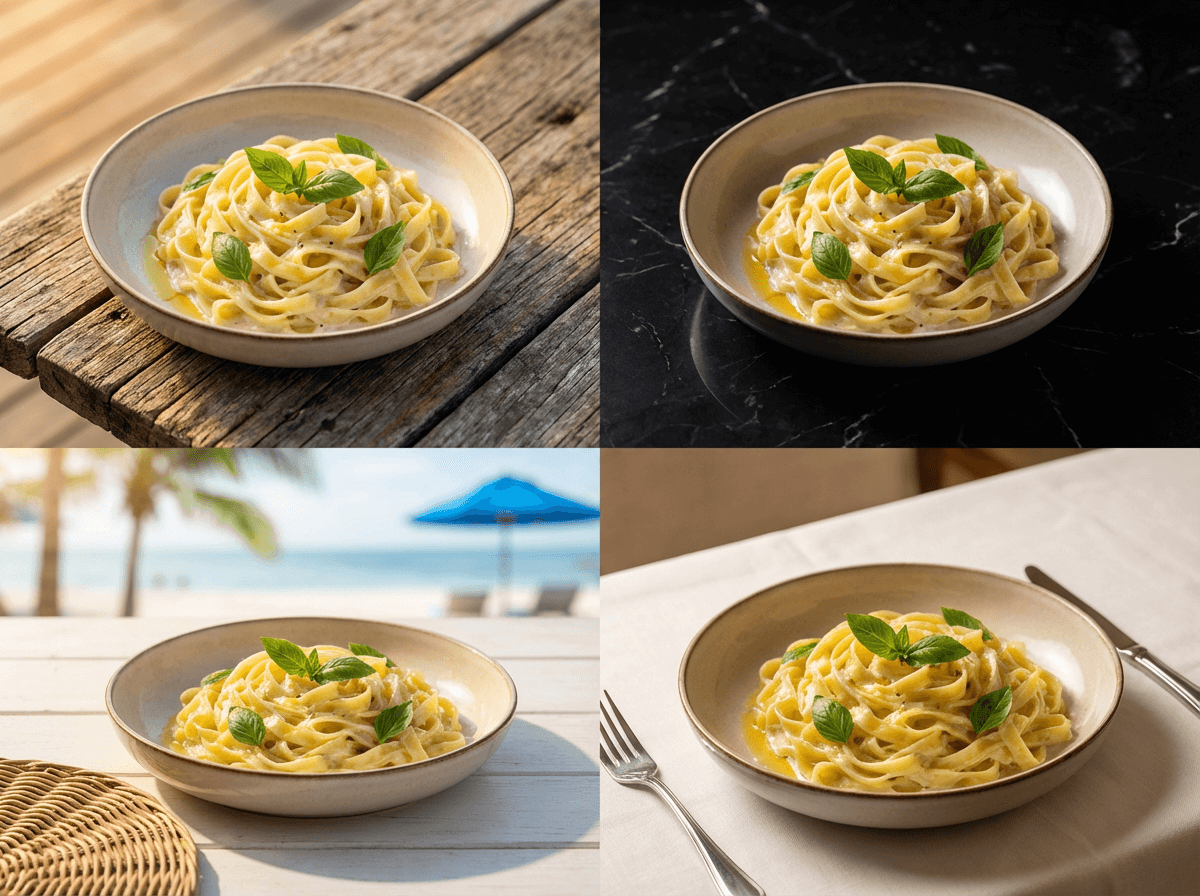 Same pasta dish shown across four different food background settings from rustic wood to luxury dining
Upload Custom Food Backgrounds
Presets cover most use cases. But if your brand has a specific look — a signature marble countertop, a custom wooden board, your restaurant's actual table — upload any image as a custom food background.
How food businesses use custom backgrounds:
- Restaurant chains upload their branded surface once, then apply it across every menu food PNG for visual consistency
- Food agencies create food background templates per client, then batch-process hundreds of food images with matching aesthetics
- Food brands place product images against exact surfaces matching their packaging
- Food bloggers match every food image to their site's theme — download consistent food photos every time
The AI matches lighting, adds natural shadows, and adjusts color temperature. The composite looks seamless — nobody can tell the food background was replaced.
Our Pinterest-style food photography tool goes further: clone the entire styling of any reference image — food background, lighting, and composition.
Menu-Ready Food Backgrounds for Print and Digital
Every well-designed restaurant menu has consistent food background images across every dish. That visual cohesion separates a fast-food flyer from a fine dining presentation.
FoodShot applies the same food menu background across all items in minutes. No photographer. No reshoots.
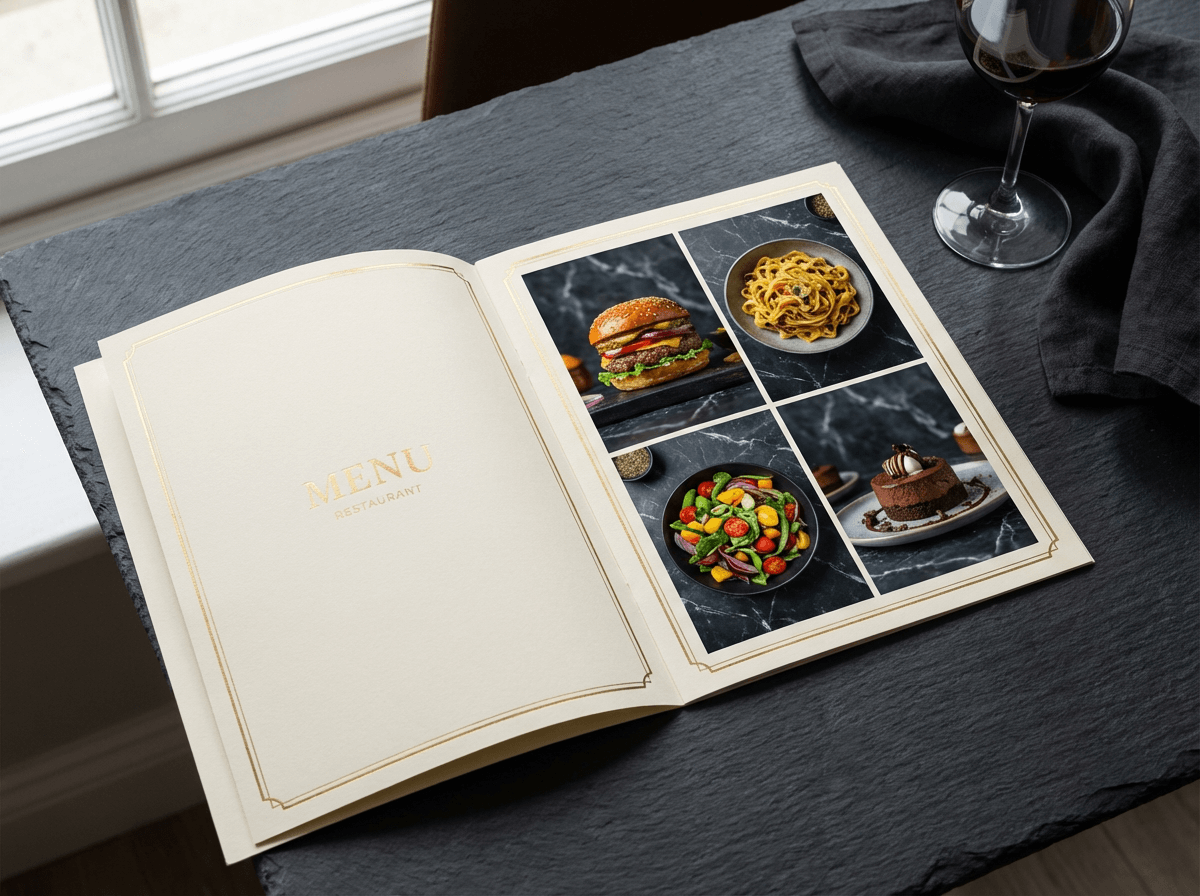 Printed restaurant menu showing consistent food background images across multiple dishes for professional presentation
Where consistent food backgrounds matter:
- QR code menus — Matching food background images signal professionalism
- Printed menus — Same food background across your burger, pasta, salad, and dessert images = visual cohesion
- Website galleries — Consistent food background images keep visitors browsing. Download-ready PNG files for any CMS.
- Delivery listings — DoorDash recommends visual consistency across menu item images
On the Scale plan ($99/mo), bulk-process 5 food photos simultaneously with matching backgrounds. Download 25 menu items as print-ready PNG files in about 20 minutes. Need iPhone photography tips for shooting the originals? We've got you covered.
Who Uses Food Background Editing?
Restaurant owners snap a phone photo of the burger special, remove the kitchen background, add a clean white surface, download the food PNG, and post to Uber Eats before lunch rush. Fast, professional food images — no photographer needed.
Cafés and bakeries love preset food backgrounds. A croissant on rustic wood with morning light? Instagram gold — about 2 minutes to create, instant download as PNG.
Food bloggers maintain consistent aesthetic food backgrounds across content. Download food transparent background versions to use as food clipart in Canva, Figma, or custom templates.
Delivery businesses and ghost kitchens need volume fast. 5 virtual brands × 30+ menu items = hundreds of food images needing clean transparent or white backgrounds. Download food PNG files in bulk on the Scale plan.
Food agencies scale across clients with AI food photography tools. One account, multiple food background templates, consistent output. Agencies handling holiday campaigns can apply seasonal food backgrounds across entire portfolios fast.
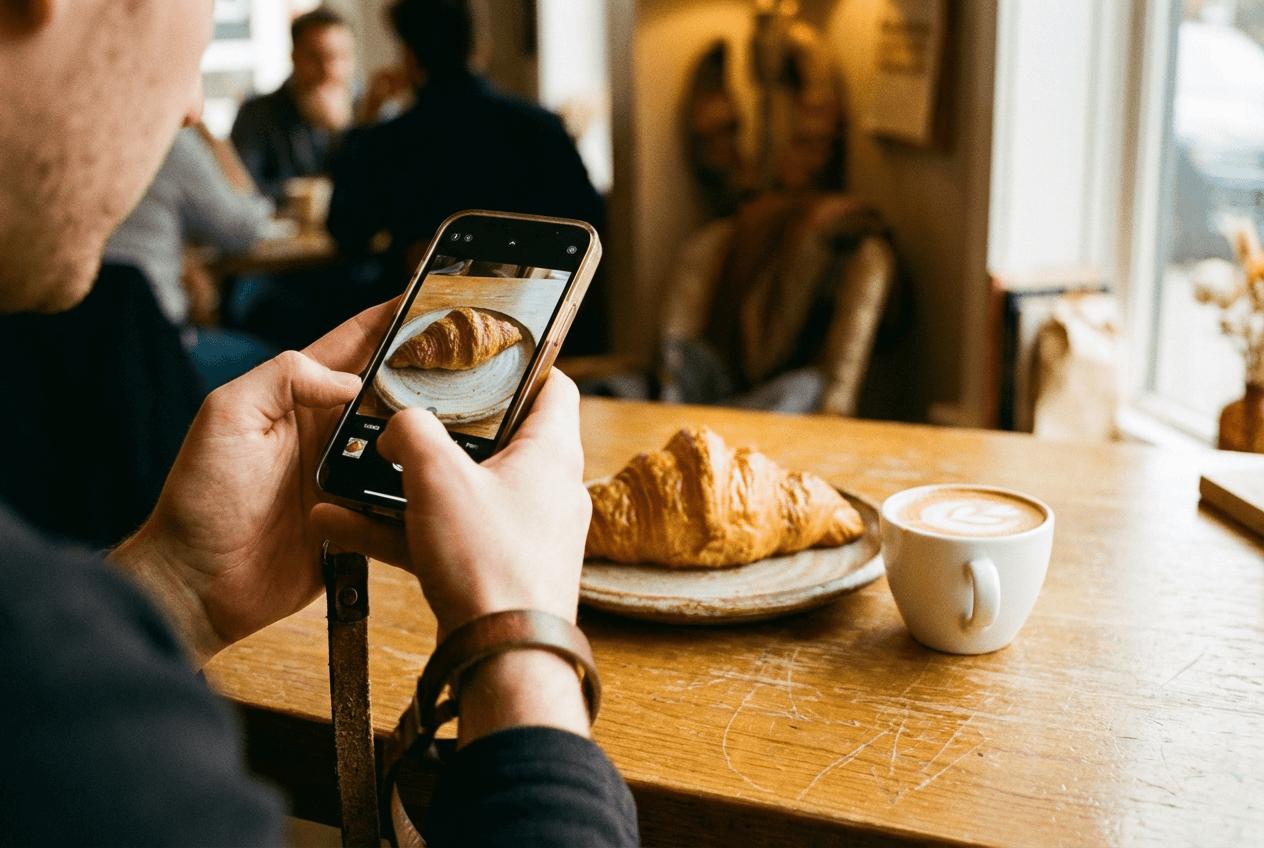 Cafe owner photographing fresh croissant with smartphone for food background editing and menu photography
How It Works: 3 Fast Steps
1. Upload your food photo. Any device. Any lighting. Smartphone snaps of burgers, bowls, pastries — the AI handles everything.
2. Choose your food background. Three modes:
- Remove — Download a food transparent background PNG or clean white export
- Replace — Pick from 30+ preset food background images
- Custom — Upload your own background image
3. Download and use everywhere. High-resolution PNG and JPEG food images ready for delivery apps, social media, menus, or websites. Every plan includes commercial license, watermark-free downloads, and private visibility.
About 2 minutes per food photo. Compare that to the hundreds of dollars traditional photography costs.
Pricing
| Plan | Price | Food Images | Per Photo | Best For |
|---|---|---|---|---|
| Starter | $15/mo | 25/month | ~$0.60 | Food bloggers, small cafés |
| Business | $45/mo | 100/month | ~$0.45 | Active restaurants, brands |
| Scale | $99/mo | 250 + bulk | ~$0.40 | Agencies, chains |
| Enterprise | Custom | Unlimited | Custom | High-volume, API access |
Save 40% with annual billing. Every tier includes food background removal, replacement, commercial licensing, and watermark-free PNG downloads.
Traditional food photography: $100–$300 per photo. FoodShot: $0.40–$0.60 per food image. Fast math.
👉 See pricing and start editing food backgrounds →
Frequently Asked Questions
How do I remove the background from a food photo?
Upload your food photo to FoodShot AI (web or iOS), select background removal, and download in about 2 minutes. The AI preserves food edges — steam, drizzles, garnish — that generic tools butcher. Download as a food transparent background PNG or food white background image. Ready for menus, delivery apps, and marketing.
Can I download a food transparent background PNG?
Yes. FoodShot exports food images as transparent background PNG files for menus, posters, and custom designs. The food transparent background PNG preserves every detail while removing everything behind the dish. Use these food PNG downloads like professional food clipart in Canva, Figma, or any design tool. Download it as soon as the edit finishes, in about 2 minutes.
What food background images can I download?
30+ curated food backgrounds: white studio, dark marble, rustic wood, beach café, luxury restaurant, rooftop dining, linen tablecloth, industrial concrete, and more. You can also upload custom food background images. Browse all food background images →
Is this faster than Photoshop for food backgrounds?
Much faster. Photoshop needs 15–30 minutes and real skill to isolate food from backgrounds — especially around steam and sauces. FoodShot does it in about 2 minutes automatically. The food transparent background results are cleaner than most manual Photoshop work. No learning curve.
Can I use the food images commercially?
Every paid plan includes a commercial license. Download and use food background images on delivery platforms, social media, printed menus, websites, advertising — anywhere. No attribution needed. Enterprise adds a resale license for agencies producing food images at scale.
Does the food background editor work with smartphone food photos?
Absolutely. FoodShot AI is built for smartphone food photos — burgers, sushi, pastries, fast-casual bowls, fine dining plates. Upload from any phone camera. The AI handles food background removal and replacement regardless of lighting or angle. Phone snap goes in, professional food image with a transparent or styled background comes out. Fast and simple.