
AI Food Photography for Food Bloggers & Creators
 Ali Tanis14 min read
You started your food blog because you love cooking. Somewhere along the way, being a food blogger became a full-time photography job.
Between arranging props, chasing natural light before it disappears, and editing dozens of food photos per recipe post, the photography side of food blogging eats more time than the actual cooking. If you're spending 2–3 hours per blog post on images alone — and still not getting the consistency you see on your favorite blogs — you're not alone.
FoodShot AI was built to fix exactly this. It transforms any smartphone food photo into professional, blog-ready visuals in about 2 minutes — using AI that's purpose-built for food photography.
Quick Summary: FoodShot AI helps food bloggers and creators turn smartphone food photos into professional images in about 2 minutes. With 30+ style presets, Pinterest style cloning, and 50+ poster templates, you can cut photography time from hours to minutes while maintaining perfect brand consistency across Instagram, Pinterest, and your blog.
The Food Blogger's Photography Problem
Here's what nobody tells you when you decide to become a food blogger: the recipes are the easy part. The photography is what breaks you.
The time trap. A single recipe post requires shooting 10–30 photos to get 5–8 usable images. Between food styling, lighting setup, shooting from multiple angles, and editing in Lightroom, photography alone takes 1.5–3 hours per post. Food bloggers who post 3–4 times per week? That's 6–12 hours just on food photos.
The equipment burden. Your smartphone got you started, but at some point every food blogger faces the upgrade question. A decent DSLR or mirrorless camera runs $800–$2,000. Add lenses ($300–$1,500), continuous lighting ($100–$500), backdrops and surfaces ($200–$500), and props ($200+). That's a $1,500–$4,500 investment — before touching editing software subscriptions.
The natural light problem. Most food bloggers rely on natural light because it produces the most appetizing images. But natural light is unpredictable. Cloudy days ruin your schedule. You can only shoot during certain hours. If you work a day job and blog on the side, your shooting window shrinks to weekends only.
The consistency struggle. You want your blog and Instagram grid to have a cohesive look — the same warm tones, the same moody or bright aesthetic, the same visual brand. But natural light changes with the season. Your kitchen layout limits your angles. Maintaining visual consistency across 100+ posts takes serious skill and constant effort.
The multi-platform headache. Every recipe needs images for your blog hero, Instagram feed (1080×1350), Pinterest pins (1000×1500), and possibly stories or newsletters. That's 4–5 formats from every cooking session. Most food bloggers end up using the same uncropped photo everywhere — and lose engagement on each platform as a result.
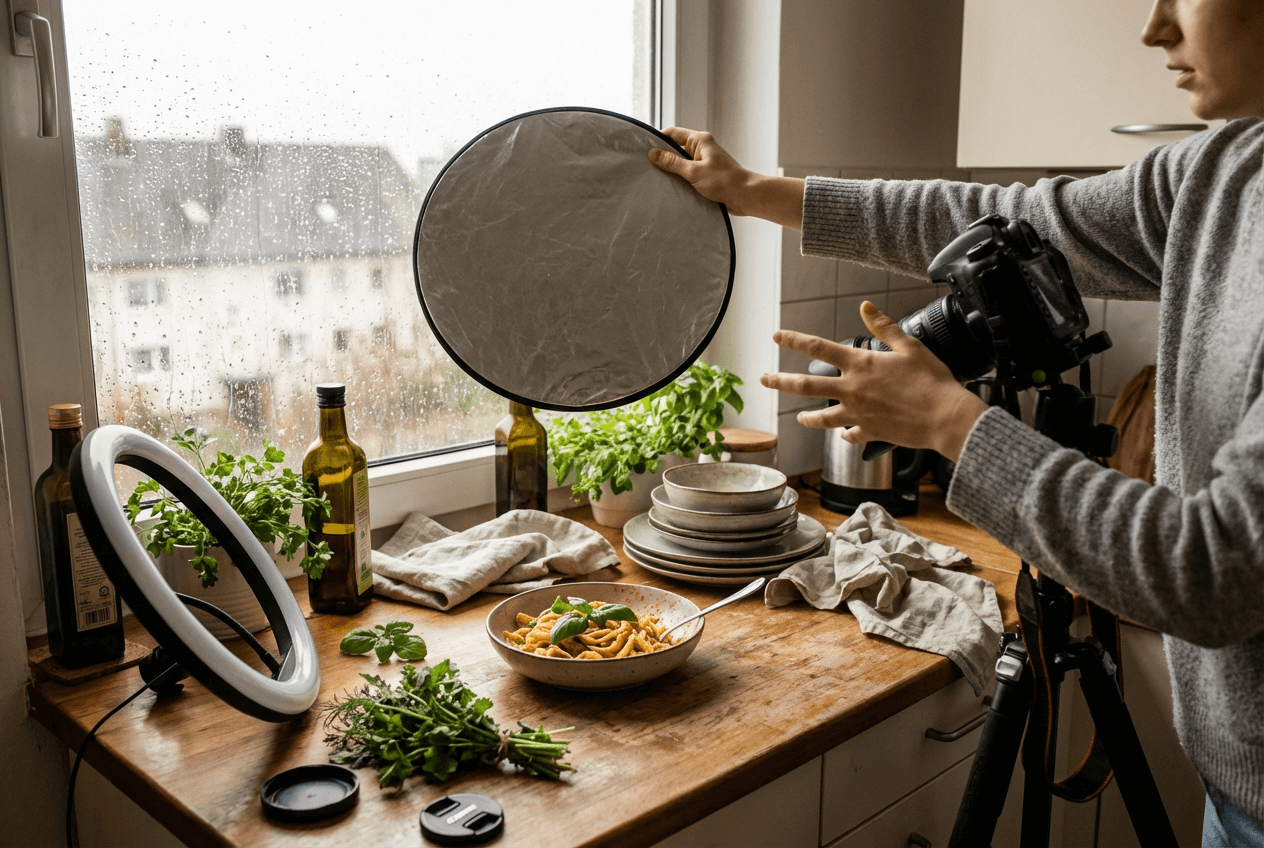 Food blogger struggling with chaotic photography setup in cramped home kitchen with props and equipment
These aren't beginner problems. Even experienced food bloggers with tens of thousands of followers deal with all of this, every single week. Whether food blogger jobs are your full-time career or a growing side hustle, the photography bottleneck is real.
How FoodShot AI Solves Every Food Blogger Pain Point
FoodShot AI is purpose-built for food photography — and that specificity is what makes it work for food bloggers and creators. You snap a photo of your dish with your smartphone, upload it, and the AI transforms it into professional-quality food photography in about 2 minutes.
Here's how each feature maps directly to your challenges:
30+ Style Presets for Any Blog Aesthetic
Whether your blog leans bright and airy, dark and moody, rustic farmhouse, or clean minimalist — there's a preset for that. FoodShot offers over 30 AI food photography style presets including Restaurant, Fine Dining, Instagram, and Delivery-optimized options.
Instead of spending 20–30 minutes per photo in Lightroom trying to create a specific look, you select a preset and it's done. The result is consistent, professional, and aligned with your aesthetic — every single time.
For food bloggers building a recognizable brand, this kind of one-tap consistency is transformative. No more manual color grading. No more trying to remember your exact Lightroom settings from three months ago.
Pinterest Style Cloning for Brand Consistency
This is where FoodShot gets particularly powerful for content creators. Found a photo on Pinterest, Pexels, Unsplash, or Instagram with the exact lighting, composition, and styling you want? Upload it as a reference image.
FoodShot's Pinterest style cloning feature analyzes the reference and recreates that exact look — the lighting angle, color temperature, prop arrangement, and mood — applied to YOUR dish photo.
For food bloggers, this means:
- You never lose your visual brand, even across seasons and changing natural light conditions
- You can match any trending photography style without learning complex editing techniques
- Every recipe post looks like it belongs in the same cohesive, professional feed
50+ Poster Templates for Ready-to-Post Social Content
FoodShot includes over 50 ready-made templates sized specifically for Instagram posts, Pinterest pins, story cards, and delivery app banners. You can also upload your own custom templates to match your specific branding.
One dish photo becomes 4–5 platform-ready pieces of content in minutes. No Canva tab. No manual resizing. No guessing at the perfect dimensions for each platform.
Edit Your Food Photos Without Reshooting
Forgot to add a garnish? The sauce didn't drizzle the way you wanted? There's a stray crumb that's ruining an otherwise perfect shot?
FoodShot's food photo editing tools let you:
- Add sauces, garnishes, and toppings after the fact
- Remove unwanted elements like stray crumbs or misplaced utensils
- Swap plates and adjust portions for better visual presentation
- Replace backgrounds with professional settings like marble, wood, or custom uploads
- Change camera angles and lighting styles — all using AI, without touching the dish again
For food bloggers, this eliminates the dreaded "I need to reshoot this entire recipe" moment. Fix it in about 2 minutes and move on to writing your post.
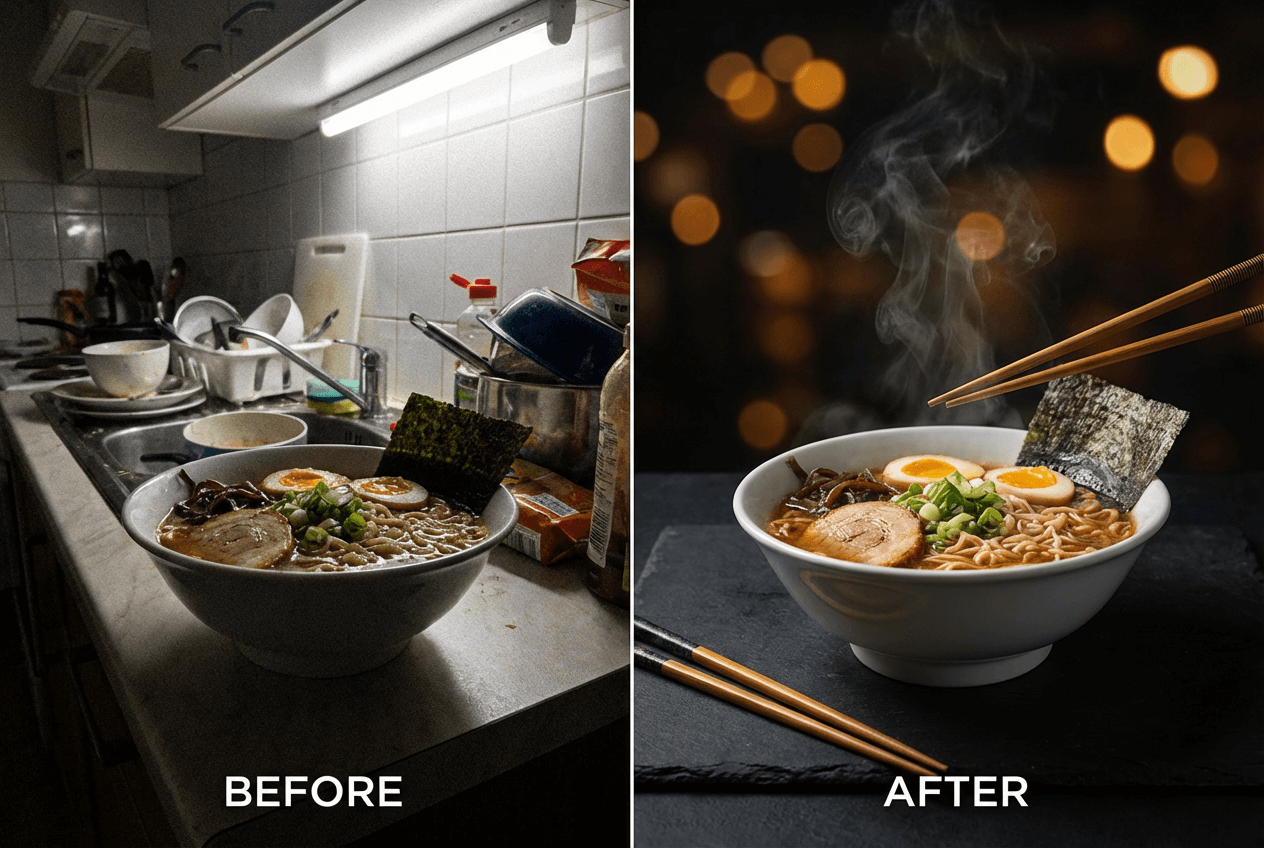 Before and after AI food photography transformation showing ramen bowl from amateur smartphone to professional quality
Platform-Specific Optimization: One Photo, Every Platform
As a food blogger and content creator, you're not just writing for your blog. You're creating images for Instagram, Pinterest, your newsletter, and maybe delivery apps if you work with restaurant brands. Each platform has specific image requirements — and each rewards different visual approaches.
Instagram Food Photos That Stand Out
Instagram's algorithm rewards engagement, and engagement starts with visual quality. With over 488 million posts tagged #food on Instagram, your food pics need to be perfect to stand out from the noise.
Optimal specs: 1080×1350 pixels (4:5 portrait) for maximum screen real estate in the feed, or 1080×1080 for classic square Instagram photos of food.
FoodShot's style presets ensure every food pic on Instagram maintains the same visual temperature, mood, and quality level. Your grid looks intentional and cohesive — the kind that makes people hit "Follow." Poster templates create styled Instagram posts with text overlays, seasonal designs, or recipe callouts — no design skills needed.
Pinterest Pin Creation for Food Bloggers
Pinterest remains one of the highest-traffic sources for food blogs, and it's a visual-first discovery platform. Pins that look professional get saved and clicked. Pins that look amateur get scrolled past — no matter how good the recipe is.
Optimal specs: 1000×1500 pixels (2:3 ratio) for standard pins, or 1080×1920 (9:16) for idea pins.
FoodShot's Pinterest-specific poster templates are already sized correctly. The Pinterest style cloning feature lets you match the aesthetic of top-performing food pins — recreating the exact lighting and composition that drives engagement on the platform.
Blog Hero Images That Keep Readers on the Page
Your blog's hero image is the first thing readers see. It determines whether they stay or bounce. It also appears in Google search results, social media link previews, and RSS feeds — so it needs to look perfect at every size.
FoodShot's background replacement feature transforms your dish from a kitchen counter into a styled setting — marble surfaces, rustic wooden tables, clean white backgrounds, or any custom backdrop you upload. Combined with lighting adjustments and style presets, every hero image looks like it came from a professional food photography studio.
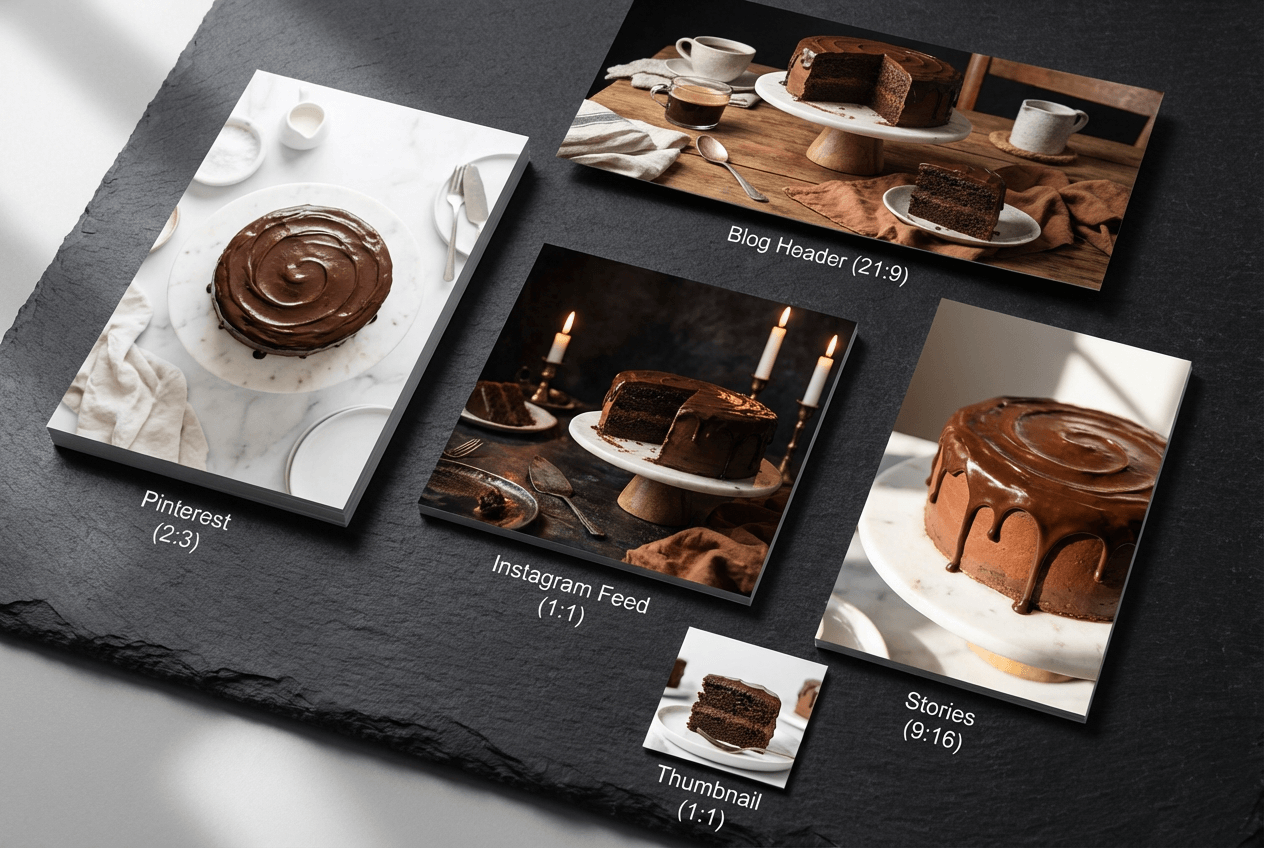 Multiple styled food photos of chocolate cake in different dimensions for Instagram, Pinterest, and blog platforms
What AI-Enhanced Food Blog Photos Actually Look Like
Let's be clear about what FoodShot does and doesn't do. It doesn't generate food photos from scratch — you always upload a real photo of an actual dish you cooked. What it does is transform that image into something that looks like it was shot in a professional food photography studio.
Here's what that transformation looks like in practice:
- A smartphone snap of banana pancakes → becomes a warm, golden-hour breakfast scene with soft shadows and a rustic wooden backdrop
- A quick photo of pasta on a kitchen counter → becomes a moody, candlelit dinner composition with creamy bokeh and rich tones
- An overhead shot of a salad in a basic bowl → becomes a bright, airy flat-lay with fresh herbs scattered around a clean marble surface
The style presets handle the heavy lifting: lighting correction, color grading, background styling, and plating enhancement. The editing tools let you fine-tune details — add that missing basil leaf, remove the fork in the wrong spot, or swap the plate for something more photogenic.
The result? Food photos that look like you spent 2 hours on setup and editing — created in about 2 minutes using AI.
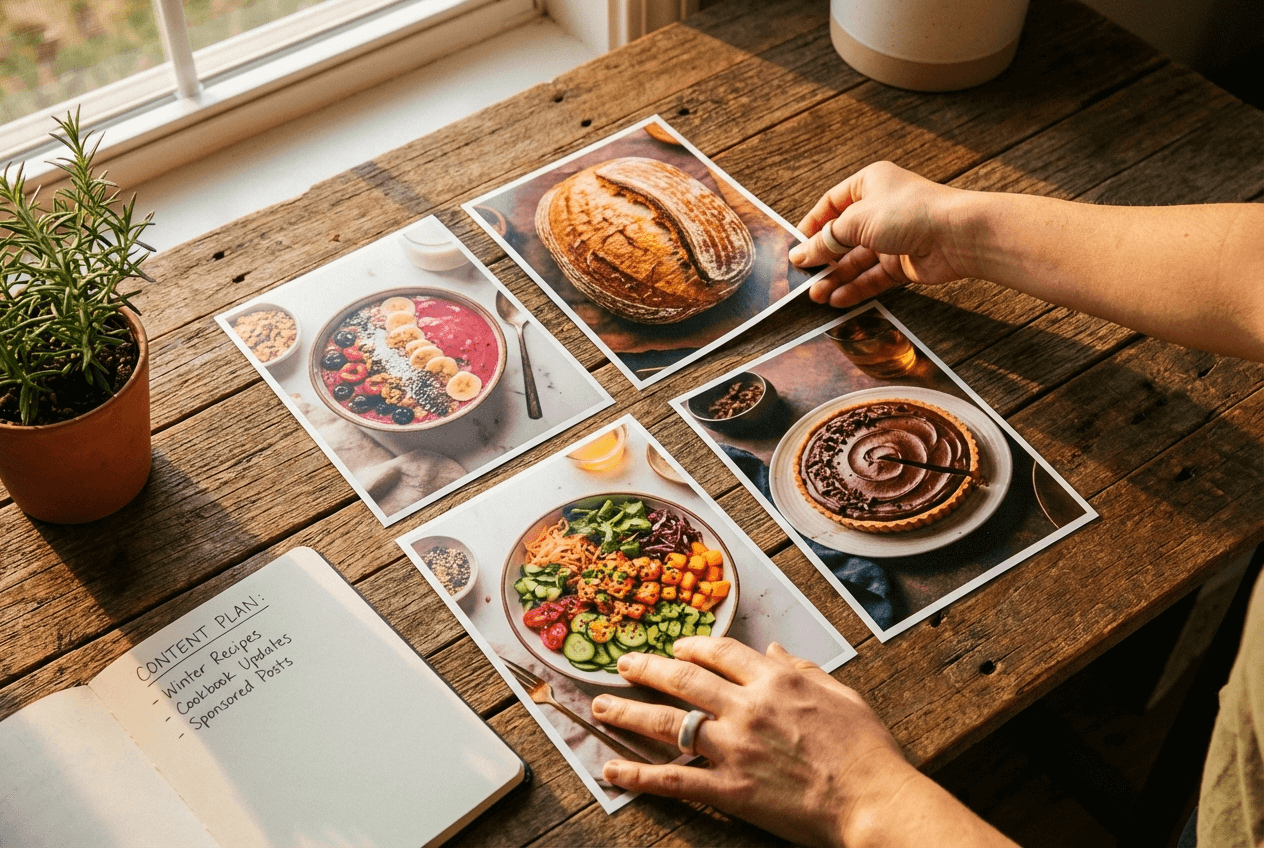 Food blogger reviewing consistently styled food photos showing brand visual consistency across multiple dishes
For food bloggers who need 5–10 recipe images per week minimum, this isn't just convenient. It's the difference between publishing consistently and burning out.
Workflow Comparison: Traditional vs. AI-Enhanced Food Blogging
Here's what a typical food blogger's photography workflow looks like — side by side with the AI-enhanced approach using FoodShot.
Traditional Food Blog Photography
- Plan the shoot — Select backdrop, props, plates (15 min)
- Set up lighting — Position near window, adjust reflectors (15–20 min)
- Style the food — Arrange garnishes, create the perfect composition (20–30 min)
- Shoot — 20–40 shots from multiple angles (15–20 min)
- Edit in Lightroom — Color correct, crop, retouch each image (30–45 min)
- Resize for platforms — Create versions for blog, Instagram, Pinterest (15–20 min)
Total: 2–3 hours per recipe post
Equipment needed: DSLR/mirrorless camera, lenses, lighting, backdrops, props, tripod, Lightroom subscription
AI-Enhanced Workflow with FoodShot
- Snap with your phone — Take a few photos of the finished dish (2–3 min)
- Upload to FoodShot — Select your image, choose a style preset (2 min)
- Fine-tune — Use editing tools to adjust garnishes, background, or angles (5 min)
- Create platform versions — Use poster templates for IG, Pinterest, blog (5 min)
Total: 15–20 minutes per recipe post
Equipment needed: Smartphone + FoodShot subscription
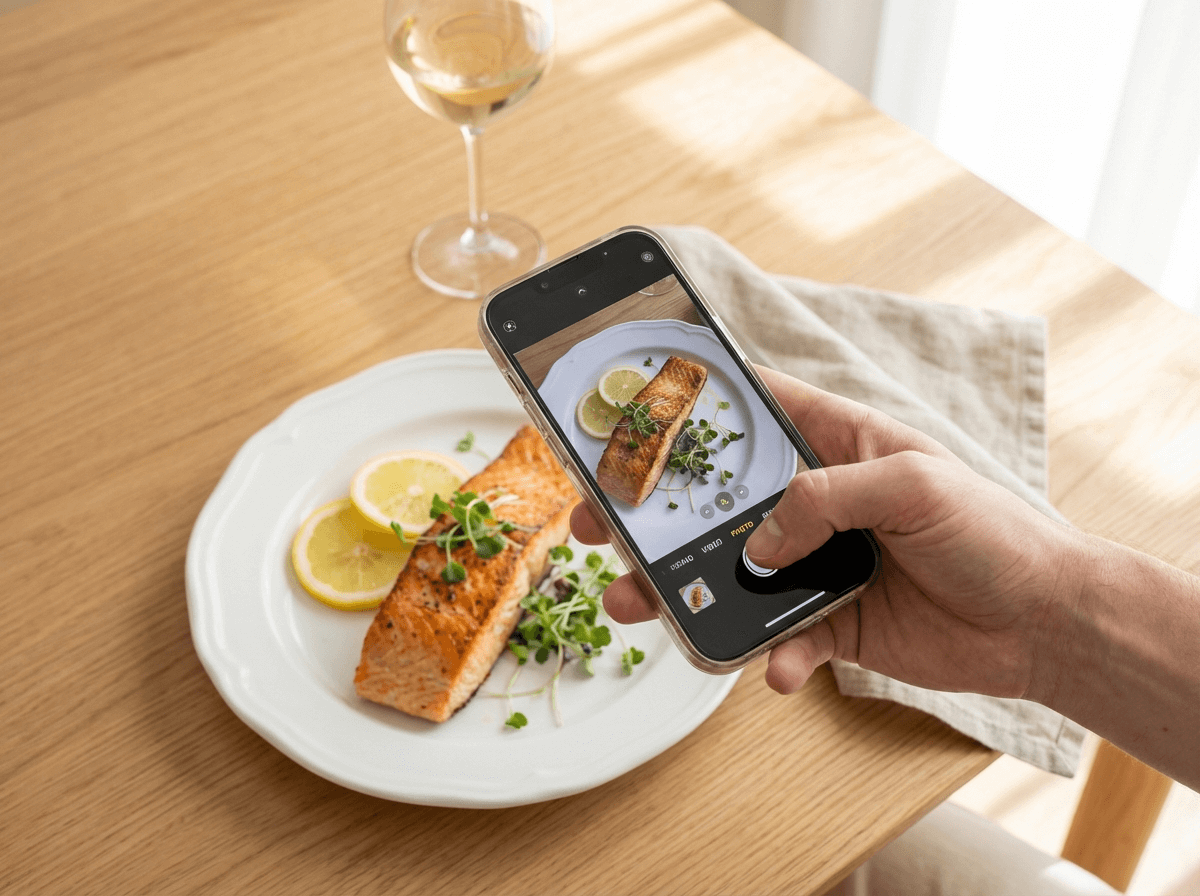 Simple smartphone food photography of salmon dish showing easy AI-enhanced workflow for food bloggers
That's roughly 2 hours saved per post. For a food blogger publishing 3 times per week, that's 6+ hours saved every week — time you can spend developing recipes, engaging with your audience, or simply living your life.
The quality? Your readers won't know the difference. The AI handles the technical food photography work — lighting, color grading, composition — that used to take years of practice to master.
For a deeper comparison, read our traditional vs AI food photography breakdown.
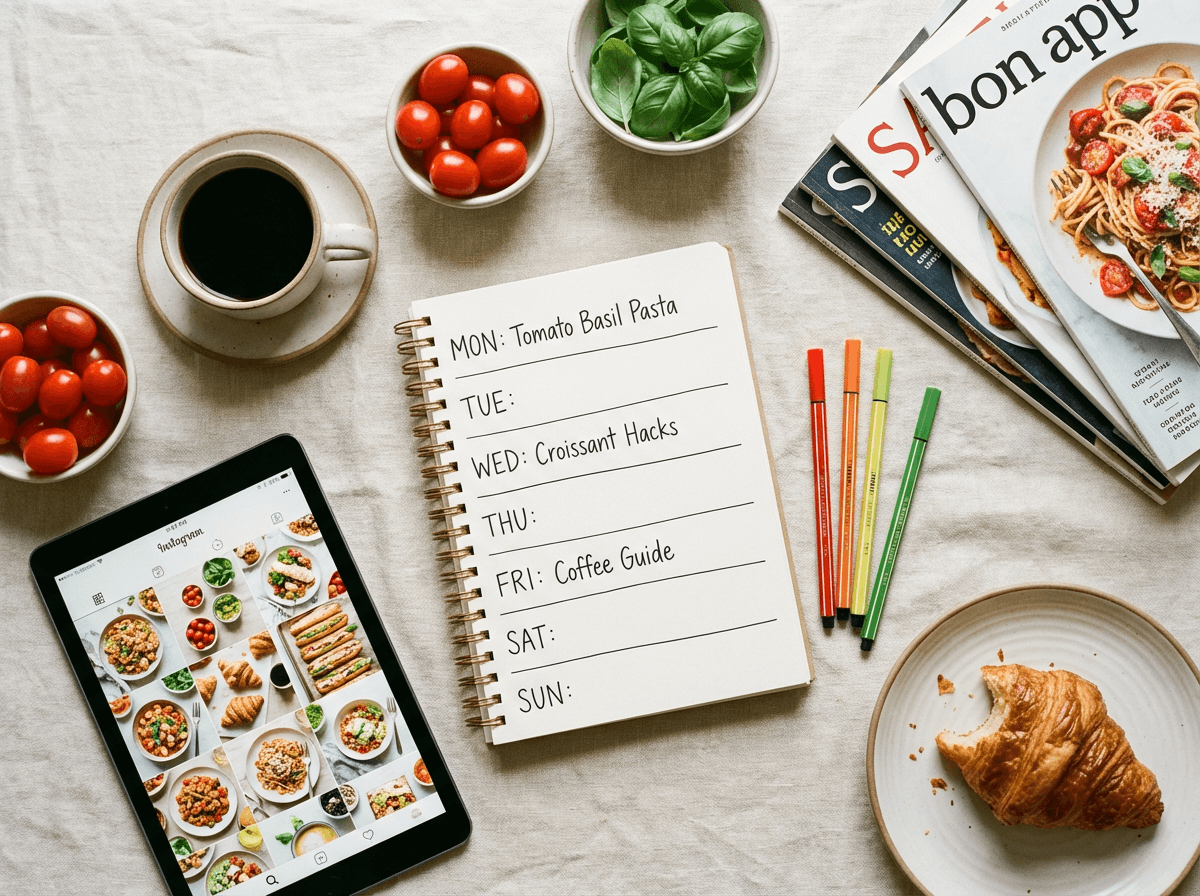 Food blogger weekly content planning flat-lay with recipe calendar, Instagram grid, and fresh ingredients
Pricing ROI: What Food Bloggers Actually Save
Let's talk numbers. Here's what FoodShot costs compared to the alternatives food bloggers typically use:
| FoodShot AI | Pro Photographer | DIY Equipment | Freelance Editor | |
|---|---|---|---|---|
| Monthly cost | $15–$99/mo | $300–$1,500/session | ~$125–$375/mo (amortized) | $250–$1,500/mo |
| Images/month | 25–250 | 15–30 per session | Unlimited (you shoot) | 50–100 |
| Cost per image | $0.40–$0.60 | $10–$50 | Equipment costs only | $5–$15 |
| Setup time | None | Must schedule in advance | 1–3 hours per post | Ship files + wait |
| Turnaround | About 2 minutes | 1–2 weeks | Real-time (you edit) | 2–7 days |
The math for a typical food blogger:
A food blogger posting 3 recipes per week with 5 images per post needs about 60 images per month. FoodShot's Business plan at $45/month covers 100 image generations — that's $0.45 per professional-quality food photo.
Compare that to:
- Professional food photographer: $300–$1,500 per session, and you'll need monthly sessions to keep up with content demands
- Home studio setup: $1,500–$3,000 upfront equipment cost, plus 2–3 hours per post in ongoing time investment
- Fiverr/Upwork editors: $5–$15 per image × 60 images = $300–$900/month
The yearly savings? $3,000–$15,000+ depending on your current approach. Even counting just the time saved — 6+ hours per week at any reasonable hourly value — the subscription pays for itself many times over.
All paid plans include a commercial license, watermark removal, and private image visibility. Annual plans come with a 40% discount, making the Business plan roughly $27/month.
For a complete cost breakdown, check our food photography cost guide.
 Food photography cost savings concept showing money saved with AI food photo tools versus traditional photography
Getting Started: Your First Week Using FoodShot AI
Ready to create professional food photos without the professional setup? Here's a practical plan:
- Start with your iPhone. You don't need a fancy camera. Check our iPhone food photography tips for capturing the best starting shots.
- Pick your style. Browse FoodShot's 30+ presets and find the one that matches your blog's aesthetic. Try 2–3 presets on the same image to compare.
- Clone your brand. Save a Pinterest reference image that represents your ideal look. Use style cloning to apply it to every new dish photo.
- Template your platforms. Set up poster templates for your Instagram grid and Pinterest pins. Once configured, creating platform-specific content takes minutes.
- Batch your content. On the Scale plan, process 5 food photos at once. Cook on Sunday, snap photos, upload, and have a full week of professional content ready in under an hour.
Open FoodShot Studio and transform your first food photo today.
Frequently Asked Questions
Do I need a professional camera to use FoodShot AI?
No. FoodShot is designed to work with smartphone photos. Today's iPhone cameras capture more than enough detail for the AI to produce professional results. The tool handles the styling, lighting correction, and composition that would normally require expensive equipment. Just snap a clear, well-lit photo of your dish, and FoodShot creates the rest.
Can I use FoodShot images commercially on my food blog?
Yes. Every paid plan includes a commercial license, so you can use the images on your blog, social media, newsletters, e-books, and brand partnerships. If you're creating food photos for sponsored posts or selling products like cookbooks, the commercial license covers that too.
How many food photos can I create per month?
The Starter plan ($15/month) includes 25 image generations, the Business plan ($45/month) includes 100, and the Scale plan ($99/month) includes 250 plus bulk processing of 5 at a time. Most active food bloggers posting 3–4 times per week find the Business or Scale plan fits their workflow. See all pricing options.
Does FoodShot work for different food photography styles?
Absolutely. FoodShot has 30+ style presets covering everything from bright, airy brunch aesthetics to dark, moody dinner compositions to clean, minimal plating. You can also upload any reference image from Pinterest or Instagram, and the AI clones that exact style onto your food photo — perfect for maintaining a specific visual brand.
Can a food blogger maintain visual brand consistency using AI?
This is one of FoodShot's strongest features. By using the same style preset — or the same reference image via Pinterest style cloning — across all your recipe photos, you get consistent brand aesthetics without manual editing. Your Instagram grid, Pinterest pins, and blog images all share the same visual language automatically.
Is there an iOS app I can use while cooking?
Yes. FoodShot has an iOS app for both iPhone and iPad. You can snap a photo of your dish, upload it, and transform it right from your phone without switching to a desktop. It's perfect for food bloggers who prefer a mobile-first workflow or want to create content on the go.