
10 Best Food Photography Apps for Stunning Results (2026)
 Ali Tanis17 min read
Picking the best food photography app can feel overwhelming when there are hundreds of camera and editing apps to download. Most are built for selfies and landscapes — not for making a pad thai look as appetizing as it tastes. A great food photography app handles warm tones, overhead angles, plate quality, and the specific image requirements of social media platforms like Instagram and delivery apps like Uber Eats.
We tested and compared 10 food photography apps that deliver stunning results in 2026. From AI-powered tools that transform phone photos in minutes to free editors with professional-grade features, here's what's worth your time.
Quick Summary: The best food photography app in 2026 depends on your needs. FoodShot AI leads for AI-powered photo transformation. Snapseed is the perfect free option. Lightroom Mobile remains the gold standard for manual editing. Foodie Camera captures great shots with live filters. Canva turns food photos into beautiful social media posts.
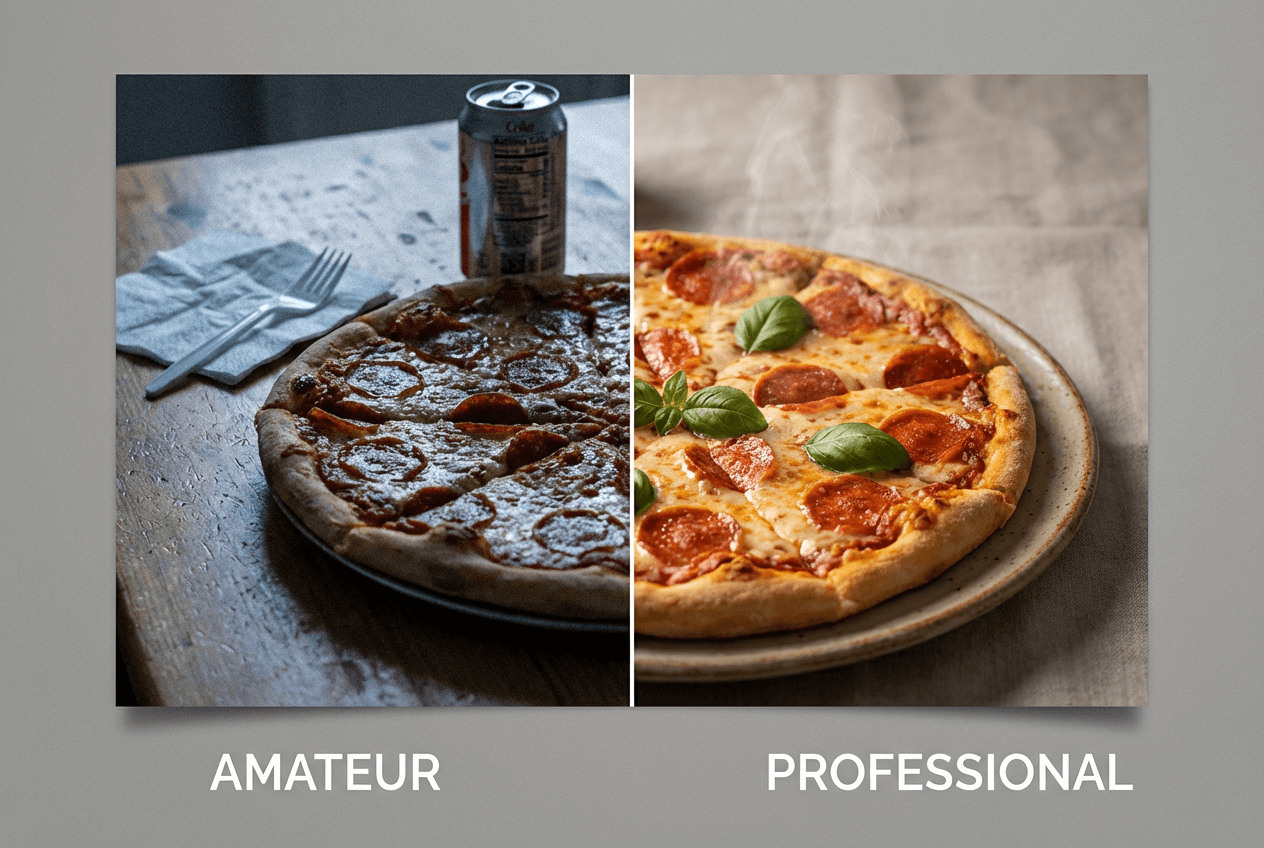 Before and after food photo comparison showing amateur vs professionally edited pizza photography with dramatic quality difference
Quick Comparison: Best Food Photography Apps (2026)
| App | Best For | Price | Platforms | Key Strength |
|---|---|---|---|---|
| FoodShot AI | AI food photo transformation | $15–99/mo | iOS, Web | Turns phone photos into pro shots in about 2 minutes |
| Foodie Camera | Live food filters | Free (premium available) | iOS, Android | 30+ food-specific live camera filters |
| FoodieLens | Detailed food editing | Free (in-app purchases) | iOS only | Close-range food photo optimization |
| Lightroom Mobile | Professional editing | Free–$11.99/mo | iOS, Android, Web | Industry-standard RAW photo editing |
| VSCO | Food-friendly presets | Free–$5/mo | iOS, Android, Web | 200+ film-inspired filters |
| Snapseed | Best free option | 100% free | iOS, Android | 29+ tools, no ads |
| Canva | Social media templates | Free–$12.99/mo | iOS, Android, Web | Thousands of restaurant templates |
| Photoshop Express | Advanced mobile edits | Free–$4.99/mo | iOS, Android | Affordable Adobe-powered editing |
| Facetune | Quick color enhancement | $25/mo or $77.99/yr | iOS, Android | One-tap AI photo enhancement |
| Splento | Guided food shoots | Custom pricing | iOS, Android | AI guides + human retouching |
How We Chose These Food Photography Apps
Every app on this list was evaluated across five criteria for food photography:
- Food-specific features — Does it have camera tools and filters designed for food, or is it a general photo editor?
- Output quality — Do the results look beautiful on delivery apps, Instagram, or a printed menu?
- Ease of use — Can a busy restaurant owner use it without a tutorial?
- Price-to-value — How does the cost compare to other food photography editing apps?
- Platform availability — Can you download it on iPhone, Android, or use it on web?
This list covers every type of food photographer. Restaurant owners snapping menu shots. Food bloggers editing RAW photos. Social media managers creating content. If you shoot food, there's a perfect app here.
1. FoodShot AI — Best Food Photography App for AI-Powered Transformation
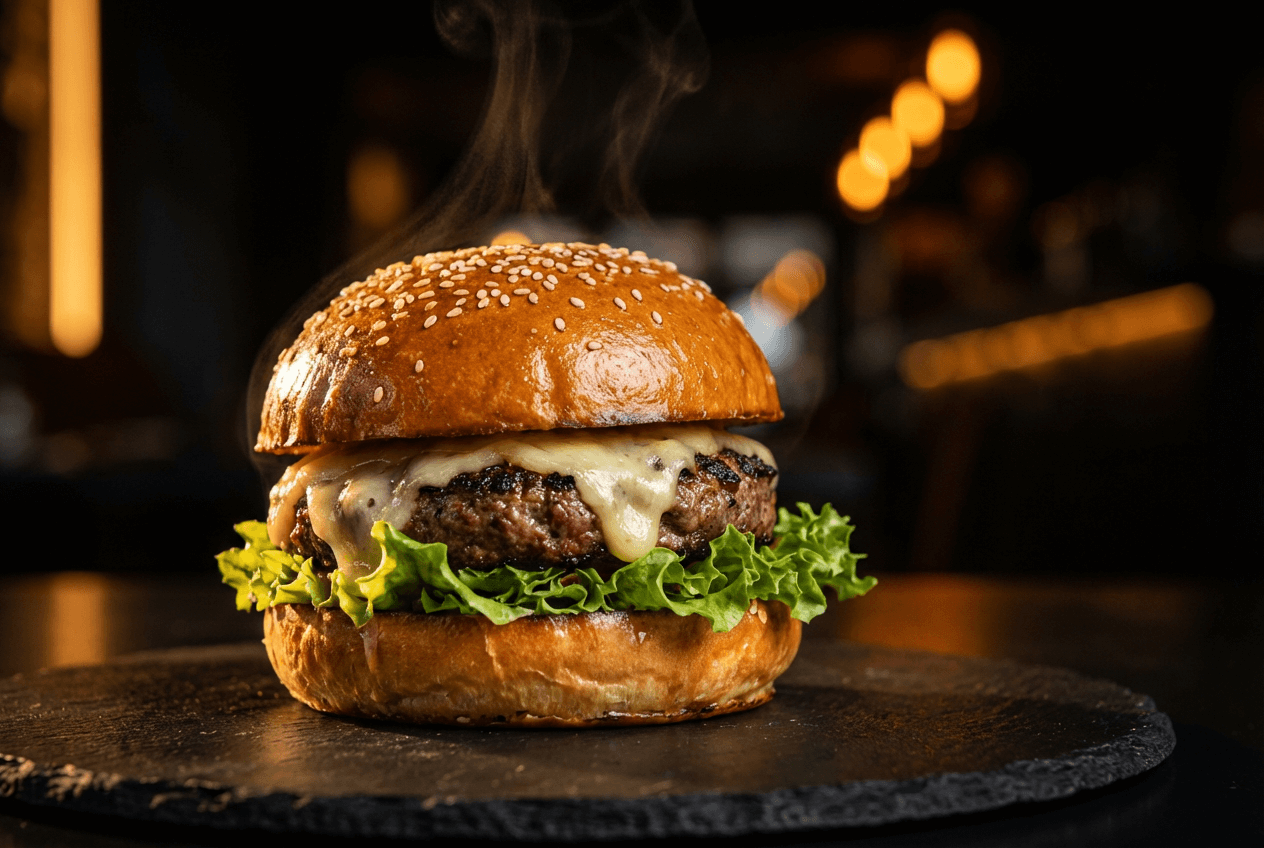 AI-enhanced food photography showing a gourmet burger with dramatic restaurant lighting and rich colors
Price: $15/mo (Starter), $45/mo (Business), $99/mo (Scale) — 40% off annual Platforms: iOS, Web Best for: Restaurant owners, delivery businesses, food marketing teams
FoodShot AI takes a different approach from traditional photo editing apps. Instead of giving you sliders and filters to adjust manually, you upload a food photo and the AI creates a professional-quality image. The whole process takes about 2 minutes — perfect for busy restaurant owners.
This food photography app offers 30+ style presets for specific use cases — Delivery, Restaurant, Fine Dining, Instagram, and more. The AI adjusts lighting, composition, plating, and background to match each style. It can swap backgrounds entirely (luxury restaurant table, beach cafe, marble countertop), add or remove garnishes, and adjust camera angles after the shot.
What makes this the best food photography app for businesses: it's built exclusively for food. It understands a burger needs to look juicy, warm lighting makes pasta beautiful, and delivery app photos need clean compositions. The poster and template tools (50+ designs) create social media-ready food marketing materials without opening a second app.
The Scale plan handles bulk processing of 5 food photos at once. Enterprise clients get API access and custom workflows.
Pros:
- Purpose-built AI that understands food photography
- About 2-minute turnaround from upload to finished photo
- Background replacement, angle adjustment, garnish editing
- Commercial license on all paid plans
- Social media poster and template creation features
Cons:
- Requires uploading a real food photo (no from-scratch generation)
- Credit-based — Starter plan limits to 25 images/month
- No Android app yet (web version works on any device)
Shooting food delivery app photos? FoodShot AI was designed for that. See how traditional vs AI food photography compares in cost, quality, and speed.
2. Foodie Camera — Best Food Photography App for Live Filters
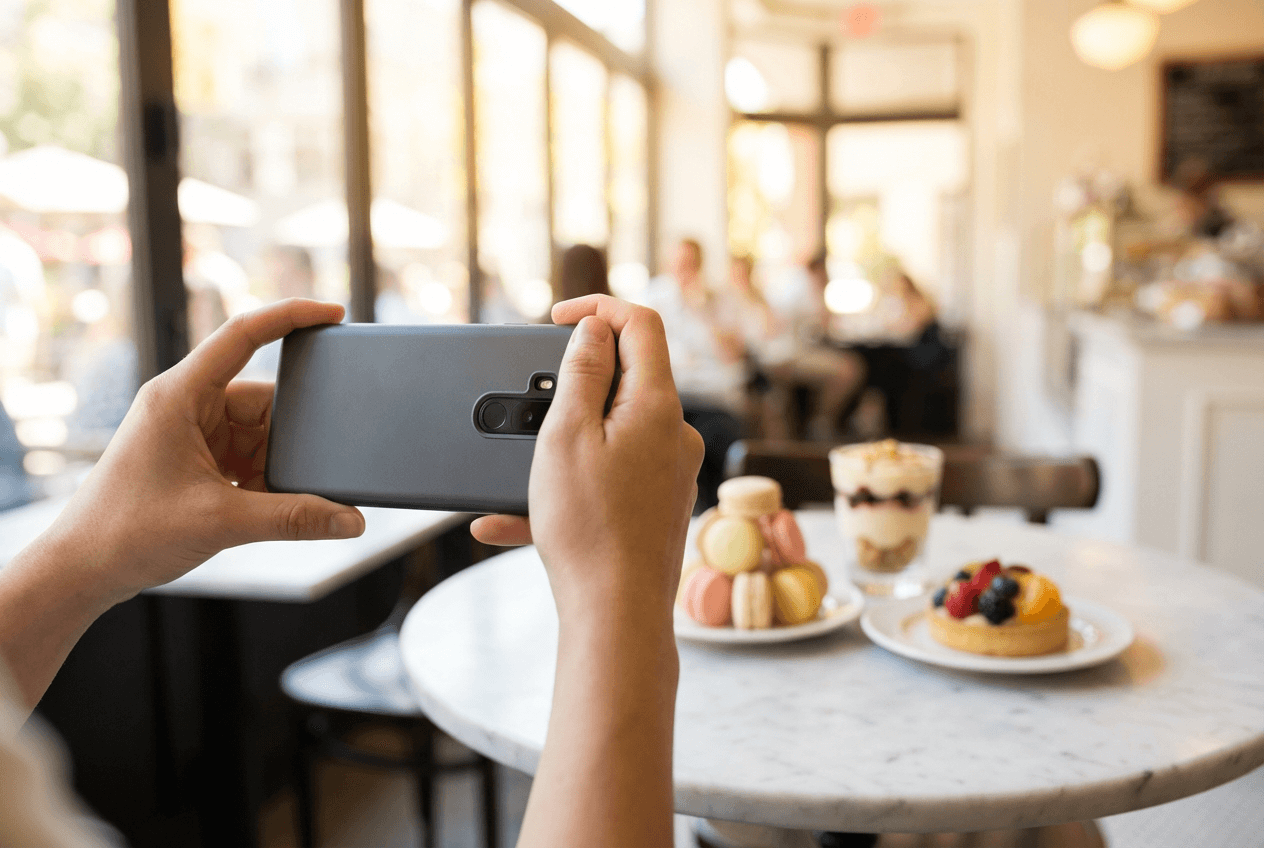 Photographer composing a food photo with smartphone of colorful desserts on marble cafe table with natural light
Price: Free to download; premium subscription for advanced features Platforms: iOS, Android Best for: Casual food photography, social media foodies, content creators
Foodie Camera by SNOW Corporation is the app you want open before you shoot. Its signature feature is live camera filters — over 30 food-specific options you preview in real-time through your viewfinder.
The filter names tell you what they do: Yum boosts warm tones. BBQ adds smoky depth. Romantic softens everything for a cozy vibe. Crispy sharpens textures to make fried foods pop. Positano and Tropical add beautiful sun-kissed brightness perfect for outdoor brunch shots.
The Foodie app includes a smart angle guide suggesting the optimal shooting angle. Overhead for flat-lays, 45 degrees for plated dishes — helpful for developing your food photography eye.
Pros:
- Preview camera filters in real-time before you shoot
- 30+ filters designed specifically for food photos
- Smart angle guide for better composition
- Available to download on iOS and Android
Cons:
- Photo editing tools are basic
- Premium features locked behind subscription
- Some users report image quality issues after recent updates
- Not ideal for professional menu-grade food photography
Foodie Camera works best for capture. Shoot with it, then edit elsewhere — combine with Snapseed or FoodShot AI for professional finishing.
3. FoodieLens — Best for Detailed Food Photo Editing
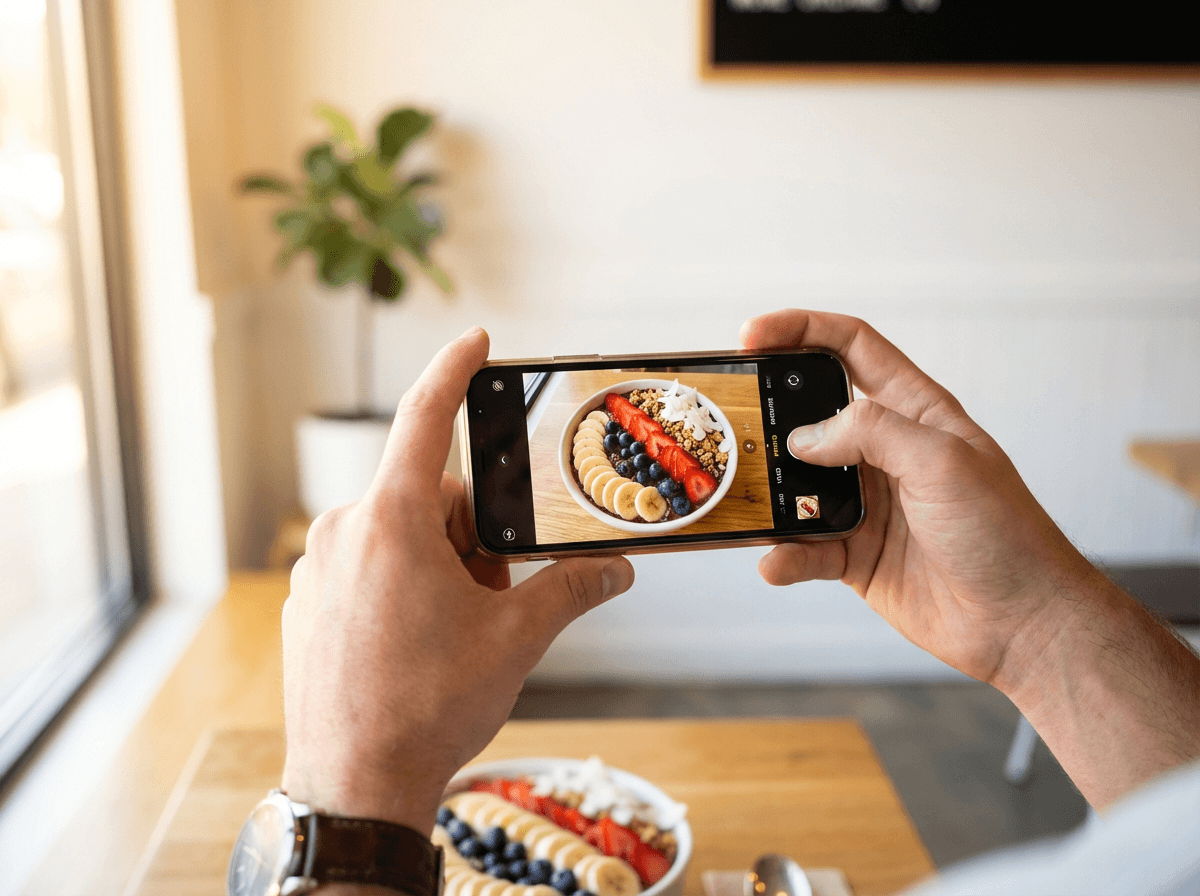 Hands holding smartphone above colorful acai bowl in bright cafe, capturing the perfect food photo from overhead angle
Price: Free with in-app purchases Platforms: iOS only Best for: Food bloggers and foodies wanting granular editing control
With over 440,000 downloads, FoodieLens is a food-specific photo editing app offering more control than filter-based camera apps without Lightroom's complexity.
The standout feature is tone curve adjustment — unusual for a food-focused mobile app. Curves let you control highlights, midtones, and shadows independently. Essential for making food textures pop in photos (crispy crème brûlée edges, glossy chocolate ganache sheen).
This app is optimized for close-range food photography. Sharpening and focus tools are calibrated for the 6-to-18-inch distances typical when shooting food — a detail that creates beautiful, sharp close-up results.
Pros:
- Food-specific photo editing tools and features
- Tone curve adjustments for advanced color control
- Optimized for close-range food photography
- Intuitive interface despite advanced editing features
Cons:
- iOS only — no Android version to download
- In-app purchases for some features
- Smaller community than major apps
- Limited social media template options
4. Lightroom Mobile — Best Food Photography Editing App for Professionals
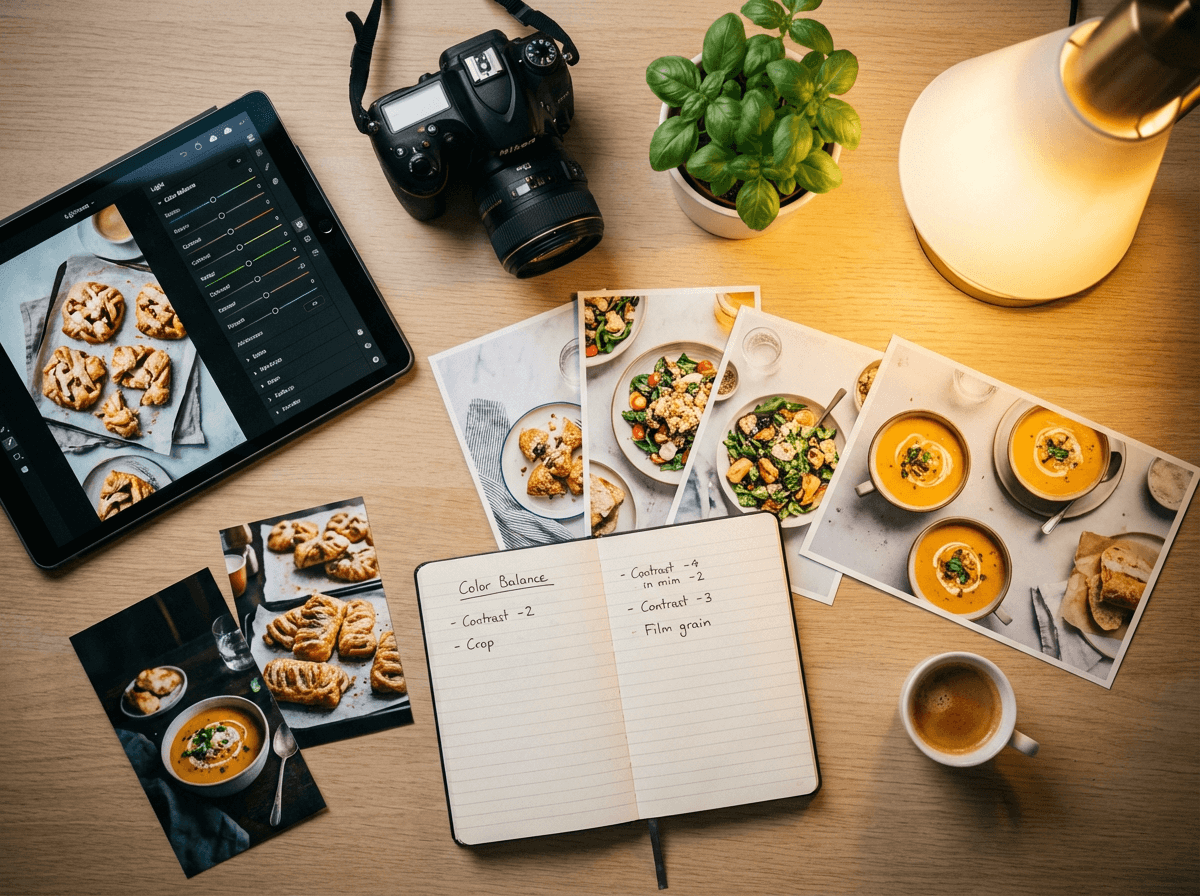 Professional food photo editing workspace with tablet, camera, and printed food photos on oak desk
Price: Free (limited) or $11.99/mo standalone or $9.99/mo Photography plan Platforms: iOS, Android, Web Best for: Professional food photographers, serious food bloggers, RAW editing
Lightroom Mobile is the Swiss Army knife of photo editing. RAW file support, selective adjustments, masking tools, and color grading give you the most control of any food photography app.
For food specifically: use color mixing to make salad greens vibrant without affecting plate white balance. Apply radial filters to draw attention to the dish center. Use the healing tool to remove stray crumbs from photos. AI-powered masking isolates the food so you adjust it independently from the background.
Adobe offers Lightroom Academy with 80+ food photography tutorials and a 14-article series. That learning experience alone makes Lightroom worth considering for improving your food photo quality.
Pros:
- Most powerful photo editing tools on mobile
- RAW file support with non-destructive editing
- AI masking for precise food photo isolation
- Cloud sync across devices
- 80+ food photography tutorials
Cons:
- Steep learning curve for beginners
- $9.99–$11.99/mo subscription cost
- Overkill for quick food photo enhancements
- No food-specific presets or filters included
Lightroom demands time investment. If you're comfortable with iPhone food photography and want professional editing control, this is perfect. For 2-minute results with zero learning, FoodShot AI is the opposite approach.
5. VSCO — Best Food Photography App for Film-Inspired Presets
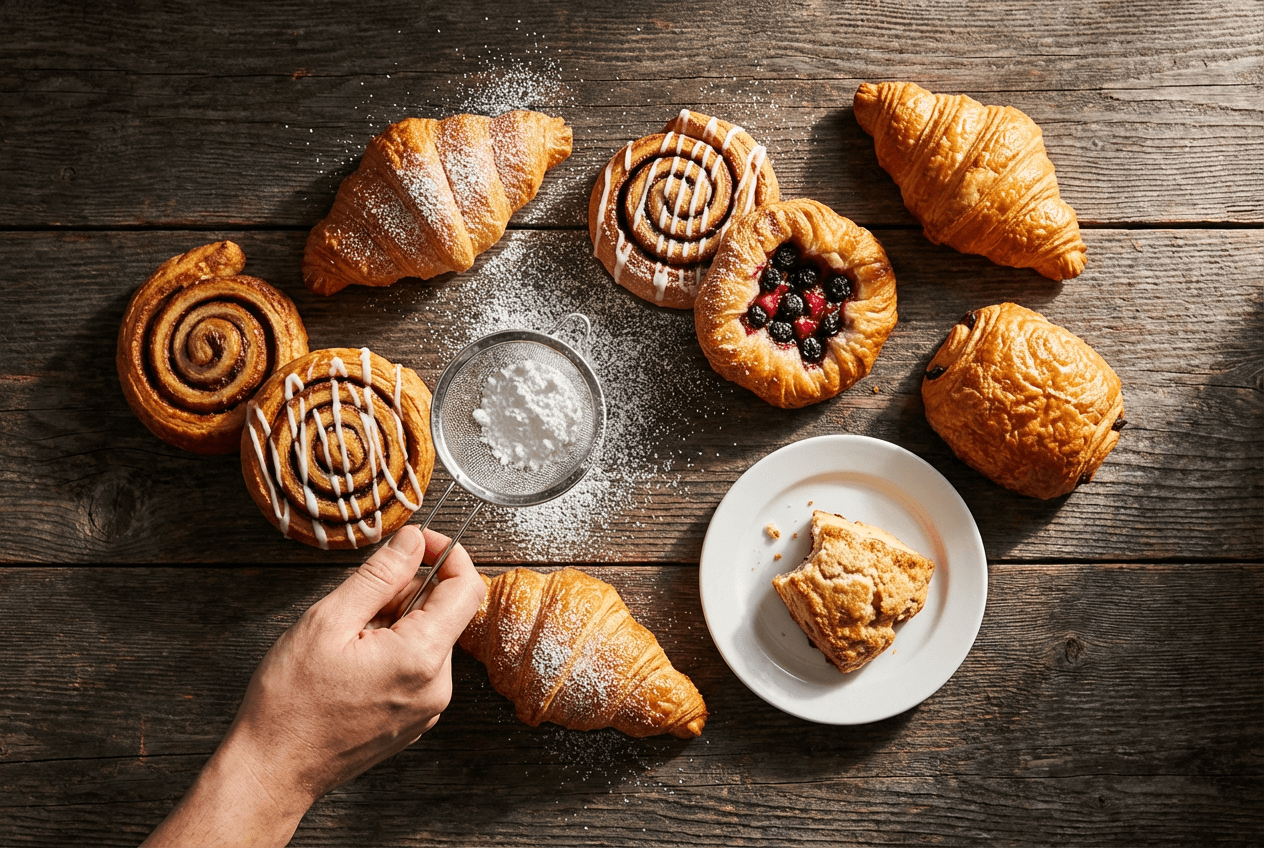 Freshly baked pastries on rustic wooden table with powdered sugar being sprinkled, demonstrating food styling for photography
Price: Free (15 presets) or ~$5/mo (200+ presets, AI Lab tools) Platforms: iOS, Android, Web Best for: Food content creators wanting cohesive, film-inspired aesthetics
VSCO has been a favorite food photography app for over a decade. Its film-inspired presets create warm, slightly desaturated tones that make food photos feel editorial — like a cookbook spread rather than a stock photo.
Best VSCO filters for food: A4 (warm analog tones), A6 PRO (polished and clean), KE1 (faded rustic). The Recipes feature saves your favorite edit combinations for one-tap application — perfect for maintaining consistent quality across all your food photos and social media content.
In late 2025, VSCO launched AI Lab with an AI object remover. Select unwanted items using brush, tap, or lasso tools — VSCO fills the space with matching content. Great for removing distracting napkins or utensils from beautiful food shots.
Pros:
- 200+ curated presets perfect for food's warm tones
- Film-inspired aesthetic, beautiful editorial quality
- Recipes for one-tap consistent photo editing
- AI object remover (AI Lab)
- Affordable ~$5/month to download and use
Cons:
- Not food-specific — no specialized food editing tools
- Free tier limited to 15 filters
- No template or poster creation features
- Community features less useful for commercial food photographers
6. Snapseed — Best Free Food Photo Editing App
Price: Completely free — no ads, no purchases, no premium tier Platforms: iOS, Android Best for: Anyone wanting professional photo editing tools for free
Snapseed is the best free food photography app available. Developed by Google, it packs 29+ tools and filters into a free app. No ads, no locks, no "upgrade" prompts. Every feature is available when you download it.
For food photography, the most useful Snapseed tools:
- White Balance — Fix orange restaurant lighting or blue fluorescent casts on food photos
- Structure — Bring out food textures (crusty bread, melty cheese, charred steak) without over-sharpening
- Healing — Remove fingerprints from plates, crumbs, or unwanted items from the shot
- Selective — Tap any area to adjust that part's brightness, contrast, or saturation
- HDR — Recover details in bright plates and dark sauces
Version 3.0 (June 2025) added a redesigned interface, 31 film filters, and an AI Object Brush for intelligent item removal. One of the few free apps supporting RAW DNG files for high-quality image editing.
Pros:
- Completely free — the best free food photography app, period
- 29+ professional editing tools and filters
- RAW DNG file support
- Non-destructive editing with edit stacks
- Selective editing for precision food photo adjustments
- AI Object Brush (v3.0)
Cons:
- No food-specific features or presets
- Can't create posters, templates, or social media graphics
- No cloud sync or cross-device editing
- Dense interface for complete beginners
Starting a food blog or cafe on a budget? Snapseed covers 90% of what paid food photography apps offer. Pair with FoodShot AI for food-specific enhancements Snapseed can't do.
7. Canva — Best Food Photography App for Social Media Templates
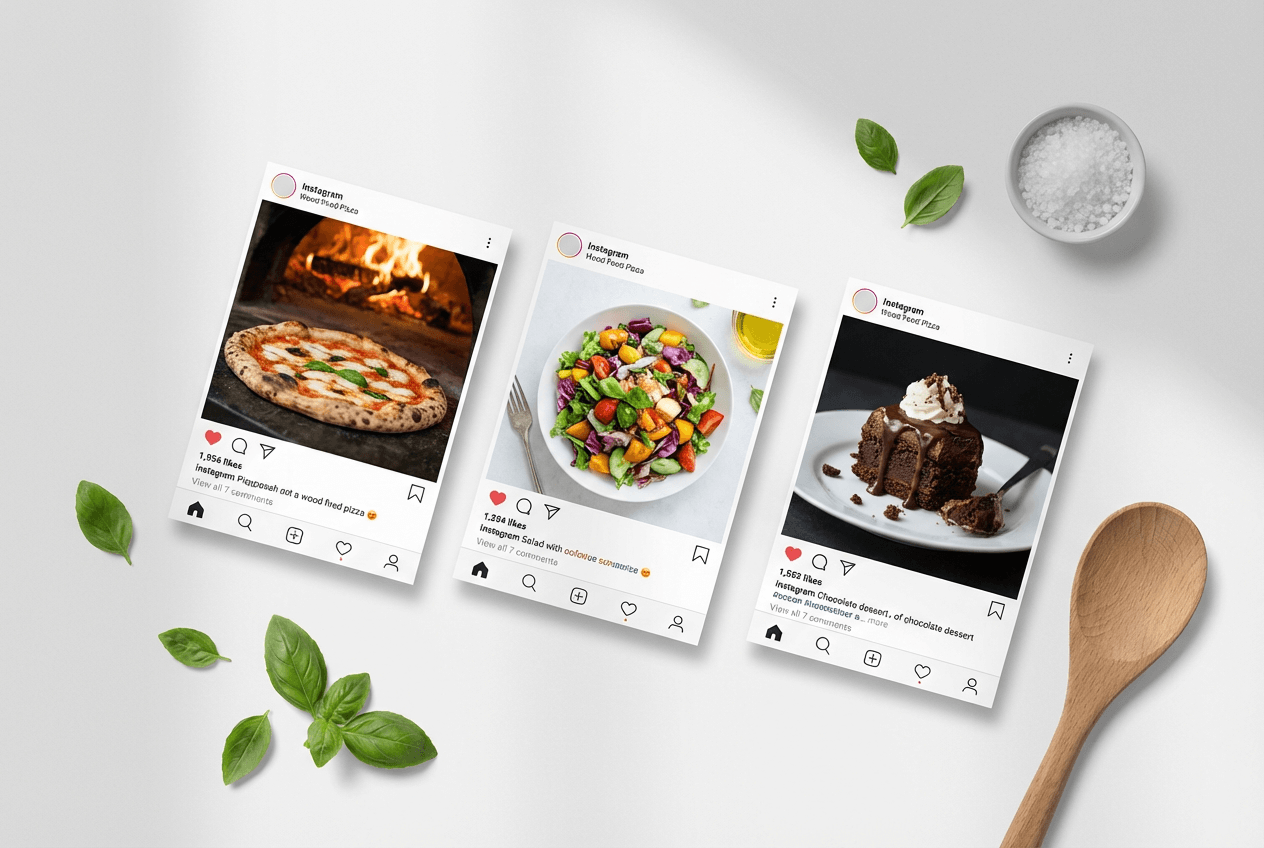 Restaurant social media marketing templates featuring food photography layouts on clean white background with styling props
Price: Free (basic) or $12.99/mo Pro ($119.99/yr) Platforms: iOS, Android, Web Best for: Restaurant marketing teams, social media managers, branded food content
Canva isn't a photo editing app — it's a design platform. That distinction matters. While other apps make food photos look better, Canva turns those photos into beautiful finished marketing materials for social media.
Search "restaurant" or "food" in Canva's template library: thousands of ready-made designs for Instagram posts, stories, Pinterest pins, Facebook ads, and menus. Drag in your food photo, adjust text and colors to match your brand — professional social media content in five minutes.
Pro features include Brand Kits (save restaurant colors, fonts, logo), Magic Resize (adapt one design across platforms), and background remover for isolating food from cluttered backgrounds in photos.
Pros:
- Thousands of food and restaurant templates
- Drag-and-drop design, perfect for non-designers
- Brand Kits for consistent food marketing (Pro)
- Magic Resize for multi-platform photo posting
- Free tier genuinely usable
Cons:
- Minimal photo editing capabilities
- Templates look generic without customization
- Not a food photo enhancement or editing app
- Pro needed for best features
Smart workflow: edit food photos in a dedicated app first (Snapseed free, or FoodShot AI for AI transformation), then use Canva for marketing design.
8. Photoshop Express — Best for Advanced Mobile Food Photo Edits
Price: Free (basic) or $4.99/mo Premium ($34.99/yr) Platforms: iOS, Android Best for: Adobe-level editing features on mobile at a lower price
Photoshop Express delivers Adobe's editing power in a streamlined mobile app. Free version covers cropping, filters, and image adjustments. Premium ($4.99/mo) adds RAW editing, advanced healing, subject selection, and the full filter library.
For food photography: background removal swaps messy counters for clean surfaces. The collage maker combines multiple dish photos into one social media grid. Lens correction fixes barrel distortion that makes plates look oval in close-up food shots.
Pros:
- Affordable Premium at $4.99/mo
- Background removal and subject selection
- Collage maker for multi-dish food presentations
- Adobe ecosystem integration
- Lens correction for close-up food photos
Cons:
- Useful features locked behind Premium
- Not food-specific — general photo editing app
- Pushes toward expensive Adobe subscriptions
- Aggressive premium upselling
9. Facetune — Best for Quick Food Photo Color Enhancement
Price: $25/mo or $40/quarter or $77.99/yr (7-day free trial) Platforms: iOS, Android Best for: Quick plate cleanup and color boosting
Facetune is famous for portrait retouching, but foodies discovered a hidden gem: the whitening tool works beautifully on plates and white surfaces. Restaurant lighting casts yellow or blue tints on dinnerware — Facetune's whitening brush paints pure white back onto plates, tablecloths, and napkins. Perfect for cleaning up food photos.
One-tap AI enhancement presets boost color and contrast. The background remover handles food photo isolation well. The Detail tool sharpens food textures to make toppings and garnishes pop.
Pros:
- Whitening tool perfect for cleaning plates in food photos
- One-tap AI enhancement filters
- Background remover for food image isolation
- 7-day free trial
Cons:
- $25/mo is steep for food photography alone
- Designed primarily for portrait/selfie editing
- Most AI features are portrait-oriented
- $77.99/yr is still expensive
At $25/month, Facetune is hard to justify purely for food photography. Try the free trial — if whitening is your main need, Snapseed's selective tool or FoodShot AI's food-focused editing offer better value.
10. Splento — Best Food Photography App for Guided Shoots
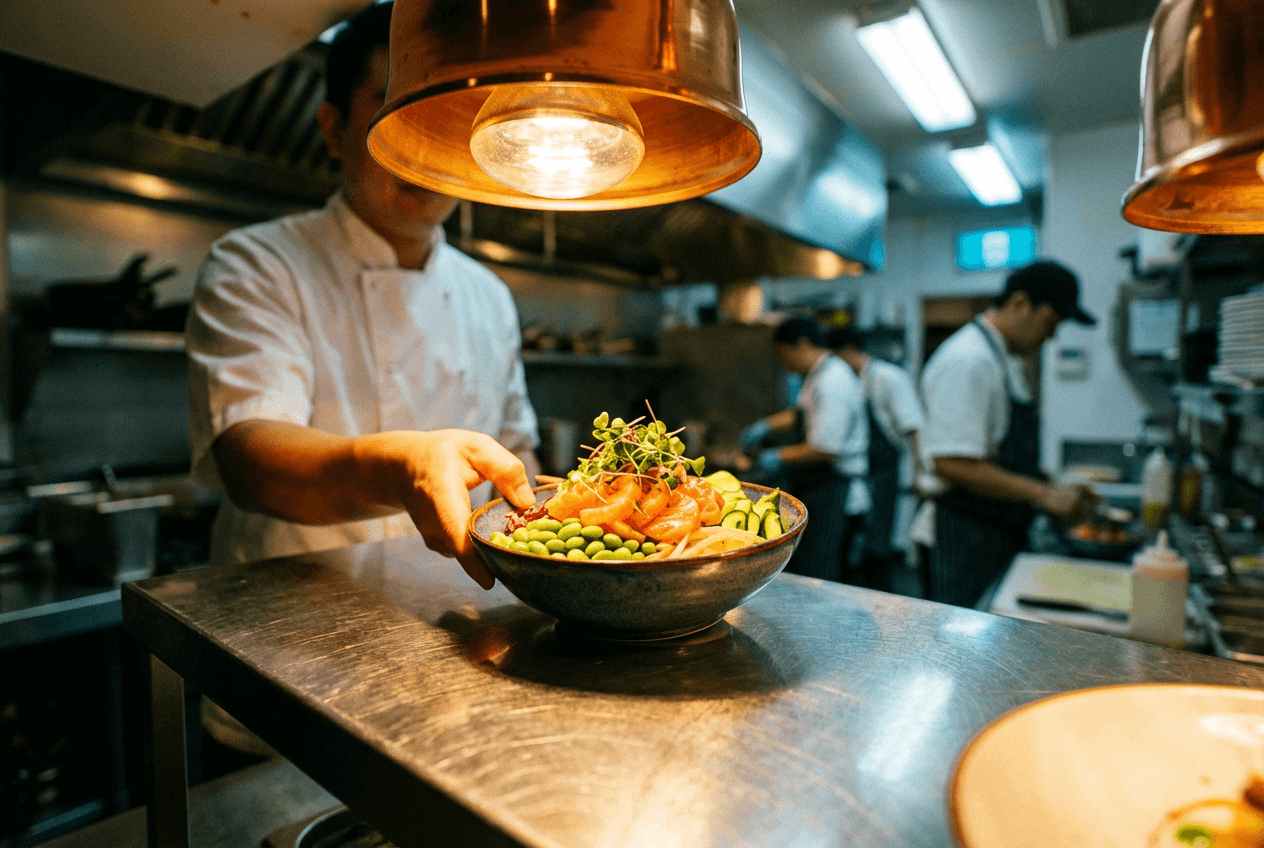 Chef placing a colorful poke bowl on restaurant kitchen pass under warm lighting, representing professional food photography scenarios
Price: Custom pricing (B2B model) Platforms: iOS, Android Best for: Delivery businesses needing platform-ready food photos at scale
Splento guides you through taking food photos — not just editing them. AI-powered food recognition identifies your dish and suggests the perfect angle, lighting, and composition. Like a food photography coach on your phone.
After shooting, upload food photos to Splento's cloud. Human editors enhance them professionally before sending back. Auto-resizing for delivery platforms, dish name management, and delivery service notifications are included. The experience combines AI guidance with human quality.
Splento claims up to 90% cost savings versus traditional food photography. The trade-off: human retouching adds turnaround time.
Pros:
- AI shooting guides for better food photos
- Human retouching for professional quality
- Auto-resizing for delivery apps (Uber Eats, DoorDash)
- Menu management features
- Unlimited food photos
Cons:
- Human retouching requires wait time
- Custom pricing — must contact sales
- Less creative control over food photo output
- Focused on delivery platforms
Which Food Photography App Should You Use?
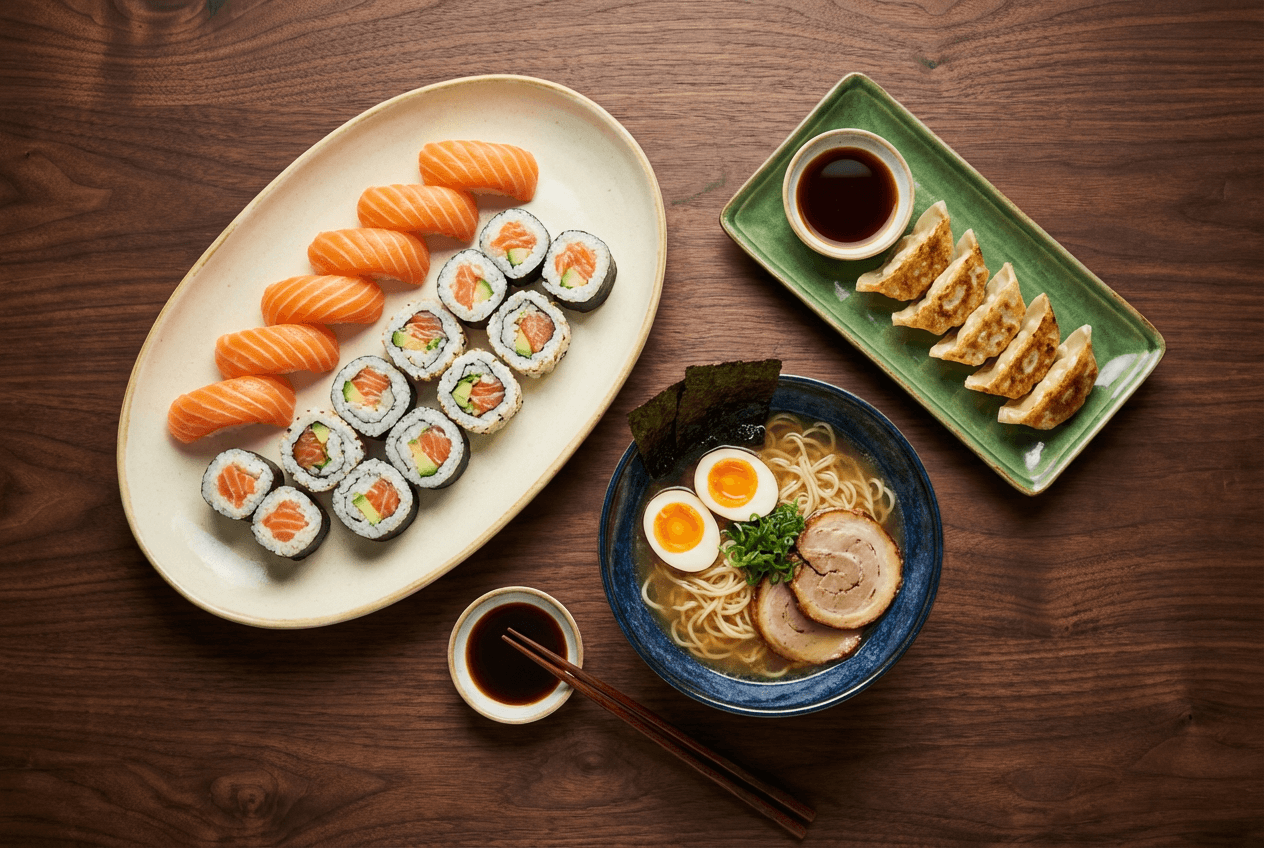 Top-down view of professionally styled Japanese restaurant dishes including sushi, ramen, and gyoza ready for menu photography
The best food photography app depends on your situation:
Restaurant owner updating delivery menus? FoodShot AI. Upload phone photos, get professional food images in about 2 minutes. No skills needed. Avoid common food photography mistakes automatically.
Food blogger building aesthetic? VSCO presets for consistent editing. Lightroom Mobile for deeper control. Canva for social media design.
Tight budget? Snapseed. Free, powerful, perfect for food photo editing. Add Foodie Camera's free tier for shooting.
Restaurant social media manager? Canva Pro templates. FoodShot AI poster tools for food-specific materials.
Professional food photographer? Lightroom Mobile for editing. FoodShot AI for batch processing menu food photos.
Combine two or three apps: one camera app for capture, one for food photo editing, one for design. No single food photography app does everything — but the right combination creates beautiful, professional results.
See how food photography costs compare across approaches — photographers, editors, and AI tools — in our detailed breakdown.
Frequently Asked Questions
What is the best free food photography app?
Snapseed. Google's free app offers 29+ professional tools, filters, and RAW support with no ads or locked features. Version 3.0 (June 2025) added AI object removal and 31 film filters. No other free food photo editing app matches its features and quality.
Can I use AI to improve my food photos?
Yes. AI food photography tools like FoodShot AI transform smartphone shots into professional images by adjusting lighting, composition, backgrounds, and styling automatically. What takes 20–30 minutes of manual editing in Lightroom takes about 2 minutes with AI. The quality in 2026 is genuinely impressive.
Do I need a professional camera for food photography?
No. Modern smartphone cameras (iPhone, Samsung Galaxy) capture food photos good enough for delivery apps, social media, and printed menus. Lighting, angle, and editing matter more than camera hardware. See our iPhone food photography tips for techniques that create beautiful food photos on any device.
Which app is best for restaurant menu photos?
For speed: FoodShot AI — purpose-built for menu food photography with automatic delivery app formatting. For creative control: Lightroom Mobile. For hands-off professional quality: Splento's AI guidance plus human retouching.
Are food photography apps worth paying for?
For personal social media, free apps like Snapseed work perfectly. For restaurants managing 50+ menu items across delivery platforms, paid food photography apps save hours worth far more than $15–$45/month. Professional food photography costs $300–$500+ per session — a monthly app costs less than a single stock photo.