
Food Photography for Delivery Apps: The Complete Guide
 Ali Tanis15 min read
Food photography for delivery apps is the single highest-ROI investment most restaurants ignore. Your delivery listing is a tiny rectangle competing against dozens of others on the screen. When a hungry customer scrolls through Uber Eats or DoorDash at 7 PM, your food photo has about two seconds to stop their thumb. A dark, blurry shot of your best-selling pad thai? They scroll right past. A bright, clean, professional image that makes their mouth water? That's a tap, an order, and a customer who comes back tomorrow.
Quick Summary: Professional food photography boosts delivery app orders by 30–70% depending on the platform. Each app — Uber Eats, DoorDash, Grubhub — has different image specs that trip up most restaurants. This guide covers exact photo requirements for every major delivery platform, what makes the best food delivery photo, and how to take and edit 50+ menu items efficiently.
Why Your Delivery App Food Photos Are Costing You Orders
The data here isn't subtle. It's not a marginal 2–3% difference — food photography for delivery apps is one of the highest-leverage changes a restaurant business can make for online ordering.
Here's what the platforms themselves report:
- Grubhub: Adding food photos increases online orders by up to 30%. Restaurants with photos and descriptions see up to 70% more orders and 65% higher sales than text-only menus.
- DoorDash: Menu items with photos generate up to 44% more monthly sales. Header images boost sales by up to 50%. Even adding a restaurant logo increases sales by 23%.
- Deliveroo: Professional food photos drive a 24% increase in orders.
- Just Eat: Items with quality food photos get 4x more basket additions.
And it's not just about having any photo — image quality matters enormously. A poorly lit phone snapshot can actually hurt conversions compared to no photo at all, because it signals low effort and makes the food look unappetizing to customers browsing the app.
The U.S. online food delivery market hit $34.9 billion in 2025 and is growing at nearly 9% annually. DoorDash controls roughly 65% of U.S. market share, Uber Eats holds about 23%, and Grubhub sits around 9%. With over 112 million Americans having used a food delivery service, the audience is massive — and increasingly visual.
For Gen Z specifically — the fastest-growing delivery app demographic — 46% say menu photos directly influence their ordering decisions. If your listing doesn't have professional food photos, you're invisible to nearly half the next generation of online food customers.
Food Delivery Photo Requirements by Platform: Uber Eats, DoorDash, Grubhub, and Postmates
Every delivery platform has different technical specs for food photos. Using the wrong aspect ratio is the #1 reason menu photos get rejected — and each rejection costs you days of lost visibility while you resubmit.
Here's the side-by-side breakdown of food photography requirements across the best-known platforms:
| Spec | Uber Eats | DoorDash | Grubhub |
|---|---|---|---|
| Item Photo Ratio | 5:4 to 6:4 (landscape) | 16:9 (landscape) | No strict ratio; landscape recommended |
| Minimum Resolution | 1200 × 800 px | 1400 × 800 px | HD quality (DSLR recommended) |
| Hero/Catalog Image | 5:4 at ~2880 × 2304 px | 4:1 (web) / 16:9 (app) | N/A |
| Max File Size | Not specified (JPEG preferred) | 16 MB (2 MB via integrations) | Not specified |
| File Formats | JPEG | JPG, JPEG, PNG | JPEG, PNG |
| Review Process | Approval via Menu Maker | 1–5 business days | Varies |
| Free Photo Shoot | Yes (one for new partners) | Yes (qualifying merchants) | Yes (offered to partners) |
What about Postmates? Postmates merged with Uber Eats in 2020. If you're listed on Postmates, you're on the Uber Eats platform now — same photo specs, same upload process.
The Critical Takeaway: You Can't Use One Crop for Every App
DoorDash uses 16:9. Uber Eats uses 5:4. These are fundamentally different compositions for your food photos. A photo framed perfectly for DoorDash's wide format will have your dish awkwardly cropped or flanked by empty space on Uber Eats.
The practical solution: take your food photos with extra breathing room around the plate, then export two separate crops for each delivery platform. Or use a food photography tool that handles multi-platform output automatically.
For a deeper dive into platform-specific walkthroughs with upload tips, check out our Uber Eats and DoorDash photo requirements guide.
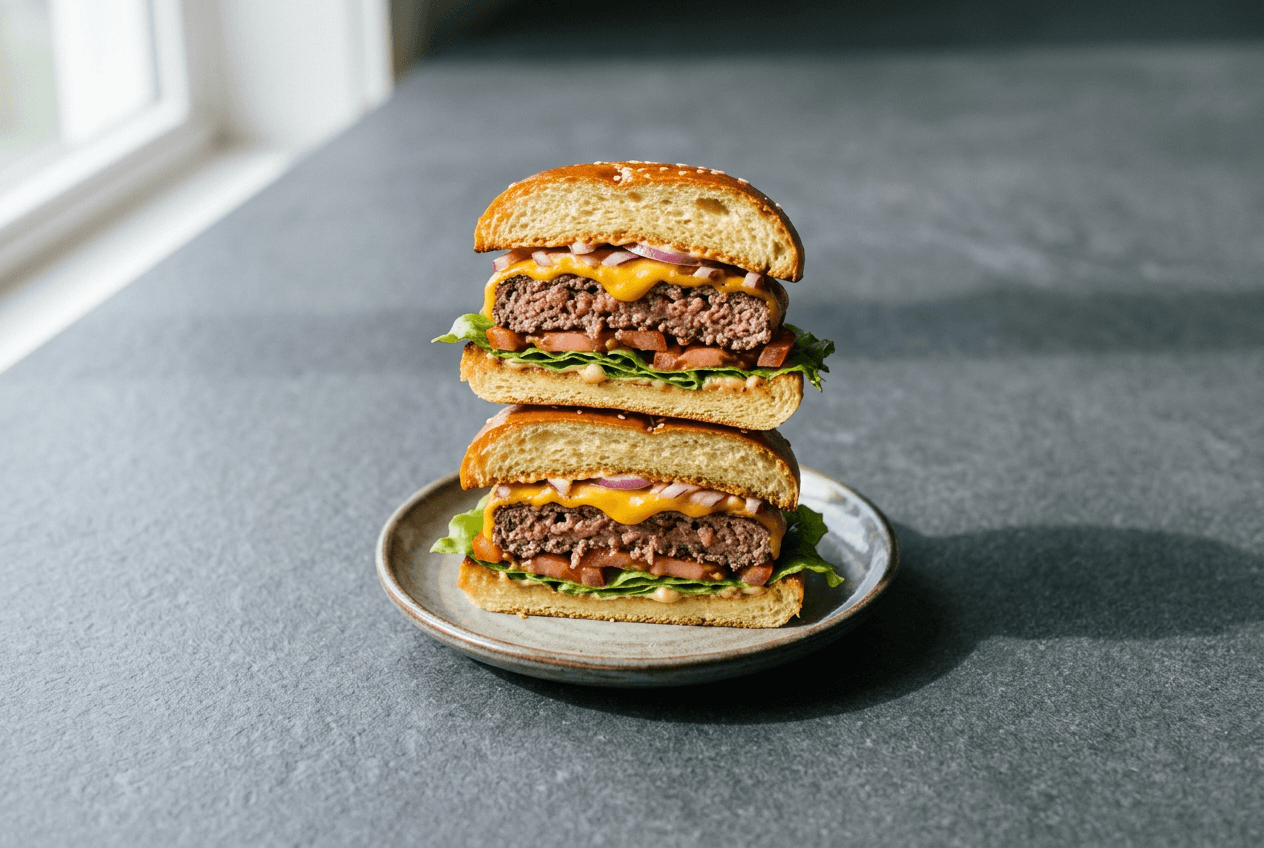 Perfectly centered burger food photo with breathing room for delivery app cropping to different aspect ratios
DoorDash's 14 Photo Rejection Categories
DoorDash is the strictest delivery platform for food photo approval. They reject menu photos for 14 specific reasons, grouped into three categories:
Technical rejections: Wrong zoom/dimensions, blurry images, bad lighting, unnatural colors in photos.
Content rejections: Distracting backgrounds, text/logo overlays, photo collages, visible faces, unappetizing food presentation.
Compliance rejections: Photo doesn't show the menu item clearly, image doesn't match the listed dish, duplicate photo, copyright issues, or non-representative AI-generated content.
That last one is worth noting: DoorDash accepts AI-enhanced food photos that accurately represent your dish. What gets rejected is AI photography that makes the food look fundamentally different from what customers actually receive.
Food Photography for Delivery Apps: 5 Elements of the Perfect Photo
Forget fancy camera equipment. These five food photography tips matter more than any gear you can buy:
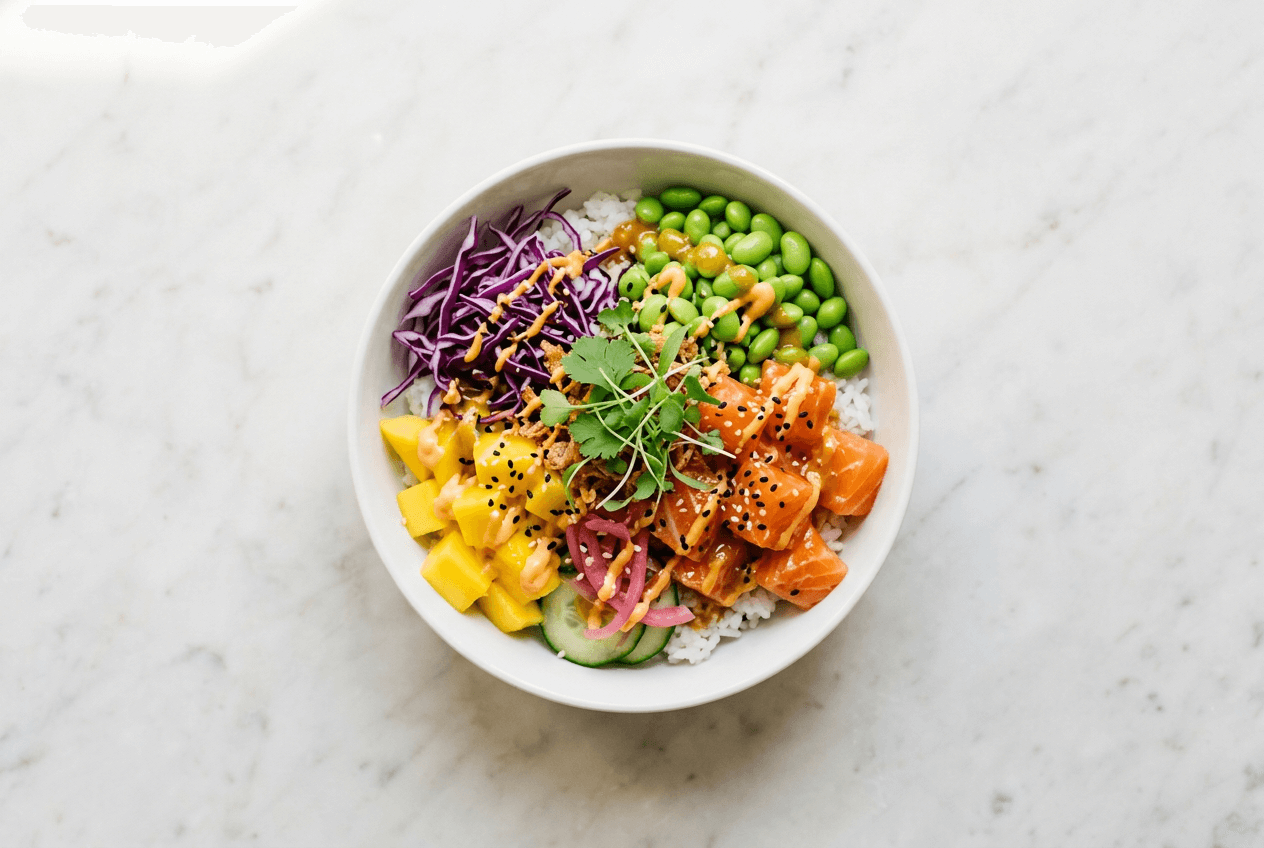 Overhead poke bowl photo on clean marble surface showing ideal delivery app food photography composition
1. Clean, Neutral Background A white, light gray, off-white, pale wood, or light stone surface works best for food photography. Skip patterned tablecloths, colorful placemats, and busy backgrounds. The food should be the only visual focus — everything else should disappear.
2. One Dish, Centered Resist the temptation to include sides, drinks, or garnish bowls in the frame. Delivery apps show food photos as small thumbnails on mobile screens. One clear dish reads instantly; a cluttered scene becomes visual noise at thumbnail size.
3. The Right Camera Angle for the Right Food
- Overhead (top-down): Best for pizzas, bowls, salads, rice dishes — anything flat and best viewed from above
- 45-degree angle: Ideal for burgers, sandwiches, stacked items, tall desserts — shows height, layers, and texture
- Cut and stack: For wraps, burritos, sandwiches — slice in half and stack to reveal the fresh fillings inside
4. Soft, Natural Lighting Position your dish near a window with indirect daylight for the best food photos. Side lighting creates gentle shadows that add dimension to the food. Avoid camera flash (makes food look flat and greasy) and overhead fluorescent lights (add a sickly green/yellow color cast).
If you're shooting in a restaurant kitchen without natural light, a single diffused LED panel positioned at the side works as a great substitute. For more tips on mastering food photography lighting with your phone, see our iPhone food photography tips.
5. True-to-Life Colors and Visible Portions Don't oversaturate or edit photos with heavy Instagram filters. The customer needs to see a realistic representation of the food they'll receive — both the natural colors and the portion size. Delivery platforms like DoorDash specifically reject food photos that don't accurately represent the actual dish served to customers.
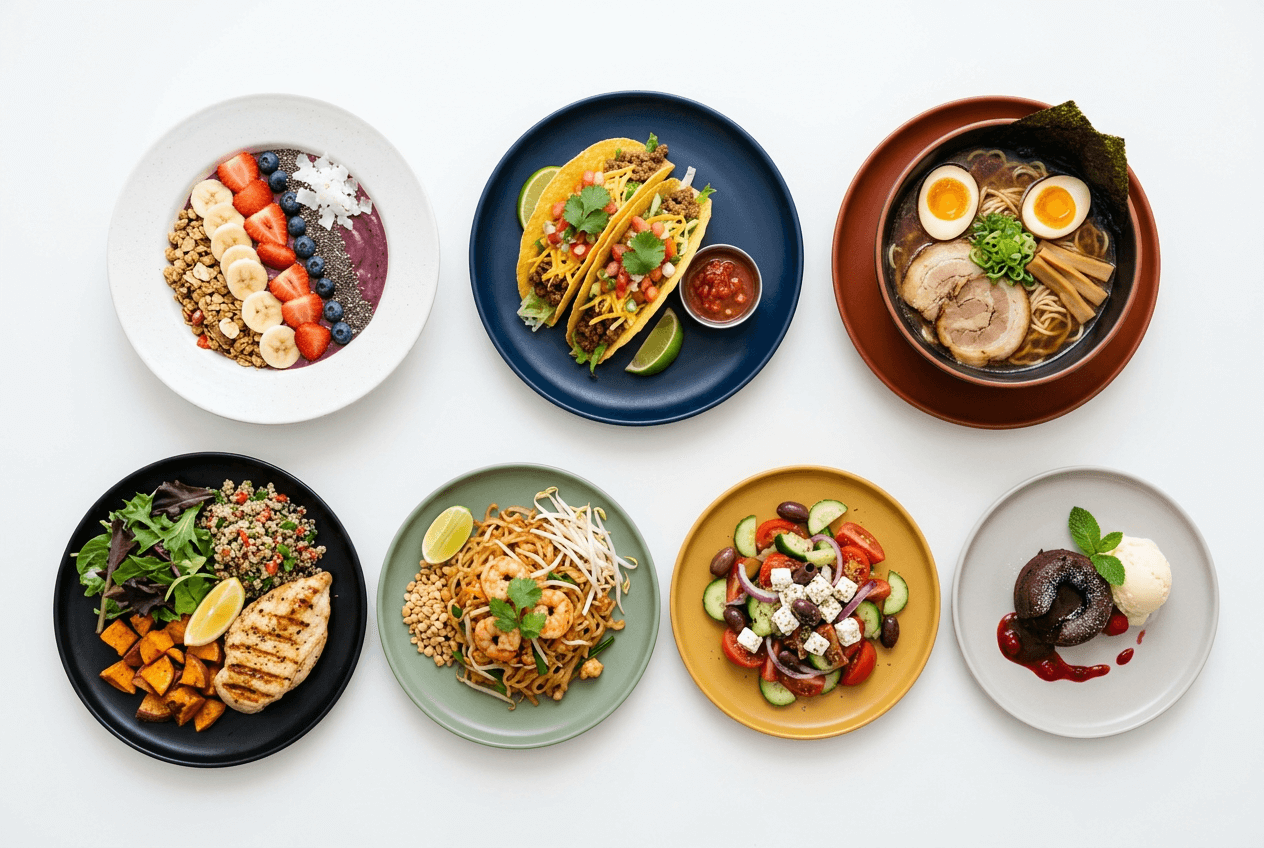 Seven different restaurant dishes photographed overhead showing consistent food photography style for delivery menus
Quick Checklist: Before You Take a Single Food Photo
Use this reference before every delivery app photo shoot:
- ☐ Surface: Clean, neutral background — white, gray, or light wood
- ☐ Lighting: Natural window light from the side, or one diffused LED panel
- ☐ Framing: Single centered dish with breathing room on all sides for cropping
- ☐ Angle: Top-down for flat items, 45° for tall items
- ☐ Plate: Clean rim, no drips, smudges, or crumbs
- ☐ Garnish: One small, fresh accent — not cluttered with props
- ☐ No overlays: Zero text, logos, borders, or watermarks on the image
- ☐ Camera settings: Phone camera at highest resolution, flash off, HDR off
7 Food Photo Mistakes That Get Rejected on Delivery Apps
These are the food photography mistakes we see most often on delivery platforms — and every one is fixable:
1. Wrong aspect ratio. Uploading a square photo to DoorDash (which requires 16:9) or a wide landscape to Uber Eats (which uses 5:4). Always check the delivery platform's photo spec before uploading your food images.
2. Shooting under fluorescent lights. Kitchen overhead lighting is designed for cooking, not food photography. It creates harsh, unflattering shadows and yellow-green color casts. Move the plate near a window or use an off-camera light source for better quality photos.
3. Busy backgrounds. Patterned tablecloths, countertops cluttered with bottles and utensils, visible kitchen equipment. Clean the frame around the food completely for professional-looking delivery photos.
4. Text or logo overlays. Every major delivery app rejects food photos with text, watermarks, borders, or promotional graphics. Your restaurant brand identity lives in your store name and logo placement — not overlaid on food images.
5. Multiple items in one frame. Collages and group shots get rejected on DoorDash and confuse customers on every delivery platform. One food photo = one menu item.
6. Cold, stale-looking food. Food starts looking lifeless within minutes of plating. Shoot immediately after plating. Steam, glisten, and fresh garnish make food look appetizing and fresh. A reheated pasta dish photographed 20 minutes later will never look as good.
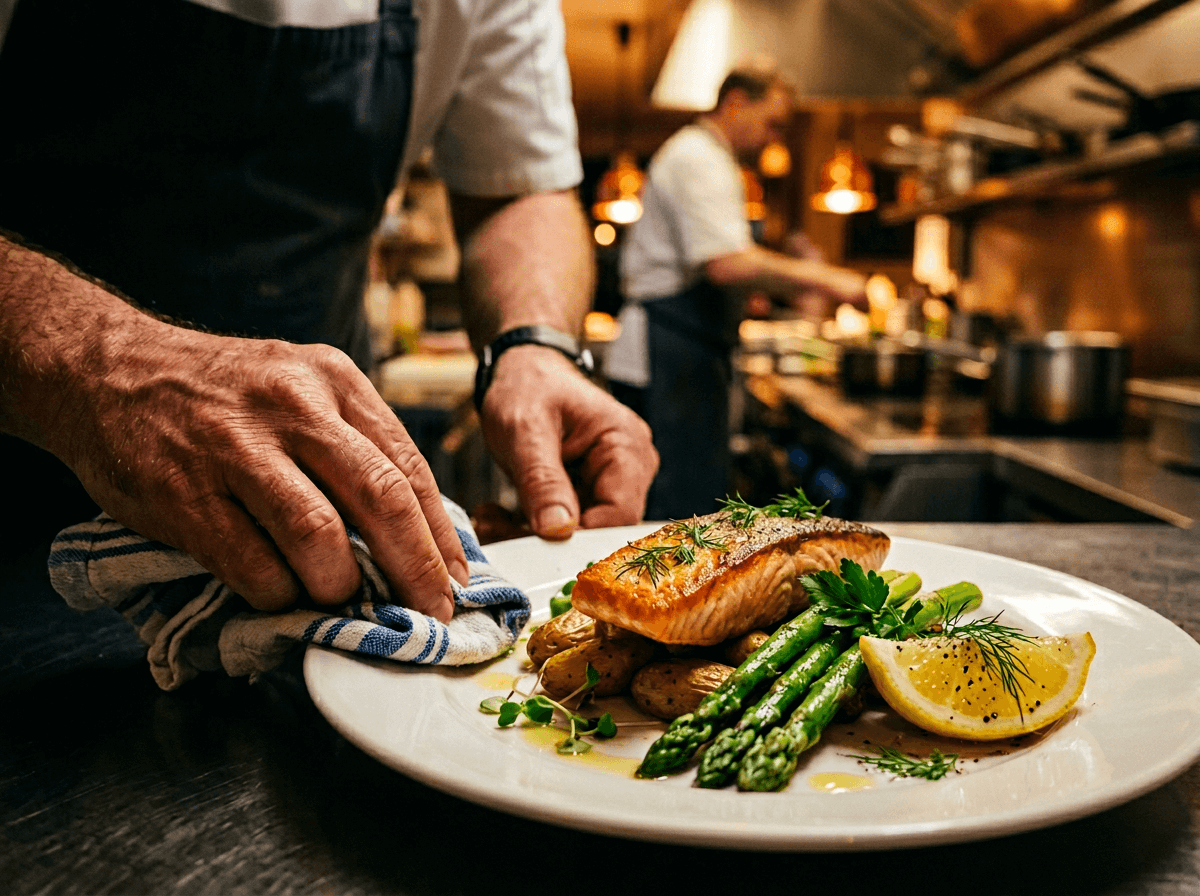 Chef preparing a plated salmon dish for food photography by wiping the plate rim clean
7. Heavy filters or unrealistic editing. Over-saturation, extreme contrast, and beauty-mode filters make food look artificial. Delivery apps are increasingly flagging heavily edited food photos, and customers lose trust when the delivered dish looks nothing like the picture online.
For a more detailed breakdown of each mistake with visual examples, read our guide on food photography mistakes that kill online orders.
How to Batch-Shoot 50+ Menu Items in One Food Photography Session
Most delivery menus have 30–80 items. Taking photos of each one individually, with a different setup each time, would take days. Here's an efficient food photography workflow that gets your entire restaurant menu done in a single 2–3 hour shoot session:
Set Up Your Shooting Station Once
Find a spot near a window or set up one diffused light source. Place a clean, neutral surface (a large cutting board, a white foam board, or a light-colored tablecloth) as your background. Mount your phone on a tripod or propped stand for consistent framing of every dish.
This setup stays the same for every single item. Consistency across your menu food photos makes your delivery app storefront look professional and intentional — like a restaurant business that cares about quality.
Batch Your Food by Temperature
Prep dishes and take photos in this order:
- Cold items first: Salads, desserts, cold appetizers. These won't degrade visually while you work through the batch.
- Room-temperature items: Bread, pastries, grain bowls.
- Hot items last: Soups, grilled dishes, fried foods. Photograph these immediately after plating — the steam and glisten add visual appeal.
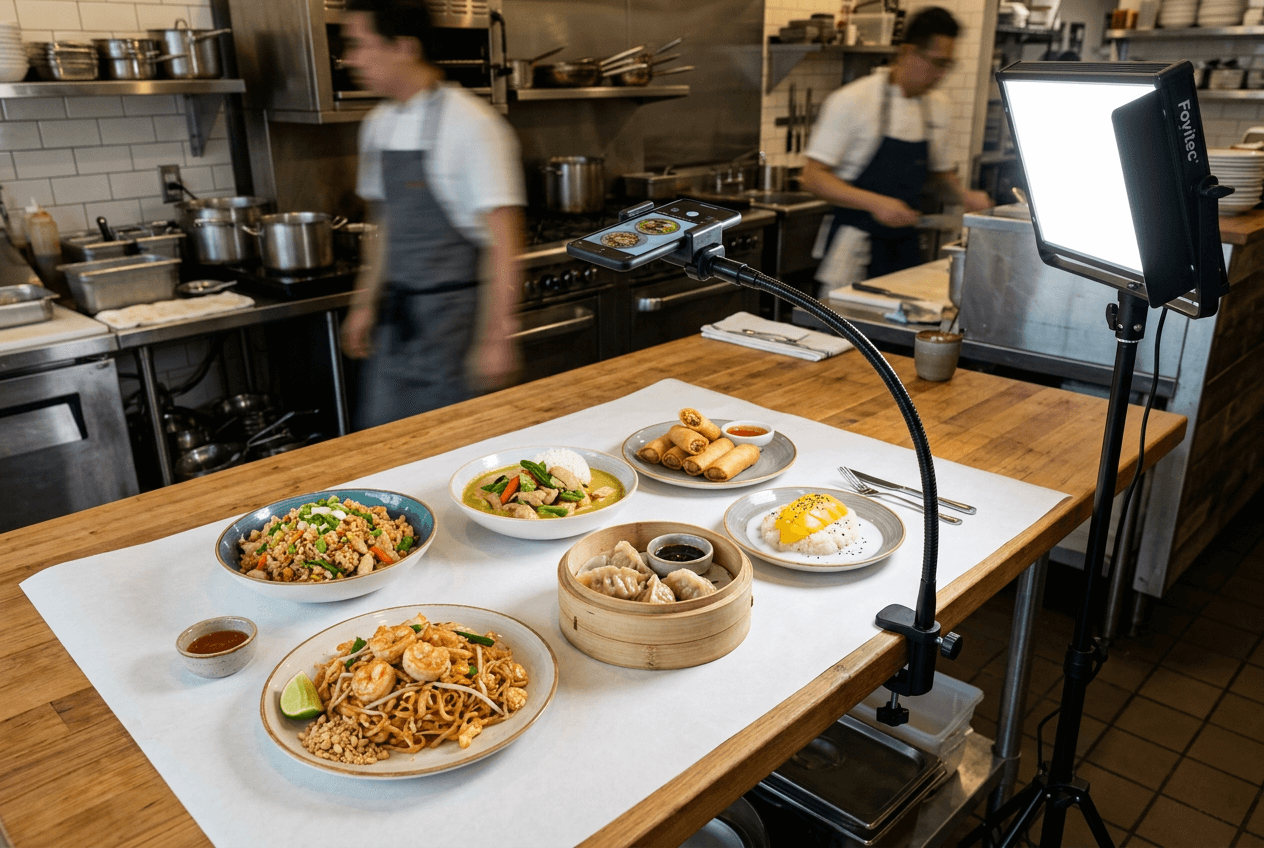 Batch food photography session with six dishes lined up for efficient delivery menu shooting workflow
The Shooting Rhythm
For each dish:
- Plate it exactly as you would serve it to a customer
- Quick wipe of the plate rim (remove drips and smudges)
- Add a small fresh garnish if needed (basil leaf, sesame seeds, a lime wedge)
- Snap 3–5 food photos from two angles (overhead + 45-degree)
- Move to the next dish immediately
At this pace, you'll photograph 8–10 items per 20-minute block. A full 50-item delivery menu takes roughly 2–2.5 hours of food photography — saving your restaurant significant time.
File Naming Tips That Save Hours Later
Name files as you go: chicken-pad-thai_01.jpg, mango-sticky-rice_01.jpg. When it's time to upload food photos to three different delivery apps, you'll thank yourself for not having IMG_4392.jpg through IMG_4471.jpg to sort through.
After your batch session, you'll have raw food photos that need editing — color correction, background cleanup, cropping to each delivery platform's specs. This is where the traditional food photography approach becomes a time sink: hours of editing per photo, multiplied by 50+ items.
Or you can skip that editing process entirely.
Skip the Shoot: How FoodShot's Delivery Preset Transforms Food Photos
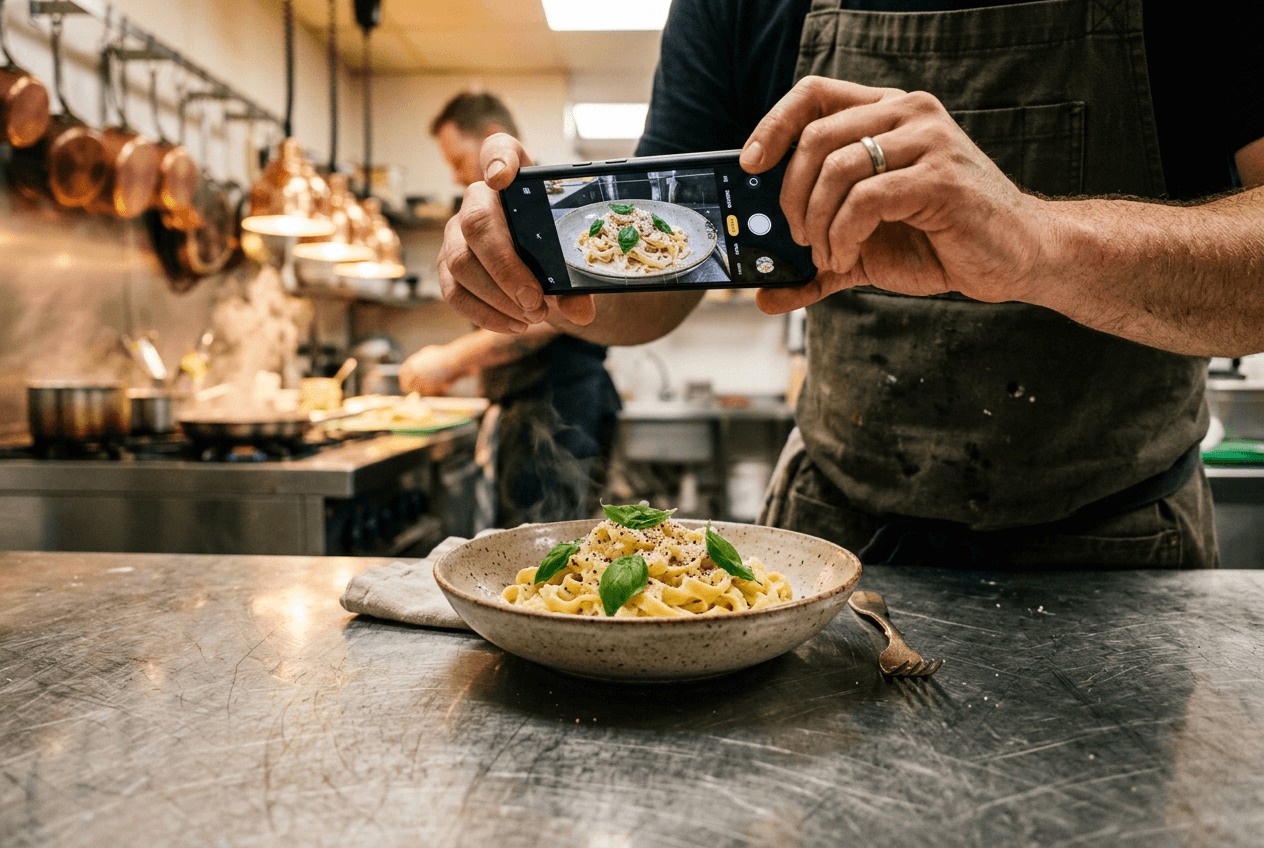 Restaurant worker quickly photographing pasta dish with smartphone in busy kitchen for delivery app menu
The traditional food photography workflow for delivery apps: hire a professional photographer ($500–$2,000), schedule a shoot, close or slow your restaurant kitchen for hours, wait days for edited photos, realize half your menu wasn't covered, then repeat when you update dishes.
FoodShot's approach to food photography is different. You take a quick phone photo of each dish — doesn't matter if the lighting is bad, the background is messy, or the camera angle isn't perfect — and the AI transforms it into a professional, menu-ready food image in about 2 minutes.
Here's what the Delivery preset specifically does:
- Fixes lighting automatically — corrects dark kitchens, harsh shadows, and color casts in your food photos
- Removes or replaces backgrounds — swaps your cluttered counter for a clean, neutral white surface
- Adjusts composition — centers the dish with proper framing for delivery app thumbnails
- Preserves food authenticity — enhances your actual dish without making it look like something it isn't (critical for delivery platform photo compliance)
You can also upload a reference photo from a top-performing restaurant listing and FoodShot's style-cloning feature will replicate that look — the professional lighting, composition, and food styling — applied to your own dishes. It's the easiest way to create high-quality food images that match the best-performing photos on any delivery platform.
Cost and Speed: Traditional Photography vs. AI
| Traditional Food Photography | FoodShot AI | |
|---|---|---|
| Cost per shoot | $500–$2,000 | $15–$99/month (25–250 photos) |
| Time per food photo | 15–30 min (including editing) | ~2 minutes |
| 50-item delivery menu | 1–3 weeks start to finish | About 2 hours |
| Menu updates | New appointment + new invoice | Minutes, included |
| Multi-platform crops | Manual Photoshop work | Automatic |
On the Scale plan ($99/month), you get 250 image generations with bulk processing — 5 food photos at once. That's enough to reshoot your entire delivery menu multiple times per month. For a detailed cost breakdown, see our full analysis of food photography costs.
For enterprise restaurant operations — multi-location chains, virtual brands, or delivery platforms serving hundreds of food businesses — FoodShot offers API access and custom workflows through the Enterprise plan.
The result: professional food photos made from your own dishes that can be updated the same day you change a dish. Check each platform's photo guidelines before you upload, because some delivery apps do not accept AI-generated images. No scheduling, no photographer, no Photoshop editing. Many restaurants also repurpose these professional food images for social media content and their website — getting extra value from every photo. For more on how AI food photography compares to hiring a professional, read our traditional vs AI food photography breakdown.
Explore all of FoodShot's delivery app photography tools built specifically for Uber Eats, DoorDash, and Grubhub optimization.
Frequently Asked Questions
Can I use the same food photo on every delivery app?
You can use the same source photo, but you'll need different crops for each delivery platform. DoorDash requires 16:9 landscape, Uber Eats uses 5:4, and Grubhub is flexible but favors landscape images. Take your food photos with extra space around the plate and export separate versions for each platform — or use a food photography tool like FoodShot that handles multi-format delivery photo output automatically.
How often should I update my delivery app food photos?
Update food photos whenever you change a dish's presentation, ingredients, or plating. For seasonal menu items, update quarterly. For core dishes that don't change, refresh your food photography every 6–12 months to keep the images looking current and fresh. Stale photos signal a stale restaurant to customers browsing delivery apps.
Do delivery apps accept AI-enhanced food photos?
Yes — with one important condition: the food photo must accurately represent what customers will receive. DoorDash specifically states they reject "non-representative" images, whether AI-generated or not. AI food photography tools that enhance lighting, backgrounds, and composition while preserving the actual dish are fully accepted across all major delivery platforms.
What's the cheapest way to get professional food photos for delivery apps?
The cheapest option is taking photos with your smartphone and editing them manually (free but time-intensive). Uber Eats and DoorDash both offer one-time free professional photo shoots to qualifying merchant partners — but these cover limited menu items and don't help when you update your menu. For ongoing, scalable food photography production, AI tools like FoodShot start at $15/month for 25 professional food photos — about $0.60 per image.
How many menu items should have food photos on delivery apps?
All of them — every single item on your restaurant menu. Grubhub's own data shows that food businesses with a larger portion of their menu photographed receive significantly more online orders. Leaving menu items without food photos creates visible gaps that hurt your delivery listing's overall quality and suppress those items in search results within the app.