
7 Best AI Food Photo Editors Compared (2026)
 Ali Tanis16 min read
Type "AI food photo editor" into a search bar and you'll get a wall of tools that all promise the same thing: studio-quality food photos in seconds, no photographer required. The problem is that they are not the same thing at all. Some polish a real photo of your real dish. Some invent a dish from a text prompt. And several are general-purpose editors that were never built for food in the first place.
That difference matters more than price. Pick the wrong category and you either waste money or — worse — show customers a plate that doesn't match what arrives in the box. So I compared seven of the most talked-about AI food editors honestly, side by side, on the things that actually decide menu and marketing work: approach, style range, delivery-app fit, batch processing, output quality, and real cost per finished image.
Quick Summary: The seven best AI food photo editors in 2026 are FoodShot AI, MenuPhotoAI, PlatePhoto, FoodPhoto.ai, Jenova, Pixelcut, and LightX. FoodShot leads for most food businesses thanks to its 200+ curated styles and ~2-minute workflow, while MenuPhotoAI suits pure done-for-you enhancement and PlatePhoto fits generated marketing imagery. The biggest decision isn't price — it's whether a tool enhances your real dish or generates a fake one.
The 7 AI food photo editors at a glance
Here's how the seven tools stack up on the factors that matter most. "Approach" is the single most important column — more on why below.
| Tool | Entry price | Free plan | Core approach | Food-specialized | Batch | Apps |
|---|---|---|---|---|---|---|
| FoodShot AI | $15/mo ($9 yearly) | No (web) | Enhance + restyle real food (200+ styles) | Yes | Scale + Enterprise | iOS, Android, Web |
| MenuPhotoAI | ~$29/mo | Trial credits only | Pure enhancement | Yes | Limited | Web |
| PlatePhoto | ~$10/mo | Credit-based | Generation-first | Yes | Yes | Web |
| FoodPhoto.ai | ~$5/mo (or ~$3 pack) | No | Enhance + generate + video | Yes | Yes | Web |
| Jenova | Free / $20/mo | Yes — limited | General multi-tool (food agent) | No | Varies | Web |
| Pixelcut | Free / ~$10/mo | Yes | General product editor | No | Yes (large) | iOS, Android, Web |
| LightX | Free / subscription | Yes — limited | General editor (food feature) | No | Limited | iOS, Android, Web |
Prices shift and plans get renamed, so treat this as a snapshot to orient yourself rather than gospel. The deeper differences — and the one that should drive your choice — come next.
Enhancement vs. generation: the distinction that decides everything
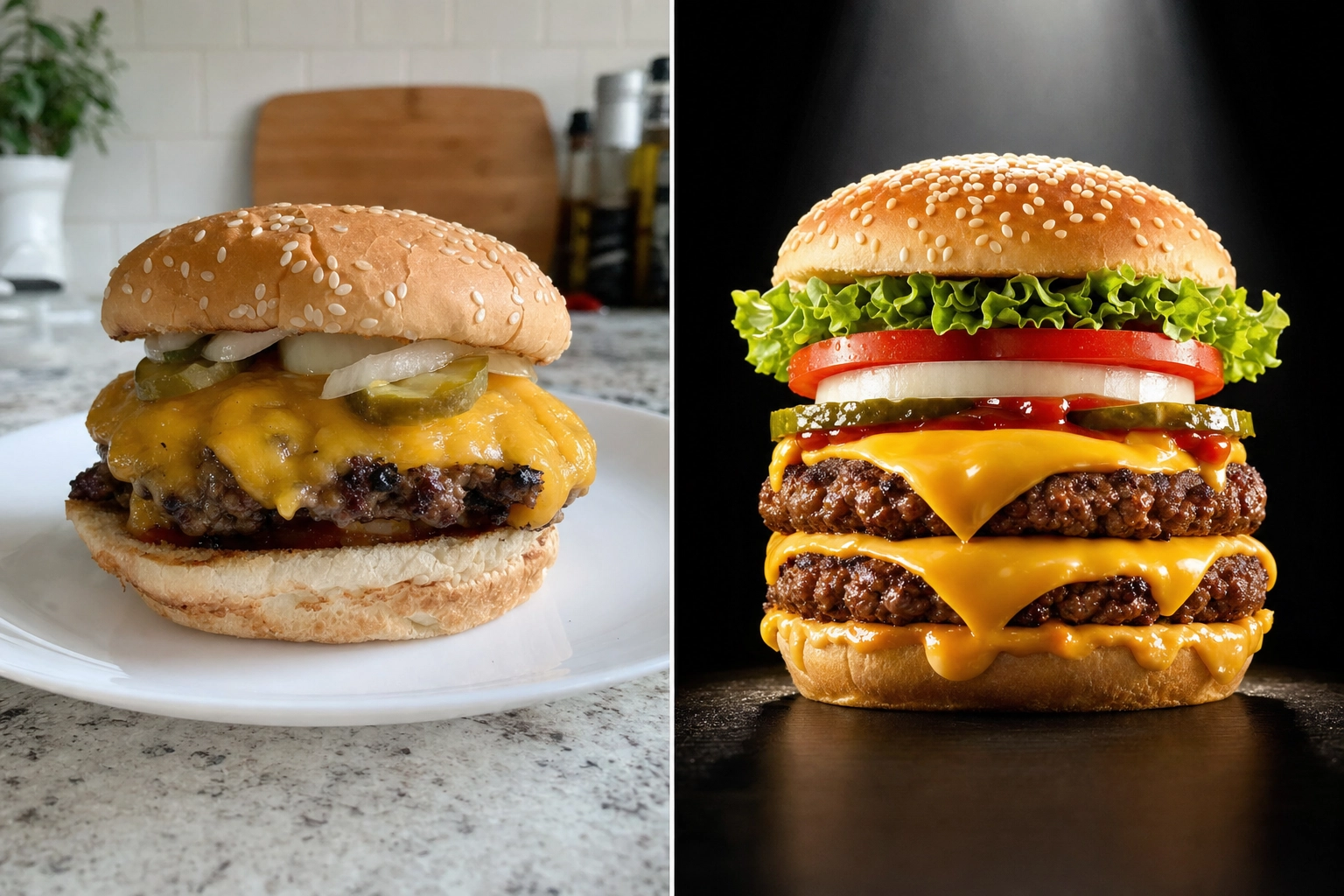 Side-by-side comparison of a real cheeseburger photo versus an over-idealized AI-generated burger showing enhancement vs generation
Before you compare a single price, understand the two fundamentally different things these tools do.
AI enhancement starts from a real photo of your real dish. You upload a phone snap, and the AI fixes the lighting, cleans up the background, corrects color, sharpens texture, and crops it for where it's going. The burger in the final image is the burger you actually cooked — just photographed as if a pro had styled it. What the customer sees is what arrives.
AI generation invents a dish from a text prompt or a loose reference. Type "juicy double cheeseburger, melted cheddar, sesame bun" and it conjures one from scratch. The results can look stunning. But it's an idealized fantasy, not your kitchen's plate — and for a live menu, that's a real problem.
Here's why the distinction isn't academic. A generated burger that doesn't match the one in the takeout box leads to refunds, one-star reviews, and policy strikes. Uber Eats and DoorDash both require menu photos to accurately represent the item customers receive, and showing fabricated food you don't serve is exactly the kind of mismatch that gets flagged. We dig into the trade-offs in our guide to AI-generated food images, and if you're weighing AI against a manual workflow, our breakdown of AI vs Photoshop for food editing covers that side too.
So where does that leave the tools? MenuPhotoAI is firmly enhancement-only and proud of it. PlatePhoto is generation-first. FoodShot AI sits in the most useful spot for food businesses: it restyles your real food — swapping backgrounds, plates, surfaces, and lighting around the dish you actually photographed — without fabricating fake food from nothing. You get the creative range of a generator with the honesty of an enhancer. The general tools (Jenova, Pixelcut, LightX) blur the line, often leaning on generated backgrounds dropped behind a cutout of your dish.
How I compared these AI food photo editors
I scored each tool on six things that genuinely affect food and menu work, not vanity features:
- Approach — does it enhance your real dish, or generate from a prompt? This shapes everything else.
- Food specialization — is it tuned for the gloss, steam, crunch, and color of food, or is it a generic photo editor that treats your pasta like a pair of headphones?
- Style range — how many genuinely different looks can you create, and can you match your brand?
- Delivery-app fit — does it export the crops and aspect ratios DoorDash, Uber Eats, and Grubhub want?
- Batch processing — can it handle a whole menu in one pass, or just one photo at a time?
- Real cost per finished image — not the headline subscription, but what each usable photo actually costs once you factor in re-edits.
A cheap plan that needs three re-edits per photo is expensive. A tool that nails the shot on the first try is cheap even at a higher sticker price. Keep that in mind as the prices fly by.
1. FoodShot AI — best overall for style range
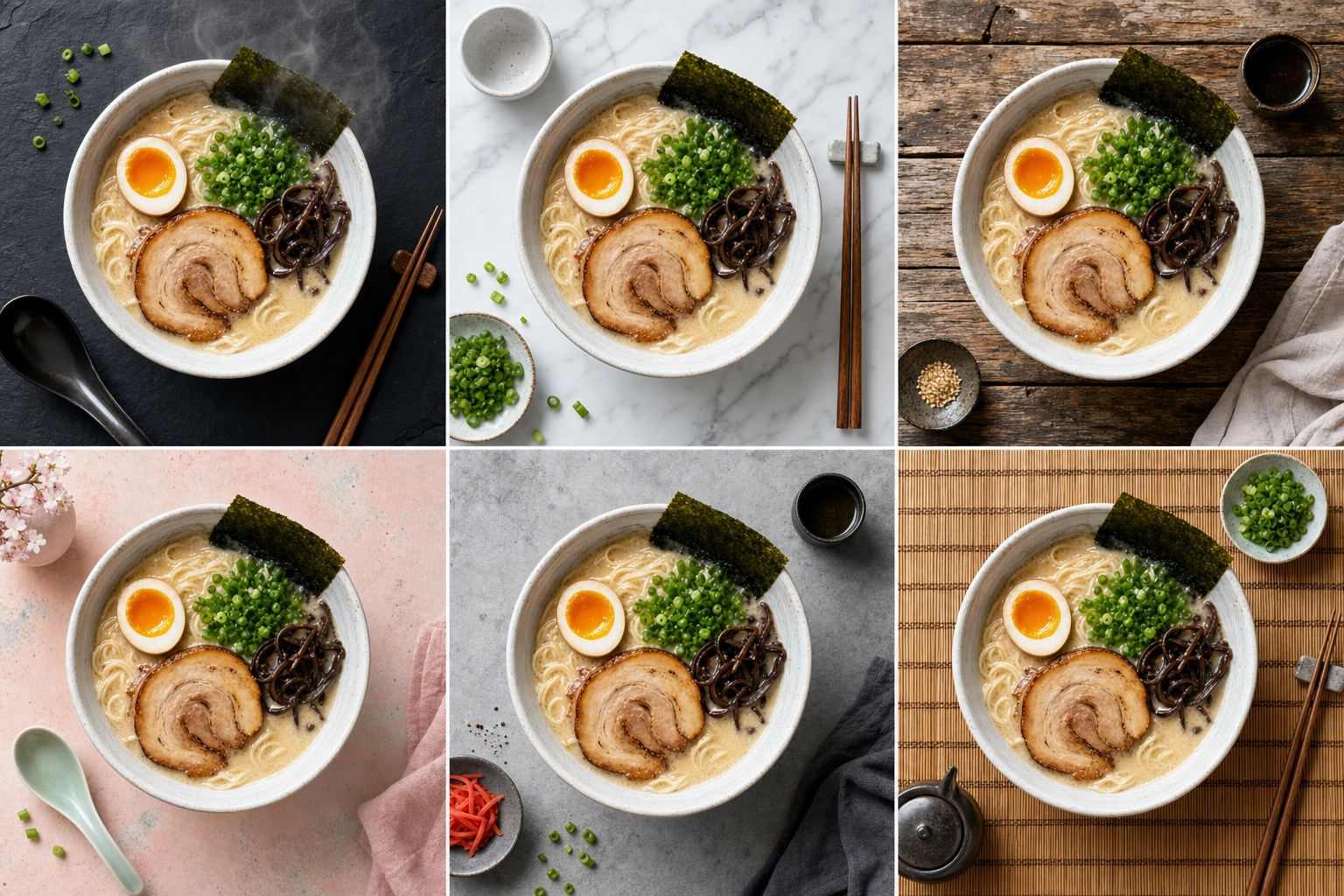 Overhead grid of the same ramen bowl styled six different ways, showing a wide library of AI food photo styles
What it is: A food-specialized AI food photo editor that turns a phone photo into a menu-ready visual in about 2 minutes. It restyles a photo of your real dish rather than generating food from a text prompt, so the result starts from what you actually serve while still looking like a studio shoot.
Standout: Range. FoodShot ships with 200+ curated styles across Delivery, Menu, and Fine Dining categories — comfortably the widest library here. Builder Mode lets you combine a background surface, a plate style, and your food to compose a shot exactly how you want it. My Styles lets you upload reference photos so every dish matches your brand's look, and Poster Mode turns a single image into marketing creative. One upload can spin out multiple variations, so you're choosing from options instead of hoping a single result lands.
Pricing: There is no free tier on the web. Plans start at $15/month ($9/month billed yearly) for Starter, $45 for Business, and $99 for Scale, which adds bulk processing. Enterprise unlocks full batch, API access, and a resale license. Every paid tier includes 2K output and a commercial license. You can see pricing for the current breakdown.
Best for: Restaurants, cafés, ghost kitchens, and food brands that want the broadest creative range, consistent branding, and results made from photos of their own dishes — all from a phone. It's available on iOS, Android, and the web, so your workflow isn't locked to one device. The full AI food photography workflow goes deeper if you want it.
Honest watch-outs: Credits don't roll over month to month, there is no free tier on the web, and true bulk processing (beyond five at a time) lives on Scale and Enterprise. If you only ever edit one photo a month, a pay-as-you-go competitor might suit you better.
2. MenuPhotoAI — best for pure, done-for-you enhancement
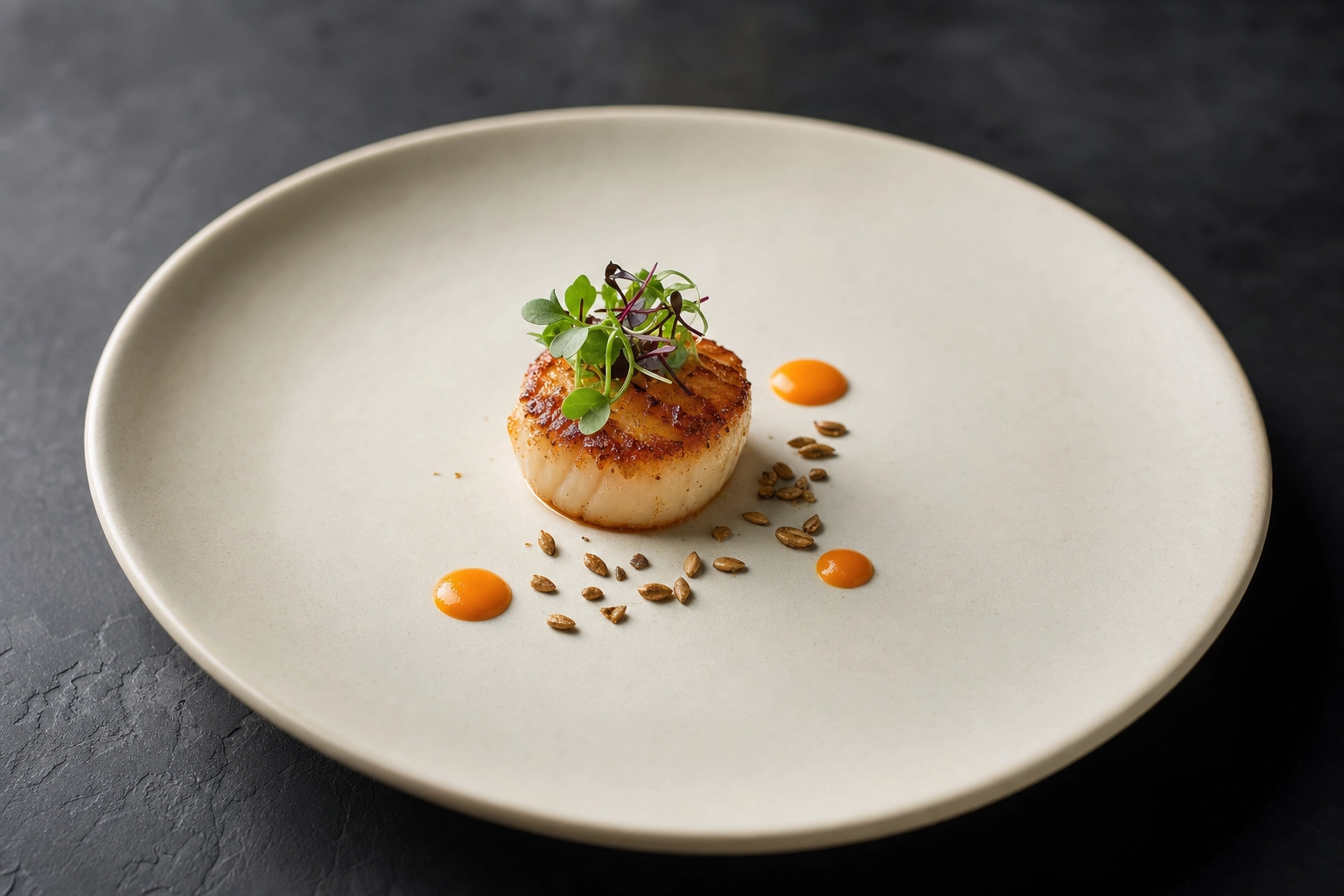 Minimalist fine-dining plated scallop with microgreens on a cream plate, showing menu-safe AI enhancement for upscale restaurants
What it is: An enhancement-only tool, and refreshingly clear about it: "enhancement, not generation." It improves lighting, background, color, and composition while leaving the actual food untouched. It was built by former food photographers, and that pedigree shows in how faithfully it preserves a real dish.
Standout: Simplicity and accuracy. Upload, wait about 30 seconds, download. Its re-edit system lets you nudge a result you're not happy with, and a Style Match mode lets you feed in a reference look. There's nothing to learn, which is exactly the point for a busy operator.
Pricing: Roughly $29 to $99 per month depending on volume. There are trial credits to test it, but no permanent free plan.
Best for: Restaurants and delivery brands that want reliable, hands-off enhancement and don't care about creative modes, posters, or a deep style library.
Watch-outs: The entry price is higher than several rivals, the creative range is narrower (no Builder- or Poster-style composition), and being web-only means no native mobile app.
3. PlatePhoto — best for generated concept and marketing imagery
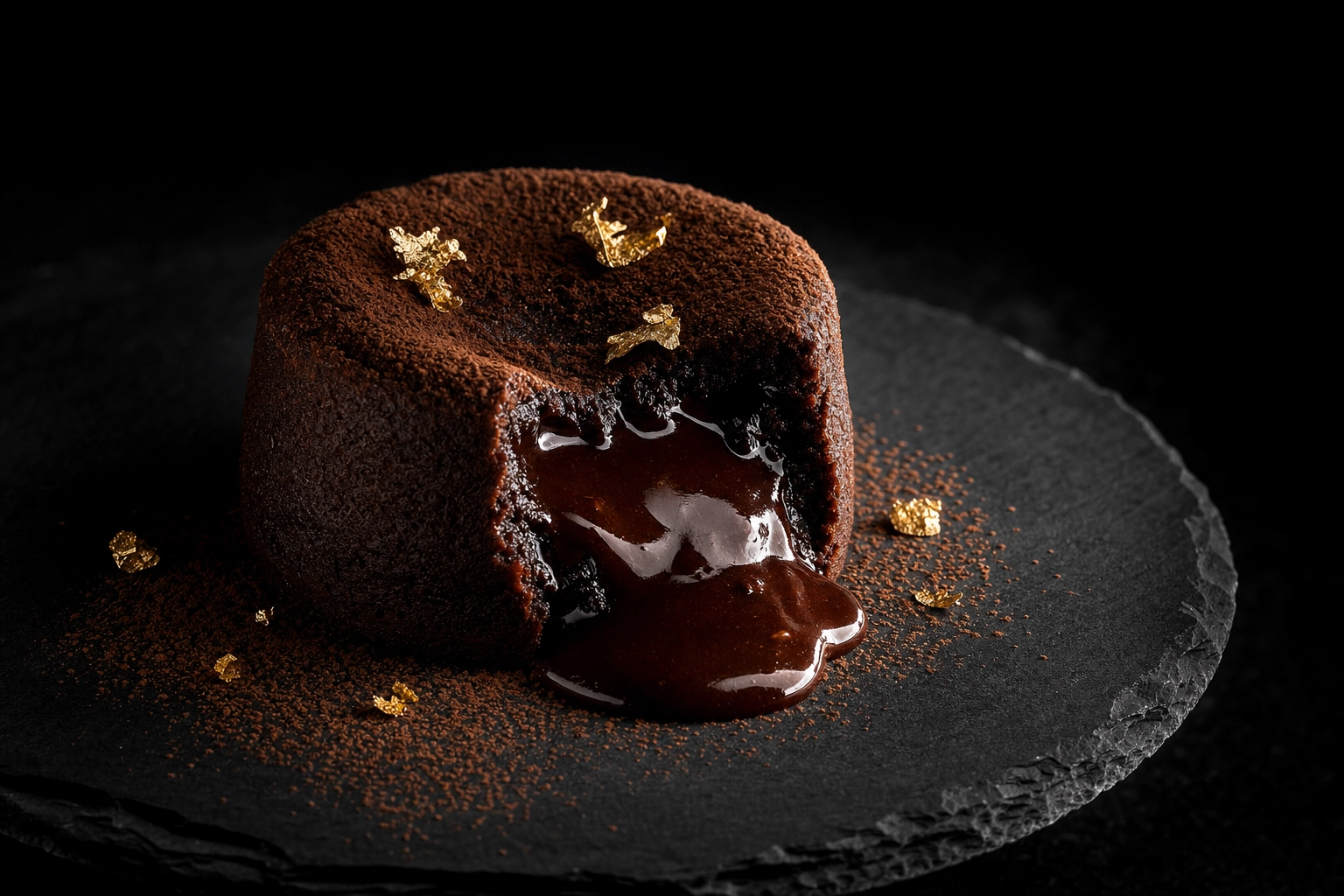 Dramatic spotlit molten chocolate lava cake on dark slate, representing aspirational AI-generated marketing food imagery
What it is: A generation-first tool. Rather than editing your photo, PlatePhoto creates food images from a prompt or a reference, aiming for studio-grade results without a shoot. It's closer to an image generator with food training than a traditional photo editor.
Standout: Polished generated output at 4K, with style presets (bright, moody, editorial) and aspect ratios sized for web, social media, and delivery apps. It does brand consistency well, so a series of generated shots can share a coherent look.
Pricing: Starts around $10/month on a credit-based model, which makes it one of the more affordable ways into AI-generated food imagery.
Best for: Concept boards, promotional graphics, hero banners, and social content where you want an aspirational look and aren't claiming it's the exact plate a customer will receive.
Watch-out: This is the accuracy trap from earlier. For the literal photos on a live delivery menu, generated food carries real mismatch and policy risk. Use it for marketing flair, not for the item someone is about to order.
4. FoodPhoto.ai — best low-cost entry point
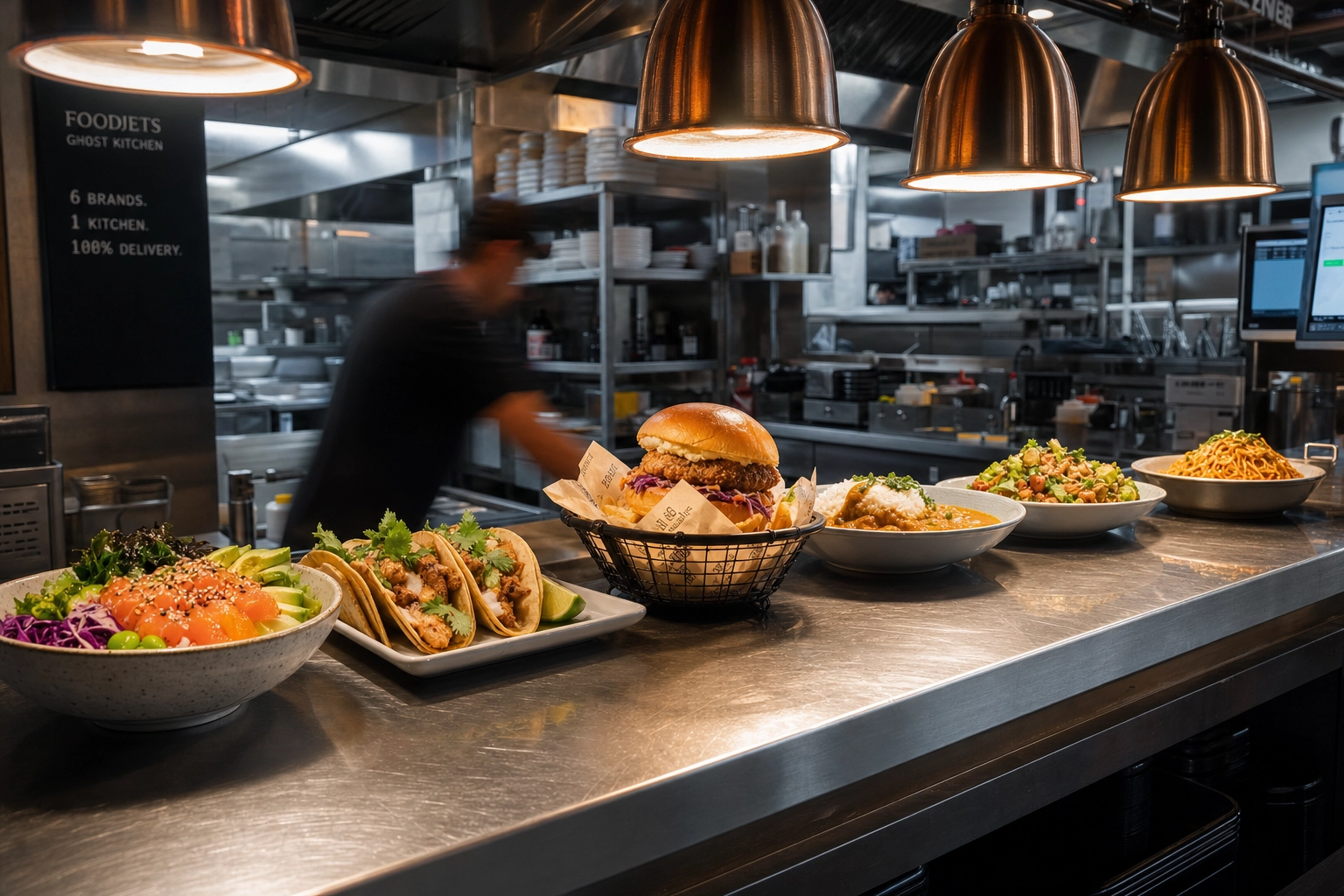 Row of plated dishes lined up on a stainless steel ghost kitchen pass, illustrating batch processing for menu photos
What it is: An enhancement-focused editor that also markets AI generation and even AI video. Its calling card is price: a one-time try pack for around $3 and subscriptions starting near $5/month make it the cheapest way to dip a toe in.
Standout: Aggressive pricing plus a broad feature list — delivery presets, batch processing, background and clutter removal, 4K upscaling, and "brand pack" consistency. If you want a lot of boxes ticked for very little money, it's tempting.
Best for: Budget-conscious operators testing the waters, and anyone specifically wanting AI food video alongside stills.
Watch-outs: There's no free plan — you have to pay (even if it's only a few dollars) before you can judge the output on your own dish. Its pricing and feature claims also vary noticeably across its own pages, so read the current plan details carefully before you commit. Notably, FoodPhoto.ai is one of the rivals running comparison content that understates FoodShot's feature set, so take its head-to-head framing with a grain of salt.
5. Jenova — best generalist for mixed visual work
What it is: Not a food app at all, but a general AI platform built around specialized "agents," one of which is a food photo enhancer. It routes between multiple frontier models and also handles logos, product shots, and marketing visuals.
Standout: Flexibility. The food agent does cuisine-aware color correction, texture enhancement, background swaps, and platform-specific formatting for DoorDash, Uber Eats, and similar apps. If your week involves food photos and a logo and an ad, one subscription covers all of it.
Pricing: A limited free tier, with paid plans from about $20/month and up.
Best for: Solo marketers, consultants, and small teams who want one general-purpose AI tool for many visual jobs rather than a dedicated food app.
Watch-out: It isn't food-specialized in the way FoodShot or MenuPhotoAI are. There's no curated food style library, and the chat-style workflow trades a button-click food look for general flexibility.
6. Pixelcut — best crossover for product and e-commerce shots
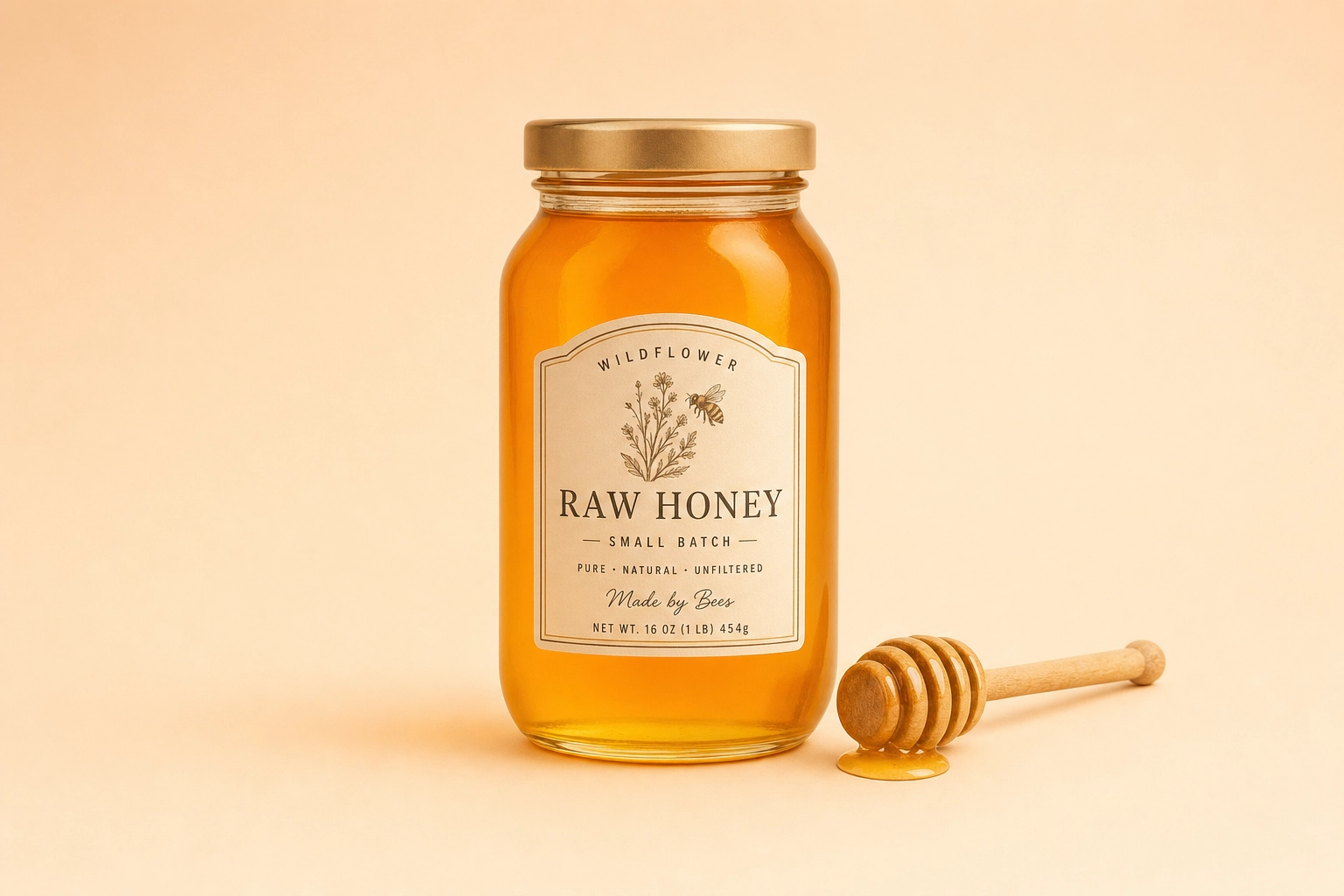 Minimal studio product shot of an artisan honey jar on a pastel backdrop, showing general product photo editor crossover use
What it is: A hugely popular, mobile-first AI photo editor used by tens of millions of creators and sellers. It's a product-photography powerhouse — background removal, magic eraser, upscaling, uncrop, templates — that happens to work on food too.
Standout: Speed and breadth on the fundamentals, plus serious batch capacity for large catalogs. If you also sell packaged goods, merch, or retail products, the same tool covers those shots.
Pricing: A capable free tier, with Pro around $10/month.
Best for: E-commerce sellers, CPG and packaged-food brands, and anyone who needs clean product images and the occasional food cutout from their phone.
Watch-out: It was never built for plated food. General editors tend to flatten the textures — the gloss, crispness, and steam — that make a dish look appetizing, so a hero menu shot can come out technically sharp but emotionally flat.
7. LightX — best all-in-one mobile editor
What it is: A broad AI photo and video editor with an AI food photography feature tucked inside a much larger creative suite. Think filters, avatars, backgrounds, object addition, and design templates, with food as one capability among dozens.
Standout: Versatility on mobile, generous free daily usage, and the ability to add contextual elements — ingredients, props, seasonal touches — around a dish for a more lifestyle feel.
Pricing: Freemium, with credit packs or a subscription for heavier use; enterprise API access is priced separately and steeply.
Best for: Content creators and social media managers who want a single mobile app for all kinds of edits and only shoot food occasionally.
Watch-out: Food isn't the focus, so you won't find menu- or delivery-optimized presets, and its generated backgrounds raise the same accuracy questions as any generation feature.
How to choose the right AI food photo editor for your business
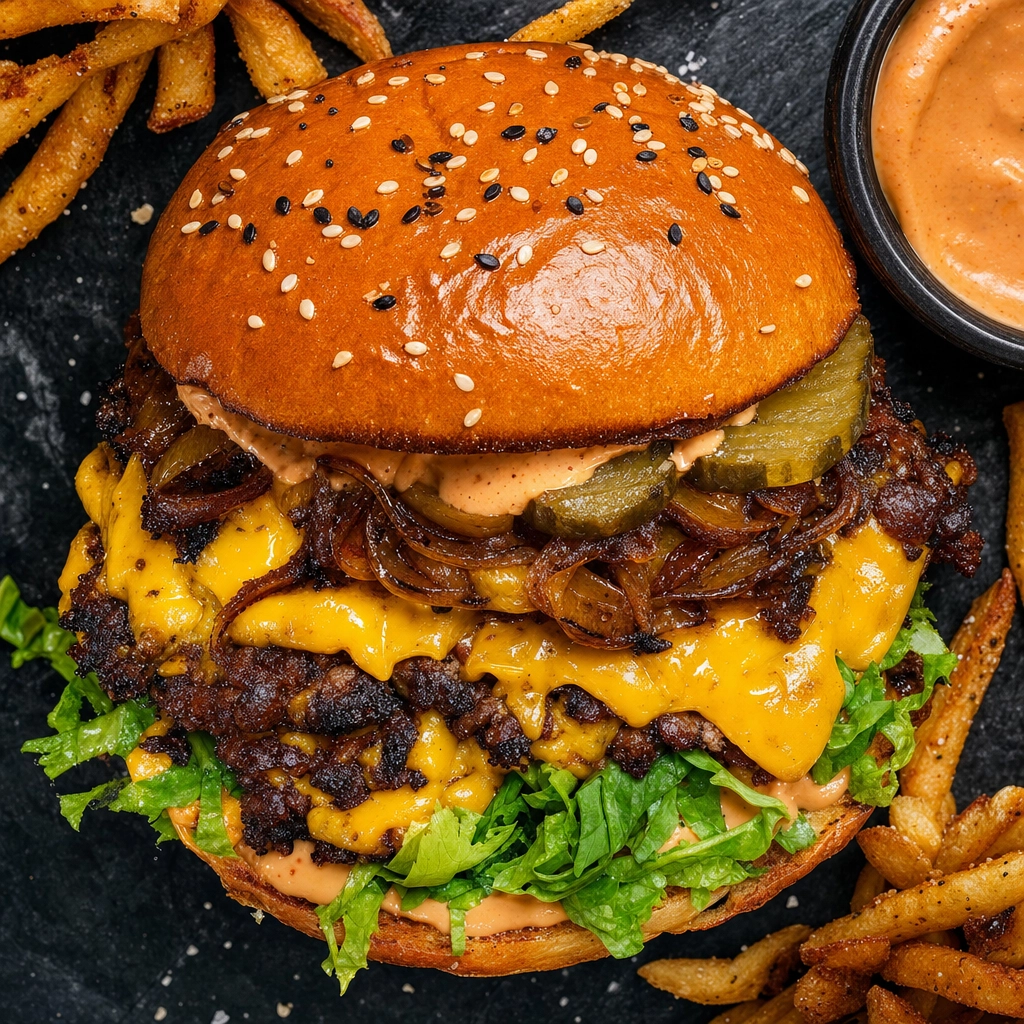 High-contrast overhead smashburger styled for a delivery app thumbnail, showing delivery-optimized AI food photos
The "best" tool depends entirely on the job. Here's a quick way to narrow it down:
- Single restaurant or café: You want the widest range of looks plus accuracy you can trust on a menu. FoodShot AI fits most operators here; if you'd rather a stripped-down, hands-off enhancer, MenuPhotoAI is the simpler pick.
- Ghost kitchen or multi-brand fleet: Prioritize batch processing and brand consistency so every virtual brand looks distinct yet uniform. FoodShot's style library plus bulk on Scale/Enterprise covers this; FoodPhoto.ai is a cheaper batch option if budget rules.
- Fine dining: Accuracy and editorial polish matter most. A food-specialized tool with menu-safe enhancement and refined styles beats a general generator every time.
- Food creator or blogger: Start small and prioritize variety. FoodShot's 200+ styles from $9/month billed yearly, or LightX's generous free tier, both let you experiment cheaply.
- CPG or packaged-food brand: If your shots are as much "product" as "plate," a product-focused editor like Pixelcut can cross over — though dedicated food styling still wins for appetite appeal.
Whatever you pick, run your worst-lit phone photo through it before paying, and check that it exports the delivery app photos and crops your channels actually require. And if you're also curious about the non-AI options like Snapseed and Lightroom, our roundup of the best food photography apps covers manual editors too.
Frequently asked questions
What's the difference between an AI food photo enhancer and an AI food image generator?
An enhancer starts from a real photo of your actual dish and improves it — fixing lighting, background, color, and crop while keeping the food itself unchanged. A generator invents a dish from a text prompt, producing an idealized image that may not match what you serve. For menus and delivery apps, enhancement is the accurate, lower-risk choice; generation is better suited to concept art and marketing graphics.
Will an AI food photo editor change what my dish actually looks like?
A true enhancement tool shouldn't. Tools like FoodShot AI and MenuPhotoAI work from your real photo and restyle the lighting, plate, and background rather than rebuilding the food. Generation-first tools, by contrast, can produce food that looks different from your plate. If accuracy matters — and on a delivery menu it always does — choose a tool that enhances rather than fabricates.
Are AI-edited food photos allowed on Uber Eats and DoorDash?
Yes, as long as the photo honestly represents the dish customers receive. Enhancing lighting, color, and presentation on a real photo is fine and common. DoorDash's photo guidelines, for example, accept AI-enhanced images that accurately represent your dish but reject fabricated food you don't actually serve — so keep generated imagery for marketing and use enhanced real photos on the menu itself. Deliveroo and Wolt are stricter: their photo guidelines do not accept AI-generated images.
How much does an AI food photo editor cost?
Most dedicated tools run between roughly $5 and $99 per month depending on volume, which works out to somewhere around $0.15 to $0.60 per finished image — compared with $20 to $80 or more per shot from a traditional studio. FoodShot AI starts at $15/month ($9 billed yearly); MenuPhotoAI sits higher at around $29+; FoodPhoto.ai and PlatePhoto start cheaper. Judge cost per usable image, not the sticker price.
What's the best AI food photo editor for restaurants?
For most restaurants, FoodShot AI offers the best balance: 200+ food-specific styles, a ~2-minute workflow, cross-platform apps, and plans from $15/month. If you want the simplest possible hands-off enhancer, MenuPhotoAI is a strong alternative. The right answer depends on how much creative control and volume you need.
Do I own the commercial rights to AI-edited food photos?
On paid plans, generally yes. FoodShot AI grants a full commercial license on every paid tier, so you can use images for menus, delivery apps, social media, and ads. Free-plan exports are usually watermarked and limited to personal use. Always confirm the license terms of whichever tool you choose before publishing images commercially.
Ready to see how your dishes look with the widest style library in the category? Compare plans on the pricing page — upload one photo and judge the output on your own plate.