
Digital Menu Boards: Design, Cost & Photo Tips 2026
 Ali Tanis18 min read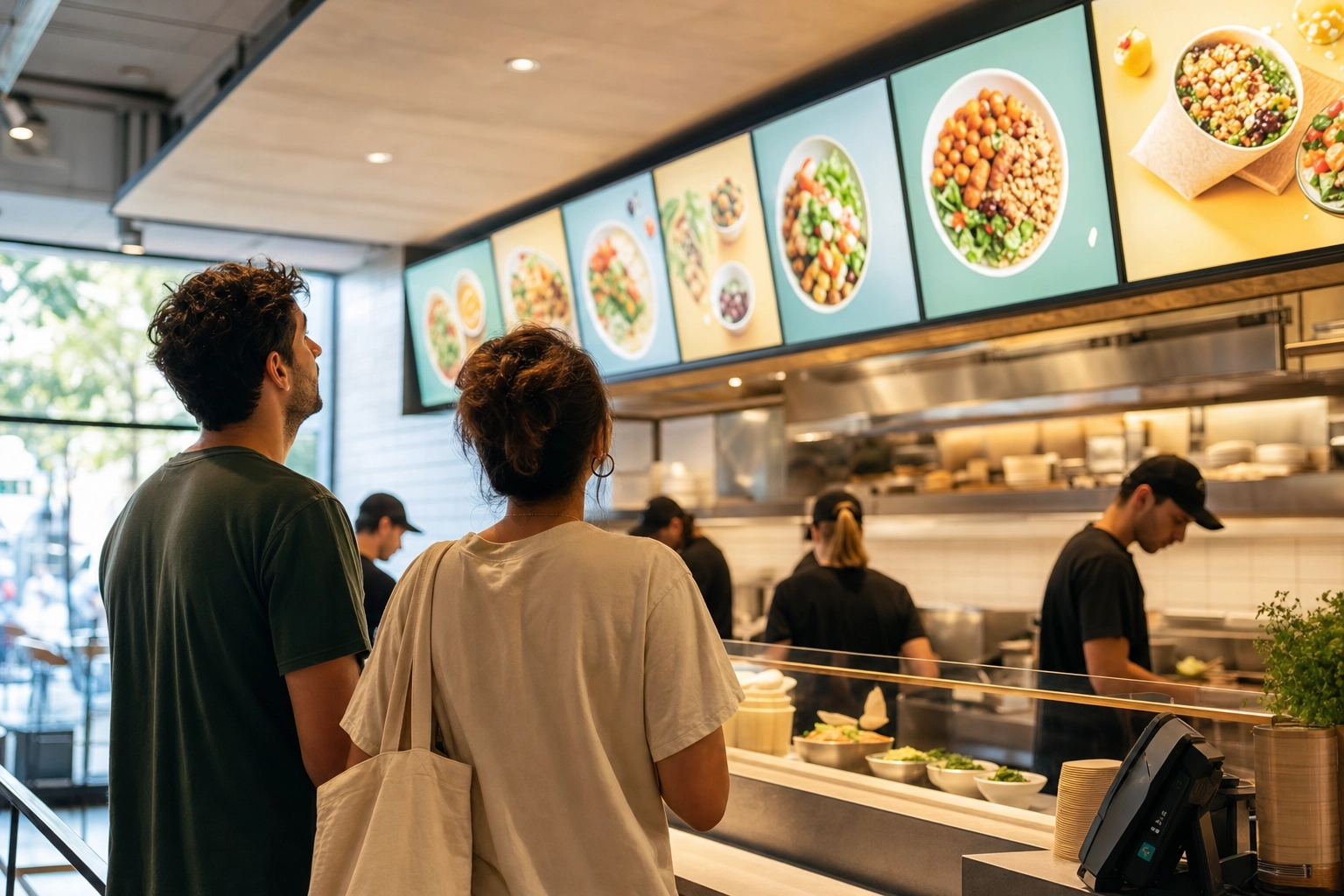
Walk into almost any quick-service restaurant in 2026 and you'll see them: bright, glowing menus that swap from breakfast to lunch on their own, push a limited-time milkshake at 3 p.m., and never need a trip to the print shop. Digital menu boards have quietly become standard equipment — and for good reason. They sell more food.
But here's what most buyer guides skip over: the screen is the easy part. You can mount a $2,000 commercial display and still leave money on the table if the photos on it look like phone snaps taken under fluorescent lights. This guide walks through everything you need to choose, budget, and design a digital menu board that pays for itself — the hardware, the software, the real costs in 2026, and the design choices that actually move orders. We'll also make the case that the single biggest lever isn't the screen at all. It's the photography you put on it.
Quick Summary: A digital menu board is a screen plus a media player plus signage software that lets you update your menu remotely. Expect to spend roughly $300–$2,500+ per indoor screen depending on quality, plus $7–$20 per screen each month for software. The biggest driver of extra sales isn't the hardware — it's high-quality dish photos, which industry studies link to a 25–35% lift in impulse orders.
What is a digital menu board?
A digital menu board is a screen that displays your menu, controlled by software that lets you update what's on it from anywhere. That's the whole idea. Instead of a printed or laminated panel behind the counter, you have a digital menu display that can change prices, swap dishes, and rotate promotions in seconds.
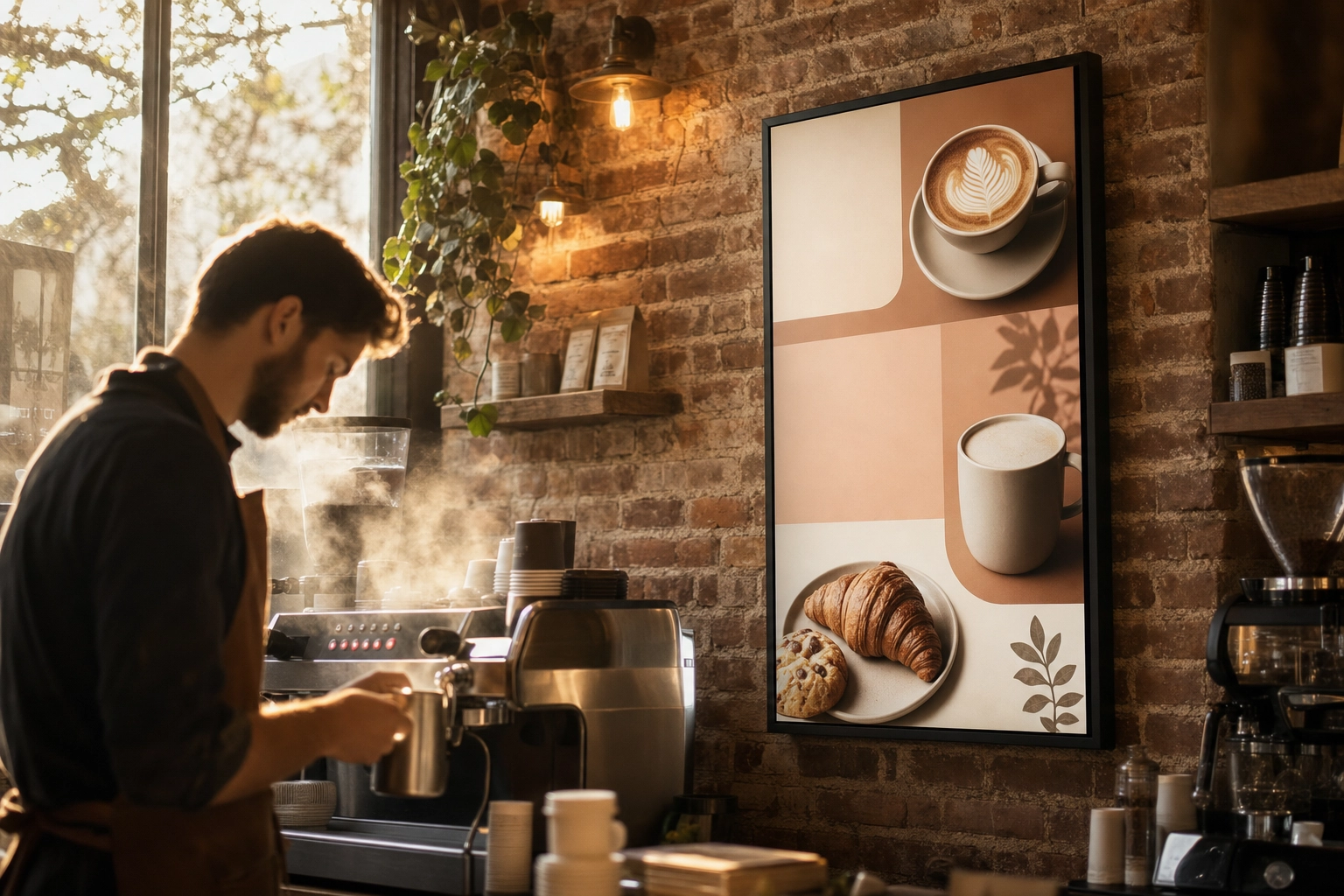 Portrait-orientation digital menu board on a brick wall behind a coffee shop espresso bar as a barista works
Every working setup has three parts:
- The display — a commercial monitor, a smart TV, or a weatherproof outdoor screen that shows your content.
- The media player — a small device (or a chip built into the screen) that runs the signage software and feeds the display.
- The signage software — the cloud dashboard where you design the menu, schedule what plays when, and push updates to one screen or fifty.
What separates a real digital menu board from a TV running a slideshow isn't the screen — it's that management layer. A static image looping in a folder can't pull a sold-out special the moment the kitchen calls it, or switch your breakfast menu off at 11 a.m. on its own. The software is what turns a display into a tool that earns its keep.
The appeal is obvious once you've reprinted a laminated board for the third time. When your coffee supplier raises wholesale prices or a shortage forces you to drop an item, you update the board from your phone instead of driving to a print shop. For a deeper look at layout and branding, see our guide to restaurant menu board design.
Types of digital menu boards
Not every digital menu board is the same. The right format depends on where customers stand and how much you need to show:
- Indoor counter boards — the most common setup: one to several landscape screens above the register in a restaurant, coffee shop, or bakery.
- Drive-thru displays — high-brightness, weatherproof outdoor screens built to stay readable in direct sun and rain. This is the most demanding (and expensive) type of digital signage.
- Window-facing boards — screens aimed outward through the glass to pull foot traffic off the street. These need serious brightness to beat daylight glare.
- Portrait promo screens — tall, narrow displays for daily specials, LTOs, and happy-hour menus, often placed in line-queue areas.
- Video walls — multiple panels tiled into one large canvas for flagship locations and food halls.
- Self-order kiosks — touchscreens that double as a menu board and an ordering terminal.
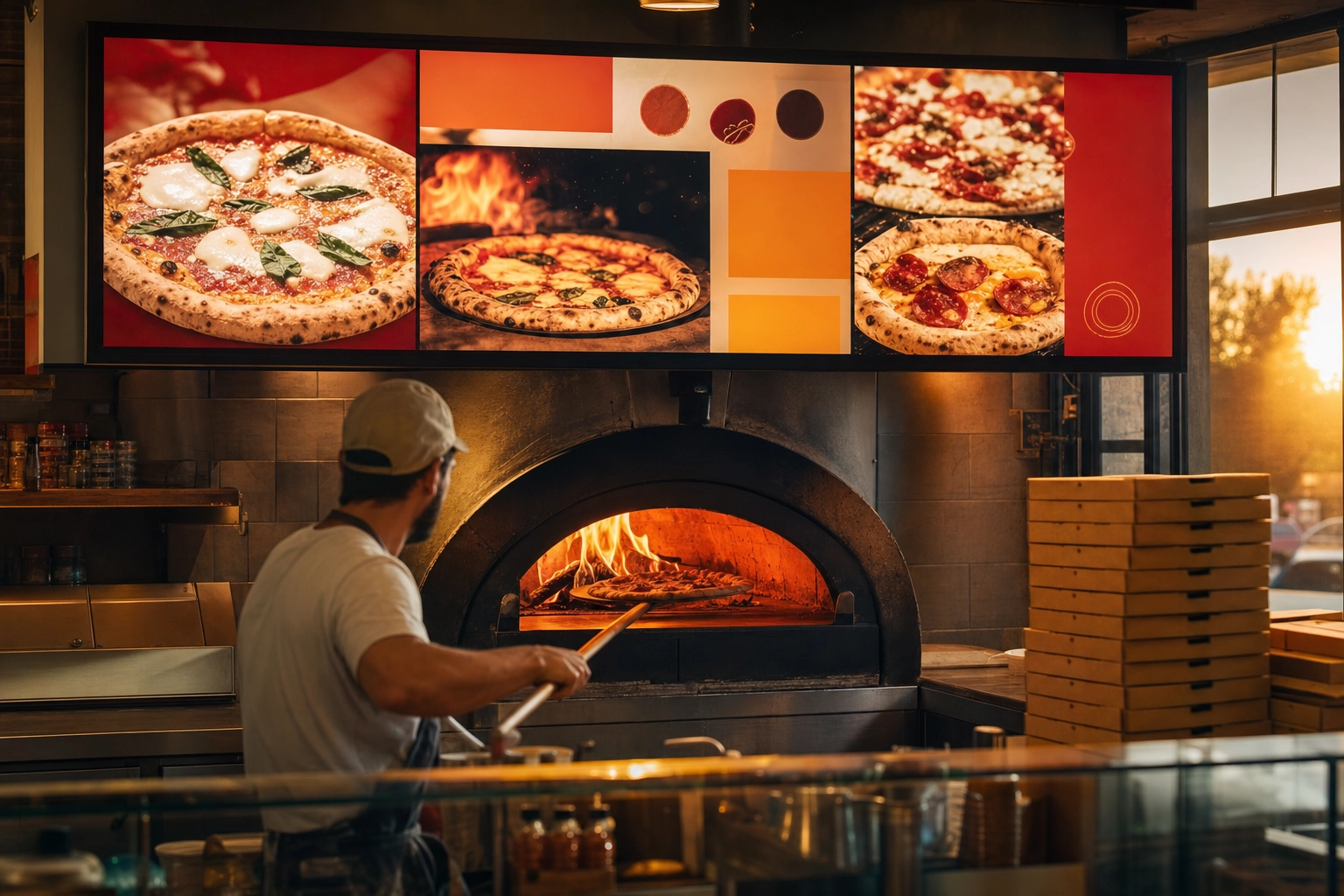 Wide landscape digital menu board glowing above a wood-fired oven in a pizzeria as a pizzaiolo works
Most independent operators start with one or two indoor menu board screens and expand from there. A food truck might run a single rugged display, while a multi-location chain manages dozens of digital signage screens from one dashboard.
Do digital menu boards actually increase sales?
Yes — and the data is remarkably consistent. Across industry studies and operator surveys, digital menu boards reliably lift sales, and the gains cluster in a few predictable places.
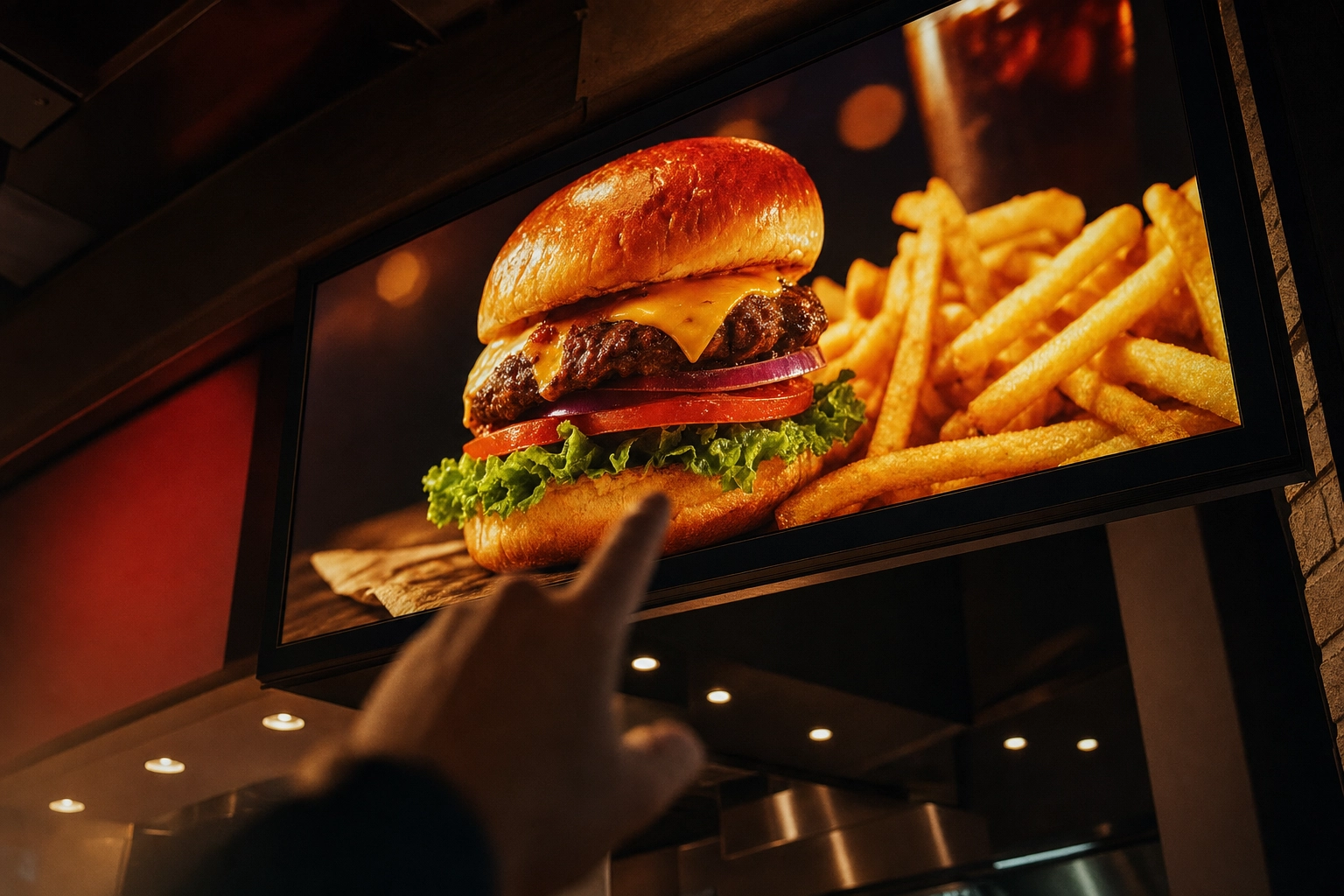 Customer looking up at a glowing digital menu board showing a burger combo, deciding what to order
The numbers worth knowing:
- Impulse purchases rise about 25–35% on average once appetizing visuals and dynamic content replace static text, according to multiple industry reports.
- Promoted items can lift up to 38% when a board features them with a hero photo and a limited-time hook.
- Average order value climbs as much as 29% when high-margin combos and add-ons are displayed visually at the point of sale.
- In one operator survey, 91% said digital boards increased sales, with an average lift of 8–10% and a roughly 12% jump in impulse and upsell purchases.
Why does it work? Because a menu board reaches customers at the exact moment they're deciding — and people order what looks irresistible, not what reads well in text. Nielsen research is frequently cited showing about 60% of consumers are more likely to buy a product after seeing it on a digital display. The screen is just the delivery mechanism. The craving comes from the picture.
That distinction matters for budgeting. The restaurant industry is projected to reach $1.55 trillion in sales in 2026, and operators are investing heavily in technology that strengthens guest connections. Digital boards are part of that wave — but as we'll see, the return depends far more on what you show than on which screen you show it on.
The three building blocks (and what each one does)
Every restaurant digital menu board, from a single café screen to a 12-panel drive-thru, comes down to the same three components: a screen, a media player, and signage software. Here's what to look for in each — and where it's safe to save money.
Screens: size, brightness, and resolution
Screen size follows viewing distance, not wall space. As a rule of thumb:
- 32" suits tight spots — a single counter, a grab-and-go case, or a compact drive-thru lane.
- 43"–55" is the sweet spot for indoor counter service and dining rooms.
- 65" and up earns its place in large spaces where customers read from a distance.
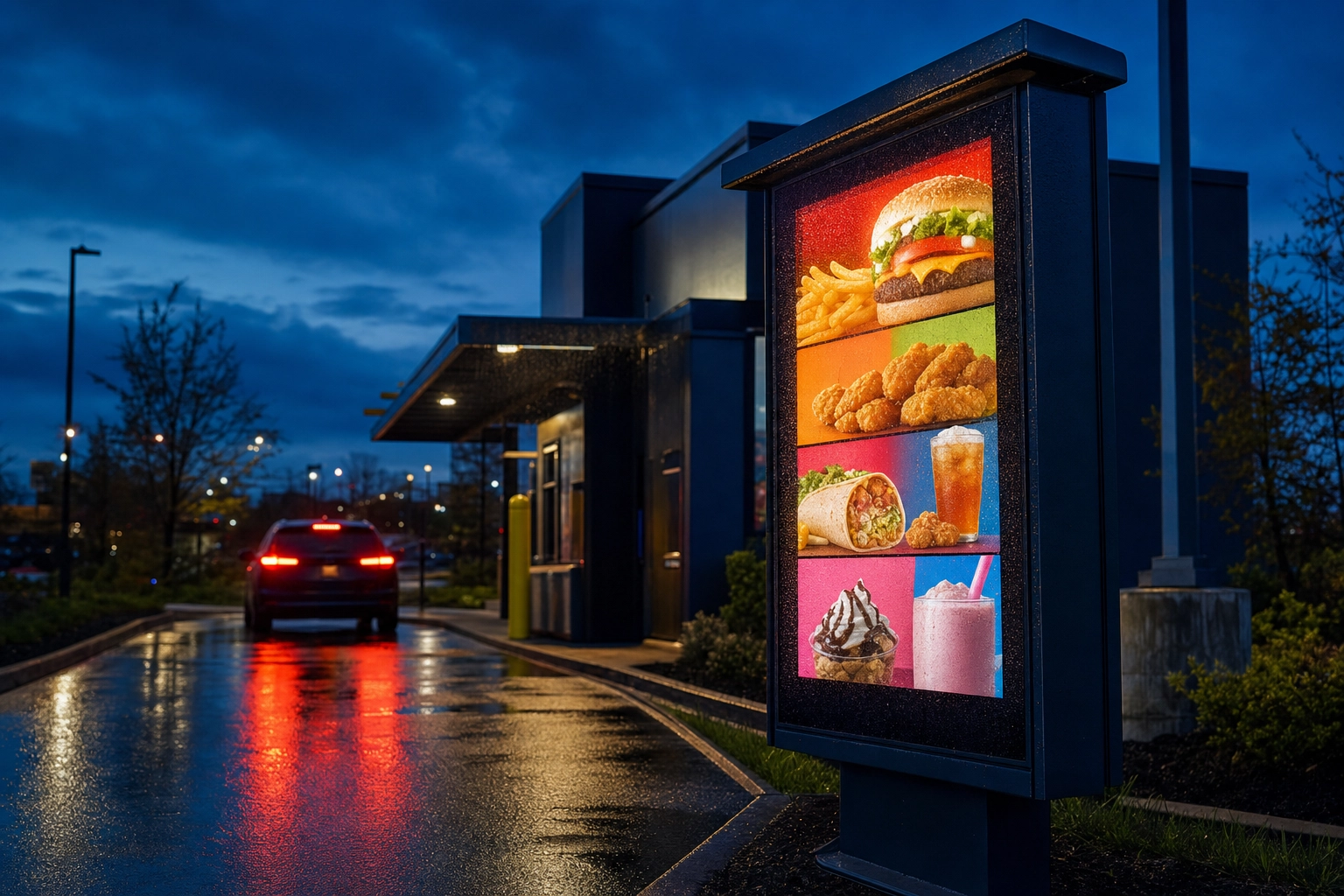 High-brightness outdoor drive-thru digital menu board glowing in the rain at dusk beside a wet lane
Brightness, measured in nits, is the spec most people get wrong. An indoor screen in a normally lit dining room needs about 250–350 nits (consumer) to 350–500 nits (commercial). A window-facing board fighting daylight wants 700+ nits. A drive-thru or outdoor screen needs at least 1,500 nits, and ideally 2,500–3,500 for direct sun — some QSR-grade drive-thru displays run as high as 5,000 nits with anti-glare glass.
Resolution: 1080p (Full HD, 1920×1080) is the floor and is fine for simple, text-led menus. Step up to 4K (3840×2160) for larger screens, close-up viewing, or any board leaning on big, beautiful food photos — the marginal cost of 4K on a 50"+ panel is now under $200, and it keeps imagery razor-sharp.
The big decision is commercial vs. consumer. A consumer TV is built to be watched a few hours a day. Run one 12–16 hours daily and you risk image retention (burn-in), overheating, and a voided warranty. Commercial displays are rated for continuous use (look for "16/7" or "24/7"), include thermal management, and last far longer in a hot, kitchen-adjacent environment. Brands like Samsung and LG make dedicated commercial display lines for exactly this. Outdoor placement adds two more specs: an IP65+ weatherproof rating and a wide operating-temperature range.
Finally, orientation: landscape suits combo grids and drive-thru category blocks; portrait fits narrow walls and promo-heavy layouts.
Media players: the small box that does the work
The media player is the device that actually runs your signage software and pushes content to the screen. You have three routes:
- A streaming stick like a $30 Amazon Fire TV Stick or an Apple TV 4K (~$130). Cheapest and easiest, but consumer streaming hardware can be less reliable in a high-traffic, always-on setting.
- A dedicated commercial signage player ($150–$500). Built for 24/7 operation, more durable, and often with local storage so the board keeps playing if the Wi-Fi drops mid-rush.
- A System-on-Chip (SoC) display, where the player is built into the screen (Samsung Tizen, LG webOS). No external box and no cable clutter — just install the signage app.
One practical rule: if you want different content on different screens, you generally need one player per screen. And for any location where downtime means a line of confused customers, prioritize a player with offline playback so an internet hiccup doesn't black out your menu at noon.
Software: where your menu actually lives
This is the part that matters most, and the part most buyers underrate. Hardware is interchangeable; software decides whether a menu update takes 30 seconds or 30 minutes. When you compare digital menu board software, look for the features that separate a real platform from a glorified slideshow:
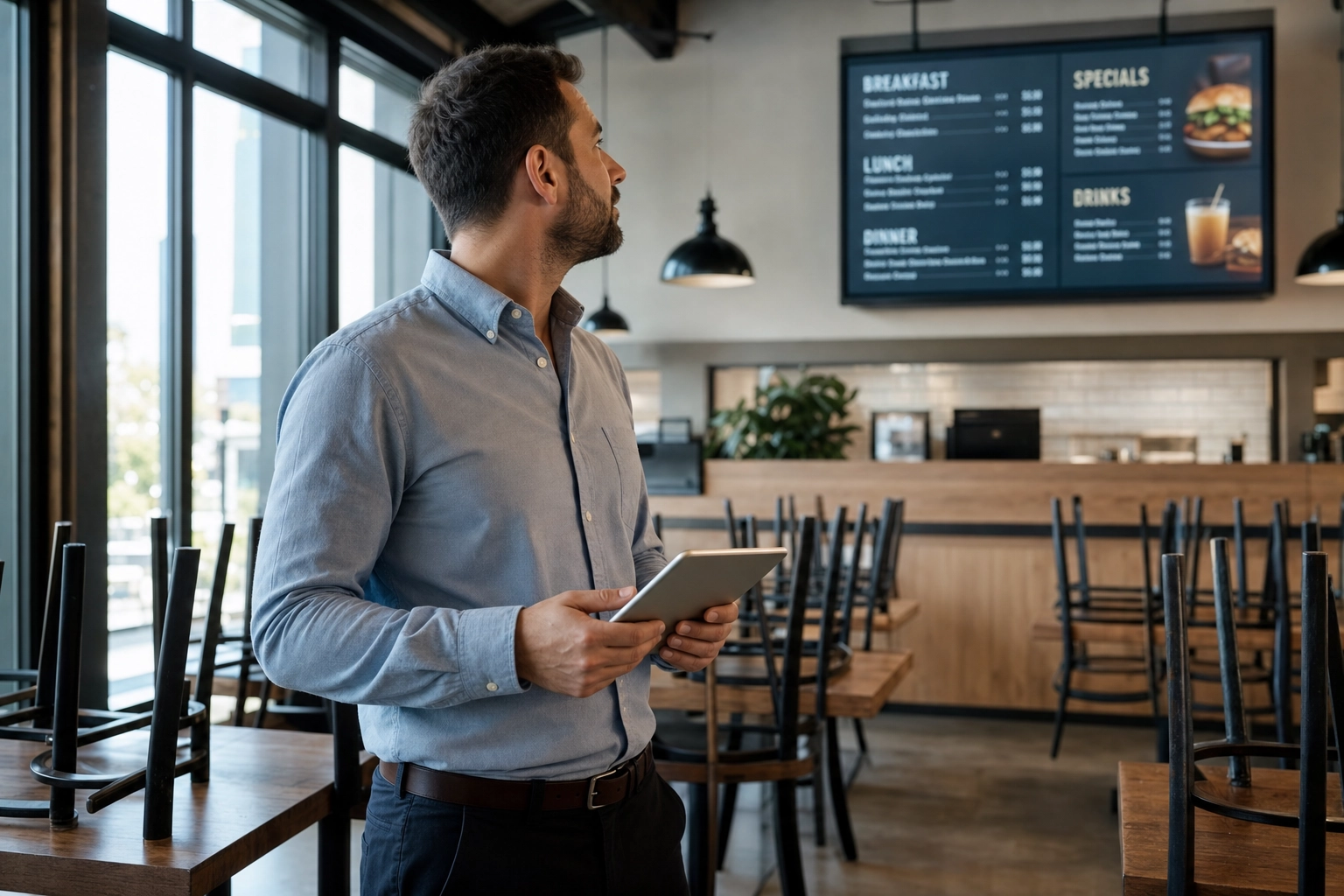 Restaurant manager using a tablet to update a digital menu board remotely in an empty dining room before opening
- A template library so you're not designing from a blank canvas.
- Dayparting — menus that switch automatically for breakfast, lunch, dinner, and happy hour.
- Remote management so you can change a price from your phone across every location.
- Multi-screen and multi-location support if you plan to grow.
- Offline playback and POS integration for reliability and one-place price updates.
Pricing is usually per screen, per month — roughly $7–$20 — and several platforms offer a free single-screen tier so you can test the workflow before committing. Well-known options include Yodeck, OptiSigns, ScreenCloud, Square, and Rise Vision, among many others. Compare a few on your own hardware first; the cheapest monthly fee isn't always the lowest total cost once you factor in reliability and support.
How much do digital menu boards cost in 2026?
Here's the honest range: a do-it-yourself indoor board can come in under $500 if you already own a TV, while a polished commercial screen runs $400–$2,500+ per display. Drive-thru and outdoor setups cost much more. Here's how it breaks down.
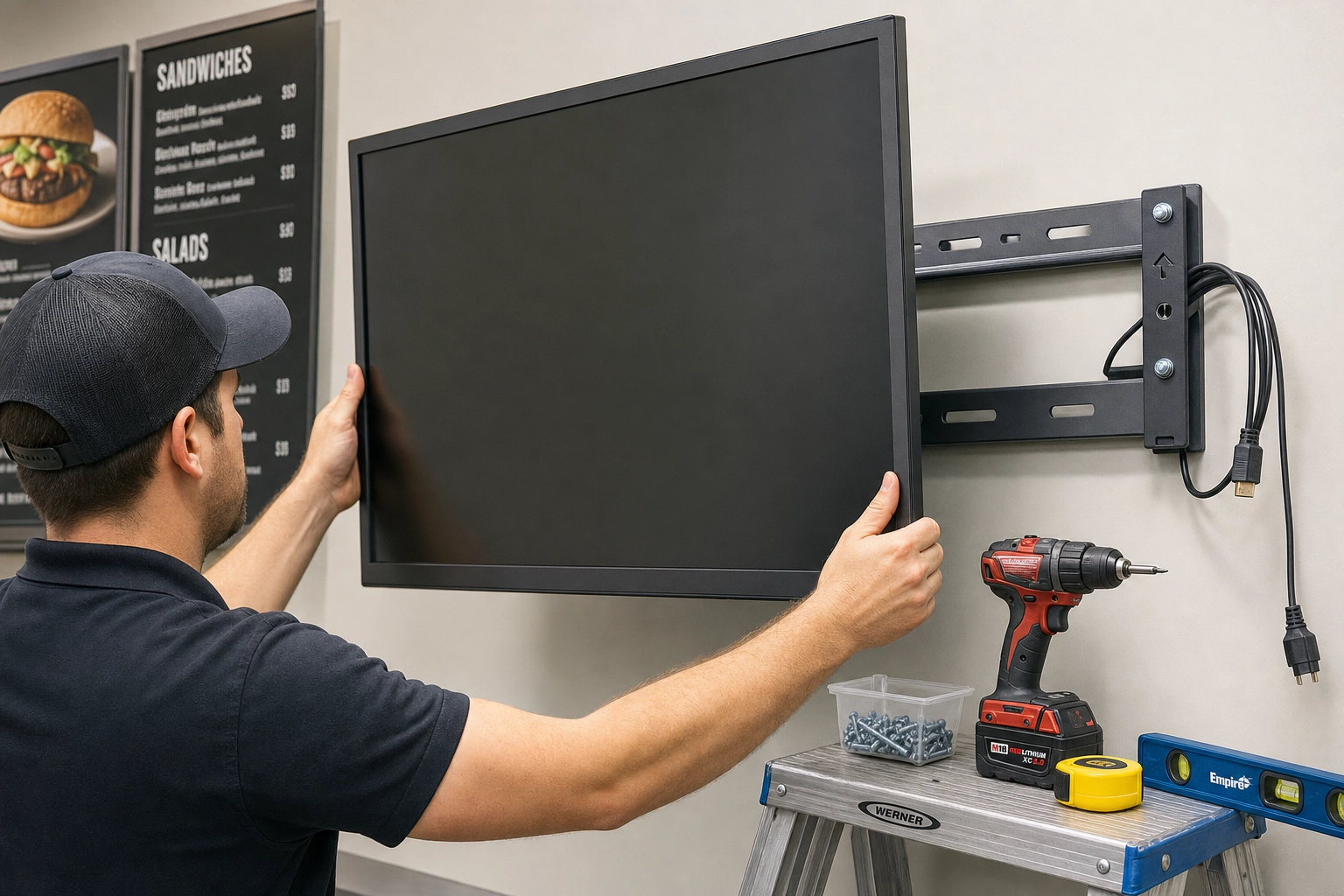 Technician mounting a commercial display screen on a wall with drill and bracket during a digital menu board install
| Component | Budget / DIY | Mid-range (commercial) | Premium / outdoor |
|---|---|---|---|
| Display (per screen) | $300–$700 consumer smart TV | $400–$2,500 commercial display | $3,000–$8,000+ drive-thru/outdoor |
| Media player | ~$30 streaming stick | $150–$500 commercial player | Built-in (SoC) or rugged player |
| Signage software | Free–$10 / screen / mo | $10–$20 / screen / mo | Custom / enterprise |
| Installation | $0 (DIY) | $50–$300 / screen | $500+ (electrical, mounts, permits) |
A couple of realistic example builds:
- One indoor 43" board: roughly $1,300–$1,500 upfront (commercial screen, player, mount, install) plus about $180 per year for software.
- A two-screen counter setup: around $1,600 in hardware plus roughly $50 per month for software across both screens.
- A drive-thru lane: $3,000–$8,000+ once you add high-brightness outdoor displays, enclosures, and electrical work. Multi-screen video walls in flagship locations run $5,000–$10,000.
Then there are the costs operators routinely forget. Electrical work, network drops, permits, mounting, energy, warranties ($150–$250 per year), and ongoing maintenance can add up to 20–30% of your annual spend. Commercial screens typically last about 3–5 years in a restaurant environment before brightness fades.
And the one line item almost everyone underestimates? Photography. It's rarely in the hardware quote, yet it's the single biggest driver of whether the board pays for itself — which brings us to design.
Menu-board design principles that actually sell
A digital menu board lives or dies on readability, not on how polished it looks at desk distance. Design for the customer standing 6–15 feet away under your actual lighting.
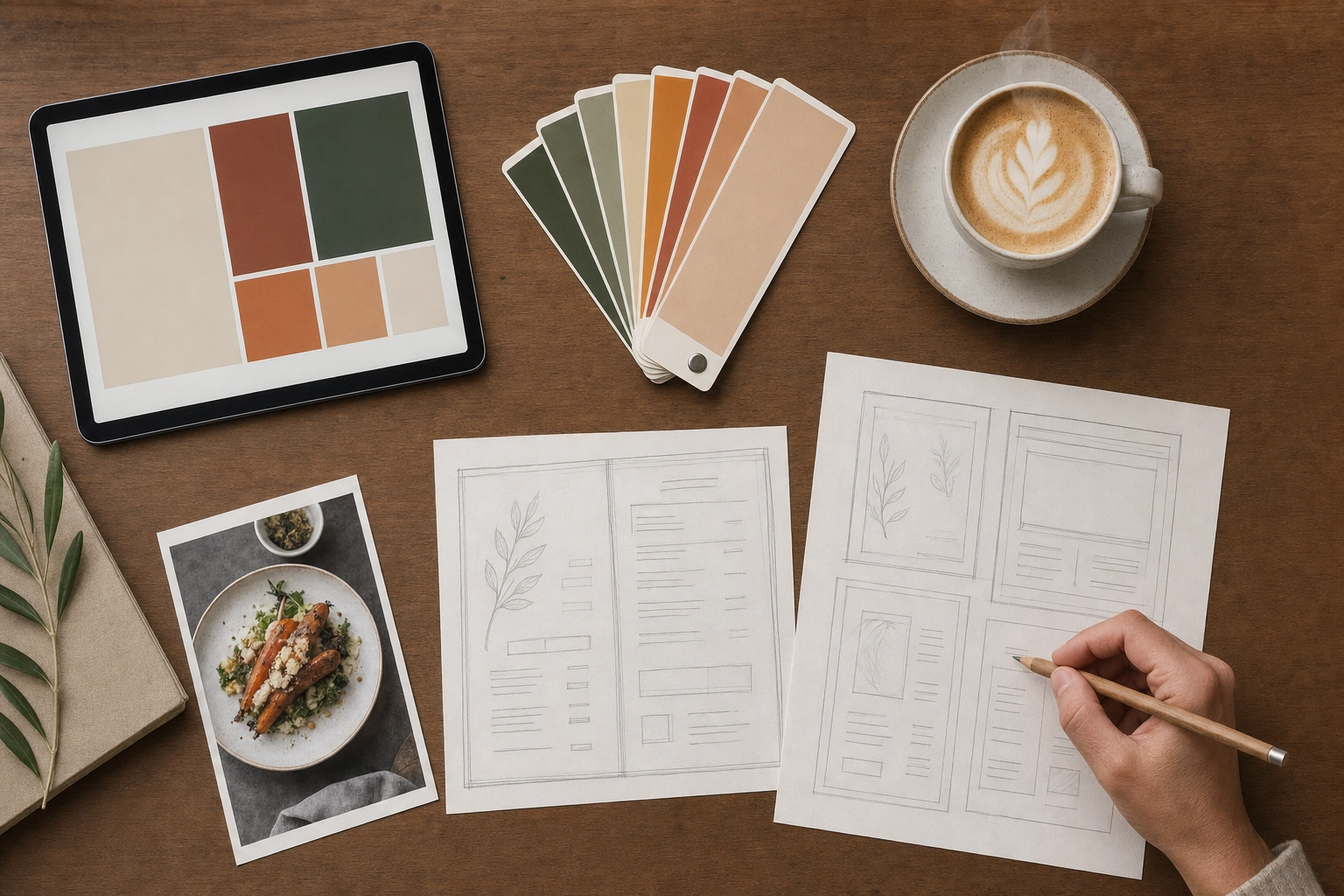 Overhead flat-lay of a desk planning a digital menu board layout with sketches, swatches and a tablet
The principles that consistently work:
- Prioritize readability. Big fonts, high contrast, and generous spacing. If a customer can't read it in three seconds, you've lost the sale.
- Limit the choices. Research on board layouts suggests about 13 items with medium-sized photos is the sweet spot. With 20 or more items, shrink the photos, group by category, and drop long descriptions.
- Use dayparting. Separate breakfast, lunch, dinner, and happy-hour menus that switch on a schedule. It removes the "can I still order pancakes?" problem and keeps the board relevant all day.
- Feature high-margin items. Give combos, premium upgrades, and limited-time offers (LTOs) the hero spot with the best photo. This is where the upsell lift comes from.
- Use motion sparingly. One subtle moving element draws the eye; a board full of animations overwhelms it.
- Stay on brand. Consistent logo, colors, and fonts — and, critically, a consistent photo style across every screen and daypart. Mismatched lighting and angles cheapen an otherwise premium board.
That last point is where most boards fall apart, and it deserves its own section.
Why your photos matter more than your screen
Here's the uncomfortable truth the hardware vendors won't lead with: screens and software are commodities. They get cheaper and more interchangeable every year. The photos are the payload — the actual thing that makes someone order the large combo instead of the small.
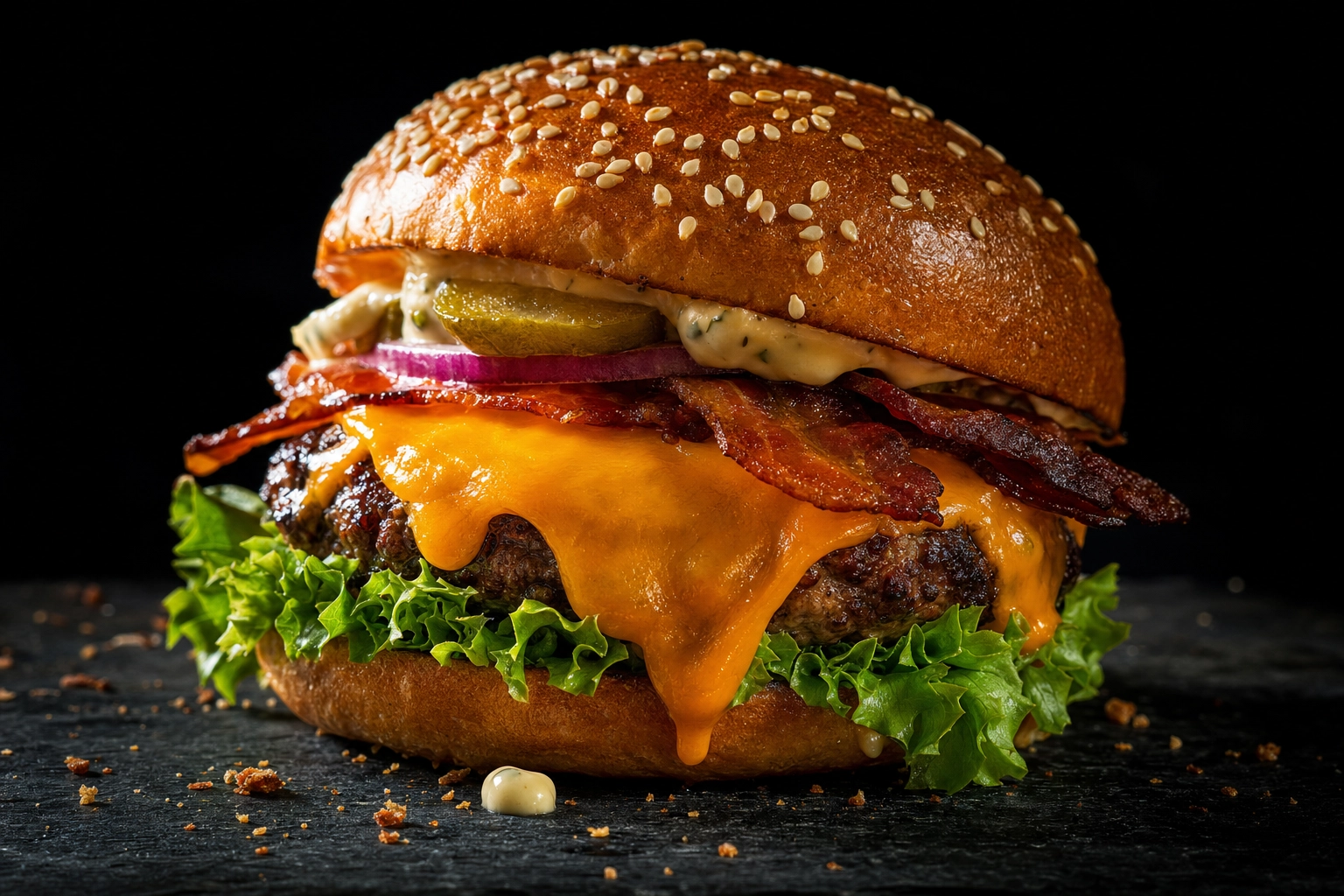 Studio-quality close-up of a gourmet cheeseburger with melting cheese, the kind of photo that sells on a menu board
Think about what that means in practice. A $500 board running crave-worthy, consistent, well-lit dish photos will out-sell a $2,000 board running dim phone snaps or generic stock imagery every single day. The screen doesn't create the craving. The picture does. That's why industry studies tie the biggest sales lifts — that 25–35% bump in impulse orders — specifically to appetizing visuals, not to the panel behind them.
Yet this is exactly where most operators stumble. They spend weeks comparing nits and warranties, mount a beautiful commercial display, and then load it with whatever photos they snapped on a phone between rushes. The result looks amateurish at 4K, and it quietly suppresses the very upsell the board was supposed to deliver.
Consistency compounds the problem. A board showing one professionally lit burger next to a dark, slightly blurry taco photo reads as "cheap," even if the food is excellent. To work, your photos need to share a look — the same lighting, angle, and styling — across every item, every daypart, and every screen in every location. Historically, that meant an expensive photographer and a full reshoot every time you added a dish. It doesn't anymore.
How to get board-ready photos fast with AI
The traditional path to professional menu photos is slow and pricey. A pro food shoot commonly runs $500–$1,500+ per session, takes days to schedule and edit, and means booking a reshoot every time you launch a new item or seasonal LTO. For a board you want to keep fresh, that math rarely works.
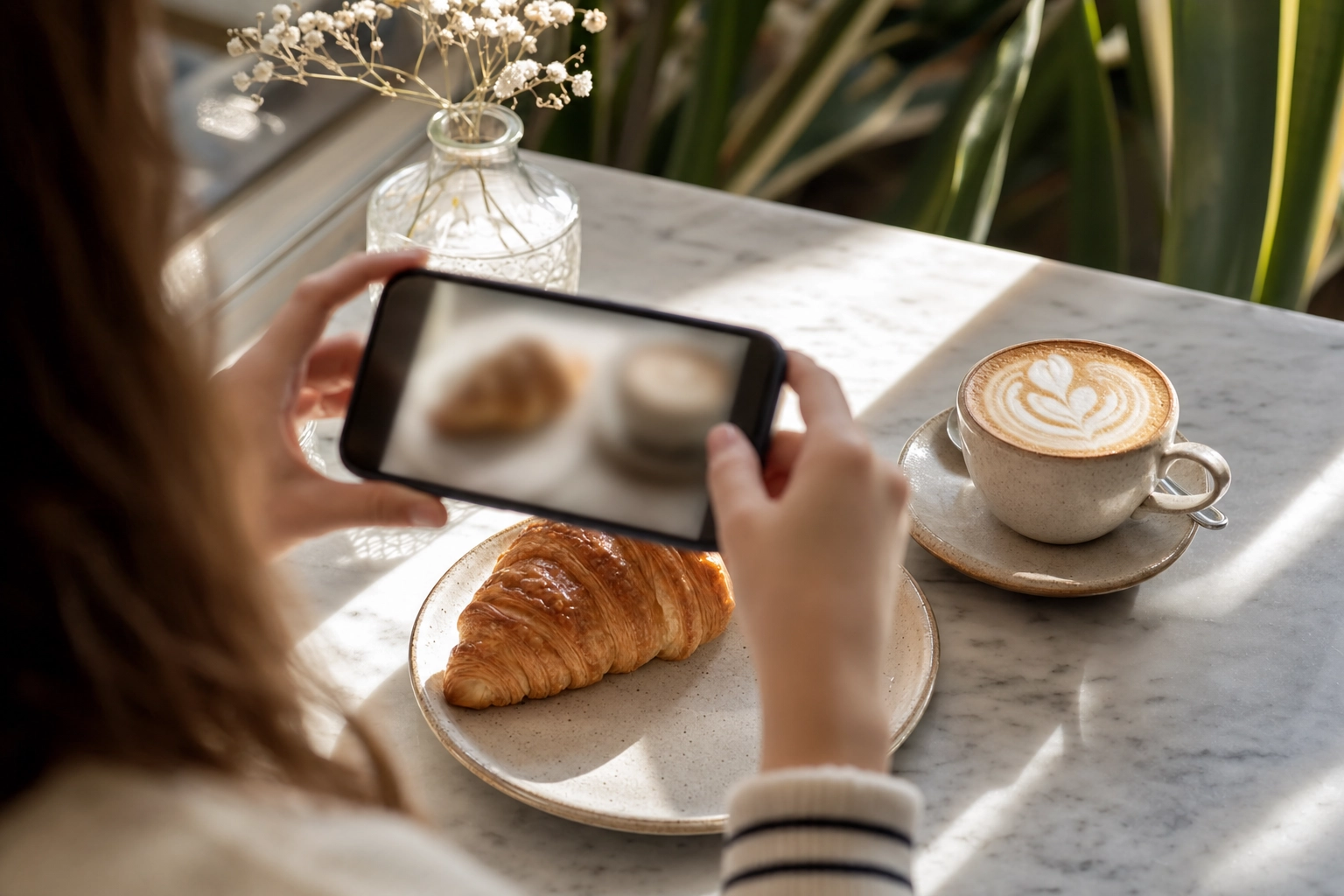 Hands using a phone to photograph a croissant and latte on a cafe table, the starting point for AI photo editing
This is the gap FoodShot AI fills. You start with a regular phone photo of the actual dish, and FoodShot transforms it into a studio-quality, brand-consistent visual in about 90 seconds — at roughly 95% less than hiring a photographer. A few reasons it fits digital menu boards specifically:
- 4K output. FoodShot exports print-ready 4K images, which match native board resolutions (1920×1080 and 3840×2160) so your food stays sharp on a 55" screen instead of going soft.
- Brand-consistent styling. With My Styles, you upload a reference look once and apply it to every dish, so your whole board shares the same lighting and feel across breakfast, lunch, and dinner.
- Multiple variations. Generate several looks from a single upload to A/B test which version of a hero item gets the most attention.
- Promo-ready posters. Poster Mode helps you build LTO and happy-hour promo slides — the dynamic content that drives the upsell.
A quick note on scope, because it matters: FoodShot makes the photos. It isn't signage software, it doesn't sell screens, and it won't print your menu — it's the tool that produces the board-ready imagery those systems display. Whether you run a café, a food truck menu board, or a full-service restaurant, the same phone-to-4K workflow feeds your boards, your delivery app photos, and your social posts from one set of images. For more on building a photo-led menu, see our photo menu guide.
Common digital menu board mistakes to avoid
Even good setups get tripped up by a handful of avoidable errors:
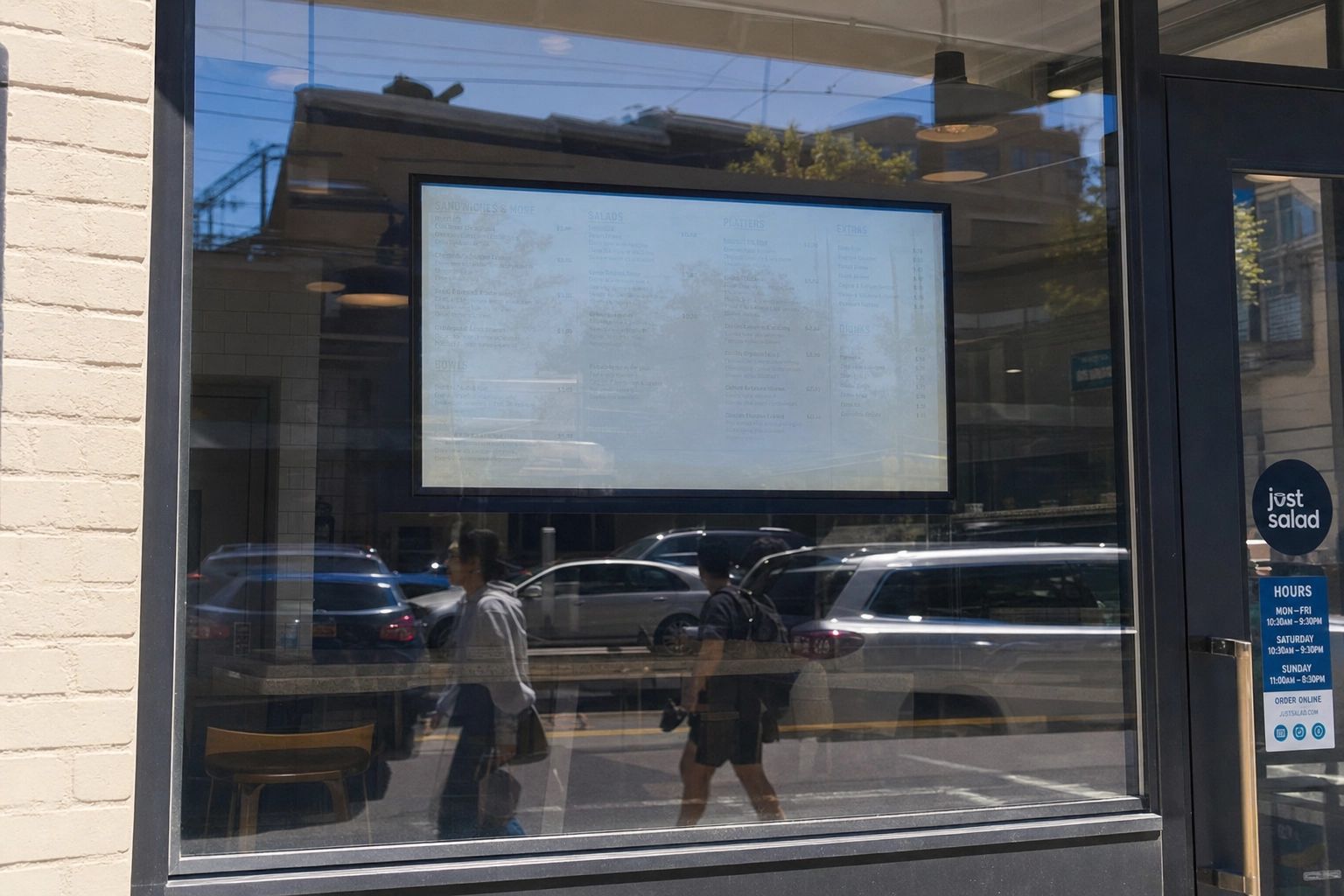 Digital menu board washed out by sun glare behind a storefront window, showing a common brightness mistake
- Using a consumer TV for 16-hour days. It risks burn-in, overheating, and a voided warranty. Spend on a commercial panel for always-on boards.
- Cramming in too many items. Tiny text and 30 options paralyze customers. Curate, group, and let the menu breathe.
- Loading low-resolution or mismatched photos. They look pixelated on 4K and cheapen the brand. Use consistent, high-resolution imagery.
- Ignoring glare and brightness. A gorgeous screen is useless if it washes out in a sunny window or a bright drive-thru. Match nits to the environment.
- Setting it and forgetting it. The whole advantage of digital is easy updates. Refresh specials, prices, and dayparts regularly — a stale digital menu board is just an expensive printed one.
Frequently Asked Questions
What is a digital menu board?
A digital menu board is a screen — a commercial display, smart TV, or outdoor panel — that shows your menu and is controlled by signage software so you can update prices, items, and promotions remotely. Every system combines three parts: the display, a media player, and cloud-based software for designing and scheduling content.
How much does a digital menu board cost?
For a single indoor board, expect roughly $300–$700 for a consumer smart TV or $400–$2,500 for a commercial display, plus $30–$500 for a media player, $50–$300 for installation, and $7–$20 per screen each month for software. Drive-thru and outdoor systems typically run $3,000–$8,000+, and video walls $5,000–$10,000.
Can I use a regular TV as a digital menu board?
Yes, technically — pair any HDMI TV with a media player and signage software and you have a working board. But consumer TVs aren't built for 16+ hours of daily use; they can overheat, develop image retention, and void their warranty. For a board that runs all day, a commercial display rated for continuous use is worth the extra cost.
Do digital menu boards really increase sales?
Industry studies and operator surveys consistently say yes. Reported gains include an 8–10% overall sales lift, a 25–35% increase in impulse purchases, and up to a 38% lift on individual promoted items. The biggest factor is appetizing visuals — high-quality dish photos that prompt customers to order more at the point of sale.
What size screen do I need for a digital menu board?
Match screen size to viewing distance. A 32" display works for tight counters and compact drive-thrus, 43"–55" is ideal for most indoor counter and dining areas, and 65"+ suits large spaces where customers read from a distance. Brightness matters as much as size: 250–500 nits indoors, and 1,500–2,500+ nits for sunlit or drive-thru placements.
How do I get good food photos for my digital menu board?
You have three options: hire a professional photographer ($500–$1,500+ per session), shoot and edit your own, or use an AI tool. FoodShot AI turns a phone photo into a studio-quality, brand-consistent 4K image in about 90 seconds — sized perfectly for menu-board screens — so you can keep every dish, daypart, and promo looking professional without a reshoot. Create board-ready 4K photos with FoodShot.
Make your board worth the investment
The screen and software get you a digital menu board. The photos are what make it sell. Whether you're outfitting a single café counter or a row of drive-thru lanes, the fastest way to lift orders isn't a brighter panel — it's better pictures of the food you already make. Turn your phone photos into board-ready 4K visuals with FoodShot, or see FoodShot pricing to find the right plan. Want to dig into the craft first? Start with our overview of AI food photography.