DoorDash Photo Requirements: Exact Specs & Sizes for 2026
 Ali Tanis14 min read
DoorDash photo requirements are stricter than most merchants expect, and DoorDash's own help center contradicts itself on one key number. Below is every verified spec — menu items, headers, carousels, logos and POS integrations — taken from DoorDash merchant and developer documentation on 1 August 2026.
Quick Summary: DoorDash photo requirements for menu items are 1400 x 800 px minimum, landscape 16:9, JPG/JPEG/PNG, under 2 MB. Headers and carousels share that minimum but render 4:1 on web and 16:9 in the app. Logos need 230 x 230 px on a square canvas. Vertical and square dish shots are rejected outright.
DoorDash Photo Requirements at a Glance
Four asset types, four rule sets.
| Asset | Min resolution | Aspect ratio | Max file size | Formats |
|---|---|---|---|---|
| Menu item photo | 1400 x 800 px | Landscape 16:9 | 2 MB | JPG, JPEG, PNG |
| Header photo | 1400 x 800 px | 4:1 web / 16:9 app | 2 MB | JPG, JPEG, PNG |
| Carousel photo | 1400 x 800 px | 4:1 web / 16:9 app | 2 MB | JPG, JPEG, PNG |
| Logo | 230 x 230 px | Square 1:1 | 2 MB | JPG, JPEG, PNG |
Using the wrong asset type is grounds for rejection. An item photo shows one menu item — its size, shape, color and ingredients. A carousel is the scrollable set customers flip through, a header sits at the top of your store page, and a logo is your brand mark, never a plate of food.
DoorDash Menu Item Photo Requirements
The DoorDash photo requirements for menu items come down to four specs. A DoorDash study of over 15,000 small business merchants in Q2 2022 found menus with item photos get up to 44% more monthly sales. Its 2026 Restaurant Industry Trends Report (Dynata, 3,001 US consumers, March 2026) puts the average lift at 13% once photos cover half a menu.
Resolution: 1400 x 800 Pixels Minimum
1400 x 800 is a floor, not a target. Anything smaller can be rejected on sight, and upscaling to reach it creates the blur that triggers another rejection reason. Shoot well above it: a phone's 4000 px of width leaves room to crop to 16:9 and still land far past 1400 px.
Aspect Ratio: Landscape 16:9 Only
This rule catches most people. DoorDash accepts landscape 16:9 and nothing else — vertical and square photos are not accepted. Guides publishing a 1:1 square spec for DoorDash are wrong.
Two traps: never crop a vertical shot to 16:9, and never stretch to force the ratio. Rotate the phone sideways first — our drink photography walkthrough covers glassware.
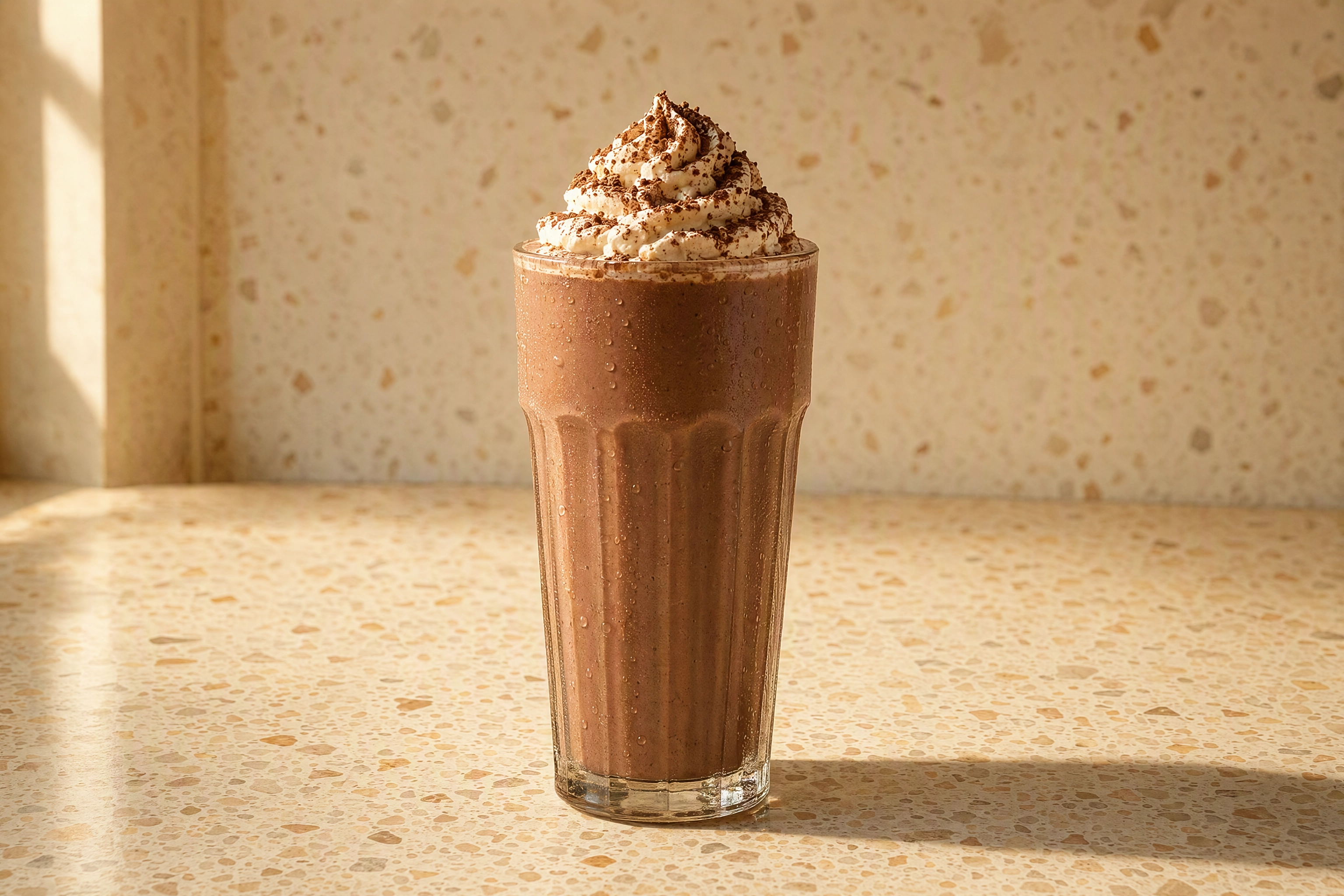 Tall chocolate milkshake glass framed horizontally on a terrazzo counter, showing DoorDash landscape 16:9 composition for tall drinks
File Size: Why DoorDash States Two Different Limits
Here's the contradiction nobody else flags. One help article gives a maximum of 2 MB under "Photo is the wrong size or resolution", then lists item photos as "under 16 MB" further down the same page.
Both are official; only 2 MB is safe. The developer docs and the menu configuration reference both specify 2 MB, and rejection copy quotes 2 MB. A compressed 2000 x 1125 JPEG at quality 80 lands near 500 KB, so this only bites on 4K exports.
File Formats: JPG, JPEG, or PNG
Three formats, no exceptions — HEIC, WebP, TIFF and GIF aren't on the list. iPhones default to HEIC, so a file straight from your camera roll may be refused — switch to Most Compatible or convert first.
DoorDash Header Image Size, Carousel, and Logo Specs
DoorDash photo requirements for store-level assets get skipped constantly — the cheapest wins here. Per DoorDash's April–June 2022 study, menus with headers and logos see up to 50% and 23% more monthly sales.
Header: 1400 x 800 px, 4:1 on Web and 16:9 in the App
The DoorDash header image size trips people up because there are two ratios, not one. Your file must clear 1400 x 800 px, but the storefront renders it 4:1 on desktop and 16:9 in the app, taking that narrow web band from the middle.
So keep what matters inside the horizontal middle third. Headers follow the same content rules as item shots: no added text, no borders, no overlays. Carousels share that spec, except they may show several dishes at once — only if photographed together, never spliced into a collage.
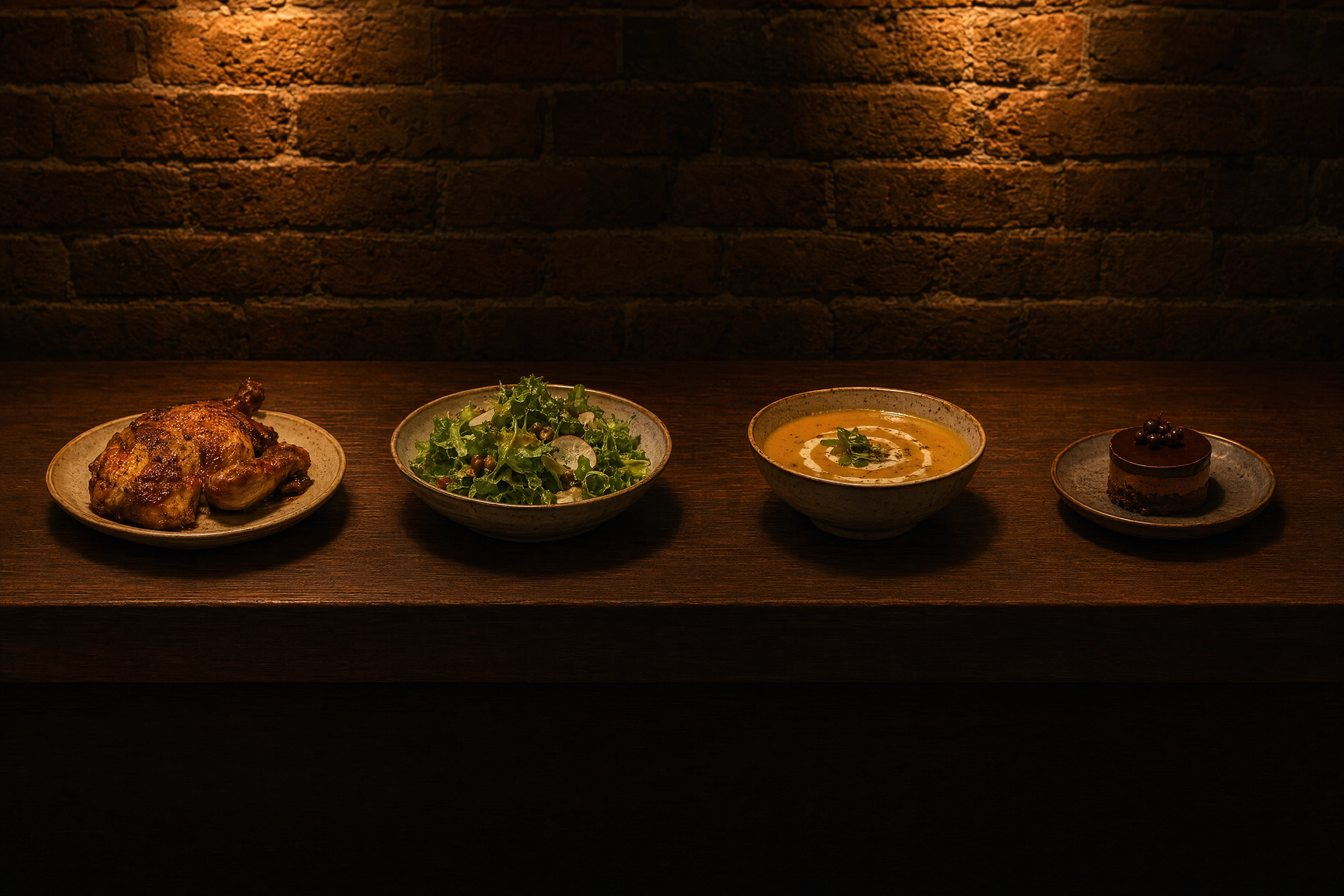 Four dishes spaced along a narrow horizontal band of a dark walnut counter, showing the 4:1 crop for a DoorDash header image
Logo: 230 x 230 Pixels Minimum
Your logo needs at least 230 x 230 px on a recommended square 1:1 canvas, under 2 MB. It must stay recognizable when small, so drop thin taglines.
The 1:1 Thumbnail Crop That Ruins Good Photos
DoorDash's glossary says two things that look incompatible: all menu photos must be landscape 16:9, and menu photos must be thumbnail size 1:1. Both are true — you upload 16:9, and the app renders a centered square crop in listings.
A square cut from a 16:9 frame keeps roughly the middle 56% of the width. Everything in the outer thirds vanishes from the view most customers see. Compose for both crops: plate dead center, breathing room on all sides, wide edges carrying nothing but surface. Our guide to staging a shot goes deeper.
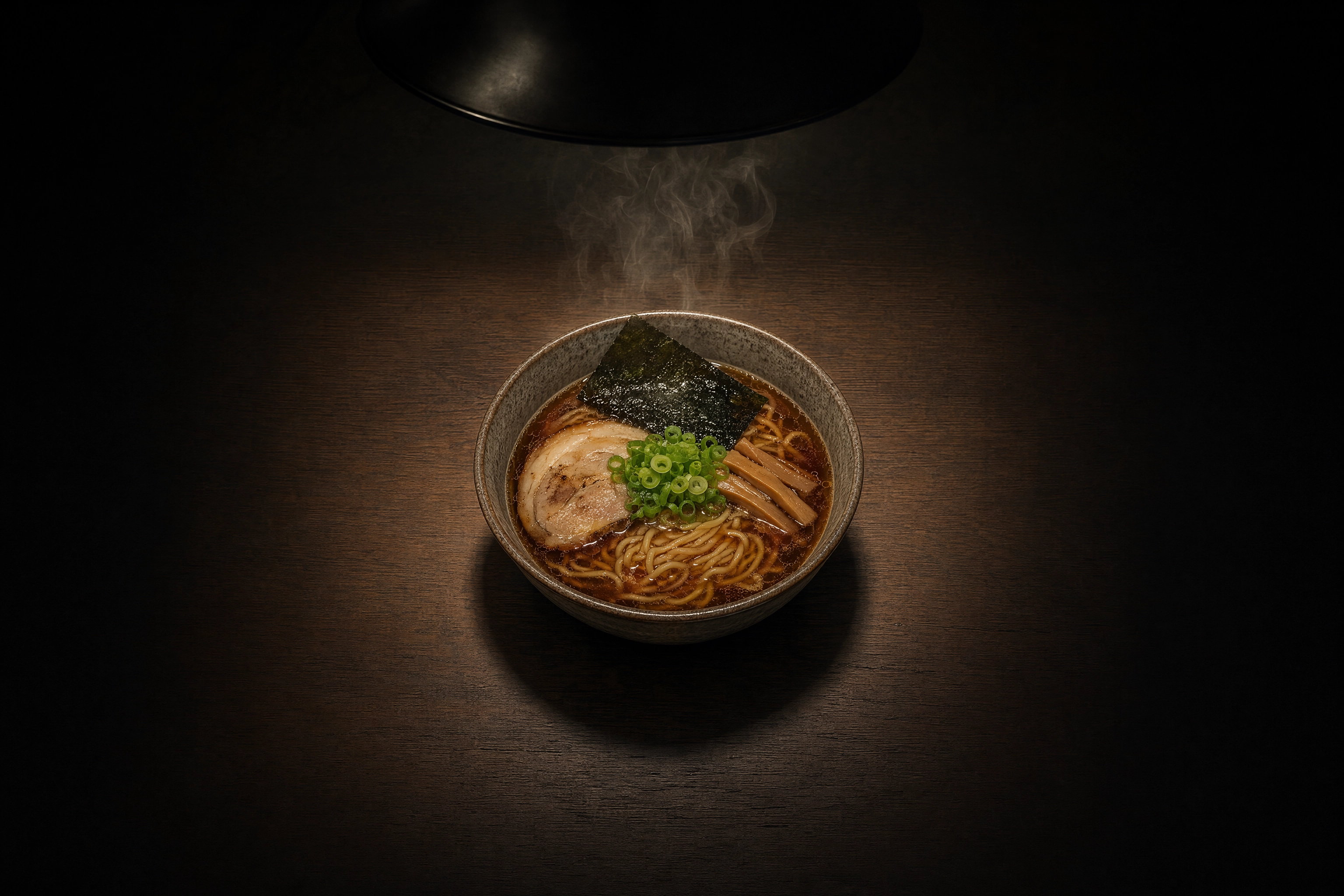 Ramen bowl centered in a circular pool of pendant light on a dark table, showing the centered square crop DoorDash renders for menu thumbnails
Why DoorDash Rejects Photos: All 11 Official Reasons
Every rejection traces back to the DoorDash photo requirements above. DoorDash publishes eleven categories:
| Rejection reason | What DoorDash requires | Fastest fix |
|---|---|---|
| Wrong size or resolution | 1400 x 800 px min, under 2 MB | Reshoot; never upscale |
| Too zoomed in or out | At least 80% of the dish visible | Show the whole plate |
| Framing / aspect ratio | Landscape 16:9 only | Reshoot horizontally |
| Poor lighting | Bright, even light; no harsh shadows or blown highlights | Shoot beside a window |
| Background issue | Simple and natural; dish fills 50–70% of the frame | Neutral table or tray |
| Overlays, borders, watermarks | Clean and unedited, nothing added | Strip watermarks and borders |
| People in the photo | No faces or bodies; hands only if secondary and blurred | Reframe to exclude hands |
| Not representative | Exactly what the customer receives, realistic portion | One dish per shot |
| Out of focus | Sharp, not blurry, pixelated or stretched | Tap to focus; use a tripod |
| Copyright issues | Original work you own | Never use stock imagery |
| Duplicate photos | Every unique menu item needs its own picture | Shoot each variant separately |
"No overlays" is wider than it looks. It also bans borders, letterboxing, and the white side bars from padding a vertical picture out to 16:9. Text is fine only when it physically exists on the food or packaging, and brand logos only when they appear naturally on cups or napkins.
Duplicates are enforced per menu item: "Beef Taco" and "Chicken Taco" each need their own picture. If rejections keep landing on lighting and sharpness, the delivery photography mistakes breakdown and our restaurant menu photography guide are the fastest reads.
How to Meet DoorDash Photo Requirements: Upload Steps
Meeting the DoorDash photo requirements is only half the job. Branding and menu pictures live in two different places in the Merchant Portal.
Step 1: Add Your Logo and Header in Store Settings
Log into the Merchant Portal, open Settings, then Store Settings. Both the logo and store header are added there. Five minutes of work, attached to the largest documented sales lift.
Step 2: Add Menu Item Photos in Menu Manager
Open the Menu section and click the dish to illustrate. Drag and drop a file, or pick an existing asset from your photo library, which filters by source and shows status.
Step 3: Work the DoorDash Photo Editor
The editor opens automatically after upload, with a live preview on the right. You can auto-enhance lighting, color and clarity, crop, apply new backgrounds, remove text and overlays, and adjust saturation, tint, contrast and brightness.
One caveat DoorDash states plainly: the editor "only helps to improve images that are slightly under the requirement — it doesn't replace the minimum resolution standard". It won't rescue a 600 px snapshot. Our how to edit food photos guide covers the same adjustments beforehand.
Step 4: Fix and Resubmit a Rejected Photo
You get an email explaining why, plus a rejection notice at the top of Menu Manager. Select View items, open the affected dish, read the reason, fix it, then choose Add new photo to resubmit.
How Long Does DoorDash Photo Review Take?
Two official timings exist, and neither covers the ordinary portal path: AI moderation delivers instant approvals for select menu photos in about one minute, while POS-integrated pictures on the manual path are reviewed, enhanced, and approved or rejected within five business days. Anything else you read — "one business day", "24 to 48 hours" — is not sourced from DoorDash.
POS-Integrated Photos Fail Silently
Photos arriving through a POS or middleware integration face a stricter contract: the menu payload carries an item.original_image_url value, and DoorDash validates it hard.
The asset must be JPG, JPEG or PNG, at least 1400 wide by 800 high, 16:9, under 2 MB. Its URL must be http or https, carry no query parameters, end in .JPG, .JPEG or .PNG, and be publicly reachable. That last rule breaks most CDN and resizer URLs, which love appending ?w=1400.
Now the part that costs weeks. If the size or format check fails, DoorDash states that "no photo will be linked to the item". No rejection email. No notice in Menu Manager. The dish stays blank while you assume the sync worked. Ghost kitchens feel this hardest: one bad URL pattern can blank a whole concept.
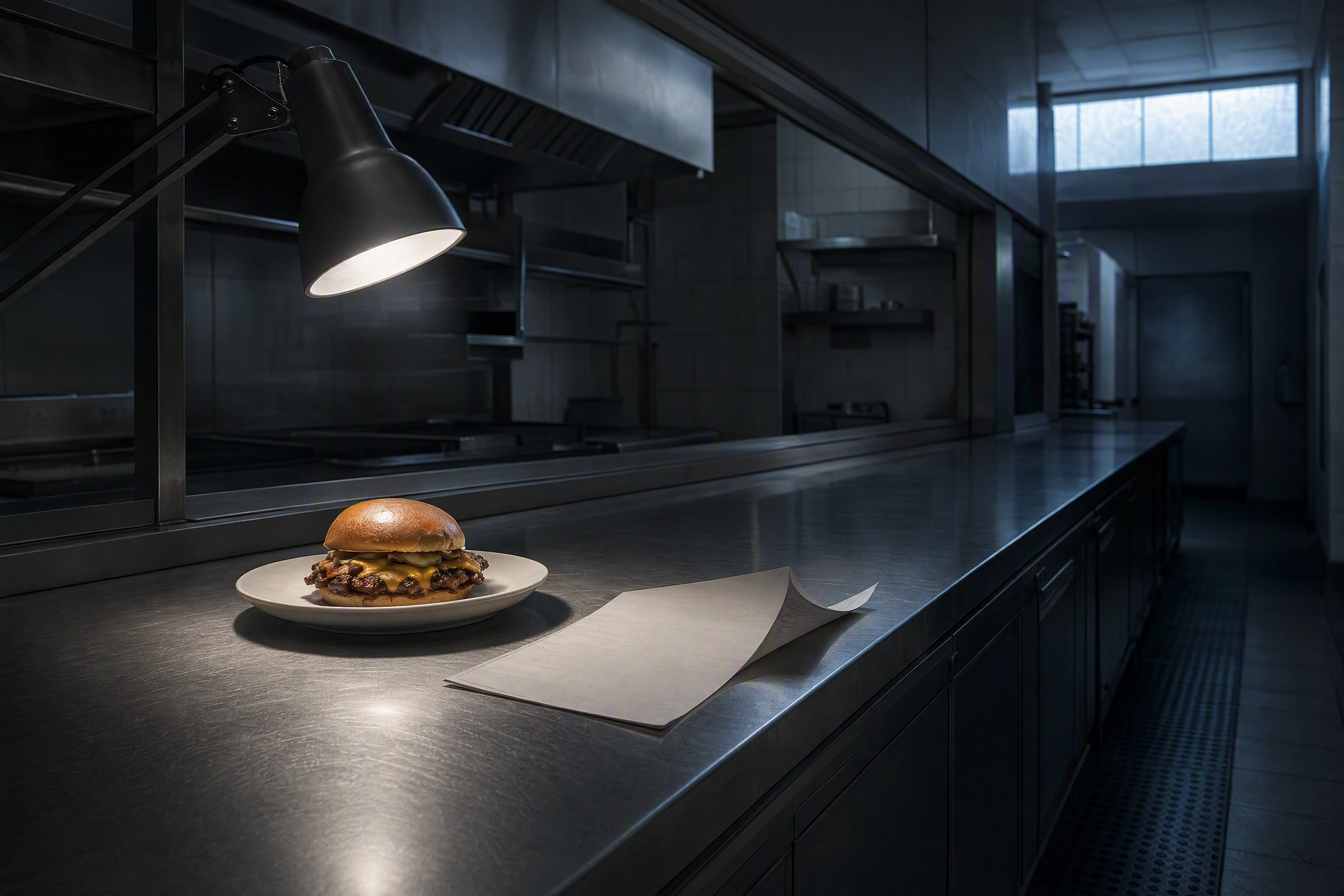 Single burger alone on an empty stainless kitchen pass at dawn beside a curled printed menu list, illustrating a silent POS photo sync failure
When DoorDash Adds Pictures For You
If a menu item has none, DoorDash may add one for you, sourced from a connected social business profile or a third-party review site. These face the same moderation standards and can be rejected too.
Your own work always wins: DoorDash never replaces what you uploaded yourself. To opt out, contact Merchant Support; review-site imagery comes off through Request Menu Help. Upload your own anyway — it controls how your restaurant reads to a first-time customer.
The Free DoorDash Photoshoot Has One Big Catch
Eligible merchants can book a free professional photoshoot: up to 20 images from a 1.5-hour session covering up to fifteen dishes. DoorDash pays the photographer and the rights; you pay for the food and the labor to prepare it.
Then the catch, in DoorDash's words: "These images are yours to keep, we only ask that you don't use the photos on any other third-party delivery platforms." So the free set can't be reused on Uber Eats or Grubhub — selling across several delivery platforms still needs imagery you own. Premier merchants also get a $200 credit toward photography costs.
DoorDash vs Uber Eats vs Grubhub Photo Requirements
List on more than one marketplace and one export can't serve all three. Specs below come from Uber Eats and Grubhub docs.
| Spec | DoorDash | Uber Eats | Grubhub |
|---|---|---|---|
| Item minimum | 1400 x 800 px | 550 x 440 px | 1600 x 1200 px |
| Item ratio | 16:9 | 5:4 to 6:4 | 4:3 |
| Item max weight | 2 MB | 10 MB | — |
| Header / cover | 1400 x 800, 4:1 web / 16:9 app | 2880 x 2304, 5:4 | 2400 x 1800, 4:3 |
| Logo | 230 x 230, 1:1 | — | 200 x 200, 1:1 |
Three marketplaces, three incompatible ratios: the DoorDash photo requirements don't line up with Uber Eats photo requirements at 5:4, and neither fits Grubhub's 4:3. What scales is one wide master per dish, shot with margin, exported as three crops. Our menu photos for delivery apps guide covers the routine; food delivery app photography covers the shot list.
Can You Use AI Photos on DoorDash?
Yes — nothing in the DoorDash photo requirements bans AI enhancement, and DoorDash builds the same tooling itself. Its AI-powered Camera gives live feedback on framing and background enhancement. Background Enhanced Menu Photos re-plates dishes. Instant Photo Approvals clears qualifying pictures in about a minute.
DoorDash draws the line at the food. Its goal is improving pictures "without altering the actual food, ingredients, or portion size, so the dish you see is representative of what the merchant offers". Enhancing a real photograph of your own dish is fine. Inventing a dish, adding ingredients that aren't in the box, or inflating the portion is what gets rejected. We compared both in traditional vs AI food photography.
Meeting DoorDash Photo Requirements Without a Photographer
The realistic workflow for a small kitchen: plate the dish as it ships. Shoot it horizontally beside a window on a neutral surface, item centered, no hands in shot. Then run that capture through FoodShot AI, which turns a phone snap of your real plate into a 4K studio-grade picture in about a minute.
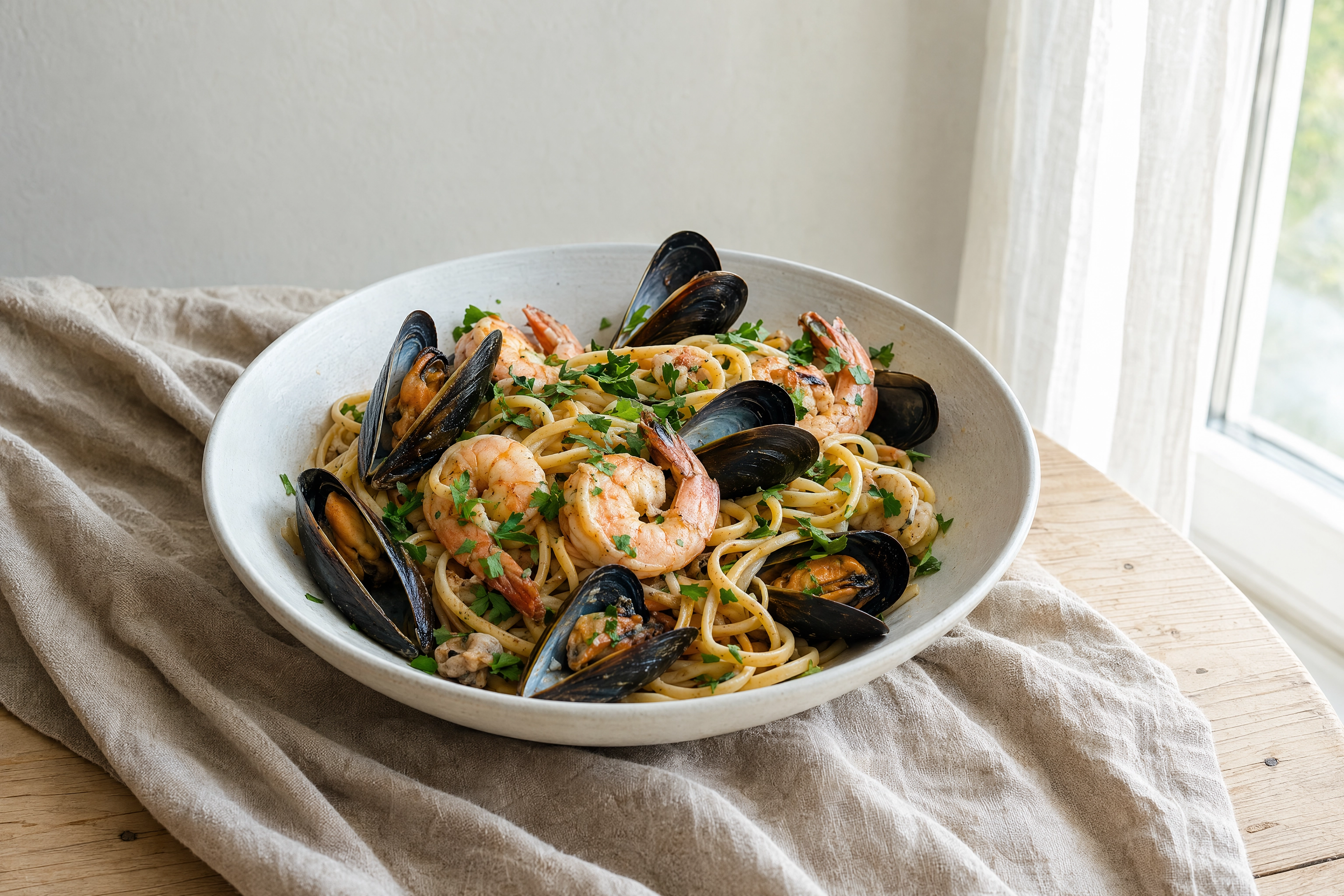 Seafood linguine shot beside a window on plain linen, the neutral daylight setup that passes DoorDash photo review
The Delivery style library favors clean, neutral surfaces over decorative sets — exactly what DoorDash's background rule asks for. And 4K output (at least 4096 px on the long side) starts well above the 1400 x 800 floor. One note: a full-size PNG download often exceeds 2 MB, so save a compressed JPEG copy near 2000 px wide.
Paid plans start at $15 a month for 25 generations with a commercial license. See pricing and delivery app photography.
Frequently Asked Questions
What size should DoorDash photos be?
The DoorDash photo requirements for menu items are 1400 x 800 px minimum, landscape 16:9, JPG, JPEG or PNG, under 2 MB. Headers and carousels share that minimum; logos need 230 x 230 px square.
What is the DoorDash header image size?
At least 1400 x 800 px, under 2 MB. The storefront renders it 4:1 on desktop web and 16:9 in the app, so keep anything essential inside the horizontal middle third.
Does DoorDash accept square or vertical photos?
No. The DoorDash photo requirements allow landscape 16:9 only, and vertical or square submissions are not accepted. The 1:1 crop in the app is generated by DoorDash from your 16:9 file.
Why do my DoorDash photos keep getting rejected?
Eleven official categories exist, but most rejections cluster around three of the DoorDash photo requirements: the 16:9 ratio, the 80%-visible rule, and the ban on added text, borders or watermarks.
How long does DoorDash photo review take?
Two figures only: about one minute for AI instant approvals, and five business days for POS-integrated assets on the manual path. No official turnaround exists for portal uploads.
Can I reuse my free DoorDash photoshoot images on Uber Eats?
No. DoorDash asks that images from its complimentary shoot are not used on any other third-party delivery platform. You keep the files for your own site, printed menus and social channels, but competing marketplaces need separate imagery.