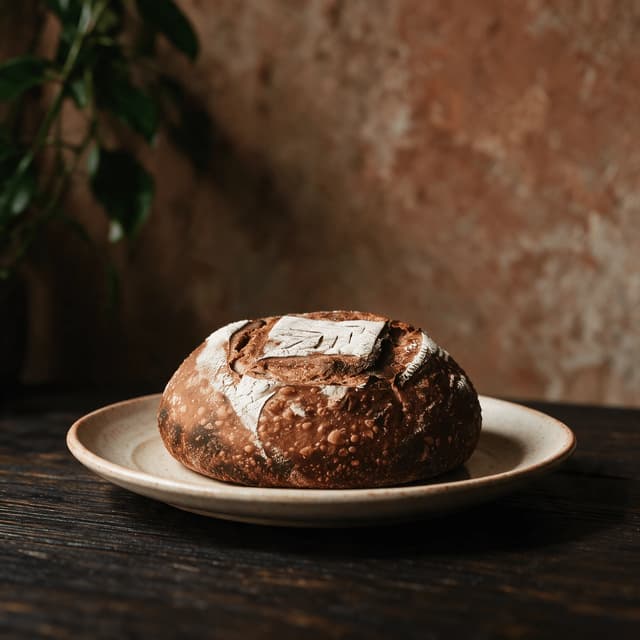
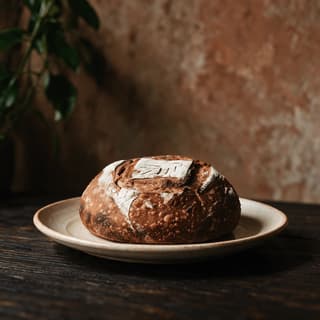
Round sourdough loaf with a raised scored ear and blistered dark crust on a worn oak board
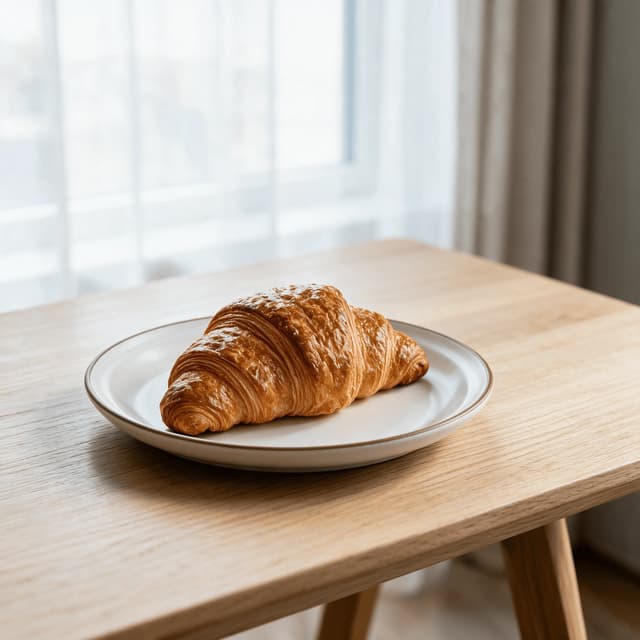
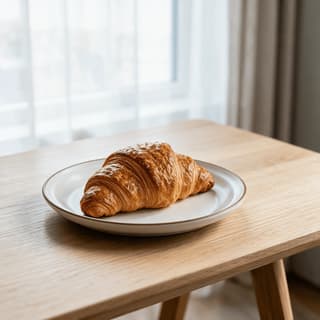
Single flaky butter croissant with visible lamination ridges resting on pale marble in soft window light
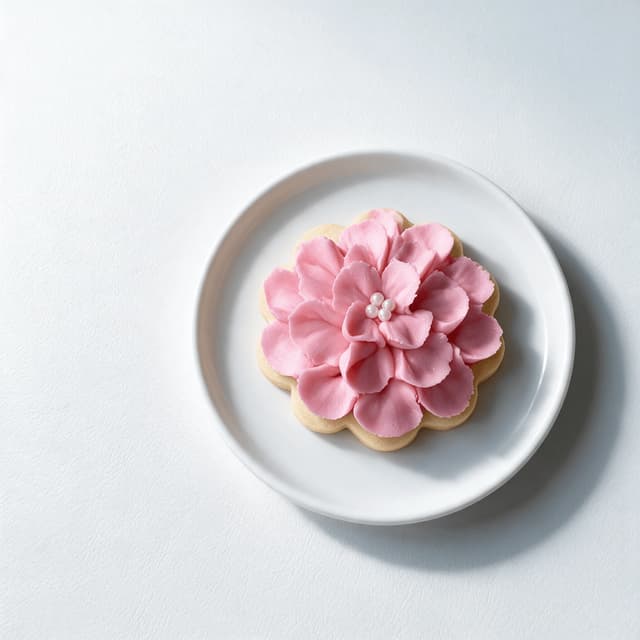
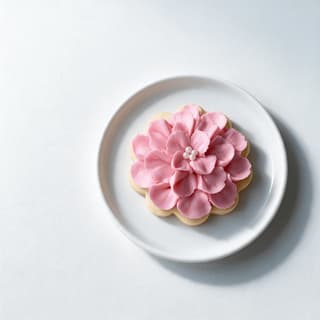
One royal-iced sugar cookie with crisp piped detail and pastel flood icing on a clean white surface
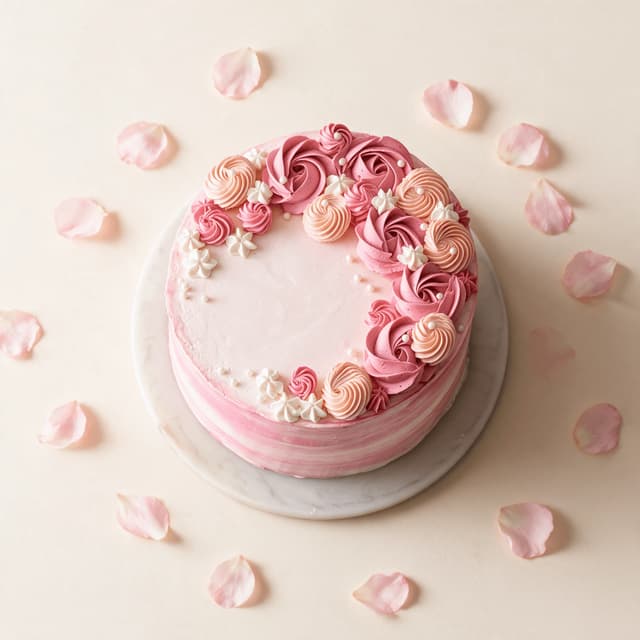
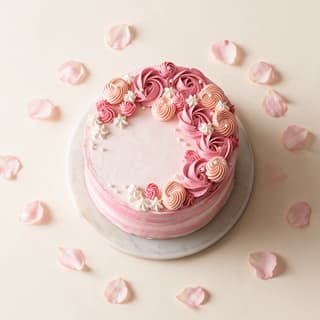
Single-tier buttercream celebration cake with swirled sides and soft pastel finish on a simple pale stand
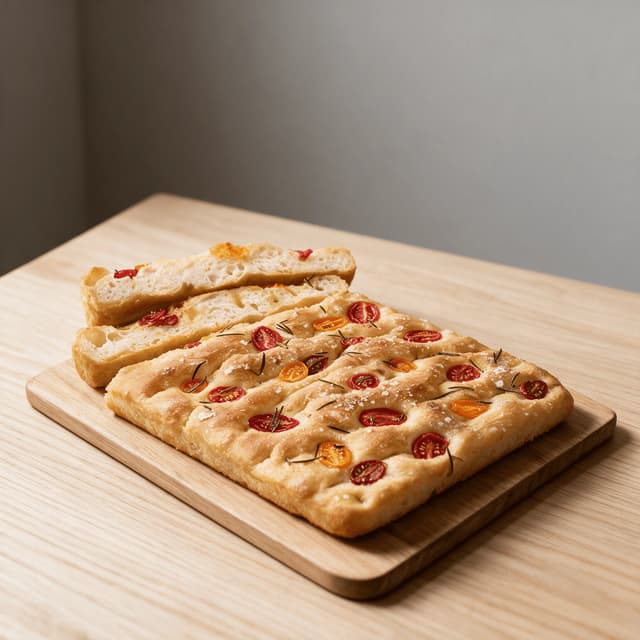
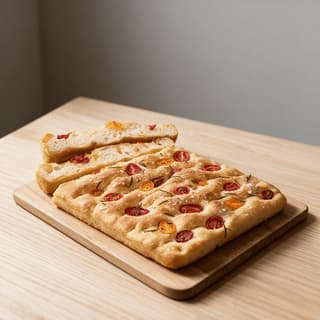
Dimpled rosemary focaccia slab topped with herbs and flaky salt on a light wood board
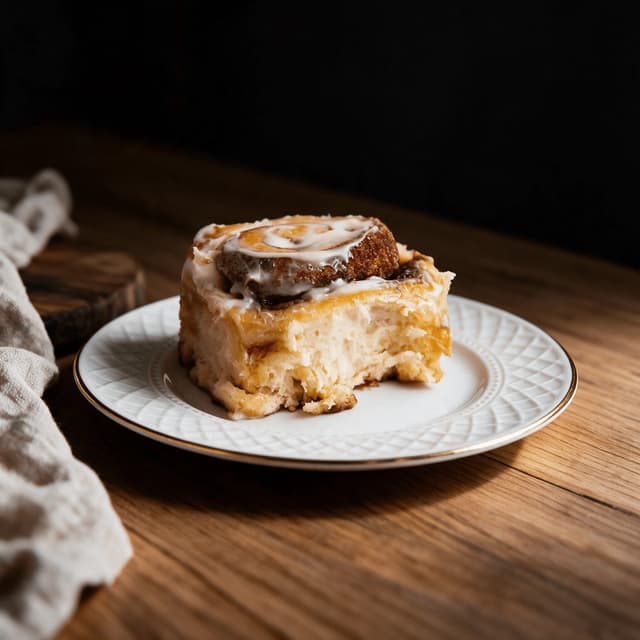
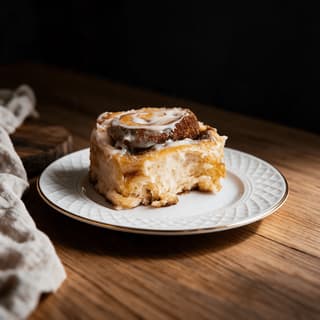
Single glazed cinnamon roll with soft spiral layers and cream cheese icing melting down the sides
For Cottage Bakers & Microbakeries

Your shop window is a phone screen.

You have no display case, no lit counter and no window onto the street — you have a Sunday-night pre-order form and a feed. So one photo has to do everything a shopfront would do. Shoot your loaves, cookie boxes and cakes on your own counter, in whatever light the kitchen gives you, and get a clean, consistent set back in about 90 seconds. Same look every drop, every week, from one microbakery and one phone.

Cancel anytime30,000+ food businesses

Trusted by teams on

DoorDashUber EatsGrubhubDeliverooJust EatWoltOpenTableYelpFoodpandaToast

Upload your home bakers dish → Get menu-ready photos

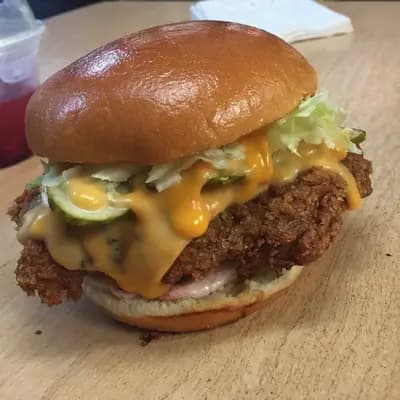
Original smartphone food photo before FoodShot AI enhancement
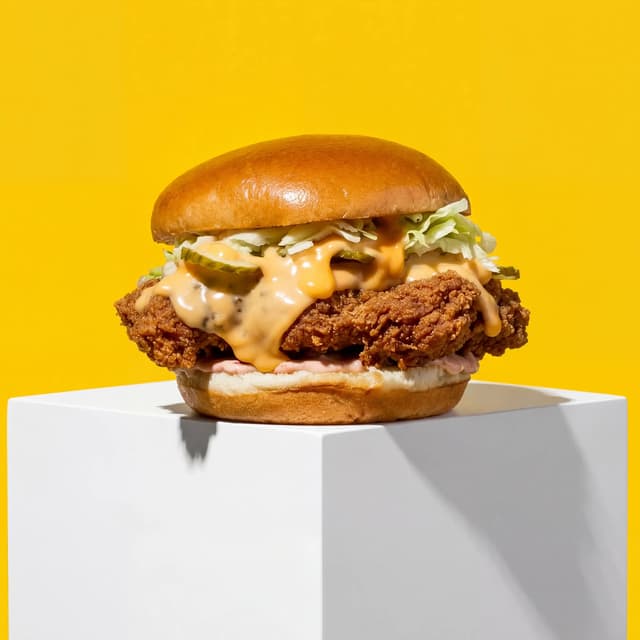
Studio-quality food photography generated by FoodShot AI
50,000+

Photos generated

95%

Cost savings

150s

Average time

Drop Portfolio

Every bake in the drop, shot to the same standard
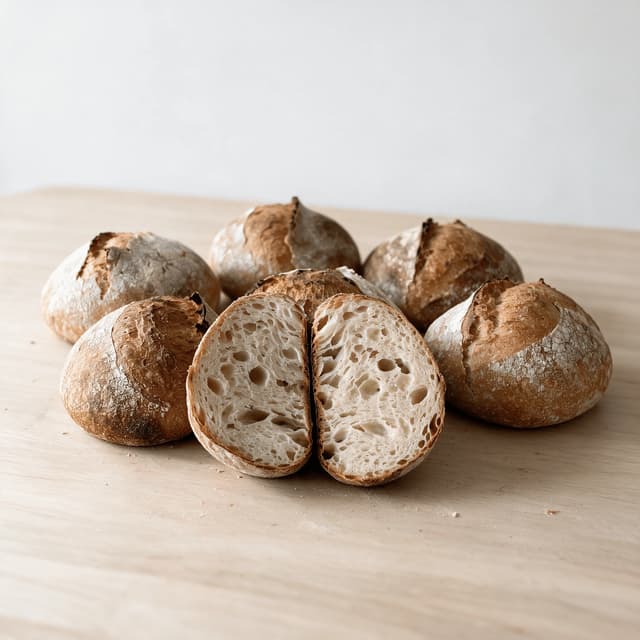
Spread of several sourdough loaves with one cut open showing an airy open crumb on a floured wood counter

Sourdough Crumb & Crust

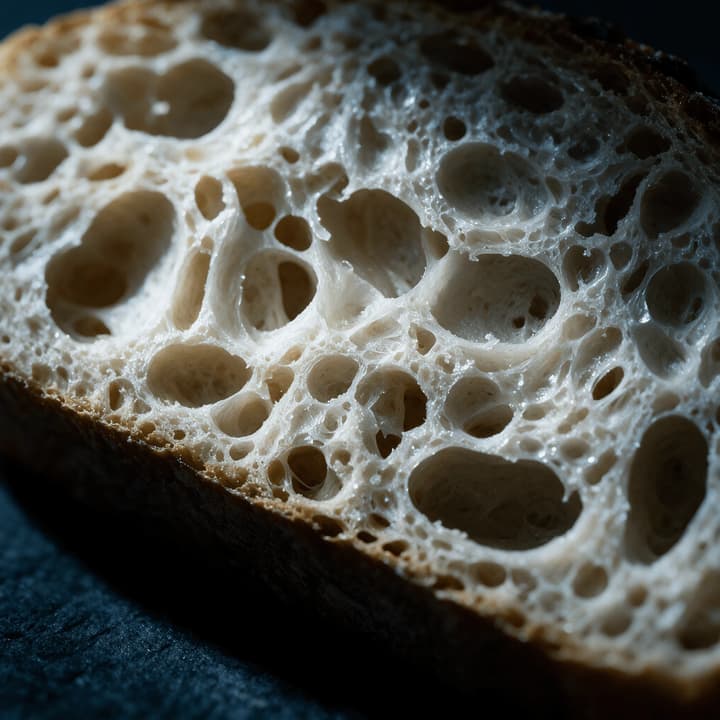
Open crumb, blistered ear, shot so the texture reads
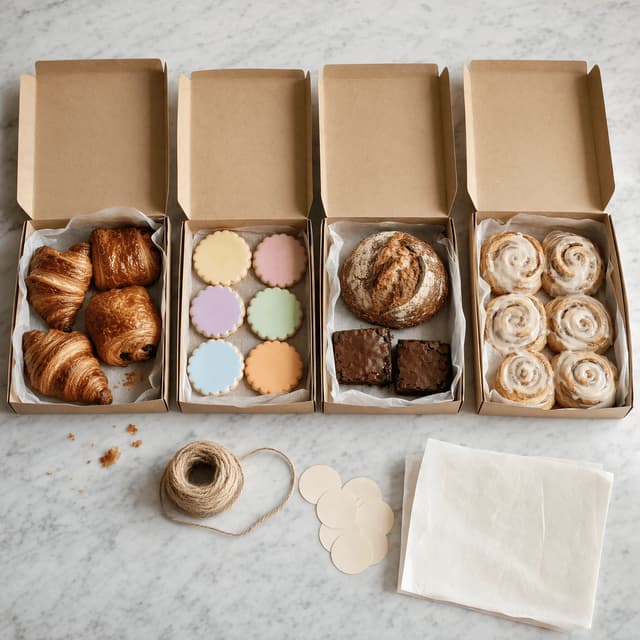
Four open kraft pre-order boxes filled with assorted home-baked pastries cookies and small loaves in a row

Weekly Drop & Pre-Order Boxes

One line-up shot that sells out Sunday's drop
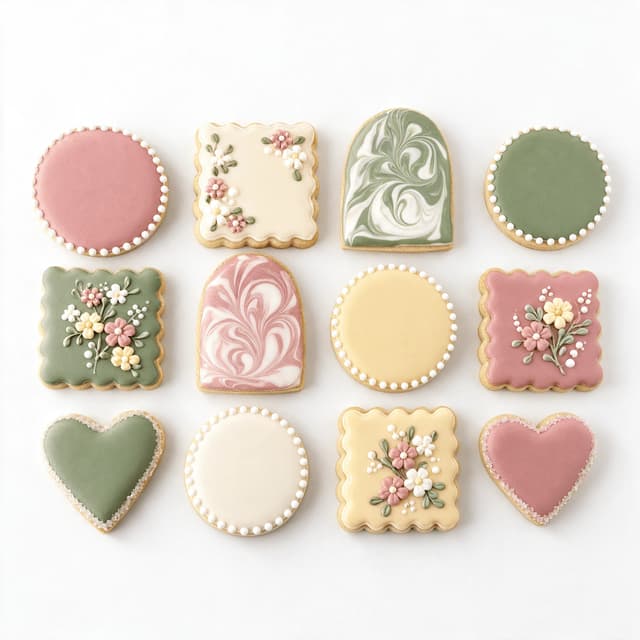
Grid of royal-iced sugar cookies in soft pastel colours with piped detail arranged on a white surface

Decorated Cookies & Iced Sets

Icing colours that stay true from tray to feed
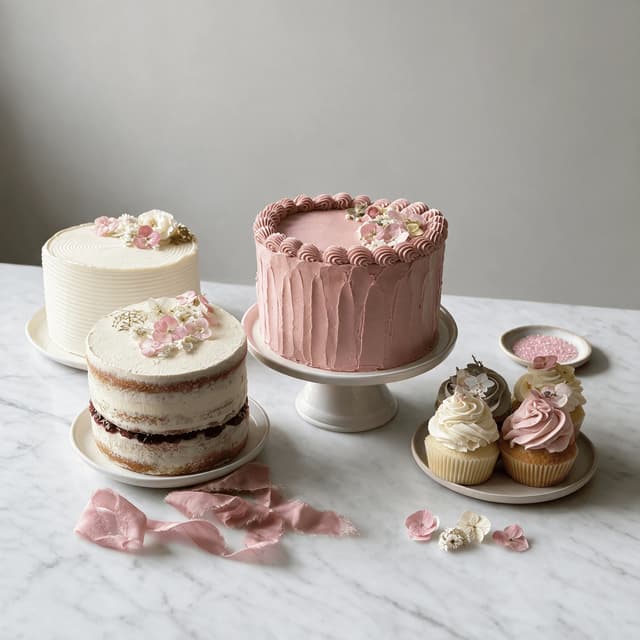
Group of home-decorated celebration cakes and cupcakes with buttercream finishes on a pale marble counter

Celebration & Custom Cakes

Buttercream texture without the beige counter cast
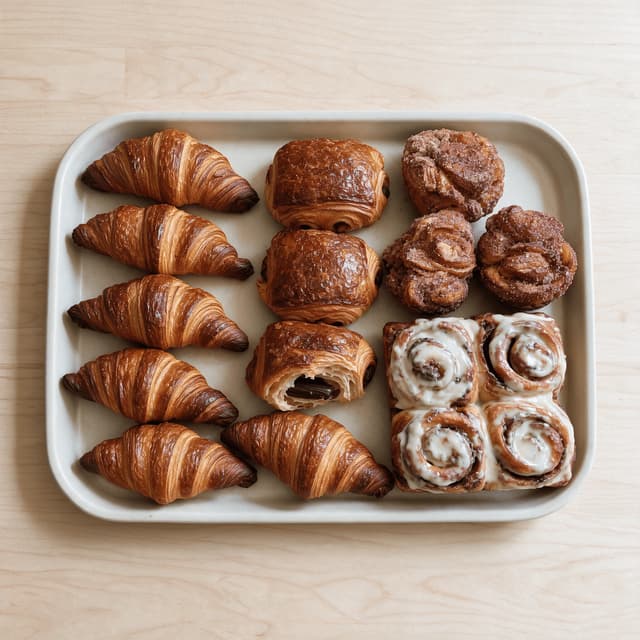
Overhead tray of croissants pains au chocolat morning buns and cinnamon rolls fresh from a home oven

Laminated Pastries & Morning Buns

Flake, shatter and glaze held at full detail
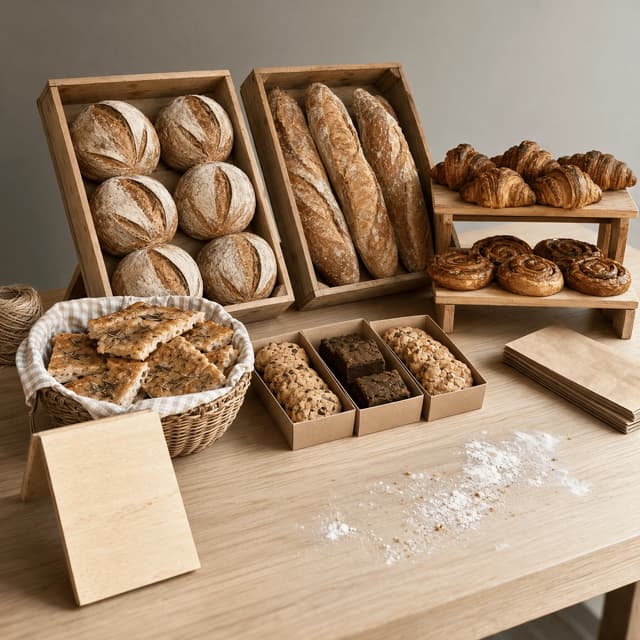
Market stall table with baskets of sourdough loaves crates of focaccia and boxed bakes ready for opening

Farmers-Market Stall Displays

Your table styled before the market opens
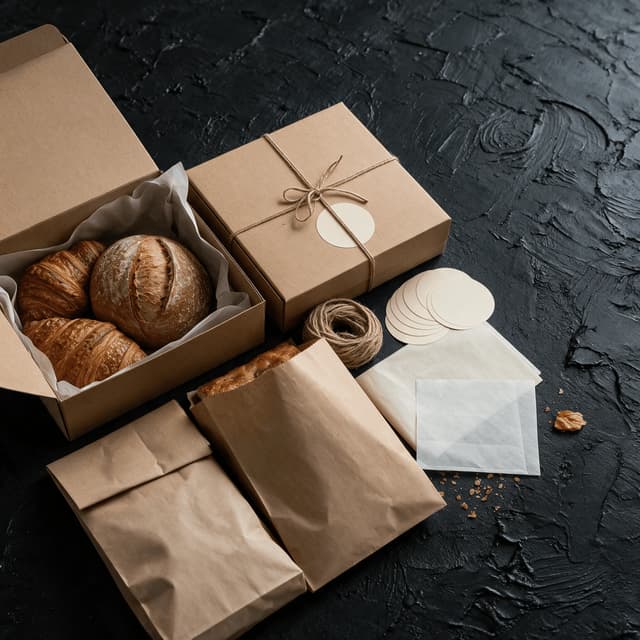
Angled overhead arrangement of kraft bakery boxes paper bags twine and blank labels with pastries part packed

Packaging, Labels & Pickup Bags

Kraft boxes and twine that look like a brand

Features

Built for a kitchen that is also somebody's home

Bake Styles

Fix the light your kitchen was never going to give you

100+ curated styles built for the way home-baked food actually has to perform on a small screen. A domestic kitchen is the hardest room you could pick to photograph in: warm overhead bulbs on one side, cold window light on the other, a fridge and a splashback bouncing colour back into everything. That mix is exactly why a loaf you are proud of photographs beige, why crumb structure flattens into grey mush, and why the dusty rose buttercream you spent forty minutes matching turns up on the feed looking peach. FoodShot corrects the mixed colour cast first, then re-lights: low raking light that pulls the blisters and the scored ear out of a dark crust, soft neutral daylight that keeps icing colours true instead of drifting warm, and clean bright sweeps that hold twelve iced cookies at the same tone across a set. Because this is a cottage food business and not a production kitchen, the styles stay at the homestyle-artisan tier — hand-finished, honest, slightly imperfect — rather than pushing everything toward glassy patisserie. If you have moved into a shop with a display case and wholesale accounts, our bakeries page is the one written for you, and the craft of shooting loaves specifically is covered in our bread photography guide.

Explore styles

Builder Mode

Surface plus backdrop plus bake equals a shop window

Pick a surface — floured pale wood, honed marble, worn dark oak, clean white sweep. Choose a backdrop — soft domestic wall, deep shadow falloff, warm timber. Upload your photo. Builder Mode composites all three into one coherent scene, so the toaster, the dish rack, the kettle flex, the school letters on the fridge and the corner of the washing machine never make it into the picture. That is the whole problem with a home kitchen: the bake is genuinely good and the two feet around it are somebody's actual life. It matters more here than almost anywhere, because a drop is not one photo — it is nine photos posted together on a Sunday night, and one shot on the counter next to one shot on the hob next to one shot on the dining table reads as chaotic even when each is fine on its own. Builder Mode is how you photograph nine items across three days and still have every one of them sit on the same surface, at the same scale, under the same light, so the drop reads as a range rather than a camera roll. It is also how the cookie set you shot in January sits next to the cake you shot last night without either looking out of place.

Try Builder Mode

My Styles

One look, locked, so every drop matches the last

Upload the photo you are happiest with — usually the one bake that happened to catch good window light on a Saturday morning — and set it as your style reference. Everything you shoot afterwards is matched to it: same surface tone, same light direction, same contrast, same background. For a microbakery this is the single highest-leverage thing on the page, because your feed is your shopfront and a shopfront that changes its look every week does not read as a business. Set the reference once and the grid starts to hold together — which is what makes a new follower scroll back three drops instead of one. It also survives growth. When you add cookie boxes to a sourdough-only offer, or take your first custom cake order, the new category lands inside the look you already built rather than starting a second visual identity next to it. Bakers who also sell grazing and gift boxes should look at our charcuterie boards page, which covers the same locked-reference approach for boards and platters.

Match your brand

More to explore

One tool, endless possibilities

Before → After

From phone snap to studio shot

See the transformation. Same food, completely different result.

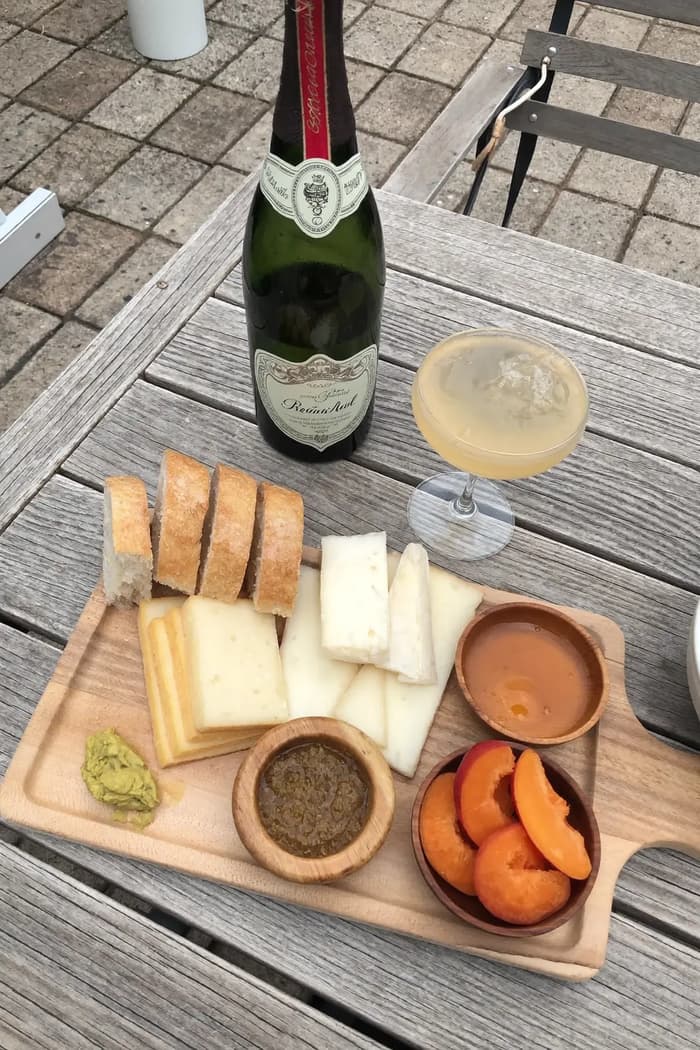
Raw phone food photo before AI enhancement
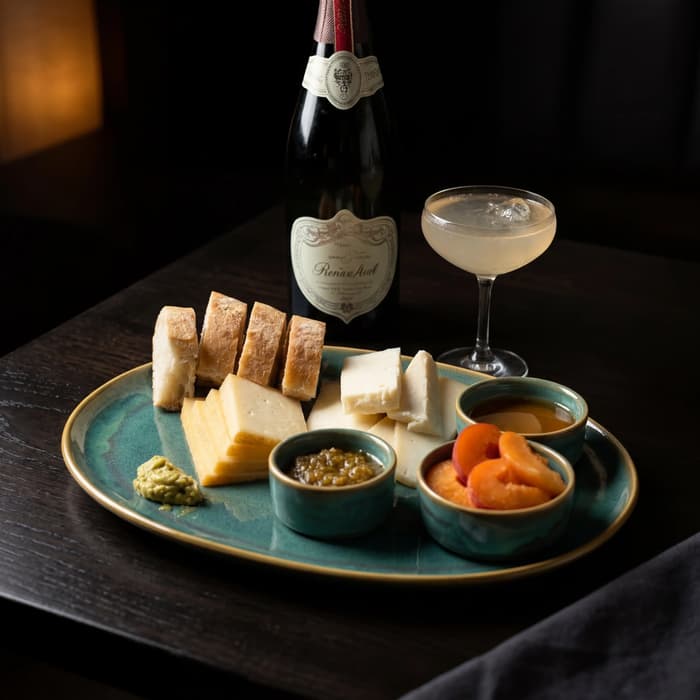
Studio quality food photo after FoodShot processing

Multi-variation

One photo, endless options

Generate multiple styles from a single upload. Pick the best.
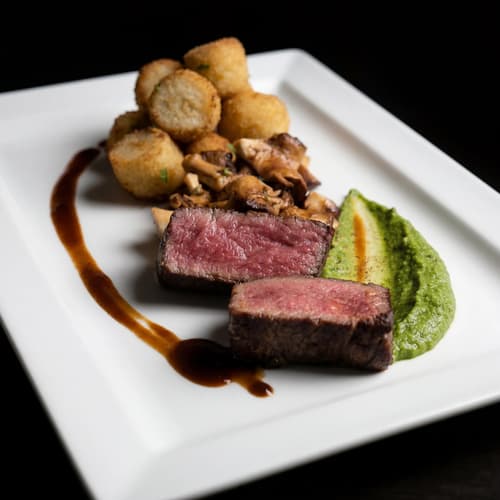
Food photo variation - delivery app style
Food photo variation - restaurant menu style
Food photo variation - social media style
Food photo variation - fine dining style

Poster Mode

Marketing-ready designs

Pick a template, drop your food.
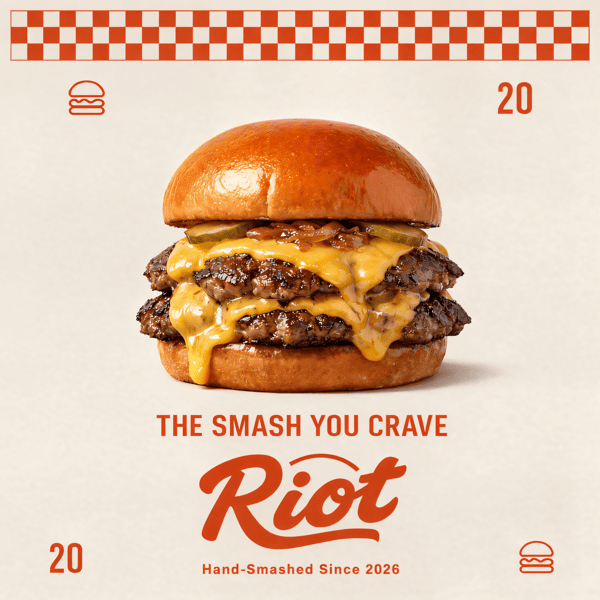
Smash burger restaurant poster design
Cocktail bar promotional poster
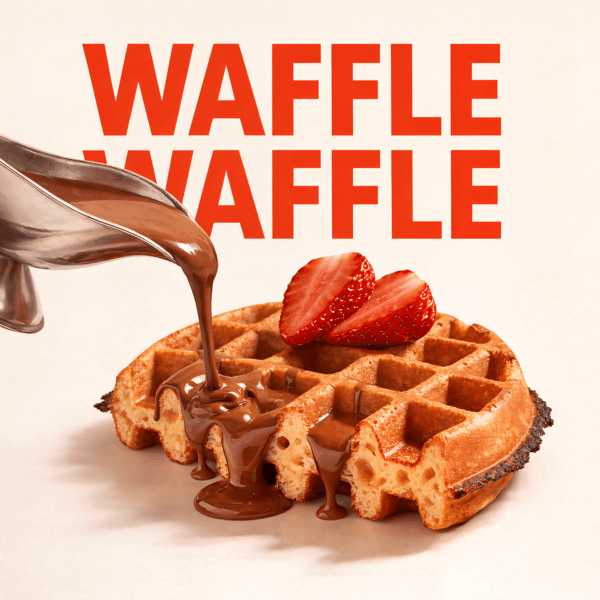
Waffle social media advertisement
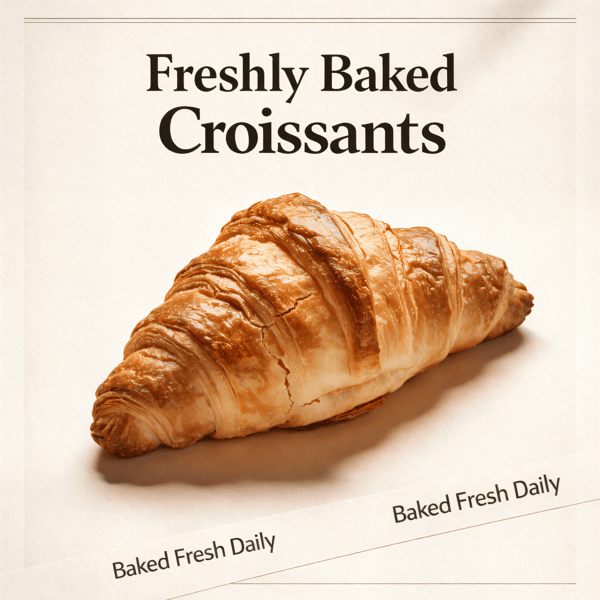
Croissant bakery marketing poster

Prompt Editing

Describe it, get it

Add sauce, swap plates, change lighting — just type what you want.
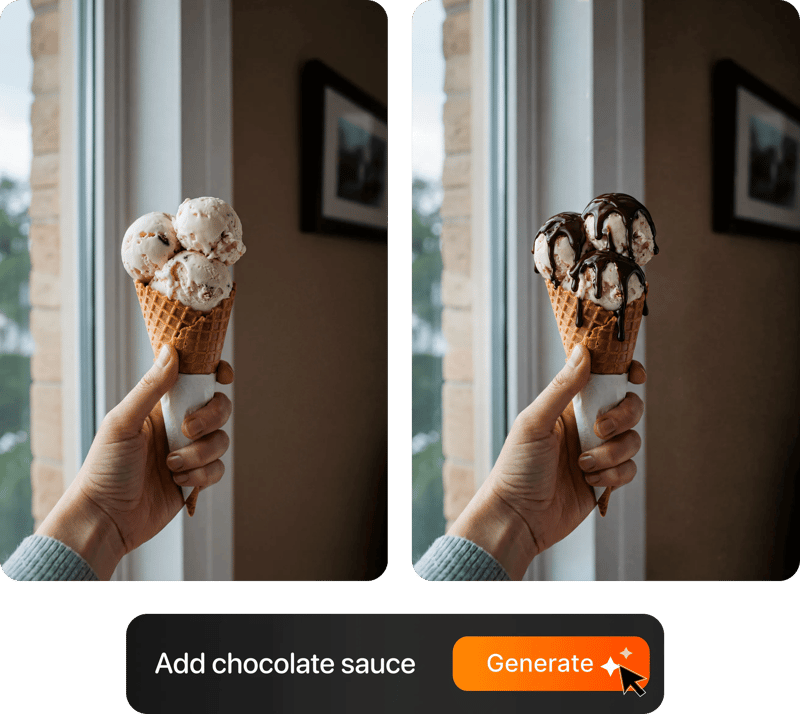
Prompt-based food photo editing

200+ Styles

Styles for every vibe

From clean white to moody fine dining. One tap.
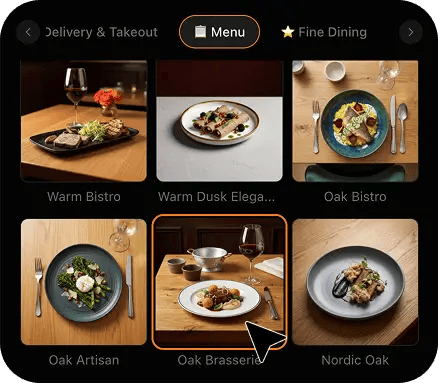
FoodShot 200+ food photography style presets grid

4K Resolution

Ultra-high resolution output

Up to 4K resolution output. Print-ready quality for menus, billboards, and packaging — no upscaling needed.

4K

Perfect For

Every kind of home baker selling by pre-order

From a Sunday sourdough subscription run out of a domestic oven to a part-time cookie decorator taking custom orders through a local group, the problem is identical: no storefront, no window, no lighting rig — and one photo that has to carry the whole sale.

🍞

Sourdough Subscriptions

You bake fourteen loaves on a Saturday and the whole list sells on a photo posted the Wednesday before. Crust colour and a raised ear are the entire pitch, and both disappear under flat kitchen light. Shoot the loaf on your own board, restyle it, and the ear reads the way it looks in your hand.

🍪

Cookie Decorators

Royal icing is a colour-matching job and your kitchen bulbs undo it. Sage goes grey, blush goes peach, and a set you matched carefully photographs as three different palettes. Restyling neutralises the cast so a twelve-cookie set reads as one coordinated order in the photo, not just on the tray.

🎂

Custom Cake Bakers

Custom work sells from your last five cakes, so the photo is the portfolio. Buttercream texture is the thing clients actually buy and it is the first thing lost to a flat overhead bulb. A soft directional restyle brings the palette-knife ridges and comb marks back so the finish is visible.

📦

Weekly Drop & Box Sellers

One line-up photo has to open the form and empty it in an evening. Nine items, three days of baking, one shot. Put every box on the same surface under the same light and the drop looks like a menu rather than a camera roll — which is what makes people order two boxes instead of one.

🧺

Farmers-Market Traders

You style the table at six in the morning in grey light and it never photographs the way it looks by nine. Shoot the stall before the first customers arrive, restyle it warm and open, and you have next week's post plus the image that pulls pre-orders for the market you have not traded yet.

🏡

New Cottage-Food Starters

You are licensed, the recipes work and you are three weeks in with nothing that looks like a brand yet. Start with one locked style on your first ten bakes and the feed reads as an established small business long before your volumes do — which matters when a stranger is deciding whether to prepay.

Reviews

Loved by food businesses

FoodShot AI changed my life as a Pastry Chef. Designing menus and plating used to be so time-consuming. Now I upload mockups and the AI does it all!
App Store

Happy Girl Pastry Chef

App Store

Great for small business! The app is easy to use. Smooth and professional results. Multiple background/settings/styles to choose. Highly recommend!
App Store

Trangbi89

App Store

This app helped me enhance my food photoshoot. Thanks to this app, I can now create pro-quality photos for my Menu.
App Store

Lalalisaoh

App Store

Excellent

Fabio Lima

Google Play

Great

Iván Fabricio Amador Pavón

Google Play

Cool

Darut Thollab

Google Play

For marketing and advertising we can use it as an enhancement. Really solid tool.

Reddit User

r/restaurantowners

Oohhh woowwww... Seriously amazing. The quality blew me away.

Remarkable-92

r/restaurantowners

FoodShot AI changed my life as a Pastry Chef. Designing menus and plating used to be so time-consuming. Now I upload mockups and the AI does it all!
App Store

Happy Girl Pastry Chef

App Store

Great for small business! The app is easy to use. Smooth and professional results. Multiple background/settings/styles to choose. Highly recommend!
App Store

Trangbi89

App Store

This app helped me enhance my food photoshoot. Thanks to this app, I can now create pro-quality photos for my Menu.
App Store

Lalalisaoh

App Store

Excellent

Fabio Lima

Google Play

Great

Iván Fabricio Amador Pavón

Google Play

Cool

Darut Thollab

Google Play

For marketing and advertising we can use it as an enhancement. Really solid tool.

Reddit User

r/restaurantowners

Oohhh woowwww... Seriously amazing. The quality blew me away.

Remarkable-92

r/restaurantowners

FAQ

Home Bakery Photography FAQ

Common questions about shooting loaves, cookie sets, cakes and pre-order boxes from a home kitchen with only a phone.

hello@foodshot.ai

FoodShot AI is a powerful, AI-driven content creation platform that helps you create high-quality food photography for menus, social media marketing, and promotional materials with ease. Transform any food photo into professional-grade visuals in seconds.

It's simple! Upload a photo of your food, choose your desired style (menu photography or social media format), and click generate. For poster creation, select from our professional templates, add your text, and create marketing-ready content instantly.

Yes! Download our mobile app from the App Store to create stunning dish photos on the go. Access all features directly from your iOS device.

Yes! FoodShot AI is now available on Android. You can download it from Google Play and start creating professional food photos directly from your Android device.

With paid plans, you own full commercial rights to all generated images. Use them for your restaurant, marketing campaigns, social media, or any commercial purpose without restrictions. Free plan images include watermarks and are for personal use only.

Yes! For bulk processing needs, please email us at hello@foodshot.ai for our Enterprise plan options.

Yes, subscriptions renew month-to-month. To cancel, open Settings, click Manage subscription and choose Cancel subscription — fully self-serve, takes under a minute. Your plan stays active until the end of the billing period.

Yes, plan changes take effect immediately. You can upgrade or downgrade directly from your account dashboard. The new pricing will be adjusted for your current billing cycle.

We offer a full refund if you haven't used any credits in your current billing period. Refund requests must be made within 7 days of payment. Previous billing periods are non-refundable. Simply contact us at hello@foodshot.ai if you're not satisfied.

No, unused credits do not roll over to the next month. This applies to both monthly and yearly plans. Credits refresh every month regardless of your billing plan.

Yes! With our custom photography feature, you can upload your own reference images to create consistent branded content. Upload your restaurant's signature background, plating style, or any reference photo, and FoodShot AI will generate new images matching that exact style.

Absolutely! Once you upload a custom background or reference template, you can use it for all your future generations. This is perfect for maintaining consistent branding across all your food photography. Save your favorite backgrounds and create a cohesive visual identity for your restaurant.

FoodShot AI supports all major image formats including JPG, PNG, WEBP, and HEIC. For best results, we recommend using high-quality images with good lighting. The AI will analyze your reference and apply the same style, lighting, and composition to your food photos.

Yes! You can upload your own poster designs and templates. Whether it's your restaurant's branded template or a custom design, simply upload it and FoodShot AI will intelligently place your food photos while preserving your design elements, logos, and text.

All paid plans include unlimited custom template uploads. You can build an entire library of your brand's templates, backgrounds, and reference styles. Free plan users can try the feature with our pre-made templates.

No. FoodShot never sends a photographer, never runs an on-site or studio shoot, never sets foot in your kitchen and never invents a bake you did not make. It restyles photos you take yourself. You bake the loaf, ice the cookies or finish the cake exactly as the customer will receive it, take a phone photo on your own counter, upload that photo, and FoodShot re-lights and re-stages that exact image. The same loaf, the same score, the same icing colours, the same number of cookies in the box. Nothing is fabricated from nothing, which matters enormously for cottage food, because the person prepaying on Sunday night has to open the box on Saturday and find what the picture showed. What changes is the light, the surface underneath and the clutter behind it. The bake itself is yours.

That is the specific failure this fixes. Open crumb, blistering and a raised ear are all texture, and texture only appears when light comes across a surface rather than straight down onto it. A ceiling bulb sits directly above the loaf and fills in every hollow it should be shadowing, which is exactly why a beautifully baked boule photographs as a flat brown lump on your counter and looks completely different in your hands. Restyling re-lights the loaf with a low raking key so the score ridge throws a shadow, the blisters pick up individual speculars and the crumb walls separate instead of merging into grey. Shoot the cut face square on and reasonably close, keep the phone steady, and the crumb structure you worked three days for is the first thing anyone sees.

Yes, and colour is usually the loudest complaint decorators have. A home kitchen almost always mixes light sources — a warm bulb overhead, cool daylight from a window, sometimes a fluorescent tube in a utility area — and phones try to average that into one white balance, which lands somewhere wrong for everything. Dusty sage drifts grey, blush drifts peach, ivory drifts yellow, and a carefully matched set photographs as three different palettes. FoodShot corrects the mixed cast before it restyles, then lights the set with a neutral soft source so the flood colour you actually mixed is the colour that ships. It is worth photographing one set under both your window and your bulbs and comparing the results once, because it tells you which corner of your kitchen to keep using.

Shoot everything on one surface and let the restyle handle the rest. In practice the easiest routine is to keep one board or one clear patch of counter as your permanent photo spot, put every finished item there in the same position, and take the photo from roughly the same height each time. Then set a single style reference in My Styles and run every image through it. Because the restyle rebuilds the surface, the background and the light, small differences in when you shot — Thursday night under a bulb, Saturday morning by the window — disappear. That means you can photograph as you bake across three days instead of trying to stage nine finished items at once on a Sunday afternoon, which is what usually breaks a drop post.

Yes, and the real constraint is baking, not photography. Each restyle takes about 90 seconds, so a nine-item drop with a couple of alternates is around twenty minutes of processing while you clean down. A practical rhythm is to photograph each item as it comes off the cooling rack, batch the uploads in one sitting on Sunday afternoon, and have the whole post ready before the form opens that evening. If something changes late — a flavour swaps out, one cake gets collected early — you reshoot that single item on your phone and swap it in, rather than restaging the whole line-up. That is the difference between a drop post you dread and one that takes twenty minutes.

Every image comes back at 2048x2048 and is optimised on delivery, which is comfortably enough for a feed post, a story, a stall photo on a market listing, a pre-order form header or a small printed card. FoodShot supplies the image file only — it does not print, ship or produce any physical signage, packaging, labels or menus for you, and it does not design your logo. If you are taking an image to a large printed banner for a market pitch, check the minimum resolution with whoever prints it before you commit, because a banner viewed at close range can want more pixels than a screen ever will. For everything you post, send or hand over at a stall, what you get back is more than enough.

Your next drop deserves better photos.

Join 10,000+ home bakers and microbakeries turning kitchen-counter phone shots into a shop window in about 90 seconds.

Start Creating
Cancel anytimeFull commercial licenseStudio-quality results