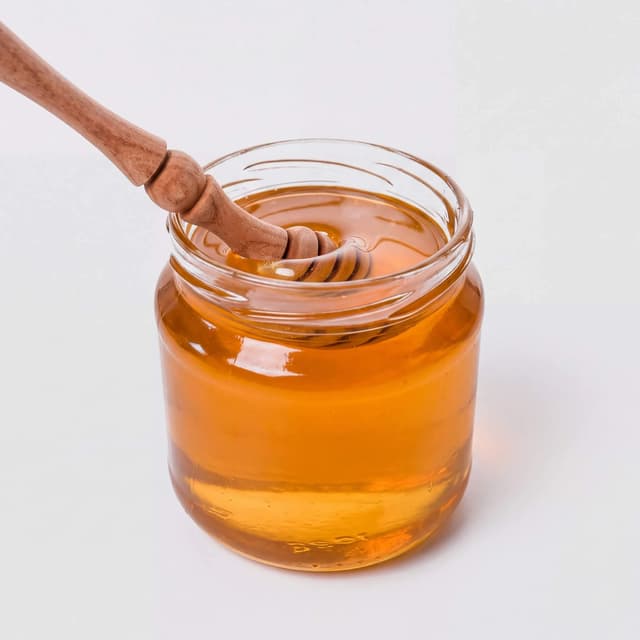
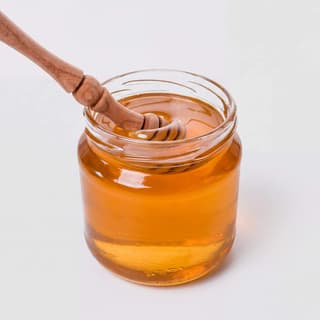
Single unlabelled hexagonal glass jar of golden honey with a wooden dipper resting against it on a seamless pure white background
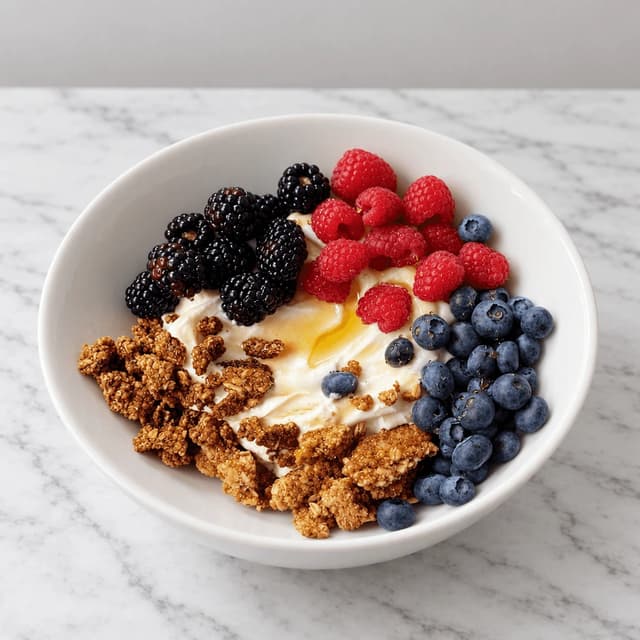
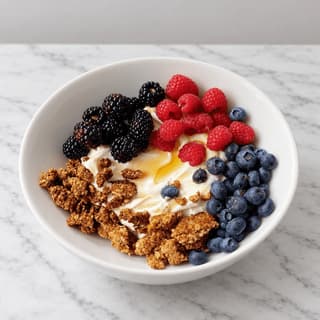
Single white bowl of toasted granola clusters over thick yogurt with fresh raspberries, blackberries and blueberries on pale marble
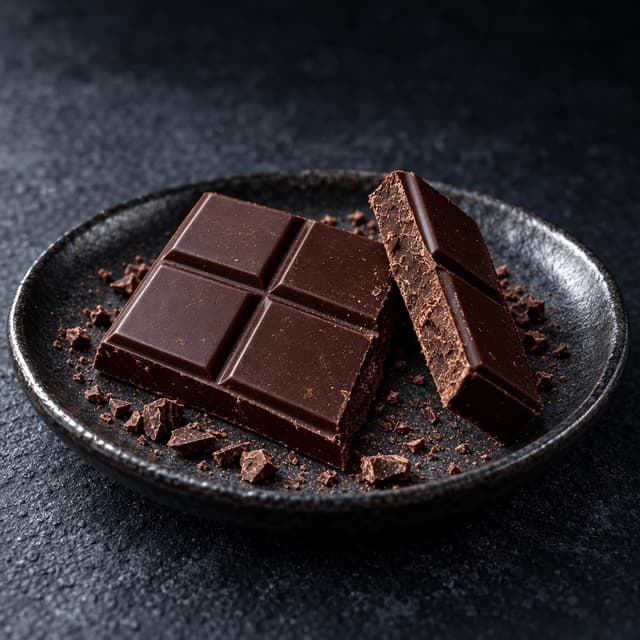
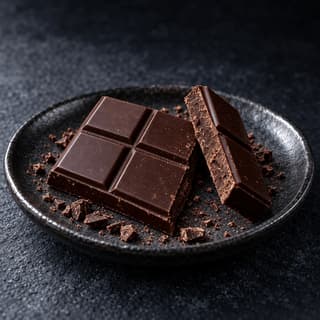
Close-up of a snapped bar of dark chocolate on a dark speckled ceramic plate, the fractured edge and moulded squares visible with scattered cocoa crumbs
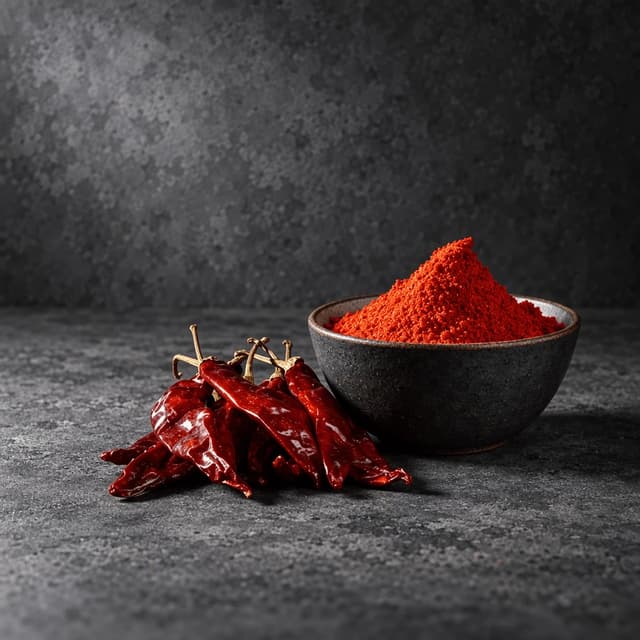
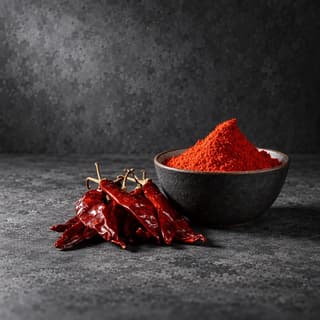
Small charcoal stoneware bowl heaped with deep red smoked paprika seasoning with whole dried chillies beside it on a dark grey concrete surface
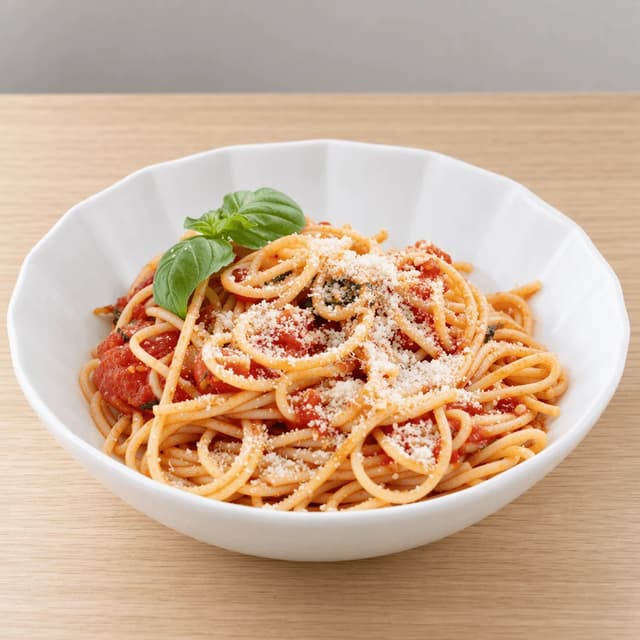
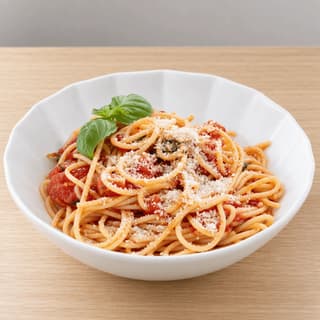
Single white fluted bowl of spaghetti coated in thick tomato sauce with whole basil leaves and grated cheese on blonde oak
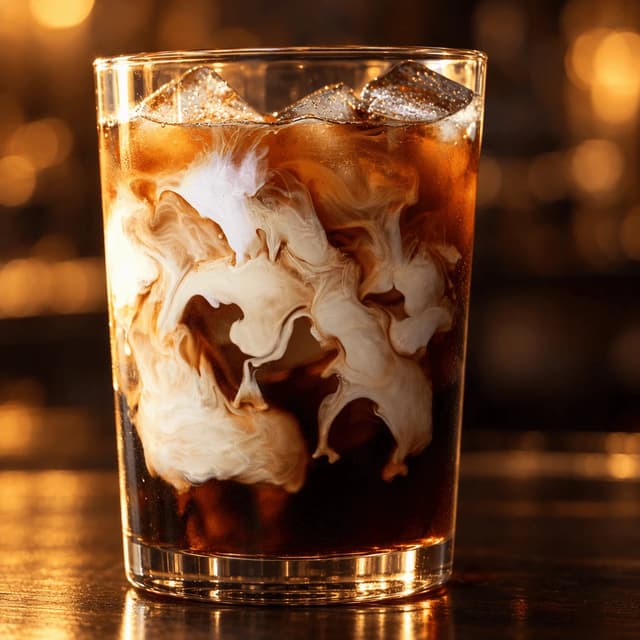
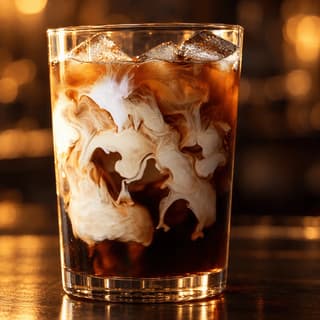
Heavy-walled clear glass of iced cold brew coffee with clear ice cubes and a swirl of cream settling through it on a polished dark wood counter
For Food & Beverage Sellers on Amazon

Amazon image requirements for food sellers: every spec, met from a phone photo.

The generic seller guides treat a jar of hot sauce like a phone case. The file numbers are the same for everyone — 1600 pixels on the longest side, pure white at RGB 255, 255, 255, the product filling 85 percent of the frame, sRGB, JPEG — but food breaks those rules in ways a phone case never does. Gloss on a jar brings the whole room back as a reflection. A translucent bottle loses its edge against white. A 60 gram spice tin looks lost at 85 percent fill. And the secondary slots want the food out of the pack and plated, which is a second shoot nobody budgeted for. This is the spec sheet plus the food-specific half nobody writes. FoodShot restyles the photos you take on your own phone, of the product you actually sell. It does not run a shoot and it does not send anyone to you.

Cancel anytime30,000+ food businesses

Trusted by teams on

DoorDashUber EatsGrubhubDeliverooJust EatWoltOpenTableYelpFoodpandaToast

One jar, rendered for three listing slots: the white main image, the lifestyle secondary and the 1600px zoom crop

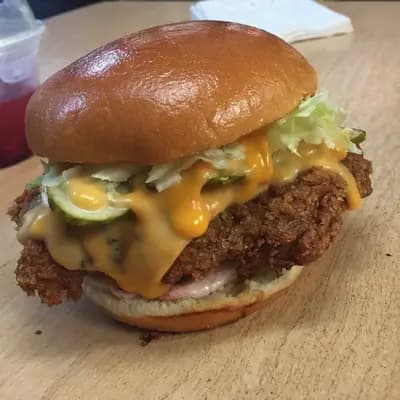
Original smartphone food photo before FoodShot AI enhancement
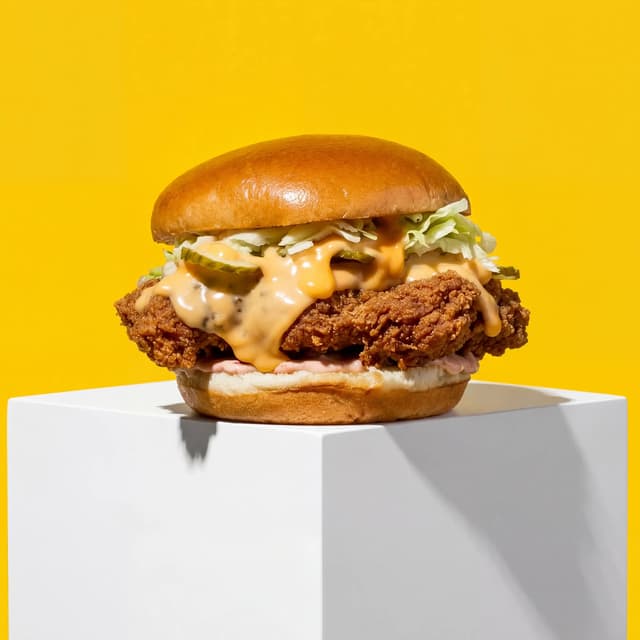
Studio-quality food photography generated by FoodShot AI
50,000+

Photos generated

95%

Cost savings

150s

Average time

The Food Seller's Image Set

Every slot a food listing needs, and what food does to each one
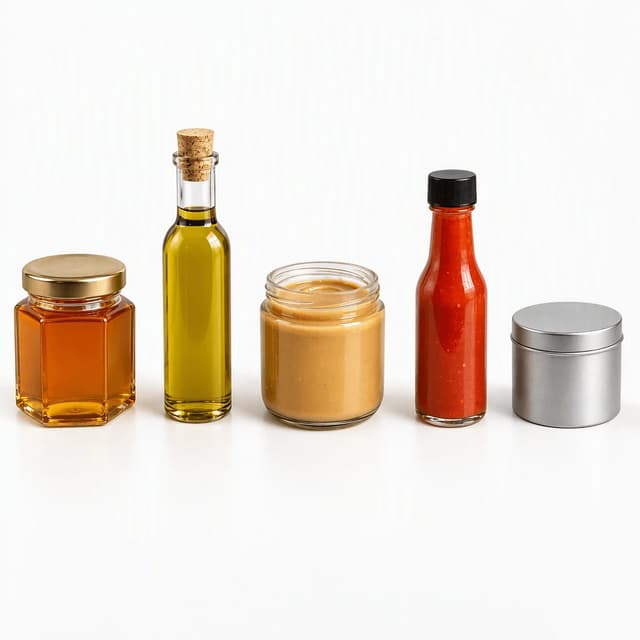
Row of five unlabelled glass containers, a honey jar, an oil bottle, a nut butter jar, a hot sauce bottle and a spice tin, on seamless white

The Main Image: Pure White, Glossy Jars and Bottles

Five vessel shapes on 255 white, gloss under control
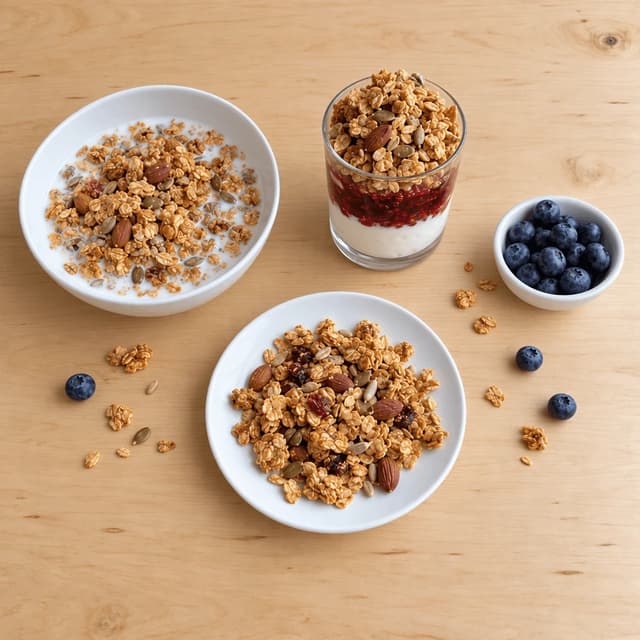
Overhead spread of granola served three ways, a bowl with milk, a layered yogurt glass and a plate of loose clusters, with berries on pale oak

Food Out of the Package: The Plated Serving Shot

One product served three ways, no second shoot needed
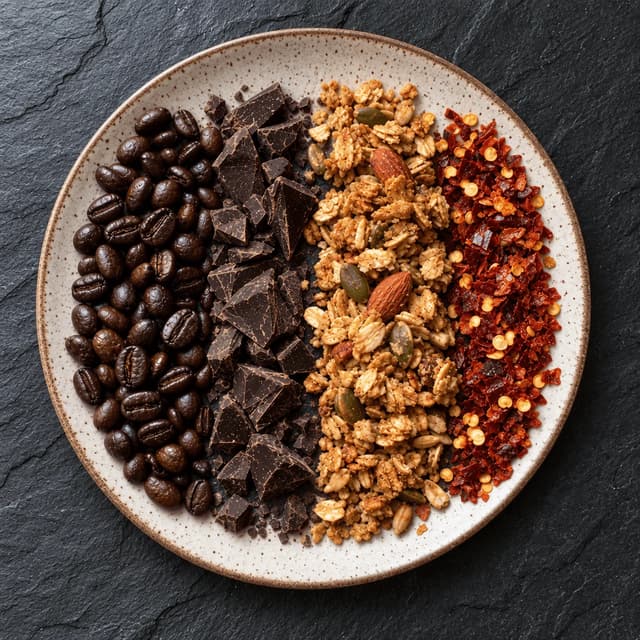
Overhead close-up of four product textures laid in bands on a cream speckled ceramic plate on dark slate: dark roast coffee beans, chocolate chunks, granola clusters and red chilli flakes

Texture Macro: Proving Quality at 1600px Zoom

Four textures at zoom scale, where cheap photos fail
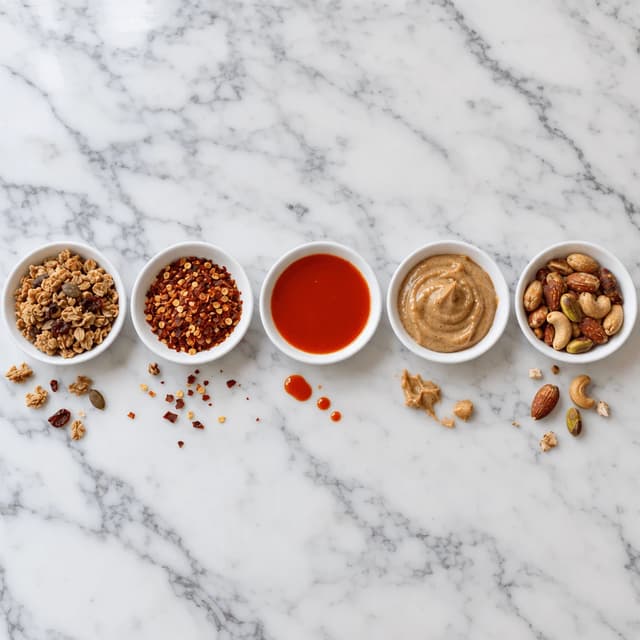
Overhead row of five matching small white dishes each holding one single serving, granola, chilli flakes, hot sauce, nut butter and roasted nuts

Scale Reference: Showing the Real Portion Size

One serving per dish, so nobody guesses at the size
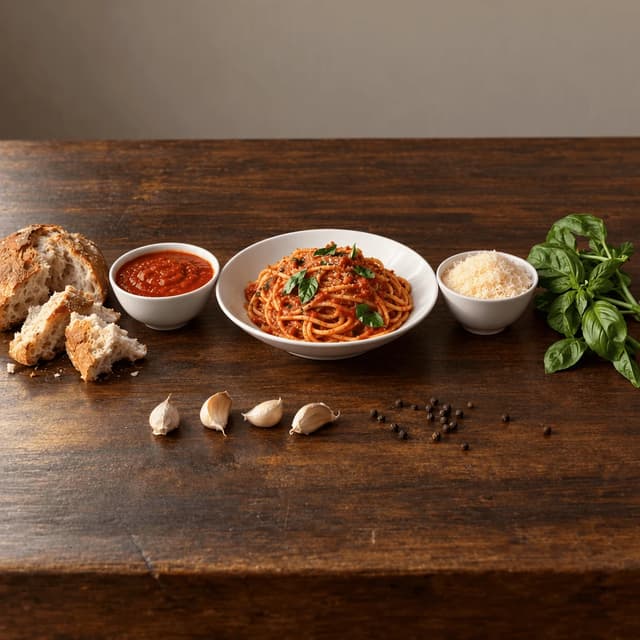
Lateral spread on dark walnut of a bowl of spaghetti in tomato sauce, a bowl of extra sauce, torn bread, a bowl of grated cheese and fresh basil

Serving Suggestion: The Shot That Lifts Conversion

The full table the jar belongs to, styled as a meal
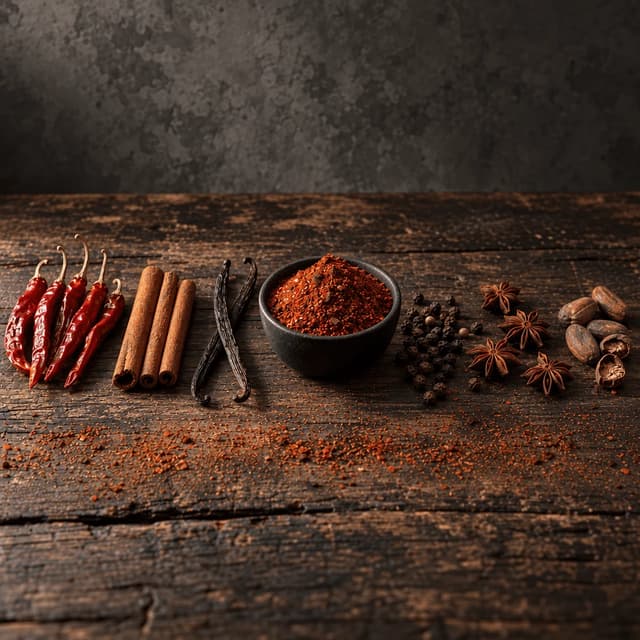
Low-angle spread on weathered dark wood of whole dried chillies, cinnamon, star anise, peppercorns, vanilla pods and cocoa beans around a black dish of finished blend

Ingredient and Provenance Styling

Whole spices and cocoa around the finished blend
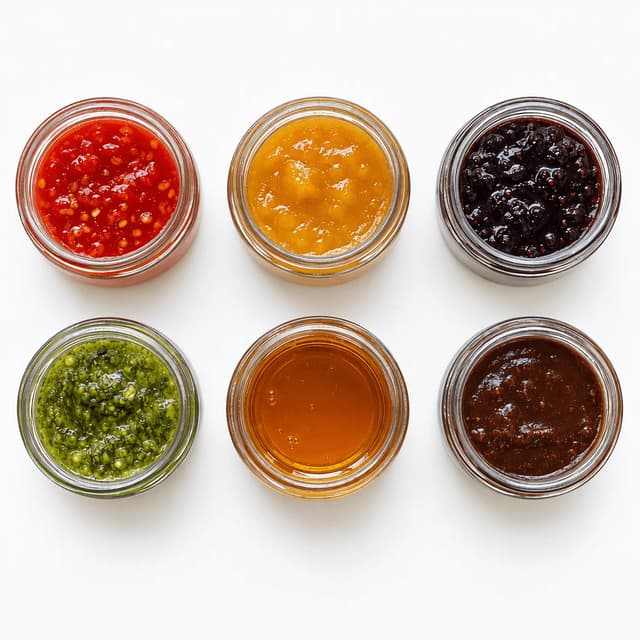
Overhead three by two grid of six identical unlabelled glass jars holding six different coloured sauces and preserves on seamless white

Variant Sets: Six Flavours, One Consistent Look

Six identical jars, six colours, one grid on white

Features

Built for the seller who owns the listing

Listing Styles

A full listing's image set from the phone already in your apron pocket

100+ curated styles built for the way a marketplace listing is actually seen: a postage-stamp thumbnail in search, then a full-resolution zoom a second later. Photograph the jar on your own bench, pick a style, and FoodShot restyles the real photo into a listing-ready image with the light, the surface and the framing each slot needs, the clipped white for the main image, the warm oak for the lifestyle secondary, the dark stone for the texture macro. That is what turns the amazon image requirements into a checklist rather than a quote from a studio: the whole set is one afternoon of phone photos. The product, the fill level and the label stay exactly what ships, because it is your photo underneath. Brands building out the wider catalogue should start with our food brands page; for campaign and packaging imagery that is not about marketplace compliance, see packaged food photography.

Explore styles

Builder Mode

Pure white at 255 for the main slot, dark stone for the zoom crop

The main image is the rule food breaks hardest: a glossy jar photographed on a worktop carries the whole room back as a reflection, and a phone's auto-exposure renders white as a soft grey that fails the background check. Builder Mode fixes both by letting you choose the surface and the backdrop your real photo is placed into, seamless white clipped to RGB 255, 255, 255 for the main slot, dark slate for a texture macro that has to survive a full-resolution zoom, pale oak for the food-out-of-the-package shot. The same control solves the 85 percent fill problem on small products: a 60 gram spice tin looks lost in a wide frame, so the shot is rebuilt tight and straight on, with a faint contact shadow so the tin sits on a surface instead of floating. Our white background food product photos page goes deeper on the background itself.

Try Builder Mode

My Styles

Twelve SKUs, one saved look, and flavour thirteen drops straight in

Save the look once and every upload inherits it. That is the whole answer to a variant set: six flavours photographed on the same spot on your bench, at the same distance, with the label square to the lens, all six restyled with one saved style so the only thing changing down the row is the colour inside the jar. A buyer scanning the variant strip reads one line rather than six listings that happen to share a name, and when the seventh flavour launches you apply the saved style and it lands in the grid as though it had always been there. It survives a label redesign too: reshoot the twelve on your phone in an afternoon, apply the same style, and the line is consistent again the same day. If you already have usable photographs and only need them brought to spec, that is the job our Amazon food photo editing page describes.

Match your brand

More to explore

One tool, endless possibilities

Before → After

From phone snap to studio shot

See the transformation. Same food, completely different result.

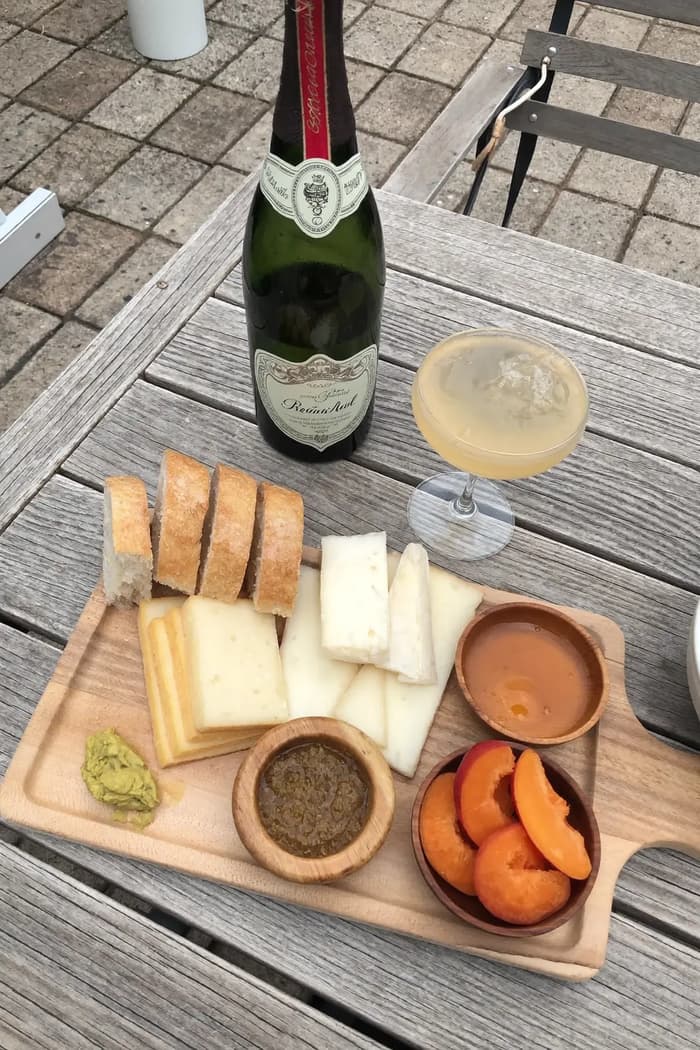
Raw phone food photo before AI enhancement
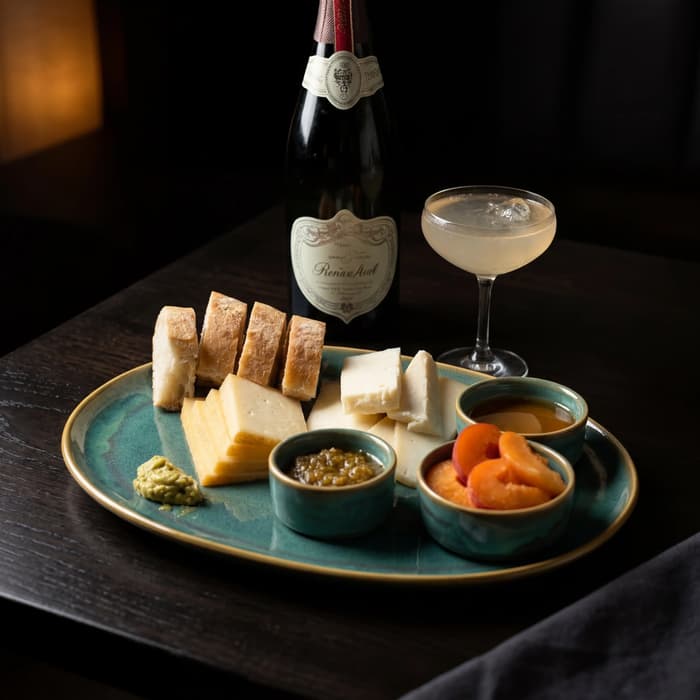
Studio quality food photo after FoodShot processing

Multi-variation

One photo, endless options

Generate multiple styles from a single upload. Pick the best.
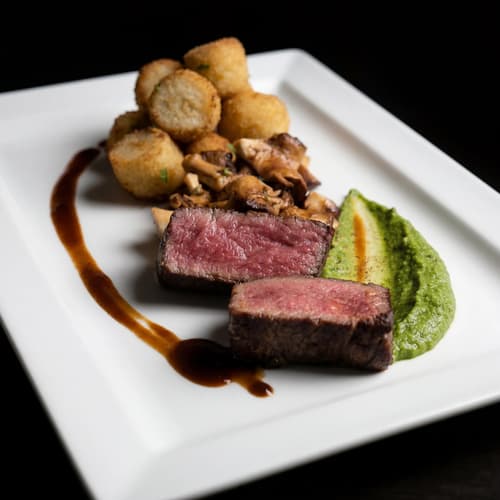
Food photo variation - delivery app style
Food photo variation - restaurant menu style
Food photo variation - social media style
Food photo variation - fine dining style

Poster Mode

Marketing-ready designs

Pick a template, drop your food.
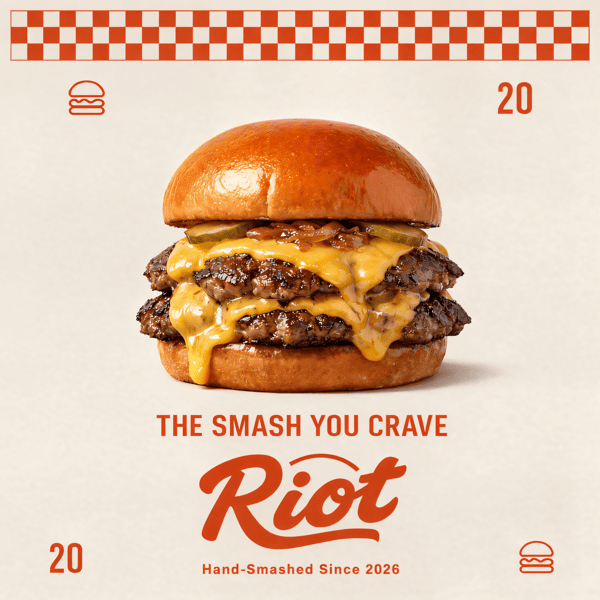
Smash burger restaurant poster design
Cocktail bar promotional poster
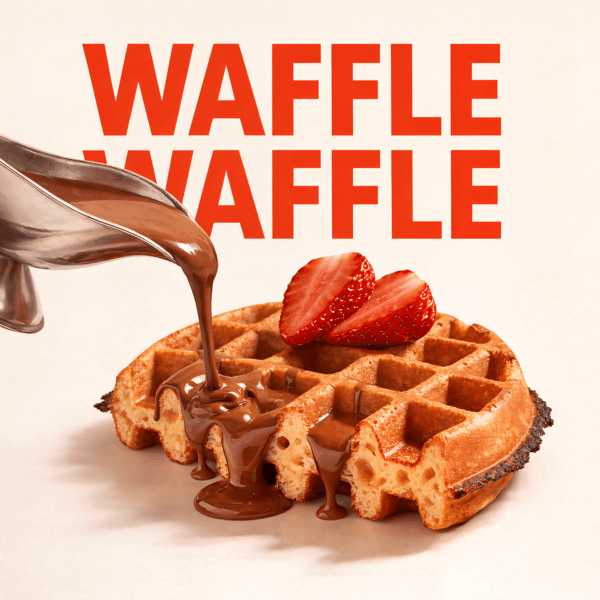
Waffle social media advertisement
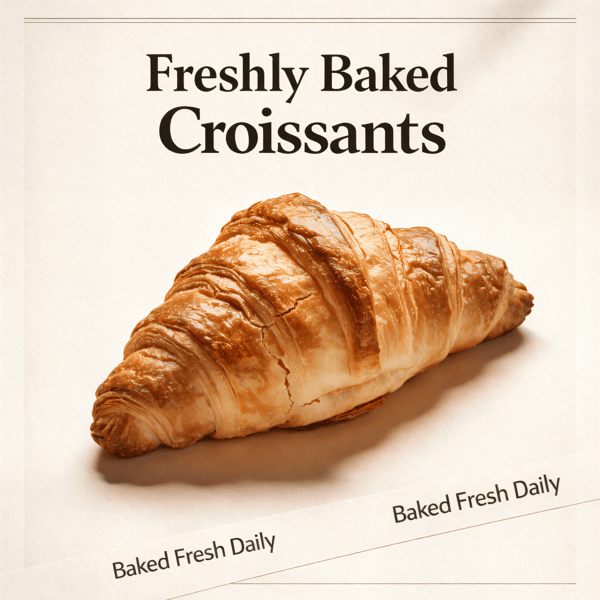
Croissant bakery marketing poster

Prompt Editing

Describe it, get it

Add sauce, swap plates, change lighting — just type what you want.
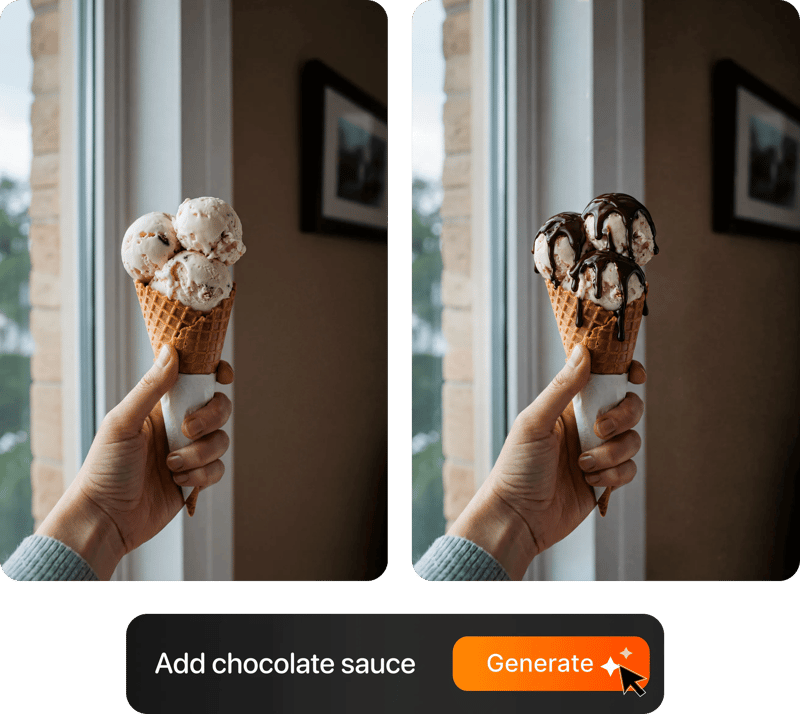
Prompt-based food photo editing

200+ Styles

Styles for every vibe

From clean white to moody fine dining. One tap.
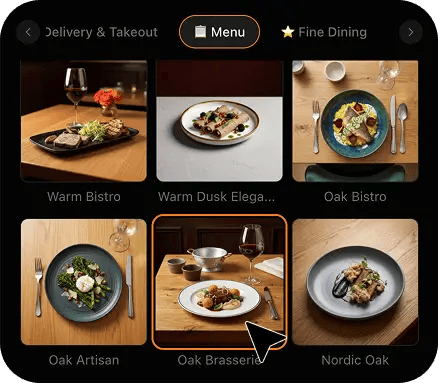
FoodShot 200+ food photography style presets grid

4K Resolution

Ultra-high resolution output

Up to 4K resolution output. Print-ready quality for menus, billboards, and packaging — no upscaling needed.

4K

Perfect For

Every food brand whose listing is one photo away from the click

From a two-person hot sauce line with four SKUs to a roaster running a twelve-bag catalogue, if a buyer decides on your thumbnail before they read a single word of the listing, this is your spec sheet.

🌶️

Hot Sauce & Condiment Brands

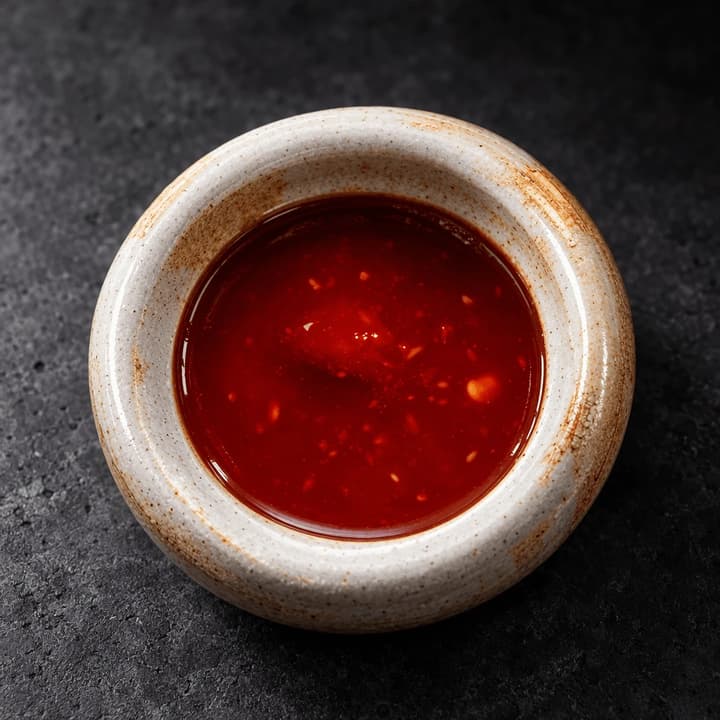
A dark glossy bottle against pure white is the hardest main image in food: the gloss picks up the room and the neck disappears into the background. Get one controlled highlight down the bottle and a defined rim, then spend the secondary slots on what actually sells heat, a pool of the sauce with the seeds visible and the plate it belongs on.

Coffee & Tea Roasters

A matte pouch gives you a clean main image and almost nothing else, which is why roaster listings live or die on the secondaries. A bean macro that holds up at full zoom proves the roast, and a brewed cup shows the buyer the thing they are actually buying. Both come from photos taken on the bench, not from a studio day.

🍫

Snack, Bar & Confection Makers

Nobody buys a wrapper. The unwrapped bar, the snap edge and the texture at zoom are what convert, and the multipack needs a scale shot so the buyer knows whether twelve bars means twelve full-size bars. One phone photo per angle, restyled to one look, covers the whole slot run.

🧂

Spice & Seasoning Blenders

A 60 gram tin looks lost at 85 percent frame fill and cheap grind reads instantly at zoom. Shoot tight and straight on so the tin fills the frame properly, then put the grind itself in a secondary slot where the colour and coarseness are visible. Colour fidelity matters here more than in any other food category.

🍯

Pantry, Preserve & Oil Makers

Translucency is the whole problem. Honey, oil and clear preserves glow beautifully in a window and then vanish against a white background, leaving the contents floating without a jar. The fix is edge separation and a grounded contact shadow, which is a lighting job on your existing photo rather than a reshoot.

🥣

Supplement & Functional Food Sellers

Tubs and powders are the listings buyers ask the most questions about, and almost all of those questions are about size and serving. A tub on white plus one honest serving-size shot answers more of the review complaints than another paragraph of copy ever will, and both come off a phone.

Reviews

Loved by food businesses

FoodShot AI changed my life as a Pastry Chef. Designing menus and plating used to be so time-consuming. Now I upload mockups and the AI does it all!
App Store

Happy Girl Pastry Chef

App Store

Great for small business! The app is easy to use. Smooth and professional results. Multiple background/settings/styles to choose. Highly recommend!
App Store

Trangbi89

App Store

This app helped me enhance my food photoshoot. Thanks to this app, I can now create pro-quality photos for my Menu.
App Store

Lalalisaoh

App Store

Excellent

Fabio Lima

Google Play

Great

Iván Fabricio Amador Pavón

Google Play

Cool

Darut Thollab

Google Play

For marketing and advertising we can use it as an enhancement. Really solid tool.

Reddit User

r/restaurantowners

Oohhh woowwww... Seriously amazing. The quality blew me away.

Remarkable-92

r/restaurantowners

FoodShot AI changed my life as a Pastry Chef. Designing menus and plating used to be so time-consuming. Now I upload mockups and the AI does it all!
App Store

Happy Girl Pastry Chef

App Store

Great for small business! The app is easy to use. Smooth and professional results. Multiple background/settings/styles to choose. Highly recommend!
App Store

Trangbi89

App Store

This app helped me enhance my food photoshoot. Thanks to this app, I can now create pro-quality photos for my Menu.
App Store

Lalalisaoh

App Store

Excellent

Fabio Lima

Google Play

Great

Iván Fabricio Amador Pavón

Google Play

Cool

Darut Thollab

Google Play

For marketing and advertising we can use it as an enhancement. Really solid tool.

Reddit User

r/restaurantowners

Oohhh woowwww... Seriously amazing. The quality blew me away.

Remarkable-92

r/restaurantowners

FAQ

Amazon Image Requirements for Food Listings FAQ

Straight answers on the numbers, the main-image rules, the slots food sellers leave empty, and exactly what FoodShot does and does not do to your photos.

hello@foodshot.ai

FoodShot AI is a powerful, AI-driven content creation platform that helps you create high-quality food photography for menus, social media marketing, and promotional materials with ease. Transform any food photo into professional-grade visuals in seconds.

It's simple! Upload a photo of your food, choose your desired style (menu photography or social media format), and click generate. For poster creation, select from our professional templates, add your text, and create marketing-ready content instantly.

Yes! Download our mobile app from the App Store to create stunning dish photos on the go. Access all features directly from your iOS device.

Yes! FoodShot AI is now available on Android. You can download it from Google Play and start creating professional food photos directly from your Android device.

With paid plans, you own full commercial rights to all generated images. Use them for your restaurant, marketing campaigns, social media, or any commercial purpose without restrictions. Free plan images include watermarks and are for personal use only.

Yes! For bulk processing needs, please email us at hello@foodshot.ai for our Enterprise plan options.

Yes, subscriptions renew month-to-month. To cancel, open Settings and click Manage subscription — it opens your Stripe billing portal, where you can cancel in one click. Fully self-serve, no questions asked, takes under a minute. Your plan stays active until the end of the billing period.

Yes, plan changes take effect immediately. You can upgrade or downgrade directly from your account dashboard. The new pricing will be adjusted for your current billing cycle.

We offer a full refund if you haven't used any credits in your current billing period. Refund requests must be made within 7 days of payment. Previous billing periods are non-refundable. Simply contact us at hello@foodshot.ai if you're not satisfied.

No, unused credits do not roll over to the next month. This applies to both monthly and yearly plans. Credits refresh every month regardless of your billing plan.

Yes! With our custom photography feature, you can upload your own reference images to create consistent branded content. Upload your restaurant's signature background, plating style, or any reference photo, and FoodShot AI will generate new images matching that exact style.

Absolutely! Once you upload a custom background or reference template, you can use it for all your future generations. This is perfect for maintaining consistent branding across all your food photography. Save your favorite backgrounds and create a cohesive visual identity for your restaurant.

FoodShot AI supports all major image formats including JPG, PNG, WEBP, and HEIC. For best results, we recommend using high-quality images with good lighting. The AI will analyze your reference and apply the same style, lighting, and composition to your food photos.

Yes! You can upload your own poster designs and templates. Whether it's your restaurant's branded template or a custom design, simply upload it and FoodShot AI will intelligently place your food photos while preserving your design elements, logos, and text.

All paid plans include unlimited custom template uploads. You can build an entire library of your brand's templates, backgrounds, and reference styles. Free plan users can try the feature with our pre-made templates.

Treat it as two lists. The file spec is the same for every category: at least 1600 pixels on the longest side, which is what switches zoom on, and zoom is the cheapest conversion lift available on the page; 500 pixels is the hard floor and 10,000 pixels the ceiling. Send JPEG, with TIFF, PNG and GIF also accepted; colour mode sRGB or CMYK; and frame the main slot square at 1:1 so nothing gets cropped away in the search grid. The main-image rules are where food listings actually get flagged: a pure white background at RGB 255, 255, 255, the product filling at least 85 percent of the frame, a real photograph rather than a rendering or an illustration, in focus and evenly lit, and absolutely no added text, logos, watermarks, borders, badges, inset images or props that do not ship in the box. The secondary slots are the mirror image of that: text, graphics, props, hands and fully plated food are all fair game there, which is exactly where a food listing wins, because a jar on white tells a buyer nothing about what is inside it.

In practice it is nearly always the main image, and nearly always one of six things. Burned-in text or a badge, so the ORGANIC flash, the 2-PACK sticker and the award roundel all have to come off the main and move to a secondary. A background that is not actually white, which is the most common one of all, because a phone exposing for a bright jar renders the paper behind it as a soft grey rather than a clipped 255. Product too small in the frame, which catches small tins and single sachets that were shot from a comfortable distance. Props in the main slot, so the wooden board, the scattered ingredients and the second jar all have to go. Reflections and shadows heavy enough to read as a second object against the white. And the shelf shot, where a competitor's packaging is visible behind your own. FoodShot renders your photo to the spec, sets the background to true white and rebuilds the framing and the highlight, but the review decision is always Amazon's, not ours, and no tool can promise you an approval.

Yes, and the target is specific: RGB 255, 255, 255, a true clipped white rather than a light grey or an off-white paper. Food makes that harder than it sounds. A glossy jar is a curved mirror, so it brings the room back as a smeared reflection across its shoulder, and a clear or translucent bottle has almost no edge against a white background, so the liquid reads while the glass disappears and the product looks like it is floating in pieces. The studio answer is large wrapped soft sources for the body of the highlight plus deliberate edge separation, so the glass keeps a defined darker rim while the background still clips to 255, and a faint grounded contact shadow so the jar sits on a surface rather than hovering. That is precisely what the white styles do to your phone photo: relight it, rebuild the gloss as one controlled vertical band instead of a scatter of hot spots, hold the rim, and clip the background. For small products the 85 percent rule is about framing distance rather than product size, so the shot is rebuilt tight and straight on.

No. FoodShot never sends a photographer, never runs an on-site or studio shoot, never prints packaging or labels, and never invents a product or a flavour you do not sell. It restyles the real photos you take yourself, on your own phone, of the jar sitting on your own bench. You upload the phone photo, choose a style, and FoodShot changes the light, the surface and the background around your product, then renders it at the crops each slot uses: the square main image on white, the wider lifestyle secondary, and a version large enough on the long side to hold up under zoom. The jar, the fill level and the label stay the ones the buyer will actually receive, which matters because the rules ask for an accurate photograph of the real product. It is also why a twelve-SKU line becomes affordable: a packshot session for twelve products, plus a reshoot every time a label changes, costs more than a month of ad spend, while a phone photo on the bench and a restyle does not, and it can happen the same day the new flavour lands.

Fill every slot you are given. One main plus up to eight secondaries, and for a food product there is a running order that works. The main is the packshot on pure white. The first secondary is the food out of the package and plated, because that is the question every buyer has and the main image structurally cannot answer. Second, a texture macro shot close enough to reward a zoom, which is where a good product visibly separates from a cheap one. Third, a scale reference so nobody has to guess whether the tin is 60 grams or 300. Fourth, the serving suggestion, the full table the jar belongs to. Fifth, ingredient and provenance styling. Sixth, a flat, readable, straight-on shot of the back of the pack for nutrition and ingredients, which quietly prevents a lot of returns. Seventh, the variant line-up. Eighth, whatever your reviews keep asking about, whether that is heat level, portion count or how to store it once opened.

Consistency across a variant set is a discipline problem before it is an imaging problem, and four rules cover almost all of it. Shoot every SKU from the same distance, so the jars are the same size in frame. Use the same camera angle and height for all of them. Orient every jar the same way, with the label square to the lens. And keep the light coming from the same side, so the shadow falls the same way down the row. Do all six in one sitting, on the same spot on your bench, and you have already solved most of it. Then save one style and apply it to all six, so the surface, the background and the shadow weight are identical and the only thing that changes across the strip is the colour of what is inside the jar. A buyer scanning the variant options then reads one coherent line instead of six listings that happen to share a brand name, and flavour seven inherits the same saved style on the day it launches.

The listing is already live. The main image is what is costing you the click.

Join 10,000+ food and beverage brands producing listing-ready product photos from the phone photos they already have.

Start Creating
Cancel anytimeFull commercial licenseStudio-quality results