MenuPhotoAI Alternative: Why Restaurants Pick FoodShot
 Ali Tanis13 min read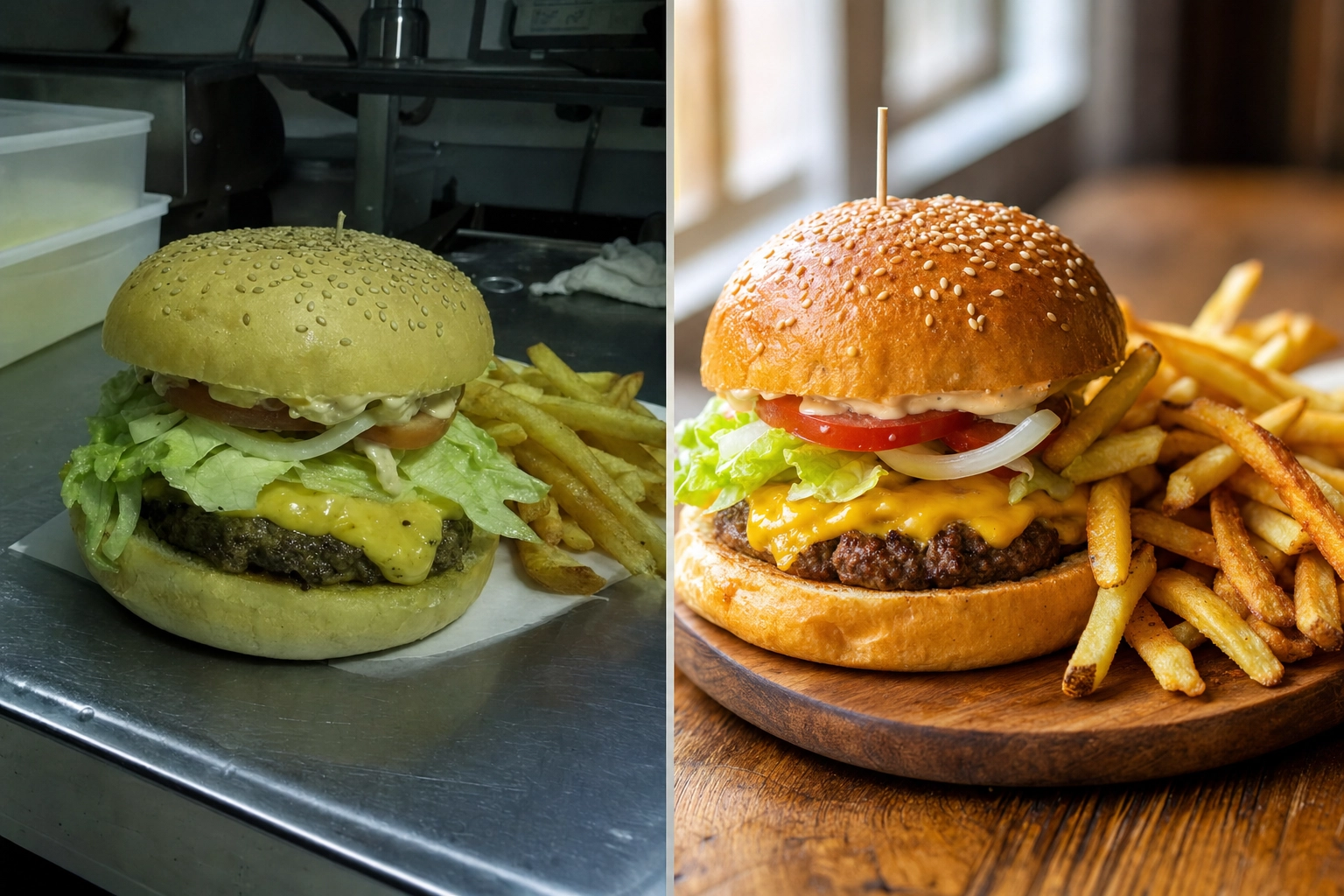
If you are weighing MenuPhotoAI against FoodShot, you are probably a restaurant or food brand owner who wants menu photos that sell — without booking a $600 photo shoot. Both tools take a phone snap of a real dish and turn it into a professional, menu-ready image in minutes. The real question is how far each one lets you go. MenuPhotoAI is a focused delivery-photo enhancer. FoodShot is a full food photography studio with 200+ styles, brand matching, and marketing tools built in. Here is the honest, side-by-side breakdown so you can pick the right tool the first time.
Before and after comparison of the same cheeseburger menu photo, a dull phone snapshot beside a bright professional AI-enhanced result
Quick Summary: MenuPhotoAI is a solid, delivery-focused photo enhancer that starts at $39 per month. FoodShot is a broader AI food photography studio — 200+ styles, Builder Mode, brand matching, Poster Mode, and 2K output — starting at $15 per month. Both start from a photo of your real food rather than generating dishes from a text prompt.
MenuPhotoAI vs FoodShot: The Short Answer
If you only need to clean up a handful of delivery photos and you like a done-for-you option, MenuPhotoAI is a reasonable pick. If you want a consistent brand look across a full menu, more creative range, marketing posters, and mobile apps for a lower entry price, FoodShot is the stronger AI food photo editor. Both take real dishes and make them look their best — the gap is breadth, control, and cost.
What MenuPhotoAI Does Well
Let us give credit where it is due. MenuPhotoAI is built around one clear job: making delivery photos comply and convert for restaurants. Founders Paolo and Shivani spent years shooting menus in Europe, and its features reflect that tight focus.
- Delivery-platform positioning. MenuPhotoAI leans hard into Uber Eats, DoorDash, Grubhub, and Deliveroo requirements. Its delivery styles are tuned for small mobile screens where a thumbnail has half a second to make someone hungry.
- Rescuing bad photos. Dark, blurry, phone-lit shots are exactly where it shines. Upload a rough photo and you get a cleaner, brighter, more professional result in about 30 seconds.
- Free re-edits. Its most distinctive feature is the re-edit system: describe a tweak ("make it warmer," "add contrast") and it adjusts the image at no extra cost. Each image ships with free re-edits.
- Style Match Mode. Pick a previous result you liked and it applies that same look to new uploads, which helps keep a menu consistent.
- A done-for-you service. For restaurants that would rather not touch the tool at all, MenuPhotoAI offers an email-in enhancement service with a 24-48 hour turnaround.
It is also refreshingly honest about what AI food photography should be: enhancement of your real dishes, not invented food. That is a value FoodShot shares — more on that below.
Where FoodShot Pulls Ahead
MenuPhotoAI is deliberately narrow. FoodShot covers the same delivery job and then keeps going, which matters once you are styling a whole menu, a website, and a social feed. Here are the features that actually change your results — and the professional photos they produce.
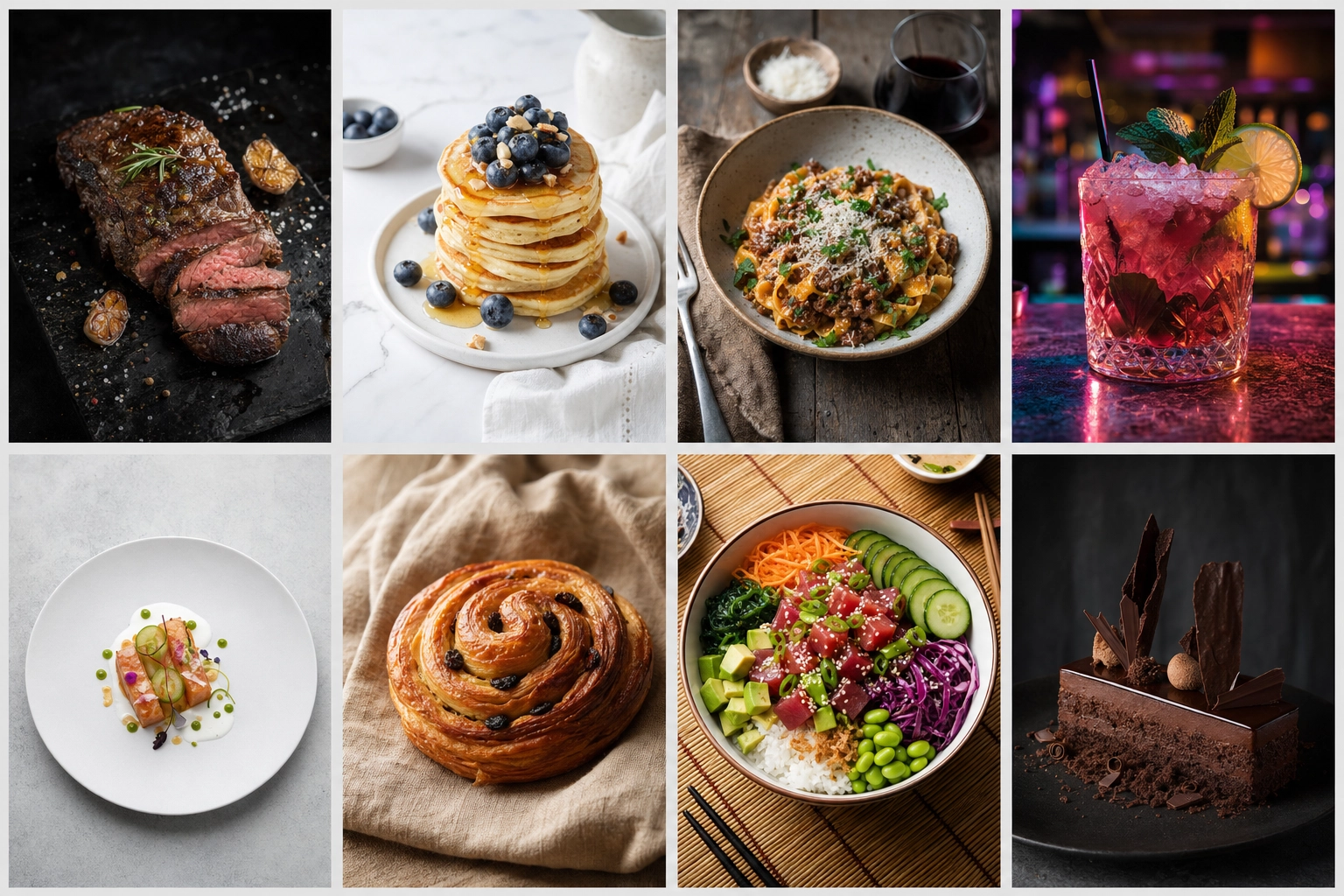 A grid of eight different dishes each styled in a distinct mood and surface, illustrating a library of 200-plus food photography styles
200+ Styles Instead of a Couple Dozen
The clearest gap is range. MenuPhotoAI offers roughly 8 delivery styles plus 18 product photography styles — about two dozen presets in total. FoodShot ships 200+ curated styles organized across Delivery, Menu, and Fine Dining categories. That difference is not vanity. A burger, a matcha latte, a plated tasting course, and a tray of croissants each look right under different lighting, surfaces, and moods. With more styles, you are far more likely to find the one look that fits each dish instead of forcing everything through the same handful of presets. If you want to see how the wider category compares, our roundup of the best AI food photo editors breaks it down.
Builder Mode: Compose Your Own Shot
Presets are a starting point, not a ceiling. FoodShot's Builder Mode lets you combine a background surface, a plate style, and your food into one composed image. Want your pasta on dark slate under moody side lighting, or your cake on a marble counter in bright, airy daylight? You set the background and lighting instead of hoping a fixed preset lands close enough. MenuPhotoAI does not offer this kind of layered composition — you take the enhancement it gives you and re-edit from there.
My Styles: Match Your Brand, Not a Generic Preset
This is the feature growing brands care about most. With My Styles, you upload a few reference photos — your own best shots, or a look you want to emulate — and FoodShot matches that style across every new upload. The result is brand consistency: the same warmth, the same background language, the same professional feel on every dish, every platform. MenuPhotoAI's Style Match Mode does something similar by reusing a past result, but My Styles is built specifically to lock a brand identity rather than copy a single image.
Multi-Variation and Poster Mode
One upload, several options. FoodShot can generate multiple variations of a dish from a single photo, so you can A/B different looks on your website or delivery app without re-shooting anything. It also includes Poster Mode — marketing templates that turn a finished food image into a promo graphic for a new special, a holiday menu, or a social campaign. MenuPhotoAI is focused on the enhanced photo itself and leaves the marketing layout to you.
Beyond Delivery: Product and Marketing Photography
For packaged goods, product photography is its own challenge. MenuPhotoAI includes 18 product photography styles aimed at simple product shots. FoodShot handles product photos too — for CPG brands shooting product images for packaging, retail listings, and websites — but pairs those product features with plated menu and fine-dining looks in one library. If your catalog mixes retail product photos with restaurant dishes, one tool that covers both keeps your product photography and your professional menu results consistent across every channel.
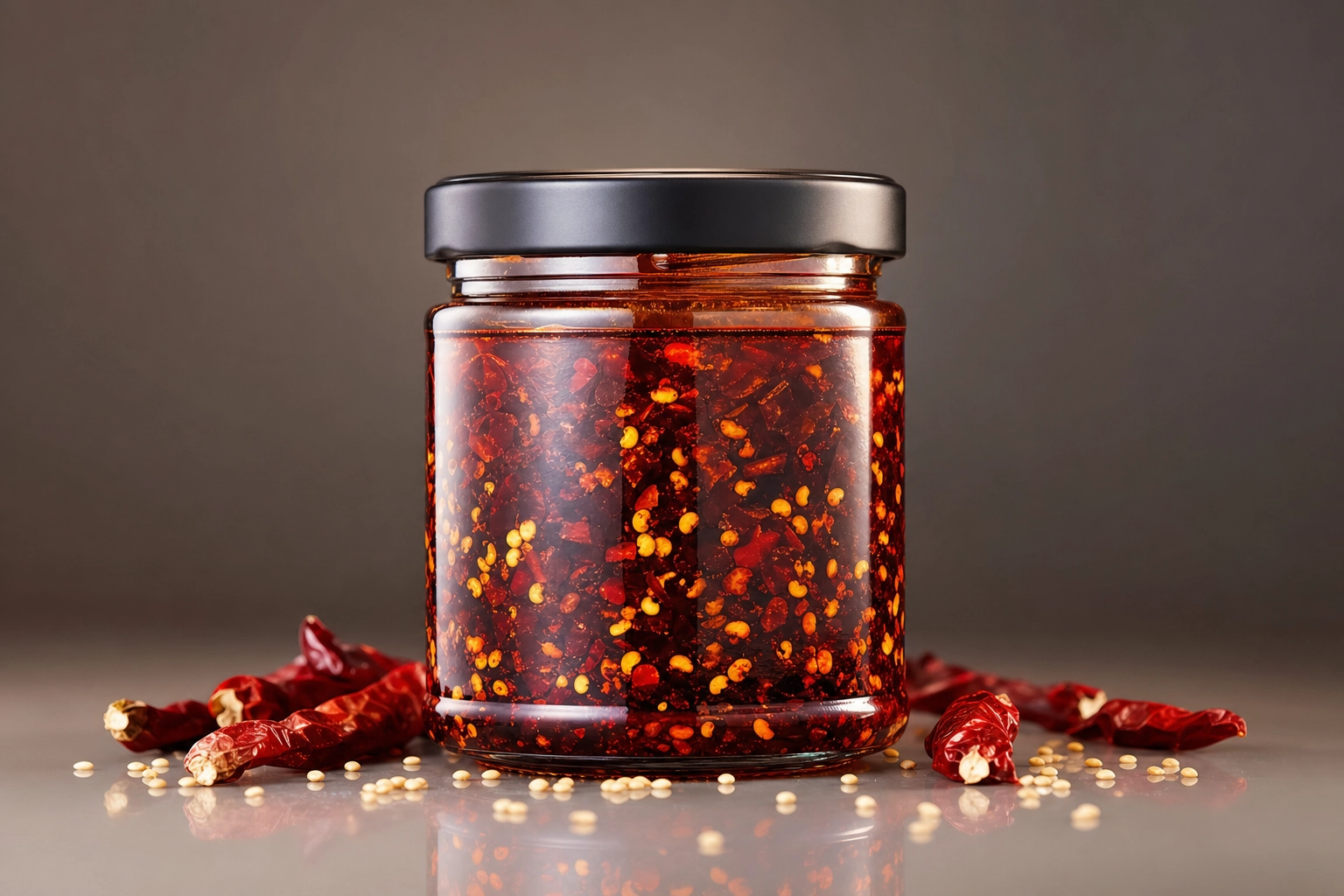 Studio product photograph of an unbranded chili crisp jar on a seamless gradient backdrop, illustrating CPG product photography
2K Output and a 2× Upscale on Every Paid Plan
Resolution matters the moment you go beyond a delivery thumbnail — printed menus, in-store posters, and hero banners all need real pixels. Every FoodShot paid plan downloads at 2K, and the web studio's 2× upscale gives you a larger file when you need one for print. MenuPhotoAI reserves its Ultra-HD processing for its top tier. If print matters to you, compare the actual file sizes each tool gives you on the plan you would buy.
FoodShot vs MenuPhotoAI: Feature and Price Comparison
Here is the head-to-head, with pricing verified in July 2026. Numbers can change, so check each site before you buy.
| Feature | FoodShot | MenuPhotoAI |
|---|---|---|
| Entry price | $15/mo ($9/mo billed yearly) | $39/mo (first month $9.99) |
| Free plan | None on the web | 5 test images + 10 re-edits, watermarked |
| Style library | 200+ styles (Delivery, Menu, Fine Dining) | ~26 (8 delivery + 18 product) |
| Builder Mode (compose shots) | Yes | No |
| Brand matching | My Styles (upload references) | Style Match Mode (reuse a result) |
| Multi-variation from one upload | Yes | Re-edits instead |
| Poster / marketing templates | Poster Mode | No |
| Max resolution | 2K on all paid plans | Ultra-HD on top tier only |
| Delivery-app optimization | Yes | Yes (core focus) |
| Mobile apps | iOS and Android | Web-first |
| Done-for-you service | No | Yes (email enhancement) |
| API access | Enterprise | Contact sales |
Pricing Compared: What You Actually Pay
The entry point is the headline. FoodShot's Starter plan is $15 per month, or about $9 per month billed yearly, and includes the full 200+ styles library, Builder Mode, Poster Mode, 2K output, and a commercial license. MenuPhotoAI's cheapest paid plan is $39 per month (discounted to $9.99 for the first month), giving you 25 images plus re-edits.
MenuPhotoAI offers a watermarked free tier so you can test before you pay; FoodShot has no free tier on the web, but its paid entry costs less than half as much and unlocks far more styles and features per dollar. If you process photos regularly, compare the real monthly value on the FoodShot pricing page rather than the sticker price alone. For a bigger-picture cost decision, our breakdown of AI vs hiring a food photographer shows why either tool beats a $500-2,000 shoot.
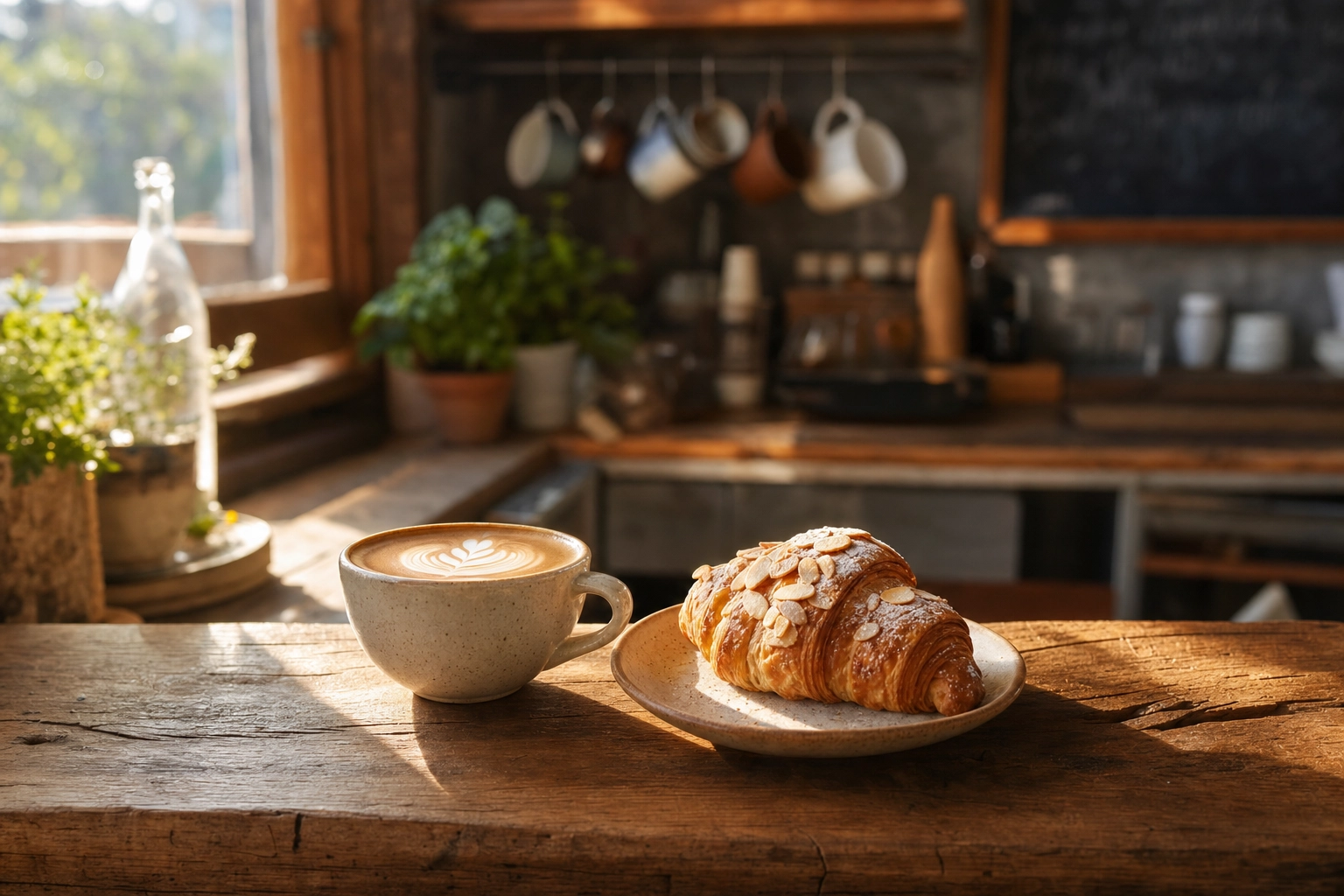 A styled flat white and almond croissant on a reclaimed-wood counter in a cozy independent cafe, showing affordable professional food photos
The Honest Part: Enhancement vs Fabrication
There is a fair concern floating around every AI food tool: does it make fake food? It is worth answering plainly, because it affects whether your photos are allowed on delivery platforms at all.
Neither FoodShot nor MenuPhotoAI fabricates dishes. Both start from a photo of the real food you actually serve and improve it — better lighting, cleaner background, sharper texture, a more appetizing crop. FoodShot's approach is restyling: it starts from your burger, not a different one, but a style can change the plate, surface, props and light, so check each result against the real item before you publish it. That matters in practice. DoorDash, Uber Eats and other platforms expect menu images to represent the real item, some platforms, such as Deliveroo, do not accept AI-generated images at all, and photos that misrepresent food can be pulled or hurt customer trust.
Does FoodShot Work for Uber Eats and DoorDash?
Yes, on platforms whose rules allow edited photos. Delivery is a first-class use case, not an afterthought. FoodShot's Delivery style category is built for exactly this — clean, bright, high-contrast images that read instantly at thumbnail size on a crowded delivery app. You can prep the same dish for Uber Eats, DoorDash and Grubhub (Deliveroo does not accept AI-generated images), then reuse those same images on your website and social channels — the same photos working across delivery, web, and print — without another upload. See the dedicated delivery app photos workflow for the full delivery setup, and the food photography for restaurants guide for menu-wide styling. Platform photo standards evolve, so it is worth checking each platform's current merchant guidelines — for example DoorDash's photo requirements and Uber Eats menu photo guidance — before you publish a full menu.
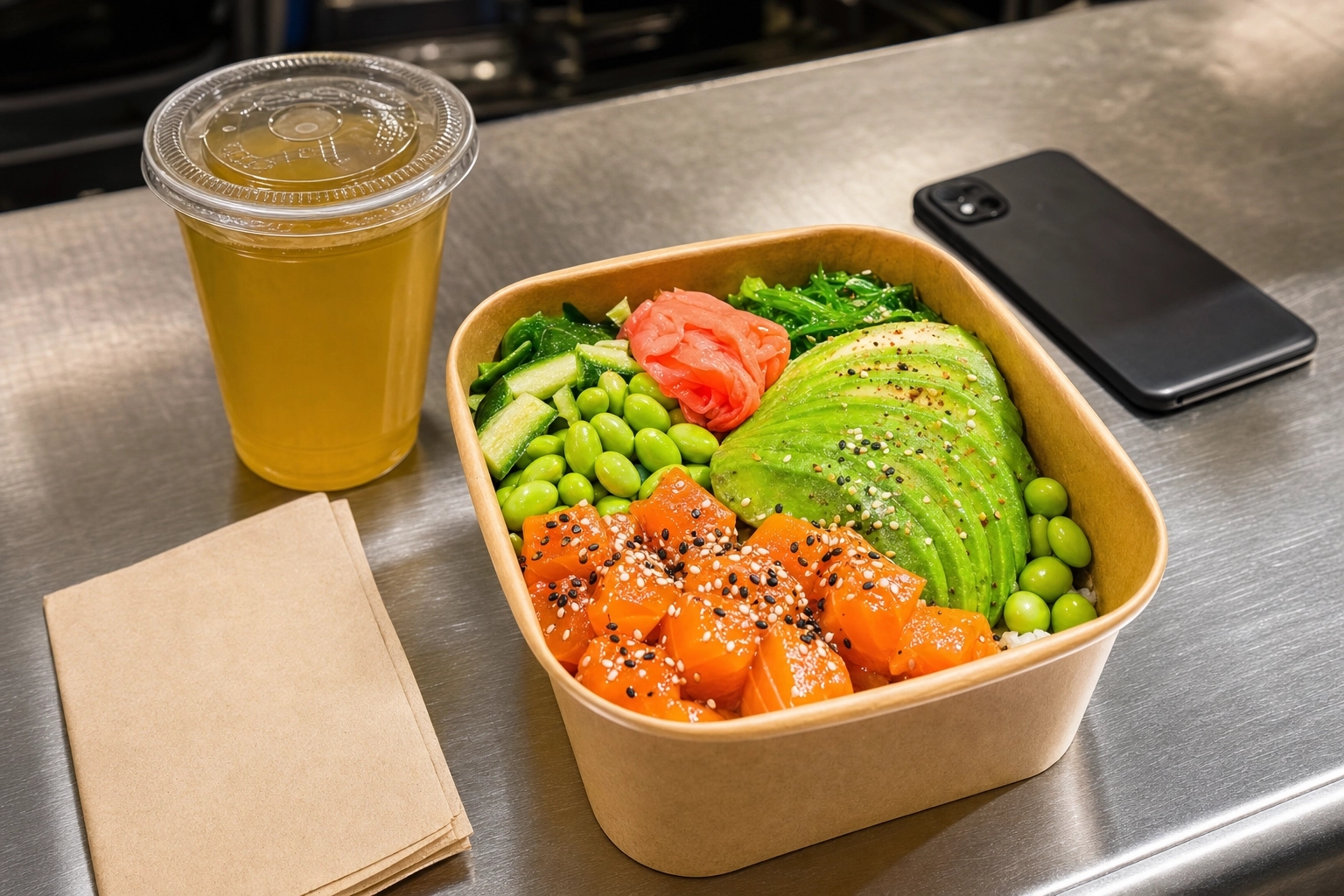 A vibrant salmon poke bowl in a kraft takeout container on a restaurant pass, styled to pop as an Uber Eats and DoorDash delivery thumbnail
Which One Should You Pick?
There is no single "better" tool — it depends on the job in front of you and which features you will actually use. Line up the two feature sets against your own photos and the answer usually gets clear fast.
Pick MenuPhotoAI If...
You mainly need to clean up a small set of delivery photos, you value a hands-off email service, and the re-edit workflow fits how you like to work. If delivery compliance is your only goal and you are updating just a few dishes now and then, it does that job well.
Pick FoodShot If...
You want brand consistency across a full menu, more than two dozen styles to choose from, the ability to compose shots in Builder Mode, marketing posters, mobile apps for shooting on the floor, 2K files with a 2× upscale for print, and a lower $15 entry price. For most growing restaurants, cafés, and food brands, that broader toolset earns its keep.
How to Try FoodShot in Three Steps
The simplest way to find out is one month of the Starter plan ($15, cancel anytime), which lets you test it on photos of your own dishes.
- Upload a photo. Take a normal phone photo of a real dish — no lightbox or ring light required — and upload it.
- Pick a style or open Builder Mode. Choose from 200+ styles, or build your own scene by setting the background surface, plate, and lighting.
- Download the result. In about 2 minutes you get professional, menu-ready photos, downloaded at 2K with a commercial license on every paid plan.
Run the same dish through both tools and judge the results side by side. Most restaurants find that testing on their own real photos — not polished marketing samples — makes the choice obvious in a few seconds. That head-to-head, on your own food, is the fastest way to know which tool belongs in your workflow.
Frequently Asked Questions
Is FoodShot a good MenuPhotoAI alternative?
Yes. FoodShot covers the same core job — turning real food photos into professional, delivery-ready images — while adding 200+ styles, Builder Mode, brand matching, Poster Mode, mobile apps, and a lower $15 entry price. For anyone who wants more than delivery enhancement, it is a strong MenuPhotoAI alternative.
Is MenuPhotoAI or FoodShot cheaper?
FoodShot is cheaper to start. Its paid plans begin at $15 per month ($9 per month billed yearly), while MenuPhotoAI's cheapest plan is $39 per month after the first-month discount. MenuPhotoAI has a free, watermarked tier; FoodShot plans start at $15/month.
Does AI food photography create fake food?
No — at least not with these tools. Both FoodShot and MenuPhotoAI start from photos of your real dishes rather than generating food from a text prompt. FoodShot restyles the food you actually serve, but a style can change the plate, surface and props, so check each result against the real item and each platform's photo rules before you publish.
Can FoodShot match my restaurant's brand look?
Yes. My Styles lets you upload reference photos so every new image matches your brand's lighting, background, and mood. Builder Mode adds even more control by letting you set the surface, plate, and lighting per shot — so your whole menu looks like it came from one photographer.
Is there a free plan or app?
There is no free plan on the web: FoodShot plans start at $15/month. It does offer native iOS and Android apps so you can shoot, style, and download food photos right from your phone.