AI vs Photoshop for Food Photo Editing: Honest 2026 Comparison
 Ali Tanis16 min read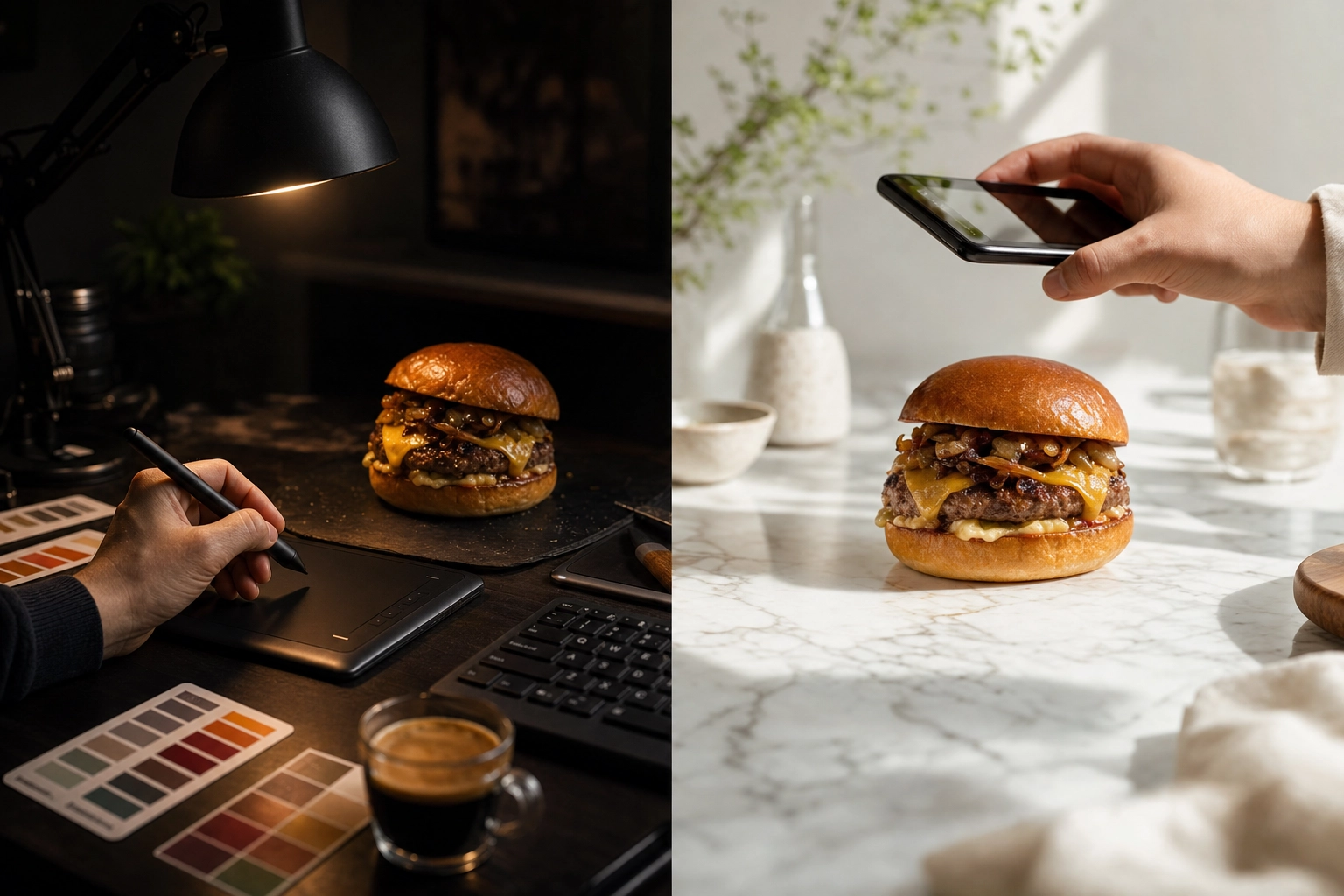
You run a cafe with 38 dishes on the menu, and every photo looks like it was shot in a dim kitchen — because it was. Two options are circling your head: finally learn Photoshop, or hand the job to an AI food editor that promises "menu-ready in 90 seconds." The AI vs Photoshop food editing choice really comes down to one thing — which tool fits the photos you actually need.
That's the real decision thousands of restaurant owners, food bloggers, and bakery managers face in 2026. So let's settle the AI vs Photoshop food editing debate honestly — not "AI good, Photoshop bad," but a clear-eyed look at what each tool genuinely does well, what it costs you in money and time, and exactly when to reach for which.
Quick Summary: For high-volume menu, social, and delivery-app photos, AI food editing wins on speed (~90 seconds vs 20–30 minutes per photo), cost (from $15/mo vs ~$23/mo plus months of training), and ease (no skills needed). Photoshop still wins for pixel-perfect retouching, composite editorial shots, and total creative control. Most food businesses should start with AI and keep Photoshop for the rare hero shot.
The 30-Second Verdict
If you don't read another word, here's the honest bottom line on AI vs Photoshop food editing:
- Choose AI if you need a lot of good-looking food photos, fast, and you're not a designer. Think menus, delivery apps, Instagram, and seasonal specials. This is 90% of food businesses.
- Choose Photoshop if you need a handful of pixel-perfect, art-directed hero images — magazine-style composites, print campaigns, brand work where every shadow is deliberate — and you (or someone on staff) already know how to use it.
- Choose both if you do volume work weekly and occasional editorial. Use AI for the menu, Photoshop for the cover shot.
| If you are a… | Your main job is… | Best pick |
|---|---|---|
| Restaurant or cafe owner | 30–80 menu + delivery photos, fast | AI |
| Bakery or pastry manager | Daily case + social shots | AI |
| Food truck or ghost kitchen | Menu boards + app listings | AI |
| Food blogger or creator | High posting volume, occasional hero | AI (Photoshop optional) |
| Fine-dining marketer | A few editorial hero images | Photoshop (or both) |
| Marketing agency | Client work at scale + custom art | Both |
Most of these businesses — restaurants, cafes, ghost kitchens, and food trucks — live in the top rows, where speed and volume beat pixel-level control. If you're hunting for the single best food photo editing software, the honest answer is "it depends on the job" — so let's break the job down.
AI vs Photoshop: The Honest Difference
The single most important thing to understand: these tools aren't really competing for the same job.
Photoshop is a general-purpose image editor. It gives you manual, pixel-level control over everything — but you do the work, slider by slider, mask by mask. An AI food photo editor is purpose-built for one thing: making a photo of a dish look appetizing and menu-ready, automatically.
It's tempting to say "AI is just Photoshop with one button," but as The Verge argued in a widely shared piece, that comparison is "frustratingly over-simplified." Getting a clean, natural result in Photoshop takes "both time and experience" — selecting, masking, blending, color-matching. AI collapses that into a single upload. The skill barrier isn't just lowered; for the everyday user, it's gone.
So the real question isn't "which is better?" It's "which is better for the food photography you actually need?"
Photoshop for Food Photography: What You're Signing Up For
Photoshop is the industry standard for a reason — it can do almost anything. But for a food business, it comes with three real costs: money, a steep learning curve, and time per photo.
The Real Cost of the Adobe Ecosystem
You can't buy Photoshop outright anymore — it's subscription-only. As of 2026:
- Adobe Photography plan (Lightroom + Lightroom Classic + Photoshop): about $14.99/mo with 20GB storage, or $19.99/mo with 1TB.
- Photoshop single app: about $23/mo.
- Lightroom standalone: $11.99/mo.
Those lower monthly rates usually require a 12-month commitment — cancel early and Adobe charges a fee for the remaining months. PCMag reported the 20GB Photography plan jumped from $9.99 to $14.99 (a 50% hike), and the old $9.99 tier is no longer sold to new subscribers. There's also a hidden cost most "$X/mo" comparisons skip: Photoshop really wants a capable laptop or desktop, not just the phone in your apron.
The Learning Curve: Months, Not Minutes
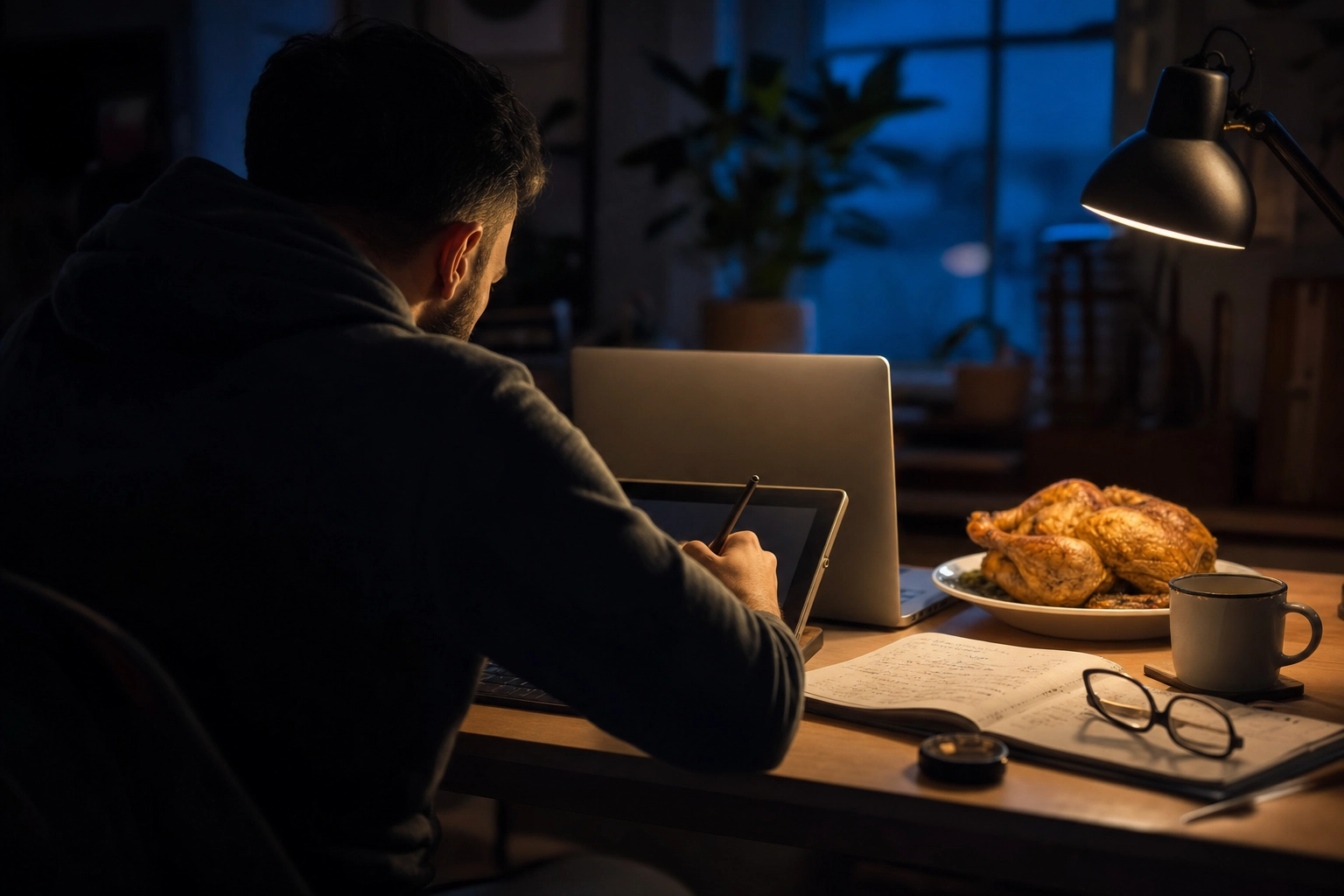 A food business owner editing a dish photo manually at night, showing the slow time-consuming Photoshop learning curve
This is where Photoshop quietly gets expensive. According to Noble Desktop, a beginner reaches proficiency in Photoshop's common tools in two to three months, and true mastery — compositing, advanced retouching — takes six months to a year of practice.
Food retouching sits at the harder end. Making a burger look juicy without looking fake involves frequency separation, dodge-and-burn, careful masking, and color work most people never touch. For a restaurant owner working 60-hour weeks, that learning time is the real price — and it dwarfs the $20 subscription.
What Photoshop Can Actually Do
Once you've put in the hours, the ceiling is unlimited:
- Layers and masks for precise, non-destructive edits
- Frequency separation and dodge & burn for flawless texture and lighting
- Clone, heal, and composite — combine five exposures into one perfect plate
- Exact color control and CMYK prep for print menus and packaging
- Generative Fill and AI selection now built in (yes, Photoshop has AI too) — but still operated by hand
If you can imagine it, Photoshop can make it. The catch is always the same: time and skill. If you want to go this route, our guide on how to edit food photos walks through the manual basics.
AI Food Editing: What You're Signing Up For
Purpose-built AI food editing tools flip the trade-off. You give up granular manual control; in return you get speed, consistency, and a near-zero learning curve.
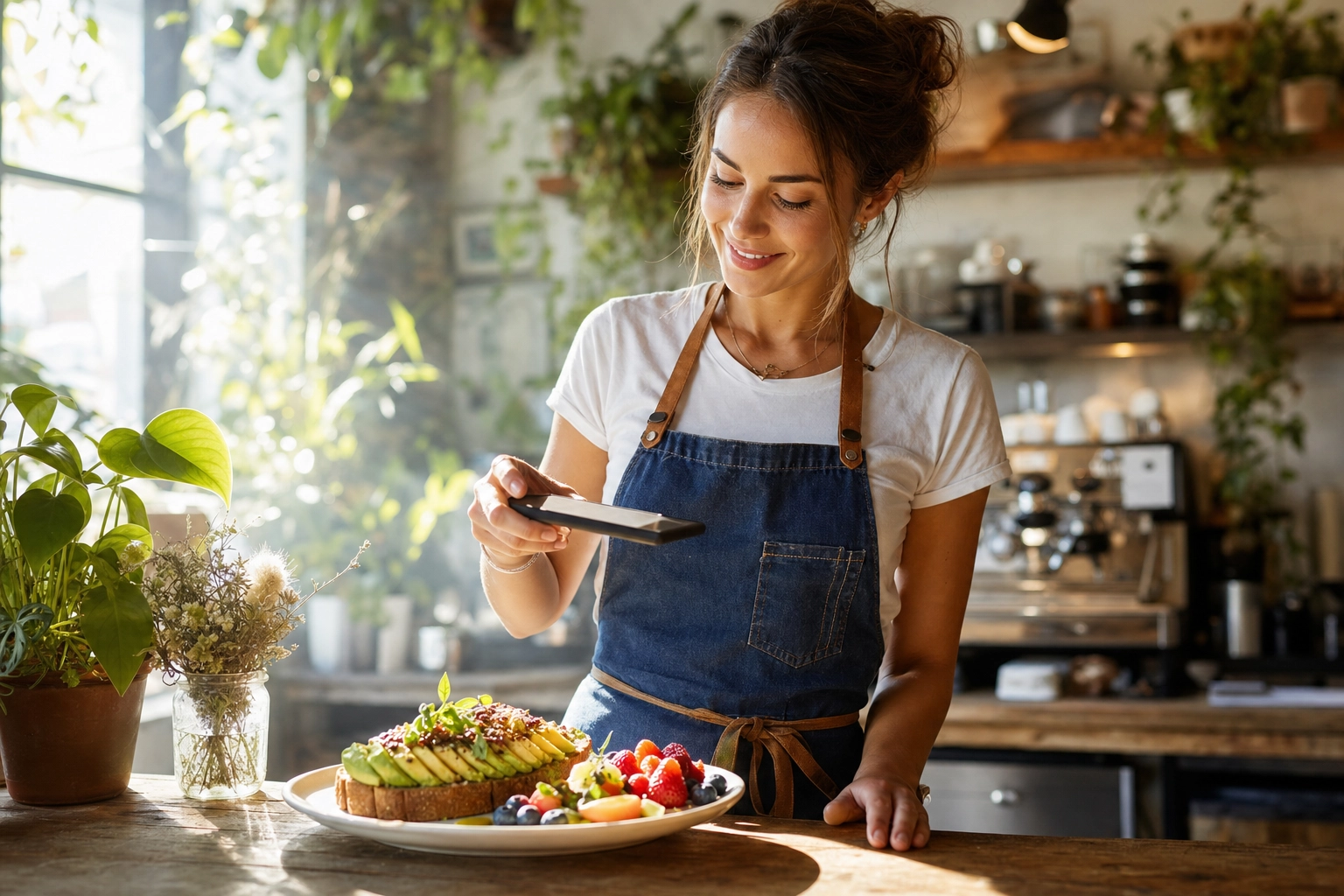 Cafe owner casually photographing a brunch plate with a phone, showing fast effortless AI food editing with no skills needed
Cost and Speed: From $15/mo and ~90 Seconds
FoodShot's paid plans start at $15/mo (Starter, 25 credits), with Business at $45/mo (100 credits) and a free tier for testing (watermarked, personal use only). Each photo takes roughly 90 seconds to transform — including background replacement and color and lighting enhancement — versus the 20–30 minutes a manual Lightroom or Photoshop edit takes once you know the tools. You can see the full breakdown on the pricing page.
The Near-Zero Learning Curve
There's essentially nothing to learn. You upload a real photo of your actual dish, pick from 200+ curated styles (Delivery, Menu, Fine Dining), and get professional, menu-ready results. If you can use Instagram, you can use it. You can even describe changes in plain English — "brighter, warmer, white marble background" — instead of hunting through menus and sliders.
That matters because the person editing food photos at a restaurant is usually a manager or owner, not a trained designer.
What AI Food Tools Can (and Can't) Do
Be clear on both sides of the ledger.
It can:
- Fix lighting, color, and texture so a dish looks fresh and appetizing — that's exactly what an AI food image enhancer is built for
- Remove and replace backgrounds in one step — a job that's pure Photoshop labor — using a food background editor
- Apply a consistent house style across an entire menu
- Output 4K AI food photography with a commercial license on paid plans
It can't:
- Invent a fictional dish from text — it needs a real photo of your real food as the starting point
- Replace a layer-based editor for fine pixel surgery
- Do print layout, packaging dielines, or multi-image composites
That last point is the honest boundary: AI food editing tools aren't trying to be Photoshop. They're trying to make Photoshop unnecessary for the 90% of jobs that are "make this look great, quickly."
AI vs Photoshop Food Editing: 8 Dimensions Compared
This AI vs Photoshop food editing comparison runs across the eight dimensions that actually shape your decision — and your results.
| Dimension | Photoshop (Adobe) | AI Food Editing (FoodShot) |
|---|---|---|
| Cost | ~$15–23/mo + capable computer | From $15/mo, works on phone or web |
| Learning curve | 2–3 months to proficiency; up to a year to master | Minutes — upload and pick a style |
| Speed per image | 20–30 min (skilled) | ~90 seconds |
| Output quality | Unlimited ceiling, depends on your skill | Consistently appetizing, no skill required |
| Styling options | Infinite, but manual | 200+ curated styles + Builder Mode |
| Background change | Manual masking & compositing | One-tap remove & replace |
| Batch processing | Lightroom presets/actions (after setup) | Bulk 5-at-once on Scale plan |
| Commercial license | Included in subscription | Included on paid plans |
A few of these deserve a closer look.
Output Quality: A Surprising Finding
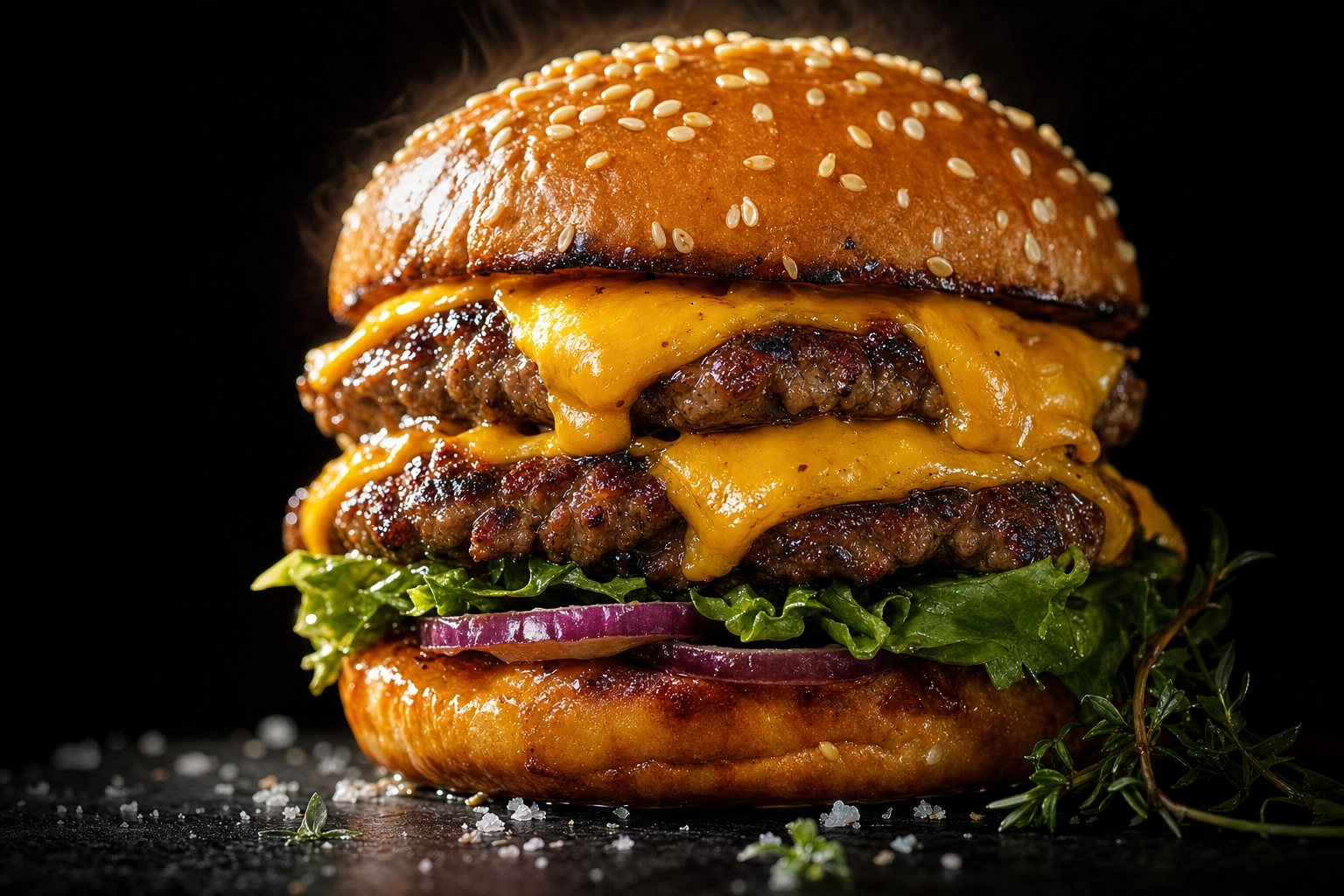 Studio-quality menu-ready cheeseburger photo illustrating consistently appetizing AI food editing output quality
You'd assume "real and hand-retouched" always beats "AI." Not necessarily. In a 2024 University of Oxford study published in Food Quality and Preference, 297 participants rated AI-generated food images as more appetizing than real photos — especially when they didn't know which was which. Participants described the AI versions as looking "too perfect."
The honest caveat the researchers themselves raised: that "too perfect" look can set unrealistic expectations. The takeaway isn't "AI always wins" — it's that a well-enhanced image clears the bar for appetizing far more reliably than most DIY Photoshop attempts. And because FoodShot starts from a photo of your real dish, what lands on the menu still looks like what you actually serve.
Speed and Batch Work
For one hero image, the speed gap barely matters. For a 50-dish menu, it's the whole game. Photoshop can batch with Lightroom presets, but only after you've built and tuned them — and presets don't fix backgrounds or composition. AI applies a consistent look across every dish automatically, and bulk processing (5 at a time on the Scale plan) turns a full menu into a one-sitting job.
Background Change
Swapping a cluttered table for clean marble is one of the most common food-photo edits — and in Photoshop it's genuinely fiddly: select, mask, refine edges, match shadows. A dedicated food background editor does it in a tap, which is exactly why this used to be a signature Photoshop skill and now mostly isn't.
When Photoshop Wins
Let's give Photoshop its due. There are jobs where nothing else comes close:
- Pixel-perfect retouching. Removing a single stray crumb, fixing a torn lettuce edge, smoothing a sauce drip — surgical, zoomed-in work AI won't target precisely.
- Composite editorial images. Building a hero shot from multiple exposures — sharp front, dreamy background, perfect steam — layered by hand.
- Total creative control. When the art direction is specific and non-negotiable, you need manual control over every shadow, highlight, and color.
- Print and packaging. CMYK prep, exact color profiles, and complex layouts live in the Adobe world.
- You already have the skill. If you employ a designer who knows Photoshop, you've already paid the learning cost — use it.
If your output is a few high-stakes campaign images a year, Photoshop earns its subscription. For that kind of work, it isn't a food Photoshop alternative you're after — it is the tool.
When AI Wins
For most food businesses, though, the day-to-day reality favors AI:
- Volume. Thirty, fifty, a hundred dishes — AI turns days of work into an afternoon.
- Social and delivery apps. Fresh, consistent shots for social media and delivery app listings on Uber Eats and DoorDash, where photo quality directly affects orders.
- Non-photographers. Your shift manager can produce professional-looking food photography without a design degree.
- Tight timelines. New menu drops Friday? You're done today, not in three weeks.
- Consistency. One house style across the whole menu, automatically — no manual color-matching plate to plate.
- Tiny budgets. No $20/mo Adobe lock-in, no hardware, no learning time.
This is the sweet spot for cafes, bakeries, food trucks, ghost kitchens, and food bloggers and creators who post to social media constantly. It's also why so many operators now compare AI not just to software but to hiring a professional food photographer — the math has shifted that far.
The Hybrid Workflow: Why Smart Teams Use Both
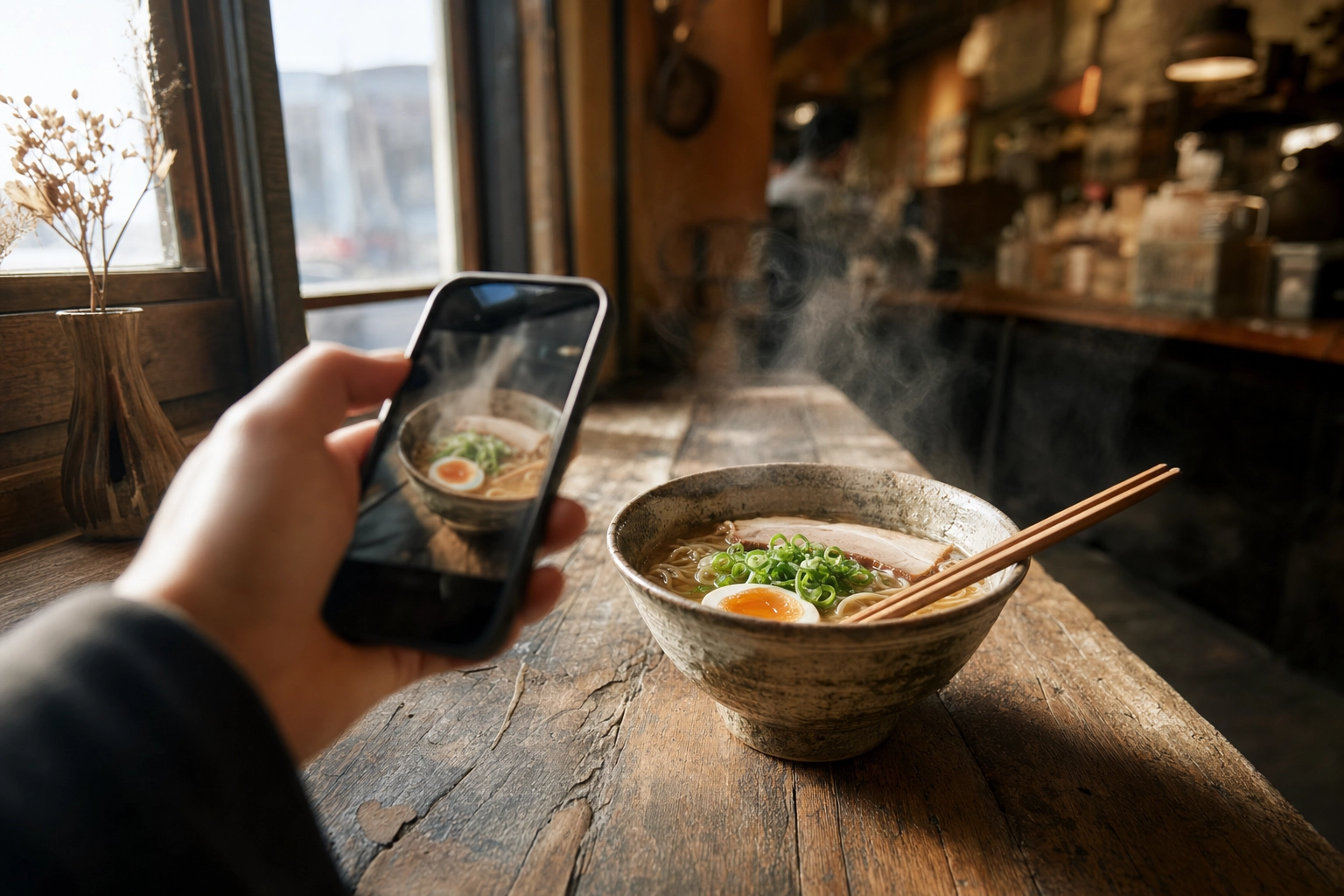 Hand photographing a steaming ramen bowl by a window, showing the shoot-then-enhance step of a hybrid food editing workflow
The savviest food marketers in 2026 don't pick a side — they sequence the tools.
A practical hybrid workflow looks like this:
- Shoot your dishes on a phone in decent light (window light works beautifully).
- Enhance with AI to handle the volume — menu, delivery, and social media shots get color, lighting, and backgrounds fixed in seconds.
- Finish in Photoshop only for the rare hero image — the homepage banner, the print ad, the campaign key art that needs hand compositing.
The result: you spend your limited Photoshop time (and skill) where it actually moves the needle, and let AI carry the 90% that just needs to look great fast. For the manual side, see our guide on how to edit food photos; for the tools themselves, our roundup of the best food photography apps covers where each one fits.
Honest Case Study: Editing 30 Menu Photos
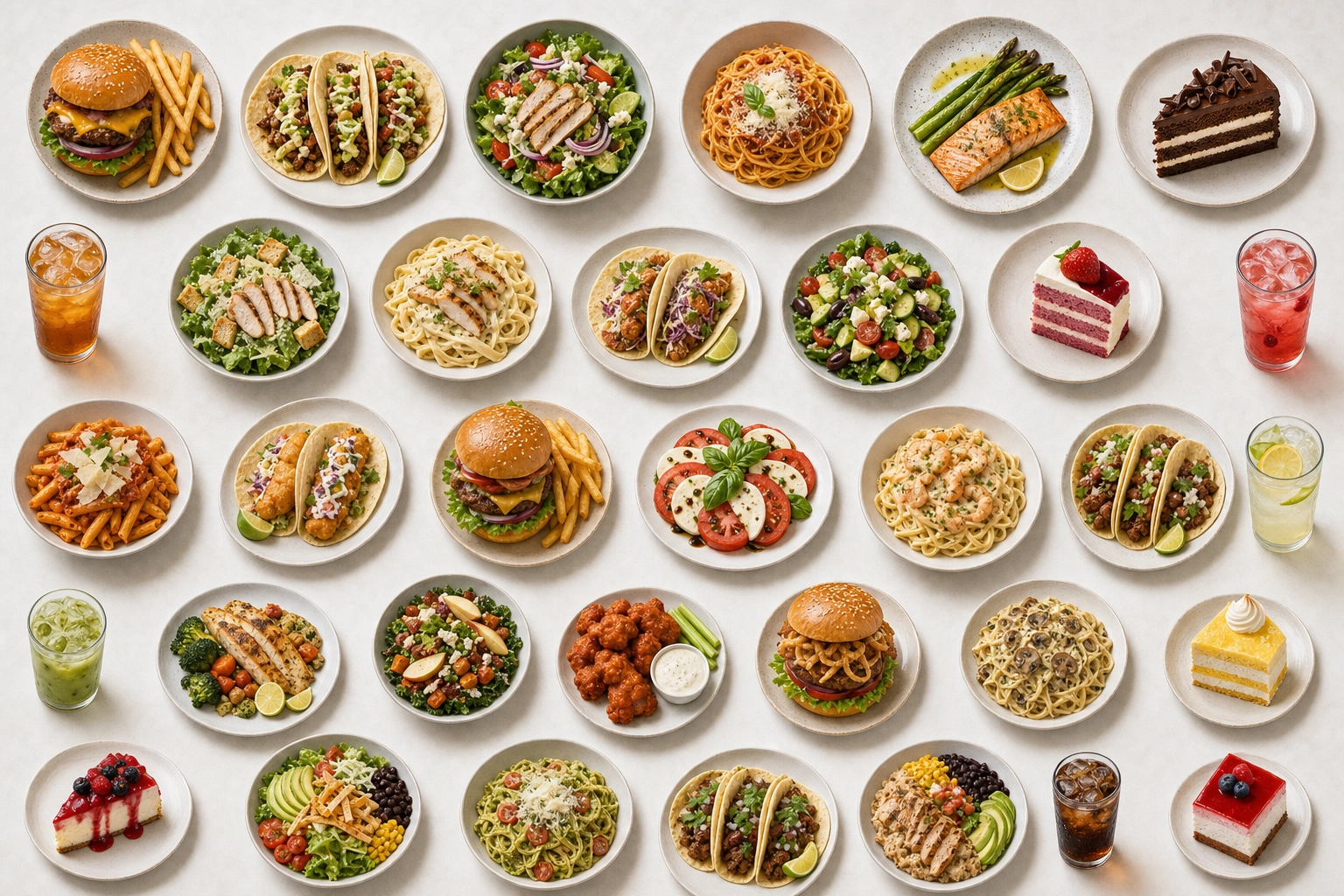 Overhead grid of two dozen plated menu dishes illustrating the volume of editing 30 menu photos at once
Let's run real numbers on a common job: enhancing 30 menu photos — color, lighting, and clean backgrounds.
The Photoshop path:
- Learning: 2–3 months to get genuinely competent, if you're starting from zero.
- Editing: 20–30 minutes per photo when skilled = 10–15 hours. Still learning? Closer to 45–60 minutes each, including backgrounds = 22–30 hours.
- Cost: ~$15–23/mo subscription + a capable computer.
The AI path (FoodShot):
- Learning: essentially none.
- Editing: ~90 seconds per photo = about 45 minutes total.
- Cost: $15–45 depending on plan — the $15 Starter covers 25 credits; a full 30-dish menu fits the $45 Business plan (100 credits) with room for re-tries.
| Photoshop | AI (FoodShot) | |
|---|---|---|
| Time to first usable photo | Weeks (learning) | ~90 seconds |
| 30 photos | 10–30 hours | ~45 minutes |
| Cost | ~$15–23/mo + computer | $15–45 |
| Skill needed | High | None |
The honest read: if those 30 photos are standard menu and delivery shots, AI isn't just cheaper — it frees up a full work-week. If one of them is a folded-out, print-ready cover image for a $5,000 campaign, that's the one to hand-finish in Photoshop.
So Which Should You Choose?
The AI vs Photoshop food editing decision really comes down to volume versus control:
- Cafe, bakery, food truck, ghost kitchen, or restaurant? Start with AI. You need volume, speed, and consistency more than pixel-level control.
- Food blogger or creator? AI for your posting cadence; learn a little Photoshop only if you chase editorial work.
- Fine-dining or agency? Use both — AI for the menu and social media, Photoshop for the hero campaign and dessert and pastry shots that anchor a brand look.
The smartest move for most food businesses is to stop choosing in the abstract and just test the fast path on your own food photography.
Try AI editing in 90 seconds — no Photoshop skills needed. Upload a dish to the AI food photo editor and see your menu transformed before you'd have finished masking a single background by hand. Compare plans on the pricing page when you're ready.
Frequently Asked Questions
Can AI replace Photoshop for food photography?
For most food-business work — menus, delivery apps, social media — yes. AI handles enhancement, background swaps, and consistent styling in seconds, with no skills required. It can't replace Photoshop for pixel-perfect retouching, multi-image composites, or print prep. Think of AI as the everyday workhorse and Photoshop as the specialist you call in occasionally.
Should I learn Photoshop for food photography?
Only if you need editorial or print-level control and you enjoy the craft. Reaching proficiency takes 2–3 months, and mastery up to a year. For 90% of menu, social, and delivery photos, that time is better spent running your business while AI handles the editing. If you already know Photoshop, keep using it for hero shots.
FoodShot vs Lightroom: which is better for food photos?
They do different jobs. Lightroom is excellent for manual color grading and organizing large photo libraries, but it expects you to know what you're doing and won't replace a background. FoodShot is purpose-built to make a phone photo menu-ready automatically — styling, lighting, and backgrounds included. For speed and volume with no learning curve, FoodShot; for hands-on RAW grading, Lightroom.
Is AI food editing cheaper than Photoshop?
On sticker price they're close — FoodShot from $15/mo, Adobe's Photography plan around $15–20/mo. The real difference is the hidden cost: Photoshop needs months of learning and 20–30 minutes per photo, plus a capable computer. AI needs neither, so for anyone who values their time, AI is dramatically cheaper in practice.
Do AI-edited food photos look fake or unprofessional?
Done well, the opposite. Because FoodShot starts from a real photo of your real dish, the result looks like your food at its best. A 2024 University of Oxford study even found people often rate AI-enhanced food images as more appetizing than untouched photos. The risk isn't looking fake — it's looking too polished, so keep your edits believable.
Can I use AI-edited food photos commercially?
Yes — FoodShot's paid plans include a commercial license, so you can use images on menus, delivery apps, packaging, ads, and social media. The free plan's exports are watermarked and for personal testing only. (Photoshop's commercial rights come with any paid Adobe subscription too.) Always confirm the current terms on the pricing page before a big launch.