
Instagram Food Photography: Tips, Hashtags & Editing Guide
 Ali Tanis14 min read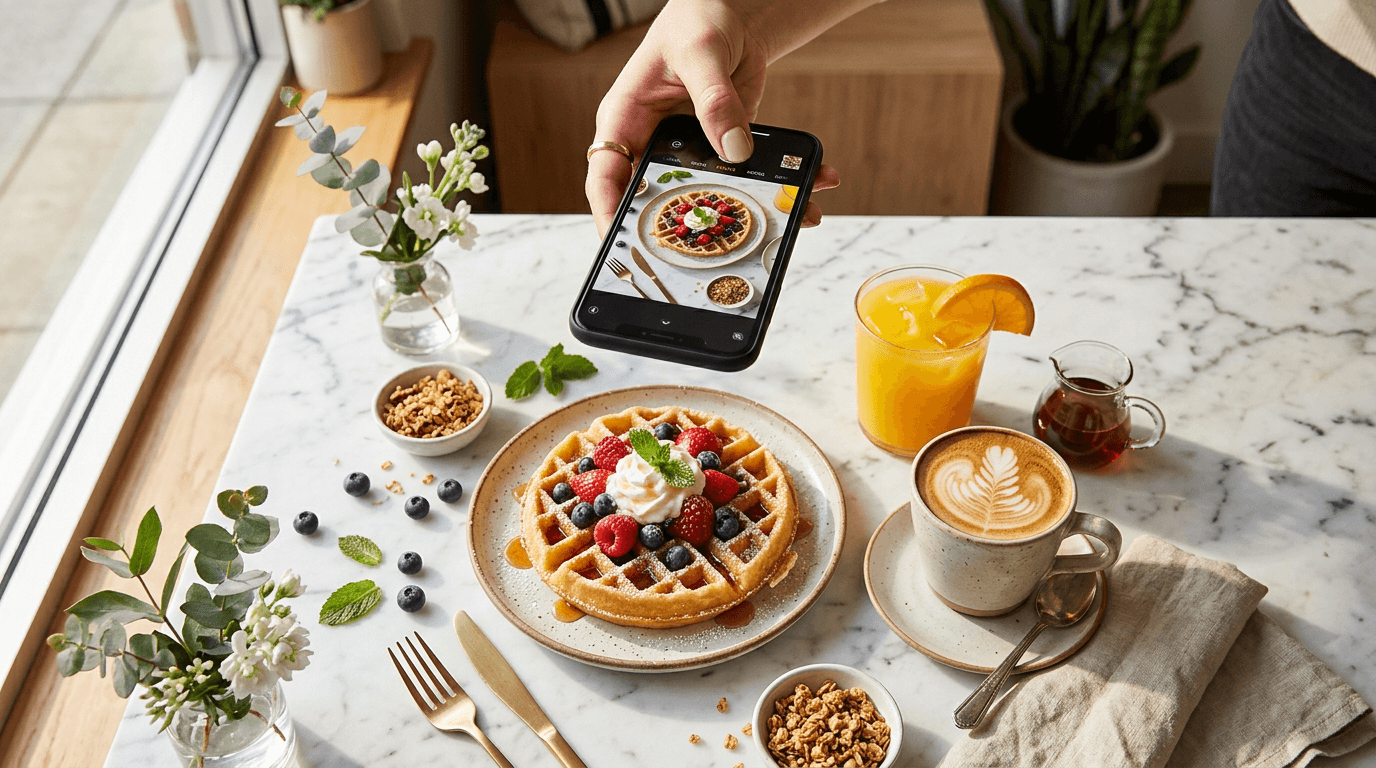
74% of people use social media to decide where to eat — and Instagram food photography is the #1 way restaurants, cafes, and food creators drive that decision. The quality of your food photos directly determines whether someone taps "follow," walks through your door, or scrolls right past.
This guide covers everything you need to master Instagram food photography in 2026: the exact image specs, the styles that actually get engagement, a curated hashtag library of 50+ tags, the best posting times backed by data, and a complete editing workflow you can start using today.
Quick Summary: Shoot in 4:5 portrait (1080×1350px) for maximum feed space, use natural side light, and rotate 5–7 hashtag sets mixing broad-reach and niche tags. Post food content at meal times (12–2 PM and 5–7 PM weekdays) for peak engagement. Use FoodShot AI's food photo editor and its Instagram preset to skip manual editing entirely.
Instagram Food Photography Specs (2026)
Instagram updated its grid layout — it now displays posts in 4:5 portrait ratio instead of the old 1:1 square. That change means square food photos get cropped on both sides in grid view. Here are the exact specs you need for Instagram food photography:
| Format | Dimensions | Aspect Ratio | Best For |
|---|---|---|---|
| Feed Post (Portrait) | 1080 × 1350 px | 4:5 | Standard food photos — max screen space |
| Feed Post (Tall Portrait) | 1080 × 1440 px | 3:4 | New in 2026, grid-friendly |
| Feed Post (Square) | 1080 × 1080 px | 1:1 | Flat-lays, symmetrical compositions |
| Stories | 1080 × 1920 px | 9:16 | Behind-the-scenes, daily specials |
| Reels | 1080 × 1920 px | 9:16 | Action shots, cooking processes |
| Carousel | 1080 × 1350 px | 4:5 | Multi-dish features, before/after |
The rule of thumb: Default to 4:5 portrait (1080×1350px) for all feed posts. This takes up the most screen real estate when someone is scrolling, meaning more eyeball time on your dish. Reserve 9:16 vertical for Stories and Reels only.
Keep key elements centered in your composition. Instagram crops the edges differently across feed view, grid view, and Explore, so a dish placed dead-center always looks good everywhere.
5 Instagram Food Photography Styles That Get Engagement
Not all food photos perform equally. These five Instagram food photography styles consistently drive the highest engagement on food-focused accounts:
Bright & Airy
White or light backgrounds, soft natural daylight, clean and minimal styling. This is the go-to aesthetic for brunch spots, cafes, healthy food brands, and food bloggers. Think white marble counters, linen napkins, and plenty of negative space.
Best for: Salads, acai bowls, brunch plates, pastries, coffee drinks
How to nail it: Shoot near a large window during midday. Overcast days are perfect — they create soft, even light without harsh shadows. Use a white foam board as a reflector on the shadow side of the dish.
 Bright airy food photography of an acai bowl with berries and honey on white marble surface for Instagram
Dark & Moody
Dark backgrounds, dramatic side or back lighting, rich textures and warm tones. This style feels editorial and luxurious. It dominates food photography accounts focused on comfort food, baking, and fine dining.
Best for: Chocolate desserts, steaks, pasta dishes, artisan bread, cocktails
How to nail it: Use a dark wood or slate surface. Position one light source (a window or lamp) to the side. Let shadows form naturally — they add depth and drama. Pull your exposure down slightly in post-editing.
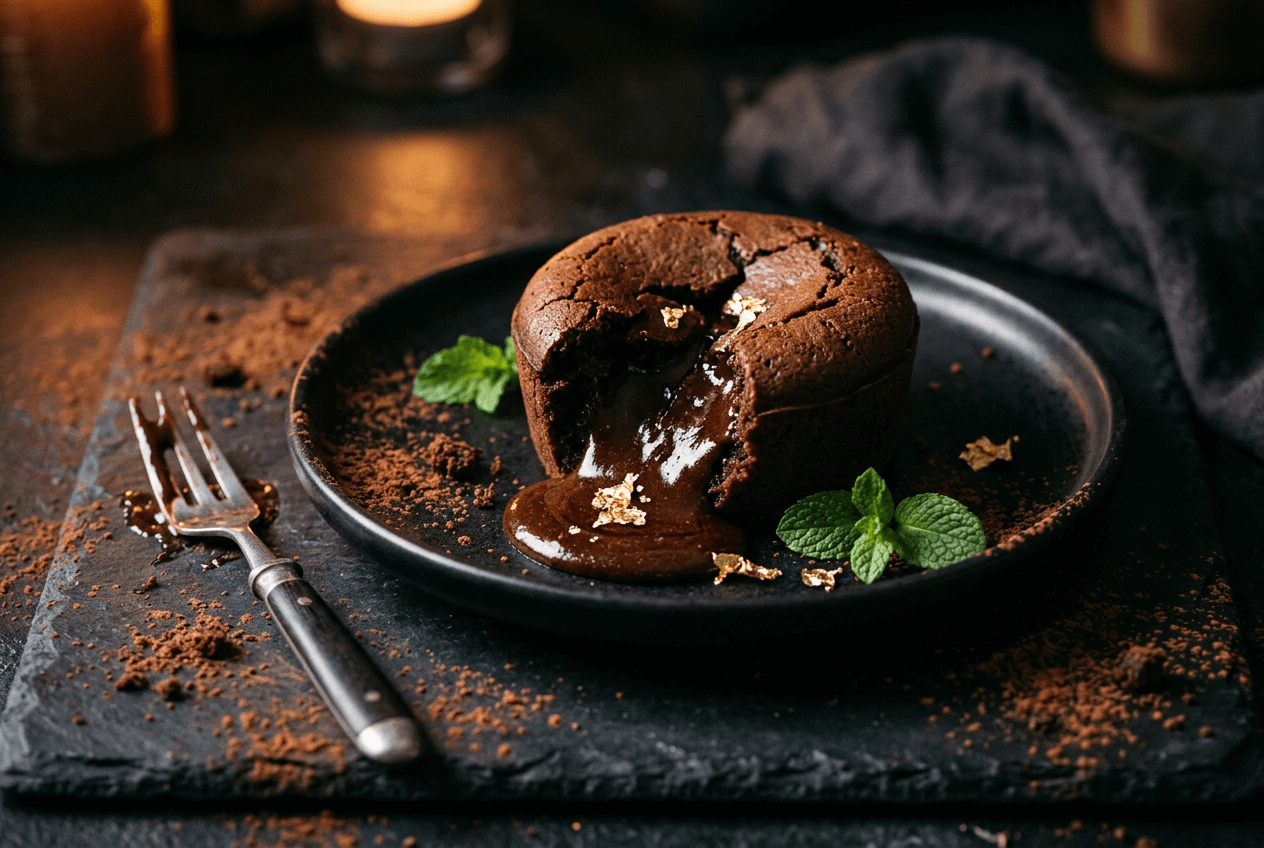 Dark moody food photography of a chocolate lava cake with dramatic side lighting on a slate surface
Overhead Flat-Lay
Bird's-eye view looking straight down at the food. This perspective is excellent for showing off multiple items, ingredient layouts, and complete table spreads. Flat-lays are Instagram's signature food composition and still perform consistently.
Best for: Pizza, charcuterie boards, ingredient displays, full table settings
How to nail it: Stand directly above the food — a step stool helps. Arrange items in a loose grid or organized chaos pattern. Leave breathing room between elements — cramming the frame kills the vibe.
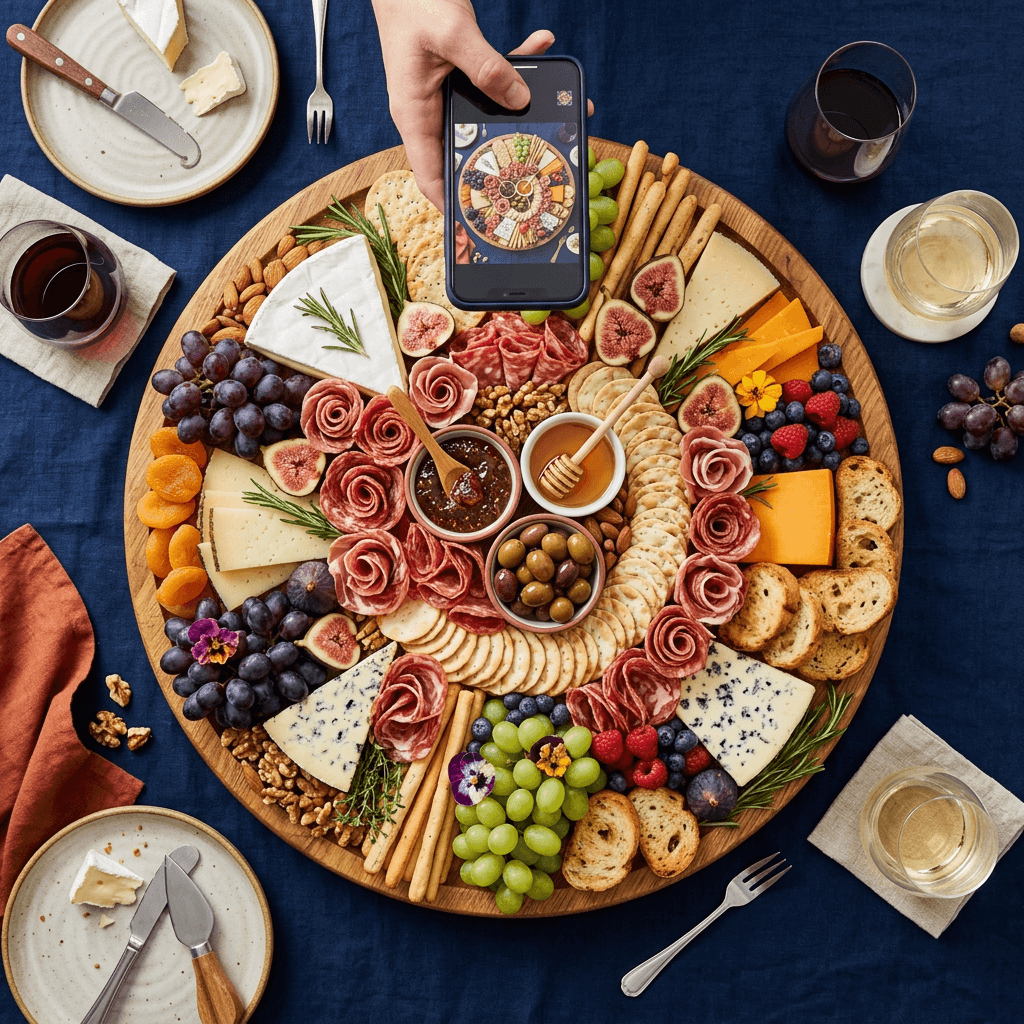 Overhead flat-lay food photography of a loaded charcuterie board arrangement showing Instagram composition technique
45-Degree Angle
The classic restaurant shot — you're sitting at the table, phone angled slightly down. This perspective shows both the top of the dish and its height, making it ideal for anything with vertical layers or dimension.
Best for: Burgers, layered cakes, stacked pancakes, tall drinks, soups with garnishes
How to nail it: Hold your phone at roughly chest height, tilted about 45 degrees toward the plate. This angle feels natural and inviting because it mirrors how we actually see food when we sit down to eat.
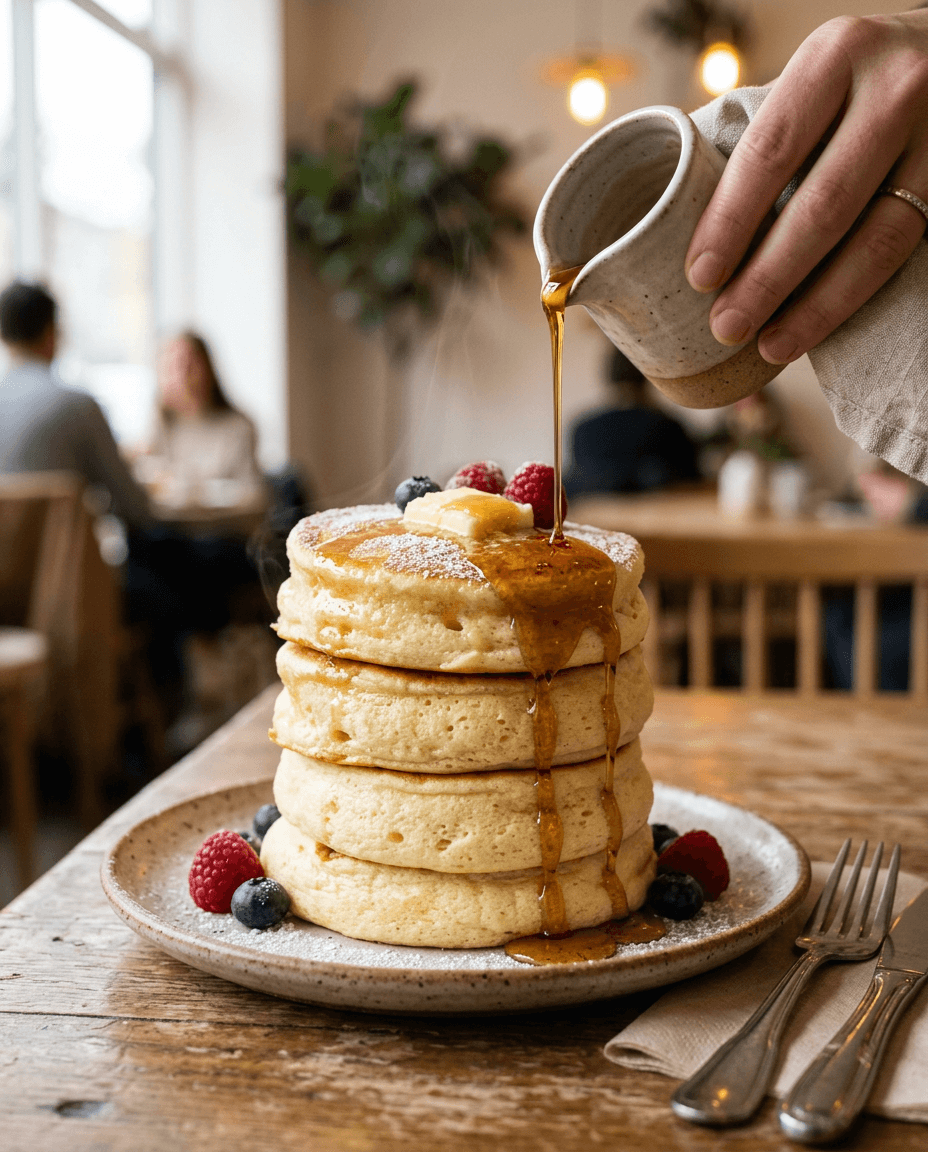 Eye-level food photography of Japanese souffle pancakes with maple syrup pour showing the 45-degree angle technique
Action Shots (Highest Engagement)
Someone pulling apart a grilled cheese. Honey drizzling onto waffles. Steam rising from a bowl of ramen. These dynamic, in-motion shots consistently outperform static images because they trigger a sensory response — you can almost taste the food.
Best for: Cheese pulls, sauce pours, bread breaking, noodle lifts, drink pours
How to nail it: Use burst mode on your phone (hold down the shutter). Shoot in bright light to get a fast shutter speed that freezes the action crisply. It takes 20+ attempts to get one great shot — that's normal.
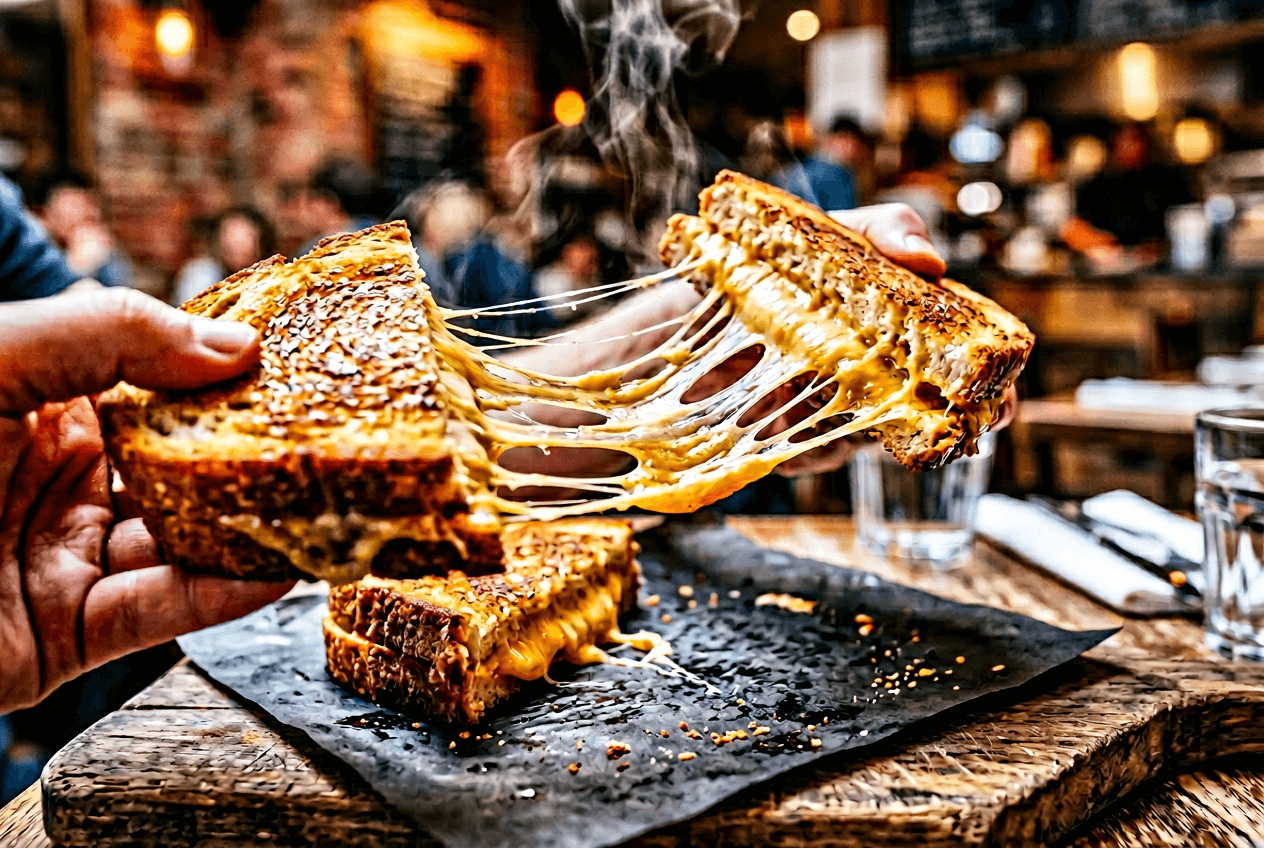 Action shot of melted cheese pull from a grilled cheese sandwich showing dynamic food photography technique for Instagram
For deeper technique guidance, check out our complete guide to food photography tips and iPhone food photography tips.
Planning Your Instagram Grid Aesthetic
Your grid is your portfolio. When someone lands on your profile, they see 9–12 posts at once. If those images look like they belong together, you appear professional. If they're a visual mess of different filters, lighting, and styles, people bounce.
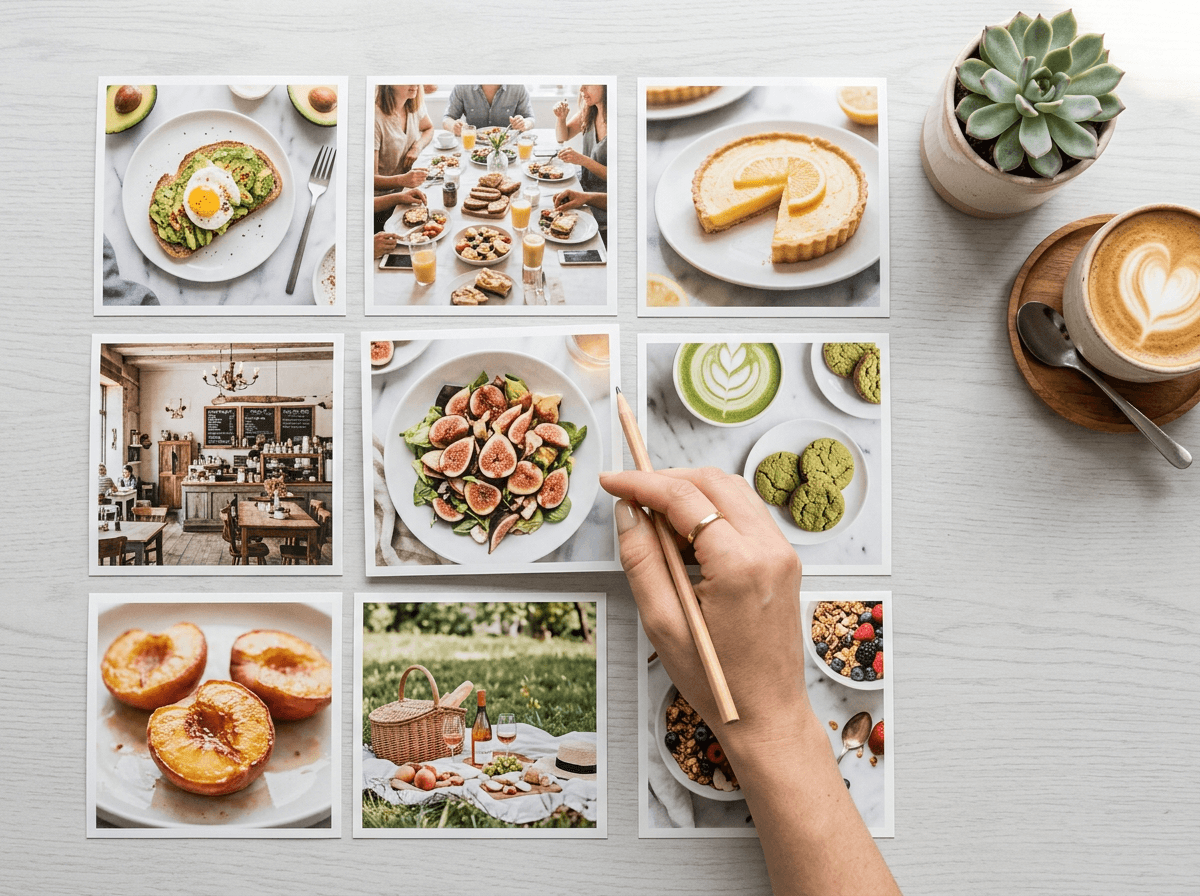 Food Instagram grid planning layout showing nine cohesive food photos arranged in a consistent warm color palette
Three rules for a cohesive food grid:
-
Pick 2–3 dominant colors and stick with them. A pizza restaurant might lean into reds, warm browns, and olive greens. A juice bar might use bright yellows, greens, and whites. Not every post needs these exact colors, but the overall pattern should feel unified.
-
Alternate compositions. Don't post five overhead flat-lays in a row. Mix close-ups, wide shots, flat-lays, and angled perspectives. That alternation creates visual rhythm that keeps your grid interesting.
-
Use the same editing style on every photo. This is where most food Instagram accounts fall apart — different filters on different posts destroy cohesion. Applying the same preset or editing formula to every photo is the fastest path to a polished grid.
FoodShot AI's Instagram preset solves this automatically. Upload any dish photo and the Instagram style applies consistent color grading, lighting adjustments, and professional polish — so every image in your feed matches, even if you shot them weeks apart on different phones in different lighting. Explore all the style options in the AI food photography tool.
50+ Food Photography Hashtags for Instagram
Hashtags still drive food content discovery on Instagram. The platform's @Creators account officially recommends 3–5 highly focused hashtags per post, but food photography is a niche where testing 10–20 tags still shows results because of the many active sub-communities.
The best approach: create 5–7 hashtag sets and rotate them based on what you're posting. Here's your copy-paste library of food photography hashtags for Instagram.
General Food Hashtags (High Reach)
These have millions of posts — use 2–3 per post for broad exposure:
#food · #foodie · #instafood · #foodstagram · #foodlover · #yummy · #delicious · #homemade · #tasty · #eeeeeats · #foodoftheday · #nomnom · #forkyeah · #feedfeed · #comfortfood · #foodgasm · #goodeats
Food Photography Hashtags (Engaged Community)
These attract photographers, food stylists, and quality-focused foodies:
#foodphotography · #foodstyling · #foodpic · #foodphoto · #foodart · #foodphotographytips · #foodstylist · #darkfoodphotography · #moodyfoodphotography · #foodphotographyandstyling · #foodflatlays · #foodphotographyguides
Cuisine-Specific Hashtags (Niche Targeting)
Match these to the dish you're posting — they connect you with dedicated food communities:
#italianfood · #mexicanfood · #japanesefood · #indianfood · #koreanfood · #thaifood · #mediterraneanfood · #frenchfood · #streetfood · #veganfood · #seafood · #bbq
Restaurant & Chef Hashtags (Industry)
For restaurants and professional kitchens — these reach your peers and food-savvy followers:
#restaurant · #chef · #cheflife · #chefsofinstagram · #restaurantlife · #finedining · #chefstable · #perfectlyplated · #gourmetartistry · #plating · #truecooks
Dessert & Baking Hashtags
The dessert community on Instagram is massive and highly engaged:
#baking · #dessert · #cake · #pastry · #chocolate · #sourdough · #bakersofinstagram · #cakesofinstagram · #sweettooth · #patisserie
Location-Based Hashtags (Local Discovery)
Some of the most effective food photography hashtags for Instagram. People actively search for food in their city:
#[yourcity]food · #[yourcity]eats · #[yourcity]foodie · #[yourcity]restaurants
Examples: #nycfood · #londoneats · #lafoodscene · #chicagoeats · #tokyofood · #parisfood · #dubaifoodies · #sydneyeats · #austinfood · #melbournefoodie
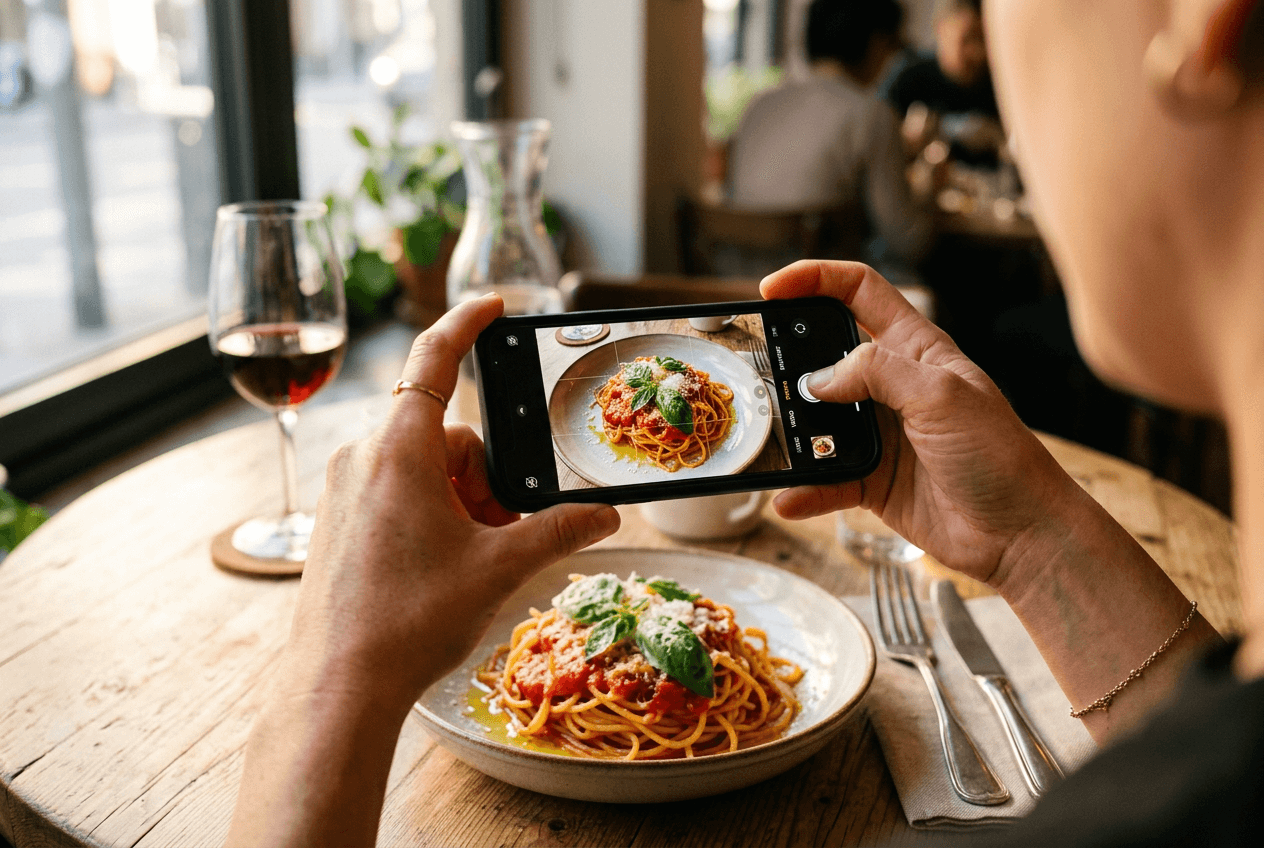 Hands holding smartphone to photograph a pasta dish in natural cafe window light for Instagram food content
How to Build Your Hashtag Rotation Sets
Here's a template for creating rotating sets:
- Set A (New dish launch): 3 general + 3 photography + 2 cuisine + 2 location = 10 tags
- Set B (Behind-the-scenes): 2 general + 2 chef/restaurant + 3 niche + 2 location = 9 tags
- Set C (Dessert feature): 2 general + 3 dessert/baking + 3 photography + 2 location = 10 tags
Save these sets in your phone's notes app and paste the right one for each post. Swap individual tags every couple of weeks to keep reaching new audiences.
Best Times to Post Food Content on Instagram
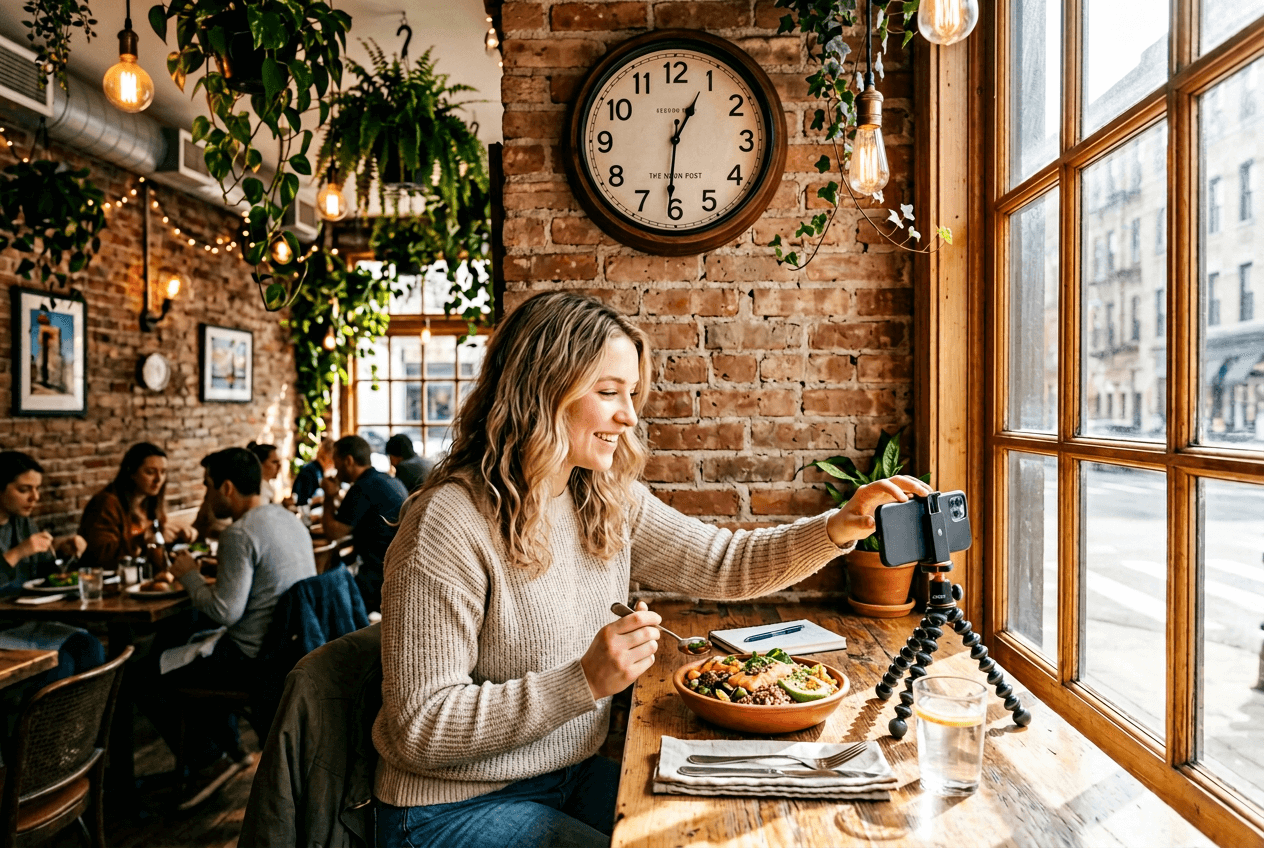 Food content creator photographing a lunch bowl at midday in a sunlit restaurant showing best Instagram posting time
Timing matters because Instagram's algorithm heavily weights early engagement. According to Iconosquare's 2026 analysis, posts that get likes, comments, and shares in the first 30–60 minutes get pushed to more feeds and Explore pages. Post when your audience is already scrolling.
Here's what 2025–2026 data from multiple large-scale studies shows for food and beverage content:
| Time Window | Day | Why It Works |
|---|---|---|
| 12–2 PM | Weekdays (esp. Wed, Thu, Fri) | Lunch break scrolling — people are thinking about food |
| 5–7 PM | Weekdays + Weekends | Dinner planning time — highest intent for restaurant content |
| 8–10 AM | Saturday & Sunday | Brunch crowd — weekend leisure scrolling |
| 7–9 PM | Wednesday & Thursday | Evening wind-down — strong engagement spikes in recent data |
The real tip: Check your own Instagram Insights (under Professional Dashboard > Audience) to see when your specific followers are online. The data above is a solid starting point, but your audience might skew earlier or later depending on their timezone.
Editing Food Photos for Instagram: A Quick Workflow
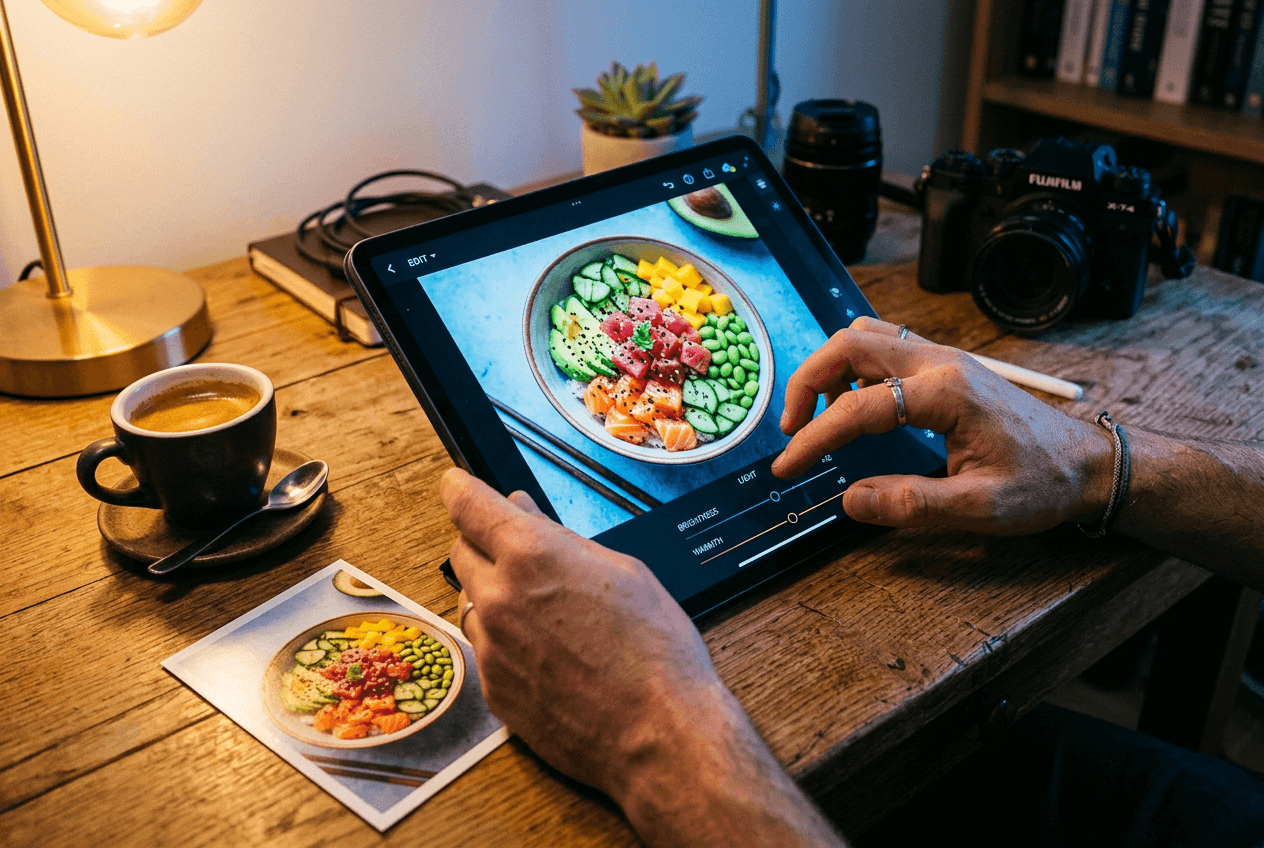 Food photographer editing a poke bowl photo on a tablet showing the editing workflow for Instagram content
You don't need Photoshop or Lightroom to create scroll-stopping Instagram food photography. Here's a streamlined workflow that takes under 5 minutes per image:
Step 1: Start with good light. Shoot near a window. Natural side light or backlight makes food look appetizing. Avoid overhead ceiling lights — they cast flat, unflattering shadows and add yellow or green color casts. For more on this, see our iPhone food photography tips.
Step 2: Basic corrections. Bump brightness up slightly (+10–15%). Increase contrast by 10–15%. Adjust white balance so whites actually look white — not yellow, not blue.
Step 3: Color and mood. Boost warmth slightly for comfort food. Cool it down slightly for fresh or healthy dishes. Increase saturation on the food itself, but keep it subtle — oversaturated food looks plastic and fake.
Step 4: Crop to 4:5. Frame your dish within the 1080×1350px canvas. Center the plate, or use the rule of thirds to place it slightly off-center for a more dynamic composition.
Step 5: Sharpen and export. A light touch of sharpening makes food textures pop — crispy edges, sauce glossiness, herb details. Export at full resolution for Instagram.
Or skip steps 2–4 entirely: FoodShot AI's food photo editor has an Instagram preset that automatically handles color grading, lighting correction, and professional styling. Upload your dish photo, select the Instagram style, and get a feed-ready image in about 2 minutes — with consistent quality across every post. Check out how to edit food photos for a detailed deep-dive.
FoodShot also offers 50+ poster templates for creating Instagram Story graphics, promotional posts, and delivery app banners directly from your food photos — no design skills needed. See all FoodShot pricing plans to find the right fit.
Weekly Content Calendar for Food Instagram
Consistency beats perfection on Instagram. Posting 4–5 times per week with decent food photos outperforms posting once a week with a masterpiece. Here's a sample weekly rhythm you can adapt:
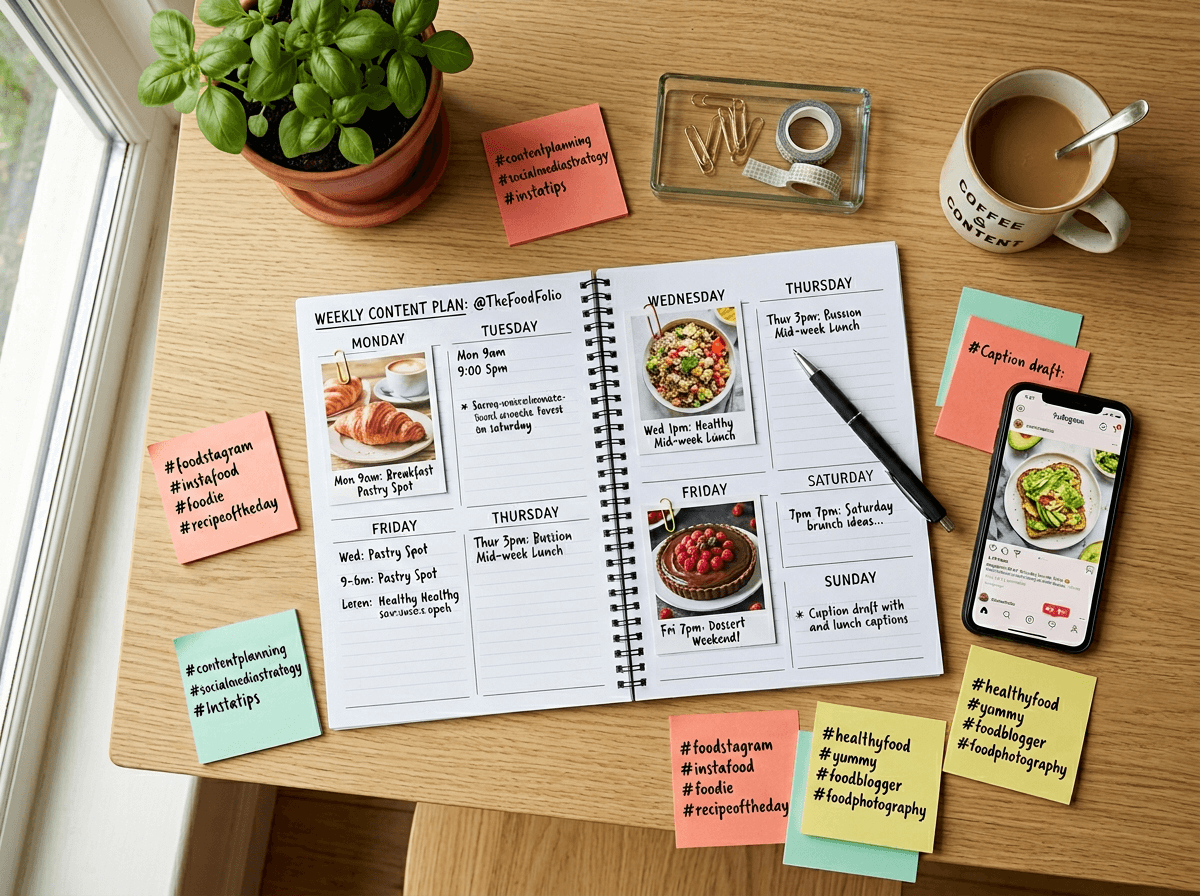 Weekly food Instagram content calendar planning workspace with planner, food photos, and hashtag sticky notes
| Day | Format | Content Idea | Hashtag Set |
|---|---|---|---|
| Monday | Story (9:16) | Kitchen prep / behind-the-scenes | Chef + Location |
| Tuesday | Feed Post (4:5) | Hero dish of the week | General + Photography |
| Wednesday | Carousel (4:5) | Recipe breakdown or ingredient spotlight | Cuisine + Photography |
| Thursday | Reel (9:16) | Action shot — plating, pouring, sizzling | General + Restaurant |
| Friday | Feed + Story | Weekend special promotion | General + Location |
| Saturday | Story | Customer photos / UGC repost | Location + Niche |
| Sunday | Story | Next week's preview / coming soon teaser | Restaurant + Photography |
Adapt this to your business. A bakery might front-load mornings with fresh pastry shots. A fine dining restaurant might lean into Thursday and Friday evening content. The key is having a repeatable rhythm you can actually maintain week after week.
Struggling to produce enough photos for this cadence? That's where AI food photography tools like FoodShot shine — transform one smartphone snap into multiple styled versions (different backgrounds, lighting, compositions) so a single quick photo shoot feeds an entire week of content for Instagram food photography.
Watch out for common image quality pitfalls, especially if you're also listing on delivery platforms. We break those down in our guide to food photography mistakes that kill your orders. And if you're cross-posting to Pinterest, see our Pinterest food photography guide for platform-specific tips.
Frequently Asked Questions
What size should food photos be for Instagram in 2026?
Use 1080 × 1350 pixels (4:5 portrait) for feed posts — this gives you maximum screen real estate in the feed. Instagram's grid now displays in a 4:5 ratio, so square images get their sides cropped. For Stories and Reels, use 1080 × 1920 pixels (9:16). Instagram also supports 3:4 (1080 × 1440px) as a grid-friendly alternative in 2026.
How many hashtags should I use on food posts?
Instagram's @Creators account recommends 3–5 focused hashtags, but food is a niche where 10–20 still performs well thanks to many active sub-communities. Create 5–7 hashtag rotation sets and use the set that matches each post. A pasta shot and a dessert shot should use completely different hashtag groups.
What's the best camera angle for food photography on Instagram?
It depends on the dish. Use overhead (flat-lay) for pizza, boards, and flat dishes. Use 45-degrees for burgers, cakes, and anything with height. Use eye-level for drinks and layered desserts. Action shots — pouring, pulling, breaking — consistently get the highest engagement regardless of angle.
Can I use AI to edit food photos for Instagram?
Yes. AI tools like FoodShot AI are purpose-built for food photography. Upload a smartphone photo, choose the Instagram preset, and get a professionally styled image in about 2 minutes. This is especially useful for maintaining a consistent grid aesthetic across dozens of posts — something that's difficult and time-consuming with manual editing.
How often should I post food content on Instagram?
4–5 times per week is the sweet spot for food accounts. Mix feed posts (2–3 per week) with Stories (daily if possible) and at least one Reel. Consistency matters more than frequency — posting 3 times a week every week beats posting 7 times one week and disappearing the next.