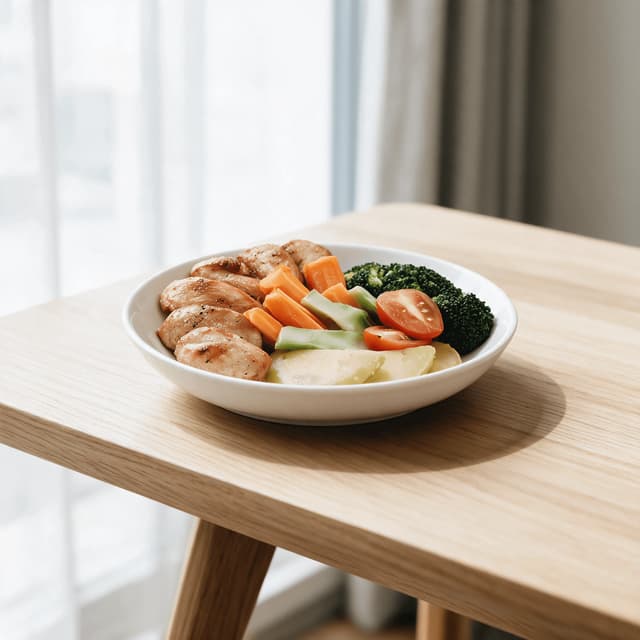
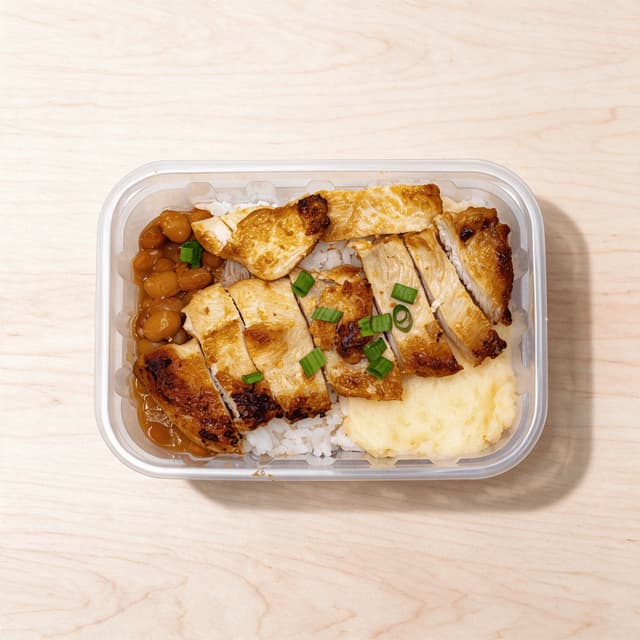
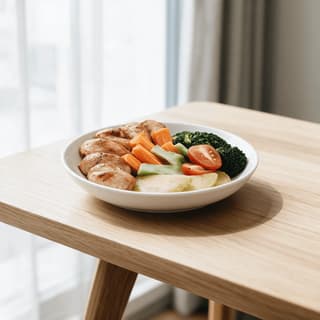
Balanced lunch plate with a sliced grilled chicken breast, brown rice and roasted broccoli and carrots at realistic portion size
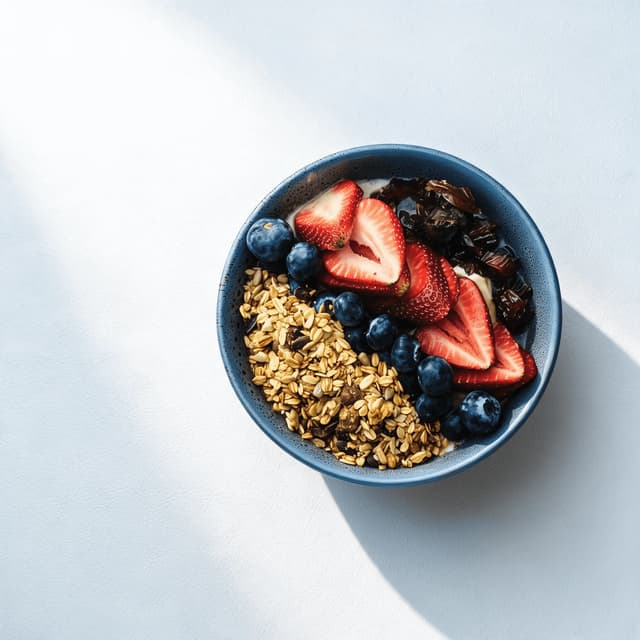
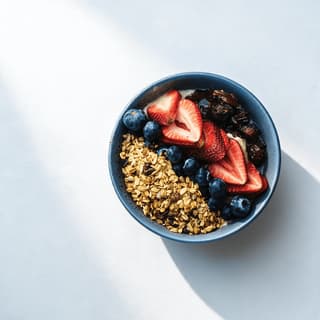
High-protein breakfast bowl of thick Greek yoghurt topped with mixed berries, oats and seeds in a plain white bowl
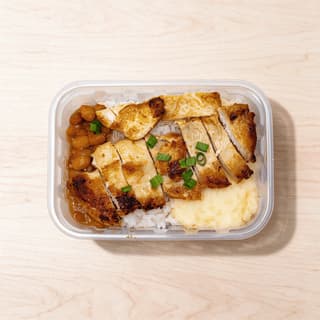
Single glass meal prep container filled with sliced chicken, quinoa and roasted vegetables in neat sections
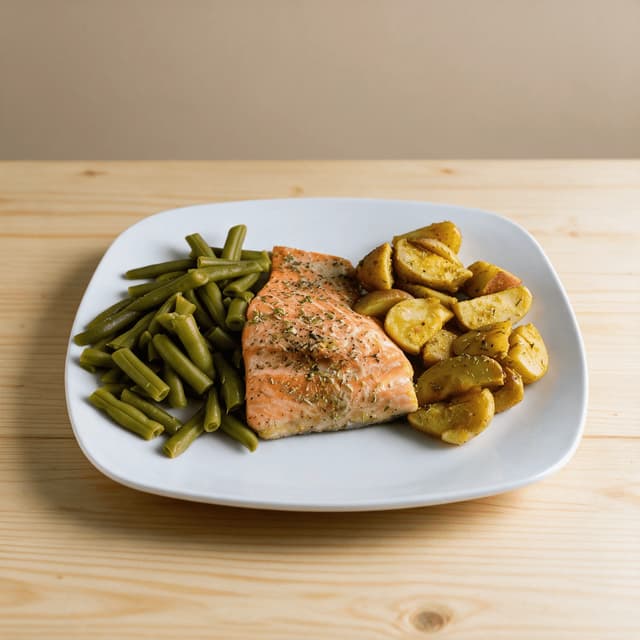
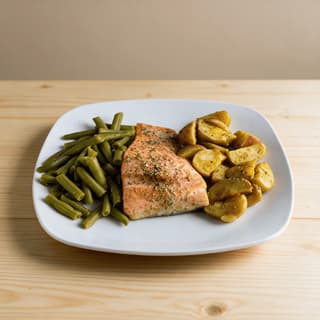
Heart-healthy dinner plate with a baked salmon fillet, roasted sweet potato wedges and green beans on a white plate
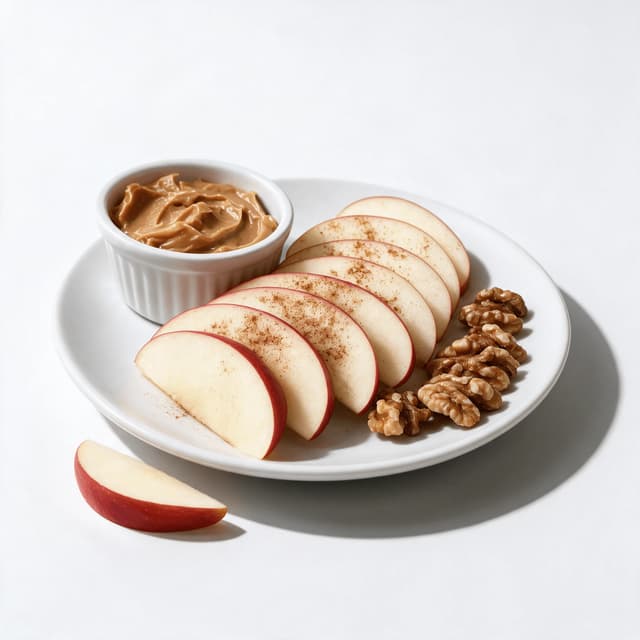
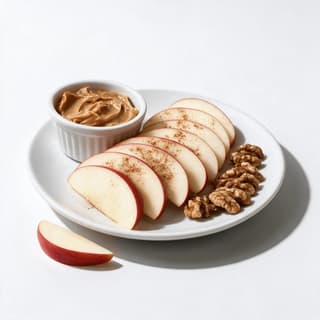
Blood-sugar-friendly snack of sliced apple with a small dish of nut butter and a scatter of walnut halves on a small plate
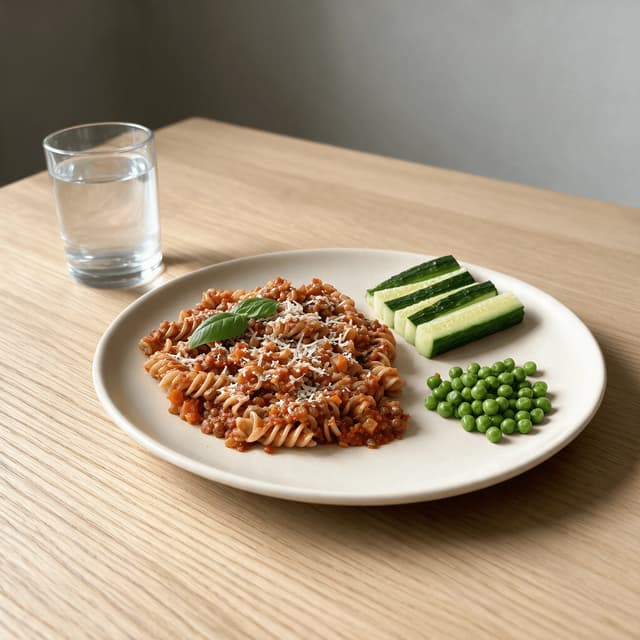
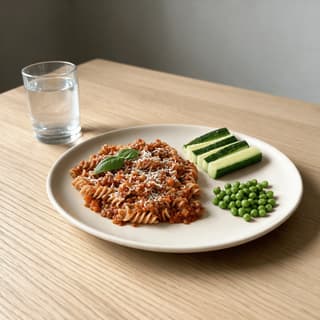
Child-sized plate of wholemeal pasta in tomato and lentil sauce with peas and cucumber sticks at the side
For Dietitians & Nutrition Coaches

Meal plans clients cook.

Almost everything a dietitian private practice sells is image-led — the meal plan PDF, the client handout, the lead-magnet guide, the carousel that brings the next enquiry in. Stock photography either looks like a hospital tray or shows a portion nobody should be eating, and the moment a client notices the gap, the plan loses authority. So you cook the meal you actually prescribed, photograph it on a plain plate under a ceiling light, and it lands flat next to a wellness grid. Photograph it exactly as it is instead, and get clean, honest, genuinely appetising images back in about 90 seconds.

Cancel anytime30,000+ food businesses

Trusted by teams on

DoorDashUber EatsGrubhubDeliverooJust EatWoltOpenTableYelpFoodpandaToast

Upload your dietitians & nutritionists dish → Get menu-ready photos

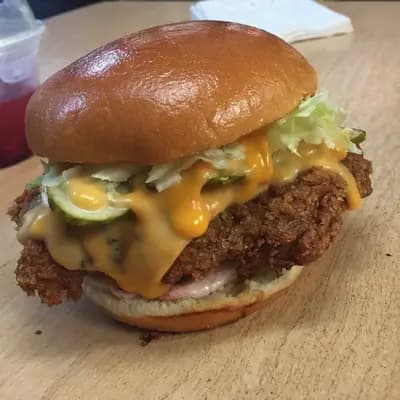
Original smartphone food photo before FoodShot AI enhancement
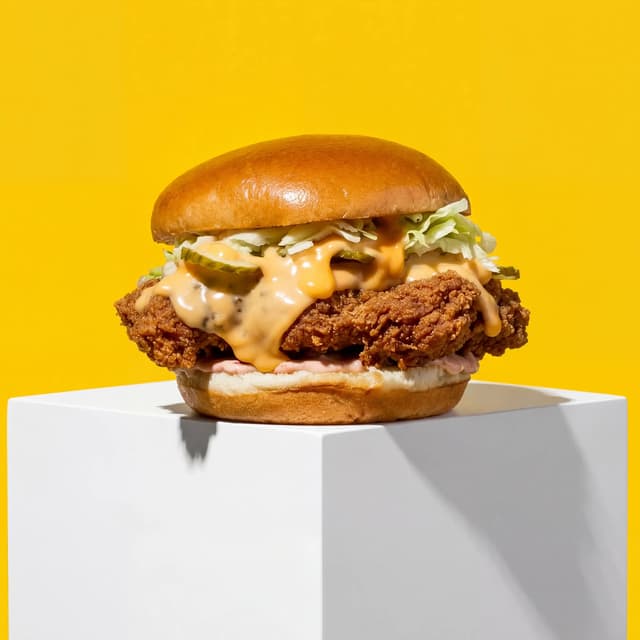
Studio-quality food photography generated by FoodShot AI
50,000+

Photos generated

95%

Cost savings

150s

Average time

Client Deliverables

Every plate you prescribe, shot to one honest standard
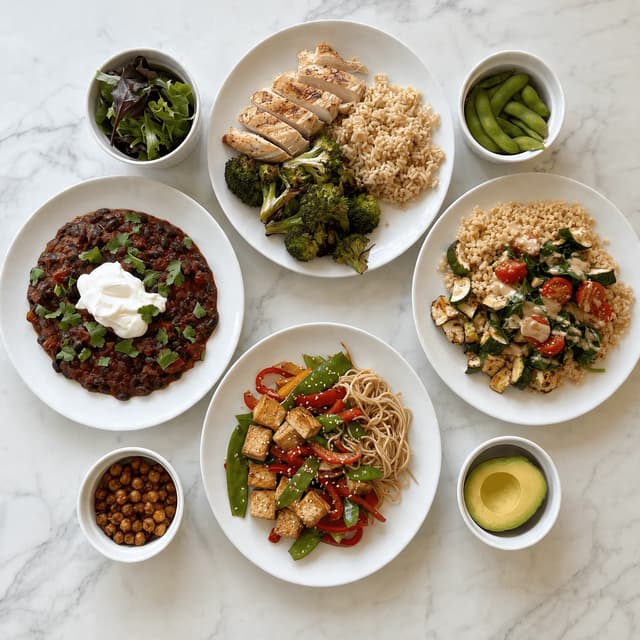
Overhead spread of four balanced meal plates including chicken and rice, a grain bowl, a tofu stir-fry and a bean chilli

Balanced Plates at Realistic Portions

The portion you prescribed, not a stock plate
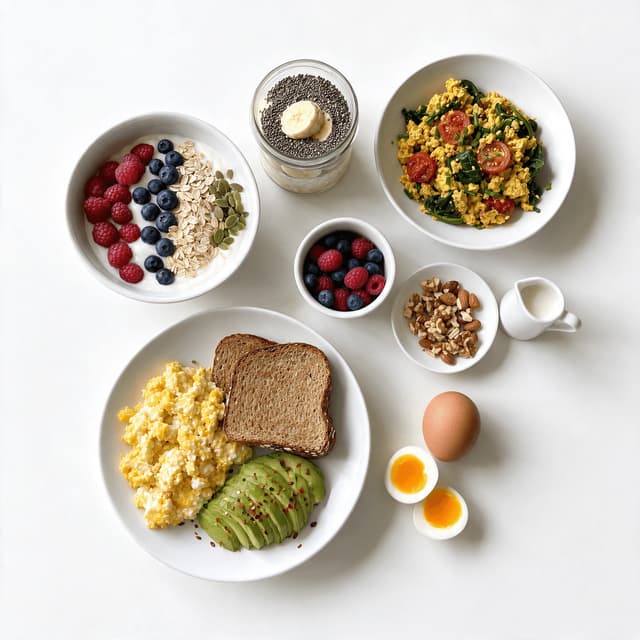
Overhead spread of four high-protein breakfasts including a yoghurt bowl, scrambled eggs on toast, overnight oats and a tofu scramble

High-Protein, Satiety-First Breakfasts

The meal that decides how the whole day goes
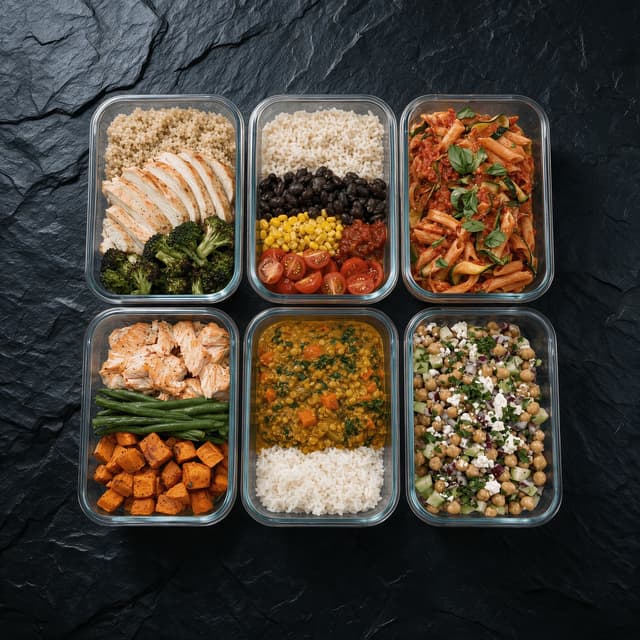
Overhead spread of six open glass meal prep containers holding different batch-cooked lunches in neat sections

Batch-Cook and Container Meal Sets

Sunday cooking, shot so clients believe it works
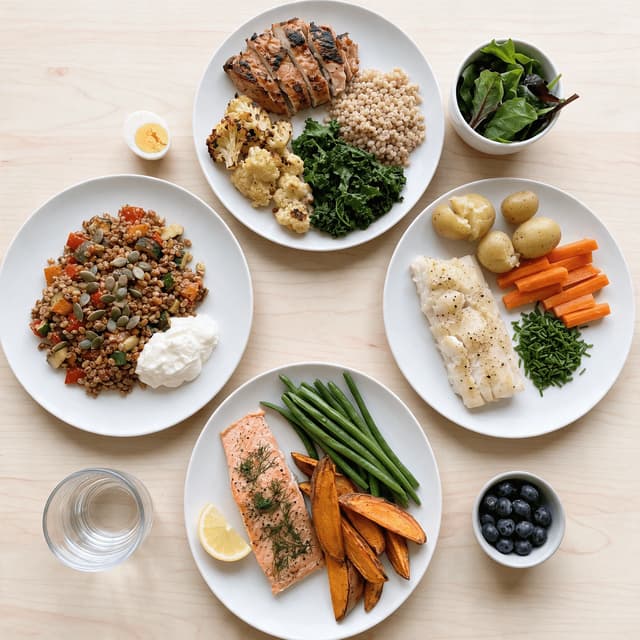
Overhead spread of four condition-specific meals including a low-glycaemic plate, a low-FODMAP plate, a heart-healthy plate and a gluten-free plate

Condition-Specific Plates

Diabetes, IBS and cardiac plans, plated honestly
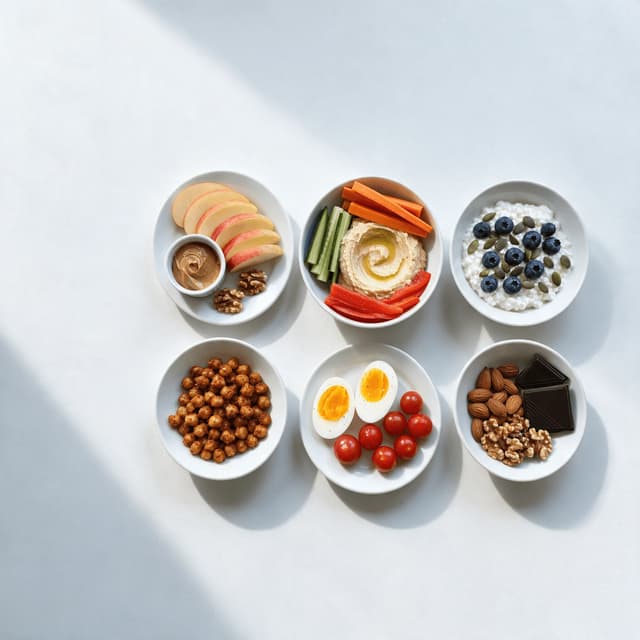
Overhead spread of six small snack plates including apple with nut butter, hummus with vegetable sticks, cottage cheese with berries and roasted chickpeas

Snacks and Between-Meal Options

The gap where most plans quietly fall apart
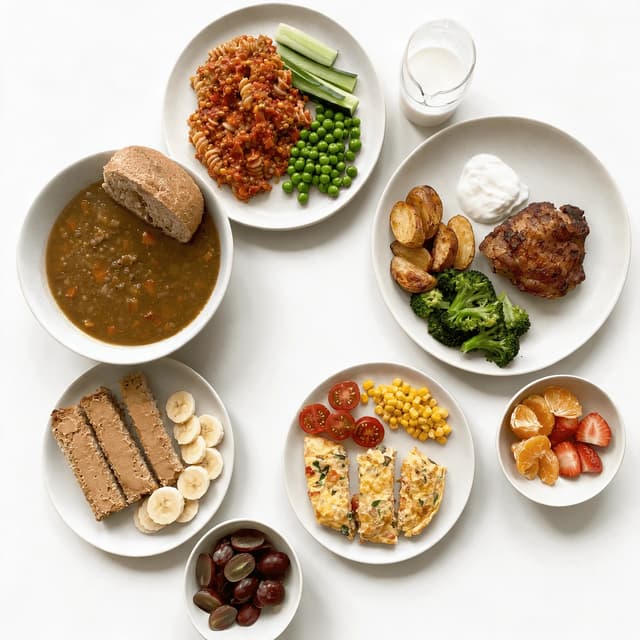
Overhead spread of five family-friendly plates including wholemeal pasta, a baked chicken and potato plate, a vegetable omelette and fruit portions

Family and Paediatric-Friendly Plates

Meals a whole household will actually eat
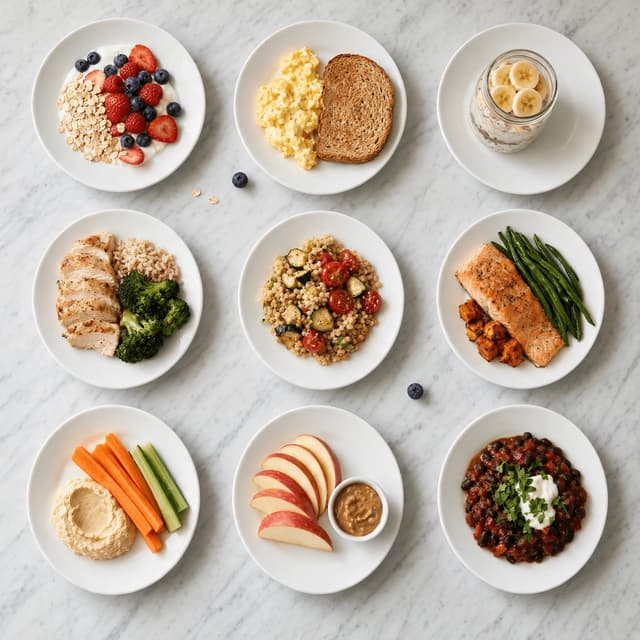
Overhead grid of nine small matched meal portions arranged in even rows as a layout set for handouts and social carousels

Handouts, Lead Magnets and Carousels

One image set for every page you send a client

Features

Built for a client handout, not a campaign

Nutrition Styles

Honest light for food that has to stay believable

100+ curated styles built for food that has to look genuinely appetising on a meal plan page, a printed handout and a phone screen without ever overstating what is on the plate. A home kitchen is a hard room to photograph and always has been: a single ceiling fitting directly overhead that flattens everything and puts a hard hotspot on one edge of the plate, a warm bulb that pushes white china toward yellow, and a worktop that bounces its own colour straight back up into the food. That mix is why steamed greens photograph grey, why a properly cooked salmon fillet comes back looking dry and pale, and why the same balanced plate shot at lunchtime and again at seven in the evening looks like two different meals. FoodShot corrects the mixed colour cast first, then re-lights: soft directional daylight that puts the flake back into the fish and the char back on the broccoli, clean flat overhead for the plate-by-plate tiles that have to sit beside each other on a handout page, and bright neutral studio for snack and portion images that need to read at thumbnail size in a carousel. Because this is dietitian marketing and not a restaurant campaign, the styles stay honest — real portions, ordinary household china, and never a prop that would not be on a client's table. If your work is recipe development and audience monetisation rather than clinical practice, our food content creators page is written for that instead.

Explore styles

Builder Mode

Surface plus backdrop plus meal equals a plan photo

Pick a surface — a pale wooden table, a honed marble worktop, a clean neutral studio sweep, a brushed steel counter for container sets. Choose a backdrop — a softly blurred bright room, a calm neutral wall, a warm evening dining room. Upload your photo. Builder Mode composites all three into one coherent scene, so the draining board, the open packet, the kettle, the crumpled tea towel and the corner of a laptop never make it into the picture. That matters more here than almost anywhere, because the two feet around a perfectly good plate are a working domestic kitchen, and a client comparing your meal plan against a polished wellness account reads that clutter instantly and unconsciously as amateur. It matters again at scale: a plan is not one photo, it is seven days across three meals plus snacks, plus the swaps, plus the condition-specific variants. A breakfast shot on a Tuesday worktop next to a dinner shot on a Saturday table next to a snack shot on a desk reads as chaos on a meal plan template spread even when each frame is fine on its own. Builder Mode is how a whole week ends up on the same surface, at the same scale, under the same light. Teams producing containerised meals at commercial volume will find the same approach on our meal prep services page.

Try Builder Mode

My Styles

One look, locked, across every plan and every post

Upload the image you are happiest with — usually the one plate that happened to land under good afternoon light near the window — and set it as your style reference. Everything photographed afterwards is matched to it: same surface tone, same light direction, same contrast, same background. For a private practice this is the highest-leverage control on the page, because your food images do not live in one place. The same balanced plate turns up in the meal plan PDF a client opens on a Sunday night, in the free lead-magnet guide someone downloads before they ever book, in a carousel that runs on a Tuesday morning, and in the handout you print for a first appointment. If those four look like four different practices, it quietly undercuts the one thing you are actually selling, which is that your advice is consistent and considered. Set the reference once and every meal lands inside the same look. It also survives change: when you add a paediatric service, when you build a second programme, when your nutritionist business takes on an associate who cooks and photographs slightly differently, the new images land inside the identity you already built. Practitioners producing food for residents and clinical dining rooms will find the same locked-reference workflow on our senior living communities page.

Match your brand

More to explore

One tool, endless possibilities

Before → After

From phone snap to studio shot

See the transformation. Same food, completely different result.

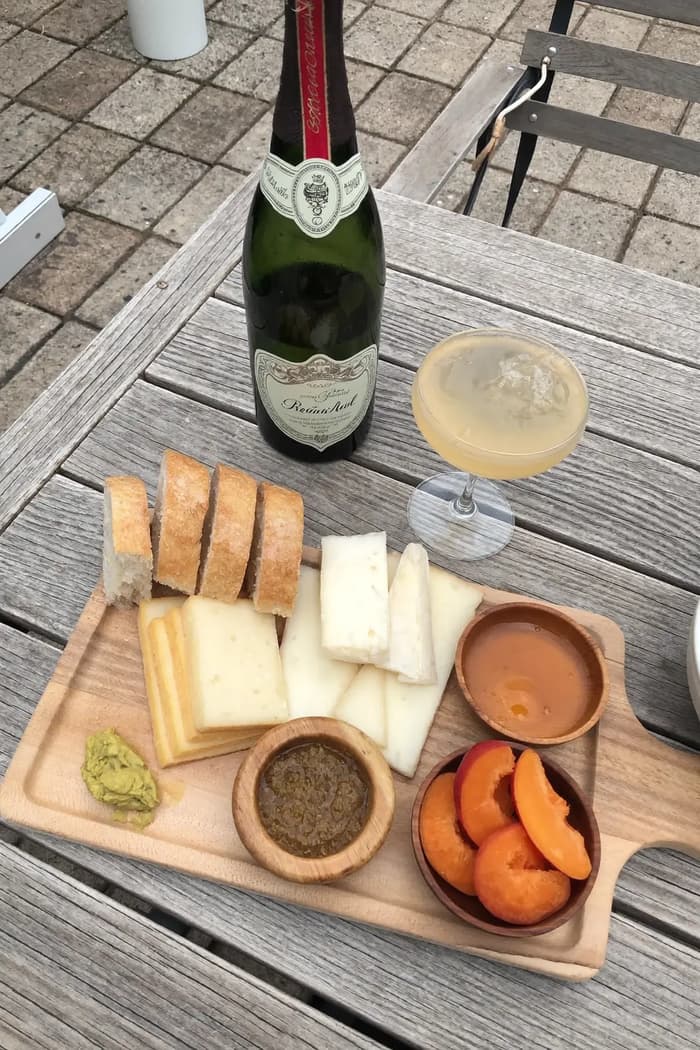
Raw phone food photo before AI enhancement
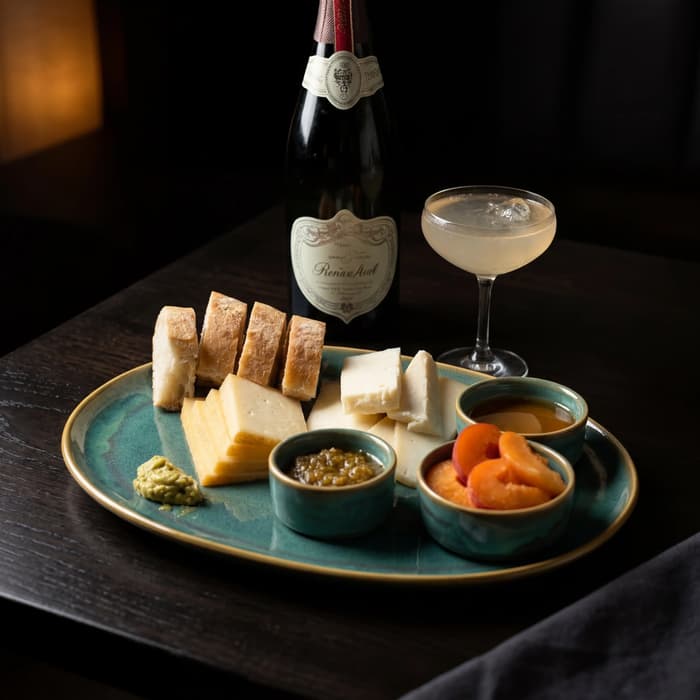
Studio quality food photo after FoodShot processing

Multi-variation

One photo, endless options

Generate multiple styles from a single upload. Pick the best.
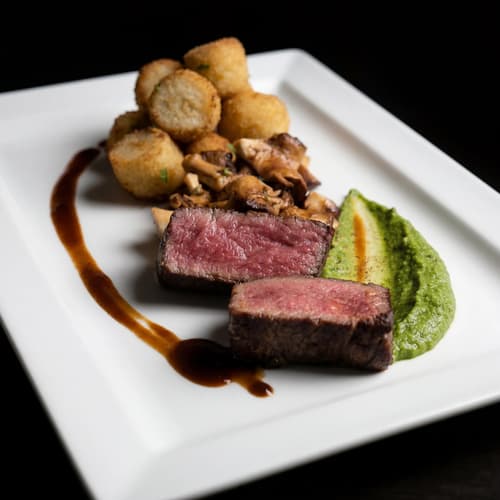
Food photo variation - delivery app style
Food photo variation - restaurant menu style
Food photo variation - social media style
Food photo variation - fine dining style

Poster Mode

Marketing-ready designs

Pick a template, drop your food.
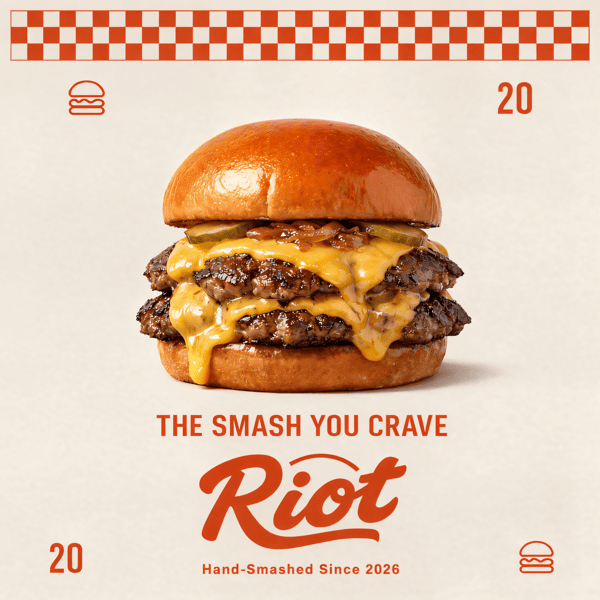
Smash burger restaurant poster design
Cocktail bar promotional poster
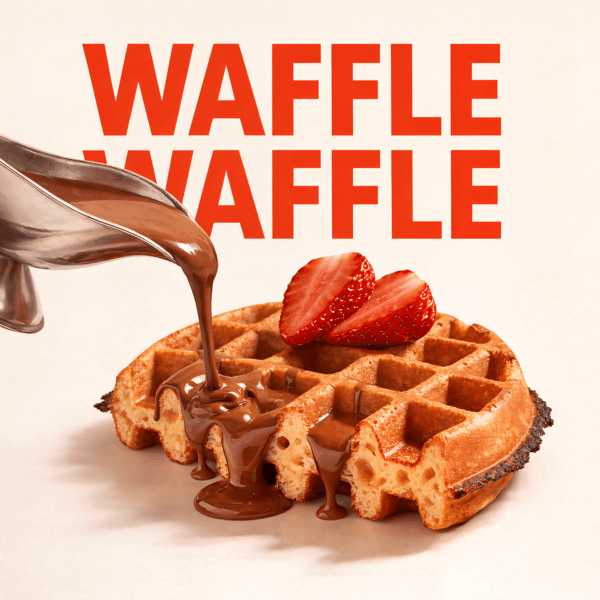
Waffle social media advertisement
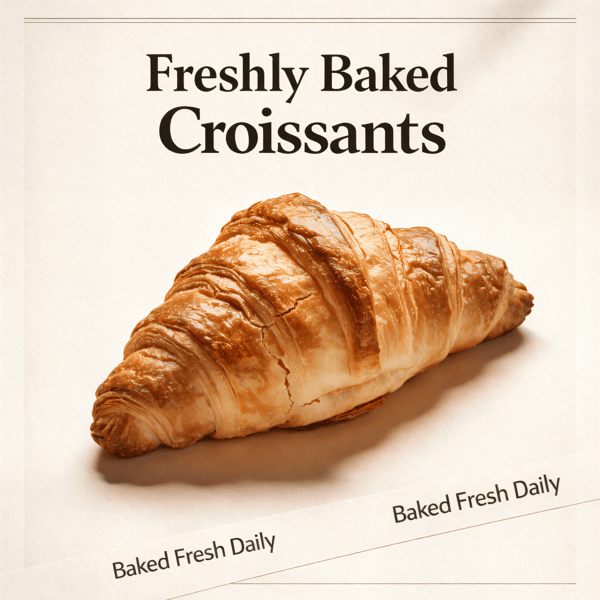
Croissant bakery marketing poster

Prompt Editing

Describe it, get it

Add sauce, swap plates, change lighting — just type what you want.
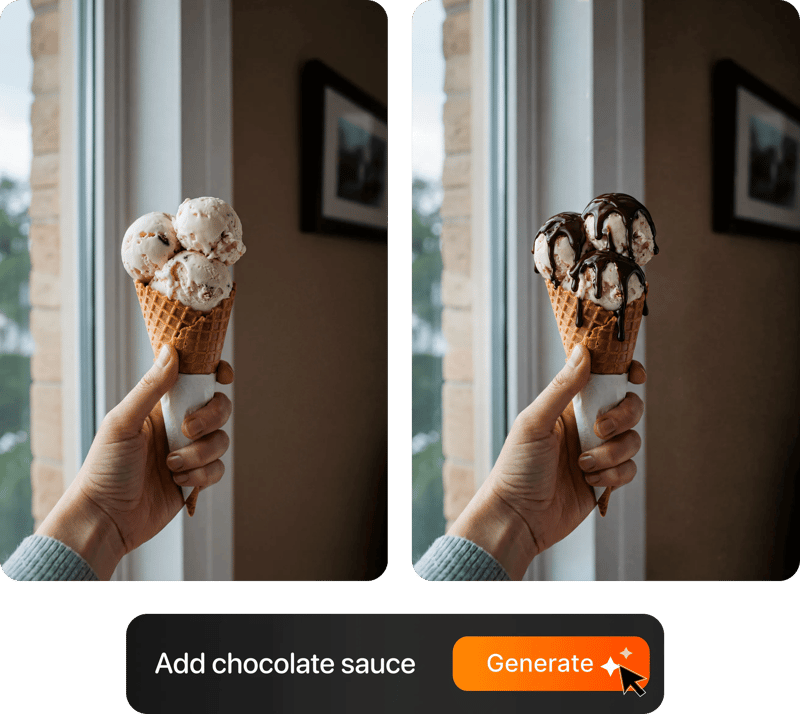
Prompt-based food photo editing

200+ Styles

Styles for every vibe

From clean white to moody fine dining. One tap.
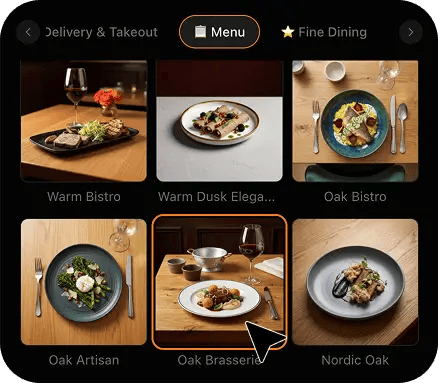
FoodShot 200+ food photography style presets grid

4K Resolution

Ultra-high resolution output

Up to 4K resolution output. Print-ready quality for menus, billboards, and packaging — no upscaling needed.

4K

Perfect For

Every kind of nutrition practice, at every scale

From a single registered dietitian seeing eight clients a week from a spare room to a group clinic running paediatric, sports and clinical caseloads side by side, the problem is identical: the advice is excellent, the meals are real, and none of that survives the photograph the client actually sees.

🩺

Registered Dietitians in Private Practice

You left a clinical role to build something of your own, and now the quality of your caseload depends on a website, a downloadable guide and a plan document. Photographing the meals you genuinely prescribe means every image on those pages is defensible, matches the portion in the plan and can be updated the same week your guidance changes.

🥗

Nutritionists & Nutrition Coaches

Your enquiries come from content, so the images do a share of the selling before anyone reads a word. Real meals shot honestly separate you immediately from accounts trading on styled abundance, and they hold up when a client cooks the same thing at home and compares it to the picture that convinced them.

💻

Programme & Course Creators

A paid programme lives or dies on whether the materials look worth the price. Consistent, clean images across every module, every meal plan template and every downloadable make an eight-week course feel like a finished product rather than a folder of documents, without you ever booking a shoot.

🏃

Sports & Performance Dietitians

Fuelling plans have to show timing, volume and composition accurately, because an athlete reading the picture instead of the number will follow the picture. Shooting the actual pre-training meal, the recovery plate and the travel-day options keeps the visual and the prescription saying the same thing.

👶

Paediatric & Family Nutrition

Parents need to see age-appropriate portions on ordinary plates, not styled adult food shrunk down. Honest images of a child-sized plate lower the temperature of a difficult conversation faster than any handout paragraph, because the fear in the room is almost always worse than the meal.

🧾

Group Clinics & Associate Teams

When three or four practitioners each build their own resources, the clinic ends up with four visual identities and no shared library. One locked style across everyone's photos means a client moving between an associate and a lead dietitian sees one practice, and the shared resource folder finally looks like it was made on purpose.

Reviews

Loved by food businesses

FoodShot AI changed my life as a Pastry Chef. Designing menus and plating used to be so time-consuming. Now I upload mockups and the AI does it all!
App Store

Happy Girl Pastry Chef

App Store

Great for small business! The app is easy to use. Smooth and professional results. Multiple background/settings/styles to choose. Highly recommend!
App Store

Trangbi89

App Store

This app helped me enhance my food photoshoot. Thanks to this app, I can now create pro-quality photos for my Menu.
App Store

Lalalisaoh

App Store

Excellent

Fabio Lima

Google Play

Great

Iván Fabricio Amador Pavón

Google Play

Cool

Darut Thollab

Google Play

For marketing and advertising we can use it as an enhancement. Really solid tool.

Reddit User

r/restaurantowners

Oohhh woowwww... Seriously amazing. The quality blew me away.

Remarkable-92

r/restaurantowners

FoodShot AI changed my life as a Pastry Chef. Designing menus and plating used to be so time-consuming. Now I upload mockups and the AI does it all!
App Store

Happy Girl Pastry Chef

App Store

Great for small business! The app is easy to use. Smooth and professional results. Multiple background/settings/styles to choose. Highly recommend!
App Store

Trangbi89

App Store

This app helped me enhance my food photoshoot. Thanks to this app, I can now create pro-quality photos for my Menu.
App Store

Lalalisaoh

App Store

Excellent

Fabio Lima

Google Play

Great

Iván Fabricio Amador Pavón

Google Play

Cool

Darut Thollab

Google Play

For marketing and advertising we can use it as an enhancement. Really solid tool.

Reddit User

r/restaurantowners

Oohhh woowwww... Seriously amazing. The quality blew me away.

Remarkable-92

r/restaurantowners

FAQ

Nutrition & Dietitian Photography FAQ

Common questions about photographing prescribed meals, portions, client handouts and programme content with only a phone.

hello@foodshot.ai

FoodShot AI is a powerful, AI-driven content creation platform that helps you create high-quality food photography for menus, social media marketing, and promotional materials with ease. Transform any food photo into professional-grade visuals in seconds.

It's simple! Upload a photo of your food, choose your desired style (menu photography or social media format), and click generate. For poster creation, select from our professional templates, add your text, and create marketing-ready content instantly.

Yes! Download our mobile app from the App Store to create stunning dish photos on the go. Access all features directly from your iOS device.

Yes! FoodShot AI is now available on Android. You can download it from Google Play and start creating professional food photos directly from your Android device.

With paid plans, you own full commercial rights to all generated images. Use them for your restaurant, marketing campaigns, social media, or any commercial purpose without restrictions. Free plan images include watermarks and are for personal use only.

Yes! For bulk processing needs, please email us at hello@foodshot.ai for our Enterprise plan options.

Yes, subscriptions renew month-to-month. To cancel, open Settings, click Manage subscription and choose Cancel subscription — fully self-serve, takes under a minute. Your plan stays active until the end of the billing period.

Yes, plan changes take effect immediately. You can upgrade or downgrade directly from your account dashboard. The new pricing will be adjusted for your current billing cycle.

We offer a full refund if you haven't used any credits in your current billing period. Refund requests must be made within 7 days of payment. Previous billing periods are non-refundable. Simply contact us at hello@foodshot.ai if you're not satisfied.

No, unused credits do not roll over to the next month. This applies to both monthly and yearly plans. Credits refresh every month regardless of your billing plan.

Yes! With our custom photography feature, you can upload your own reference images to create consistent branded content. Upload your restaurant's signature background, plating style, or any reference photo, and FoodShot AI will generate new images matching that exact style.

Absolutely! Once you upload a custom background or reference template, you can use it for all your future generations. This is perfect for maintaining consistent branding across all your food photography. Save your favorite backgrounds and create a cohesive visual identity for your restaurant.

FoodShot AI supports all major image formats including JPG, PNG, WEBP, and HEIC. For best results, we recommend using high-quality images with good lighting. The AI will analyze your reference and apply the same style, lighting, and composition to your food photos.

Yes! You can upload your own poster designs and templates. Whether it's your restaurant's branded template or a custom design, simply upload it and FoodShot AI will intelligently place your food photos while preserving your design elements, logos, and text.

All paid plans include unlimited custom template uploads. You can build an entire library of your brand's templates, backgrounds, and reference styles. Free plan users can try the feature with our pre-made templates.

No. FoodShot never sends a photographer, never runs an on-site or studio shoot, never enters your kitchen, clinic or home, and never invents a meal you did not cook. It restyles photographs you already take yourself. You cook the meal exactly as it appears in the plan, take a photo of it on your phone, upload that photo, and FoodShot re-lights and re-stages that exact image. The same portion, the same plate, the same components in the same positions. Nothing is generated from nothing, which matters a great deal in this work, because a client reads your image as a specification and then cooks against it that evening. What changes is the light, the surface underneath and the clutter behind it. The food itself is yours, and so is the accuracy of what it promises.

That is the entire design constraint. The restyle works from your photograph, so the portion size, the number of components, the sauce coverage and the plateware in the finished image are the ones you cooked and served. It will not add a garnish you did not use, swap a household plate for a slate board, put four tablespoons of rice where you served two, or turn a home portion into a restaurant plate. This is the practical difference from stock photography, and it is a bigger difference in nutrition than almost anywhere else: a stock image of a styled bowl sets an expectation the plan was never written to meet, and a client who notices the gap between the picture and the numbers stops trusting both. Shooting your own plate means the image and the prescription are the same meal, so the photography raises appetite appeal without quietly rewriting your advice.

Stock fails in two directions at once for a nutrition practice. Clinical stock looks like a hospital tray and makes perfectly good advice feel like a punishment, while lifestyle stock is styled for aspiration and routinely shows portions, plating and props that contradict the plan sitting underneath the image — an oversized bowl, a scatter of ingredients nobody would eat, a garnish that took a stylist ten minutes. Both quietly tell your client that the photograph and the plan came from different places, because they did. There is also the recognisability problem: the same handful of stock bowls circulate across thousands of nutrition sites, so a client who has downloaded three free guides this month has already seen your hero image twice. Photographing the food you genuinely prescribe solves all of it at once, and the restyle is what makes that practical on a phone in an ordinary kitchen.

Less than you think, and that is the whole point. Most home kitchens light food badly in the same three ways: a single ceiling fitting directly overhead that flattens the plate and drops a hard shadow onto one side, a warm bulb that pushes white china and pale sauces toward yellow, and a coloured worktop bouncing its own cast straight back up into the food. FoodShot corrects the colour cast first, then rebuilds the lighting entirely with a soft directional key and a controlled bounce, which is why greens come back green and a salmon fillet gets its flake and sheen back. In practice you only need to do three things: shoot in the brightest spot you have, ideally near a window and with the overhead light switched off, hold the phone at a consistent angle, and get close enough that the plate fills most of the frame. Everything after that is handled in the restyle.

Yes. You get back finished image files you can place in whatever you already produce — meal plan PDFs, printed handouts, lead-magnet guides, programme modules, email sequences, your website and social posts, including paid materials. FoodShot supplies images only. It does not print, design, lay out or ship any physical item, so your handouts, plan documents, workbooks and clinic materials stay with whoever produces them now, whether that is you in a document editor, a designer or a print shop. Every image comes back at 2048x2048 and is optimised on delivery, which is comfortably enough for a website page, a PDF spread, a printed A4 handout or a social carousel tile. If you are sending an image to a large-format printed board for a clinic waiting area, confirm the minimum resolution with your print supplier first, because a board viewed from a few feet away can want more pixels than any screen will.

Each restyle takes about 90 seconds, so a seven-day plan at three meals plus snacks is roughly fifty images and around an hour and a quarter of processing that runs while you do something else. The constraint is cooking, not processing. The rhythm that works for most practices is to photograph meals as you cook them anyway during a normal week, batch the uploads at the end of each day, and have the full set ready before the plan goes out or the guide goes live. When guidance changes, a swap gets added, or you build a variant of an existing plan for a different condition, you cook and shoot that one meal on a phone and drop it in, rather than rebuilding the whole library. That is the difference between a photo set being a project you postpone for two years and a habit that quietly keeps your <strong>nutrition coaching content</strong> current.

Your meal plans deserve better photos.

Join 10,000+ food businesses and practitioners turning phone shots of real meals into clean, client-ready photos in about 90 seconds.

Start Creating
Cancel anytimeFull commercial licenseStudio-quality results