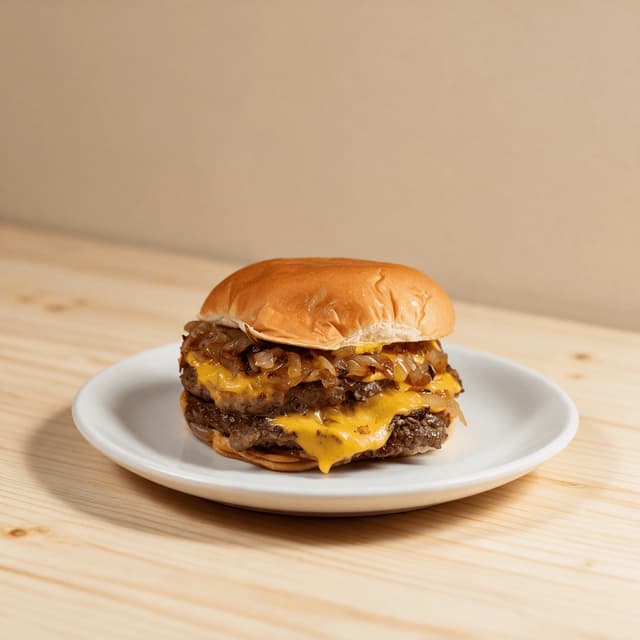
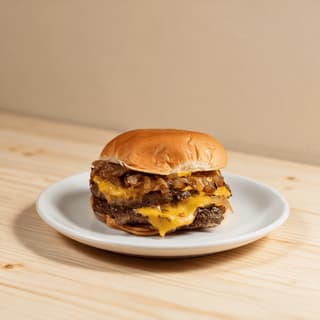
Double cheeseburger with melted cheese and a toasted sesame bun standing alone on a pale wood counter
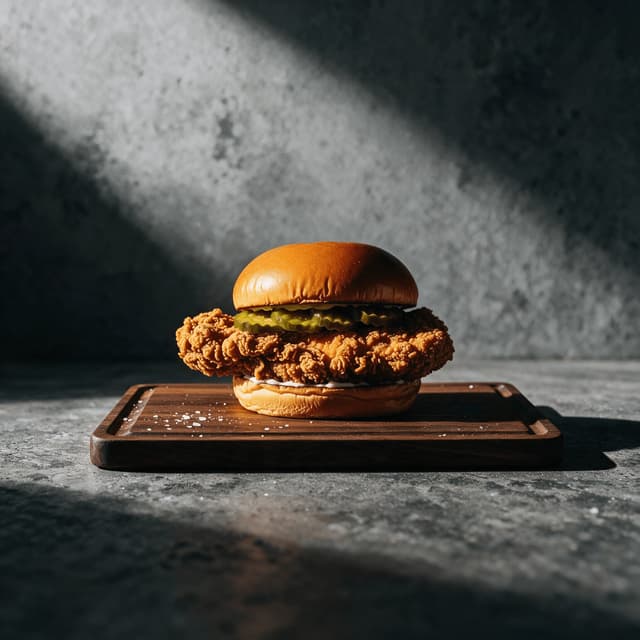
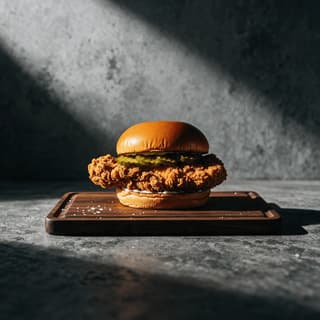
Crispy fried chicken sandwich with a craggy golden fillet and pickles on a grey concrete surface
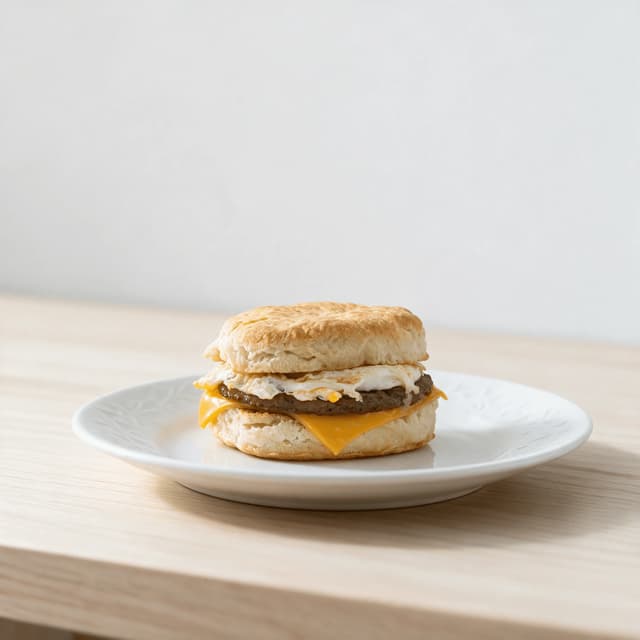
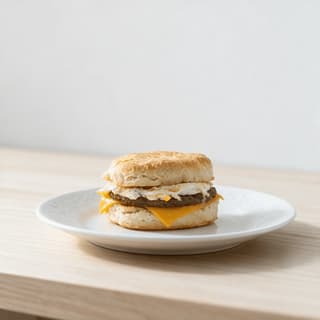
Breakfast sausage egg and cheese biscuit sandwich on a pale wood board in warm morning light
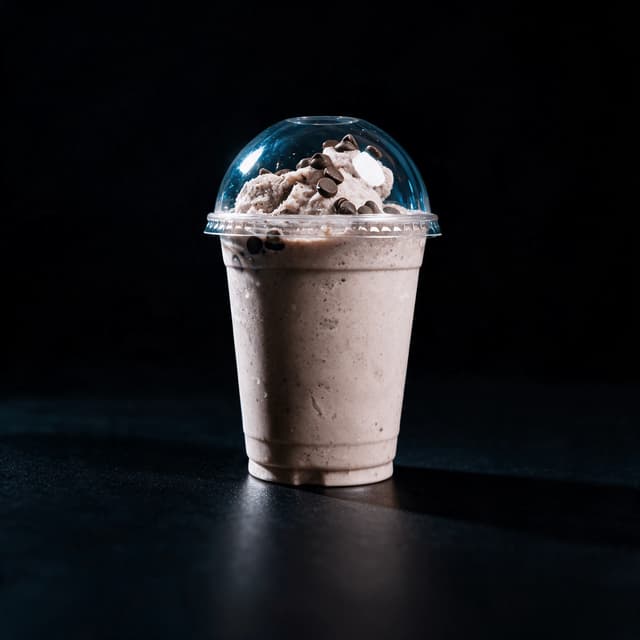
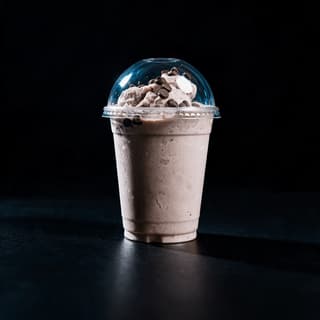
Thick chocolate milkshake in a clear cup with whipped cream against a deep blue studio backdrop
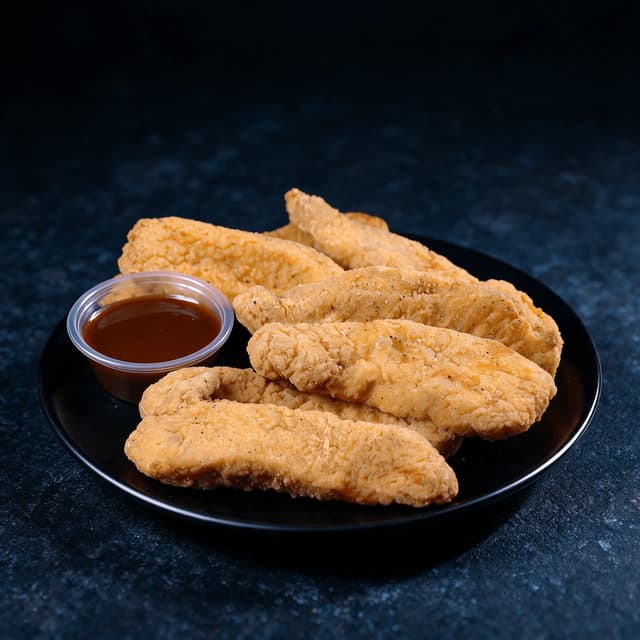
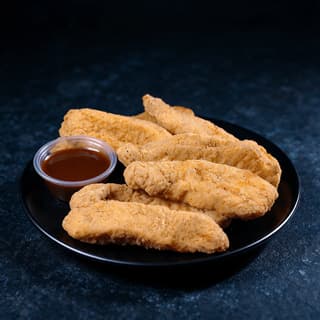
Golden breaded chicken tenders in a paper boat with one dipping sauce cup on dark slate
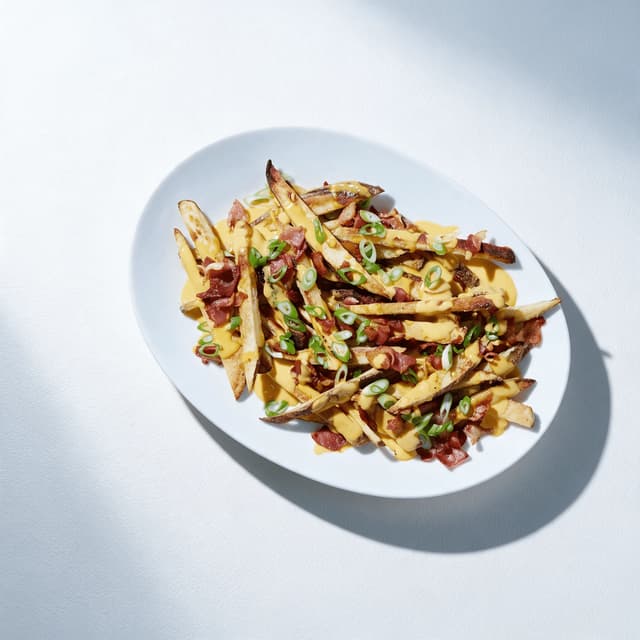
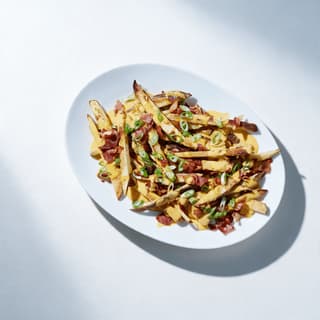
Loaded fries topped with melted cheese sauce and bacon pieces in a paper tray on a white surface
For Drive-Thru & Quick-Service Operators

A car reads your drive thru menu board in three seconds.

Brand creative covers the core range. Every local LTO, regional item and seasonal combo is still yours to shoot, under a heat lamp, on a phone, between rushes. Photograph it on your own prep counter and get a bright, hard-edged tile back in about 90 seconds — at the same scale as the thirty tiles around it, ready for the backlit panel, the digital board, the app and the kiosk.

Cancel anytime30,000+ food businesses

Trusted by teams on

DoorDashUber EatsGrubhubDeliverooJust EatWoltOpenTableYelpFoodpandaToast

Upload your drive-thru restaurants dish → Get menu-ready photos

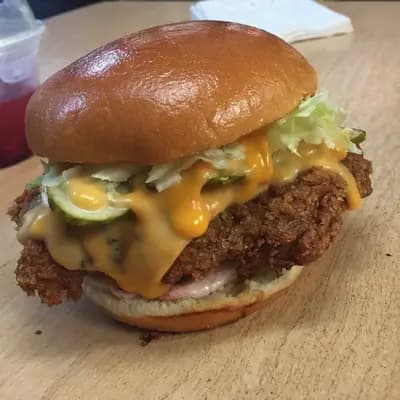
Original smartphone food photo before FoodShot AI enhancement
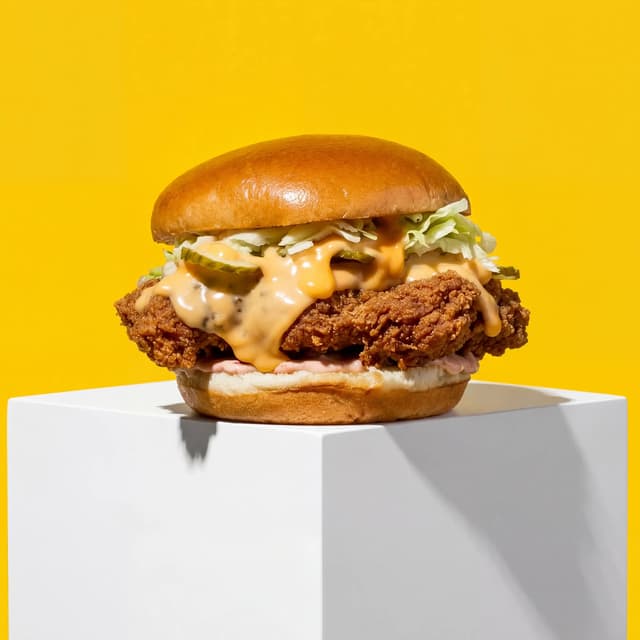
Studio-quality food photography generated by FoodShot AI
50,000+

Photos generated

95%

Cost savings

150s

Average time

Board Portfolio

Every tile on the board, shot at the same scale
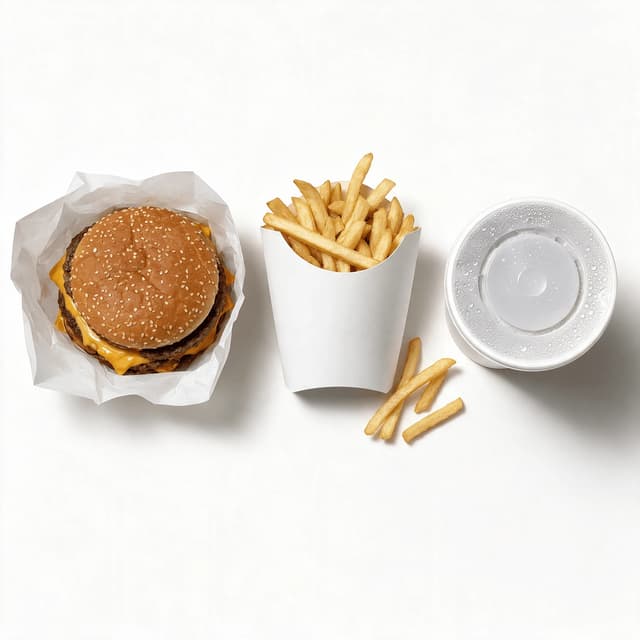
Overhead spread of a burger fries carton and drink cup arranged as three menu board tiles

Combo & Value-Meal Tiles

Burger, fries and drink locked to one scale
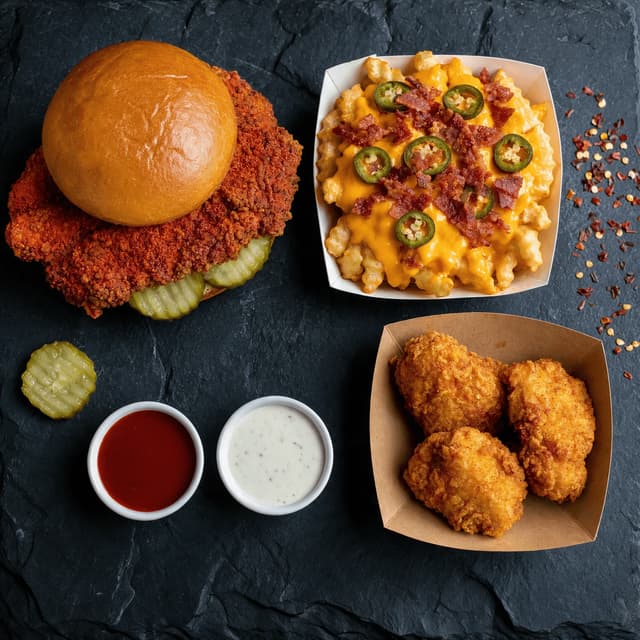
Dark overhead spread of a spicy chicken sandwich loaded fries and two sauce cups for an LTO launch

Limited-Time Offers

Launch creative you shoot in-store the same week
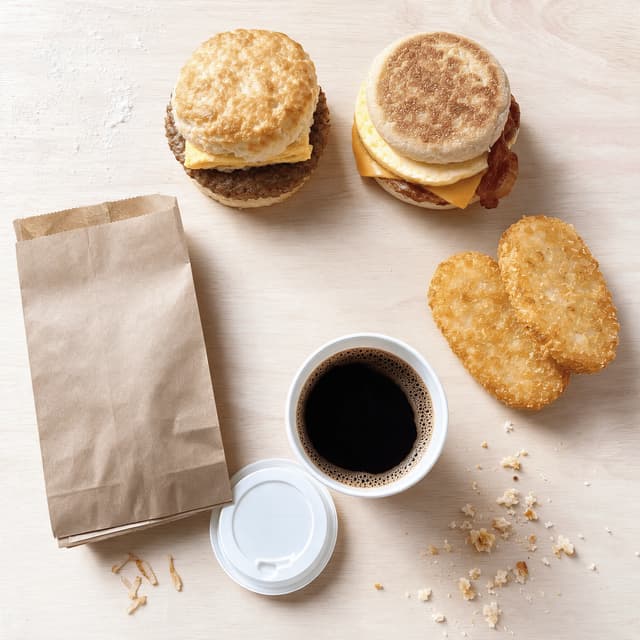
Top down breakfast spread with a biscuit sandwich a muffin sandwich hash browns and a coffee cup

Breakfast Daypart

Biscuits, muffins and morning sides that read warm
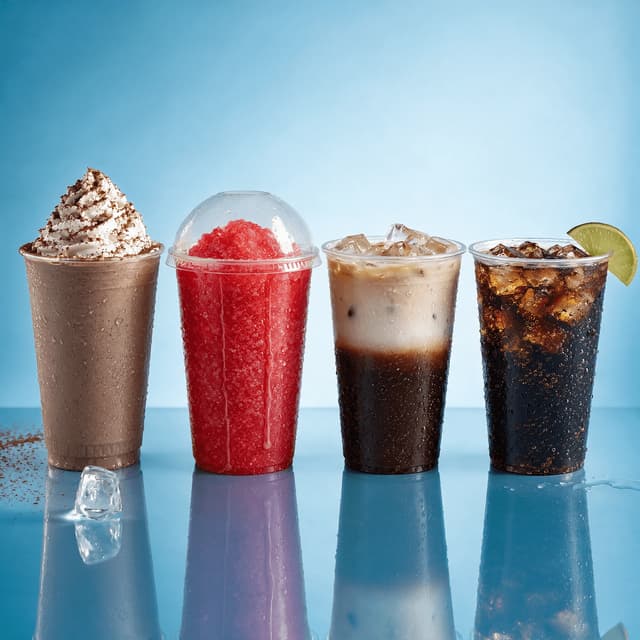
Row of four clear cups holding a chocolate shake a red frozen slush an iced coffee and a soda

Shakes & Frozen Drinks

Cups that hold colour under board backlighting
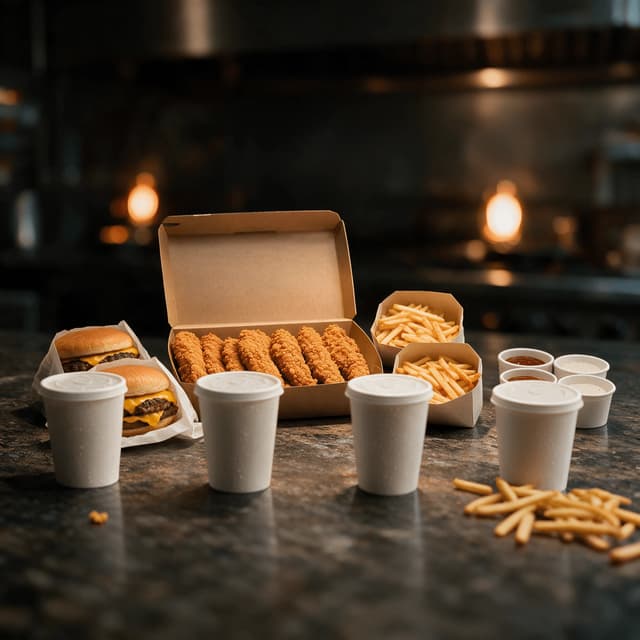
Family bundle spread with a box of chicken tenders two burgers two fry cartons and four drink cups

Family Bundles & Boxes

Big-format boxes that still read at speed
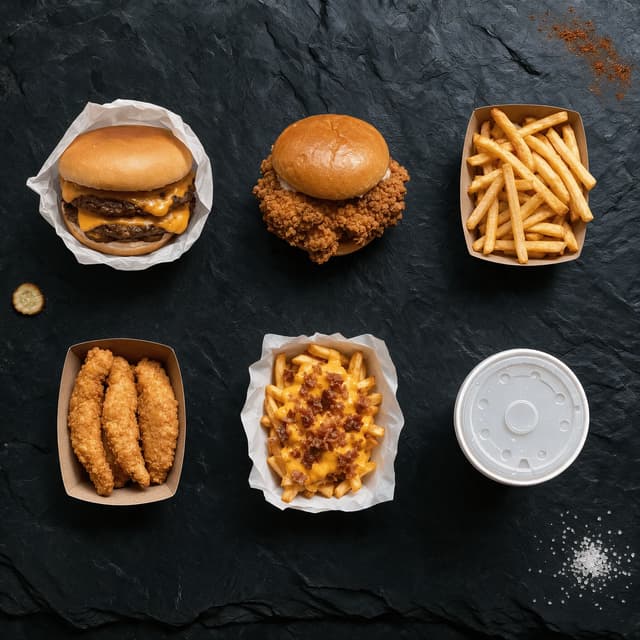
Overhead grid of six wrapped and boxed quick service items evenly spaced for square app crops

App, Kiosk & Delivery Crops

One shot, cropped square, tall and wide
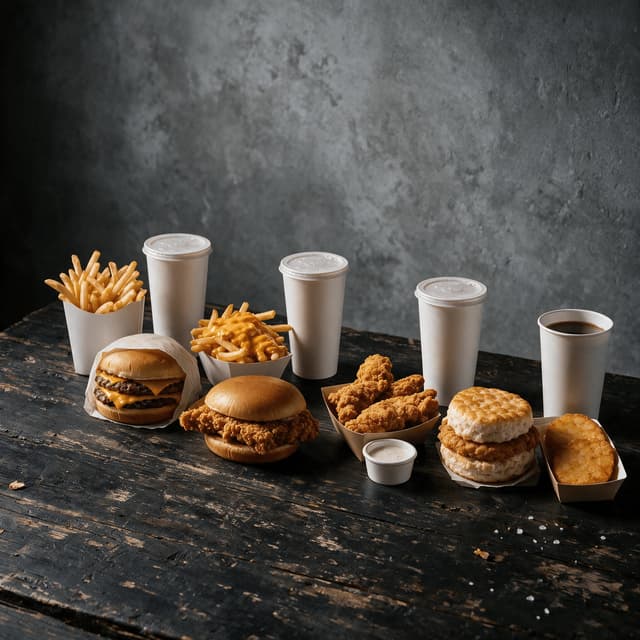
Dark editorial arrangement of four quick service combos at matched scale for backlit board panels

Backlit & Digital Board Versions

Same image tuned for film panels and LED screens

Features

Built for a board that changes every promotion cycle

Board Styles

Contrast that survives a windscreen at 15mph

100+ curated styles built for the way quick-service food actually has to perform. A dine-in photo can be soft, warm and atmospheric because someone is holding the menu eighteen inches from their face. A drive thru menu board tile gets read through glass, at an angle, in daylight glare, in about three seconds — so it needs hard edges, separated components and a subject that holds its silhouette against the tile background. FoodShot's board-oriented styles do exactly that: bright high-key sweeps that keep a burger's cheese edge and bun crown cleanly cut out, cool industrial greys that stop a golden crust going muddy, and near-black falloff setups for the backlit and LED panels where a hard silhouette is the whole game. Upload a photo shot on your own counter under whatever light the store has — sodium heat lamp, overhead fluorescent, the flat grey coming through the drive-thru window — and FoodShot corrects the orange cast a heat lamp bakes into everything, pulls back the blown-out highlight off a wrapper, and stops a stainless prep surface bouncing the ceiling into the shot. That is most of what makes in-store fast food marketing photography look homemade next to the brand pack, and it is fixed before the tile ever reaches the board. The same styles feed digital signage for restaurants without a second shoot: one restyle, then the same asset drops onto the backlit panel, the LED board, the kiosk and the app. Table-service operators shooting a printed menu instead should start at our restaurants page, and the burger craft itself is covered in our burger photography guide.

Explore styles

Builder Mode

Surface plus backdrop plus item equals a tile

Pick a surface — brushed stainless pass, pale prep counter, dark slate, clean white sweep. Choose a backdrop — seamless studio, near-black falloff for a backlit panel, cool concrete. Upload your item photo. Builder Mode composites all three into one cohesive tile, so the ticket rail, the sauce pump, the blue roll and the person on fry station never make it into the frame. That is the whole problem with shooting in a live store: the food is fine, the two feet around it are a working line at peak. It matters more on a board than almost anywhere else, because a board is thirty tiles seen together — one shot on a stainless counter next to one shot on a wooden tray next to one shot under a heat lamp reads as a mess even when each photo is individually fine. Builder Mode is how you shoot a thirty-item board across four weeks and still have every tile sit at the same scale, on the same surface, under the same light. It is also how the regional item you photographed in March sits next to the LTO you shot last Tuesday without either one looking out of place, and how you keep quick service restaurant marketing assets consistent between brand creative drops instead of visibly patching gaps.

Try Builder Mode

My Styles

Lock the brand look once, apply it to everything

Upload a photo you are genuinely happy with — usually the best tile the brand pack gave you, or the cleanest combo shot you have taken yourself — and set it as your style reference. Every item you shoot afterwards is matched to it: the same surface tone, the same key direction, the same contrast curve, the same background falloff. This is the part that matters for a franchisee. You are not trying to invent a look; you are trying to make the six local items you have to shoot yourself sit invisibly next to the twenty-four the brand supplied. Set the supplied creative as your reference once and the LTO you photograph on a Tuesday afternoon lands on the board looking like it came out of the same shoot. It also travels across formats without redoing anything — the same locked style carries onto the kiosk screen, the loyalty app tile and the third-party delivery listing, where the crop changes but the look does not. Operators who want the delivery side optimised specifically should read our food delivery apps page, which owns that topic in depth. For qsr marketing across a small group, one reference image is the cheapest brand-consistency control you will ever set up.

Match your brand

More to explore

One tool, endless possibilities

Before → After

From phone snap to studio shot

See the transformation. Same food, completely different result.

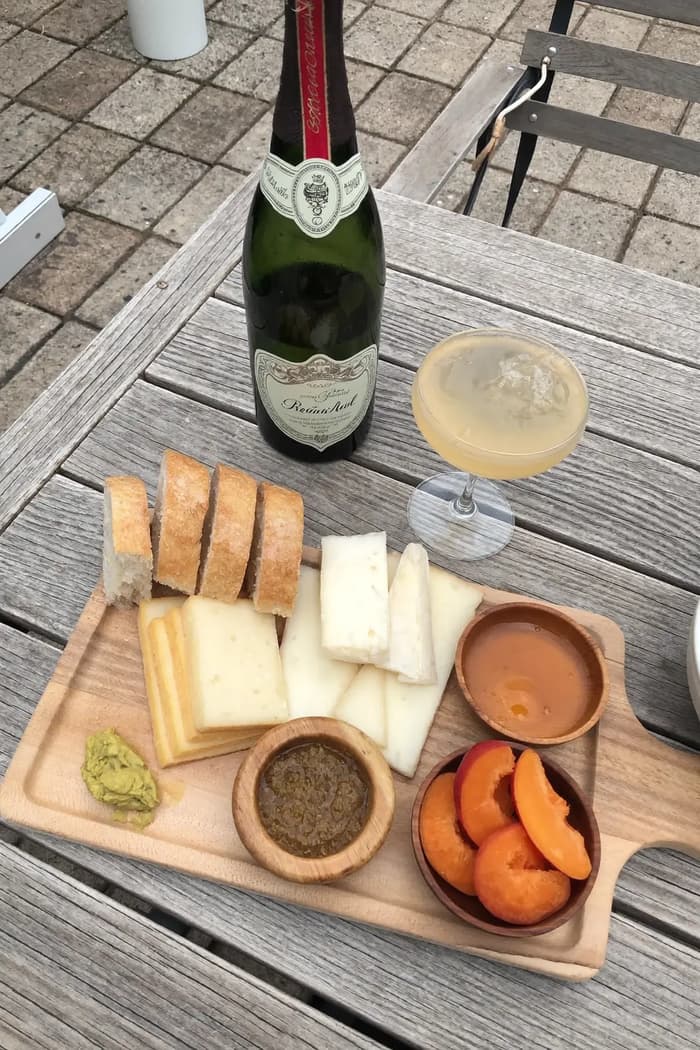
Raw phone food photo before AI enhancement
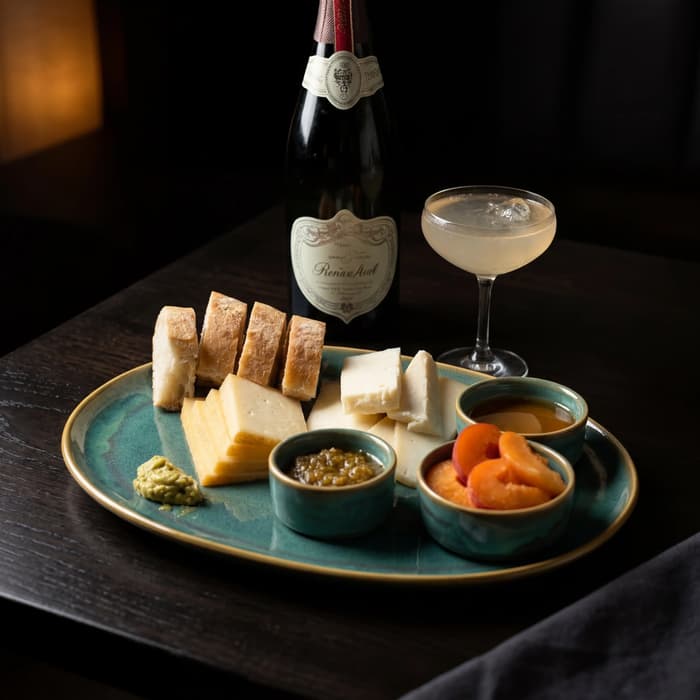
Studio quality food photo after FoodShot processing

Multi-variation

One photo, endless options

Generate multiple styles from a single upload. Pick the best.
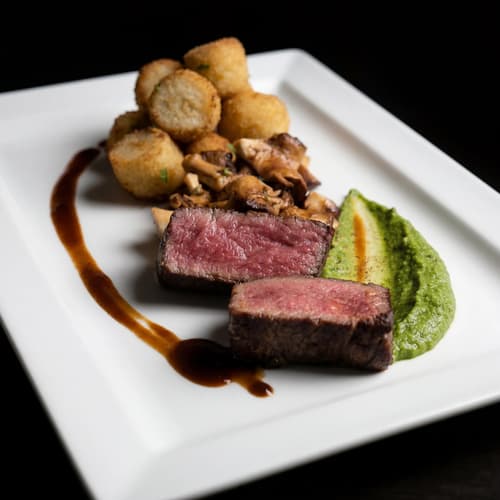
Food photo variation - delivery app style
Food photo variation - restaurant menu style
Food photo variation - social media style
Food photo variation - fine dining style

Poster Mode

Marketing-ready designs

Pick a template, drop your food.
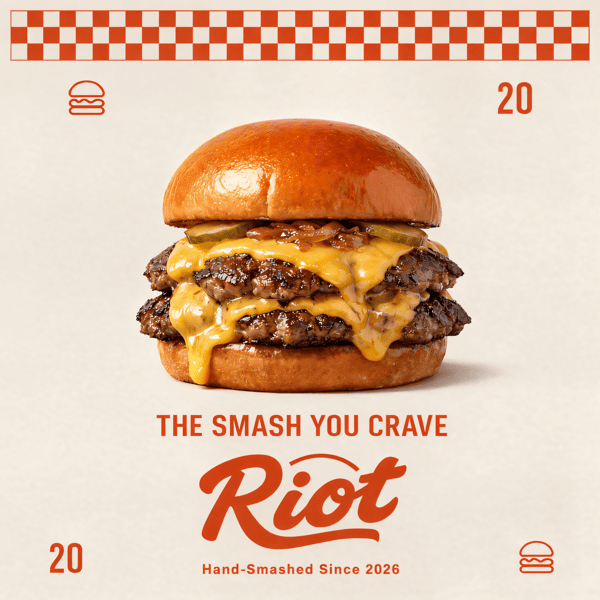
Smash burger restaurant poster design
Cocktail bar promotional poster
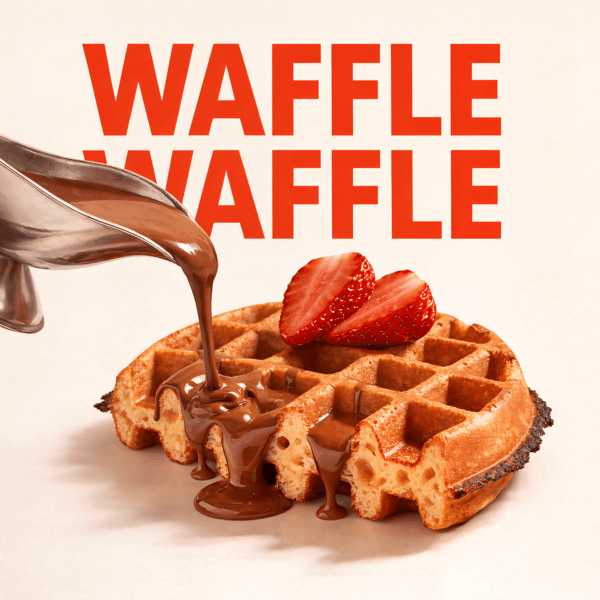
Waffle social media advertisement
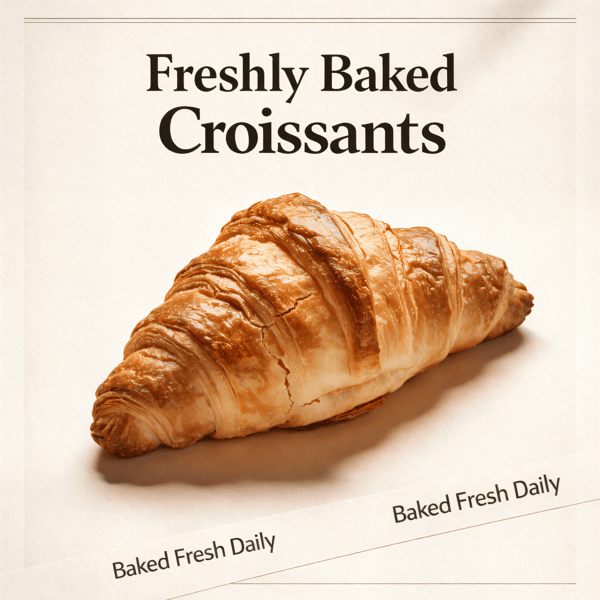
Croissant bakery marketing poster

Prompt Editing

Describe it, get it

Add sauce, swap plates, change lighting — just type what you want.
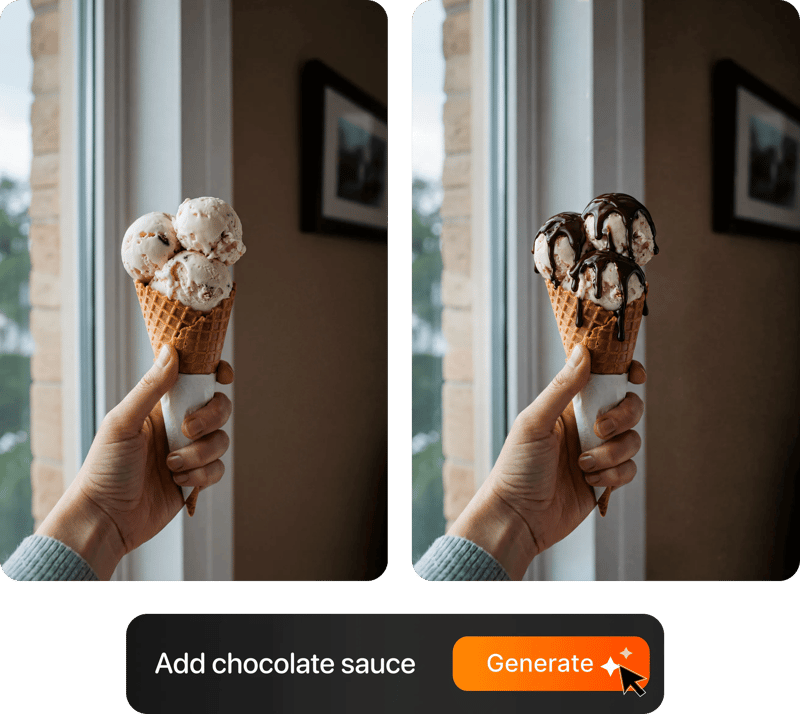
Prompt-based food photo editing

200+ Styles

Styles for every vibe

From clean white to moody fine dining. One tap.
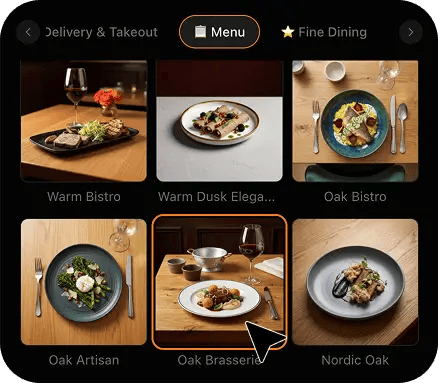
FoodShot 200+ food photography style presets grid

4K Resolution

Ultra-high resolution output

Up to 4K resolution output. Print-ready quality for menus, billboards, and packaging — no upscaling needed.

4K

Perfect For

Every kind of drive-thru and quick-service operator

From a single franchised unit off a highway exit to a nine-store regional group refreshing a digital board every promotion cycle, the problem is the same: brand creative covers the core range, and everything local is yours to shoot.

🚗

Single-Unit Franchisees

You own one store, you run the line at lunch, and the LTO poster arrives with creative for four items when you are launching six. Photograph the two missing ones on the prep counter between rushes, restyle them to match the pack, and the board looks like one shoot instead of four supplied tiles and two phone photos.

🍔

Small Multi-Unit Groups

Three to nine stores, one person doing marketing on top of another job, and a regional item that never appears in the national asset drop. Shoot it once, restyle it once, and push the same tile to every board, every kiosk and every app listing in the group without the stores drifting apart visually.

🌅

Breakfast-Heavy Sites

Half your day happens before ten and the morning board is the one nobody photographs properly. Biscuits, muffin sandwiches and hash browns are hard to shoot under a heat lamp without going orange and greasy. Restyling fixes the cast and the sheen, so the daypart board finally looks as good as the lunch one.

🥤

Beverage & Frozen Programmes

Shakes, slushes and iced coffees are where the margin lives and where phone photos fail hardest — condensation goes grey, colour goes flat, and a clear cup picks up the entire store behind it. A clean backdrop and controlled speculars make the drink read as the drink instead of a cup full of reflections.

📺

Digital Board & Kiosk Rollouts

You have just moved from backlit film panels to LED screens and every legacy image now looks soft, low-contrast or the wrong shape. Reshoot nothing. Restyle the items you already photographed into a consistent high-contrast set that holds up on a bright screen and crops cleanly into the kiosk layout.

📦

Bundle & Value Menu Operators

Family boxes, mix-and-match deals and value tiers change constantly and each one needs its own tile at the right scale. Photograph the new bundle on the pass, restyle it against the same background as your singles, and the value board reads as a considered range rather than a pile of separate photos.

Reviews

Loved by food businesses

FoodShot AI changed my life as a Pastry Chef. Designing menus and plating used to be so time-consuming. Now I upload mockups and the AI does it all!
App Store

Happy Girl Pastry Chef

App Store

Great for small business! The app is easy to use. Smooth and professional results. Multiple background/settings/styles to choose. Highly recommend!
App Store

Trangbi89

App Store

This app helped me enhance my food photoshoot. Thanks to this app, I can now create pro-quality photos for my Menu.
App Store

Lalalisaoh

App Store

Excellent

Fabio Lima

Google Play

Great

Iván Fabricio Amador Pavón

Google Play

Cool

Darut Thollab

Google Play

For marketing and advertising we can use it as an enhancement. Really solid tool.

Reddit User

r/restaurantowners

Oohhh woowwww... Seriously amazing. The quality blew me away.

Remarkable-92

r/restaurantowners

FoodShot AI changed my life as a Pastry Chef. Designing menus and plating used to be so time-consuming. Now I upload mockups and the AI does it all!
App Store

Happy Girl Pastry Chef

App Store

Great for small business! The app is easy to use. Smooth and professional results. Multiple background/settings/styles to choose. Highly recommend!
App Store

Trangbi89

App Store

This app helped me enhance my food photoshoot. Thanks to this app, I can now create pro-quality photos for my Menu.
App Store

Lalalisaoh

App Store

Excellent

Fabio Lima

Google Play

Great

Iván Fabricio Amador Pavón

Google Play

Cool

Darut Thollab

Google Play

For marketing and advertising we can use it as an enhancement. Really solid tool.

Reddit User

r/restaurantowners

Oohhh woowwww... Seriously amazing. The quality blew me away.

Remarkable-92

r/restaurantowners

FAQ

Drive-Thru Photography FAQ

Common questions about shooting combos, LTOs and beverages for backlit, digital and app-facing menu boards.

hello@foodshot.ai

FoodShot AI is a powerful, AI-driven content creation platform that helps you create high-quality food photography for menus, social media marketing, and promotional materials with ease. Transform any food photo into professional-grade visuals in seconds.

It's simple! Upload a photo of your food, choose your desired style (menu photography or social media format), and click generate. For poster creation, select from our professional templates, add your text, and create marketing-ready content instantly.

Yes! Download our mobile app from the App Store to create stunning dish photos on the go. Access all features directly from your iOS device.

Yes! FoodShot AI is now available on Android. You can download it from Google Play and start creating professional food photos directly from your Android device.

With paid plans, you own full commercial rights to all generated images. Use them for your restaurant, marketing campaigns, social media, or any commercial purpose without restrictions. Free plan images include watermarks and are for personal use only.

Yes! For bulk processing needs, please email us at hello@foodshot.ai for our Enterprise plan options.

Yes, subscriptions renew month-to-month. To cancel, open Settings, click Manage subscription and choose Cancel subscription — fully self-serve, takes under a minute. Your plan stays active until the end of the billing period.

Yes, plan changes take effect immediately. You can upgrade or downgrade directly from your account dashboard. The new pricing will be adjusted for your current billing cycle.

We offer a full refund if you haven't used any credits in your current billing period. Refund requests must be made within 7 days of payment. Previous billing periods are non-refundable. Simply contact us at hello@foodshot.ai if you're not satisfied.

No, unused credits do not roll over to the next month. This applies to both monthly and yearly plans. Credits refresh every month regardless of your billing plan.

Yes! With our custom photography feature, you can upload your own reference images to create consistent branded content. Upload your restaurant's signature background, plating style, or any reference photo, and FoodShot AI will generate new images matching that exact style.

Absolutely! Once you upload a custom background or reference template, you can use it for all your future generations. This is perfect for maintaining consistent branding across all your food photography. Save your favorite backgrounds and create a cohesive visual identity for your restaurant.

FoodShot AI supports all major image formats including JPG, PNG, WEBP, and HEIC. For best results, we recommend using high-quality images with good lighting. The AI will analyze your reference and apply the same style, lighting, and composition to your food photos.

Yes! You can upload your own poster designs and templates. Whether it's your restaurant's branded template or a custom design, simply upload it and FoodShot AI will intelligently place your food photos while preserving your design elements, logos, and text.

All paid plans include unlimited custom template uploads. You can build an entire library of your brand's templates, backgrounds, and reference styles. Free plan users can try the feature with our pre-made templates.

No. FoodShot never sends a photographer, never runs an on-site or studio shoot, never prints or installs a menu board panel for you, and never invents an item you do not sell. It restyles photos you take yourself. You build the real item to spec on your own prep counter, take a phone photo of it, upload that photo, and FoodShot re-lights and re-stages that exact image — the same build, the same portion, the same packaging, the same number of pickles. Nothing is fabricated from scratch, which matters when the whole point of a board tile is that the customer at the window gets what the picture showed. What changes is the light, the surface underneath and the clutter behind it, not the food. If your crew cannot make it, it will not appear in your photos.

That is exactly what My Styles is for. Upload one of the supplied brand tiles as your style reference and every item you shoot afterwards gets matched to it — same surface tone, same key light direction, same contrast, same background treatment. The board reads as one shoot rather than as national creative with a few obvious local patches in it. It is worth doing once, properly, at the start of a promotion cycle: set the reference, then shoot every local item, LTO and regional line against it. If your brand pack changes look between cycles, swap the reference image and re-run the items you shot yourself — that takes minutes rather than another round of in-store photography, and it keeps franchise creative compliance a non-issue.

Every image comes back at 2048x2048 and is optimised on delivery, which is comfortably enough for a digital board tile, an LED screen segment, a kiosk cell, an app card or a third-party delivery listing. Large-format backlit film panels are the one case worth checking, because a full-height panel printed at close viewing distance can want more pixels than a tile in a thirty-item grid does. For a standard board tile, a category header or any screen-based placement, what you get is more than the panel or the display will ever resolve. Talk to whoever produces your panels about their minimum before committing a single image to a full-height print, and note that FoodShot supplies the image file only — it does not print, ship or install physical board media.

Yes, and that is usually the fastest win available to a single-unit operator. Shoot the item once, restyle it once, then crop the same asset for each destination: wide for the board tile, square for the app and kiosk grid, tall for a social story. Because the item is centred with real margin around it in the restyled frame, those crops do not clip the food. The one caveat is that delivery marketplaces have their own conventions around framing, background and how much of the frame the food should fill, and optimising specifically for those listings is a discipline of its own — our dedicated food delivery apps page covers that in depth. For board, kiosk and first-party app use, one shot genuinely does cover all three.

Realistically, an afternoon. Build the item, take a handful of phone photos on the prep counter from a couple of angles, pick the cleanest one, and each restyle takes about 90 seconds. A six-item LTO with a couple of alternates is well under an hour of actual processing, and the slow part is building the food, not the photography. That is the entire reason this exists: the gap between a promotion being confirmed and the creative arriving is where local operators lose the launch. You can have board-ready tiles for a Monday launch on the Friday before, without booking anyone, closing the lobby, or shooting after close. If a build changes mid-cycle, reshoot that one item and swap the tile.

That is the specific thing the board styles are tuned for, and it is a different problem from making food look appetising up close. A tile read through glass, at an angle, from a moving car in daylight glare needs three things: a subject that holds a hard silhouette against its background, components that stay visually separate rather than merging into one brown mass, and enough contrast to survive both a washed-out backlit panel and a bright LED screen. Soft, low-contrast, warm-toned styling that photographs beautifully for a dine-in menu disappears at fifteen feet through a windscreen. Shoot the item, restyle it with a board style, and then do the honest test — stand where the car stands and look at it.

Your board deserves better photos.

Join 10,000+ quick-service and drive-thru operators producing board-quality food photos in about 90 seconds.

Start Creating
Cancel anytimeFull commercial licenseStudio-quality results