
Food Clipart Transparent Background: Free Resources + AI
 Ali Tanis13 min read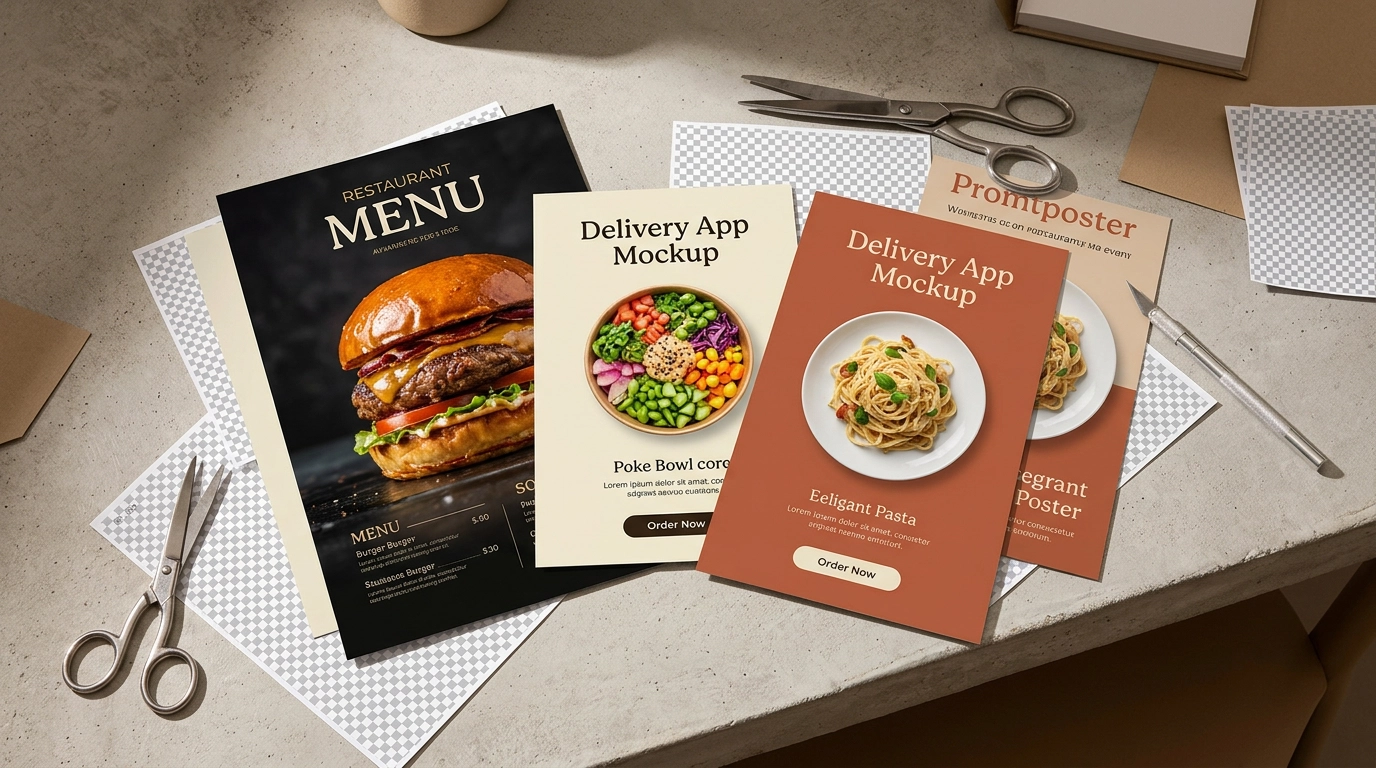
Need food clipart with a transparent background for your menu, delivery app, or marketing materials? Good news: you have plenty of options for downloading food PNG images with no background. The right source depends on whether you need generic food icons and clip art or professional transparent PNG cutouts of the food you actually serve. This guide covers every method — free clipart sites, stock photo libraries, DIY background removal, and AI tools — with honest pros and cons for each.
Quick Summary: Free food clipart transparent background sites like Freepik and Pixabay offer PNG downloads, but the images are generic and often carry licensing restrictions. Stock photos cost $3–30 each and still don't show your actual dishes. For restaurant owners and food businesses, AI background removal (like FoodShot AI) creates clean food transparent background PNG cutouts of your real menu items in about 2 minutes — no Photoshop skills needed.
Why Food Clipart Transparent Background Images Matter
A transparent background PNG lets you drop a food image onto any surface — a menu layout, a delivery app listing, a promotional poster, a website banner. The food floats cleanly without a white box or awkward rectangle breaking your design.
This matters more than you'd think. Menu designers need food clipart layered over branded backgrounds. Delivery platforms want clean, consistent product shots as PNG files. Social media templates require food images that blend seamlessly into custom layouts. Even simple food icon graphics need transparency to sit properly on colored backgrounds.
The problem? Most food clipart transparent background results give you cartoon hamburgers, vector fruit bowls, and generic food icon sets. That's fine for a school project, but it won't sell your pad thai on Uber Eats.
Here's every option — from free food PNG clip art to professional AI tools — so you can pick the right approach.
5 Free Sites for Food Clipart PNG Downloads
If you need quick food clipart graphics with transparent backgrounds and don't need them to match specific dishes, these free resources deliver. Each site offers food PNG downloads — food icons, illustrations, and clip art — ready to use in your designs.
Freepik — The largest library of the bunch. Thousands of food vectors, illustrations, food icon sets, and some photo cutouts available as free transparent PNG files. The free tier requires attribution (a credit link back to Freepik), and many premium food clipart files are locked behind a paid subscription. Best for: illustrated food icons and decorative graphics.
Pixabay — Completely free with no attribution required, even for commercial use. The food-specific transparent PNG selection is smaller than Freepik's, but what's there is genuinely usable. Their food icon and food clip art collection covers common items like fruits, vegetables, and fast food. Best for: simple food images and icons when you need zero licensing hassle.
PNGTree — Massive collection of transparent PNG food clipart and food icon graphics. The catch: free users are limited to 2 downloads per day, and some food images carry watermarks until you upgrade. Quality varies since much of the clip art library is user-uploaded. Best for: browsing a huge variety of food clipart styles.
Vecteezy — Strong mix of vector food illustrations and transparent photo cutouts. Good search filters help you narrow food clip art by style (cartoon, realistic, flat design). Their food icon library is particularly well-organized. Free downloads are limited, and some files require attribution. Best for: finding specific food icon styles for app or web design.
HiClipart — Focused entirely on transparent-background PNGs. Every result is clip art without a background, ready to drop into your design. Quality is inconsistent since it's community-sourced. Best for: quick grabs when you need a specific food item as a free transparent PNG.
What Free Food Clipart Can't Do
Free food clipart works for generic design projects. It doesn't work when you need images of the food you actually sell. Here's where it falls apart:
- It's not your food. A stock illustration of spaghetti doesn't look like your spaghetti. Customers ordering from delivery apps notice when the menu photo doesn't match what arrives — and a Salon investigation found that using generic food images erodes customer trust.
- Licensing traps. "Free" often means free for personal use with mandatory attribution. Use a food clipart image commercially without proper credit and you risk a takedown notice — or worse, an invoice.
- Your competitor uses the same images. There are only so many "pizza slice transparent PNG" files on the internet. If your menu and the pizzeria across town share the same food clipart, neither of you stands out.
- Low resolution for print. Most free food PNG files are 72 DPI web graphics. Print them on a menu or poster and they'll look pixelated and unprofessional.
- Cartoon style looks out of place on delivery apps. Uber Eats, DoorDash, and Grubhub expect photographic food images. Vector food clipart screams "this restaurant didn't bother photographing their food."
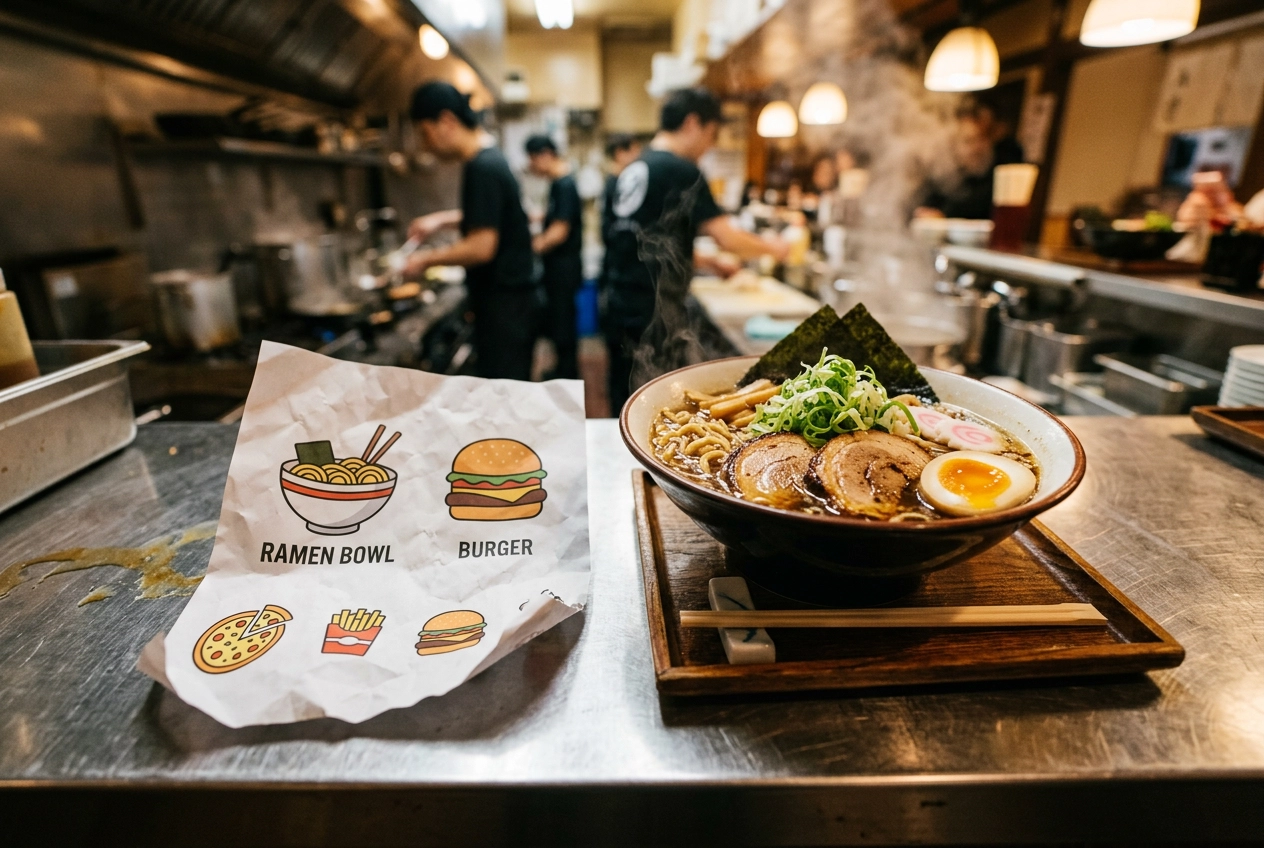 Real bowl of ramen next to printed generic food clipart showing contrast between authentic and stock food images
Stock Food Photos: Better Quality, Higher Cost
If you need more polished food images with transparent backgrounds, paid stock libraries offer a step up from free food clipart.
Adobe Stock has over 1.6 million food-related assets, including professional cutout photos on transparent backgrounds. Shutterstock offers similar depth with subscription plans. iStock (by Getty) carries curated food photography collections with transparent-background PNG options.
Expect to pay $3–30 per food image depending on resolution and license type. Subscription plans (around $29–49/month for 10 images) bring the per-image cost down.
The quality improvement over free clipart is real — these are professionally shot food photos, not vector illustrations or food icon clip art. But the core limitation remains: stock food photos are still generic. A stock PNG image of a burger is a model burger shot in a New York studio. It's not the burger your kitchen makes.
For blog headers, social media filler, and decorative use, stock food photos work well. For your actual menu, delivery listings, or marketing materials where customers expect to see your food? They fall short.
The DIY Method: Removing Food Photo Backgrounds Yourself
Already have photos of your own food? You can create transparent-background PNGs yourself by manually removing the background.
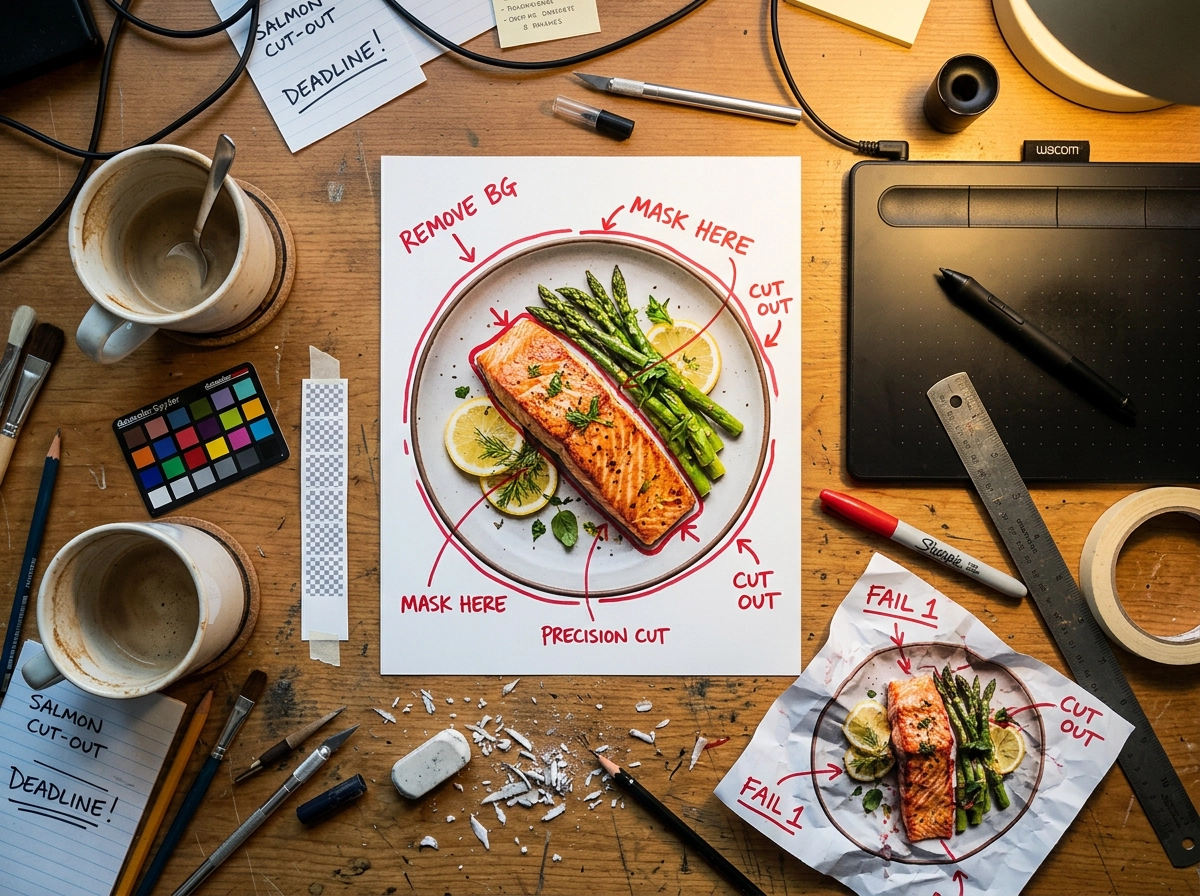 Manual food photo background removal workspace showing editing tools and hand-marked cutout guidelines around plated dish
Adobe Photoshop is the gold standard. Use Quick Selection or the Object Selection tool to outline the dish, refine the edge with Select and Mask, then export as PNG with transparency enabled. Results can be excellent — if you know what you're doing.
Online tools like remove.bg handle simple food cutouts automatically. Upload a food photo, the AI removes the background, and you download a transparent PNG. The free version outputs low-resolution files (up to 0.25 megapixels). Full-quality exports require a paid plan or per-image credits.
Canva Pro includes a one-click background remover in its design suite. It's convenient if you already use Canva for menu design, though the edge detection isn't as refined as Photoshop.
The challenge with food: Food photos have notoriously difficult edges for background removal tools. Steam, sauce drips, scattered garnishes, translucent elements like glasses or thin herbs — generic background removers often clip these details or leave visible halos around the food cutout. You'll spend 5–15 minutes per image fixing edges, even with good tools.
For a 30-item menu, that's 2.5–7.5 hours of editing time. And that's after you've already photographed everything.
The AI Method: Food Transparent Background PNG Cutouts of Your Actual Dishes
Here's where things get interesting for restaurant owners, food businesses, and anyone who needs transparent-background images of dishes they actually serve — not generic food clipart or clip art icons.
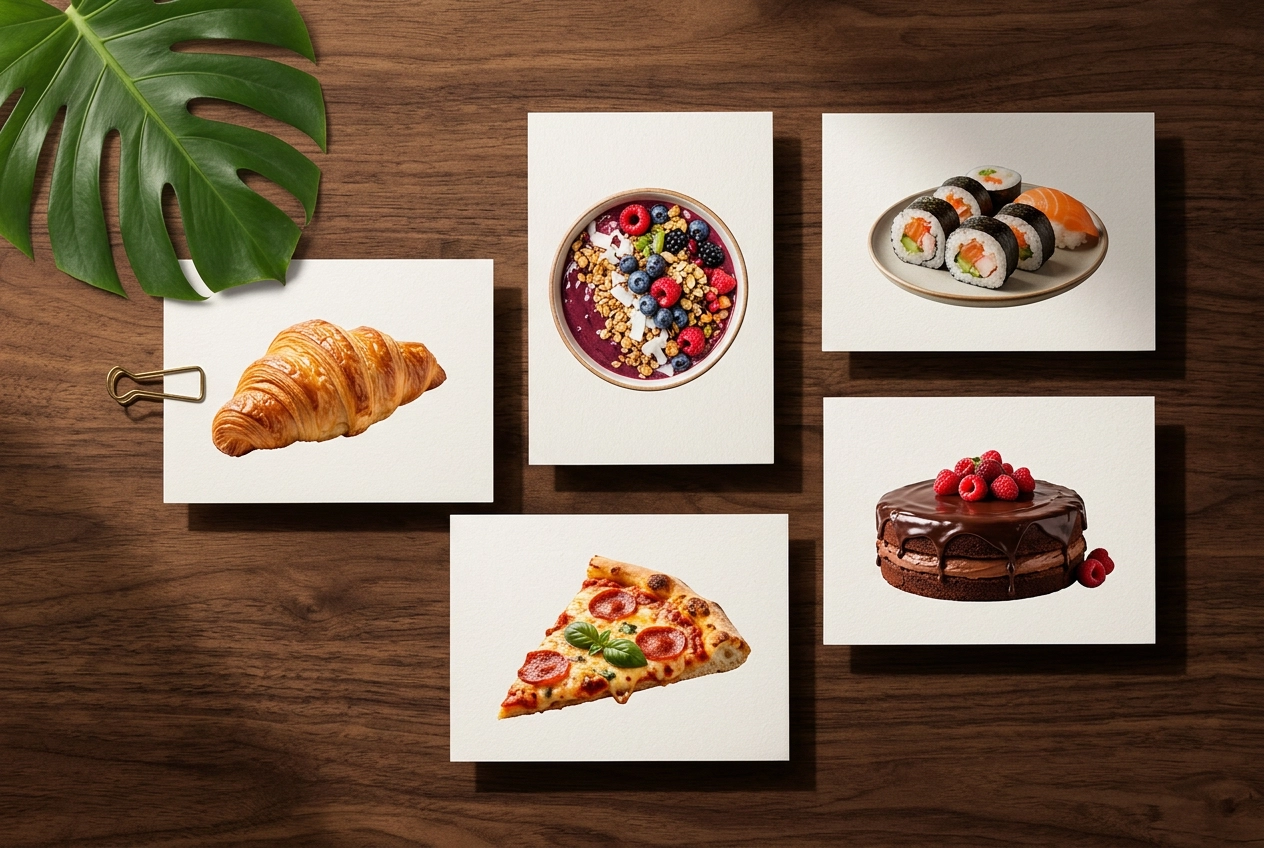 Professional food photographs with transparent backgrounds printed on cards showing various dishes cleanly isolated
FoodShot's background removal tool is built specifically for food photography. Unlike generic background removers, it's trained on food images — so it handles steam, sauce drizzles, delicate garnishes, and irregular plate edges without clipping important details.
How it works:
- Upload a photo of your dish (smartphone photos work perfectly)
- The AI removes the background and generates a clean transparent PNG
- Download the food cutout, or replace the background with one of 30+ preset environments
The whole process takes about 2 minutes. No Photoshop. No design experience. No manual edge refinement.
What makes this different from free food clipart or stock photos:
- The image shows your actual dish — the exact plate your kitchen serves
- The transparent PNG is high-resolution and ready for print or digital use
- You can place the food cutout onto any background: a branded menu template, a delivery app listing, a promotional banner
- Every image is unique to your restaurant — no competitor will have the same visual
What about cost? FoodShot's pricing plans start at $9/month (billed annually) for 25 image generations, compared to $700–$1,400 for a single professional food photography session. The Scale plan ($59/month annually) includes 250 generations with bulk processing — enough to build and refresh an entire menu's visual library every month.
For a detailed look at how background editing works across different food types, check out the food background editor page.
Where to Use Food PNG Images with Transparent Backgrounds
Once you have clean food cutouts as transparent PNGs — whether from free food clipart sites or AI tools — the design possibilities open up. Here's where food clipart transparent background images make the biggest impact:
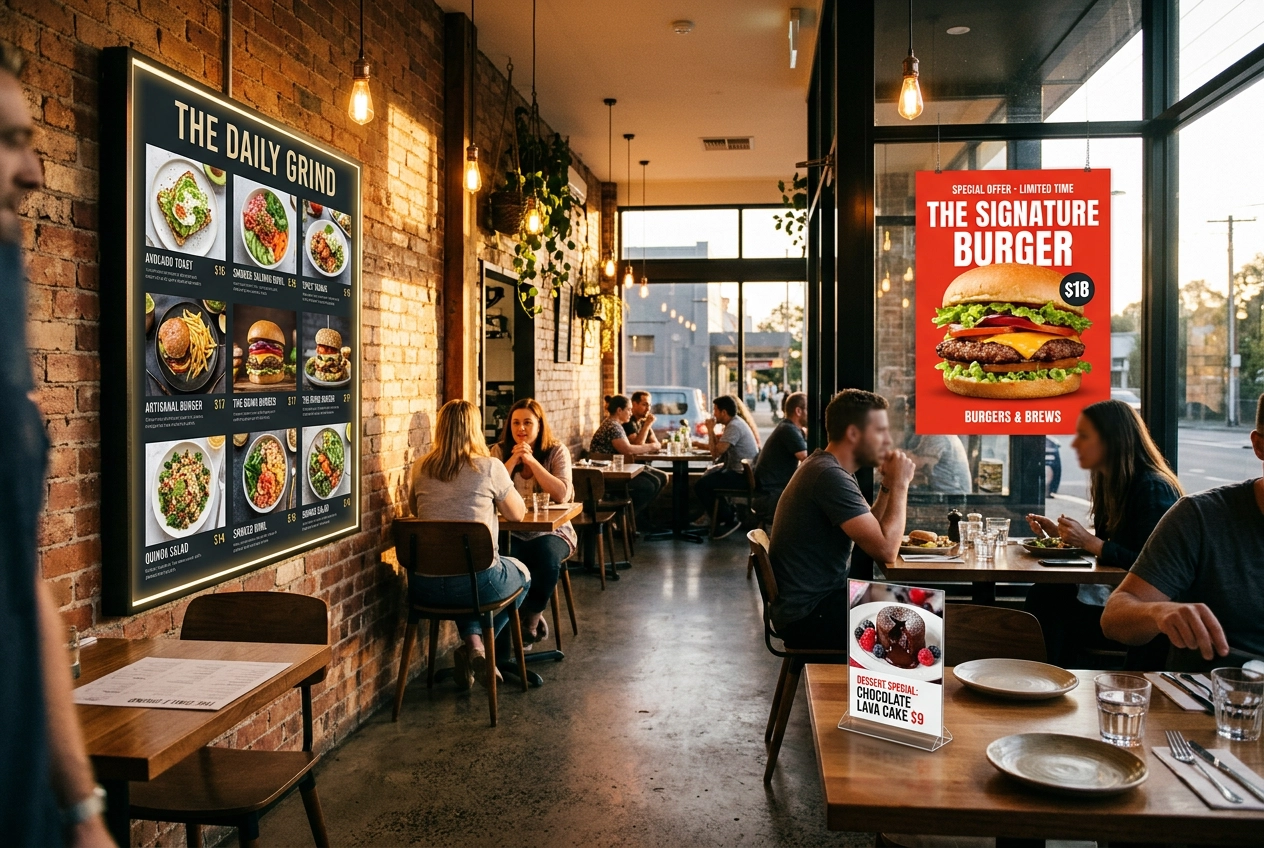 Restaurant interior showing food images with transparent backgrounds used across menu board, table tents, and promotional posters
Menu design. Drop dish cutouts onto consistent branded backgrounds — dark marble for fine dining, rustic wood for a farm-to-table concept, clean white for a modern cafe. A transparent PNG lets your designer (or you, in Canva) layer food images onto any template without wrestling with crop boxes. For more layout inspiration, see our guide to food photography for restaurant menus.
Delivery app listings. DoorDash, Uber Eats, and Grubhub all perform better with clean food photos. DoorDash's own data shows items with quality photos receive significantly more orders. A transparent-background PNG on a white backdrop meets every platform's photo guidelines — and the AI food photo editor can generate delivery-optimized versions in one step. For platform-specific tips, read our food photography for delivery apps guide.
Marketing collateral. Posters, table tents, window displays, flyers — any printed or digital material where food images need to sit on top of a designed background. Transparent PNGs and food clipart give your graphic designer (or design tool) maximum flexibility.
Website and social media. Hero banners, Instagram stories, Pinterest pins, email headers — all benefit from food images that layer cleanly onto branded templates. Transparent backgrounds let you create platform-specific versions from a single source image.
Packaging and labels. If you sell packaged food products, transparent-background food images let you place product shots onto label designs, box mockups, and e-commerce listings without visible background edges.
Quick Comparison: Your Options Side by Side
| Free Food Clipart | Stock Photos | DIY Editing | AI (FoodShot) | |
|---|---|---|---|---|
| Cost | Free (with limits) | $3–30/image | Free–$50/mo for tools | $9–59/month |
| Shows your actual food | ❌ No | ❌ No | ✅ Yes | ✅ Yes |
| Image quality | Low–Medium | High | Varies by skill | High |
| Time per image | Instant download | Instant download | 5–15 min editing | ~2 minutes |
| Skill required | None | None | Photoshop/editing | None |
| Commercial license | Often restricted | Included (paid) | N/A | Included (paid plans) |
| Best for | Generic design projects | Blog/social filler | One-off edits | Menus, delivery, marketing |
For restaurant owners and food businesses, the calculus is straightforward: free food clipart and stock photos don't show what you actually cook. DIY editing shows your food but eats your time. AI background removal gives you professional transparent PNGs of your own dishes faster than you can open Photoshop.
Ready to try it? Upload a dish photo to FoodShot's food background editor and get a transparent PNG in about 2 minutes.
Frequently Asked Questions
What is the best format for food images with transparent backgrounds?
PNG is the only widely-supported format that preserves transparency. When you save a food image with its background removed, export it as a .png file — not .jpg (which fills transparent areas with white) or .webp (which supports transparency but has limited compatibility with older design tools). For maximum quality, export your food clipart at the highest resolution your tool offers.
Can I use free food clipart commercially?
It depends on the source. Pixabay allows commercial use without attribution. Freepik requires attribution on the free tier. PNGTree and HiClipart have mixed licensing — some food clipart images are free for commercial use, others aren't. Always check the specific license on each food icon or clip art image before using it in menus, marketing materials, or delivery app listings. When in doubt, paid stock photos or your own AI-generated food images provide the cleanest commercial rights.
How do I remove the background from a food photo?
Three main methods: (1) Photoshop — use Quick Selection + Select and Mask for precise control, then export as PNG. (2) Online tools like remove.bg — upload and download, but free versions are low-resolution. (3) AI food tools — FoodShot's background removal is trained specifically on food images, handling tricky edges like steam and garnishes that generic tools struggle with. It produces a clean transparent PNG in about 2 minutes.
What's the fastest way to get transparent-background images of my own dishes?
Snap a photo with your smartphone and upload it to an AI food photography tool like FoodShot AI. The background is removed automatically in about 2 minutes, and you can download the result as a high-res transparent PNG. No editing skills needed. For a full menu of 30+ items, this saves hours compared to manual Photoshop editing or searching through free food clipart that doesn't match your actual food.
Do delivery apps like Uber Eats accept transparent PNG food images?
Delivery apps accept PNG uploads, but they display food images on white or light-gray backgrounds — they don't render transparency directly. The best approach is to use your transparent food PNG as a base, then place it on a clean white or solid-color background before uploading. This gives you a consistent, professional look across all platforms while keeping the original transparent food cutout on file for other uses like menus and posters.