Google Business Profile for restaurants: a photo cadence, not a one-off shoot.
Every optimisation guide says the same four words: add high-quality photos regularly. Here is the playbook: twelve at launch, four new dishes a month, one saved look every manager can hit — from phone photos you already have.
Upload your food photo → Get menu-ready photos
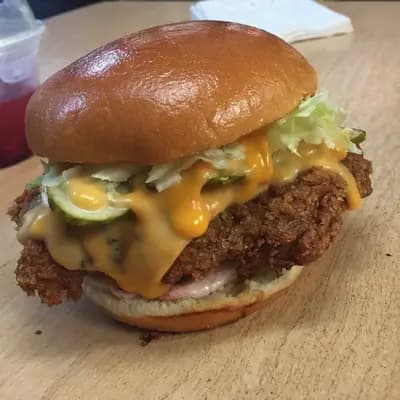

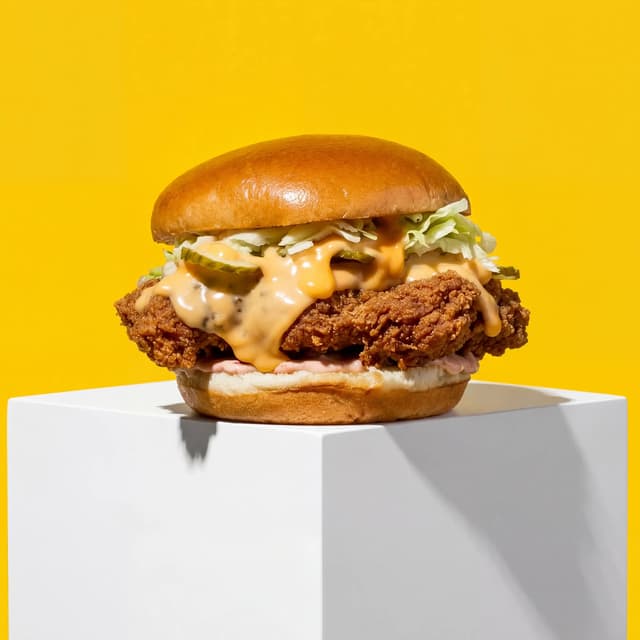
Photos generated
Output resolution
Average time
The Photo Cadence
Every photo a restaurant profile needs, on a schedule
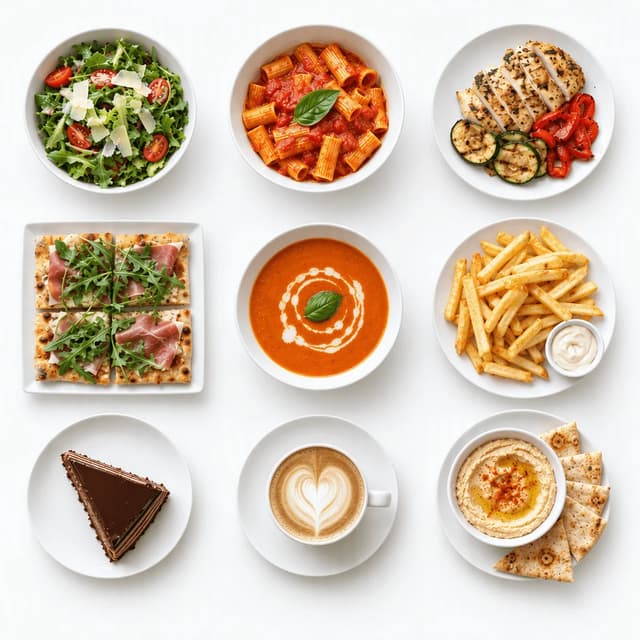
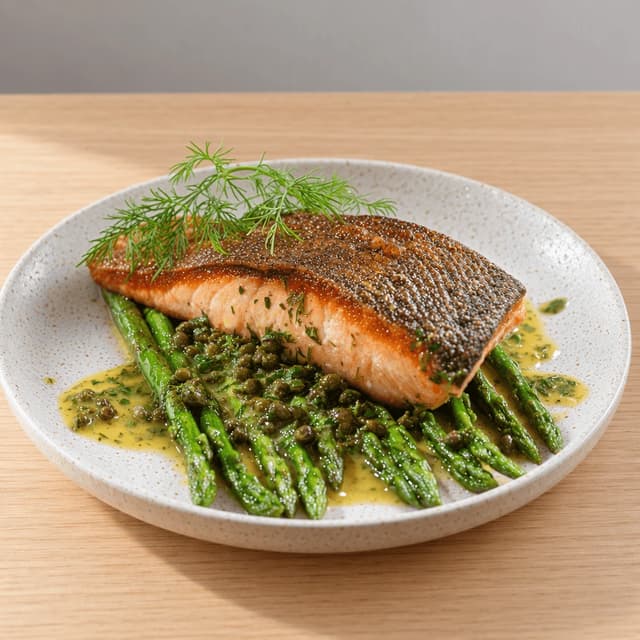
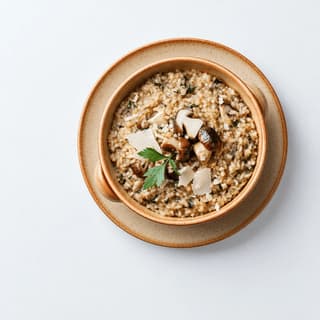
Launch Set: The 12 Photos a New Profile Needs
Nine dishes laid out as one grid, shot in one afternoon
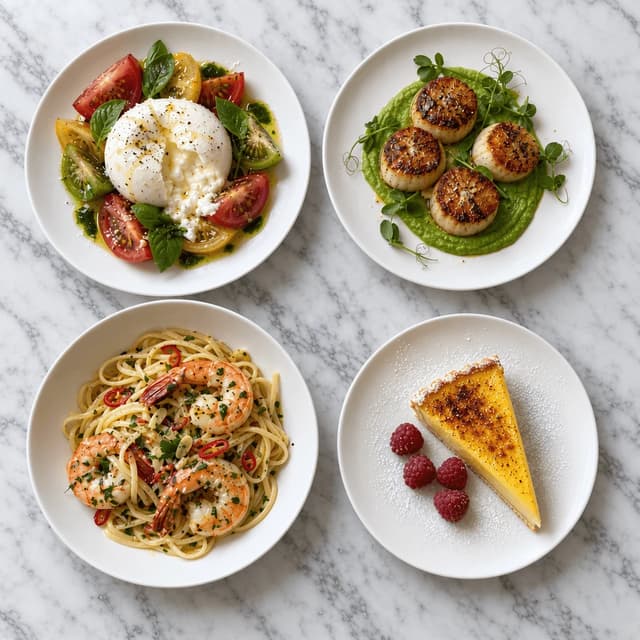
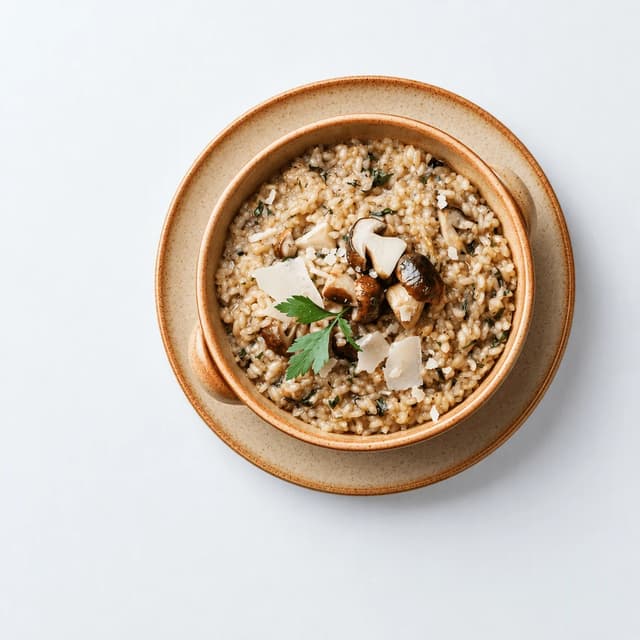
Monthly Refresh: Keep the Carousel From Going Stale
Four new plates a month, so the newest photo is never old
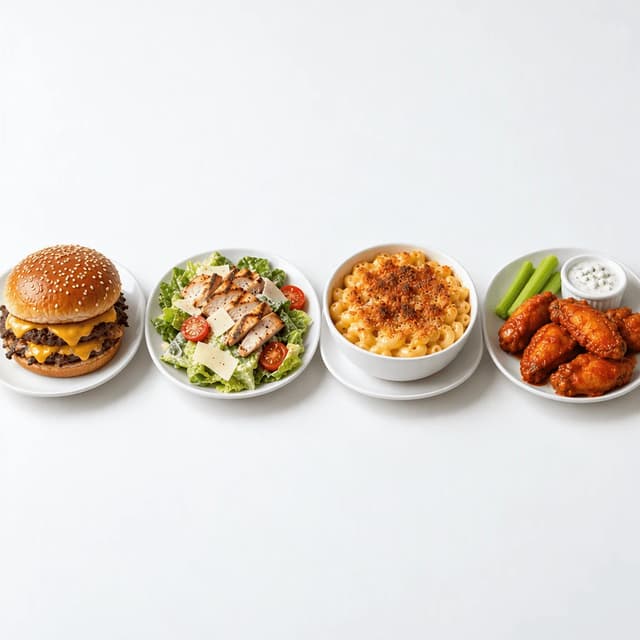
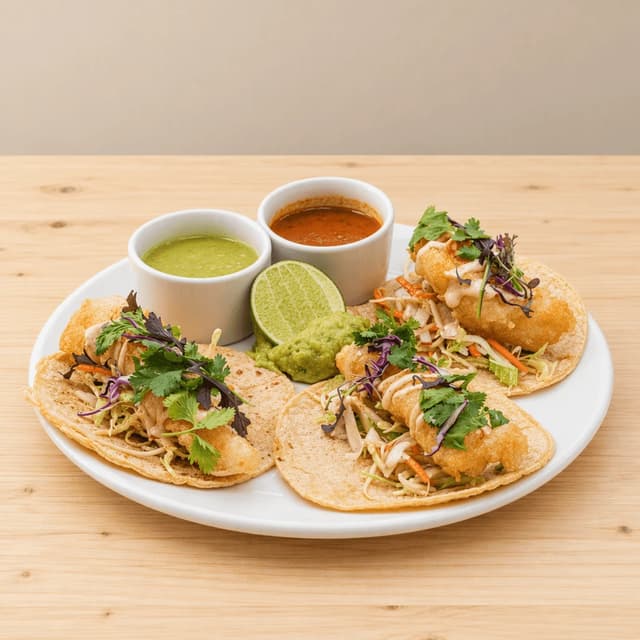
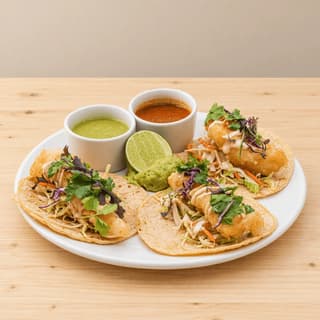
Multi-Location Consistency: One Look Across 14 Profiles
Core items on matching plates, same light at every site
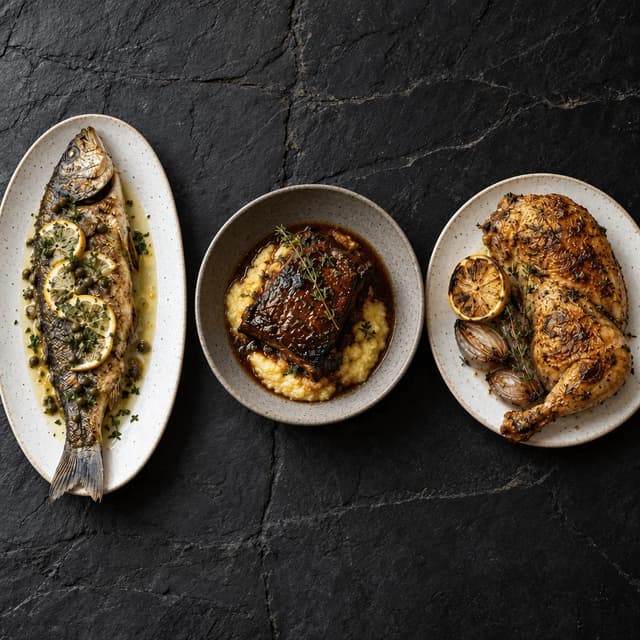
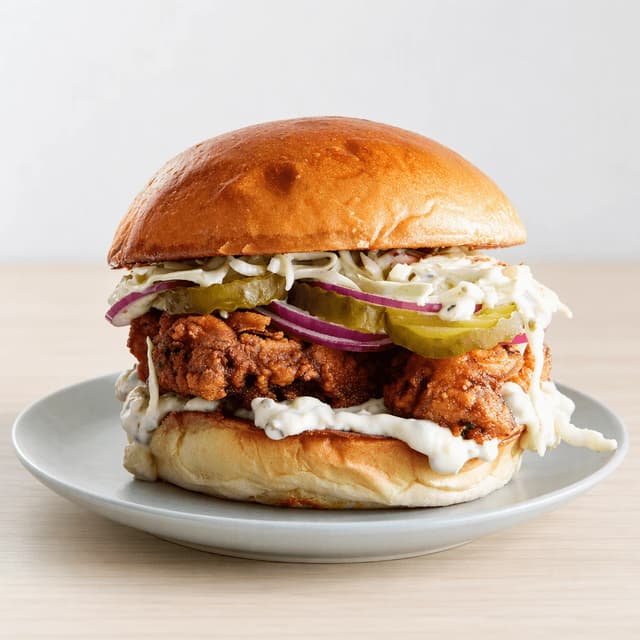
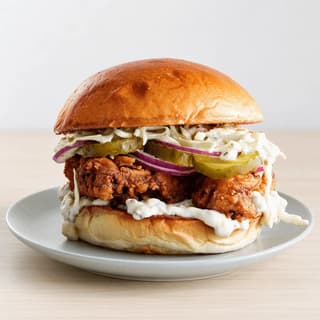
Hero Dish Rotation: Lead With the Item You Want Ordered
Three lead candidates, one cover slot, rotate on purpose
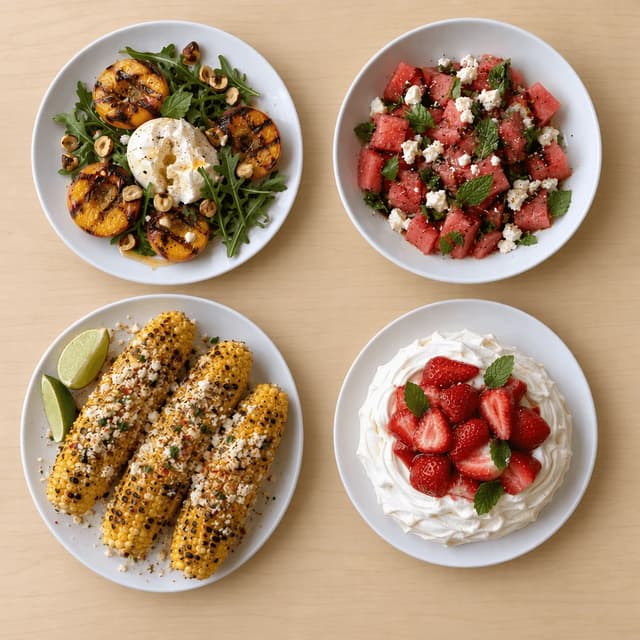
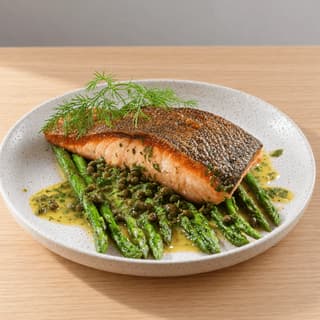
Seasonal Specials on the Profile
Summer plates up the week they hit the menu
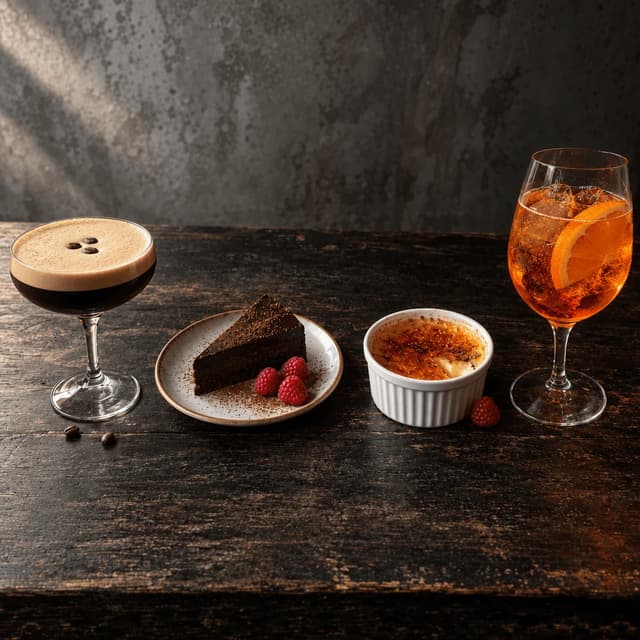
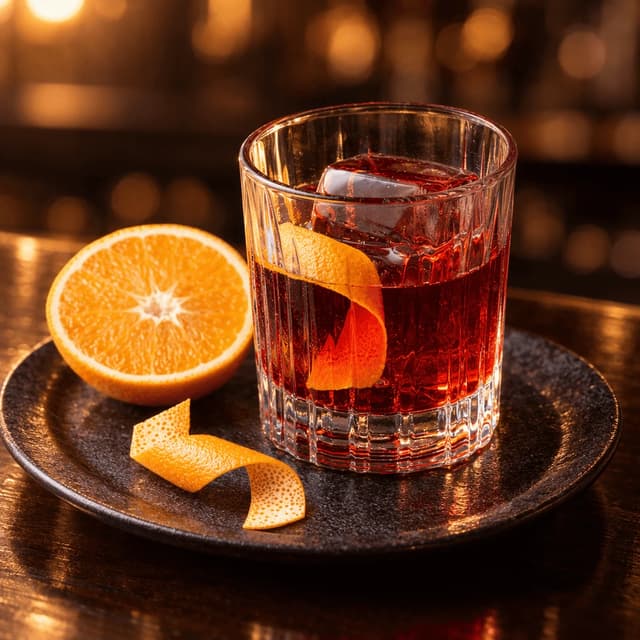
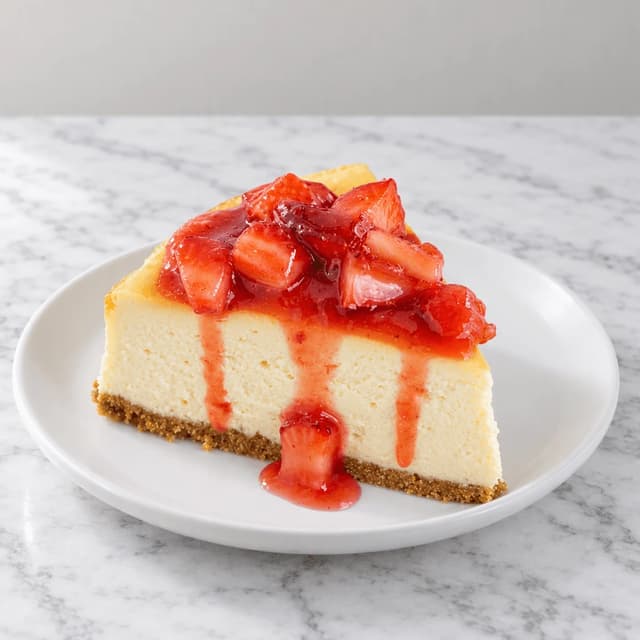
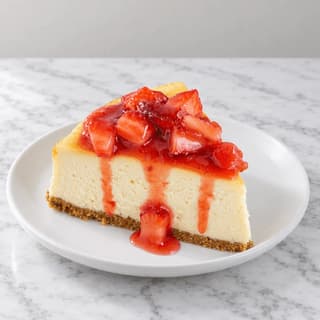
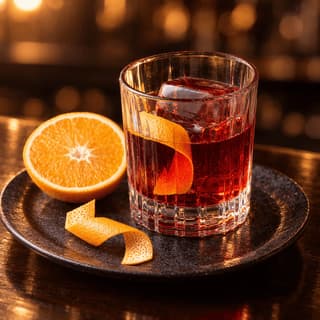
Drinks & Dessert Slots Most Profiles Leave Empty
Two desserts, two drinks, the tiles nobody uploads
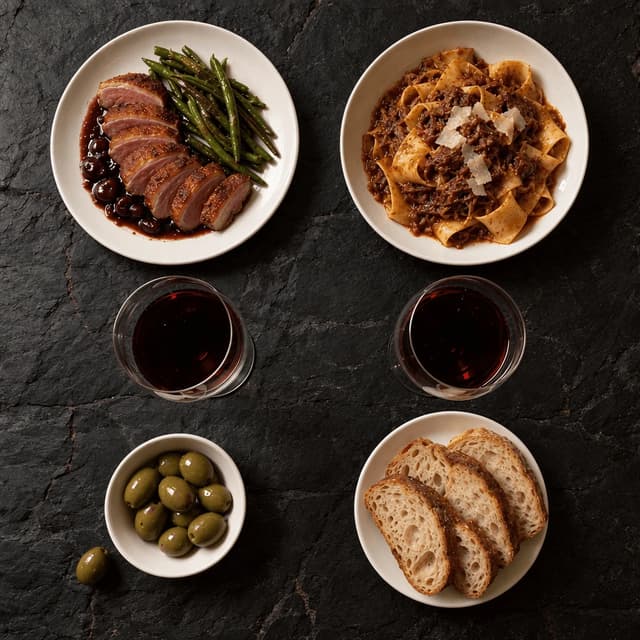
Interior & Ambience Without Hiring a Photographer
Shoot the table in the room's light, not the room
Features
Built for the operator who owns the listing
Profile Styles
A full listing's worth of photos from one afternoon on the pass
200+ curated styles, including looks built for how a restaurant listing actually gets seen: a carousel of small tiles beside the competitor's carousel. Photograph each dish as it leaves the kitchen, pick a style, and FoodShot restyles the real photo with the light and framing a menu hero needs. That turns Google Business Profile for restaurants into a cadence: the launch set of twelve is one service's worth of phone photos, the monthly refresh is four more. Start with our restaurants page, or the cafes page for counter service.
Explore styles→Builder Mode
Ambience without the interior shoot: light the dish, not the room
A dim dining room shot on a phone can be hard to read as a small preview. Builder Mode routes around the interior shoot: choose a surface like dark slate or walnut as the backdrop and a plate that suits your room, then place the real dish photo into that scene. A negroni on a dark counter says evening service better than a wide shot of empty chairs. That is the core of Google Business Profile photo best practices in 2026: separation, consistency, a subject a diner can tap.
Try Builder Mode→My Styles
One saved look that fourteen managers on fourteen phones can all hit
Save the look once and every upload inherits it, whoever took the photo. That is the answer to Google Business Profile optimization for restaurant groups: define the style centrally, each manager shoots four new dishes a month on their own phone, and every location's carousel reads as one brand — no photographer visits any of the fourteen sites. The numbers — cover dimensions, tile sizes, file limits — live on our Google Business Profile photo size page; this page is what to put in the slots.
Match your brand→More to explore
One tool, endless possibilities
Before → After
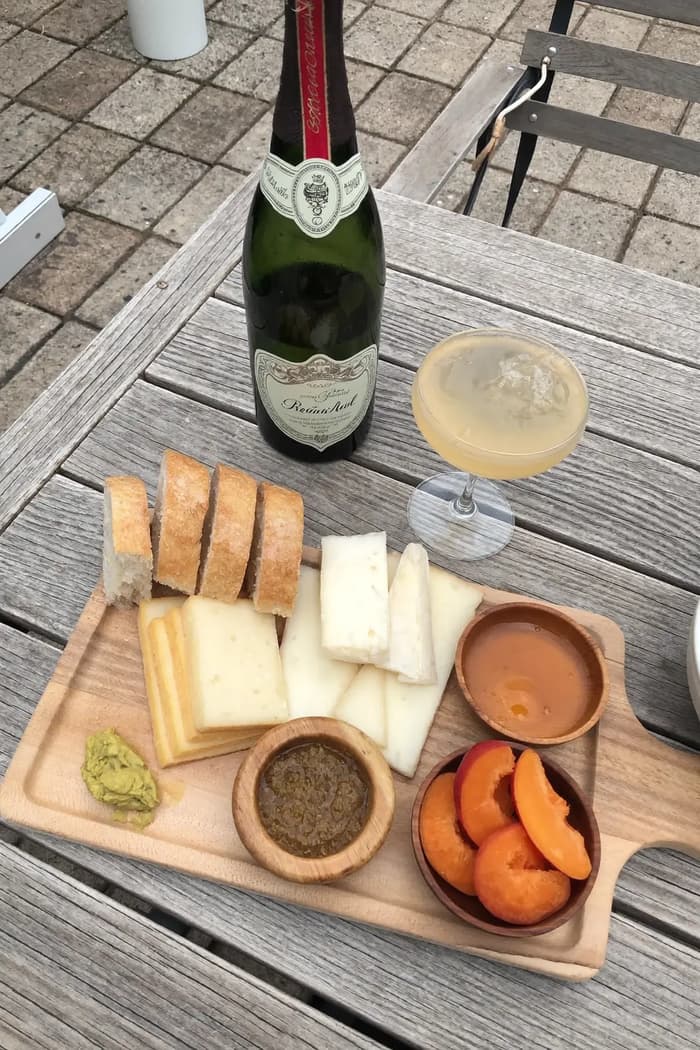
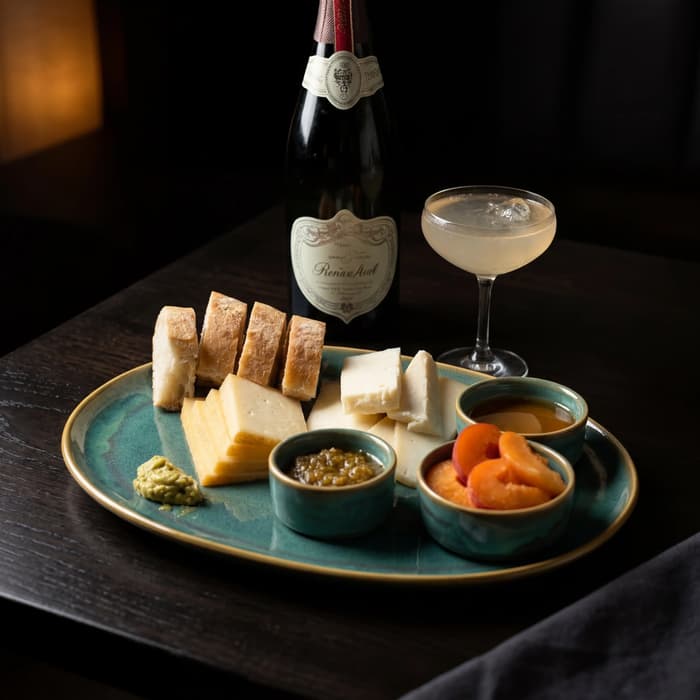
From phone snap to studio shot
See the transformation from a casual phone snap to a styled studio shot.
Multi-variation
One photo, endless options
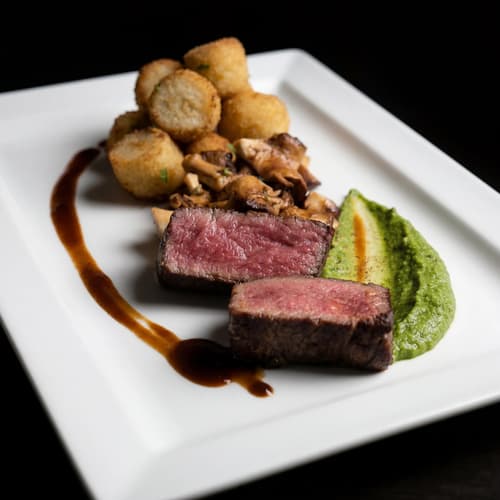
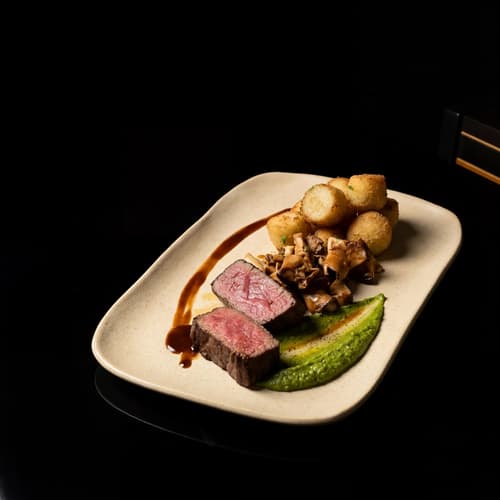
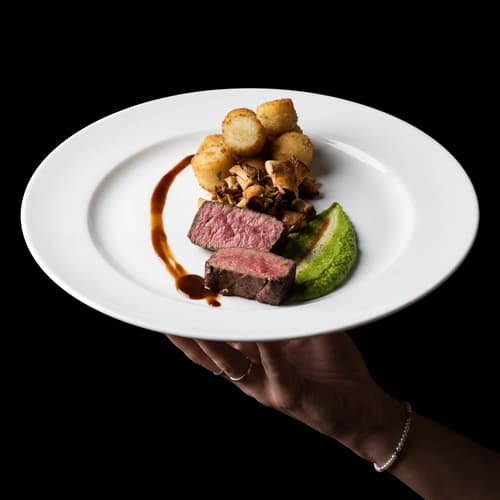
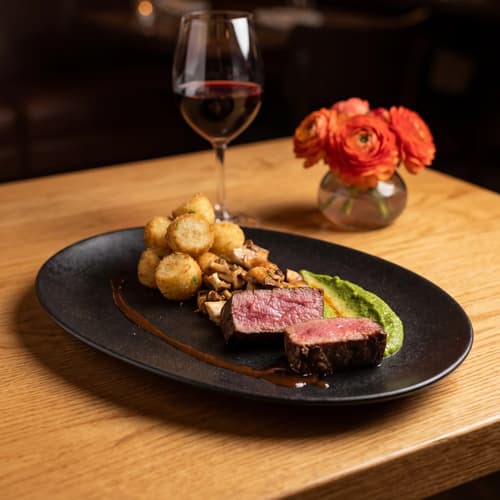
Generate multiple styles from a single upload. Pick the best.
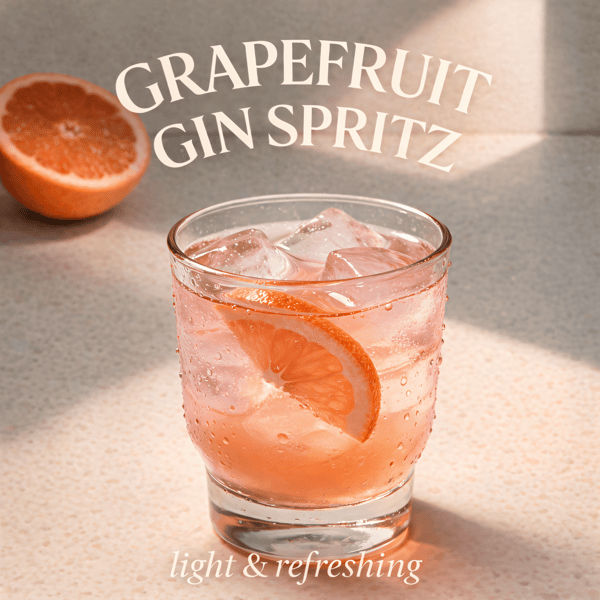
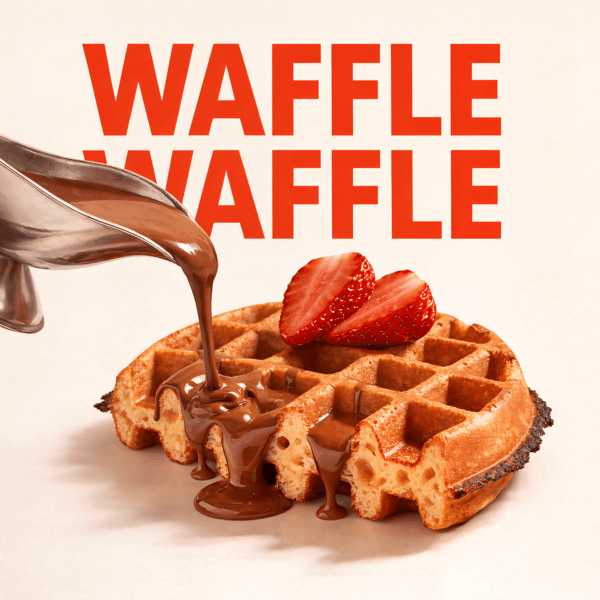
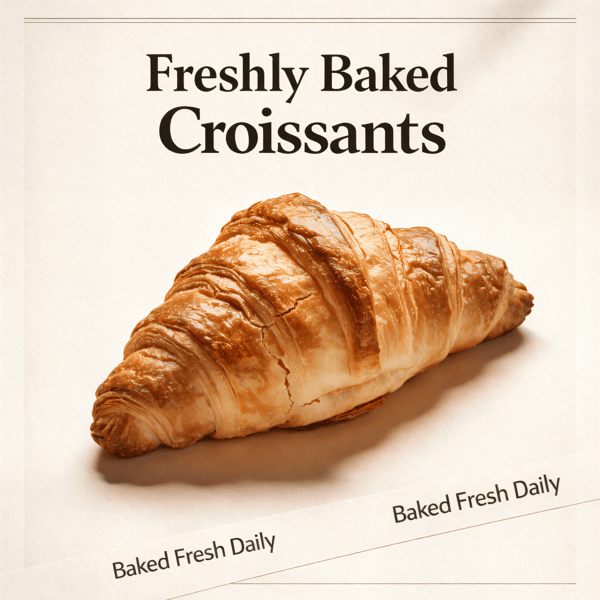
Poster Mode
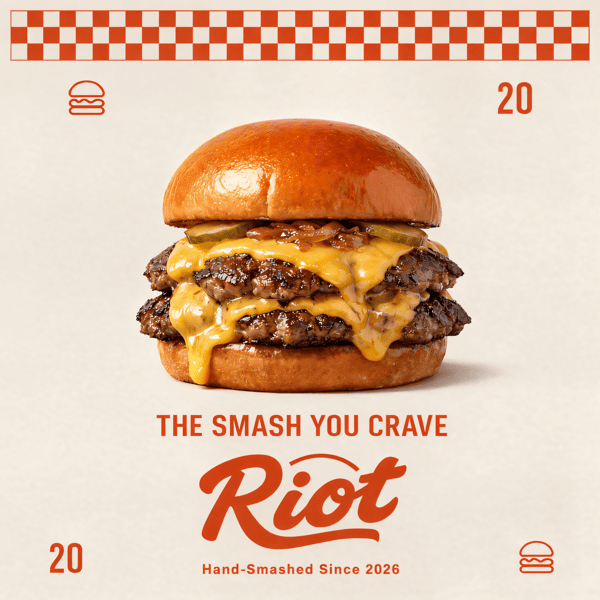
Marketing-ready designs
Pick a template, drop your food.
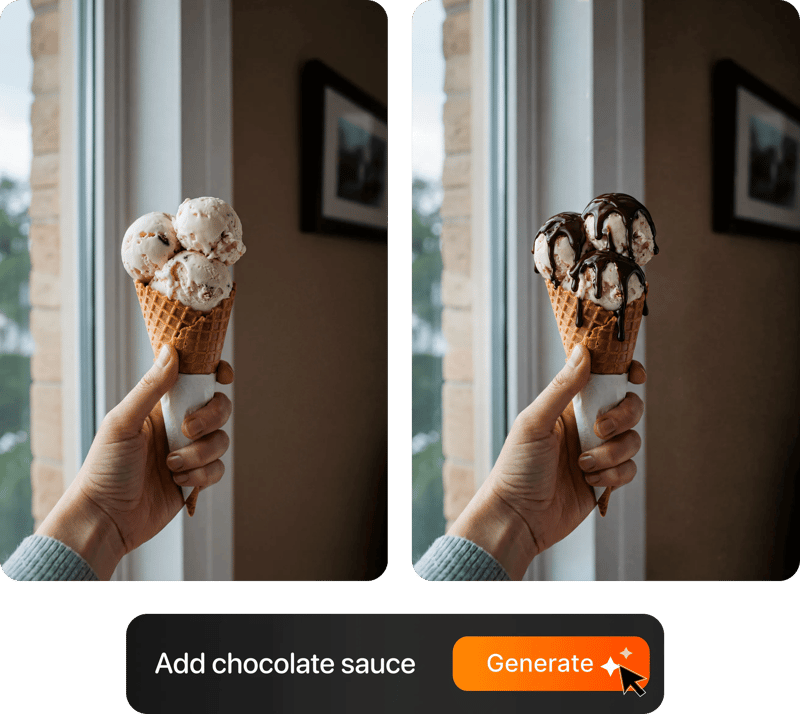
Prompt Editing
Describe it, get it
Swap plates, change lighting, add props — just type what you want.
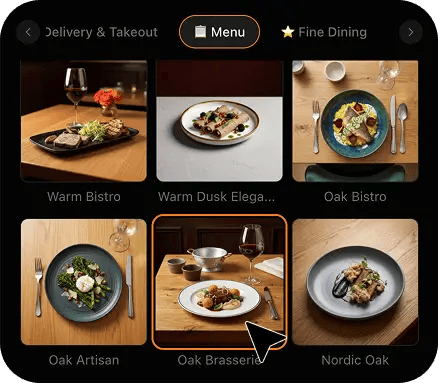
200+ Styles
Styles for every vibe
From clean white to moody fine dining. One tap.
2K Resolution
High-resolution output
2K output (2048 × 2048 px for a square photo), sharp for delivery apps, websites and social. Need more for print? Use the 2× upscale in the studio.
Perfect For
Every restaurant with a listing to out-perform
From a single neighbourhood dining room to the one marketing manager who owns fourteen profiles, if a diner compares your carousel to the one next door, this playbook is for you.
Independent Restaurants
Your carousel is three years old and half of it is customer uploads you did not choose. Replace it with a launch set of twelve shot on the pass in one afternoon, then add four dishes a month.
Multi-Location Groups
Fourteen sites, fourteen phones, one brand. Set the style once, have each manager shoot the core items and the monthly specials locally, and every profile in the group shows the same look at the same size without a photographer visiting any of them.
New Openings
A profile that goes live with two photos looks closed. Build the twelve-photo launch set before opening day: the lead dish on the cover, eight food and drink tiles that cover the menu, and the table-for-two shot that stands in for the room.
Seasonal Menus
A profile that still shows the summer salad in November reads as a kitchen that stopped. Shoot the specials the week they launch, restyle them to match the rest of the carousel, and swap them out when the menu turns.
Restaurants With a Bar
The drinks and dessert tiles are the emptiest slots on most restaurant profiles and the easiest to fill. A negroni, an espresso martini and the chocolate torte give a dinner-decider three more reasons to tap — none of them need the dining room lit.
Dinner-Only Dining Rooms
You cannot photograph a dark room on a phone and survive Google's compression. You can photograph the table: two mains, two glasses of red and the bread, restyled onto a dark surface with one clean light, says evening service better than empty chairs.
Reviews
Loved by food businesses
“Being a Pastry Chef Restaurant consultant and having to design recipes and menus and plating design is a difficult task. Foodshot AI managed to change my life. … Foodshot does it all.”

Happy Girl Pastry Chef
App Store
“Great for small business! The app is easy to use. Smooth and professional results. Multiple background/settings/styles to choose. Highly recommend!”
Trangbi89
App Store
“This app helped me enhance my food photoshoot. Thanks to this app, I can now create pro-quality photos for my Menu.”
Lalalisaoh
App Store
“Excellent”
Fabio Lima
Google Play
“Great”
Iván Fabricio Amador Pavón
Google Play
“Cool”
Darut Thollab
Google Play
“For marketing and advertising we can use it as an enhancement. Really solid tool.”
Reddit User
r/restaurantowners
“Oohhh woowwww... Seriously amazing. The quality blew me away.”
Remarkable-92
r/restaurantowners
“Being a Pastry Chef Restaurant consultant and having to design recipes and menus and plating design is a difficult task. Foodshot AI managed to change my life. … Foodshot does it all.”
Happy Girl Pastry Chef
App Store
“Great for small business! The app is easy to use. Smooth and professional results. Multiple background/settings/styles to choose. Highly recommend!”
Trangbi89
App Store
“This app helped me enhance my food photoshoot. Thanks to this app, I can now create pro-quality photos for my Menu.”
Lalalisaoh
App Store
“Excellent”
Fabio Lima
Google Play
“Great”
Iván Fabricio Amador Pavón
Google Play
“Cool”
Darut Thollab
Google Play
“For marketing and advertising we can use it as an enhancement. Really solid tool.”
Reddit User
r/restaurantowners
“Oohhh woowwww... Seriously amazing. The quality blew me away.”
Remarkable-92
r/restaurantowners
FAQ
Google Business Profile Photo Playbook FAQ
Straight answers on how many photos, how often, what to lead with, and exactly what FoodShot does and does not do to your listing.
hello@foodshot.aiThe listing is already ranking. Now give it a carousel worth the tap.
For restaurants and restaurant groups producing studio-quality Google Business Profile photos from the phone photos they already have.
Start Creating