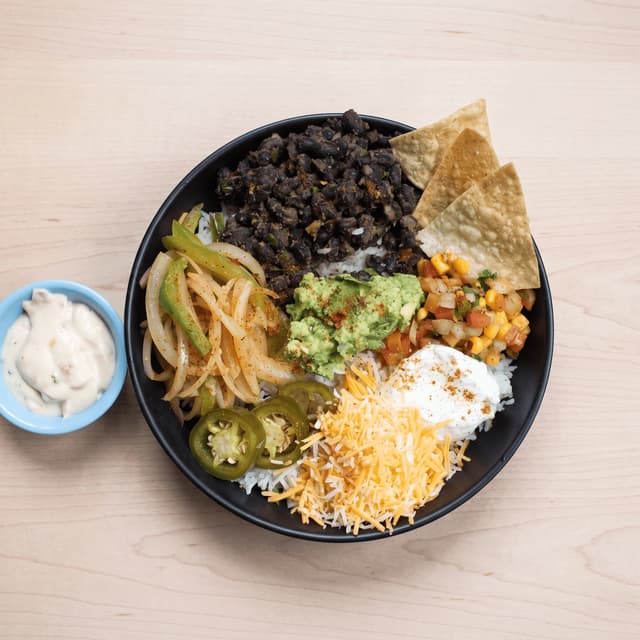
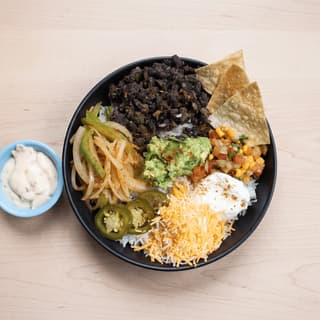
Black bean burrito bowl with guacamole on light wood — Grubhub menu food photography
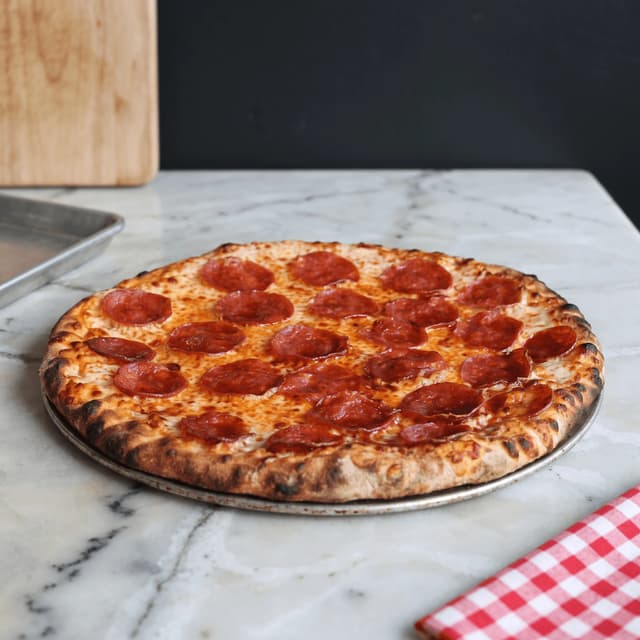
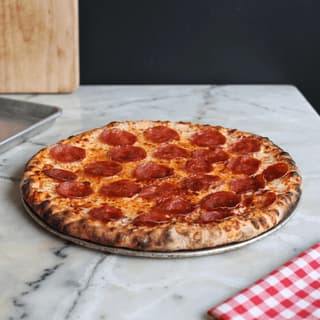
Pepperoni pizza on a metal tray on white marble — Grubhub pizza menu food photography
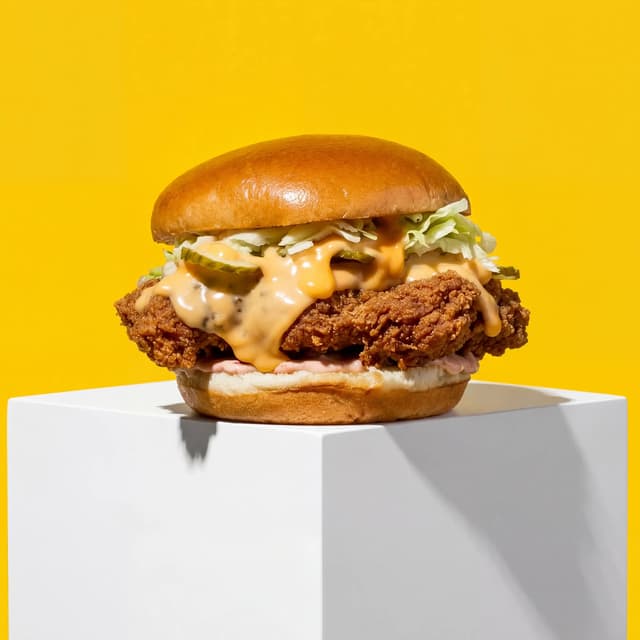
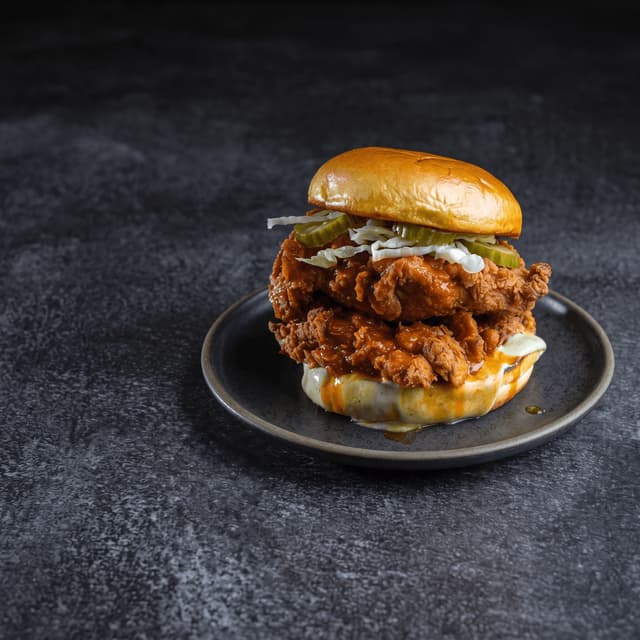
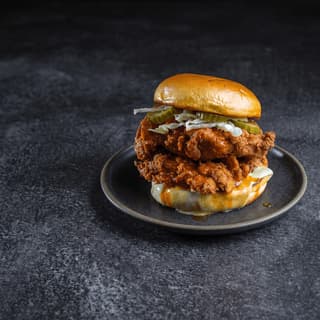
Nashville hot chicken sandwich with pickles on a dark plate — Grubhub sandwich food photography
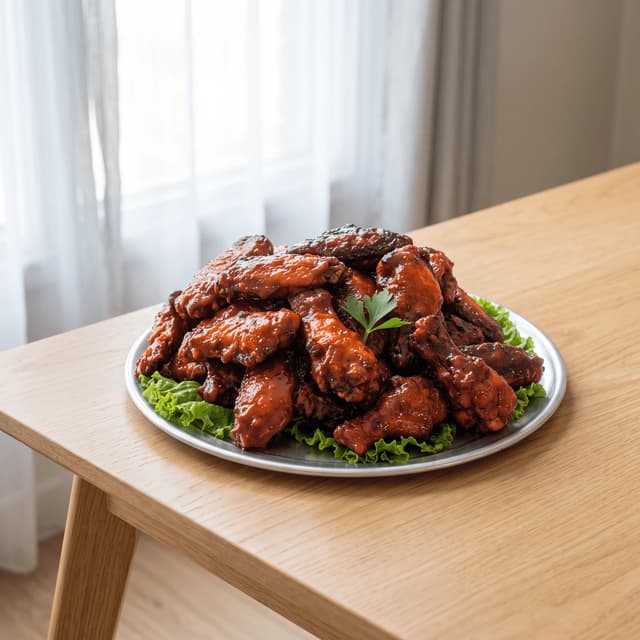
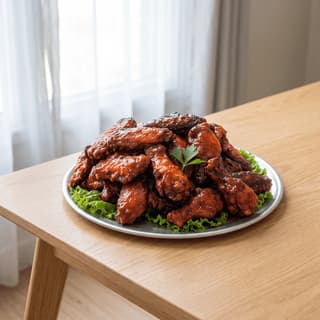
BBQ-glazed chicken wings on a lettuce-lined platter in daylight — Grubhub menu food photography
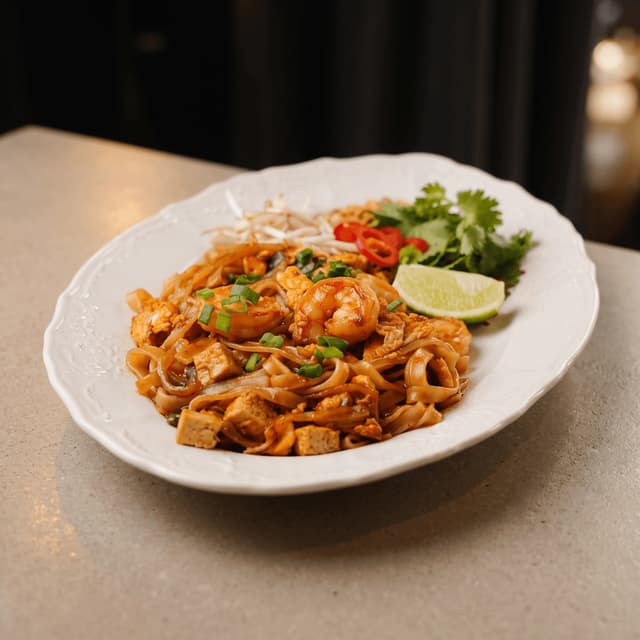
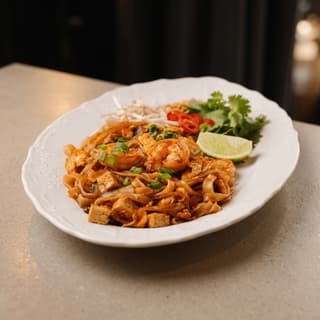
Shrimp pad thai with lime on a white platter — Grubhub Thai takeout food photography
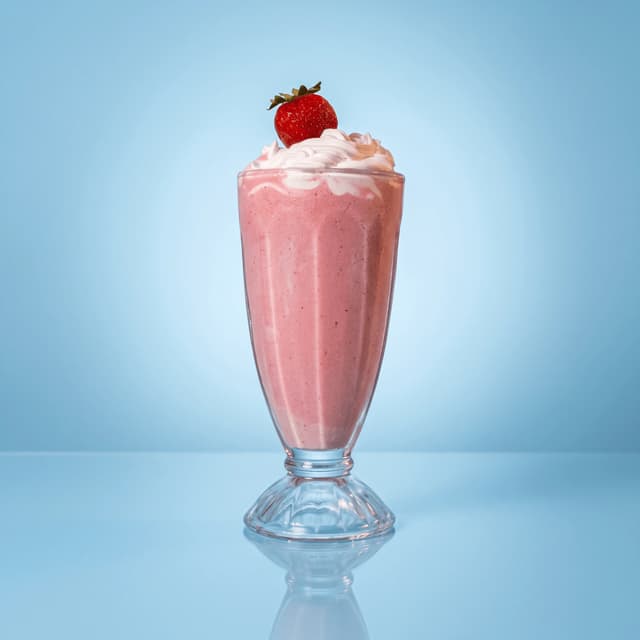
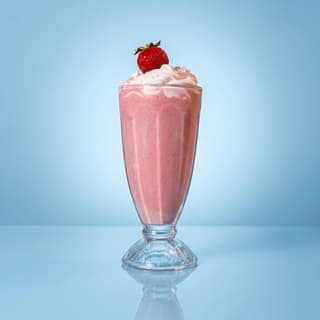
Strawberry milkshake with whipped cream on blue — Grubhub drinks menu food photography
Grubhub Food Photography

Grubhub menu photos for every item from your phone.

Burrito bowls, pepperoni pizza, pad thai and glazed wings — studio-quality food photography for every item on your Grubhub menu.

Cancel anytimeFull commercial license

Upload your kitchen-pass burger → Get Grubhub-ready menu photos
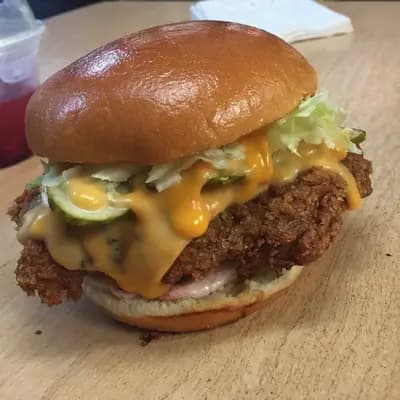
Original smartphone food photo before FoodShot AI enhancement
Studio-quality food photography generated by FoodShot AI
50,000+

Photos generated

2K

Output resolution

1 min

Average time

Grubhub Menu

Every item on your Grubhub menu, covered
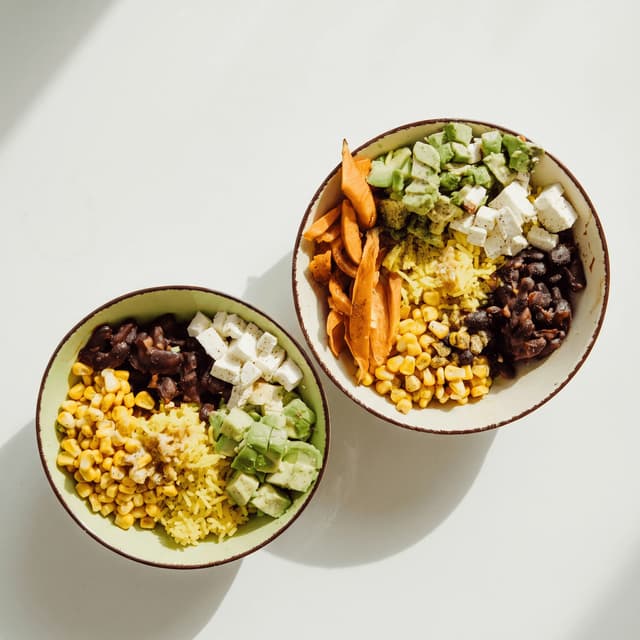
Two veggie burrito bowls with beans and avocado from above — Grubhub bowl food photography

Burrito & Grain Bowls

Black beans, sweet corn, avocado and golden rice
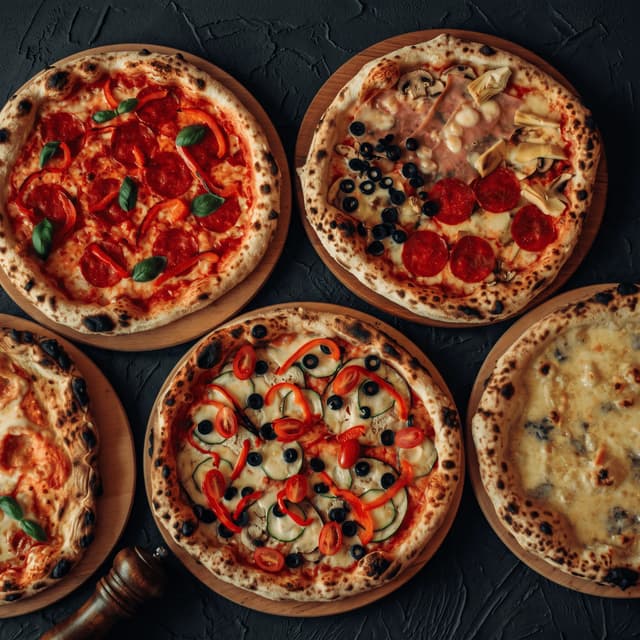
Five wood-fired pizzas on wooden boards from above — Grubhub pizza food photography

Pizzas & Slices

Leopard-spotted crust, melted mozzarella and pepperoni
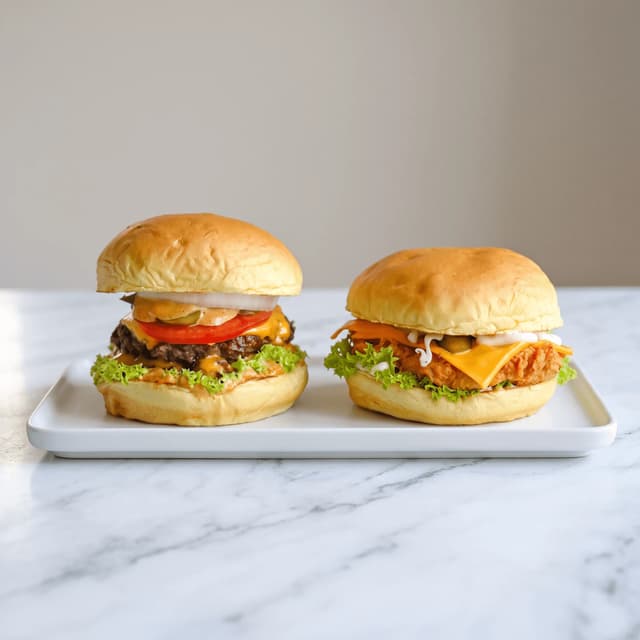
Cheeseburger and crispy chicken sandwich on white marble — Grubhub menu food photography

Burgers & Sandwiches

Seared patties, crispy chicken and soft brioche buns
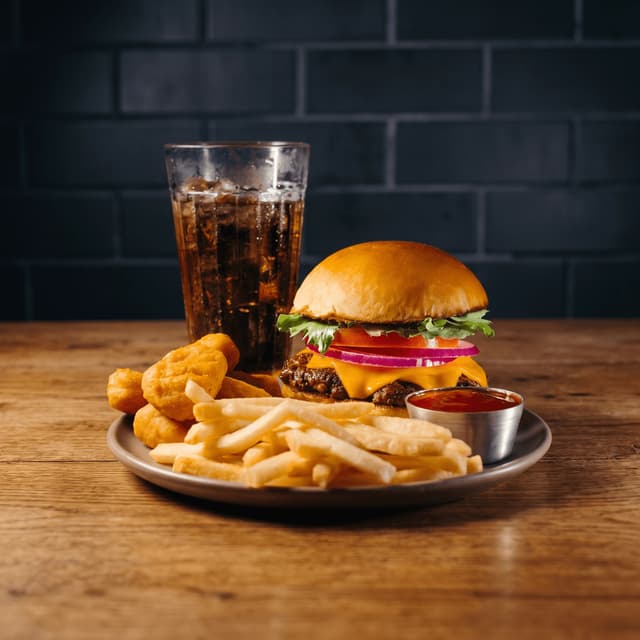
Cheeseburger combo with fries, nuggets and cola on wood — Grubhub combo food photography

Combos & Add-Ons

Seared burger, golden fries, crispy nuggets and cola
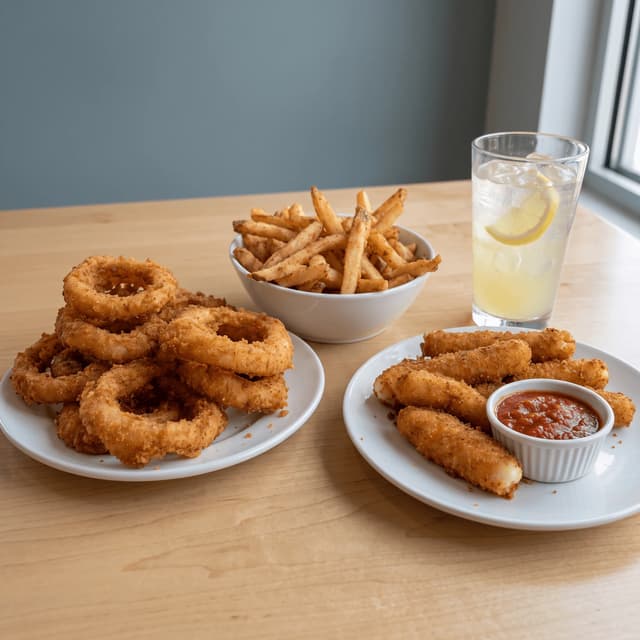
Onion rings, fries, mozzarella sticks and iced lemonade on oak — Grubhub sides food photography

Sides & Drinks

Crisp onion rings, seasoned fries and iced lemonade
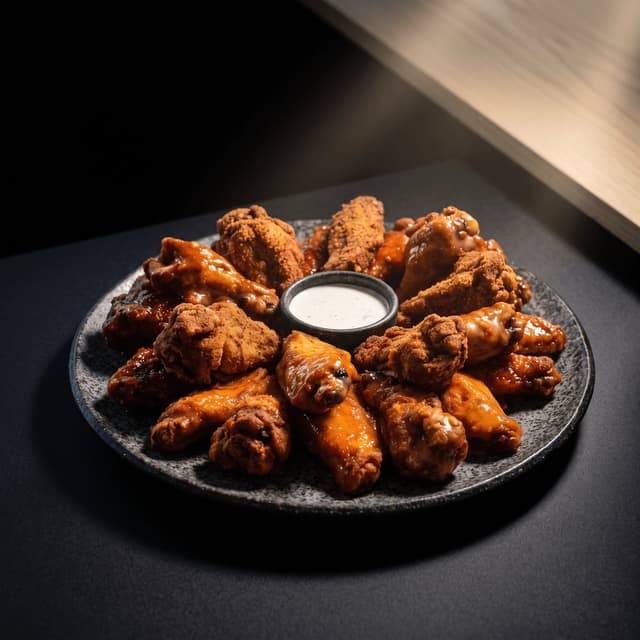
Buffalo, barbecue and dry-rub wings around ranch on dark stone — Grubhub wings food photography

Wings & Sauces

Sticky glaze, crackly crust and cool ranch for dipping
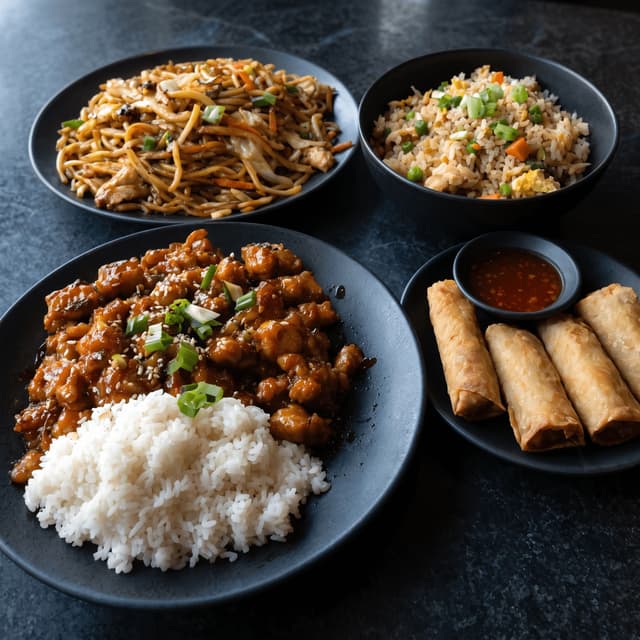
Lo mein, fried rice and orange chicken on black plates — Grubhub takeout food photography

Noodles & Stir-Fries

Wok-tossed lo mein, sticky orange chicken and fried rice

Features

Built for Grubhub restaurants

Delivery Styles

Studio photos for every menu item

Shoot each dish at the pass, pick one of 200+ styles and get a studio-quality photo in about a minute. Cover the items a program shoot skipped — sides, drinks, add-ons, new specials — and download a 2K square file sized for your Grubhub menu.

Explore styles→

Builder Mode

One look across the whole menu

Set a surface, backdrop and plate style once in Builder Mode and run every dish through it. Burgers, bowls, sides and drinks come back in the same light and setting, so your whole Grubhub menu reads as one shoot — even items you photographed weeks apart.

Try Builder Mode→

My Styles

New dishes that match your menu

Upload your best existing menu photo to My Styles and every new dish inherits its light, surface and mood. When a recipe changes, reshoot that one item on your phone and it still matches the rest of your Grubhub menu.

Match your brand→

More to explore

One tool, endless possibilities

Before → After

From phone snap to studio shot

See the transformation from a casual phone snap to a styled studio shot.
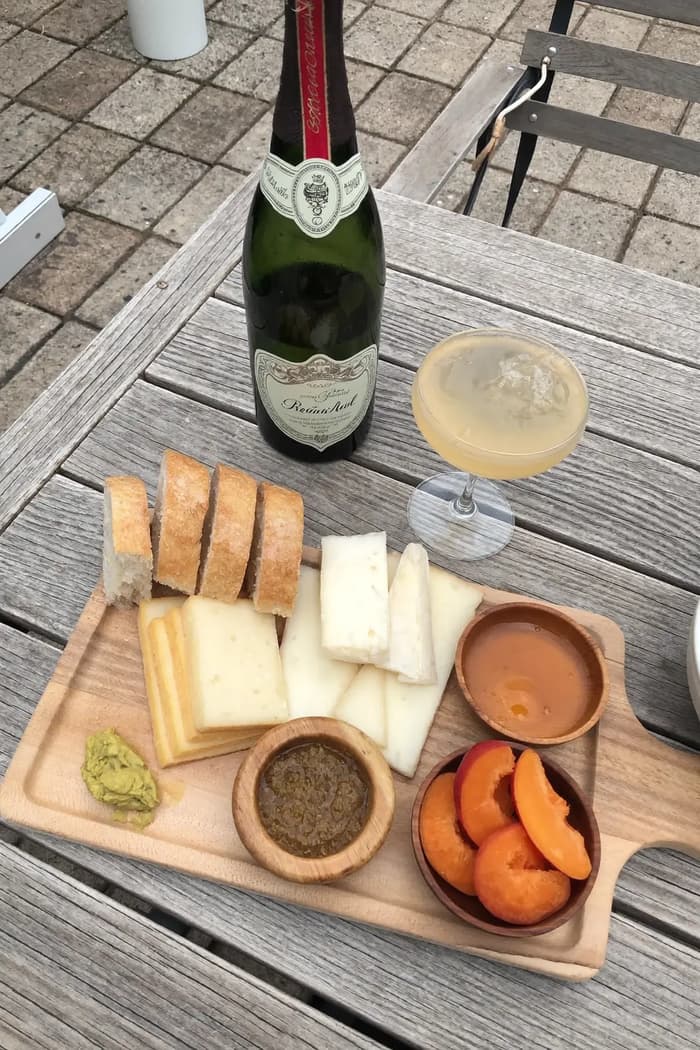
Raw phone food photo before AI enhancement
Studio quality food photo after FoodShot processing

Multi-variation

One photo, endless options

Generate multiple styles from a single upload. Pick the best.
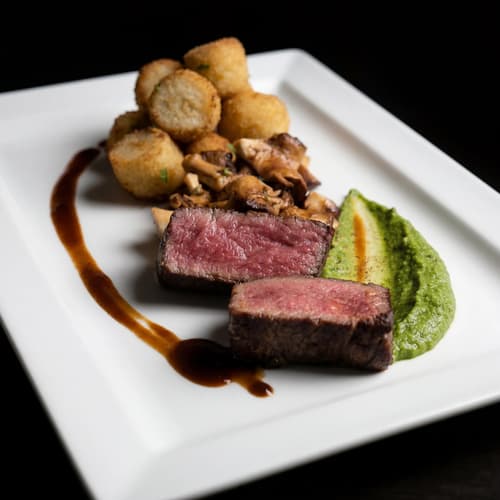
Food photo variation - delivery app style
Food photo variation - restaurant menu style
Food photo variation - social media style
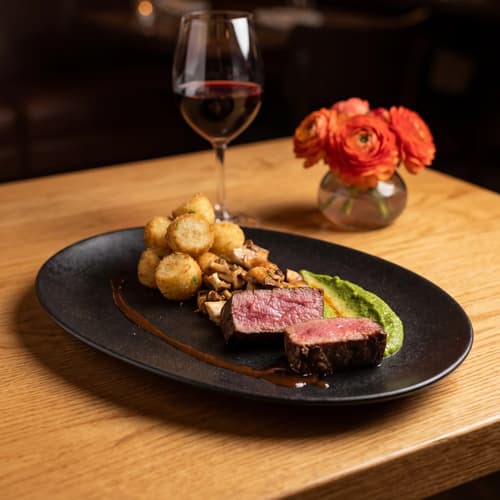
Food photo variation - fine dining style

Poster Mode

Marketing-ready designs

Pick a template, drop your food.
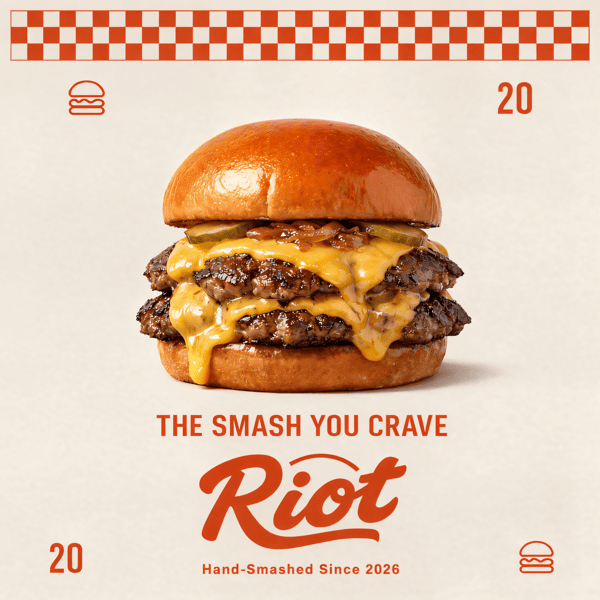
Smash burger restaurant poster design
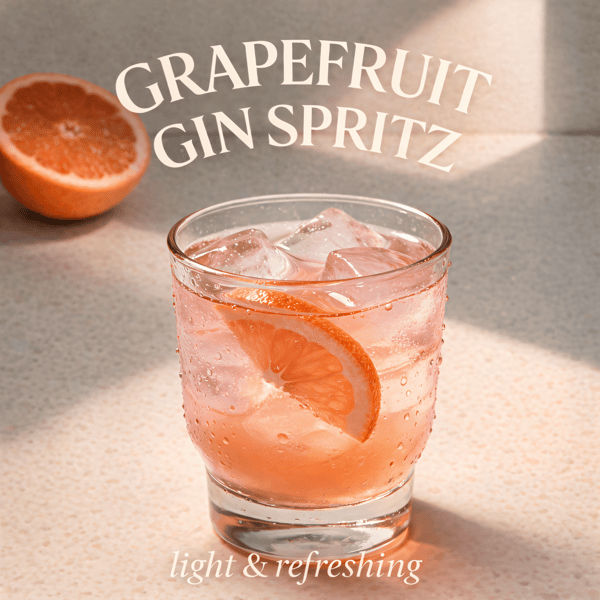
Cocktail bar promotional poster
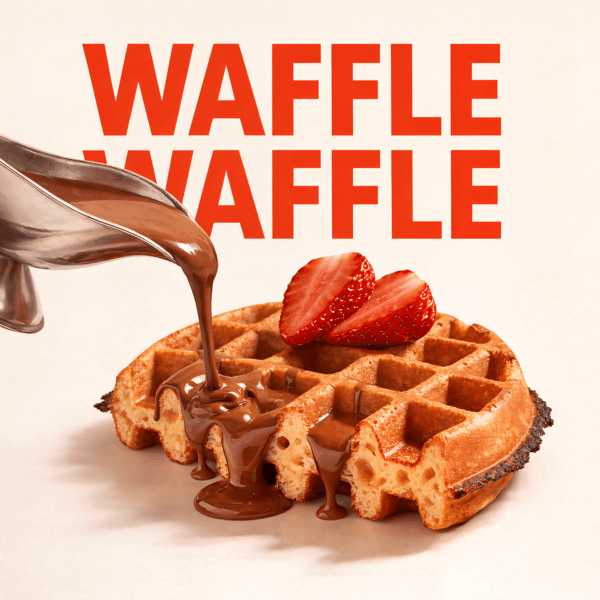
Waffle social media advertisement
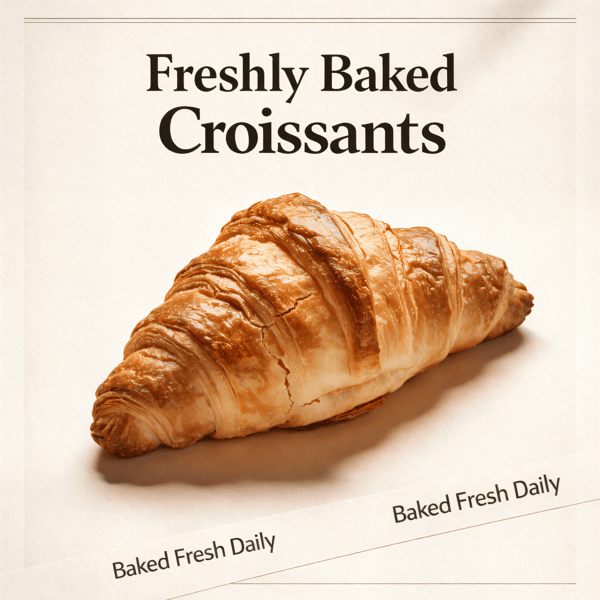
Croissant bakery marketing poster

Prompt Editing

Describe it, get it

Add sauce, swap plates, change lighting — just type what you want.
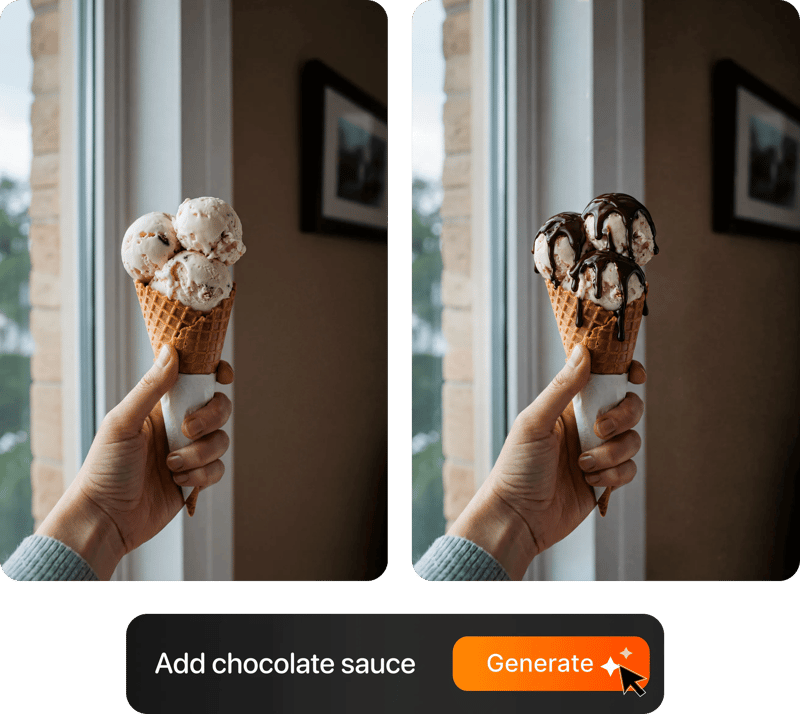
Prompt-based food photo editing

200+ Styles

Styles for every vibe

From clean white to moody fine dining. One tap.
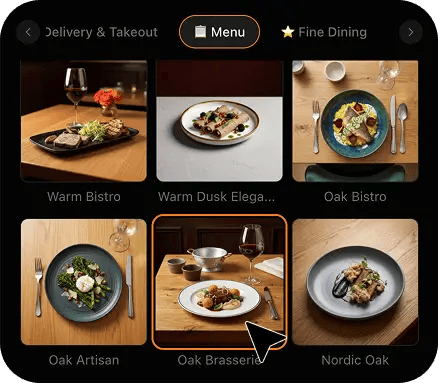
FoodShot 200+ food photography style presets grid

2K Resolution

High-resolution output

2K output (2048 × 2048 px for a square photo), sharp for delivery apps, websites and social. Need more for print? Use the 2× upscale in the studio.

2K

Perfect For

Every type of Grubhub restaurant

From single-location takeout spots to ghost kitchen brands — FoodShot adapts to your menu

🍕

Pizzerias

Whole pies, slices, garlic knots and wings for the Grubhub menu, the website order page and the weekly special you post on social.

🍔

Burger Joints

Burgers, combos, fries and shakes shot in one style, so the full Grubhub menu grid reads like a single, polished photoshoot.

🌯

Burrito & Bowl Spots

Burrito bowls, tacos, quesadillas and chips with salsa — every build-your-own option photographed, not just the three items customers already know.

🥡

Asian Takeout

Pad thai, lo mein, fried rice and dumplings across a long takeout menu, with every numbered item finally showing a photo.

👻

Ghost Kitchens

Delivery-only brands with no dining room to shoot in — every item photographed at the pass and restyled for its Grubhub listing.

🏢

Multi-Location Groups

One house look across every location's Grubhub menu, so a new store's listing matches the flagship from its first day of orders.

Reviews

Loved by food businesses

“Being a Pastry Chef Restaurant consultant and having to design recipes and menus and plating design is a difficult task. Foodshot AI managed to change my life. … Foodshot does it all.”
App Store

Happy Girl Pastry Chef

App Store

“Great for small business! The app is easy to use. Smooth and professional results. Multiple background/settings/styles to choose. Highly recommend!”
App Store

Trangbi89

App Store

“This app helped me enhance my food photoshoot. Thanks to this app, I can now create pro-quality photos for my Menu.”
App Store

Lalalisaoh

App Store

“Excellent”

Fabio Lima

Google Play

“Great”

Iván Fabricio Amador Pavón

Google Play

“Cool”

Darut Thollab

Google Play

“For marketing and advertising we can use it as an enhancement. Really solid tool.”

Reddit User

r/restaurantowners

“Oohhh woowwww... Seriously amazing. The quality blew me away.”

Remarkable-92

r/restaurantowners
“Being a Pastry Chef Restaurant consultant and having to design recipes and menus and plating design is a difficult task. Foodshot AI managed to change my life. … Foodshot does it all.”
App Store

Happy Girl Pastry Chef

App Store

“Great for small business! The app is easy to use. Smooth and professional results. Multiple background/settings/styles to choose. Highly recommend!”
App Store

Trangbi89

App Store

“This app helped me enhance my food photoshoot. Thanks to this app, I can now create pro-quality photos for my Menu.”
App Store

Lalalisaoh

App Store

“Excellent”

Fabio Lima

Google Play

“Great”

Iván Fabricio Amador Pavón

Google Play

“Cool”

Darut Thollab

Google Play

“For marketing and advertising we can use it as an enhancement. Really solid tool.”

Reddit User

r/restaurantowners

“Oohhh woowwww... Seriously amazing. The quality blew me away.”

Remarkable-92

r/restaurantowners

FAQ

Grubhub Photoshoot FAQ

Common questions about food photography for Grubhub restaurants.

hello@foodshot.ai

FoodShot AI is a web and mobile app for restaurants, cafés, bakeries and other food businesses. You upload a photo of a dish you already have, choose a style, and FoodShot AI turns it into a professional food photo that you can download and use on your menu, delivery apps, website and social media.

It's simple! Upload a photo of your food, choose your desired style (menu photography or social media format), and click generate. Each photo takes about a minute. For poster creation, select from our professional templates, add your text, and create marketing-ready content.

Yes! Download our mobile app from the App Store to create stunning dish photos on the go. Access all features directly from your iOS device.

Yes! FoodShot AI is now available on Android. You can download it from Google Play and start creating professional food photos directly from your Android device.

With a paid plan, you can use the images you create for any lawful commercial purpose, including your restaurant, menus, delivery apps, marketing campaigns and social media. FoodShot does not claim ownership of them. See our Terms of Service for details.

Yes. The Scale plan processes up to 5 photos at once. For larger volumes or volume pricing, email us at hello@foodshot.ai about the Enterprise plan.

Yes, subscriptions renew month-to-month. To cancel, open Settings and click Manage subscription — it opens your Stripe billing portal, where you can cancel in one click. Fully self-serve, no questions asked, takes under a minute. Your plan stays active until the end of the billing period.

Yes, plan changes take effect immediately. You can upgrade or downgrade directly from your account dashboard. The new pricing will be adjusted for your current billing cycle.

We offer a full refund if you haven't used any credits in your current billing period. Refund requests must be made within 7 days of payment. Previous billing periods are non-refundable. Simply contact us at hello@foodshot.ai if you're not satisfied.

No, unused credits do not roll over to the next month. This applies to both monthly and yearly plans. Credits refresh every month regardless of your billing plan.

Yes! With our custom photography feature, you can upload your own reference images to create consistent branded content. Upload your restaurant's signature background, plating style, or any reference photo, and FoodShot AI will generate new images matching that exact style.

Absolutely! Once you upload a custom background or reference template, you can use it for all your future generations. This is perfect for maintaining consistent branding across all your food photography. Save your favorite backgrounds and create a cohesive visual identity for your restaurant.

FoodShot AI supports all major image formats including JPG, PNG, WEBP, and HEIC. For best results, we recommend using high-quality images with good lighting. The AI will analyze your reference and apply the same style, lighting, and composition to your food photos.

Yes! You can upload your own poster designs and templates. Whether it's your restaurant's branded template or a custom design, simply upload it and FoodShot AI will intelligently place your food photos while preserving your design elements, logos, and text.

All paid plans include unlimited custom template uploads. You can build an entire library of your brand's templates, backgrounds, and reference styles.

Yes — FoodShot does the same job from your own kitchen, on your schedule. Photograph each dish on your phone, pick one of 200+ styles and download a studio-quality menu photo in about a minute. Use it for the whole menu, or for the items a platform shoot left out.

No — a sharp phone photo of each plated dish is enough. Shoot near a window or under even kitchen light with the whole item in frame. FoodShot relights the dish, sets the background and returns a studio-quality photo, so every item on the menu gets the same polish.

Yes. Upload your favorite existing menu photo to My Styles as a reference, and FoodShot matches its light, surface and mood for every new dish you run through it. New sides, drinks and specials then sit next to your current photos like they came from the same shoot.

Start with your best sellers that still have no photo, then combos and add-ons, then drinks and sides. Customers scan photos first when they scroll a delivery menu, so filling the gaps where orders already happen pays off fastest. Seasonal specials come next, whenever they launch.

Reshoot just that dish on your phone and run it through the same style as the rest of the menu. The new photo matches the old set in about a minute, so your Grubhub listing shows the new sauce, bun or garnish customers will actually receive.

Yes — the photos are yours to use anywhere you sell: other delivery apps, your website, your own ordering page, printed menus and social posts. Download a 2K square for delivery listings, and pick a 3:2 or 2:3 output where a wider or taller frame fits better.

Your Grubhub menu deserves better food photos.

For restaurants, takeout spots and ghost kitchens producing studio-quality Grubhub menu photos.

Start Creating
Cancel anytimeFull commercial licenseStudio-quality results