
How to Get More Orders on Uber Eats: 12 Tactics
 Ali Tanis15 min read
If you're a restaurant owner trying to figure out how to get more orders on Uber Eats, here's the good news: the problem is almost never your food. It's your listing.
Uber Eats connects 1.2 million-plus merchants with hungry customers across 11,500+ cities, so dozens of restaurants near your kitchen compete for the same scrolling thumb every evening. The ones that win more orders aren't cooking better — they've optimized their photos, menu, pricing, ratings, and operations to work with the algorithm. Below are 12 tactics that move order volume, ranked by impact, plus a 30-day plan. Whether you're launching or stuck on a plateau, this is how to get more Uber Eats orders and increase your Uber Eats sales using the levers the platform rewards.
Quick Summary: Start with menu photos — professional food photography lifts order volume 20–35% and average order value 15–25%, per Uber Eats business data. Then layer on a complete menu, strategic Offers, Uber One, and Sponsored Listings. Most merchants see results within 1–2 weeks. It all works because it feeds one metric — your eater conversion rate — which is exactly what the Uber Eats ranking algorithm optimizes for.
The One Metric Behind Every Uber Eats Order
Uber's own engineering team has explained that the Uber Eats ranking system optimizes a single objective: an eater's probability of ordering from you — your conversion rate. When more people who see your listing actually order, the algorithm shows your restaurant to more customers.
That's a flywheel: better photos and a sharper menu raise conversion → higher conversion earns more visibility → more impressions become more orders. Photos are the largest single input, so the real answer to how to get more orders on Uber Eats is to raise your conversion rate and let ranking compound it.
1. Upgrade Your Menu Photos — The Fastest Way to Get More Orders on Uber Eats
This is the highest-ROI change any restaurant can make on Uber Eats. If you only act on one of these Uber Eats merchant tips, make it this one. Every major platform's data agrees:
- Uber Eats business data: professional photography drives 20–35% higher order volume and 15–25% higher average order value.
- Grubhub: photos lift orders up to 30%; photos plus descriptions, up to 70% more orders than text-only.
- DoorDash: items with photos earn up to 44% more sales; a header image adds up to 50%.
- Deliveroo: professional photos lift orders 24%; Just Eat: quality photos get 4x more basket adds.
- A Google-commissioned survey found food photos are 1.44x more important than descriptions when choosing what to order; 46% of Gen Z say photos directly influence their order.
The logic matches your own behavior: you scroll Uber Eats and scan photos, not descriptions. A dark, blurry pad thai gets scrolled past; a bright, appetizing one gets the tap — and every tap raises the conversion rate that decides how often the app surfaces you.
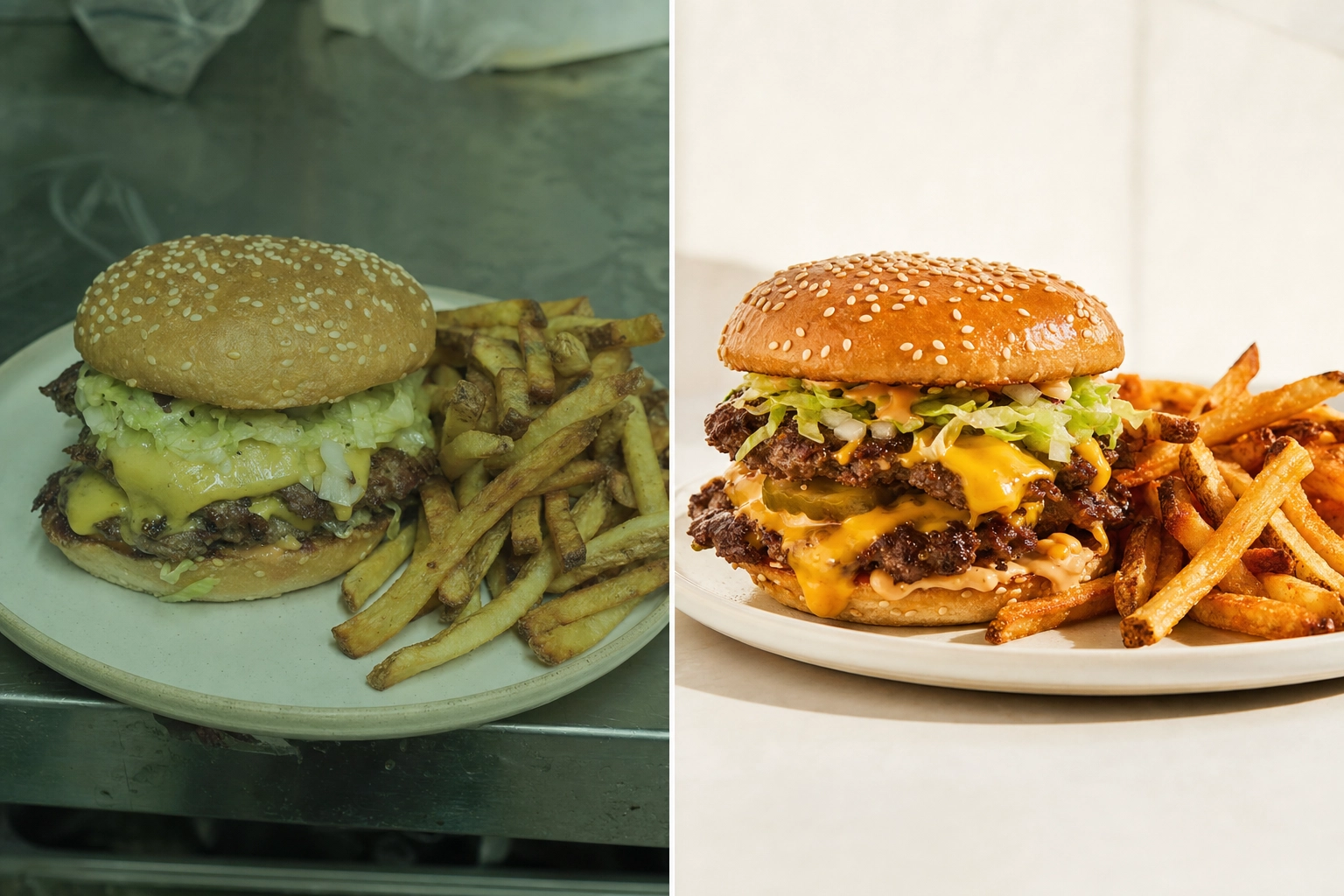 Before and after comparison of a smash burger delivery thumbnail, dull fluorescent phone shot versus bright professional photo
Uber Eats photo specs, in brief
Uber Eats manually reviews every image (up to 3 business days), and wrong dimensions are the #1 rejection reason:
- Menu items: minimum 1200 × 800px, 5:4–6:4 ratio, JPG/PNG/GIF, under 10 MB. Thumbnails crop to a 1:1 square, so center the dish.
- Cover: exactly 2880 × 2304px (5:4), JPEG, 3–5 dishes.
- Profile: 1920 × 1080px (16:9).
For every dimension, the seven common rejection reasons, and upload steps, see our guide to the full Uber Eats photo requirements. And act soon: Uber Eats now lets customers submit photos for items without a merchant image — control your visuals before a stranger's half-eaten burger represents you.
How to get professional photos
A photographer runs $700–$1,400 per session and must be rebooked for every menu change. Uber's free shoot for new partners rarely covers a full menu, and DIY phone photos under kitchen fluorescents are exactly the dark images customers skip. The fourth option changes the math: upload a phone photo and get a delivery-ready image in about 2 minutes. FoodShot's AI food photo editor outputs 2K images, well above Uber Eats' minimum size, that you crop to the ratio Uber Eats asks for, so you can shoot your entire menu for roughly $0.60 a photo and re-do a seasonal item in minutes. Selling on several apps? Our complete guide to food delivery app photography covers the spec differences, and our delivery app photography built for Uber Eats and DoorDash page shows the workflow.
2. Master How Uber Eats Ranks Your Restaurant
You can't optimize what you don't understand. Uber Eats ranks stores with an automatic, personalized algorithm; per Uber's explanation of how rankings work, the goal is to show each eater the food they're most likely to order. Uber also calculates a merchant Success Score from uptime, responsiveness, order accuracy, customer satisfaction, and menu completeness (the share of items with photos and descriptions). A higher score unlocks more visibility, badges, and ad discounts.
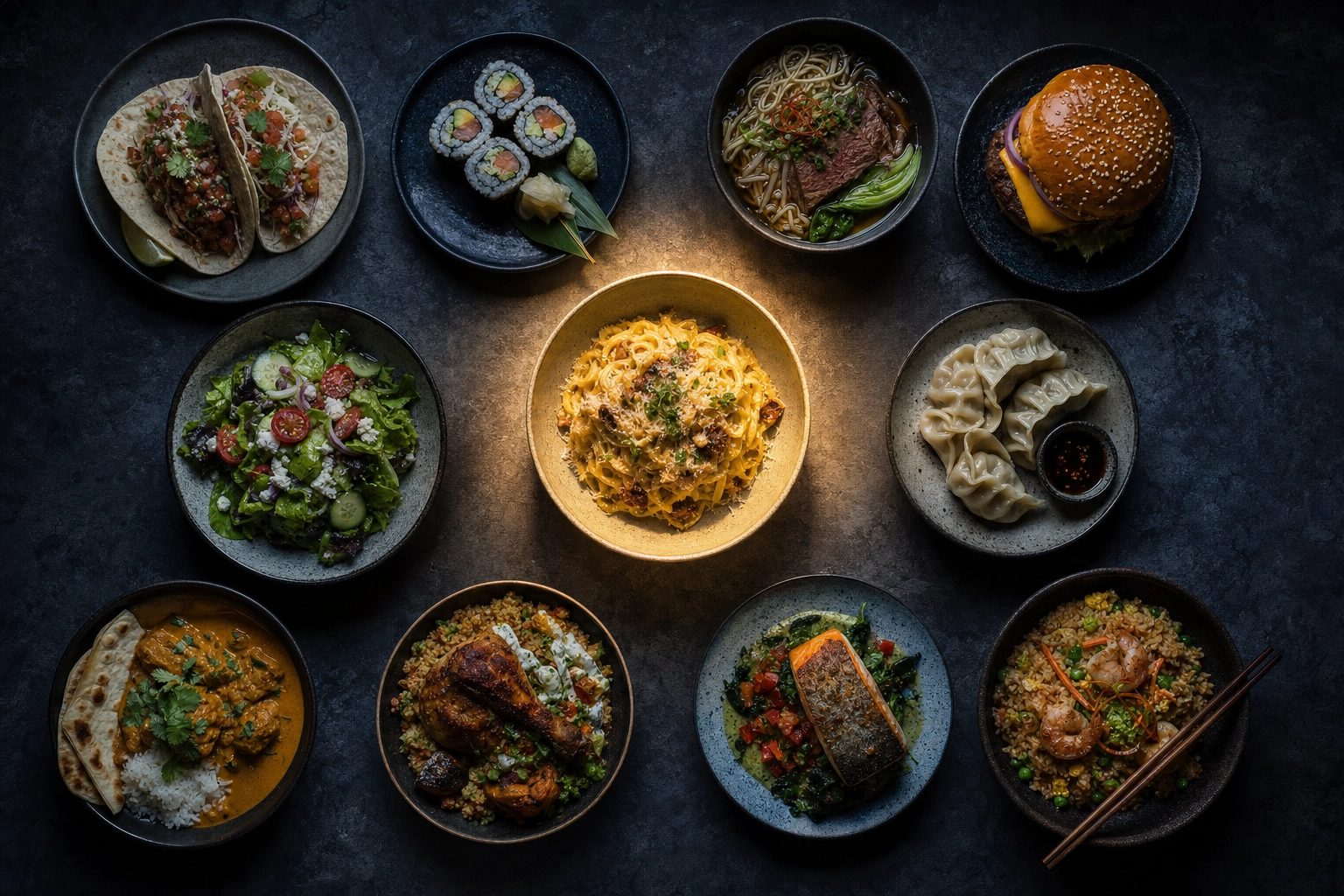 Overhead grid of diverse restaurant dishes on dark slate with one dish spotlit, illustrating Uber Eats ranking competition
The inputs you control, by impact:
- Conversion rate — photos, descriptions, ratings, price. The big one.
- Prep time and reliability — fast, on-time orders score better (tactic #8).
- Ratings — low ones sink choice and rank (tactic #7).
- Availability / uptime — random offline periods and erratic hours bury you.
- Order accuracy — missing items hurt your score and trigger refunds.
- Price competitiveness — far pricier than peers means a lower rank in price-sensitive searches.
So every remaining tactic is really a conversion-rate or Success-Score lever. (The same principles drive our companion playbook on how to get more orders on DoorDash.)
3. Write Menu Descriptions That Turn Browsers Into Orders
Photos grab attention; descriptions close the sale and feed Uber Eats' search engine. The formula: what it is + what makes it special + what's included. Compare "Chicken sandwich. Comes with fries." with "Crispy buttermilk-fried chicken breast on a toasted brioche bun with house-made pickles, spicy aioli, and seasoned fries."
Lead with the cooking method or flavor ("wood-grilled," "slow-braised"); name specific ingredients; keep it to 2–3 lines (the app truncates on mobile); state the portion ("feeds 2"); and use searchable keywords like "spicy," "vegan," or "gluten-free." Uber Eats Manager can even draft AI descriptions you edit. Cover at least your top 15 items — it lifts conversion and your Success Score at once.
4. Run Strategic Promotions and Offers
Promotions get you discovered by customers who've never ordered from you. Uber reports merchants using its in-app marketing and promotion tools have seen orders rise 23% and sales 15% — and Offers give you a differentiated storefront, higher feed placement, and carousel spots. Options in Uber Eats Manager → Marketing:
- $0 Delivery Fee — removes the biggest barrier to ordering.
- % off / $ off basket — flexible discounts you control.
- Buy One, Get One (BOGO) — bigger baskets; great for trial.
- Spend $X, Get $Y off — lifts average order value while customers feel they're saving.
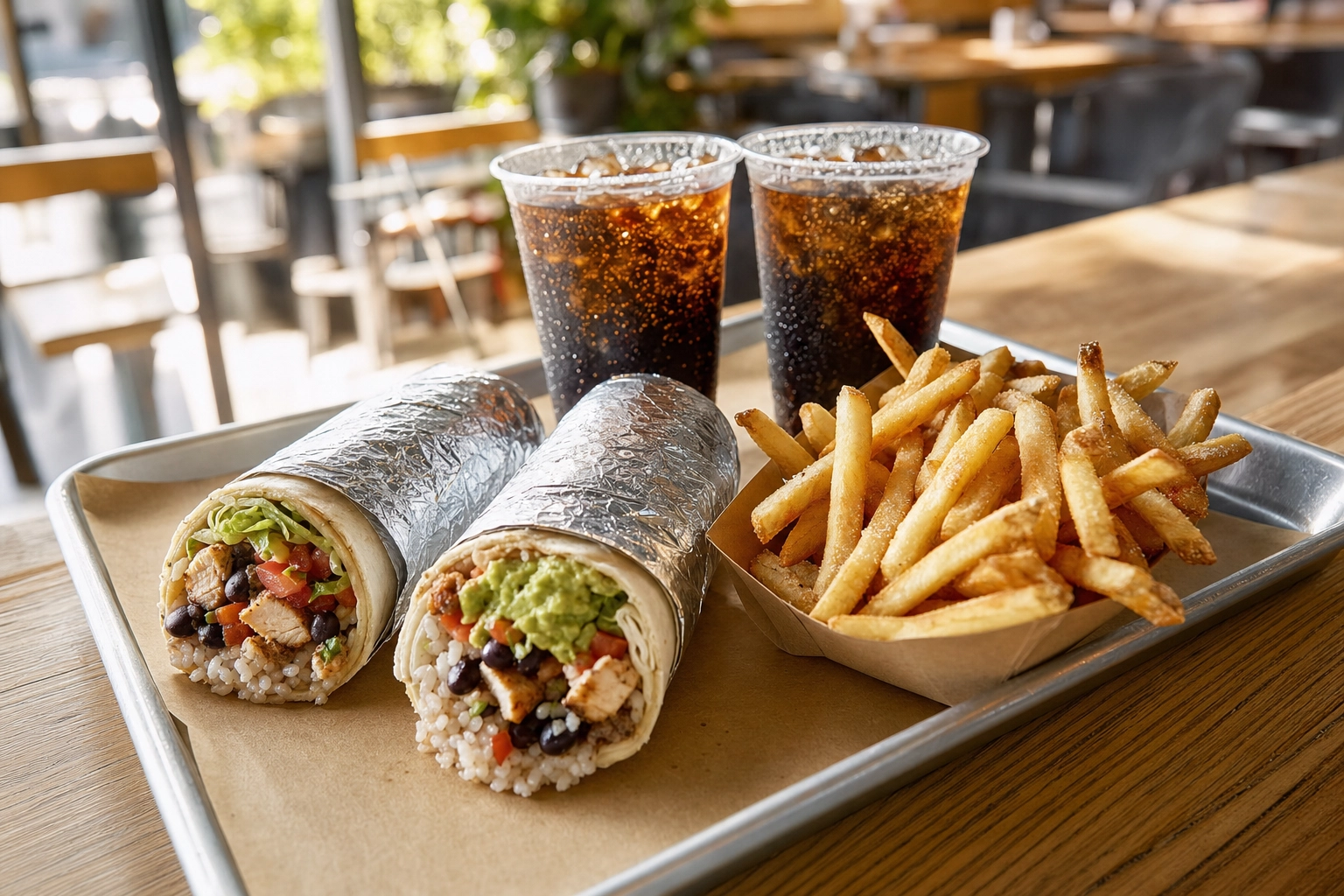 Generous value meal bundle of two burritos, fries and drinks on kraft paper, illustrating an Uber Eats BOGO offer
Target new customers only or everyone in your radius, set a budget and schedule, and run up to five offers at once. Uber's service fee is calculated on the post-promo amount, and your only added cost is usually the discount itself. Run offers for new-customer acquisition and slow dayparts — not blanket discounts — and keep the winners after Uber's performance report.
5. Join Uber One to Reach Loyal, High-Spend Members
Uber One, Uber's paid membership, reached 46 million members by December 2025 across 30 countries. Members generate roughly three times the bookings of single-product users and account for nearly half of Uber's gross bookings. They get $0 delivery fees on eligible orders and gravitate to restaurants where their membership pays off, so participating puts you in front of the platform's most frequent, highest-spend customers — and you can target them directly in Uber Ads.
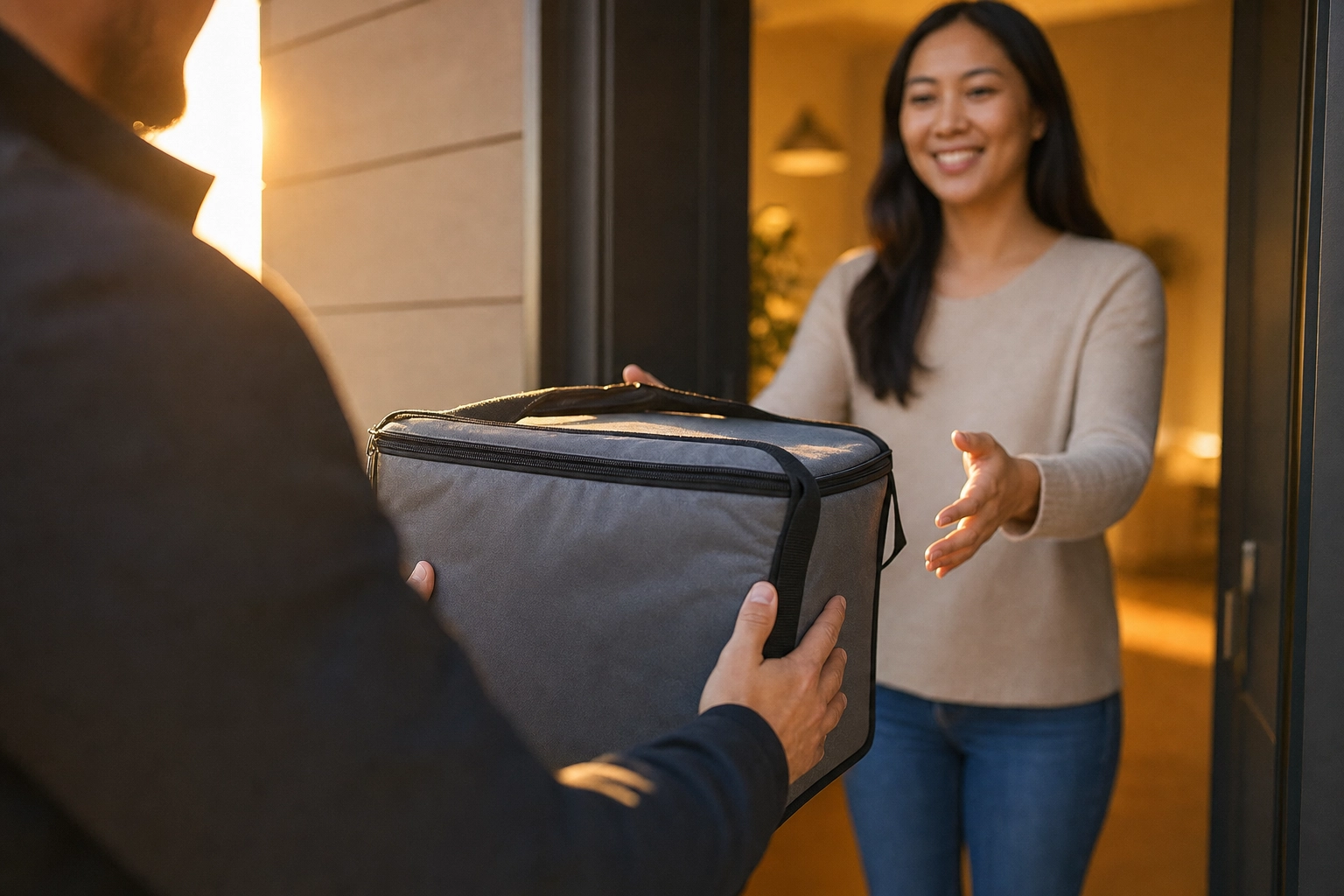 Delivery courier handing a plain insulated food bag to a customer at an apartment doorstep in warm evening light
It's not a magic switch, and members debate the perks — but the prize is repeat customers, and a member who reorders weekly is worth far more than a one-time discount hunter.
6. Engineer Your Menu and Price for Delivery Profit
More orders only help if they're profitable. Menu engineering sorts items into four buckets: Stars (high profit, popular — feature and photograph them), Plowhorses (popular but low-margin — re-cost or add a high-margin upsell), Puzzles (high-margin but overlooked — reposition and re-photograph), and Dogs (cut them). A shorter, sharper menu converts better than an endless one.
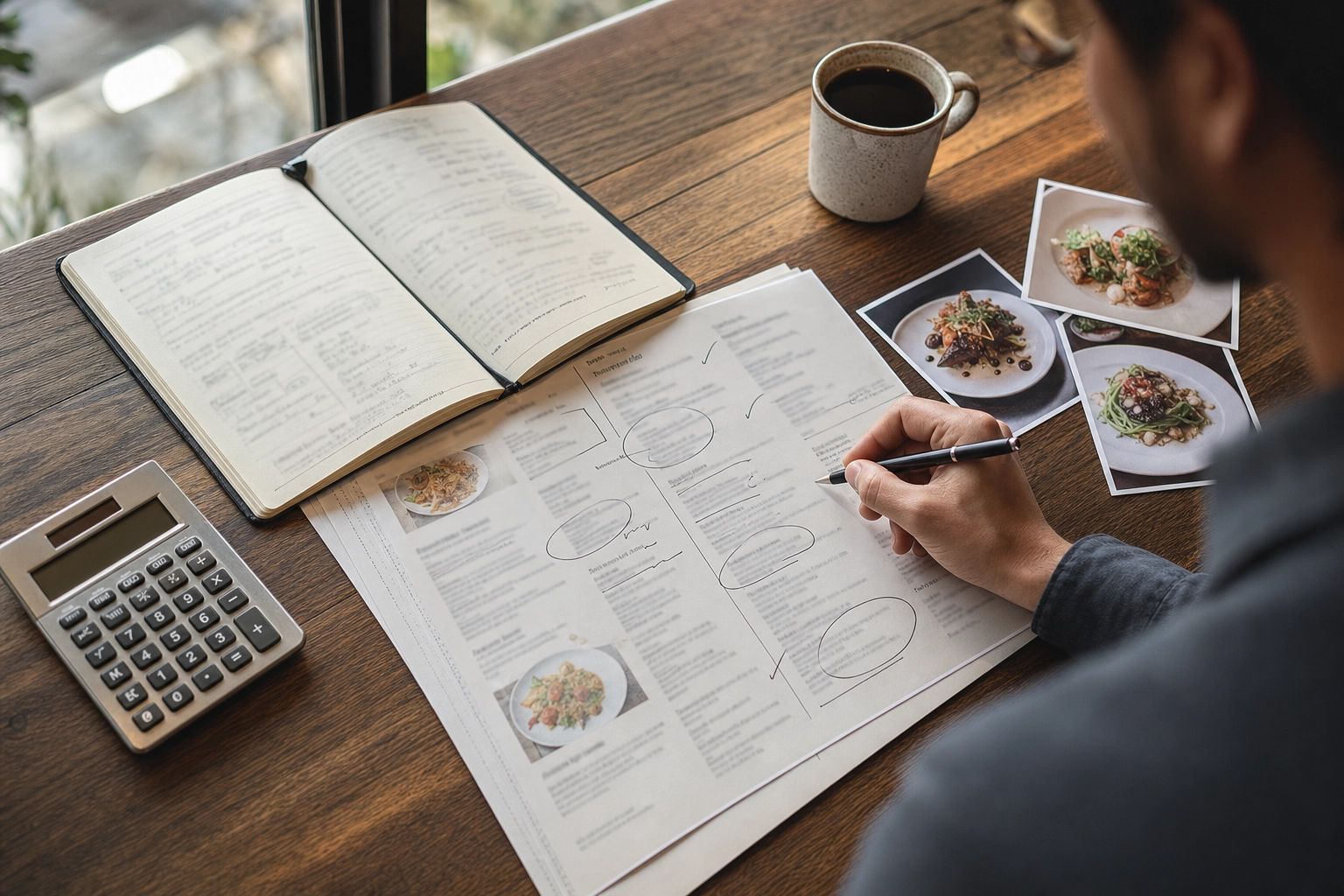 Restaurant owner marking up a printed menu with pen, notebook and calculator while planning menu pricing and engineering
On pricing, many restaurants mark delivery prices up 10–20% to offset Uber Eats' commission (roughly 15% pickup up to ~30% delivery, by plan) — fine, as long as you stay near competitors' prices. Lift average order value with combos and bundles, modifiers, charm pricing ($9.95 over $10), and a premium anchor item. And professional photos lift AOV 15–25% on their own, because a dish that looks premium justifies a premium price.
7. Build a 5-Star Ratings and Reviews Strategy
Ratings drive both customer choice (people filter by them) and ranking, and persistently low ratings risk removal. In Uber Eats Manager → Feedback, ratings split into Restaurant, Menu Items, and Delivery Handoff, so you can find the exact dish or handoff dragging you down. Respond to feedback (it signals an active merchant), re-engineer items that draw complaints, add a polite "rate us" insert card, and fix root causes — accuracy, temperature, and packaging. Enough high ratings at volume can earn a Top Eats badge and even more visibility.
8. Speed Up Prep Time and Nail Order Accuracy
Prep time is an explicit ranking factor: faster, on-time orders mean fresher food, fewer cancellations, and eaters who reorder. Set accurate prep times per daypart so couriers arrive right as the bag is ready — not to cold food or a long wait. Protect accuracy, too: missing items hurt your Success Score and trigger refunds, so check the Top Items Not Found report and mark items unavailable instead of cancelling. Run a delivery-first workflow with the Uber Eats Order Manager or a POS integration, separate delivery tickets, and a dedicated packing area.
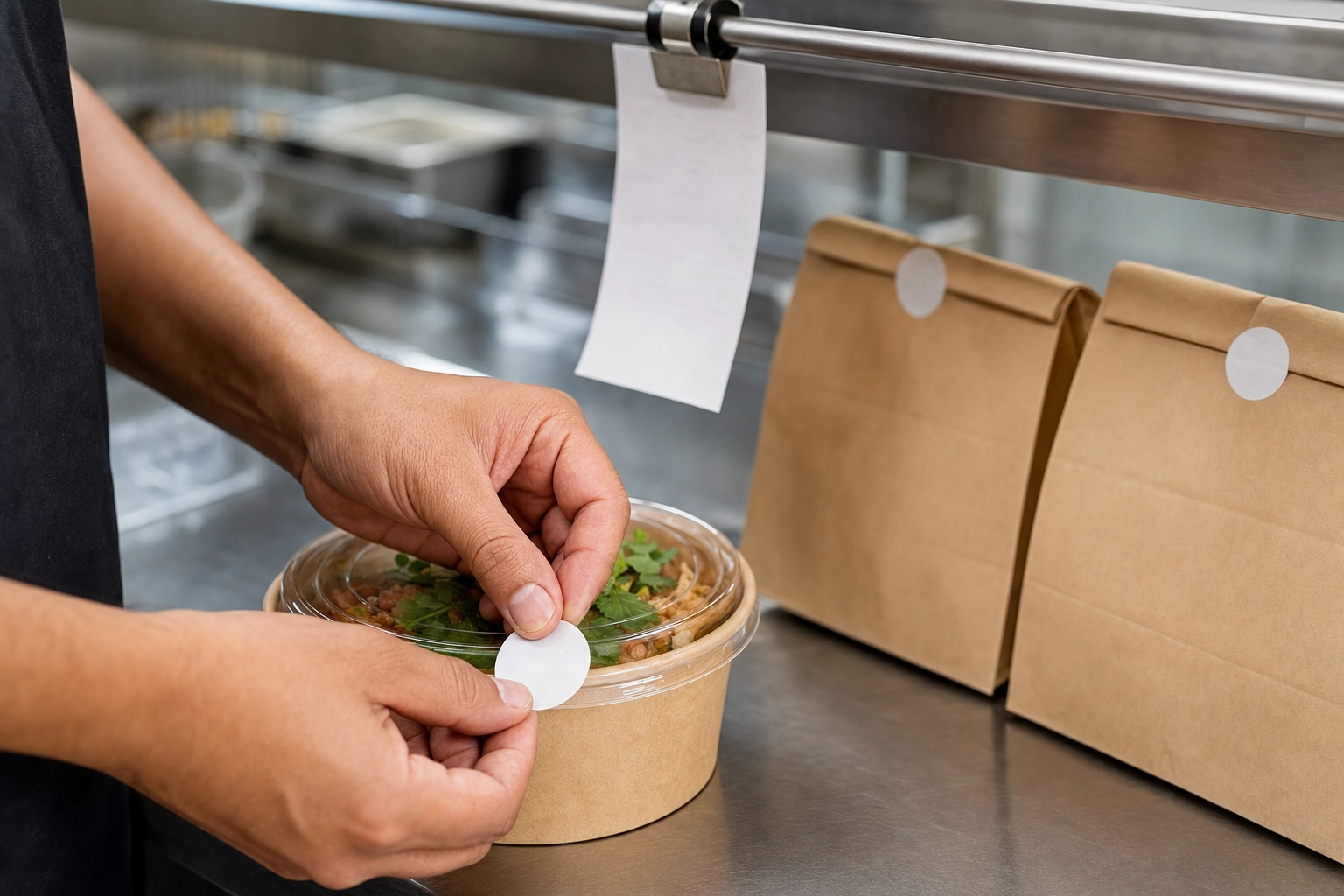 Kitchen worker's hands sealing a kraft takeout container with a tamper-evident sticker at the delivery packing station
9. Invest in Uber Eats Ads (Sponsored Listings)
Once your listing converts, paid placement pours on fuel. Per Uber, merchants using Sponsored Listings average 11x return on ad spend and 40% more new customers in a month, with up to a 20% lift in sales — and more than half of all Uber Eats orders come from the top two carousel slots. Ads are pay-per-click with a weekly budget that auto-pauses at your max; target All, New, or Returning customers plus Uber One members, and run an ad and an Offer together. The catch: ads buy impressions, but conversion still depends on photos, price, and ratings — owners routinely trace weak 8–12% ad conversion to bad photos or overpricing. Fix tactic #1 first, start small, and scale by ROAS.
10. Win Peak Hours — and the Off-Peak Slots Competitors Ignore
Staffing for lunch (11 AM–2 PM) and dinner (5–9:30 PM) is table stakes. The edge is in neglected windows: breakfast (7–10 AM), growing fast with little competition, and late night (9 PM–2 AM), with higher spend per order. Because availability is a ranking factor, the simplest overlooked move is extending hours and staying reliably online — don't pause on a whim, keep holiday hours accurate, and use Uber Eats Manager's analytics (popular times, net sales, average order size) to fire a targeted Offer into slow slots.
11. Nail Packaging and Presentation
Packaging is the one part of the experience the customer physically touches. Match the container to the food (vented boxes for fried items, leak-proof lids for soups, hot and cold separated), add a tamper-evident seal for trust, and brand the moment with a sticker or thank-you card — memorable brands get reordered. Careful packing is also the cheapest way to cut "missing item" complaints and protect your Success Score.
12. Promote Your Uber Eats Listing Off the App
Not every order has to come from in-app browsing — driving your own audience to your listing is the Uber Eats marketing most operators skip. Post your best dishes on Instagram and TikTok with your storefront linked in bio; add an Uber Eats order link to your Google Business Profile; put QR codes on receipts, packaging, and flyers; and text or email regulars when you launch an item or Offer. Every order you send also boosts your popularity and conversion signals. Since you already made professional photos for Uber Eats, repurpose them across social, your site, and menus with the same AI food photo editor — and if you run multiple concepts, the same approach powers virtual brands from one kitchen.
Your 30-Day Plan to Get More Orders on Uber Eats
Knowing how to get more orders on Uber Eats is one thing; sequencing the work is another. Stack the tactics by impact:
- Week 1 — Conversion basics. Re-shoot menu photos and write descriptions for your top 15 items so every item has both. This alone often lifts orders within days.
- Week 2 — Demand and trust. Launch a new-customer Offer, opt into Uber One, and clear low ratings via the Feedback tab.
- Week 3 — Profit and reliability. Engineer your menu, sanity-check pricing, and tighten prep times and accuracy.
- Week 4 — Amplify. Turn on a small Sponsored Listing, then promote your listing off the app.
That's the complete answer to how to get more orders on Uber Eats: every step compounds through the same flywheel — higher conversion → higher ranking → more impressions → more orders. Start with the biggest lever and get menu-ready photos in about 2 minutes with FoodShot. On more than one platform? Run the same playbook to get more orders on DoorDash and increase your delivery sales everywhere your food shows up.
Frequently Asked Questions
Why am I not getting orders on Uber Eats?
Usually it's a visibility-and-conversion problem, not a food problem: weak photos, thin descriptions, a low rating, prices above nearby competitors, or a store that goes offline at peak. Because Uber Eats ranks partly on conversion rate, a weak listing gets fewer impressions in a self-reinforcing loop. Fix photos and menu completeness first, then ratings and availability.
How long does it take to get more orders on Uber Eats?
Photo and menu changes often show results within 1–2 weeks as conversion — and ranking — improve. Sponsored Listings and Offers can lift orders almost immediately because they buy visibility, but only pay off if your listing converts. Operational gains from prep time and ratings compound over a month or two.
Do menu photos really increase Uber Eats orders?
Yes — it's the most consistent finding in delivery data. Uber Eats business data shows 20–35% higher order volume and 15–25% higher average order value with professional photography, and Grubhub, DoorDash, Deliveroo, and Just Eat all report double-digit lifts. Photos win the tap and raise the conversion rate the algorithm rewards.
How much does it cost to advertise on Uber Eats?
Sponsored Listings are pay-per-click with a weekly budget you set, so you control spend — the campaign pauses at your max. Uber reports merchants averaging around 11x return on ad spend, but results hinge on your listing: weak photos or high prices produce poor conversion. Start small, measure ROAS, and scale what works.
How do I rank higher on Uber Eats?
Improve what the algorithm rewards: a high conversion rate (great photos, complete descriptions, fair pricing), strong ratings, fast and accurate prep, and consistent availability. Completing your menu and staying reliably online are two of the fastest ways to lift your Success Score.
Is Uber One worth it for my restaurant?
For most merchants, yes. Uber One's 46 million members order more often and spend more than typical customers, and they filter toward restaurants where their benefits apply. You gain access to that high-frequency audience and can target members in Uber Ads — and repeat orders are where long-term growth comes from.