 Ali Tanis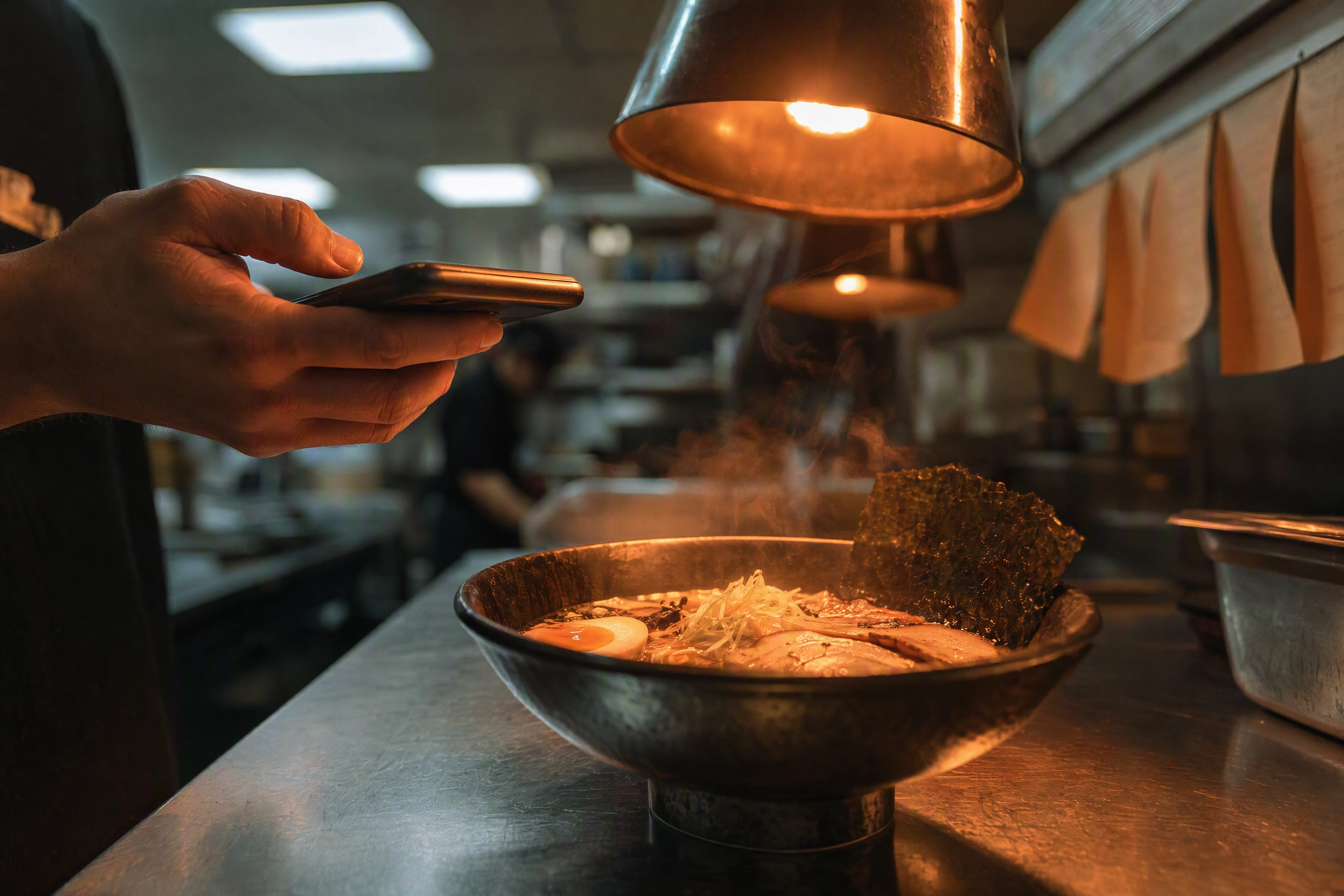
The plate is up, service starts in twenty minutes, and the delivery listing for that dish still shows a grey placeholder. That is the moment a food photo editing app has to work — not tomorrow, at a desk, on someone else's laptop.
FoodShot AI is a food photo editing app for iPhone and Android built around those two minutes: shoot the plate where it stands, pick a style, export a menu-ready result, publish it without ever opening a laptop. It is deliberately narrow — studio quality food photography, food and drink only, working from pictures you shot yourself.
Quick Summary: FoodShot AI is a food photo editing app on the App Store and Google Play, and it handles food and drink only. Feed it a phone shot, choose from 200+ styles, and export a 2K result for your menu, your delivery listing or social media in about 2 minutes. Both builds install free with in-app purchases; usage runs on monthly credits that do not roll over.
The 7pm Test Every Food Photo Editing App Has to Pass
Restaurant kitchens are the worst studio you will ever shoot in. Heat lamps throw roughly 2700K orange across the pass, the overheads are cooler and greener, and the one window that mattered went dark at 4:30pm in November. Behind the plate sit squeeze bottles, a ticket rail and a blue glove. Nobody has ten minutes.
Desktop tools fail this test on logistics. Cable or AirDrop the file, import, edit, export, then send it to whoever has the delivery dashboard password: five steps, three people, and a plate eaten an hour ago. So the listing stays empty, which is why so many menus still run half their items with no picture at all.
Software on the device that took the shot deletes the handoff. The camera roll is right there. So is the dashboard. That is the real argument for mobile food photography, and it matters more than any line on a features list.
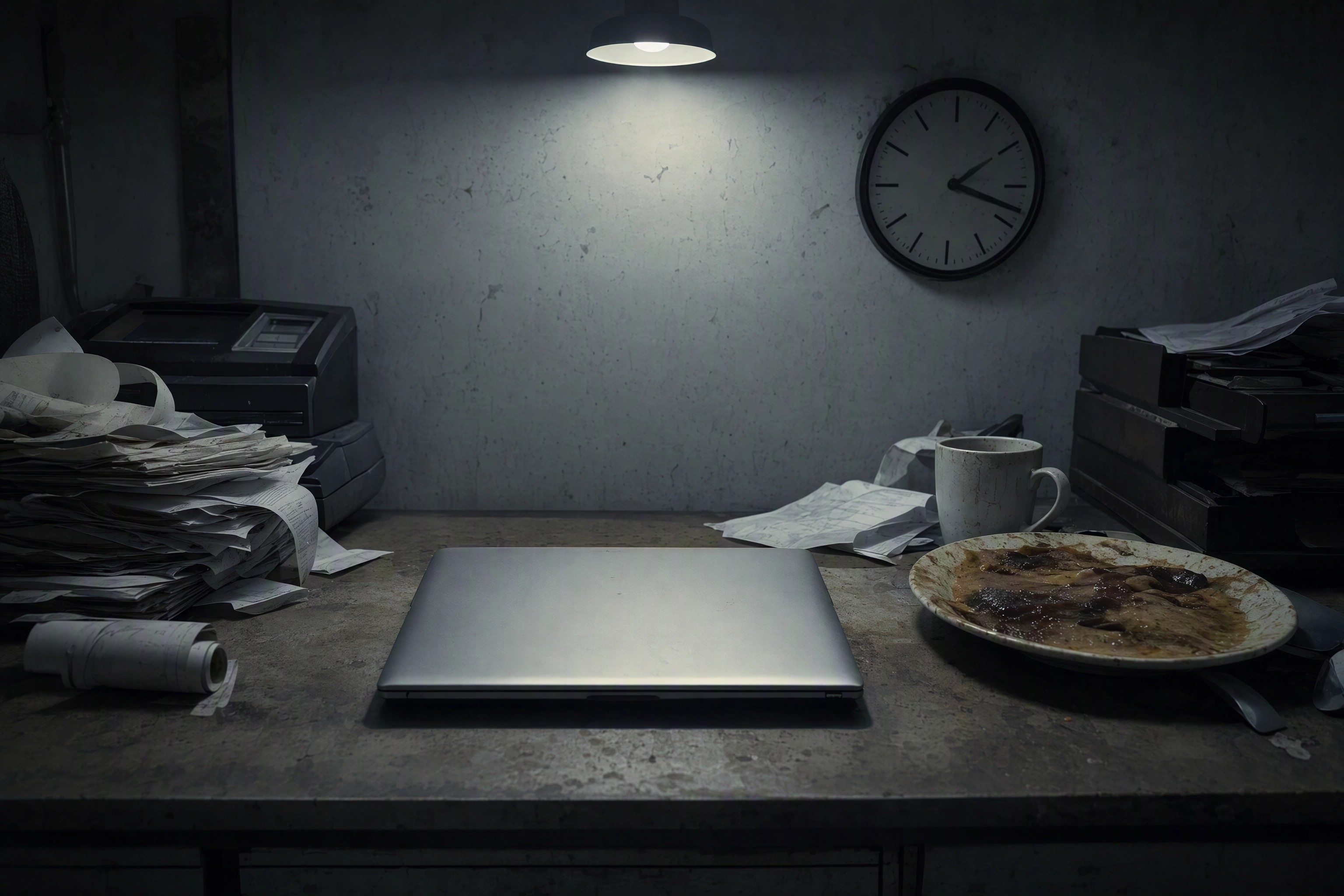 Cold congealed plate beside a closed laptop on a restaurant back office desk, the desktop photo editing handoff that never happens
Pass to Listing: The 2-Minute Workflow
- Shoot the plate where it stands. Wipe the rim, turn the best side toward you, take three frames at 45 degrees and one from overhead.
- Open FoodShot and pick the frame. Straight from the camera roll — no import, no sync, no cable.
- Choose a style. The library is organised by destination, not mood: Delivery, Menu, Fine Dining. Delivery looks stay clean and legible at thumbnail size; Fine Dining goes darker and more dramatic.
- Generate and compare. A before/after view shows what the lighting and staging adjustments changed, so you are not trusting the result blind.
- Export and publish. Save at full resolution, then upload to the listing, your photo menu or your social media queue from the same handset.
Once you know your style, the loop runs about 2 minutes a dish. You can create a full set of twelve in one afternoon rather than a booked shoot day and a four-figure invoice.
Styles, Not Filters — Why Filter Apps Stall on Menus
Most search results for editing apps are filter apps, and the distinction decides whether you get menu-quality results or a warm-toned snapshot. Filters apply a global color transform: a curve, a grade, sometimes film grain or a film stock emulation on top. They move every pixel the same way. Foodie built its name on live filters with film-camera warmth, VSCO on film-inspired presets, Snapseed on the best free manual sliders on a phone. All three are good tools, and plenty of foodies do lovely work with nothing else.
Filters were built for holiday snaps, not menus. Film emulation will not darken the ticket rail behind your plate, and no slider corrects mixed color temperature on the dish while leaving the background alone. Push filters far enough to make dim kitchen light look inviting and the whites go grey and the sauce goes radioactive.
A style is a full re-render instead: lighting direction, surface, plate, depth of field and color adjusted together, with the dish kept faithful to what you cooked. A food photo editing app that only ever sees food can make that trade safely, because it knows a bun should not be smoothed into plastic. There are 200+ styles across Delivery, Menu and Fine Dining, plus 24 for drinks and RTD cans — the set that makes a cocktail legible at thumbnail size.
Ignore the counts in the store blurbs: Google Play still says "30+ looks", Apple's page says "150+", and both predate the current library. Browse the styles to see today's set. For the cross-shop against Foodie, Lightroom Mobile, FoodieLens and the rest, our roundup of the best food photography apps covers tools we do not sell.
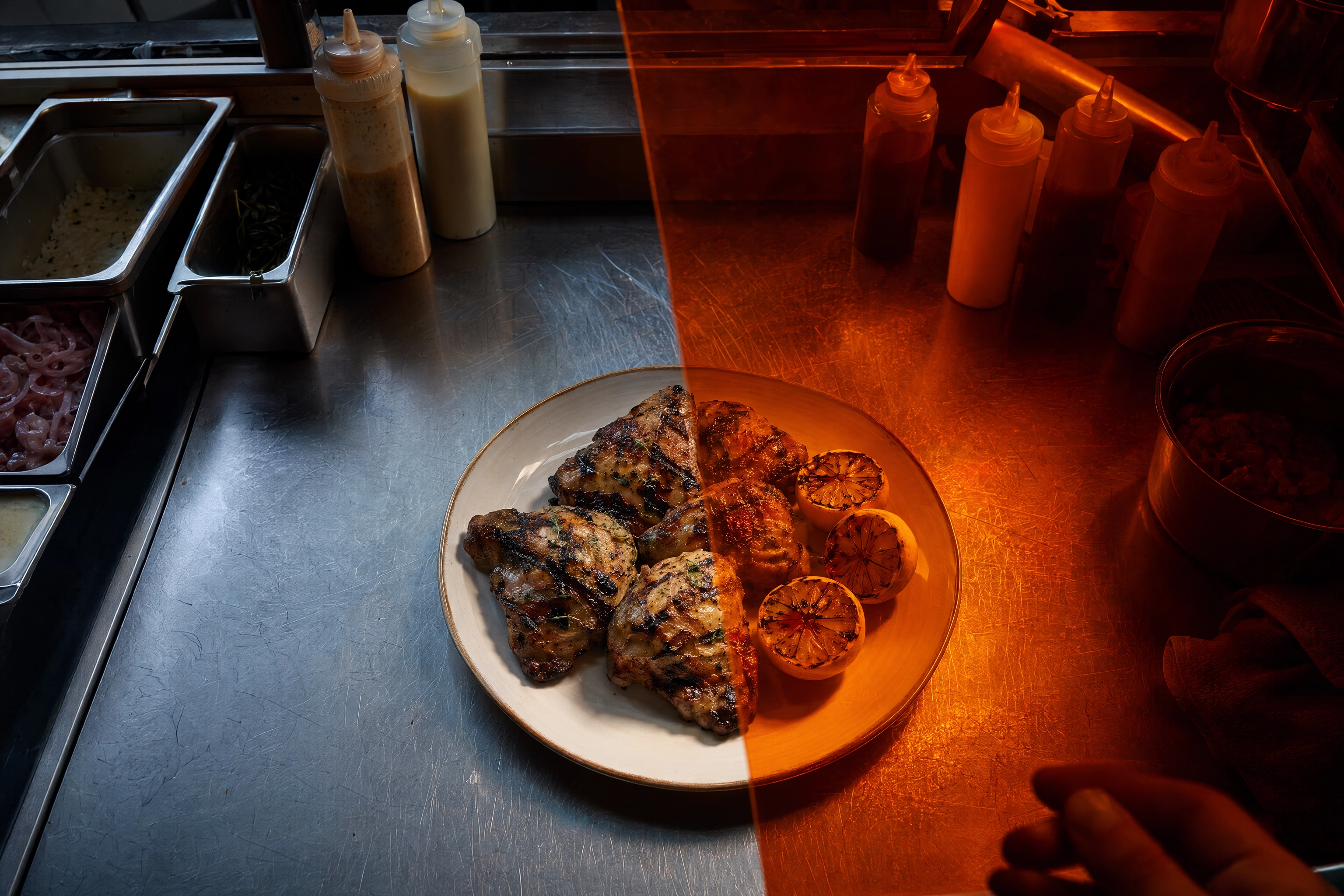 Orange lighting gel tinting half a plated dish and the kitchen clutter behind it, showing how photo filters shift every pixel equally
What Is Inside the App
Both mobile builds carry the same core food photography tools as the browser:
- Style library. 200+ looks grouped by where the picture is going, so you choose "Delivery" rather than guessing at a preset name.
- Builder Mode. Combine a background surface, a plate style and your dish into a look that is yours. The iOS release notes call it Compose; same feature.
- My Styles. Upload a shot from your own menu as the reference, so dish forty matches dish one — the difference between a restaurant menu and a scrapbook.
- Multiple variations. One upload, several images to choose between, so you pick instead of re-shooting.
- Prompt editing. Ask in plain words: add a sauce drizzle, swap the plate, adjust or soften the lighting. A pastry chef reviewing FoodShot on the App Store described creating dessert mock-ups with chocolate decorations and edible flowers before making the real thing for a client.
- 2K export. Print-ready quality, because one file has to survive a delivery thumbnail and a printed menu in the same campaign; for an A1 window poster, run it through the 2× upscale in the web studio.
- Aspect ratios. Portrait 2:3 and landscape 3:2 landed in version 3.0, so Stories no longer mean hand-cropping.
Bulk processing of five at once sits on the Scale plan; API access is Enterprise-only. All of it is what the AI food photo editor does on whichever surface you sign in from.
iPhone vs Android: What Is Genuinely Different
Both builds exist, both install free, both charge through in-app purchases, and both produce the same professional-grade output quality. They are not identical, though, and pretending otherwise would be dishonest.
| iPhone & iPad | Android | |
|---|---|---|
| Store rating | 4.9 from 29 ratings | 4.6 from 315 reviews |
| Reach | iPhone and iPad, 60.7 MB | 5,000+ installs, phone-first |
| Latest release | 3.1.2, 7 May 2026 | Updated 11 May 2026 |
The differences that matter: iPad is an iOS-only story, and a far better place to review a batch of images before they go live. The iOS build ships in 36 languages as of version 3.0. New features have tended to land on iOS first — Compose and My Styles arrived in the 3.1.1 release in May 2026 — and Apple's listing advertises a 3-day trial on the mobile subscription.
On data: the Google Play data safety declaration for the Android build states that no data is shared with third parties, that data is encrypted in transit, and that it collects personal and financial data plus four further data types — what any account-and-subscription service collects. Read both data declarations before installing: the App Store listing and the Google Play listing are public.
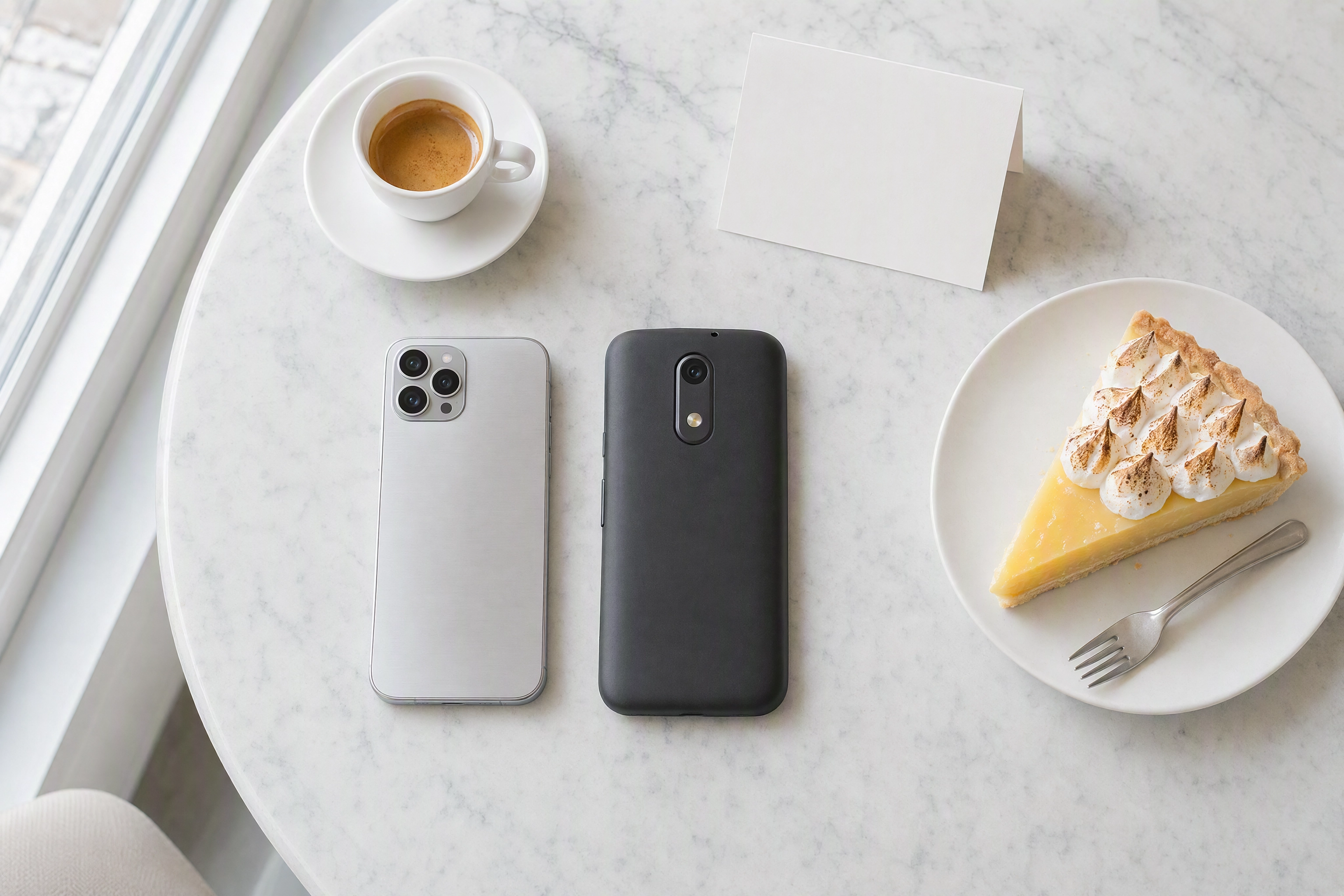 Two different smartphones lying face down beside an espresso and a lemon tart on a marble counter, iPhone and Android food photo editing app
What This Food Photo Editing App Will Not Do
- It is not a general photo editor. Point it at a landscape, a headshot or your dog and it has nothing to offer. Food and beverage only — the narrowness is the point.
- It is not a stock library. Every result starts from a picture you took, which is why the output still looks like your kitchen's cooking.
- It does not make video. Stills only. If the campaign needs motion, that half of the brief belongs elsewhere.
- Commercial rights come with a paid plan. Web plans start at $15/month, and there is no free tier on the web; see the food photo editor for details.
- It cannot invent what you did not shoot. Out of focus, buried in shadow, half out of frame — no styling fixes that.
Credits, Not Unlimited Exports
Every food photo editing app has to bill for compute somehow, and ours uses credits: 25 a month on Starter at $15, 100 on Business at $45, 250 on Scale at $99, with 40% off annual billing and roughly one credit per generated result. Unused credits do not roll over, so pick for a normal month rather than your busiest one. Full detail is on the pricing page — this page is about the mobile builds, not the plan.
Feed It a Better Source Shot
No food photo editing app can invent detail that never hit the sensor. FoodShot restyles, it does not resurrect, and two minutes at the pass changes the result more than any style choice:
- Kill the mixed light. Switch off the heat lamp, or carry the plate three feet toward a window. One light source beats three.
- Shoot two angles. 45 degrees for height — a stacked burger, a layered dessert — and straight overhead for bowls, boards and flat plates.
- Wipe the rim, then lock focus on the front edge, where a hungry person looks first.
Longer versions: how to take food photos with a phone covers angles and staging, iPhone camera settings for food covers what to change on the phone camera before service, and the menu photography guide explains why one window beats a ring light.
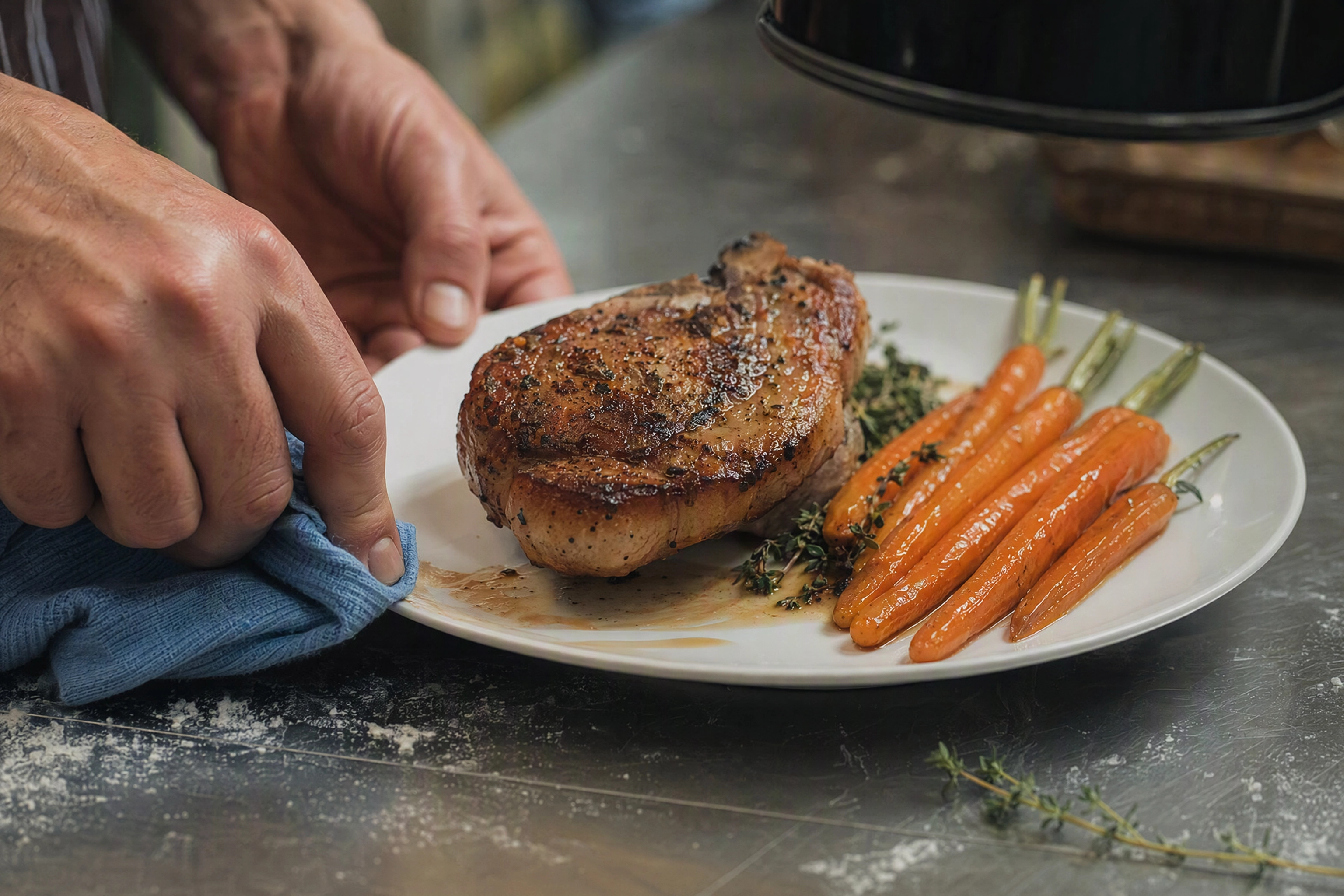 Hands wiping a sauce smear from a plate rim in window light with the heat lamp switched off, the source frame prep a food photo editing app depends on
Who Gets the Most Out of It
A food photo editing app pays for itself fastest where the menu moves faster than the photos: restaurants running weekly specials, cafes whose counter changes every morning, ghost kitchens launching brands with no shoot budget, food trucks whose menu board is the storefront, catering teams building proposal decks between events. Fine dining rooms and bars and lounges work differently: fewer items, higher stakes, more time in Builder Mode.
Delivery is where weak food photography shows first — a listing with complete food photos reads as more professional than one with three good frames and nine blanks. Our guides to delivery app photography, more orders on Uber Eats and the mistakes that sink listings cover what those platforms reward. Social media managers come from the other direction, chasing a consistent social media grid: an Instagram foodie audience and a menu thumbnail want opposite things, which is what Pinterest style transfer and the wider AI food photography pages are for. Packaged brands have their own page.
Frequently Asked Questions
Is there a food photo editing app for both iPhone and Android?
Yes. FoodShot AI ships a native iOS build on the App Store for iPhone and iPad, and an Android build on Google Play, both free to install. Parity is close but not perfect: new features have tended to reach iOS first, and iPad is an iOS-only advantage.
Do I need the desktop version, or is mobile enough?
Mobile covers the core loop — shoot, style, export, publish. People move to the browser for volume: reviewing forty food photos side by side, or bulk processing on the Scale plan. The account and the credits are the same either way.
Can it edit photos I took months ago?
Yes, and old frames make the best test. Try your hardest dish first — a brown stew or a dark curry, for example — rather than the one that already photographs perfectly.
Is this a good food photo editing app for delivery listings?
That is what the Delivery style group was built for: clean backgrounds, legibility at thumbnail size, and a consistent look across a whole menu. On those platforms consistency beats any single perfect hero frame.
Does it work on non-food photos?
No, and it is not trying to. This is professional food photography software for restaurant menus, not a general-purpose editor with food filters bolted on. Landscapes, portraits and non-food product photos are out of scope — the general tools named above are the right answer there.
Are the styles the same on mobile as on the web?
Yes, the library is shared; it is the store descriptions that lag. Check the styles page for today's set, or our roundup of AI food photo editors if you want the wider landscape before you create an account.