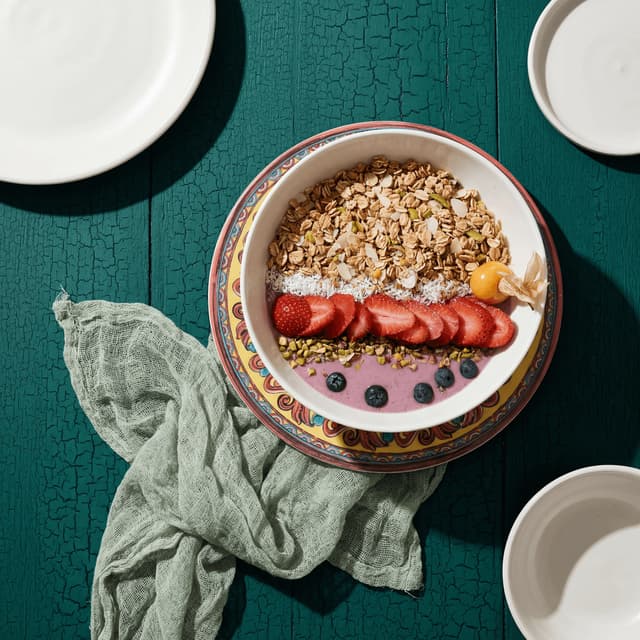
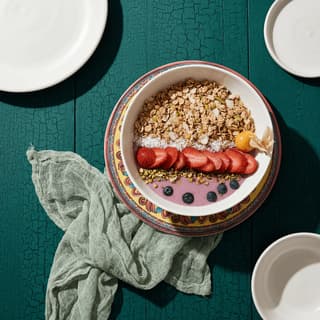
Vibrant pitaya dragon fruit smoothie bowl with tropical toppings — overhead flat-lay food content photography
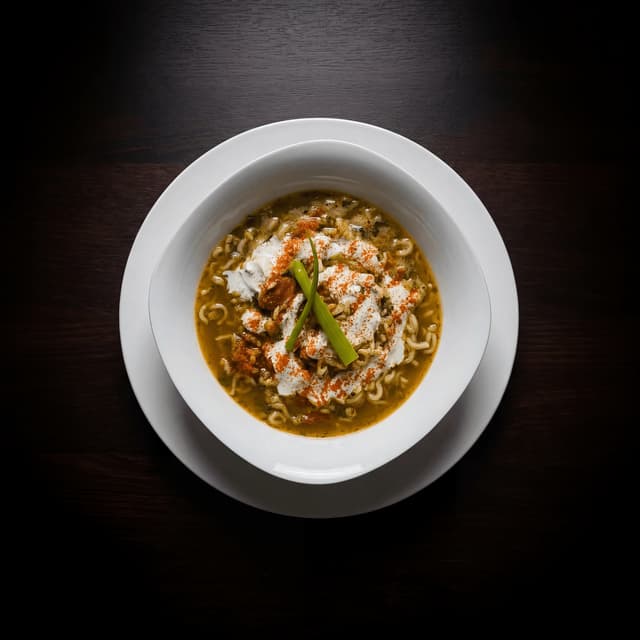
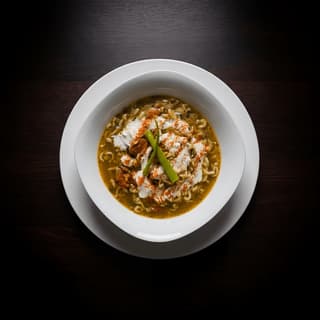
Golden khao soi curry noodle soup with crispy noodle crown — Northern Thai food photography
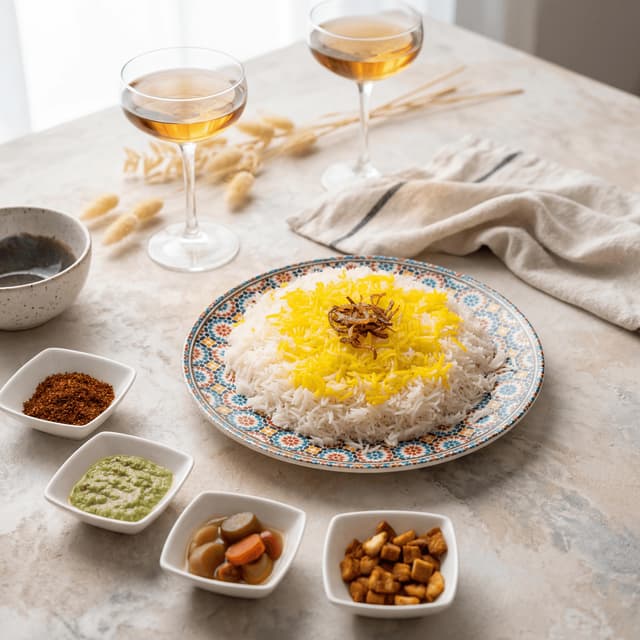
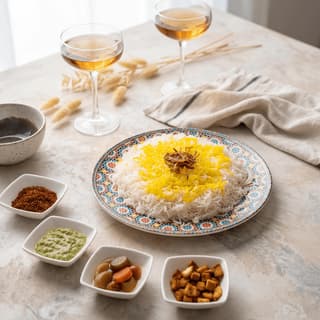
Persian saffron tahdig crispy rice with jeweled barberry and pistachio toppings — Middle Eastern cuisine photography
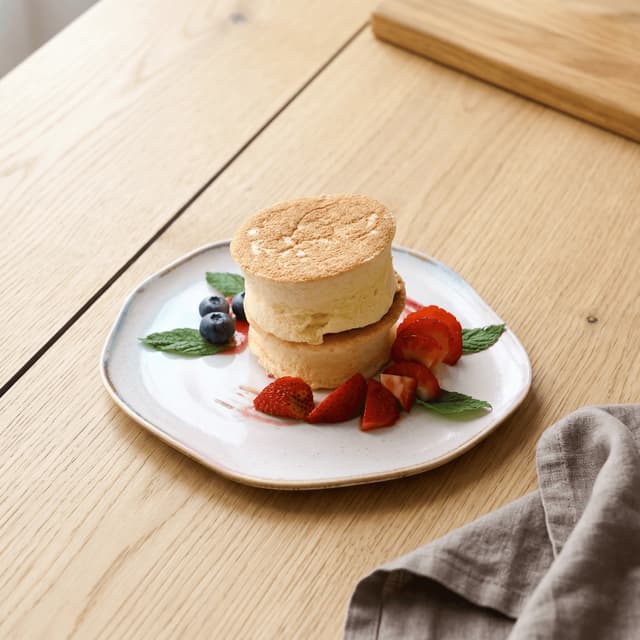
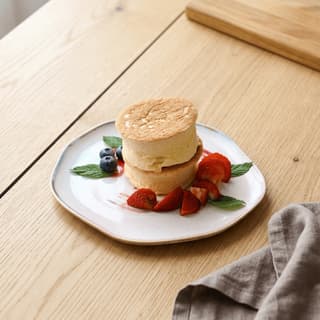
Fluffy Japanese soufflé pancakes stacked with fresh strawberries and vanilla ice cream — brunch content photography
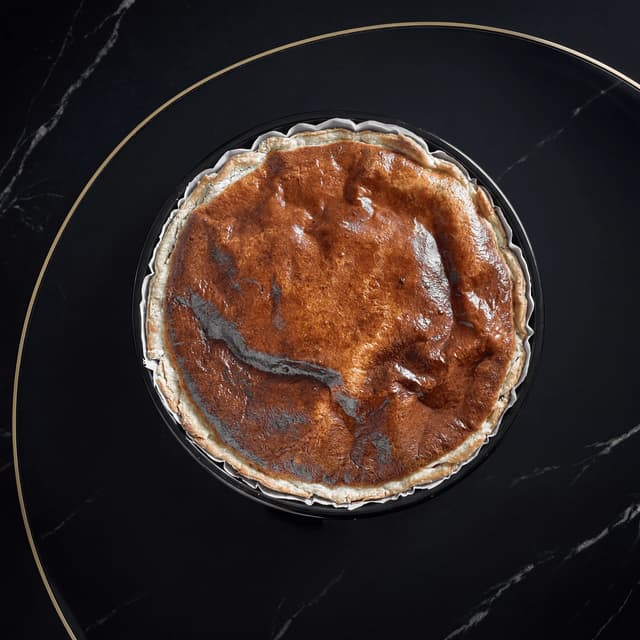
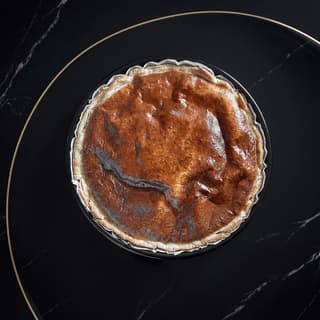
Basque burnt cheesecake slice with caramelized crust and creamy interior — Spanish dessert photography
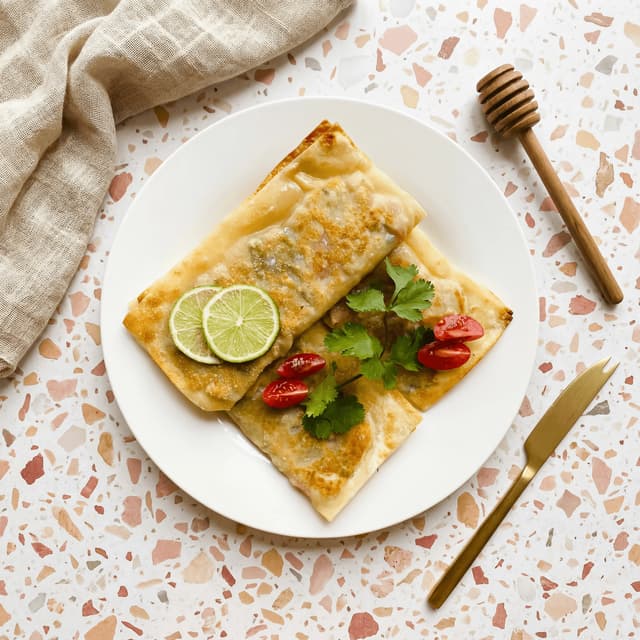
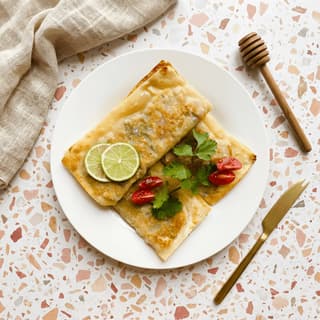
Vietnamese bánh xèo crispy turmeric crepe with fresh herbs — Southeast Asian street food photography
For Food Creators

Feed-ready food photography in seconds.

Restaurant reviews, recipe flat-lays, brand deal deliverables — food bloggers and content creators use FoodShot to produce consistent, professional photography from any phone photo.

No credit card required10,000+ food businesses
4.5/5Rated on App Store

Trusted by teams on

DoorDashUber EatsGrubhubDeliverooJust EatWoltOpenTableYelpFoodpandaToast

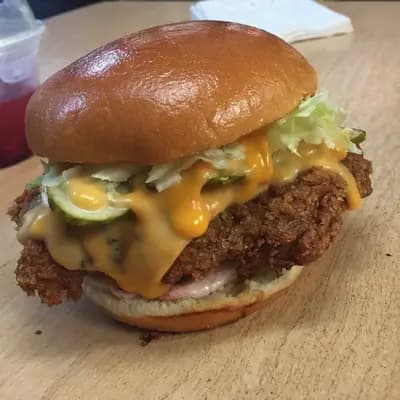
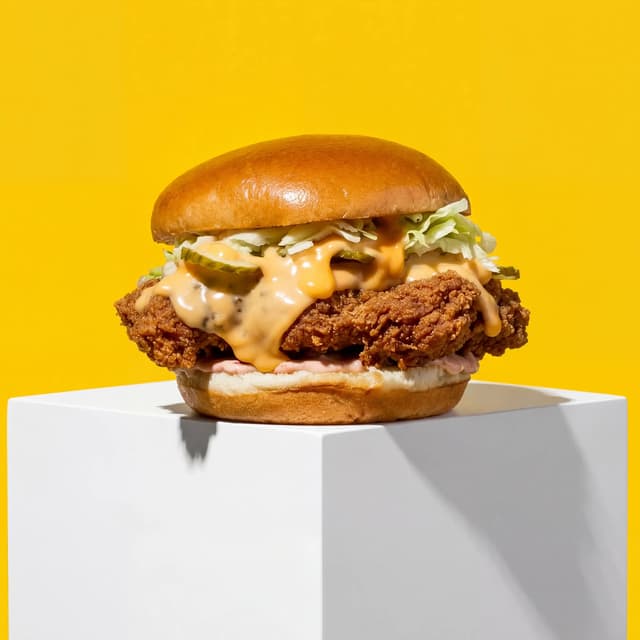
Upload your food content creators dish → Get menu-ready photos

Original smartphone food photo before FoodShot AI enhancement
Studio-quality food photography generated by FoodShot AI
50,000+

Photos generated

95%

Cost savings

150s

Average time

Creator Content Types

Every platform, every format, covered
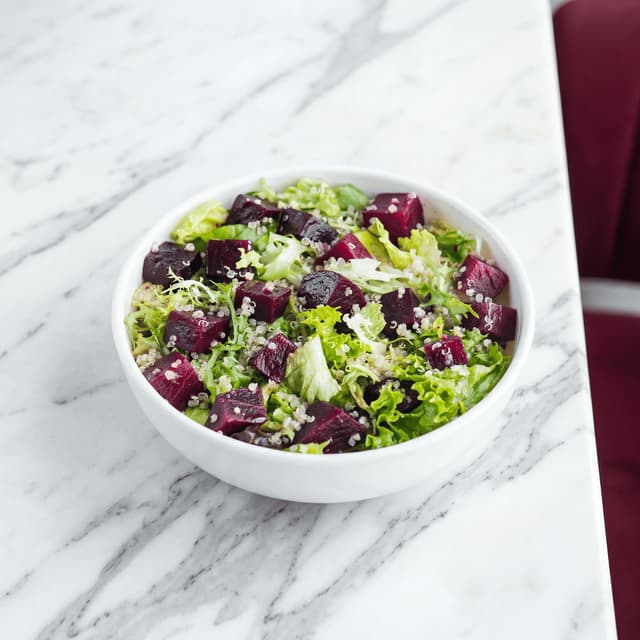
Colorful rainbow nourish grain bowl with tahini drizzle — Instagram flat-lay food content creation

Instagram Grid Photos

Flat-lay consistency for your entire feed
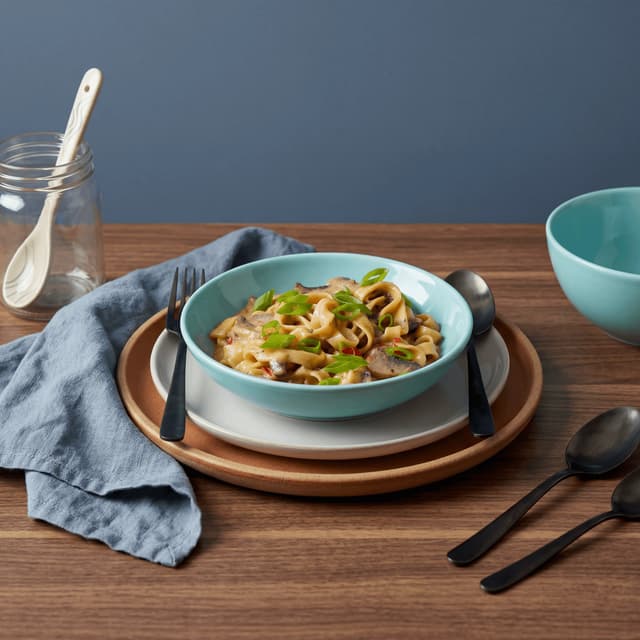
Wild mushroom pappardelle with truffle oil and parmesan shavings — Italian recipe blog food photography

Recipe Blog Photography

Warm, inviting shots for every recipe post
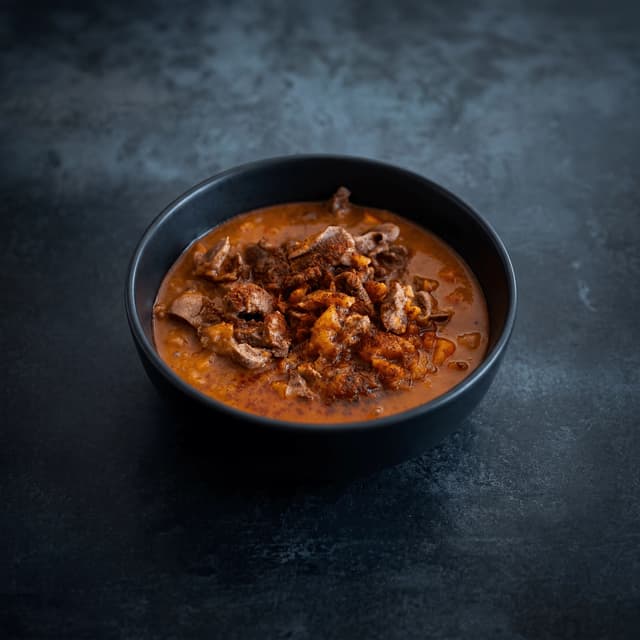
Bubbling Korean budae jjigae army stew with ramyeon and melted cheese — Korean restaurant review photography

Restaurant Review Shots

Atmospheric dining photos from any phone
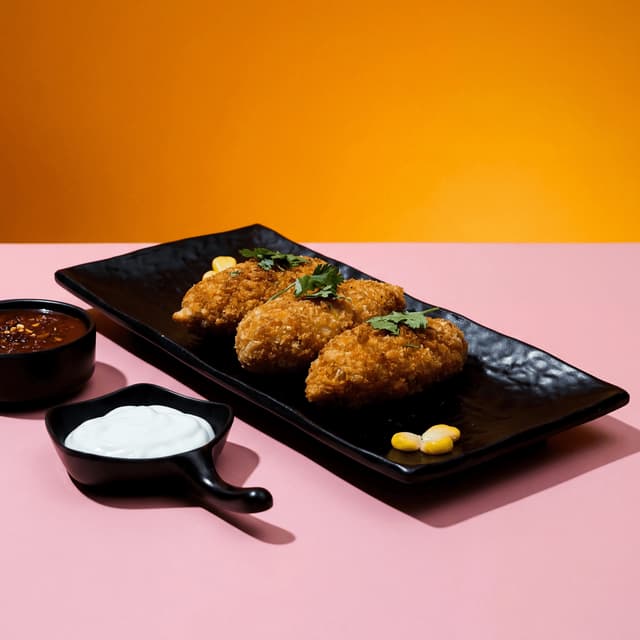
Charred Mexican elote street corn with crema, cotija cheese, and Tajín — bold TikTok food content

TikTok Thumbnails & Stills

Bold, scroll-stopping frames for short-form
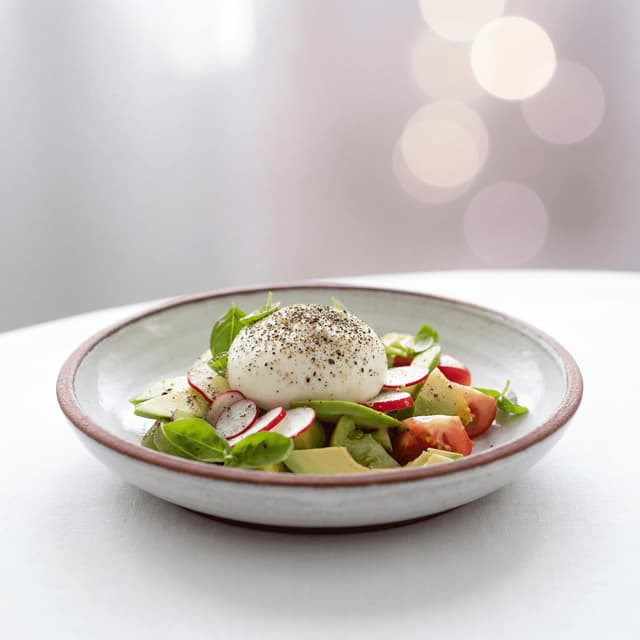
Grilled peach and burrata salad with prosciutto crisps and basil — sponsored food content photography

Brand Deal Deliverables

Sponsor-ready quality from your phone
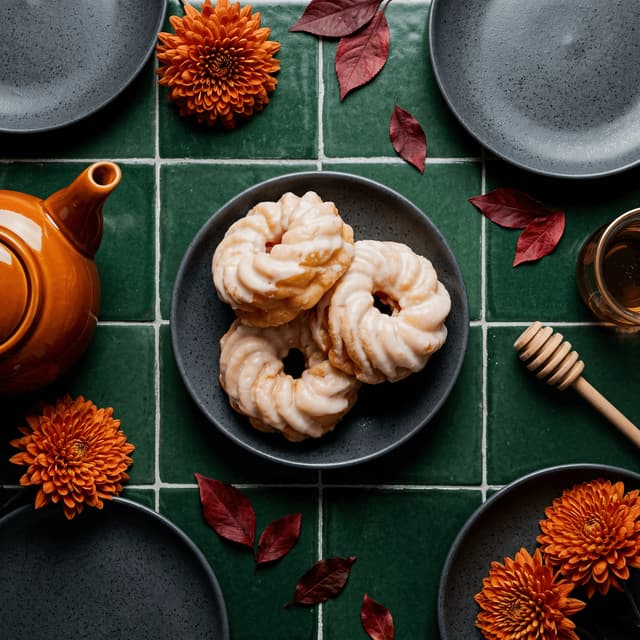
Swedish cardamom kanelbulle cinnamon bun with pearl sugar — Pinterest food pin photography

Pinterest Food Pins

Aspirational seasonal pins that earn saves
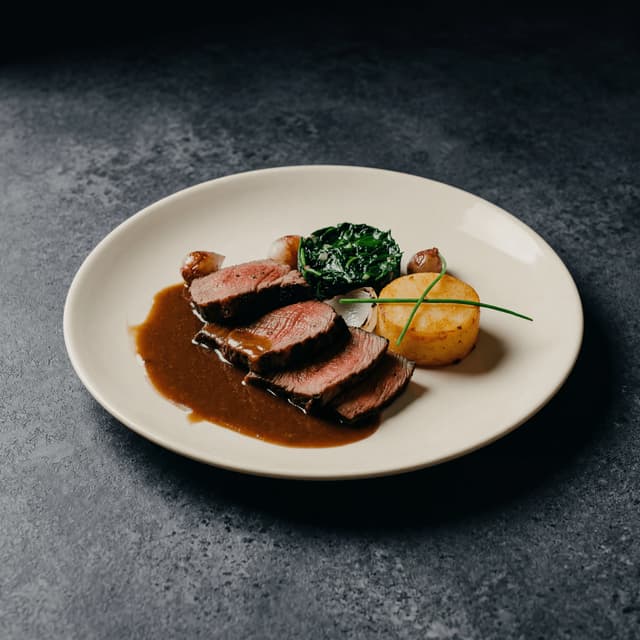
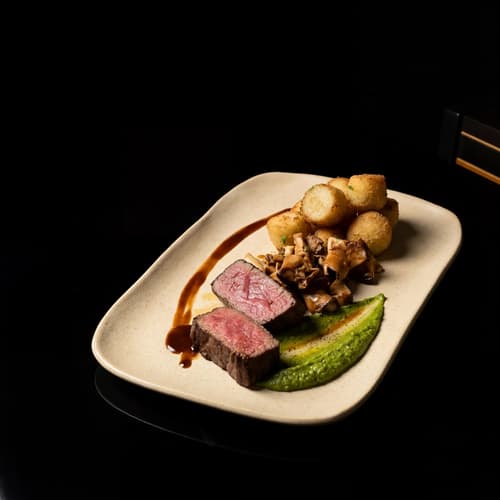
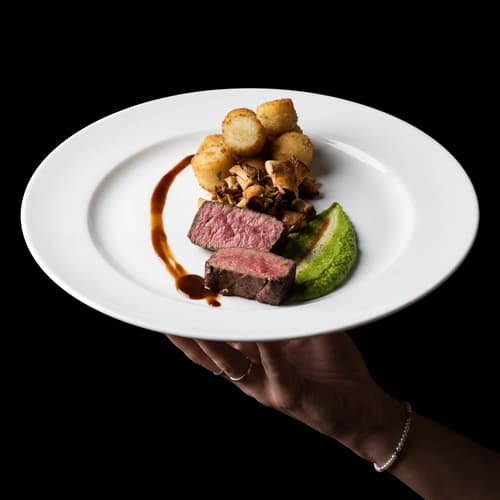
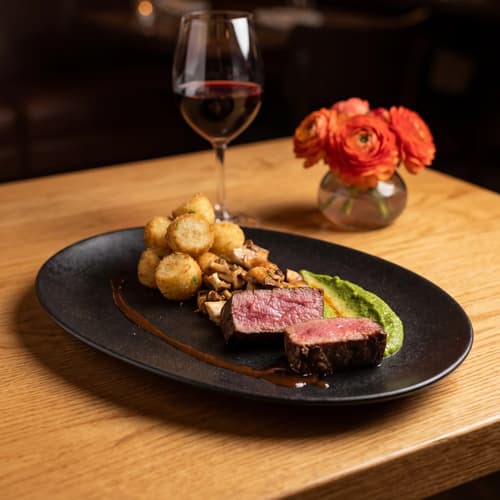
Sliced côte de boeuf with red wine jus and bone marrow — dramatic YouTube thumbnail food photography

YouTube Thumbnail & Headers

High-contrast frames that drive clicks

Features

Built for food content creators

Feed Styles

One tap, your signature aesthetic

100+ curated photography styles built for food content — from bright flat-lay to dark and moody, café aesthetic to editorial close-up. Pick the style that matches your brand, apply it to every photo you shoot, and keep your grid visually consistent without spending hours in editing software. Whether you're photographing a brunch spread or a late-night ramen run, your content looks intentionally cohesive across your entire feed.

Explore styles

Builder Mode

Build your content backdrop from scratch

Pick a background surface, choose a plate or bowl style, and upload your food photo. Builder Mode combines all three into one polished composition — ideal for recipe content where you want total control over the scene. Swap surfaces from marble to wood to linen without reshooting, and produce multiple variations for different platforms from a single upload. Your recipe blog, Pinterest, and Instagram all get unique assets from one photo.

Try Builder Mode

My Styles

Your aesthetic, every single post

Upload one of your best-performing food photos as a style reference. Every new photo you process through FoodShot matches your exact lighting, angle, and color grading. Your Instagram grid stays on-brand whether you shot at a dimly lit izakaya or under harsh fluorescent kitchen lights. One reference photo, infinite consistency — the kind of visual coherence that builds a recognizable personal brand.

Match your brand

More to explore

One tool, endless possibilities

Before → After

From phone snap to studio shot

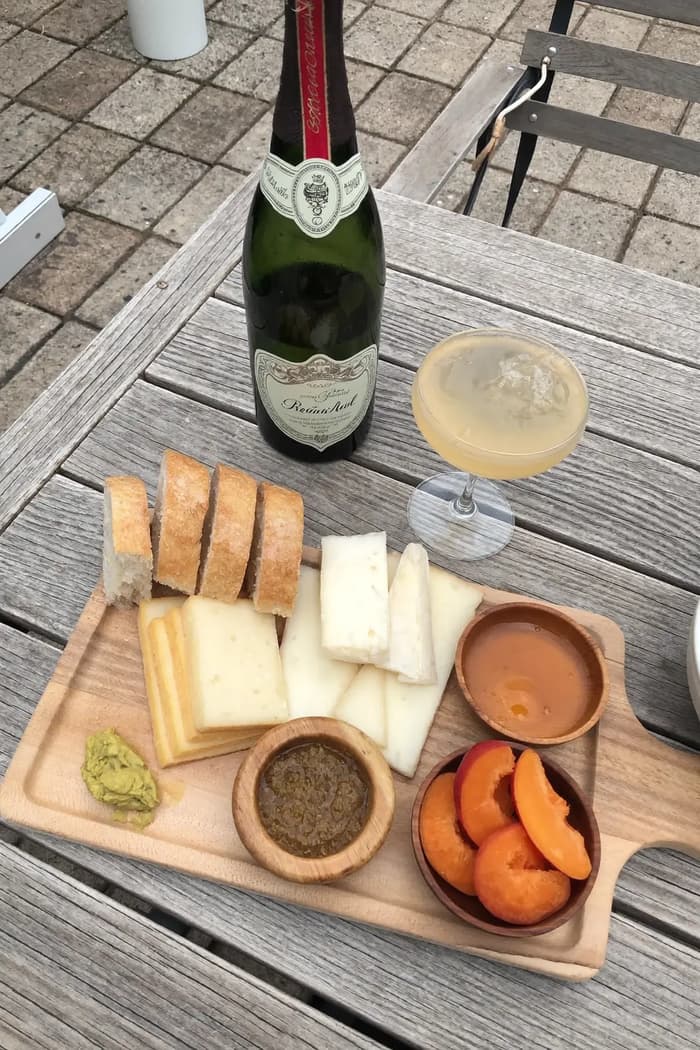
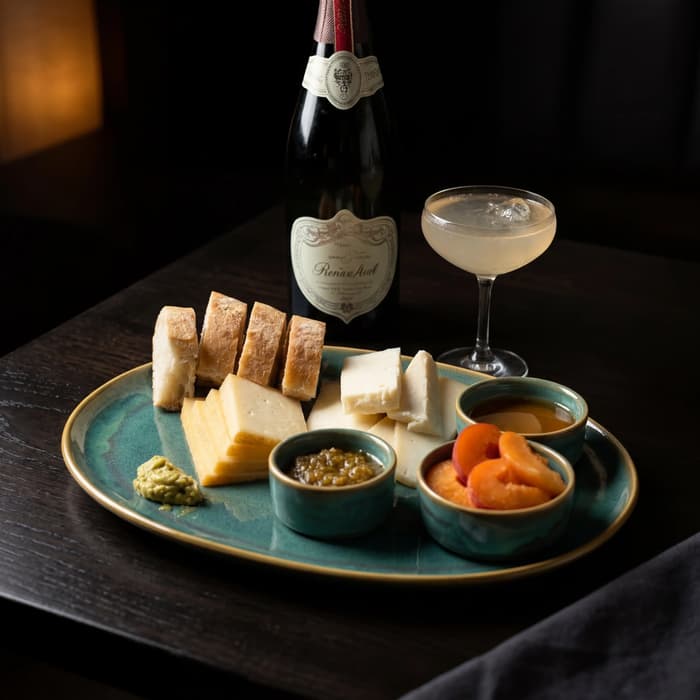
See the transformation. Same food, completely different result.

Raw phone food photo before AI enhancement
Studio quality food photo after FoodShot processing

Multi-variation

One photo, endless options

Generate multiple styles from a single upload. Pick the best.
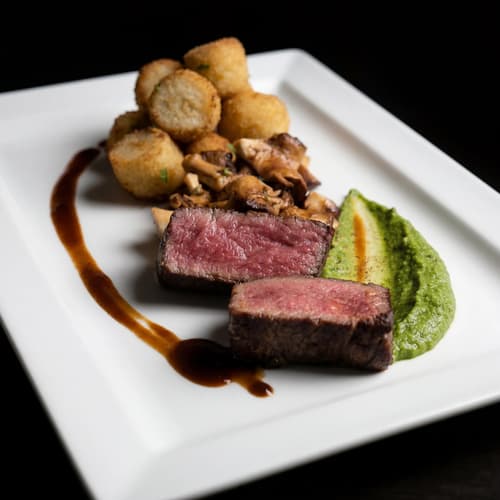
Food photo variation - delivery app style
Food photo variation - restaurant menu style
Food photo variation - social media style
Food photo variation - fine dining style

Poster Mode

Marketing-ready designs

Pick a template, drop your food.
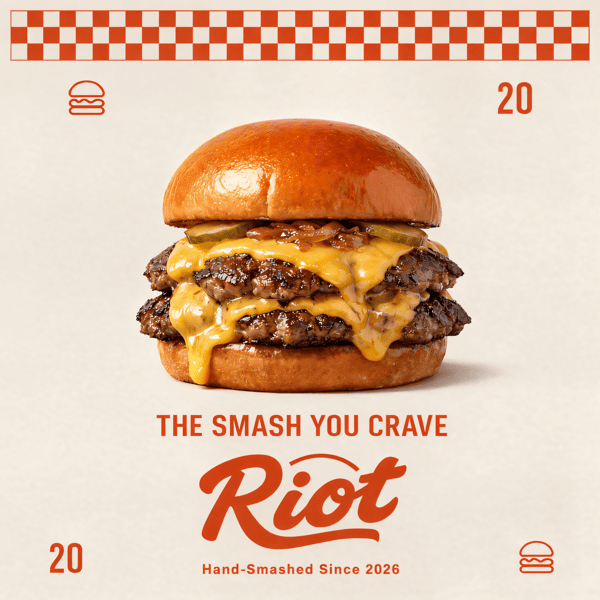
Smash burger restaurant poster design
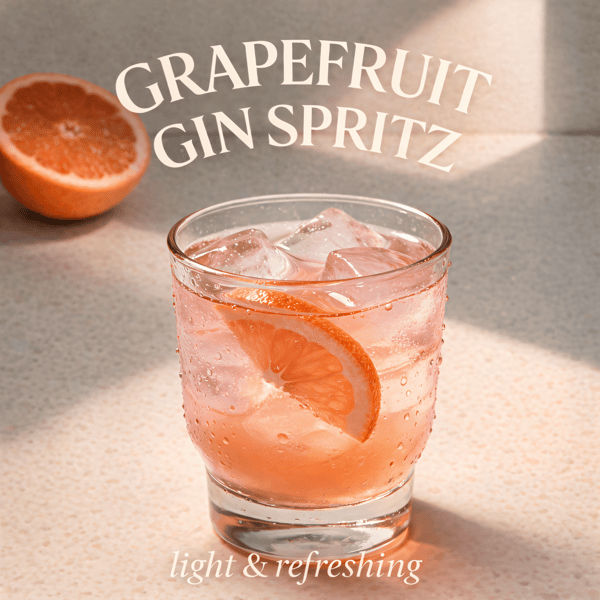
Cocktail bar promotional poster
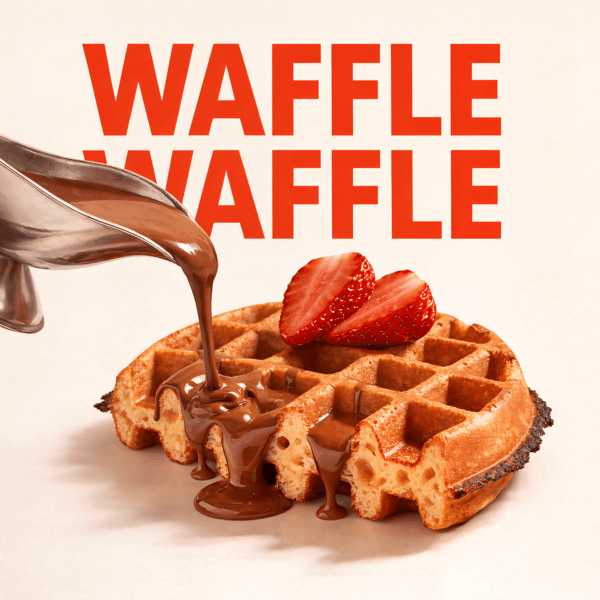
Waffle social media advertisement
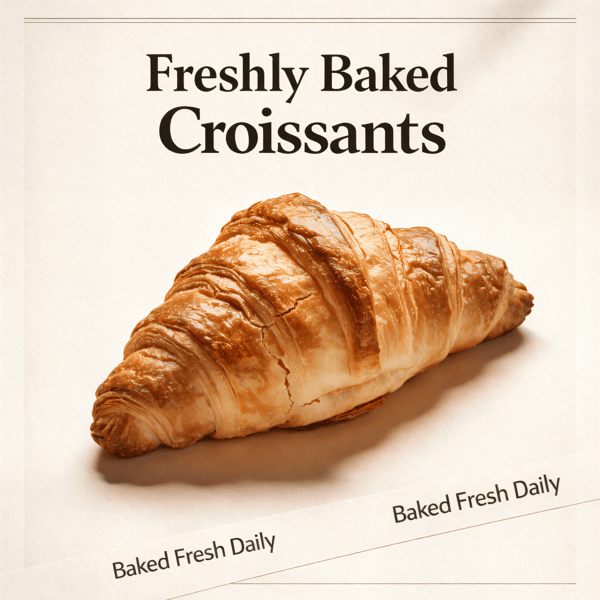
Croissant bakery marketing poster

Prompt Editing

Describe it, get it

Add sauce, swap plates, change lighting — just type what you want.
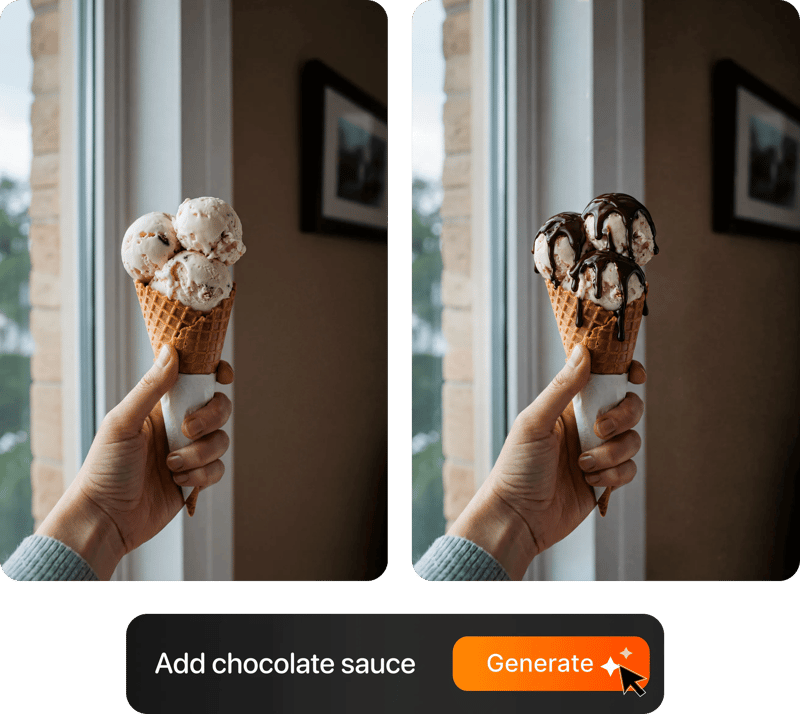
Prompt-based food photo editing

100+ Styles

Styles for every vibe

From clean white to moody fine dining. One tap.
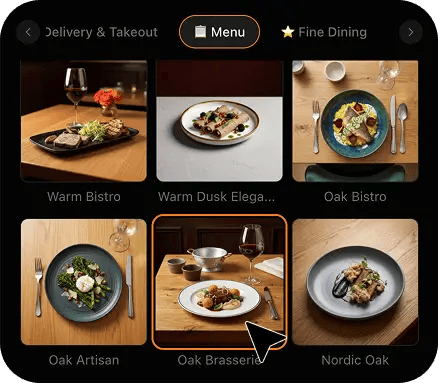
FoodShot 100+ food photography style presets grid

4K Resolution

Ultra-high resolution output

Up to 4K resolution output. Print-ready quality for menus, billboards, and packaging — no upscaling needed.

4K

Perfect For

Every kind of food creator

From Instagram food accounts to recipe bloggers and TikTok creators — FoodShot fits your content workflow

📸

Instagram Food Accounts

Posting 5-7 times per week demands a constant pipeline of consistent, professional photos. FoodShot lets you shoot with your phone at any restaurant or kitchen, then polish every image to match your grid aesthetic in seconds.

📝

Recipe Bloggers

Recipe photography determines whether a post gets 10 saves or 10,000. FoodShot gives your home-cooked dishes studio-quality presentation with bright, inviting presets designed for recipe content.

🎬

TikTok & Reels Creators

Thumbnail quality drives views before a single frame plays. FoodShot produces high-contrast, scroll-stopping food stills from your filming setup — the kind that make viewers tap before they read your caption.

🤝

Brand Deal Creators

Sponsors expect professional deliverables. FoodShot turns your phone photos into polished, commercial-grade food imagery that meets brand partnership standards — without renting equipment or booking a separate shoot.

🎥

YouTube Food Reviewers

Your thumbnail is your storefront. FoodShot creates dramatic, high-contrast food photos from your filming setup, giving you channel art and thumbnail imagery without a separate photo shoot for every upload.

📌

Pinterest Food Creators

Pinterest rewards high-quality, aspirational food photography with organic distribution. FoodShot helps you create warm, styled food images that earn saves, clicks, and consistent traffic back to your blog.

Reviews

Loved by food businesses

FoodShot AI changed my life as a Pastry Chef. Designing menus and plating used to be so time-consuming. Now I upload mockups and the AI does it all!
App Store

Happy Girl Pastry Chef

App Store

Great for small business! The app is easy to use. Smooth and professional results. Multiple background/settings/styles to choose. Highly recommend!
App Store

Trangbi89

App Store

Tahmin üstü başarılı! Grafikerlere para döküp yapılan menülerdeki görsellere nazaran çok daha başarılı..
App Store

Alihanndroo

App Store

Amazing useful for my restaurant business. This app saves me so much time and money.
App Store

Sezar256

App Store

For marketing and advertising we can use it as an enhancement. Really solid tool.

Reddit User

r/restaurantowners

Oohhh woowwww... Seriously amazing. The quality blew me away.

Remarkable-92

r/restaurantowners

FoodShot AI changed my life as a Pastry Chef. Designing menus and plating used to be so time-consuming. Now I upload mockups and the AI does it all!
App Store

Happy Girl Pastry Chef

App Store

Great for small business! The app is easy to use. Smooth and professional results. Multiple background/settings/styles to choose. Highly recommend!
App Store

Trangbi89

App Store

Tahmin üstü başarılı! Grafikerlere para döküp yapılan menülerdeki görsellere nazaran çok daha başarılı..
App Store

Alihanndroo

App Store

Amazing useful for my restaurant business. This app saves me so much time and money.
App Store

Sezar256

App Store

For marketing and advertising we can use it as an enhancement. Really solid tool.

Reddit User

r/restaurantowners

Oohhh woowwww... Seriously amazing. The quality blew me away.

Remarkable-92

r/restaurantowners

FAQ

Food Creator Photography FAQ

Common questions about food photography for bloggers, influencers, and content creators.

hello@foodshot.ai

FoodShot AI is a powerful, AI-driven content creation platform that helps you create high-quality food photography for menus, social media marketing, and promotional materials with ease. Transform any food photo into professional-grade visuals in seconds.

Yes! New users receive 3 free credits to explore the platform. The credits allow you to generate professional food photos and test all features before choosing a subscription plan.

It's simple! Upload a photo of your food, choose your desired style (menu photography or social media format), and click generate. For poster creation, select from our professional templates, add your text, and create marketing-ready content instantly.

Yes! Download our mobile app from the App Store to create stunning dish photos on the go. Access all features directly from your iOS device.

Yes! FoodShot AI is now available on Android. You can download it from Google Play and start creating professional food photos directly from your Android device.

With paid plans, you own full commercial rights to all generated images. Use them for your restaurant, marketing campaigns, social media, or any commercial purpose without restrictions. Free plan images include watermarks and are for personal use only.

Yes! For bulk processing needs, please email us at hello@foodshot.ai for our Enterprise plan options.

Yes, subscriptions renew month-to-month. To cancel, go to your account settings and click Manage Subscription. It's fully self-serve and you can activate or deactivate your plan anytime.

Yes, plan changes take effect immediately. You can upgrade or downgrade directly from your account dashboard. The new pricing will be adjusted for your current billing cycle.

We offer a full refund if you haven't used any credits in your current billing period. Refund requests must be made within 7 days of payment. Previous billing periods are non-refundable. Simply contact us at hello@foodshot.ai if you're not satisfied.

No, unused credits do not roll over to the next month. This applies to both monthly and yearly plans. Credits refresh every month regardless of your billing plan.

Yes! With our custom photography feature, you can upload your own reference images to create consistent branded content. Upload your restaurant's signature background, plating style, or any reference photo, and FoodShot AI will generate new images matching that exact style.

Absolutely! Once you upload a custom background or reference template, you can use it for all your future generations. This is perfect for maintaining consistent branding across all your food photography. Save your favorite backgrounds and create a cohesive visual identity for your restaurant.

FoodShot AI supports all major image formats including JPG, PNG, WEBP, and HEIC. For best results, we recommend using high-quality images with good lighting. The AI will analyze your reference and apply the same style, lighting, and composition to your food photos.

Yes! You can upload your own poster designs and templates. Whether it's your restaurant's branded template or a custom design, simply upload it and FoodShot AI will intelligently place your food photos while preserving your design elements, logos, and text.

All paid plans include unlimited custom template uploads. You can build an entire library of your brand's templates, backgrounds, and reference styles. Free plan users can try the feature with our pre-made templates.

Restaurant dining rooms are one of the hardest environments to photograph food. You're dealing with dim ambient lighting, awkward table angles, mixed color temperatures from warm bulbs and cold daylight, and the pressure of a dish going cold while you shoot. FoodShot solves this by letting you snap a quick phone photo at the table — even in poor lighting conditions — and enhance it afterward. Upload the photo, select a style that matches your content aesthetic, and FoodShot corrects the exposure, adjusts the color temperature, sharpens the details, and produces a professional result. The original moment is captured on the spot, and the polish happens on your timeline, not the restaurant's. Many food reviewers report that their FoodShot-processed photos outperform the ones they spent thirty minutes editing in Lightroom.

Grid consistency is the hallmark of a professional food account, and it's one of the hardest things to achieve when you're shooting at different restaurants, in different cities, under different lighting conditions every day. FoodShot's My Styles feature solves this directly. Upload one of your best-performing food photos as a style reference, and every subsequent photo you process will match that exact lighting, color grading, and mood — regardless of where you shot it. Whether the original was taken under warm tungsten bulbs at a Paris bistro or harsh midday sun at an outdoor market in Bangkok, the output matches your established visual identity. Your followers see a cohesive, curated grid. You spend a fraction of the time you previously lost to manual color correction and batch editing across platforms.

Home kitchens present unique photography challenges that are different from restaurant shoots — inconsistent natural light throughout the day, cluttered backgrounds, limited counter space for styling props, and the reality that most home cooks don't own professional lighting equipment. FoodShot's Builder Mode lets you separate the food from its environment entirely. Upload a photo of your finished dish, select a background surface like marble, wood, or linen, choose a plate style, and FoodShot composes a clean, professional scene. For bloggers who publish three to five recipes per week, this eliminates the need for a dedicated photography setup. You can also use the Poster Mode to create Pinterest-ready graphics with text overlays directly from your food photos, cutting an entire step from your publishing workflow and freeing up hours each week.

FoodShot outputs up to 4K resolution, which exceeds the requirements for both digital platforms and most print applications. For social media, a 4K image gives you maximum flexibility — you can crop tightly for Instagram Stories, use the full frame for a blog header, or export a Pinterest-optimized vertical crop, all from a single generation without losing quality. For print use cases like cookbook layouts, media kits, or brand pitch decks, 4K resolution at standard DPI is suitable for most page sizes. With any paid plan, all generated images include full commercial rights. You can use them in sponsored content, sell prints, include them in merchandising, or license them to publications — without restrictions or additional fees per image.

Brand partnerships typically require a set of professional food photos featuring the sponsor's product in a natural, on-brand context. Traditionally, this means booking a photographer, renting a studio, or setting up an elaborate home shoot — all of which eat into your margin on the deal. FoodShot lets you photograph the product during your normal content workflow, then enhance each photo to commercial quality afterward. The My Styles feature ensures every deliverable matches your established aesthetic, which is what the brand hired you for in the first place. Many creators use the multi-variation feature to generate several style options from a single upload — giving their brand partners a selection of looks to choose from. This increases the perceived value of the deliverable package without additional production time or cost on your end.

Yes. FoodShot's Poster Mode is built specifically for creating branded content graphics from your food photos. Select a photo from your library, choose from a collection of professional templates optimized for specific platforms, add your text overlay and branding elements, and export a finished graphic. For Pinterest, this means you can create tall-format pins with recipe titles, ingredient callouts, and blog URLs directly from your food photos — without switching to a separate design tool. For YouTube, the same workflow produces high-impact thumbnails with bold text and dramatic food imagery sized to YouTube's recommended dimensions. The templates are designed by professional graphic designers and include text-safe zones so your titles are always readable across devices. It's one tool replacing two or three steps in your content pipeline.

Your feed deserves better photos.

Join 10,000+ food bloggers, Instagram creators & TikTok food accounts producing studio-quality photos.

Start Creating Free
No credit card requiredCancel anytimeFull commercial license