
Food Photography for Restaurants: DIY vs Pro vs AI Compared
 Ali Tanis13 min read
Food photography for restaurants used to mean one thing: hire an expensive photographer, wait weeks, and hope the shots came out right. In 2026, restaurant owners have three real options — and picking the right one (or the right combination) can save you thousands while getting images that actually drive orders.
This guide compares DIY shooting, professional food photography, and AI photo enhancement side by side — with honest scores, real costs, and practical tips for choosing the approach that fits your restaurant type and budget.
Quick Summary: DIY phone photography costs nothing but delivers mediocre results (4/10 quality). Professional food photographers produce stunning shots (9/10) but charge $500–$5,000+ per session with 1–3 week turnaround. AI enhancement tools like FoodShot transform your phone snaps into near-professional images (7–8/10) for $15–$99/month in about 2 minutes per photo. Most restaurants in 2026 use a hybrid of two or three methods.
Why Your Restaurant Food Photography Is Costing You Revenue
Bad food photography for restaurants isn't just embarrassing — it's measurably expensive. Here's what the data shows:
- 93% of diners check food photos online before choosing a restaurant (Hospitality Insight UK, 2026)
- Menus with professional food photography increase sales 20–45% (Marketing LTB)
- Delivery app listings with quality images generate up to 70% more orders than text-only listings
- High-quality food photography boosts social media engagement by up to 47% and average order values by 35%
If your menu shots look like they were taken under fluorescent lights with a 2018 Android, you're leaving real money on the table. The question isn't whether to invest in food photography for your restaurant — it's which approach delivers the best return for your specific situation.
Let's break down all three options with real numbers.
Option 1: DIY Phone Food Photography
Cost: $0–$200 (your phone + basic props) Quality: 4/10 Time: 30–60 minutes per dish Best for: Daily social stories, temporary specials, behind-the-scenes content
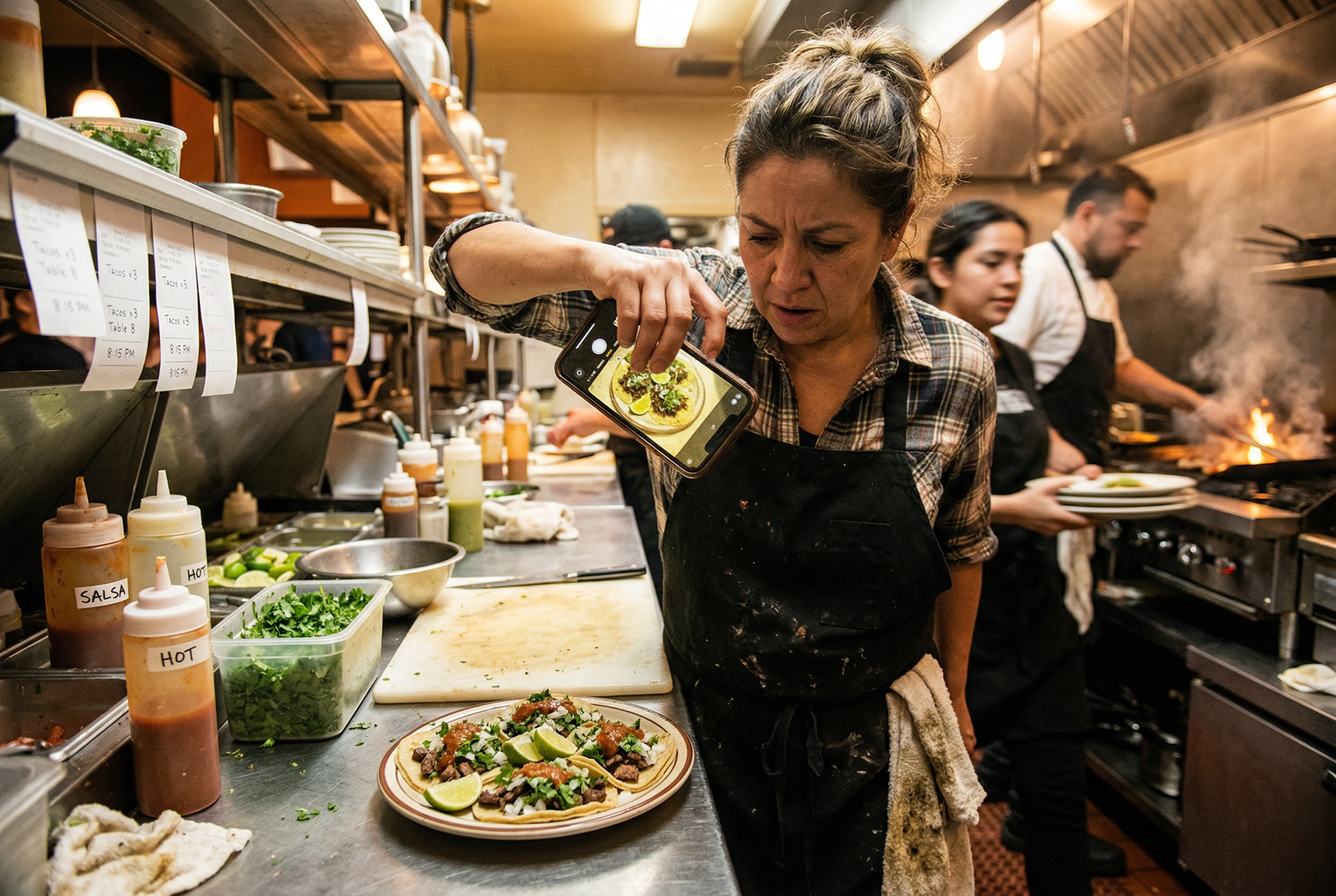 Busy restaurant owner taking rushed DIY food photo on phone amid kitchen chaos during service
DIY is the free option, and you generally get what you pay for. A modern iPhone or Android can capture decent shots if you understand lighting, composition, and angles — but that's a big "if" for most restaurant owners already juggling 14 hours of operations daily.
What $0–$200 gets you for your shoot:
- Your phone's camera (legitimately good hardware in 2026)
- A $5 foam board from the dollar store as a light reflector
- A $15–$30 phone tripod for stable, sharp shots
- Natural window light (free, but weather- and time-dependent)
Where DIY food photography for restaurants works well:
- Instagram Stories and casual social posts that disappear in 24 hours
- Quick snaps of daily specials or limited-time items
- Behind-the-scenes kitchen shots (where "raw" looks intentional)
- Testing new dish presentations before committing to a full shoot
Where DIY falls short:
- Menu photography that needs polished, consistent shots across 30+ dishes
- Delivery app listings where you're competing side-by-side with restaurants using professional images
- Any print materials — menus, flyers, signage — where low resolution is immediately obvious
- Maintaining a consistent visual brand when different staff shoot photos on different days
The biggest hidden cost of DIY? Your time. If you're spending 45 minutes per dish and your menu has 40 items, that's 30 hours of shooting — not counting retakes, editing, and setup. For a restaurant owner, those hours have real dollar value.
Tips for better DIY results: Our step-by-step guide on how to take food photos with your phone covers lighting tips, angle techniques, and composition tricks that'll get your shots from a 2/10 to a 4/10 without spending a dime. The single biggest tip? Shoot near a window during daylight hours — it solves 80% of amateur lighting problems instantly.
Option 2: Hiring a Professional Food Photographer
Cost: $500–$5,000+ per session Quality: 9/10 Time: 1–3 week turnaround Best for: Grand openings, major rebrands, advertising campaigns, flagship hero shots
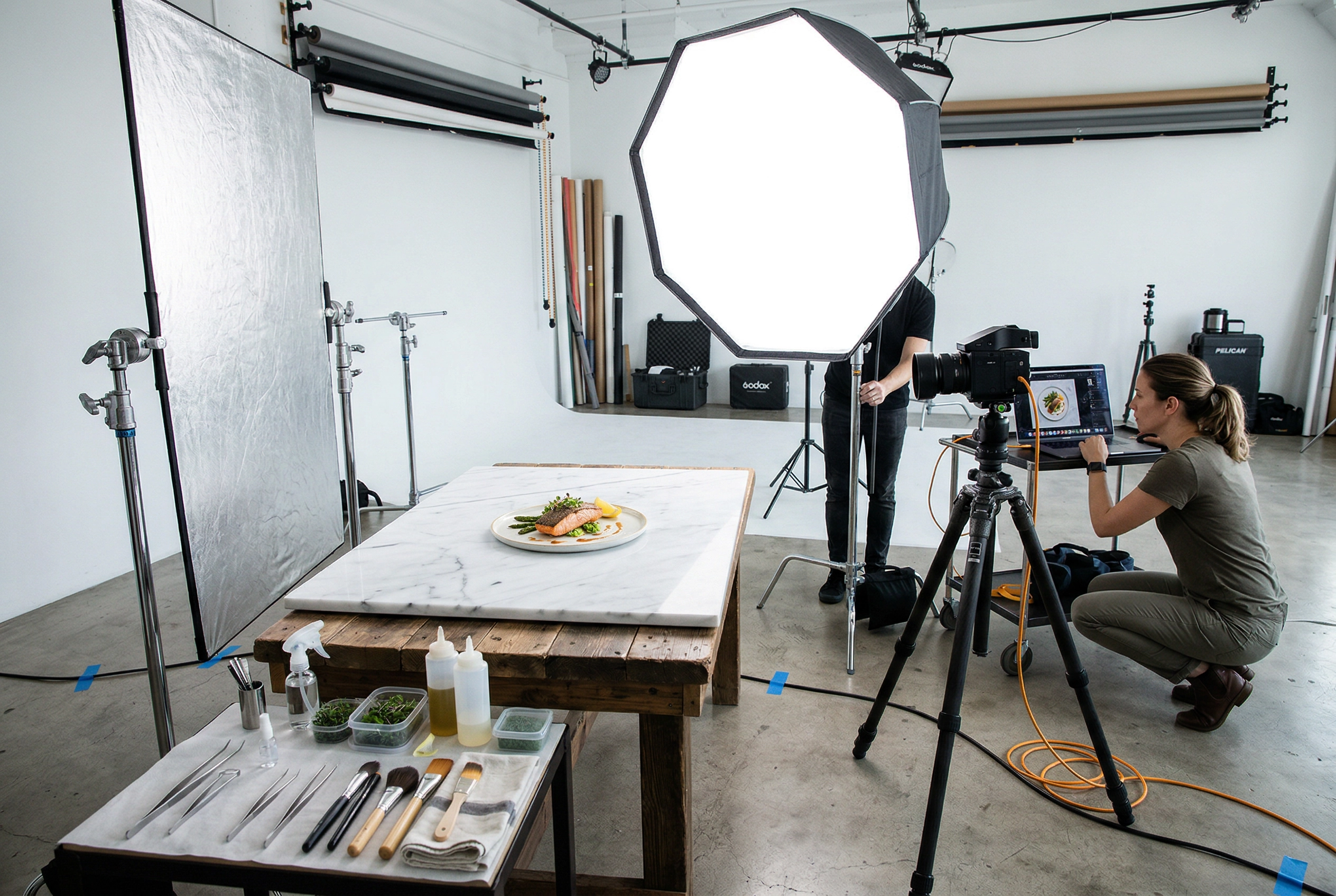 Professional food photography studio with lighting equipment, stylist tools, and tethered camera setup for restaurant shoot
Hiring a professional food photographer remains the gold standard for image quality. A skilled photographer brings lighting gear, understands food styling, and knows how to make a plate of chicken parmesan look like it belongs in a magazine shoot.
What you're actually paying for in a professional food photography shoot:
| Cost Component | Typical Range |
|---|---|
| Photographer fee | $500–$2,500/session |
| Food stylist | $500–$1,200/day |
| Prop stylist | $300–$800/day |
| Studio rental (if needed) | $750–$2,500/day |
| Retouching/editing | Often included, sometimes $25–$75/image extra |
| All-in cost (major metro) | $2,990–$7,750 |
That means each image from a 20-dish shoot can run $150–$400 per shot when you factor in the full production team. For a deeper pricing breakdown, see our food photography cost analysis.
Where professional photography shines:
- Grand opening campaigns where first impressions define your brand
- Major rebrands or menu overhauls that set the visual tone for 1–2 years
- Advertising campaigns (billboards, magazine ads, high-spend paid social)
- Signature dishes that represent your restaurant's identity — those 3–5 hero shots used everywhere
Where professional restaurant food photography becomes impractical:
- Seasonal menu rotations (quarterly shoots at $3,000+ each = $12,000+/year just for photography)
- Delivery app listings that need updating whenever you add or change a dish
- Daily social media content — no photographer is showing up every Tuesday for your taco special
- Multi-location chains needing consistent shots across dozens of outlets
The real challenge isn't quality — it's frequency. Your restaurant food photos need to stay current. A single shoot creates a fixed set of images, and once your menu changes, those $200-per-shot photos become outdated.
Tip: If you invest in a professional shoot, maximize it with our menu photoshoot guide — it covers how to prepare dishes, plan your shot list, and get the most images from a single session.
Option 3: AI Food Photo Enhancement
Cost: $15–$99/month Quality: 7–8/10 Time: ~2 minutes per image Best for: Menu updates, delivery apps, ongoing social media, seasonal refreshes
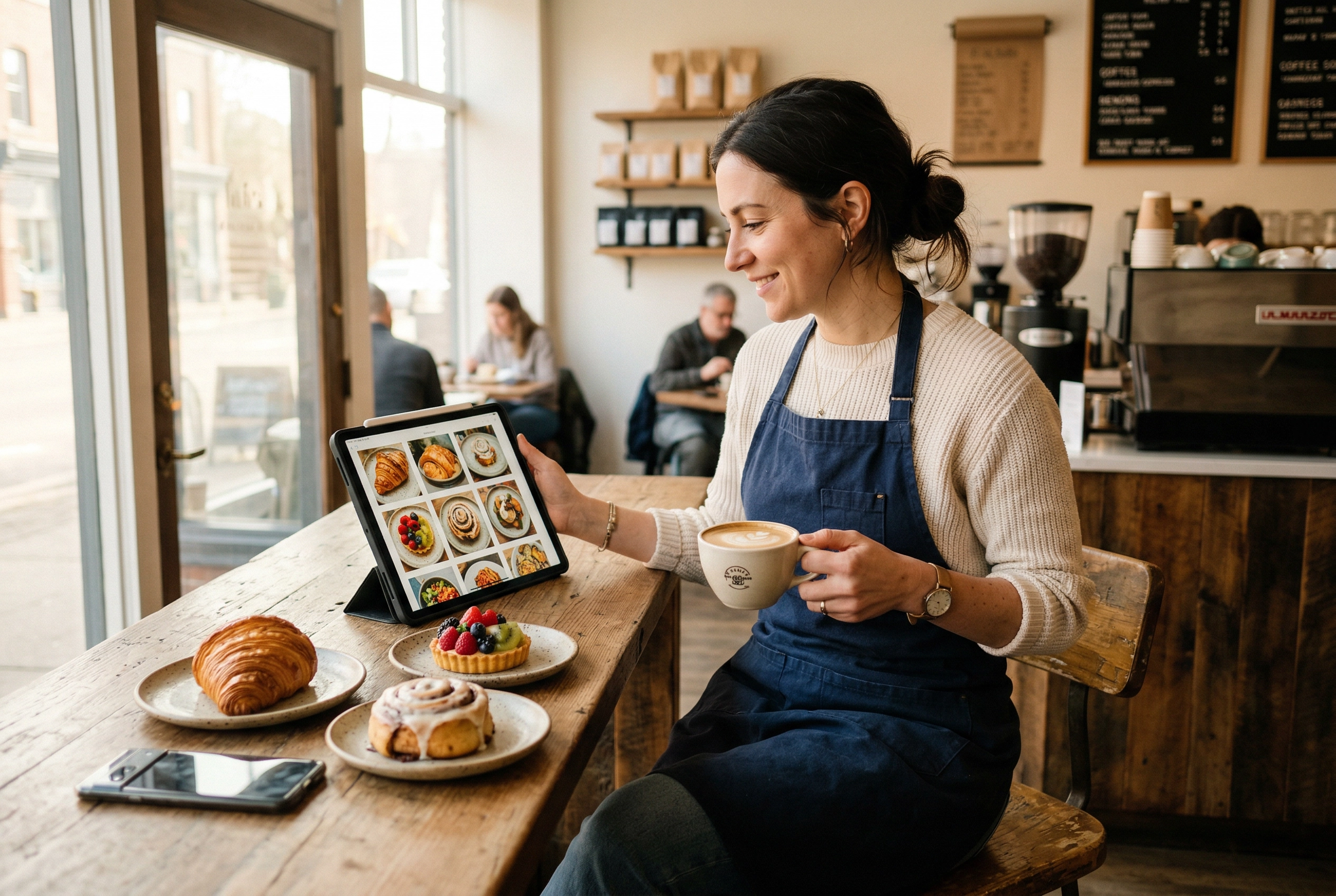 Café owner casually reviewing AI-enhanced food photos on tablet beside freshly plated pastries in morning light
AI food photo enhancement sits in the practical middle ground for restaurant food photography. You snap a photo of your dish with your phone, upload it to FoodShot's AI food photo editor, choose from 100+ curated photography styles, and get back a studio-quality version in about 2 minutes.
This isn't generating fake food images from nothing — you're enhancing shots of your actual dishes. The AI adjusts lighting, backgrounds, plating presentation, and overall polish while keeping the food itself authentic to what customers will actually receive.
What the monthly cost covers:
| Plan | Monthly Price | Images/Month | Per-Image Cost |
|---|---|---|---|
| Starter | $15/mo | ~25 | $0.60 |
| Business | $45/mo | ~100 | $0.45 |
| Scale | $99/mo | ~250 | $0.40 |
Check the full FoodShot pricing for annual discounts (40% off) and Enterprise options with API access.
Every paid plan includes a commercial license, 100+ curated photography styles (delivery, menu, fine dining categories), Builder Mode for custom backgrounds, My Styles for brand consistency across every shoot, and 2K resolution output suitable for print menus, with a 2x upscale when you need a bigger file for posters or billboards.
Where AI food photography for restaurants excels:
- Updating delivery app photos whenever your menu changes (see our delivery app photography guide)
- Creating consistent images across your entire menu — same lighting, same quality, every dish
- Seasonal refreshes without rebooking a photographer or scheduling a new shoot
- Regular social media content on a steady publishing cadence
- Multi-location brands needing uniform imagery across every outlet (check the café menu photography workflow)
Where AI enhancement has limitations:
- Complex advertising campaigns requiring specific creative direction and elaborate staging
- Ambiance and interior shots of your restaurant space (AI food tools enhance food, not environments)
- Lifestyle imagery — hands holding food, people dining, action shots in the kitchen
For a deeper head-to-head, see our AI vs hiring a food photographer analysis.
The Full Comparison: Restaurant Food Photography Scored Across 8 Dimensions
Here's how DIY, professional, and AI stack up across every dimension that matters for restaurant food photography:
| Dimension | DIY Phone | Professional | AI (FoodShot) | Winner |
|---|---|---|---|---|
| Cost | ★★★★★★★★★★ 10/10 | ★★ 2/10 | ★★★★★★★★★ 9/10 | DIY |
| Quality | ★★★★ 4/10 | ★★★★★★★★★ 9/10 | ★★★★★★★★ 8/10 | Pro |
| Speed | ★★★ 3/10 | ★★ 2/10 | ★★★★★★★★★★ 10/10 | AI |
| Consistency | ★★ 2/10 | ★★★★★★★★ 8/10 | ★★★★★★★★★ 9/10 | AI |
| Scalability | ★★ 2/10 | ★★★ 3/10 | ★★★★★★★★★ 9/10 | AI |
| Convenience | ★★★★★★ 6/10 | ★★ 2/10 | ★★★★★★★★★ 9/10 | AI |
| Customization | ★★★ 3/10 | ★★★★★★★★★★ 10/10 | ★★★★★★★ 7/10 | Pro |
| Authenticity | ★★★★★★★★★★ 10/10 | ★★★★★★★★★ 9/10 | ★★★★★★★★ 8/10 | DIY |
What this comparison reveals about food photography for restaurants:
- DIY wins on cost and authenticity — it's free, and the shots are undeniably your real food in your real space. But you sacrifice quality, consistency, and the ability to scale.
- Professional wins on quality and customization — nothing beats a skilled photographer with a food stylist for magazine-worthy shots and creative direction. But it's expensive, slow, and doesn't scale for day-to-day restaurant needs.
- AI wins on speed, consistency, scalability, and convenience — it's the only approach that lets you produce professional-quality food photography images on demand, at any volume, without scheduling anyone or setting up an elaborate shoot.
No single method is best for every restaurant situation. The smart play is combining them strategically.
Which Approach Is Right for Your Restaurant?
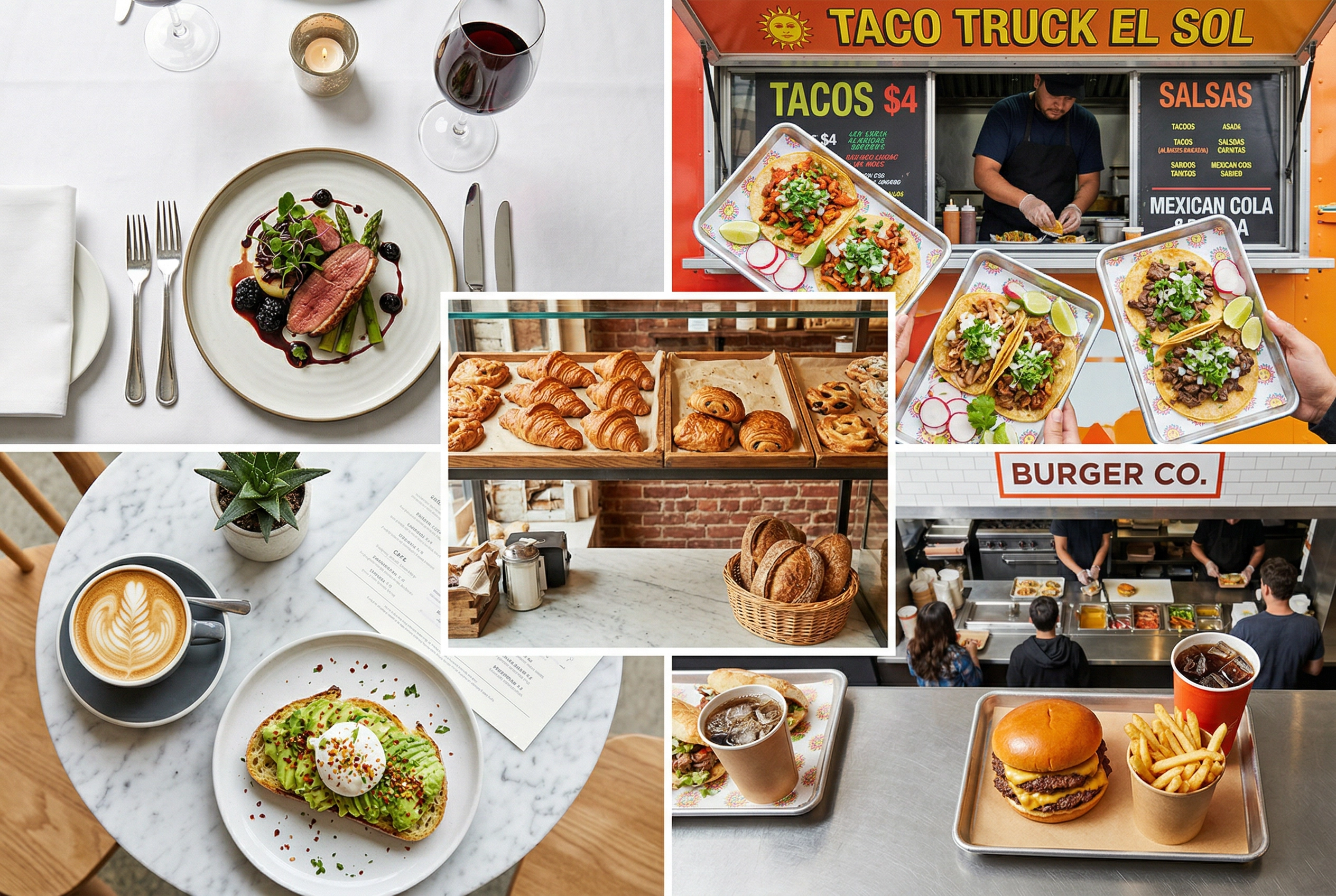 Five different restaurant types showing diverse food photography needs from fine dining to food trucks and cafés
Here are our recommendations based on the restaurant types and situations we see most:
New Restaurant, Tight Budget
Recommended approach: DIY basics + AI enhancement Why: Shoot your dishes using our phone photography tips, then enhance them with FoodShot's Starter plan ($15/month) for 25 near-professional images monthly — enough for your initial menu and delivery app listings. Total annual photography cost: under $200.
Established Restaurant, Regular Menu Changes
Recommended approach: AI as primary tool + professional photographer 1–2× per year Why: Use AI enhancement for the 80–90% of food photos you need regularly — seasonal updates, new dishes, social content. Hire a professional once a year for flagship hero shots and brand-defining imagery. Annual cost: ~$600–$1,200 (AI) + $2,000–$5,000 (one pro shoot).
Multi-Location Chain
Recommended approach: AI at scale + professional shoots for brand campaigns Why: Consistency across locations is your biggest photography challenge. AI delivers identical quality standards from every outlet's phone photos. FoodShot's Scale plan ($99/month) covers 250 images — enough for multiple locations. Enterprise API access enables custom workflows across your whole operation.
Fine Dining Restaurant
Recommended approach: Professional for hero shots + AI for seasonal rotations Why: Your flagship tasting menu deserves a photographer who understands plating artistry and can capture every nuance. But when you rotate 6 courses every season, AI handles the visual refresh without a $3,000 reshoot. See how this works for fine dining brands.
Food Truck or Pop-Up
Recommended approach: DIY + AI enhancement Why: Speed and budget matter most. Snap food photos on site, enhance them in about 2 minutes each, and post to social media before the lunch rush ends. The Starter plan at $15/month covers all the food photography a mobile operation needs.
Grand Opening or Rebrand
Recommended approach: Professional photographer (this is when it's genuinely worth it) Why: First impressions for a new concept justify the investment. These hero shots define your brand for the next 1–2 years. Budget $3,000–$7,500 for a comprehensive shoot, then switch to AI for ongoing photography maintenance.
The pattern: Almost every scenario benefits from AI food photo enhancement somewhere in the mix. At $0.40–$0.60 per image versus $150–$400 per shot from a professional, AI covers the routine restaurant food photography needs that don't justify a $5,000 production.
For more strategies that complement great food photography, explore our restaurant marketing ideas and the full restaurant food photography guide.
Frequently Asked Questions
Can AI replace a professional food photographer entirely?
For day-to-day restaurant needs — menu photos, delivery app listings, social media content — yes. AI tools like FoodShot produce food photography that's visually comparable to professional work for these everyday use cases. But for high-stakes creative shoots, brand launches, or editorial-quality hero shots, a professional photographer still delivers what AI can't: custom creative direction, elaborate staging, and artistic interpretation of your brand story.
What equipment do I need for DIY restaurant food photography?
At minimum: a smartphone (2022 or newer), natural light from a window, and a $5 white foam board as a reflector. That's genuinely it for basic shots. To level up, add a $15–$30 phone tripod and a clean white plate. Our phone photography guide has the full equipment list and step-by-step shooting tips.
How many food photos does a restaurant typically need?
A typical restaurant needs 1–3 shots per menu item (different angles, plating variations), plus 10–20 ambiance photos, plus ongoing social content. For a 40-item menu, that's roughly 60–140 menu images plus regular social media shots. This is exactly why AI enhancement is popular for food photography — shooting 100+ photos with a professional photographer would cost $10,000+, while AI handles it for under $100/month.
How often should restaurants update their food photos?
At minimum, update whenever your menu changes. Beyond that, refreshing delivery app and social media imagery quarterly keeps things current and signals to platforms that you're an active business. Seasonal refreshes — spring cocktails, winter comfort food, holiday specials — are proven to boost engagement and orders. Our restaurant food photography guide covers the optimal update schedule.
Can I use AI-enhanced food photos on delivery apps like Uber Eats?
Yes. AI enhancement improves the lighting, backgrounds, and visual quality of your real dishes — the food in each shot is still your actual food. This meets the authenticity requirements of Uber Eats, DoorDash, and Grubhub. FoodShot includes delivery-specific photography styles optimized for each platform's specs and image requirements. See our delivery app photography guide for platform-specific tips.