
Food Background Wallpapers for Menus & Marketing (Free)
 Ali Tanis14 min read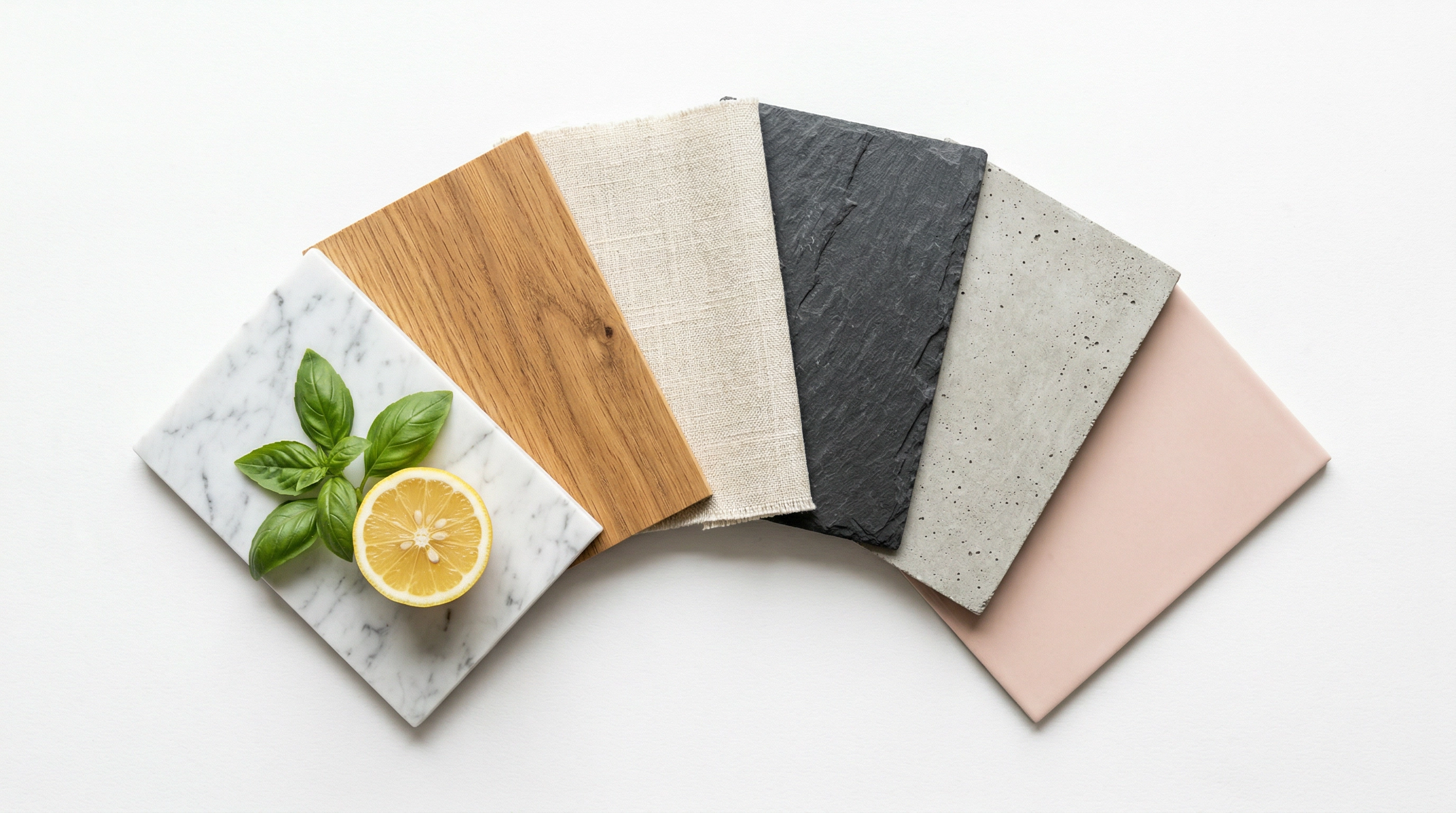
Finding the right food background wallpaper can make or break your menu design, Instagram post, or delivery app listing. But here's the thing — a marble texture that looks stunning behind a steak photo will look terrible on an Uber Eats thumbnail. A bold gradient that pops on Instagram will distract from dish names on a printed menu.
The food background you need depends entirely on where you're using it.
Quick Summary: This guide organizes the best free food background wallpapers by use case — menus, social media, marketing materials, delivery apps, and websites — with direct download links to vetted resources. Each section explains what works (and what doesn't) for that specific context, so you grab the right food wallpaper background the first time.
What Makes a Good Food Background Wallpaper?
Not every food background image works for every purpose. Before you start downloading, here are three rules that separate professional-looking food visuals from amateur ones:
1. Complement, don't compete. The background should make the food (or text) the star. If your eye goes to the background first, it's too busy.
2. Match the mood. A rustic wood texture says "farm-to-table." White marble says "upscale." Bright yellow says "fast and fun." Pick a food wallpaper background that matches the feeling you want customers to associate with your food.
3. Fit the platform specs. Instagram posts need 1:1 or 4:5. Uber Eats needs 5:4 at 1200×800px minimum. Printed menus need 300 DPI. A gorgeous background at the wrong resolution is useless.
With those rules in mind, here are the best free food background wallpapers organized by exactly how you'll use them.
Food Background for Menu Design: Clean Textures That Shine
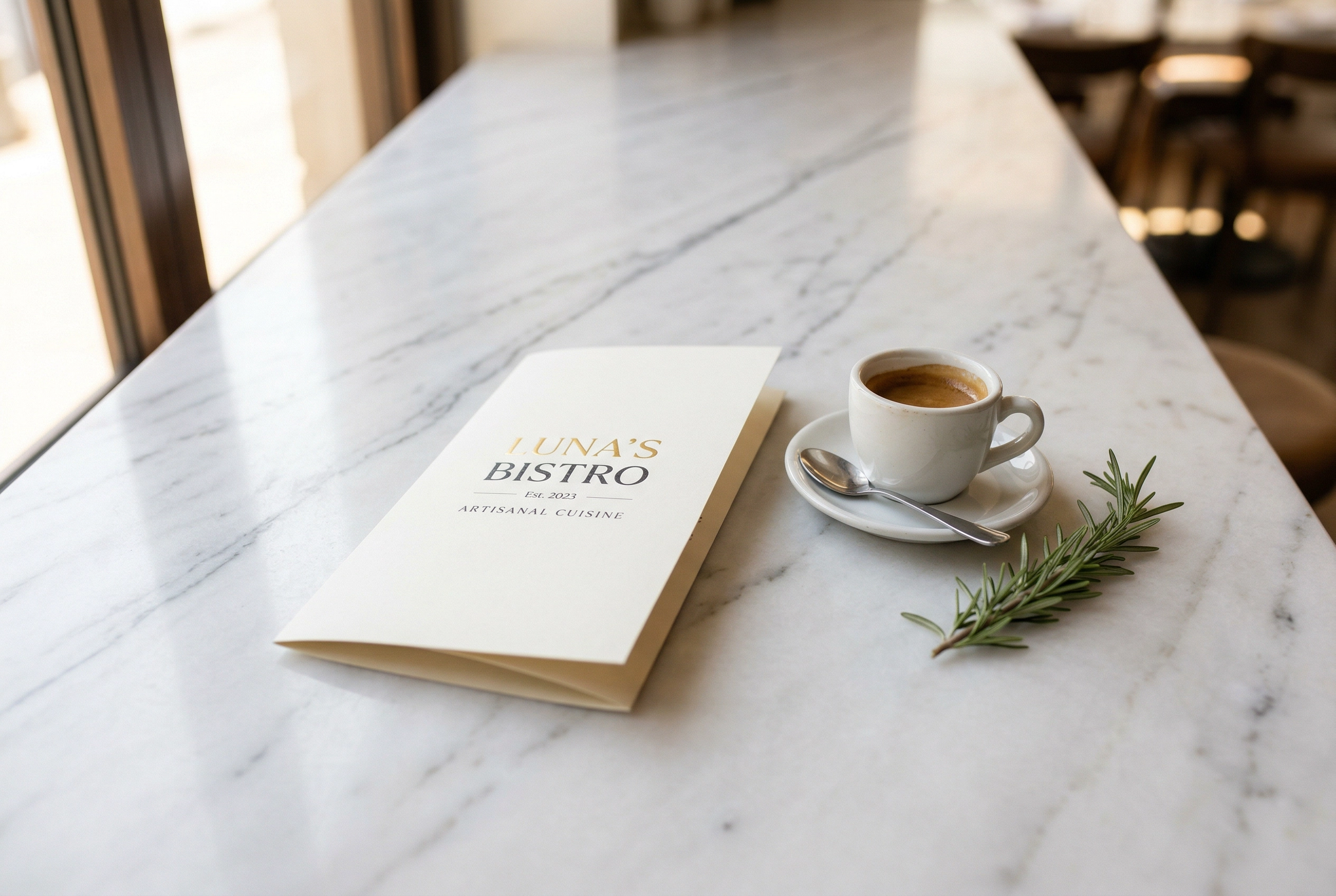 White marble countertop with restaurant menu showing subtle food background texture ideal for menu design
Printed and digital menus need backgrounds that sit quietly behind text and food photos. If a customer has to squint past a busy pattern to read your prices, you've already lost the sale.
What works best as a food background for menu design:
- Marble (white, grey, or black) — timeless, clean, signals quality
- Wood grain (light oak, dark walnut, whitewashed) — warm, inviting, works for casual to mid-range
- Linen and fabric textures — subtle, soft, adds depth without distraction
- Solid colors (cream, charcoal, navy, sage) — simplest option, easiest to pair with any cuisine
- Slate and concrete — modern, slightly industrial, great for trendy eateries
For print menus, you need at least 300 DPI resolution. For digital menus displayed on tablets or websites, 1920×1080px or higher works well.
Where to download free food menu backgrounds:
- Unsplash — Texture backgrounds — High-quality marble, wood, and fabric textures. No attribution required, free for commercial use.
- Pexels — Wood table backgrounds — Hundreds of wood surface photos at various angles. Completely free.
- Pixabay — Marble texture — Clean marble surfaces in white, grey, and black. Royalty-free.
- Freepik — Menu background vectors — Design-ready vectors and PSD files. Free with attribution on the free plan.
- Vecteezy — Restaurant menu backgrounds — Over 125,000 menu-specific vector backgrounds with elegant typography layouts.
- Rawpixel — Food backgrounds — Public domain images plus unique art styles. Great for standing out from competitors using the same stock photos.
Pro tip: Stick to one background texture across your entire menu for visual consistency. Mixing marble on one page and wood on the next looks disjointed. Need inspiration? Check out our list of 50 food menu background ideas with specific texture pairings by cuisine type.
Social Media Food Background Images: Stop the Scroll
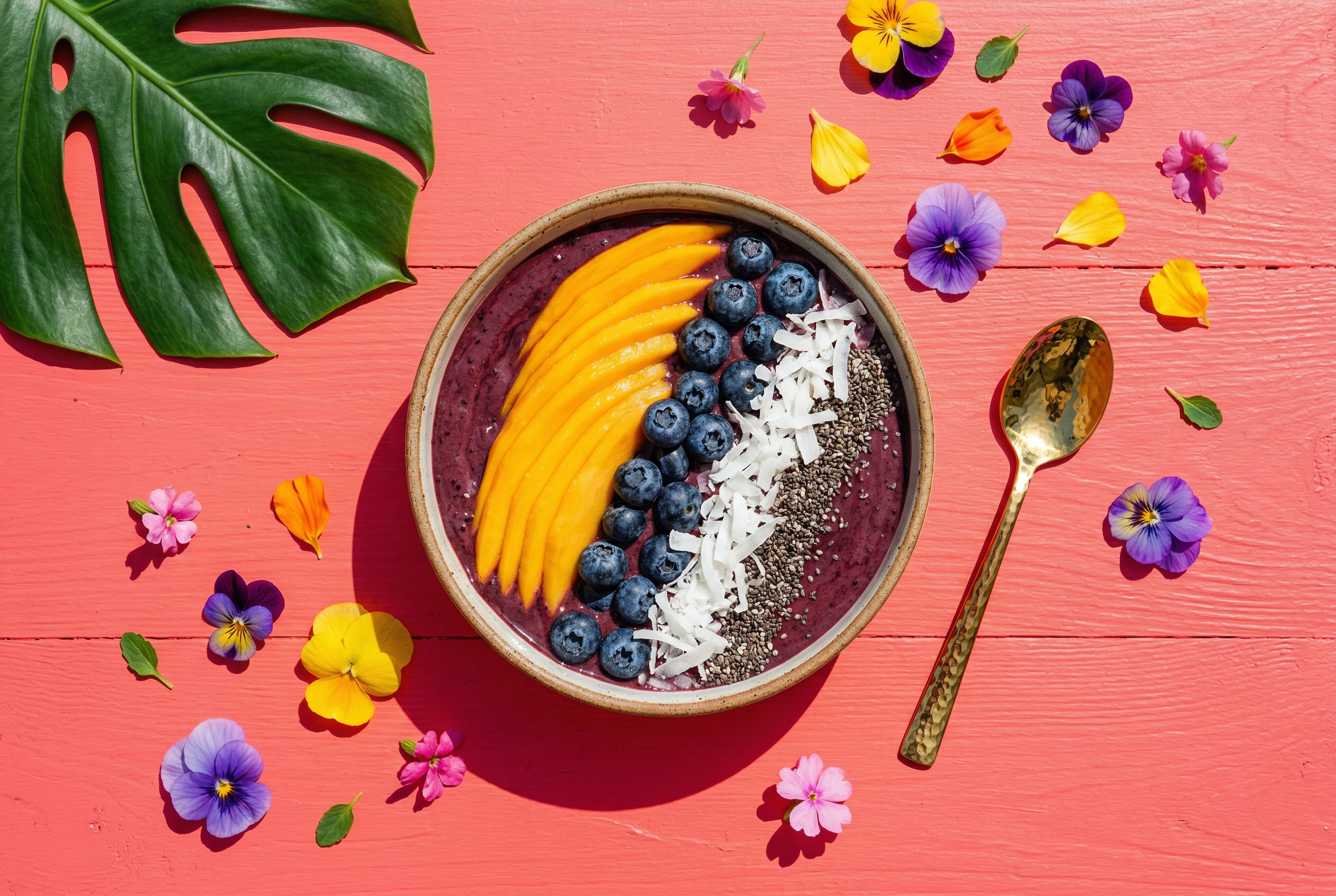 Vibrant acai bowl on coral-pink background showing Instagram-style food photography for social media content
Social media food background images need to do the opposite of menu backgrounds — they need to stop the scroll. You have about 1.3 seconds to catch someone's attention in a feed, so subtle won't cut it here.
What works best for social media food backgrounds:
- Bold solid colors (bright red, sunshine yellow, electric blue) — high contrast makes food pop
- Gradient backgrounds — smooth color transitions feel modern and trendy
- Pastel tones (blush pink, mint, lavender) — popular for bakeries, cafes, and brunch spots
- Pattern backgrounds (geometric, terrazzo, abstract shapes) — adds energy without competing with the food
- Dark/moody backgrounds (black, deep navy, charcoal) — dramatic, editorial, great for fine dining content
Keep platform dimensions in mind: Instagram feed posts work best at 1:1 (1080×1080px) or 4:5 (1080×1350px). Stories and Reels need 9:16 (1080×1920px). Pinterest pins perform best tall at 2:3 (1000×1500px).
Where to download free social media food backgrounds:
- Unsplash — Food photography — Styled food flat lays and colorful backgrounds. Commercial-use-friendly.
- Pexels — Colorful background — Vibrant solid colors and gradients at high resolution.
- Freepik — Food Instagram story — Ready-made story layouts and backgrounds. Free with attribution.
- Pixabay — Food wallpaper — Stylized food images designed as wallpapers and backgrounds.
- Rawpixel — Pattern backgrounds — Unique geometric and hand-drawn patterns, many in public domain.
Design platforms like Canva and PosterMyWall also offer food-specific social media templates with built-in backgrounds — useful if you want a complete layout rather than just the background image.
For a deeper dive into what actually performs on Instagram, read our guide on Instagram food photography — it covers hashtag strategy, posting times, and editing techniques alongside background selection.
Marketing Material Backgrounds: Bold Food Background HD Options
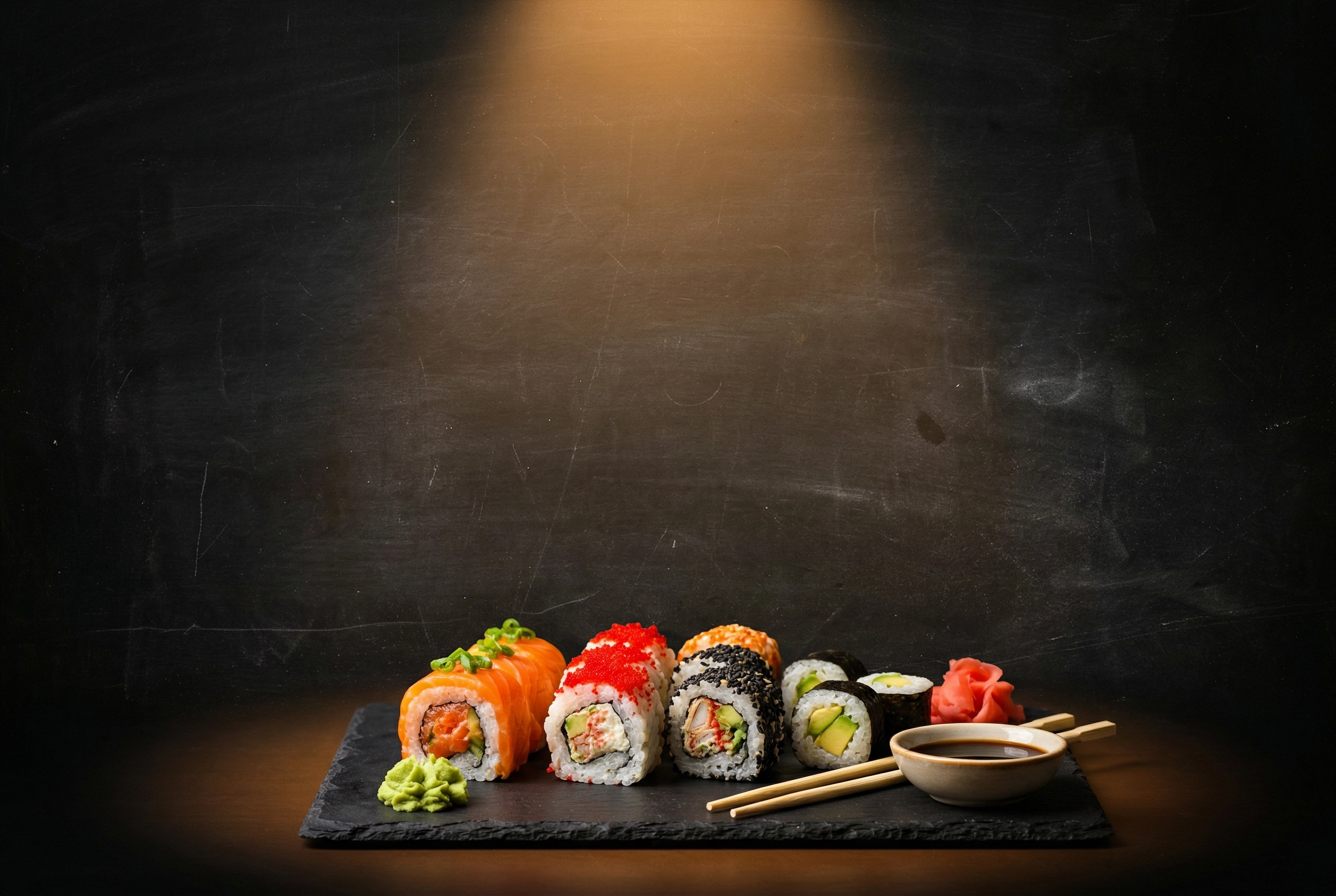 Dramatic dark chalkboard food background with sushi platter for bold restaurant marketing poster design
Restaurant posters, promotional banners, table tents, and window signs need backgrounds with serious visual impact. These are often viewed from a distance or while someone walks past, so subtlety is your enemy here.
What works best for marketing food backgrounds:
- High-contrast backgrounds — dark backgrounds with bright food, or vibrant backgrounds with clean white text
- Textured surfaces with drama (chalkboard, rustic brick, weathered metal) — adds character
- Bold color blocks — use your brand colors at full saturation
- Food ingredient spreads — overhead shots of scattered herbs, spices, or vegetables as a background
- Blurred food photography — a slightly out-of-focus food image makes a rich, atmospheric backdrop
For print materials, resolution matters. You need food background HD images at 300 DPI minimum — that means a standard 11×17" poster needs a background image of at least 3300×5100 pixels. Most free stock photos top out around 4000–6000px on the long edge, which is sufficient for typical poster sizes.
Where to download free HD food backgrounds for marketing:
- Unsplash — Restaurant background — Atmospheric restaurant interiors and food scenes. High-res, no attribution needed.
- Pexels — Food background — Over 700,000 food background images, including overhead ingredient spreads.
- Freepik — Food poster background — Vectors and photos specifically designed for food marketing materials.
- Vecteezy — Food banner background — Banner-format vectors optimized for promotional use.
- Pixabay — Chalkboard background — Classic chalkboard textures popular for restaurant promos and specials boards.
If you're building a full visual identity for your restaurant — including consistent poster backgrounds, menu design, and social graphics — our restaurant branding guide walks through how to create a cohesive look across all touchpoints.
Delivery App Backgrounds: What Uber Eats & DoorDash Actually Want
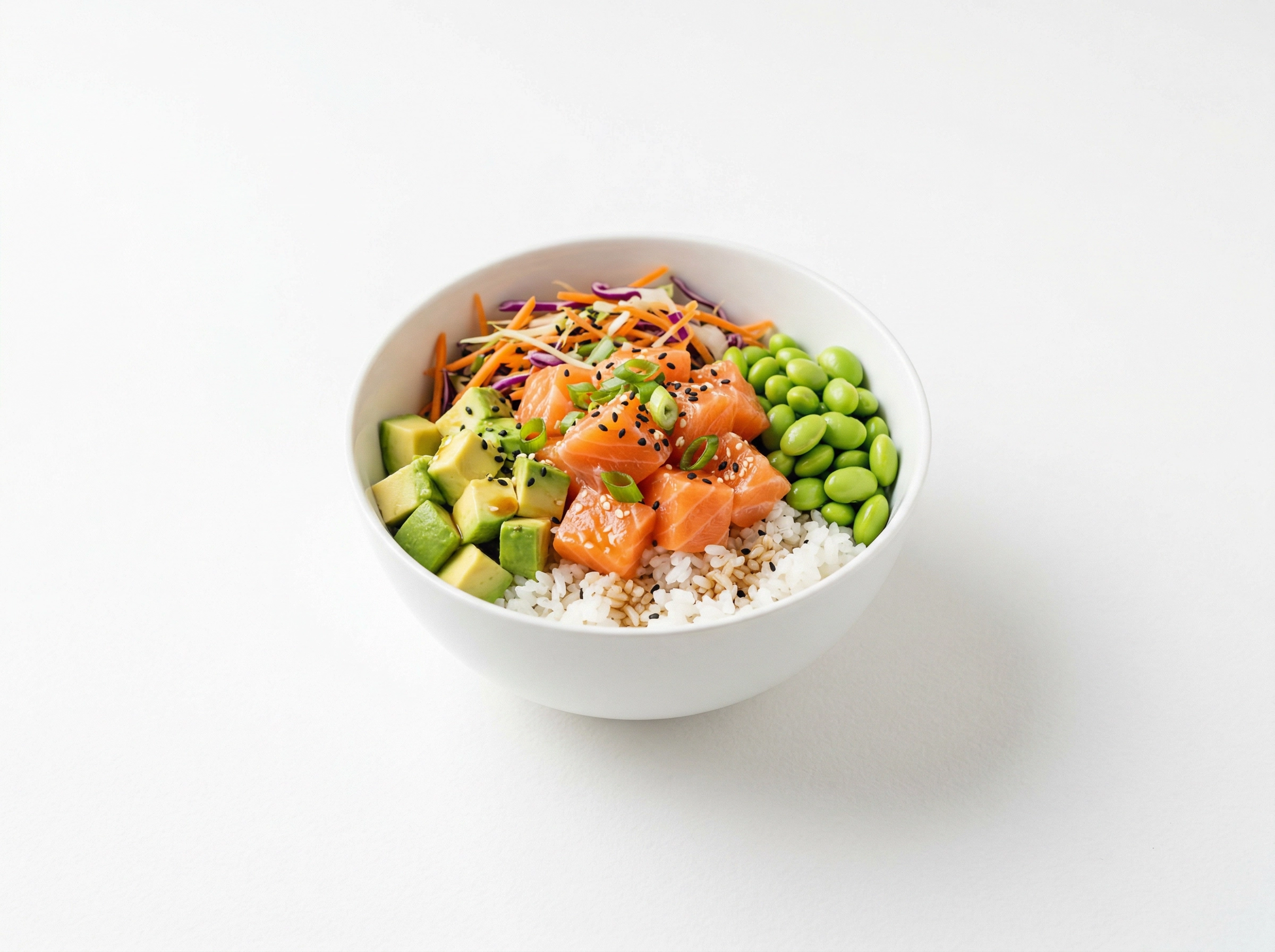 Poke bowl on clean white background demonstrating ideal food photography style for delivery app listings
Delivery app listings have specific rules, and your food background choice directly affects whether your photos get approved and how many orders they generate.
The short version: white or light neutral backgrounds win on delivery platforms. Here's why.
Uber Eats, DoorDash, and Grubhub all display your food photos in a grid alongside dozens of competitors. A clean, uncluttered background lets the food itself do the selling. Busy food background wallpapers blend into noise. Platform reviewers also flag images with distracting backgrounds as a common rejection reason.
Platform specs to keep in mind:
- Uber Eats: 5:4 aspect ratio, minimum 1200×800px, JPG or PNG
- DoorDash: 16:9 aspect ratio, minimum 1400×800px, under 16MB
- Grubhub: Landscape orientation, minimum 1200×800px
For complete specs and upload instructions, see our Uber Eats photo requirements guide and our broader food delivery app photography guide.
Where to download free delivery-app-friendly backgrounds:
- Unsplash — White background — Pure white and light-grey backgrounds that meet platform expectations.
- Pexels — White texture — Subtle white textures (light marble, white wood, white linen) that aren't completely flat but still read as "clean."
- Pixabay — Light background — Cream, off-white, and light grey options.
- Unsplash — Minimal table — Simple table surfaces with neutral tones, perfect for food placement.
Honestly though? Downloading a white background and trying to composite your food onto it in Photoshop rarely looks convincing. The lighting angles won't match, shadows look pasted on, and the final result screams "edited." This is where AI background replacement genuinely outperforms the manual approach — more on that below.
Restaurant Website Food Wallpaper Backgrounds: High-Resolution Options
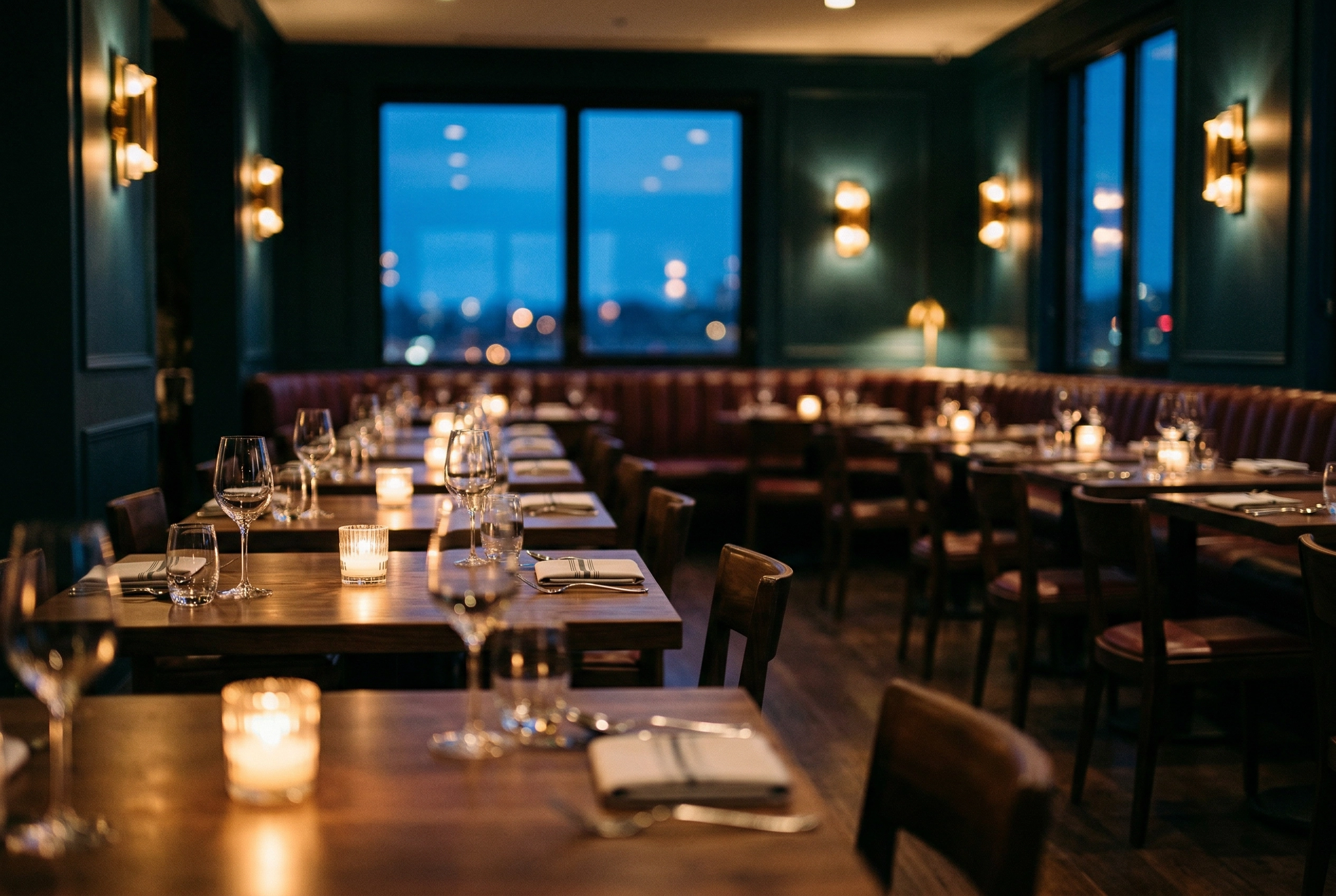 Moody fine dining restaurant interior with bokeh lighting ideal for restaurant website hero background image
Website backgrounds serve a different role than any other food background use case. They need to be visually engaging without slowing down your page, readable enough to layer text on top of, and high-resolution enough to look sharp on retina displays.
What works best for website food backgrounds:
- Blurred food photography — a gorgeous food scene at 50–80% blur keeps the atmosphere while letting text breathe
- Dark, moody scenes — dim restaurant interiors, candlelit tables, dark wood surfaces. Text in white or cream over dark images has excellent readability.
- Subtle patterns on solid colors — a hint of texture (linen weave, paper grain) on a cream or charcoal base
- Full-bleed hero images — high-impact food photos used at the top of the page, with text overlaid in a semi-transparent box
Resolution and performance tradeoffs:
Website food wallpaper backgrounds need to balance visual quality with load time. A 10MB 4K image might look incredible, but it'll tank your page speed — and Google uses Core Web Vitals as a ranking factor.
Aim for:
- Hero images: 1920×1080px, compressed JPEG at 60–80% quality (target under 300KB)
- Section backgrounds: 1600×900px, compressed (target under 200KB)
- Use WebP format where supported — 25–35% smaller than JPEG at equivalent quality
Where to download free HD food backgrounds for websites:
- Unsplash — Food HD — Unsplash originals are often 4000–6000px wide, perfect for retina hero images. Just compress before uploading.
- Pexels — Restaurant interior — Atmospheric shots of restaurants, cafes, and dining rooms. Great for "about us" page backgrounds.
- Pixabay — Food table — Overhead food table scenes that work beautifully as full-bleed backgrounds when slightly blurred.
- Rawpixel — Dark background food — Moody, editorial-style food photography ideal for upscale restaurant sites.
For more on creating aesthetic food backgrounds that match your restaurant's visual brand, we've got a dedicated guide.
The Problem with Generic Food Backgrounds (And a Smarter Fix)
Here's the reality of working with stock food background wallpapers: they're great as a starting point, but they have serious limitations for actual food businesses.
The matching problem. You download a beautiful marble texture. You photograph your signature pasta dish on your kitchen counter. Now you need to combine them. Unless you're skilled with Photoshop layers, masking, and shadow manipulation, the result looks... off. The lighting on the food doesn't match the lighting on the background. Shadows fall in the wrong direction. The whole thing feels flat and composite.
The "everyone uses the same ones" problem. Browse Unsplash's most-downloaded food background images and you'll spot the same marble slab, the same rustic cutting board, and the same dark slate surface on dozens of restaurant menus and Instagram pages. Generic backgrounds make your food look generic too.
The consistency problem. You need backgrounds for 30 menu items. Downloading 30 separate stock photos and making them all look consistent is a multi-day Photoshop project. And if you change your brand's visual direction next season? Start over.
What if the background matched your food automatically?
This is exactly what FoodShot's background editor does — and it's fundamentally different from downloading a stock food wallpaper.
Here's how it works:
- Upload your actual food photo — even one taken with your phone
- Choose a background from 30+ presets (luxury restaurant table, marble counter, rustic wood, beach cafe, rooftop dining) or upload your own custom background
- Get a finished image in about 2 minutes where the AI matches the lighting, shadows, and composition to the new background automatically
The result looks like the food was actually photographed in that environment — because the AI adjusts the entire image holistically, not just swaps a flat layer behind the dish.
A few scenarios where this approach saves you real time:
- Menu refresh: Shoot all 40 dishes on your kitchen counter, then place each one on the same elegant marble surface in minutes. Instant visual consistency across your entire restaurant menu photography.
- Delivery app listings: Transform any photo into a clean, white-background image that meets Uber Eats and DoorDash requirements without manual editing.
- Social media variety: Take the same dish photo and generate versions on 5 different backgrounds — one for Instagram, one for your website, one for the printed menu, one for the delivery app, one for your holiday promotion. Learn more in our guide to restaurant social media marketing.
FoodShot starts at $15/month for 25 images, which is roughly $0.60 per professionally-backgrounded photo. Compare that to hiring a photographer ($300–$700 per session) or spending hours in Photoshop, and the math is pretty clear.
You can try it on your own photos to see the difference for yourself.
Frequently Asked Questions
What size should food background wallpapers be?
It depends on the use case. For printed menus, you need at least 300 DPI — which means a food background for a standard letter-size menu should be 2550×3300 pixels minimum. For social media, 1080×1080px (Instagram post), 1080×1920px (Story), or 1000×1500px (Pinterest pin). For delivery apps, match the platform's required ratio: 1200×800px for Uber Eats (5:4) and 1400×800px for DoorDash (16:9). For websites, 1920×1080px is the standard hero size — just compress the file to keep load times fast.
Can I use free food background images commercially?
It depends on the platform. Unsplash, Pexels, and Pixabay all offer food background images under licenses that allow commercial use without attribution (though crediting photographers is always appreciated). Freepik and Vecteezy require attribution on free-plan downloads — you need to credit the creator. Rawpixel has a mix of public domain and licensed images, so check each individual image. Always read the specific license before printing or publishing. If you generate backgrounds using FoodShot AI, all paid plans include a full commercial license.
What background color is best for food photography?
There's no single best color — it depends on the food and the mood. White and light neutrals work universally and are required for most delivery app platforms. Dark backgrounds (black, charcoal, dark wood) create dramatic contrast and work well for fine dining and editorial-style food photography. Warm earth tones (terracotta, warm wood, burnt sienna) feel inviting and suit comfort food. Cool pastels (mint, blush, lavender) suit bakeries and brunch spots. The one rule: avoid backgrounds that are the same color as the food. A brown dish on a brown background disappears.
How do I put my food photo on a different background?
You have three options. Manual approach: Use Photoshop or GIMP to cut out the food (using pen tool or magic wand), place it on the new background, then manually adjust shadows, lighting, and color temperature to match. Expect 15–30 minutes per image if you're experienced. Quick approach: Use a free background remover tool to isolate the food, then paste it onto your background — but lighting won't match automatically. AI approach: Upload your photo to FoodShot's background editor and select a new background. The AI handles the cutout, lighting adjustments, shadow generation, and composition matching in about 2 minutes, producing a result that looks like the food was genuinely photographed in that setting.