Is the Uber Eats Photoshoot Worth It? 3 Options Compared
 Ali Tanis8 min read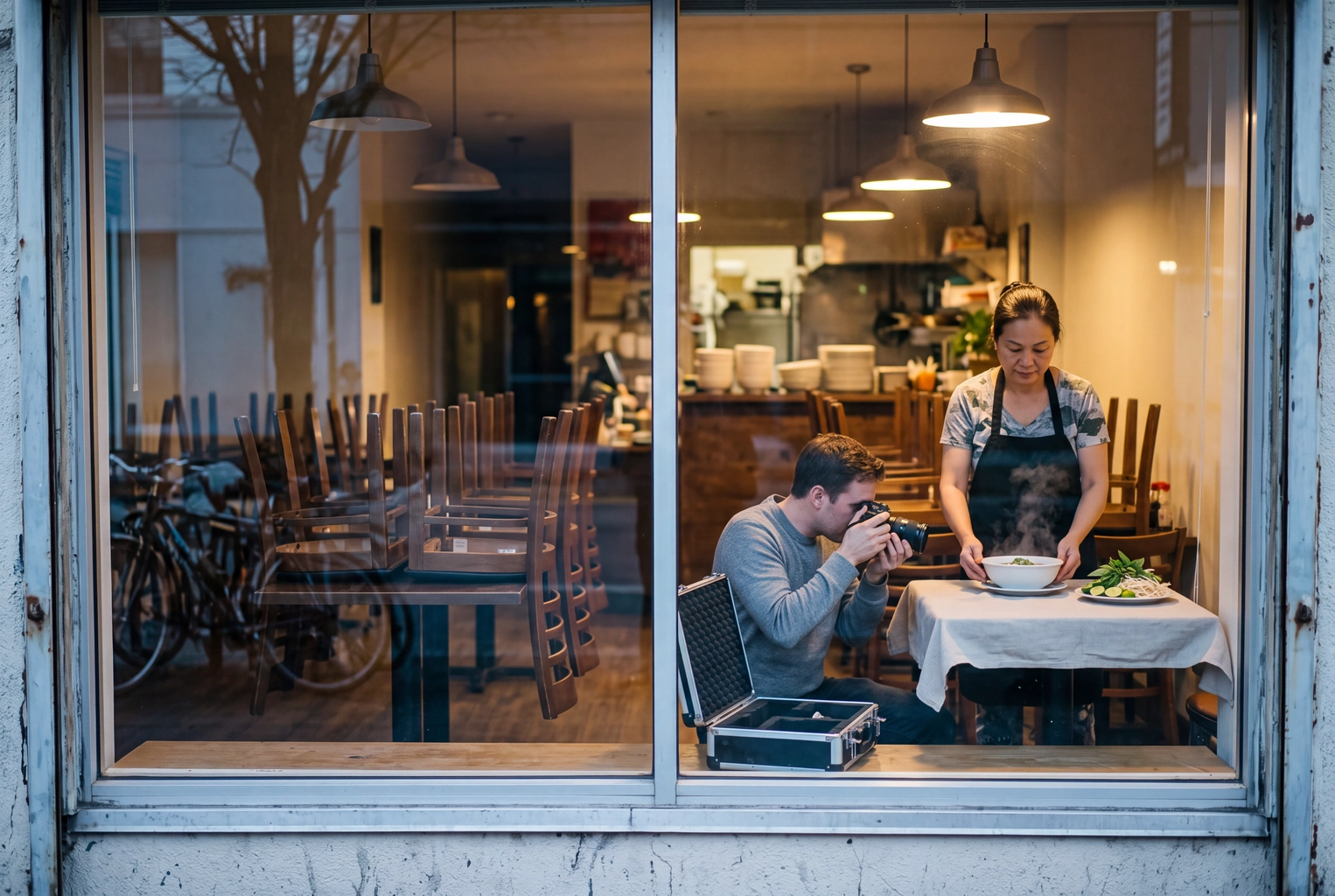
New US restaurants on Uber Eats get one Uber Eats photoshoot at no charge during onboarding: a professional photographer visits, captures close-ups of your best-selling plates plus one profile image, and Uber publishes the results. Book it. But it's a single session with no published dish count, no listed price for a second visit, and nothing for whatever you add next month. Every Uber source here was checked on 26 October 2026.
That gap matters because photos move sales. In an April 2026 merchant article, Uber reported that US and Canadian merchants with photos and descriptions on at least 70% of menu items within their first seven days earned on average $330 more per week than those below 70%. Our delivery app menu photos guide shows the phone-photo route, and the wider playbook is in how to get more orders on Uber Eats.
Quick Summary: The Uber Eats photoshoot is free for new US partners, bundled into an A$700 activation fee in Australia, and absent in the UK. It covers your best-sellers once. A hired photographer gives you control for $250–$2,500 a session, and phone photos plus AI editing cover every new and seasonal item the shoot will never see.
What Do You Get From the Uber Eats Photoshoot?
You get one on-site visit from a professional photographer who captures close-ups of your menu items and one profile image. The photographer emails the finished photos to you and your Uber rep, who publishes them on your store. Uber's restaurant photo guidelines also say you can use them in your own marketing.
What Uber leaves out is just as useful:
- How many dishes. It says to "choose your most popular menu items," with no number. DoorDash, by comparison, publishes up to 20.
- How long it takes. No turnaround to a live menu is given.
- What a second visit costs. You can book an additional one, but no price is listed.
- How much say you get. Former Uber photographers in an older r/photography thread described a fixed brief, a time limit and, for one, no props.
You still cook every plate, timed to be fresh when the photographer arrives, and Uber asks you to lay out surfaces, plates, glassware, napkins and silverware.
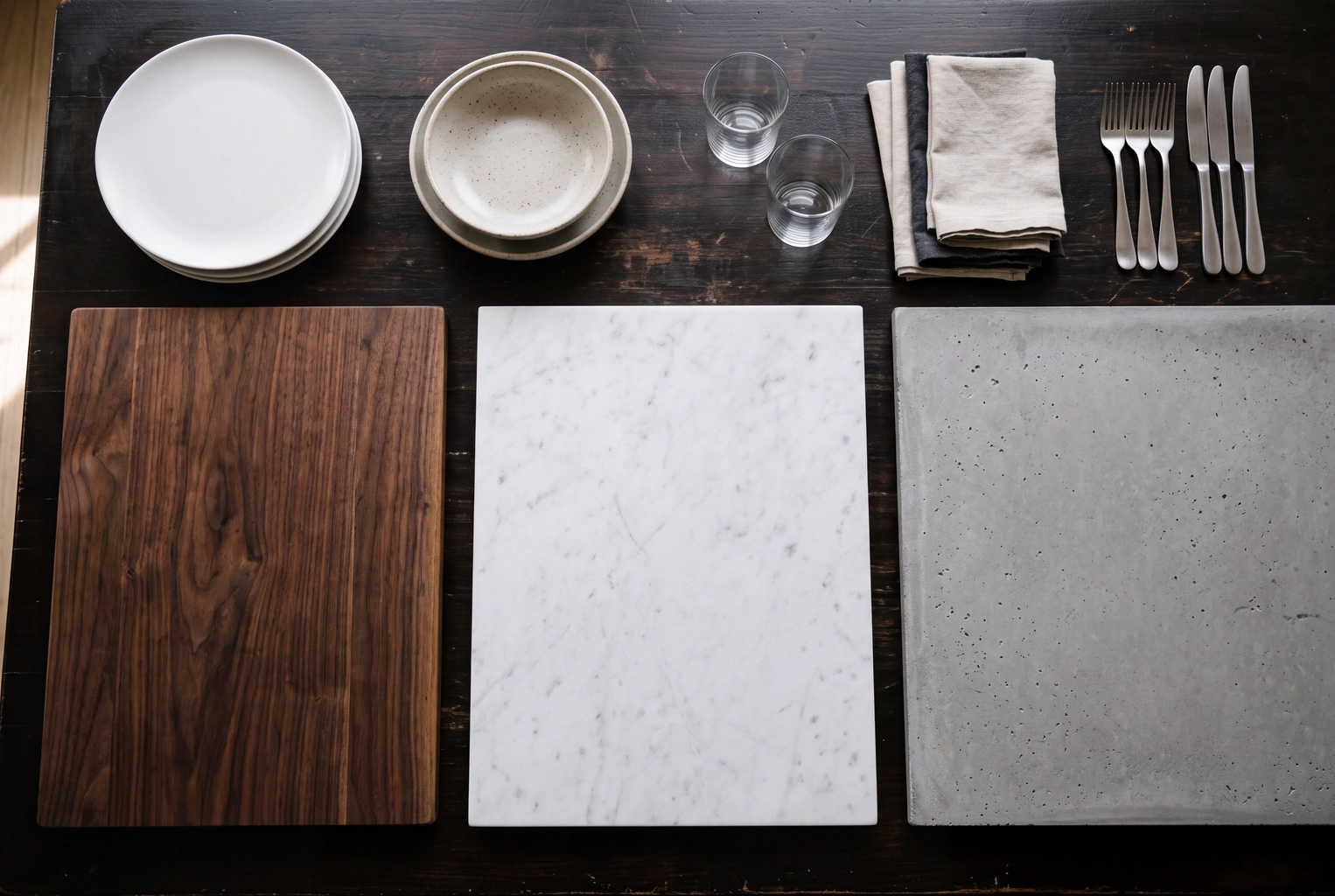 Walnut, marble and concrete surfaces laid out with plates, glasses, napkins and cutlery before an Uber Eats photoshoot
Is the Uber Eats photoshoot free in every country?
No. It depends on your market and plan:
- United States: one complimentary session for new partners. The Premium plan also lists a "complimentary premium menu photo package ($250+ value)."
- Australia: professional photography sits inside an A$700 activation fee (excl. GST) per new location, A$350 for each extra one, deducted from your payouts.
- United Kingdom: Uber's UK photo guide carries the shooting tips and upload steps but no shoot offer.
Elsewhere, ask your rep first.
Uber Eats Photoshoot vs Photographer vs Phone + AI
The Uber Eats photoshoot wins on cash for new US partners, a hired photographer wins on creative control, and phone photos plus AI editing win whenever the menu changes. Ingredient cost is the same on all three routes because every plate gets cooked.
| Uber Eats photoshoot | Hired photographer | Phone + AI (FoodShot) | |
|---|---|---|---|
| Photographer fee | $0 for new US partners; part of an A$700 fee in Australia | $250–$2,500 per session (US) | $15 a month for 25 photos |
| Food and prep | You pay | You pay | You pay |
| Wait | Uber schedules; no turnaround published | Set by your contract | About a minute per photo once shot |
| Dishes covered | Your most popular items; no count published | Whatever the session fits | One credit per photo |
| Who sets the look | Uber's brief | You brief them | You pick from 200+ styles |
| Reuse rights | Your own marketing, per Uber | Per your contract | Commercial license on every paid plan |
| New or seasonal item | Wait for, or arrange, another visit | Re-book and pay again | Shoot it the day it launches |
| Uber review | Same rules | Same rules | Same rules; must show your real dish |
| Best for | Launch-day best-sellers | Brand launch, interiors | Frequent changes, multi-app menus |
The Uber photo rules every route must pass
Uber's merchant photo guidelines require each image to "accurately represent a single item from your Uber Eats Menu," centered, at roughly 5:4 to 6:4, with no text, logos, watermarks or people other than hands. A pro photo of a combo plate gets rejected as surely as a phone shot.
A worked example: 30 plates, 8 changes a year
Say your menu lists 30 plates and you add 8 new or seasonal ones a year. The Uber visit covers your top sellers once; the rest, and all 8 newcomers, need your own uploads or another session at an unlisted price. A photographer re-booked for each change costs from about $250 a time. With phone + AI, the full menu fits in two months of a $15 plan, and each newcomer takes one credit.
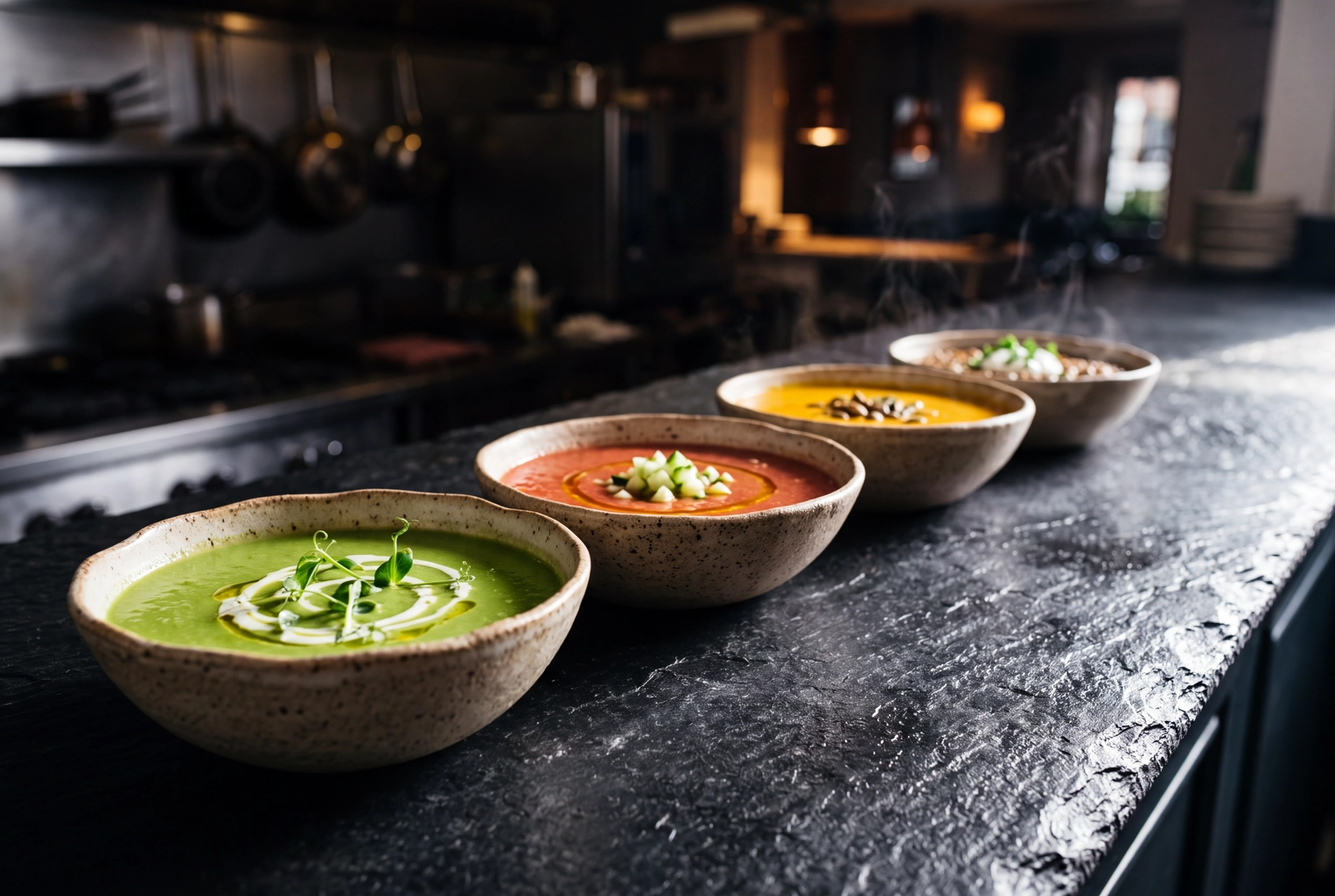 Four seasonal soups from spring pea to winter lentil, the new menu items a single Uber Eats photoshoot never covers
How Do You Request the Uber Eats Photoshoot?
New partners don't need to ask. Uber's scheduling help article says that once you sign up, "We'll reach out to schedule a photography session." If you've already partnered and never had one, use the contact support button there, call 1-833-ASK-EATS (1-833-275-3287) or email merchants@uber.com.
To get the most from the visit:
- Book a slot when your business is closed or quiet.
- List your top sellers in cooking order (our menu photoshoot planning guide has a shot list).
- Plate each one just before its turn; food goes limp within minutes.
- Keep two or three surfaces and your best plates ready, and avoid fluorescent light.
- Cut burgers, wraps and burritos and stack the halves, as Uber suggests.
How to Upload Your Own Photos in Menu Maker
You add your own photos one menu item at a time in Menu Maker, inside Uber Eats Manager. Per Uber's upload help article:
- Open Menu Maker and click Overview.
- Click the menu item to open the Edit item panel.
- Under Photo, drag and drop the file or click Browse files.
- Click Save, then Request Approval.
The item detail page locks until the photo is approved or rejected; a rejection shows its reason on that detail page and arrives by email. Once approved, Uber may adjust size, orientation, lighting and color, and its cover image reviews can take up to 3 business days. Exact pixel sizes live in our Uber Eats photo requirements guide, and taking food photos with your phone covers the camera side.
Which Route Should You Pick?
Take the Uber Eats photoshoot if you're a new US partner, then fill every gap yourself. By situation:
- New on Uber Eats in the US: book the visit for your top sellers and upload the rest before your first week ends.
- Launching a brand or a remodel: hire a photographer who can also shoot interiors and people. Our AI vs hiring a photographer comparison covers where a human does better.
- Changing recipes often or selling on several apps: shoot on your phone and edit.
For that last group, FoodShot turns a phone photo of each real dish into a professional menu photo in about a minute, at 2K resolution, with a commercial license on every paid plan. FoodShot isn't affiliated with Uber, and Uber's review still decides what goes live. Compare FoodShot plans: 25 photos for $15, 100 for $45 or 250 for $99 a month.
Frequently Asked Questions
Is the Uber Eats photoshoot free?
For new US partners, yes, though you pay for the food. Australia bundles it into the A$700 activation fee, and Uber's UK guide doesn't offer one.
How many dishes does the Uber Eats photographer shoot?
Uber doesn't publish a number; you pick your most popular items, plus one profile image.
Can I use Uber Eats photos on DoorDash or Grubhub?
Uber allows your own marketing but says nothing about other delivery apps, so get your rep's answer in writing. The DoorDash photoshoot, by contrast, bans reuse on rival apps.
Does Uber Eats accept AI-edited menu photos?
Uber's merchant guidelines don't mention AI; they require an accurate picture of a single real dish. Uber itself uses AI to improve lighting, resolution, framing and plating, The Verge reported. Our guide to AI-enhanced photos on Uber Eats lists which edits pass.
What if customers post photos of my dishes?
Customers who ordered a plate can submit a photo of it, and it can appear without your approval. You can remove it or opt out, per Uber's user photo FAQ. Uploading your own pictures first is the simpler fix.