Is the Free DoorDash Photoshoot Worth It? 3 Ways Compared
 Ali Tanis16 min read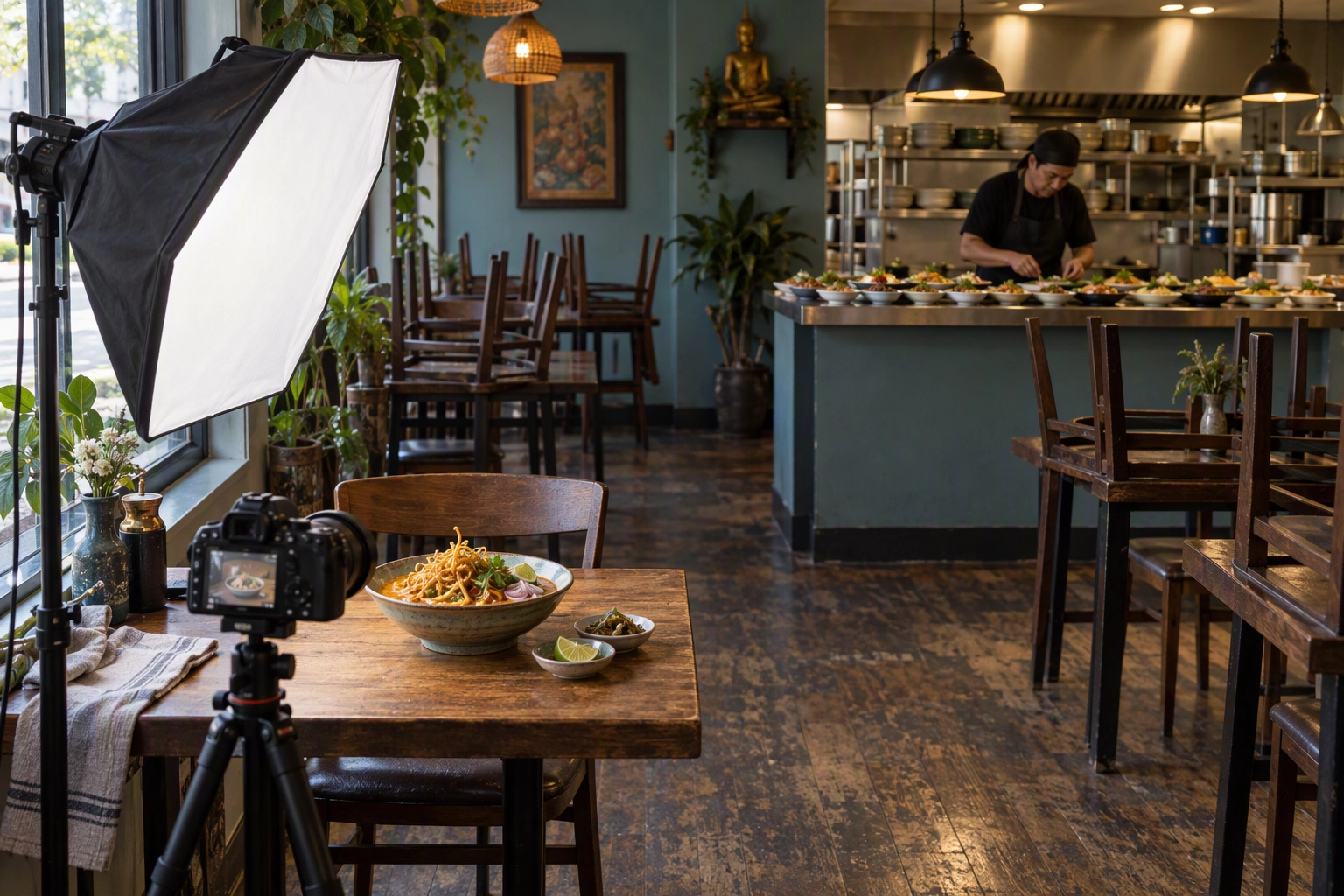
A DoorDash photoshoot is a free visit from a professional photographer that DoorDash books and pays for: one 1.5-hour session covering up to 20 menu items plus a header image, uploaded to your store within about a week. You still pay for the food. Book it if the button shows up in your Merchant Portal, but know it's a one-off, and the pictures can't follow you to Uber Eats.
Every DoorDash rule below was checked against DoorDash's own merchant help pages on 7 October 2026, including two places where those pages contradict each other.
Quick Summary: The DoorDash photoshoot gets you up to 20 menu shots for the cost of the ingredients, but you don't choose the photographer, you get one session, and the pictures are DoorDash-only. Use it for the items that bring most of your orders, then cover new items and seasonal changes with your own phone shots, edited to match.
What Is the Free DoorDash Photoshoot?
It's a merchant perk: DoorDash books a photographer through a vendor, the photographer shoots your dishes on site, and DoorDash uploads the results to your store. DoorDash pays the photographer; you pay for the ingredients and the staff time to cook them.
Here is what the booking article says, read on 7 October 2026:
| Detail | What DoorDash says |
|---|---|
| Session length | 1.5 hours |
| What's covered | Up to 20 menu items and one header image |
| You pay | The dishes photographed and the labor to prepare them |
| DoorDash pays | The photographer and uploading the shots to your menu |
| Premier plan extra | $200 credit toward food, plating or prep |
| Time to go live | Up to seven days after the shoot |
| File delivery | Usually a ZIP file by email; Google Drive on request |
| Allowed uses | Your website, social media, marketing materials |
| Not allowed | Other third-party delivery platforms |
| Repeat sessions | One 1.5-hour session per arrangement; extra hours are on you |
Two numbers on DoorDash's own pages don't agree. The older Free DoorDash Photoshoots article, which still ranks first on Google for this query, says the photographer will shoot "up to fifteen items". The newer booking article and DoorDash's glossary both say up to 20. An earlier learning-center version also promised delivery "within two business days", while the current article says up to seven days. Plan around 20 dishes and seven days, and get both confirmed in writing.
Who qualifies for a DoorDash photoshoot?
Most DoorDash restaurant partners qualify. If your menu doesn't already include professional images, DoorDash says you'll see a Book a Free Photoshoot button on a menu item in the Merchant Portal. It's "subject to availability in your area", and a footnote ties it to the photographer's availability. There's no published map of where it runs, so the button is the only reliable test.
What does the shoot actually cost you?
You cover the dishes that get photographed and the labor to prepare them. For a 20-dish shoot, that means cooking 20 plates inside a 1.5-hour window, often before service.
Merchants on the Marketplace Premier plan get a $200 credit for ingredients, plating or prep, applied automatically once the shoot is booked. The fine print in DoorDash's photo glossary adds three conditions:
- The $200 is paid after you complete the complimentary shoot.
- Premier merchants outside the service area get the $200 after uploading 10 approved menu photos instead.
- If you already received a $300 photo-upload incentive from DoorDash, you're not eligible.
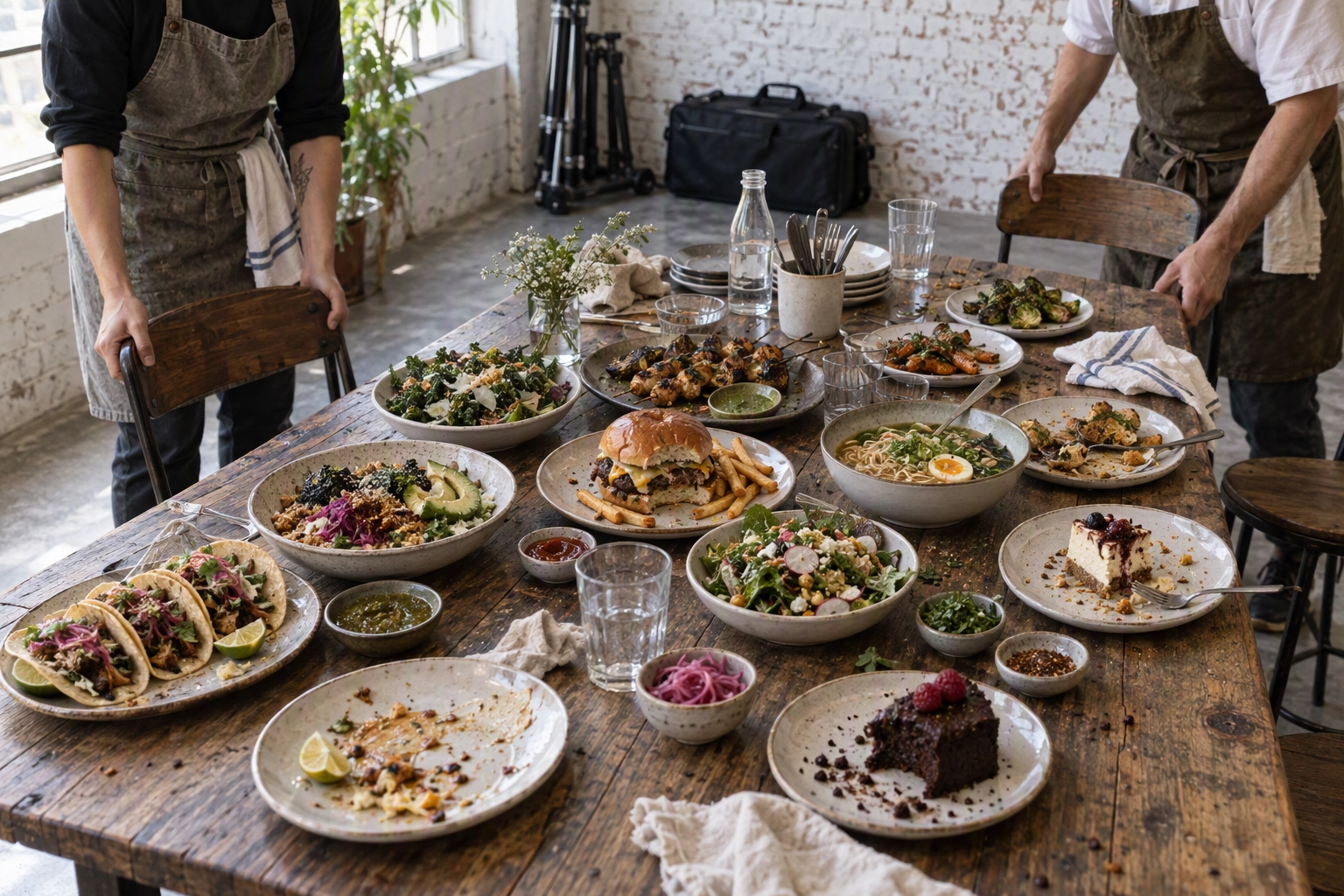 Plated dishes left after a DoorDash photoshoot become staff family meal, the food cost the restaurant pays
How do you book a DoorDash photoshoot?
The quick way is that button. If you don't see it, request a shoot through support:
- In the Merchant Portal, tap Help in the bottom-left corner.
- Under For account issues, click Send message, then choose Photos.
- Under "Tell Us More", pick Photoshoot Request and click Next twice.
- Choose One Location or Multiple Locations, fill in the details and submit.
Give a day-of contact, a cell number (not the business line) and a working email. One email asks for your availability; a second confirms the date once a photographer is assigned. DoorDash doesn't say how long that matching takes. If neither arrives, check spam, then open a support case.
What you get and how long it takes
Each session runs 1.5 hours and covers up to 20 menu items plus one header image. You pick what gets shot; DoorDash recommends your most-ordered dishes. Extra shots can be arranged with the photographer, at your expense.
After the shoot, it "can take up to seven days" for the pictures to be delivered and uploaded. Copies usually arrive as a ZIP file most phones can't open, though DoorDash will share them through Google Drive if you don't have a computer. A separate video shoot covers five items plus a group video for headers and can be combined with the 20-photo package; the help page doesn't say whether that one costs anything.
Where you can and can't use the pictures
Your website, social media and marketing materials: yes. Other third-party delivery platforms: no. So the shots can't go on your Uber Eats or Grubhub menu, which is the biggest catch for restaurants on three apps.
What DoorDash doesn't tell you
DoorDash doesn't name its photography vendor, state the resolution of the delivered files or say how much retouching is included. Nor does it say whether you see the shots before they go live. Ask about all four when the availability email arrives.
Quality varies. One owner in a Reddit thread described "a couple hundred dollars of food cost and babysitting someone for an afternoon only to have garbage come out", which they said happened about five times. A commenter in r/restaurateur says they've used it multiple times.
The vendor model may explain the spread. In December 2019, photographer Steven Heap wrote on his blog Backyard Silver that DoorDash shoots were organized through the crowdsourcing platform Snapwire, with an in-restaurant shoot listed at $60 for the photographer. That may have changed; DoorDash's current page only says "the vendor". If the shots disappoint, open a support case and DoorDash says it will "help arrange another shoot if appropriate".
DoorDash Photoshoot vs Photographer vs DIY
For most restaurants, the DoorDash photoshoot wins on cash, a hired photographer wins on control, and DIY phone shots plus editing win on speed and refresh. Ingredient cost is the same on all three routes, because each one needs the plate cooked. What changes is who holds the camera, who owns the rights and how fast you can redo a dish.
| DoorDash photoshoot | Hired photographer | DIY phone + FoodShot | |
|---|---|---|---|
| Photographer fee | $0 | $500–$2,500 per session (US) | $15 a month for 25 photos |
| Ingredients and prep | You pay | You pay | You pay |
| Turnaround | Email scheduling, 1.5 h shoot, up to 7 days | Set by contract | About 2 minutes per photo once shot |
| Who sets the look | Vendor-assigned photographer | You brief the photographer | You pick the style |
| Use on Uber Eats, Grubhub | No | Usually (check the contract) | Yes, on paid plans |
| New item or seasonal change | One session per arrangement | Re-book and pay again | Shoot and edit the same day |
| Best for | Your 20 best-sellers, once | Brand launch, interiors, people | Ongoing changes, multi-app menus |
Photographer rates come from our photography cost breakdown, and restaurant photography pricing covers per-image deals. If you hire, our guide to plan a menu photoshoot will save you a reshoot, and these photoshoot ideas help you brief the day.
The math for a 20-dish menu
Assume your 20 dishes average $15 on the menu at a 30% food cost. Each plate takes about $4.50 in ingredients, so cooking all 20 costs about $90 whichever route you pick; the food cost calculator gives your real number.
- DoorDash photoshoot: about $90 in ingredients, plus a cook tied up for 1.5 hours. Premier merchants get $200 back.
- Hired photographer: about $90 plus $500 to $2,500, more with a stylist.
- DIY with FoodShot: about $90 plus $15 for the Starter plan's 25 credits, with 5 left for the next change.
The gap isn't the first shoot. It's month three, when a fall special starts taking orders with a blank thumbnail and your one DoorDash session is already behind you.
How DoorDash Displays and Crops Your Pictures
DoorDash shows each menu picture in two shapes: the 16:9 landscape file you upload and a centered square thumbnail cut from it. Nearly everyone sees both on a phone: Restaurant Business reported in May 2026 that 95% of DoorDash orders over the previous six months were placed on mobile.
The DoorDash photo glossary spells out what matters for composition:
- Upload landscape. Menu photos must be horizontal 16:9, at least 1400 x 800 pixels. Turn the phone sideways even for tall drinks, because vertical shots "often lose key details when cropped to 16:9."
- Survive the square. A centered square cut from a 16:9 frame keeps only the middle 56% of its width. Anything near the edges vanishes in the list view.
- Center the plate and leave light background space around it, so the whole item stays visible after the crop.
Exact sizes, file limits and the 11 rejection reasons live in our DoorDash photo requirements guide, so we won't repeat them. For arranging the plate itself, see how to stage a dish for the camera.
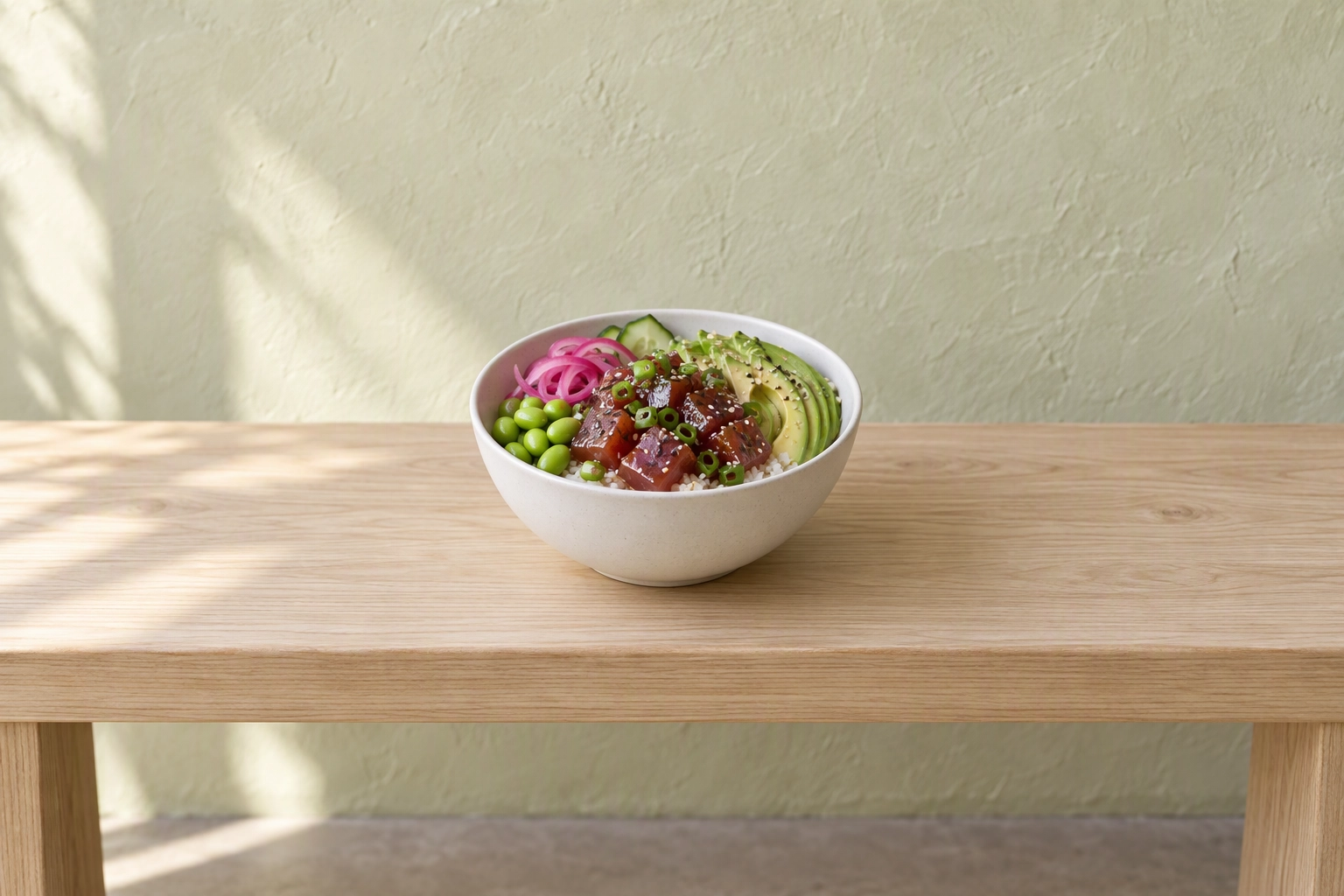 Poke bowl centered on a wide ash bench with empty space on each side, composed to survive the DoorDash square crop
Your best-seller becomes your storefront
Restaurants don't pick the picture people see in search. DoorDash's engineering team has described showing the image of a store's best-selling item in the store feed and search feed. DoorDash's help center (Australian edition) says the listing picture is chosen automatically from your approved photos, favoring the item with the most orders. If your top seller has a weak photo, that weak photo is your storefront.
Empty slots don't stay empty
If an item has no photo, DoorDash may add one from your connected Instagram account or from Yelp. It also runs a photo incentive that gives select customers account credits when they share photos of eligible items that don't have menu pictures yet. Leave gaps and your customers' phones fill them.
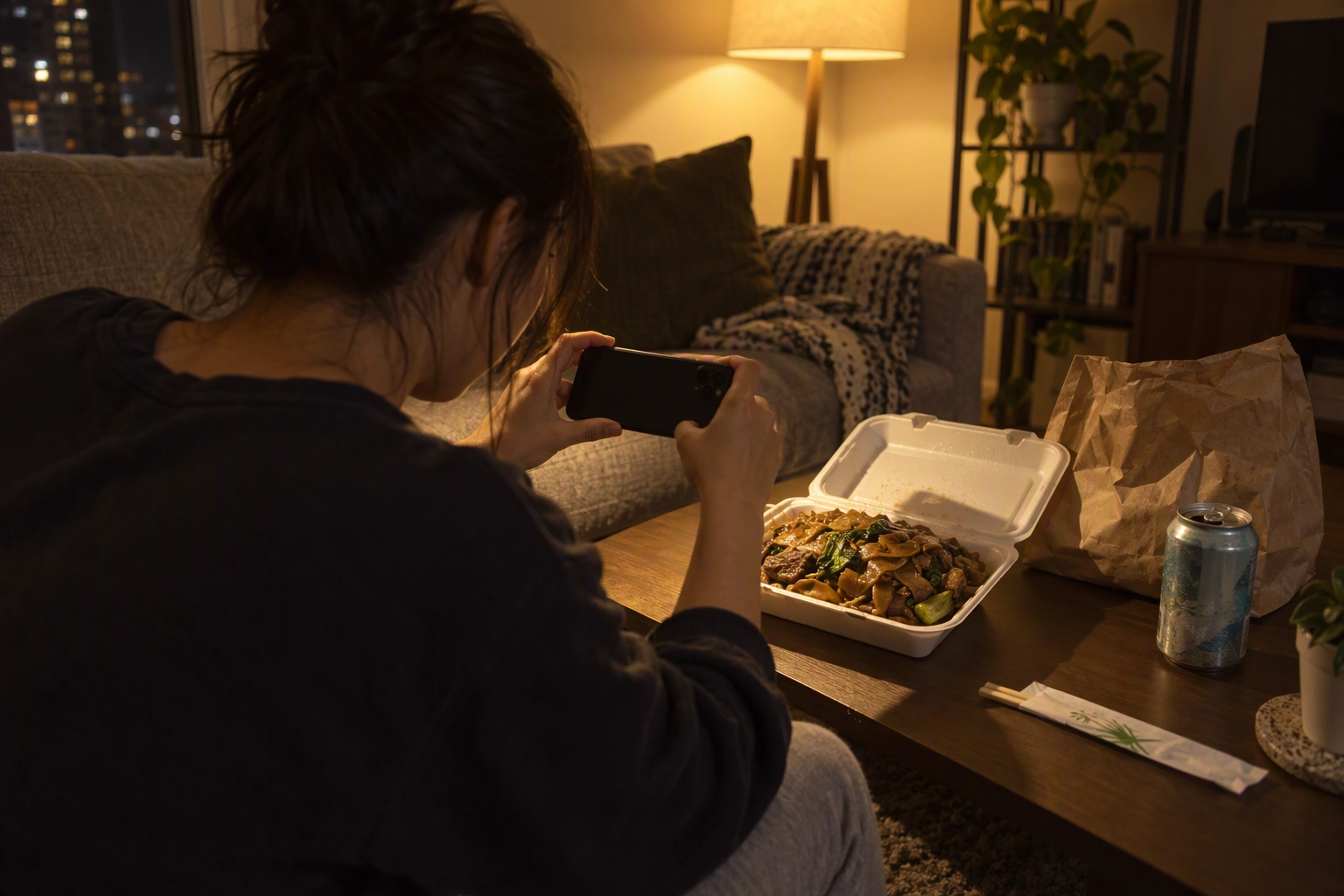 Customer photographing takeout pad see ew under a warm lamp at home, the kind of photo that fills empty DoorDash menu slots
What the built-in Photo Editor can and can't fix
DoorDash's Photo Editor in Menu Manager can auto-enhance lighting and color, crop, remove text and watermarks, adjust saturation and contrast, and apply new backgrounds. DoorDash says plainly that it "doesn't replace the minimum resolution standard", so a small, blurry file stays blurry. To fix files before upload, see how to edit your photos.
What Makes a DoorDash Food Photo Convert
A delivery photo that turns a scroll into orders shows one item, the real portion, centered and sharp, with nothing added on top. DoorDash's own sales data says coverage matters as much as polish:
- Menus with item photos earn up to 44% more monthly sales, per a DoorDash study of 15,000+ small merchants in Q2 2022 (DoorDash merchant blog).
- Restaurants with photos on more than half their menu see a 13% average sales lift, per DoorDash's 2026 Restaurant Industry Trends Report.
- Header images are tied to up to 50% more monthly sales and logos to up to 23%, from DoorDash's April–June 2022 data.
Photo coverage also feeds DoorDash's Merchant Status, next to order accuracy, cancellations and menu pricing. That makes filling empty slots the cheapest sales lever on the platform: no ad spend, no discount.
One item, real portion
DoorDash's rejection rules require each photo to show "exactly what is included", a realistic portion and "the actual item served, not an idealized or generic version". No "hero shots" of several items sold separately, and Beef Taco and Chicken Taco each need their own picture.
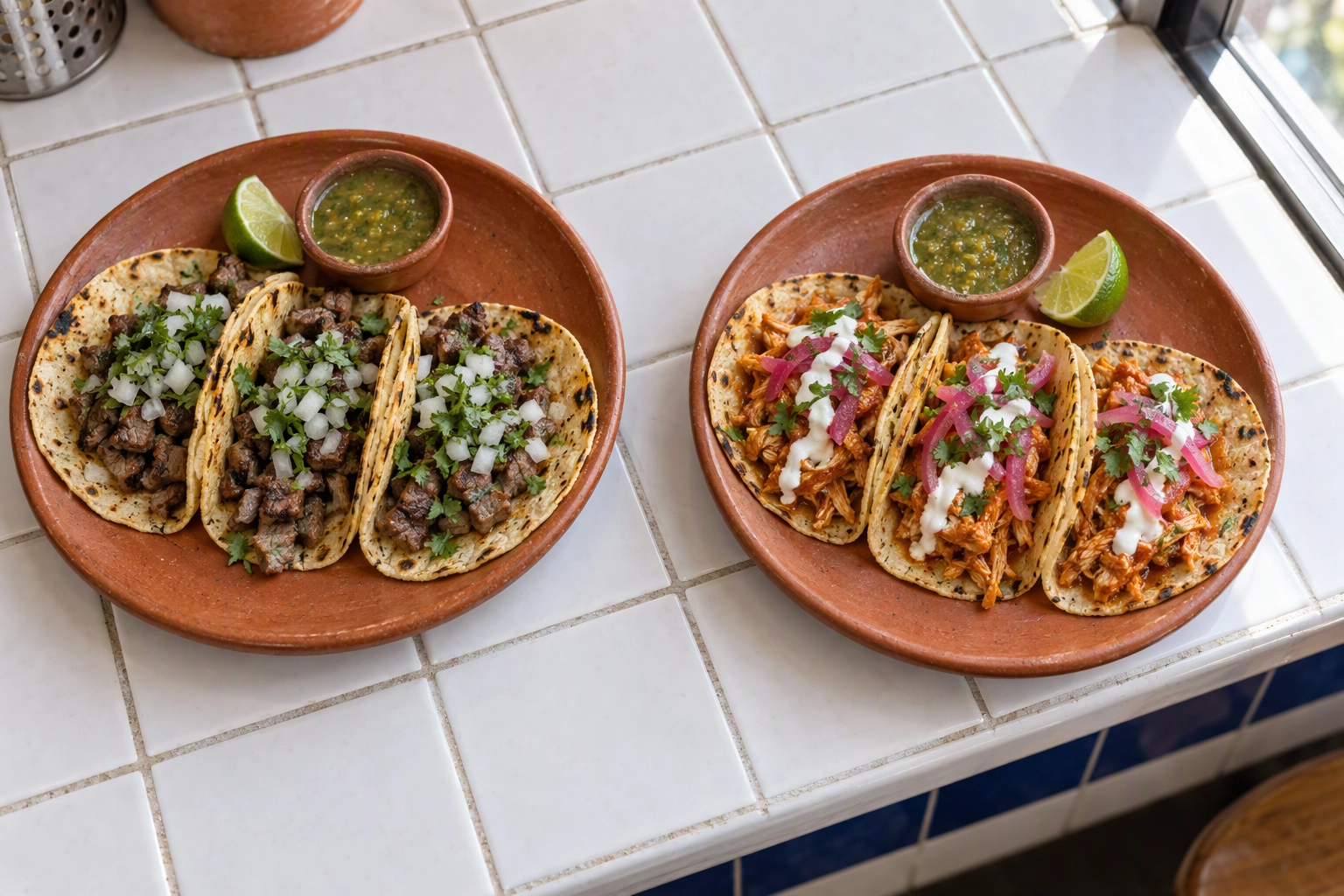 Carne asada and chicken tinga tacos on separate plates, since each DoorDash menu item needs its own photo
Light it like a window, not a pass
Side light from a window beats overhead kitchen lighting every time. Keep at least 80% of the item in frame, keep hands out or blurred at the edge, and skip text overlays. Our lighting guide and the list of delivery photography mistakes cover the fixes.
Keep the whole menu in one look
Same surface, same angle, same light across the whole menu. A menu where each shot looks like a different day reads as less trustworthy than one consistent set, and trust is what turns a browse into orders. Our guide to photography for delivery apps goes deeper, and for listing levers beyond pictures, see how to get more orders on DoorDash.
The DIY Route With FoodShot, Honestly
DIY means you take the phone shot and an editor turns it into a menu-ready picture. With FoodShot, you upload a landscape phone shot, pick a Delivery style from the 200+ in the library (or use Builder Mode to choose the surface and plate), and get a 2K result in about 2 minutes.
- Shoot sideways next to a window, plate centered. Our walkthrough on shooting with your phone and the iPhone camera settings guide cover the basics.
- Pick a style that matches your kitchen, not a fantasy version of it.
- Check the crop. A square 2K export is 2048 x 2048 pixels; cropped to 16:9 it's 2048 x 1152, still above DoorDash's 1400 x 800 minimum, as long as the plate sits in the middle band.
- Upload in Menu Manager and let DoorDash's review run.
The feature that makes DIY work next to a DoorDash photoshoot is My Styles. Upload the shots DoorDash's photographer gave you as a style reference, and new dishes come out in the same light, angle and mood. Your 20 shoot pictures stay, and item 21 doesn't look like it came from a different kitchen.
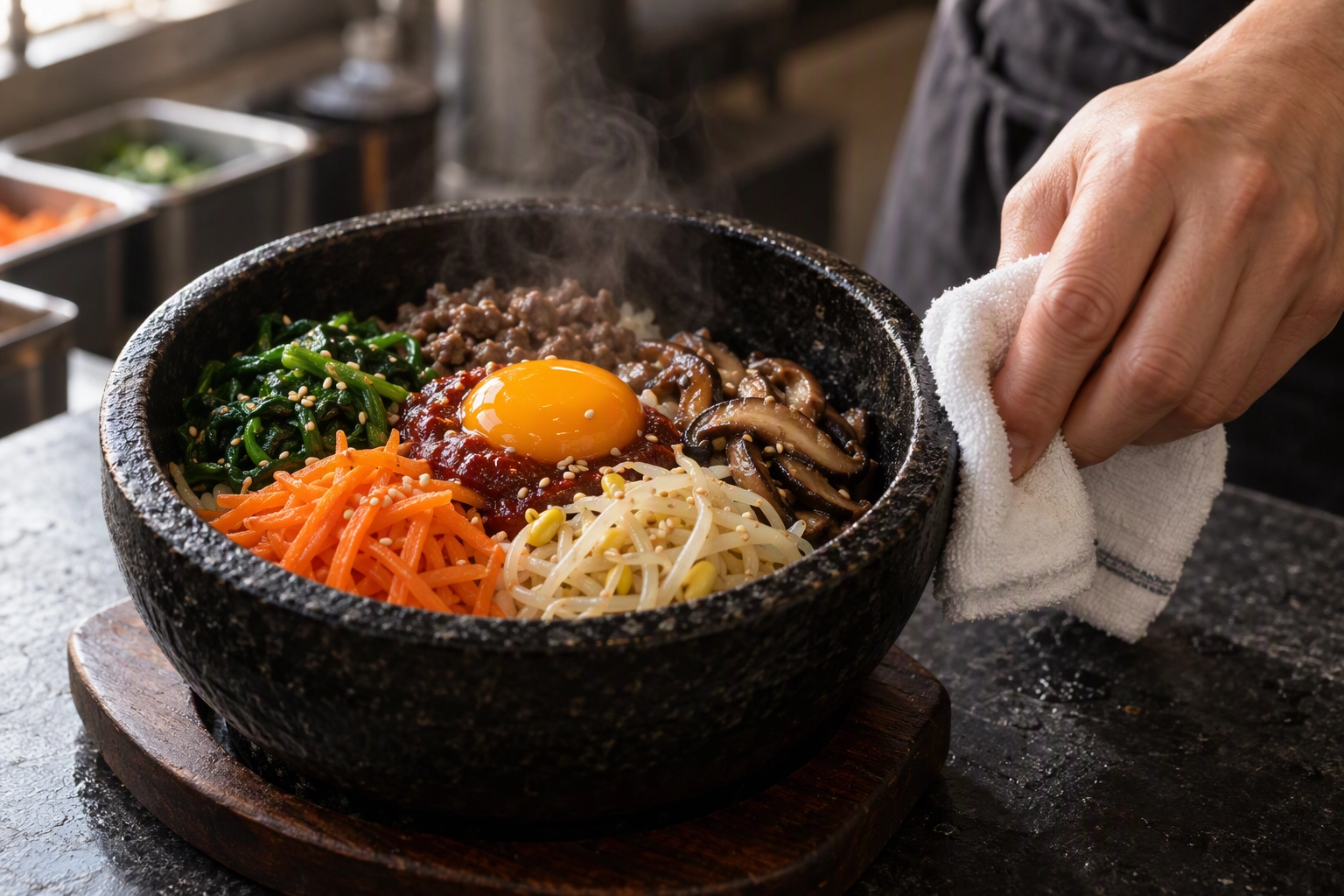 Cook wiping the rim of a fresh bibimbap stone bowl before a DIY DoorDash photo, the dish plated exactly as served
What it won't do:
- It isn't a photographer. No interiors, no staff portraits, no video, so DoorDash's video shoot has no equivalent here.
- It can't plate for you. If the plate looks tired on the counter, it'll look tired in the edit. Cook it fresh.
- Keep the plate as served. DoorDash rejects photos that don't match what the customer receives. Change the light, surface and plate; don't use prompt edits to add sauce or garnish you don't serve.
- The free plan won't pass. Free images are watermarked and for personal use, and DoorDash rejects watermarks. Paid plans include a commercial license, and those pictures can go on Uber Eats and Grubhub too.
Plans start at $15 a month for 25 photos, then $45 for 100 and $99 for 250; see FoodShot pricing. The delivery app photos page shows the delivery styles, the photo editing app runs on iPhone and Android, and our comparison of AI vs hiring a photographer covers where a human still wins.
Which Route Should You Pick?
If DoorDash brings in most of your delivery sales, book the DoorDash photoshoot when you're eligible, then go DIY for everything after it. By situation:
- New on DoorDash, button visible: book it, shoot your 20 best-sellers, and let DoorDash upload the header shot too.
- Premier and outside the service area: upload 10 approved menu photos yourself to unlock the $200.
- Restaurants on Uber Eats and Grubhub too: you need pictures you can use everywhere, so go DIY or hire, and check the Uber Eats photo requirements and Grubhub photo requirements.
- Menu changes monthly: DIY. A seasonal special shouldn't lose a month of orders waiting for a support ticket.
- Brand launch, website hero, dining room: hire a photographer for one strong day; our restaurant photographer alternative page explains what AI can't cover.
- Ghost kitchens and virtual brands: DIY, since each concept needs its own set. See running a ghost kitchen on DoorDash and the virtual brand rules.
Frequently Asked Questions
Is the DoorDash photoshoot really free?
The photographer costs you nothing; the ingredients don't. DoorDash pays the photographer and uploads the shots, while you pay for the dishes photographed and the labor to make them. Premier merchants get a $200 credit toward those costs.
How many photos do you get from a DoorDash photoshoot?
Up to 20 menu items plus one header image in a 1.5-hour session, per DoorDash's current booking article and glossary. An older DoorDash help article still says up to fifteen.
How long until DoorDash photoshoot pictures show on my menu?
Up to seven days after the shoot. If it's been more than a week, submit a support case and DoorDash will add them once it has the files.
Can I use DoorDash photoshoot pictures on Uber Eats or Grubhub?
No. DoorDash allows them on your website, social media and marketing, but not on other third-party delivery platforms.
What if I don't like my DoorDash pictures?
Open a support case explaining what went wrong. DoorDash says it will flag the issue with the vendor and help arrange another shoot if appropriate.
Can I upload my own DoorDash photos instead?
Yes, in Menu Manager in the Merchant Portal: landscape 16:9, at least 1400 x 800 pixels. The DoorDash photo requirements guide lists every spec.
Does DoorDash accept AI-edited food photos?
DoorDash judges the result: the photo must show the actual item served. DoorDash itself applies AI enhancements to some photos "without altering the actual food, ingredients, or portion size", per its Photos FAQ, and in April 2025 it announced an AI-powered camera for its Business Manager App (QSR Magazine). Its own Photo Editor applies new backgrounds, so light and background edits are in bounds as long as the result still looks like a real photo of the real dish; edits that change the food aren't. Our guide to AI edits delivery apps allow covers the gray areas.