12 Ways to Get UGC for Restaurants and Repost It Legally
 Ali Tanis19 min read
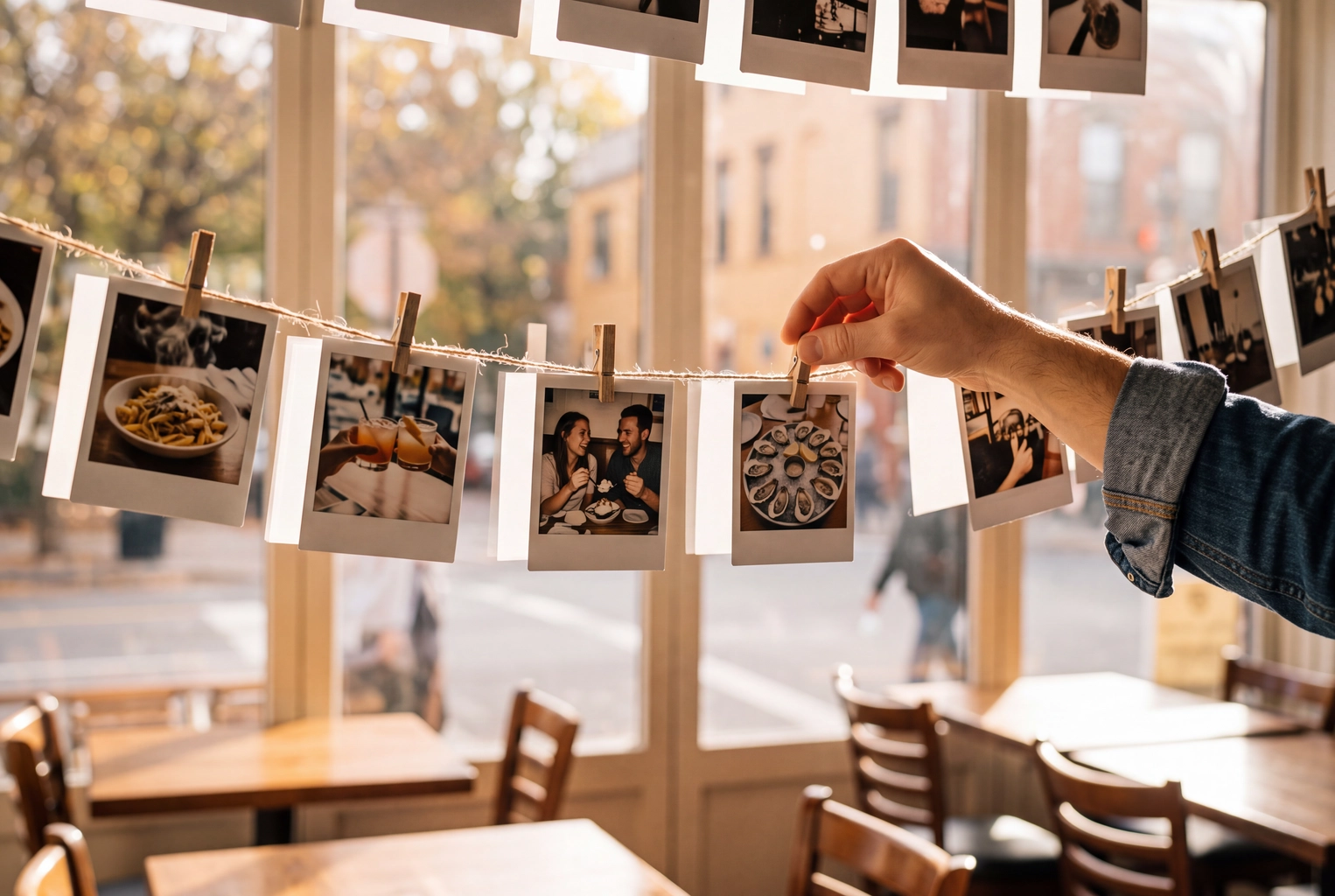
Your diners already photograph your food. The point of UGC for restaurants is to get more of that content, steer it toward the dishes you want seen, and reuse the best of it without breaking copyright or platform rules. Below are 12 tactics with the effort each one takes, a permission workflow with a DM template you can copy, and a table that shows where guest content works and where it doesn't.
Quick Summary: Make posting easy (a camera-first dish, good light, a table card, a one-line server prompt) and give guests a reason to post (a weekly feature). Before you reuse a guest's photo anywhere outside the platform's own share buttons, get a written yes in a DM and credit them. Guest posts are social proof; your delivery-app and Google menus still need your own accurate photo of each item.
What is UGC for restaurants, and what can it not do?
User-generated content (UGC) is anything your customers create about you: Instagram posts and Stories, TikTok videos, Google reviews, Yelp photos. For restaurants, it's mostly food shots and short videos taken at the table. It works because it's authentic: a real customer's post is honest proof that the food looks like that and the room feels like that. It's also some of the cheapest marketing you'll get, though not a free one, since it takes staff attention to keep it coming.
Two facts shape everything below.
The guest owns it. Under US law, copyright exists the moment a photo is taken, and it belongs to the person who took it (U.S. Copyright Office, Circular 1). A tag or a branded hashtag is not a license to reuse it.
UGC is uneven. You get dozens of shots of your best-looking dish and none of the side salad. That's fine for social proof. It's a problem for a menu, where every item needs an accurate picture. So a good restaurant user-generated content plan has two halves: guests cover social proof, and your own restaurant food photos cover the menu.
UGC also sits inside a bigger plan. If you're building that plan from scratch, start with our hub on social media marketing for restaurants and come back here for the guest-content piece.
12 ways to get guests posting, at a glance
The table below rates each tactic by effort and cost and says what kind of content it tends to bring in. These are planning judgments, not benchmarks: your room, your menu and your crowd decide the numbers.
| # | Tactic | Effort | Cost | What it tends to produce |
|---|---|---|---|---|
| 1 | One camera-first moment in a dish | Medium (menu work, staff drill) | Food cost of the finish | Short videos, the most shared format |
| 2 | Three or four well-lit photo tables | Low (one afternoon) | Bulbs, maybe a lamp | Better guest shots for every other tactic |
| 3 | Table card with handle and one hashtag | Low (an hour of design) | Printing | A steady trickle of tagged Stories |
| 4 | Your name on what ends up in the frame | Medium to high | Packaging run or a mural | Your brand in the shot even when guests forget to tag |
| 5 | A one-line server prompt | Low (10 minutes at pre-shift) | $0 | More tags on the dishes servers point out |
| 6 | A weekly guest-of-the-week series | Low (20 minutes a week) | $0 | Guests posting in the hope of being picked |
| 7 | A monthly hashtag contest | Medium (rules, judging) | Prize value | A burst of feed UGC in the contest window |
| 8 | Instagram's Add Yours sticker | Low | $0 | Story chains around one seasonal dish |
| 9 | A card in every takeout bag | Low | Printing | Unboxing posts from delivery customers |
| 10 | Occasion moments (birthdays, chef's table) | Low to medium | A sparkler, a card | Celebration posts, often with faces |
| 11 | Visits from local micro-creators | Medium (briefs, contracts) | Comped meals or fees | Polished Reels you can license |
| 12 | One Google review ask for every guest | Low | $0 | Star ratings and guest pictures on your Google profile |
Before you start, take a baseline. For two weeks, count the entries in your Instagram tagged tab and the Story mentions in your inbox. Then add tactics one or two at a time, so you can see which ones move the count.
1. Build one camera-first moment into a dish
Diners film what moves. A pour of hot caramel over a dessert, a torch on a crème brûlée, pasta tossed in a cheese wheel at the table, a cocktail that arrives under a cloud of smoke. In a 2021 MGH survey of 701 US TikTok users, 36% said they had visited or ordered from a restaurant after seeing it on TikTok. Asked what drove that, 51% pointed to a unique food item and 36% to a cool way of serving food (MGH via PR Newswire).
Pick one dish and create a real reason to film it. Move its last ten seconds to the table. Train servers to pause for a beat so the guest can get the phone out.
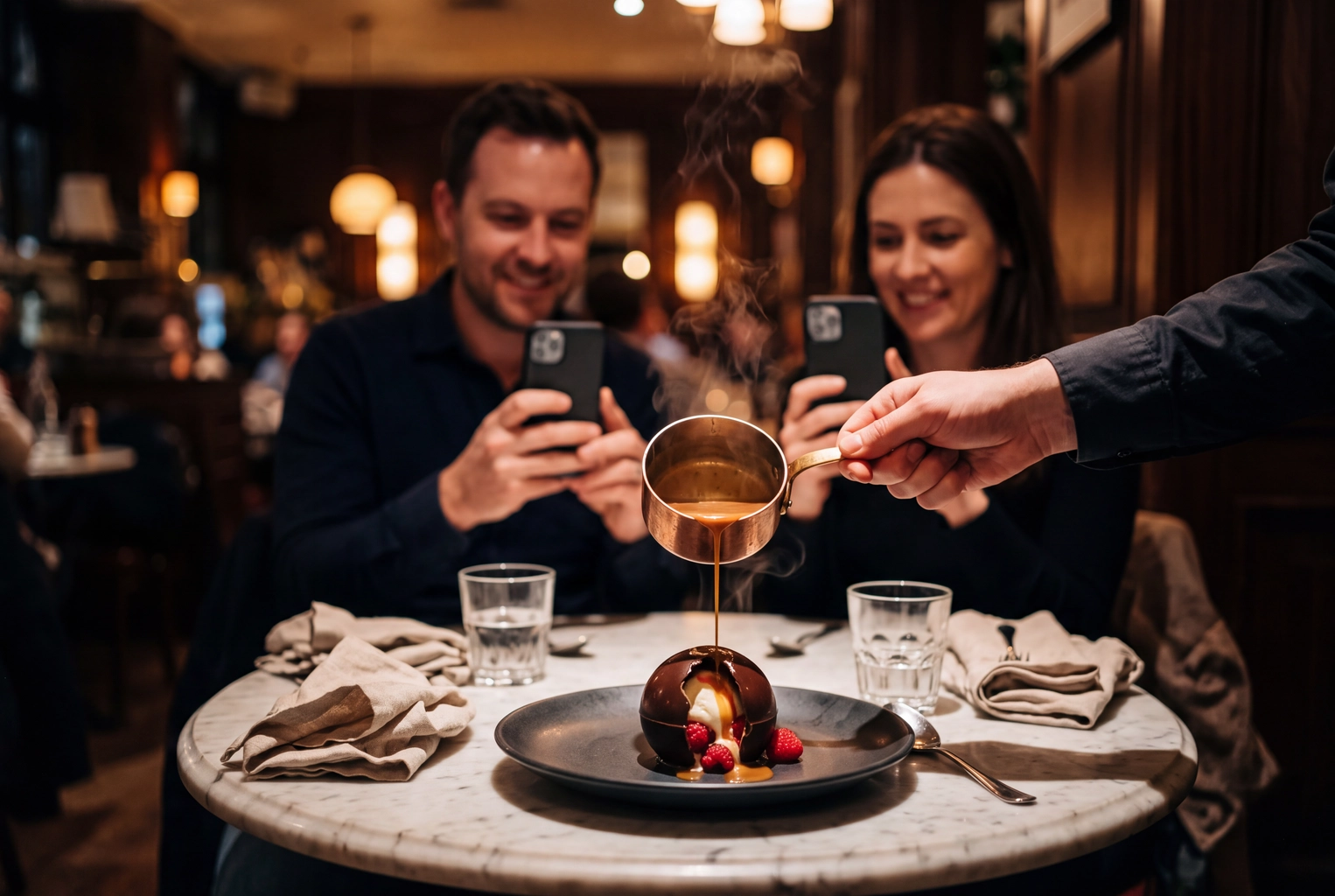 Server pouring hot caramel over a chocolate sphere as two guests film it, a camera-first dish that sparks UGC
2. Light three or four photo tables
Most guest shots fail on light, not on food. Ceiling downlights put glare on sauces and hard shadows under the plate. Soft light from the side shows texture. Seat two-tops by the window when you can, swap the bare bulbs over a few tables for warm, diffused ones, and keep those tabletops matte. Better light means more of the UGC you collect is good enough to reuse.
3. Put a table card where the phone already is
A small card at eye level, by the salt or the candle, does more than a sign by the door. Print your handle and one hashtag, not five. Then say what happens next: "Tag @yourhandle. We share a guest photo every Friday." The card should encourage a tag, not a rave. Promise a feature, not a freebie: once you trade food for content, that content needs a disclosure (see tactic 11).
4. Put your name on what ends up in the frame
Customers forget to tag. Your name in the frame still travels: a logo on cups, coffee sleeves, pizza boxes and napkins, a neon sign, a mural behind the best-lit table. Packaging also puts your brand on delivery orders in someone's feed, which matters for customers who never sit in your room.
5. Give servers a one-line prompt
When the photogenic dish lands, the server says one line: "That one looks best from straight above. Tag us and we might share it Friday." Ten minutes at pre-shift covers it. Three rules: say it once, say it only with the camera-first dishes, and skip tables that are deep in conversation. Pushy turns a nice moment into a sales pitch and kills the very UGC you were after.
6. Run a weekly guest-of-the-week series
Pick a day and a name, then pass along one guest's content every week, credited. Instagram's native Repost button, launched in August 2025, keeps the post credited to the original poster (Meta), and resharing a Story that mentions you works the same way. Customers see that posting gets them seen. Those built-in tools keep the content linked to the guest. Downloading and re-uploading it is a different step that needs permission, covered below.
7. Run a monthly hashtag contest, by the rules
A contest buys a burst of UGC, so tie it to something you want to sell: a new brunch menu, a seasonal drink. Instagram's Promotion Guidelines make you responsible for running it lawfully. You need official rules and eligibility terms, a statement that Instagram doesn't sponsor the contest, and you must not encourage people to tag content inaccurately (for example, tagging themselves in photos they aren't in).
In the US, a random-draw giveaway that requires a purchase can count as an illegal lottery, so offer a free way to enter. Write the reuse terms into the rules too: winners agree that you may share their photo with credit. Once prizes get large, have a lawyer read the rules.
8. Use the Add Yours sticker for seasonal dishes
The Add Yours sticker in Instagram Stories starts a chain. You post "Show us your first pumpkin latte of the season" with your own shot, and guests add theirs to the chain. It's low-effort UGC and short-lived, which suits a dish that's only around for a few weeks.
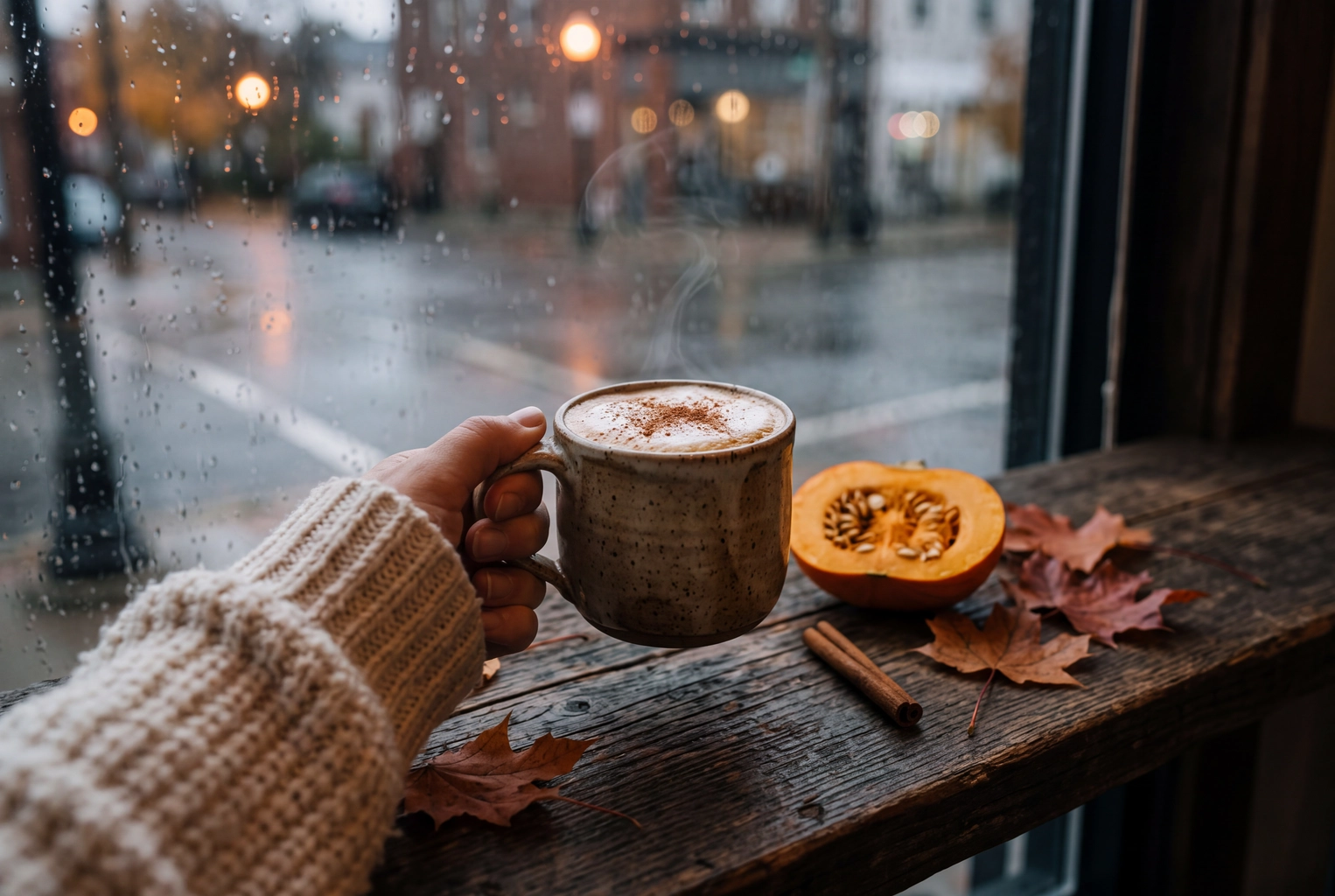 Pumpkin spice latte lifted from a rainy cafe window ledge, a seasonal dish for an Instagram Add Yours chain
9. Put a card in every takeout bag
Delivery customers eat at home, usually with more time and better light than a crowded dining room gives them. A card in the bag with your handle and "Post your unboxing, we repost our favorites" reaches people who never see your table card. For a restaurant with a big online ordering business, it's one of the cheapest UGC campaigns there is.
10. Turn occasions into shareable moments
Birthdays, anniversaries, proposals, a chef's table seat. A sparkler candle on the dessert or a handwritten card from the kitchen is often all it takes for guests to create a post. These posts usually show faces, so get consent from the people pictured before you reuse one, and from a parent if a child is in the shot.
11. Invite local micro-creators, with disclosure
Local food accounts with a few thousand engaged local followers can create polished Reels in one visit, though they read as less authentic than a regular's phone clip. A comped meal counts as payment, so the FTC expects the creator to disclose the connection (FTC Endorsement Guides FAQ). Put the disclosure and your reuse rights in writing before the visit. Our food influencer marketing guide covers how to find creators, brief them and agree on usage. Paid UGC creators from marketplaces like Collabstr are another option when you need video on a deadline, but read the license terms before you pay.
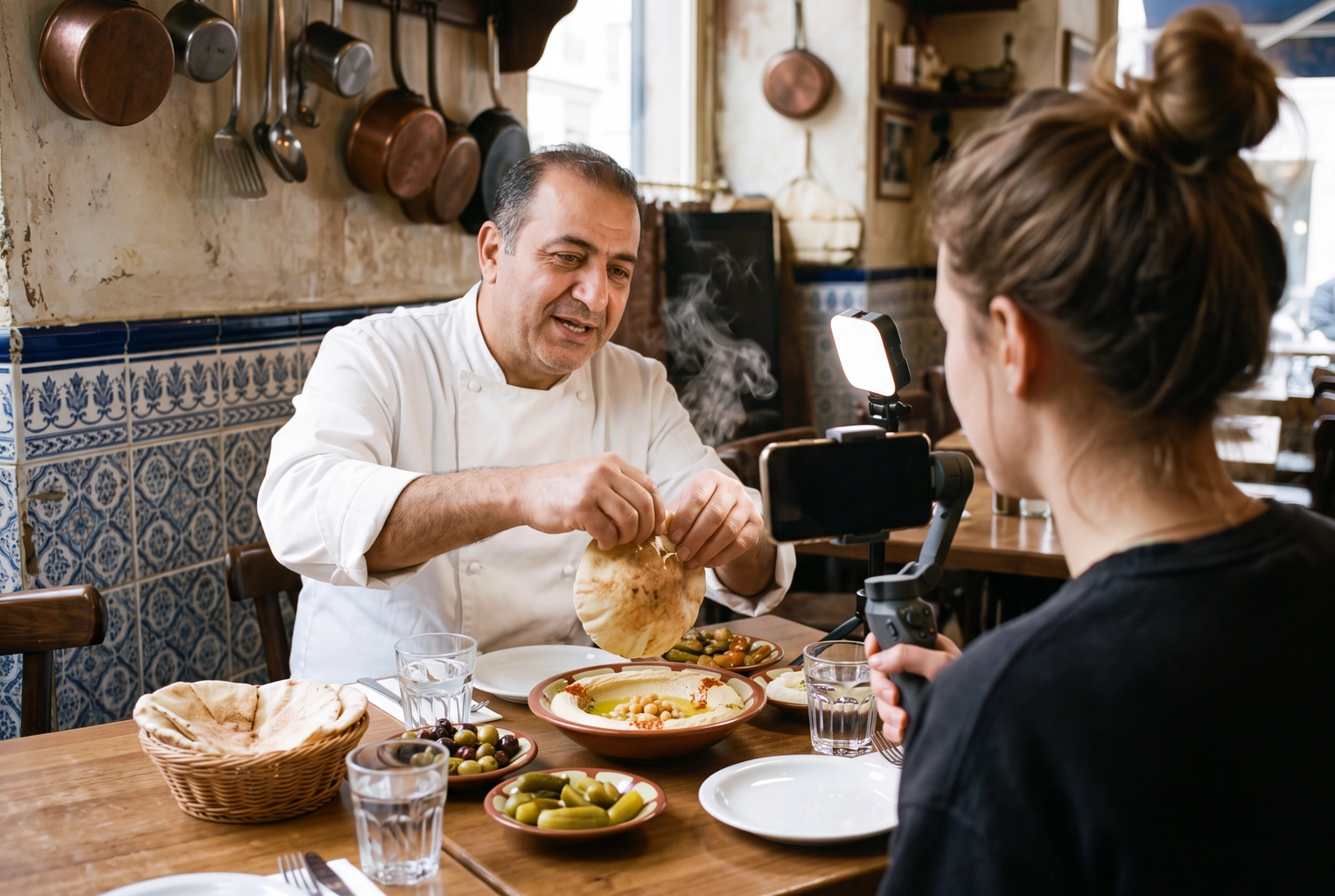 Local food creator filming a chef tearing pita over hummus, a micro-creator visit for restaurant UGC
12. Ask every guest for a Google review, no strings attached
Reviews are user-generated content too, and on Google they often come with pictures. Ask every guest the same way, with a QR code on the receipt or a line on the check presenter, and offer nothing in return. Google wants contributions that reflect a genuine experience, and its Maps content policy removes content posted because a business offered an incentive such as discounts or free goods. The FTC's Consumer Reviews and Testimonials Rule, in force since October 21, 2024, bans incentives tied to a positive review. The FTC's own example of a violation: "Tell us how much you loved your visit to John's Steakhouse and get a $5 coupon."
Yelp goes further. Its content guidelines ask businesses not to request them at all, so leave Yelp to happen on its own.
How do you repost guest content legally?
Reposting user-generated content legally comes down to three steps: get a written yes from the person who took the photo, credit them by handle, and use the content only where they agreed. A tag is not consent. Meta's own copyright help says it's "generally a good idea to get written permission from the author" before you post someone else's work, and repeat infringement can get an account disabled (Meta Help Center). What follows is general guidance, not legal advice.
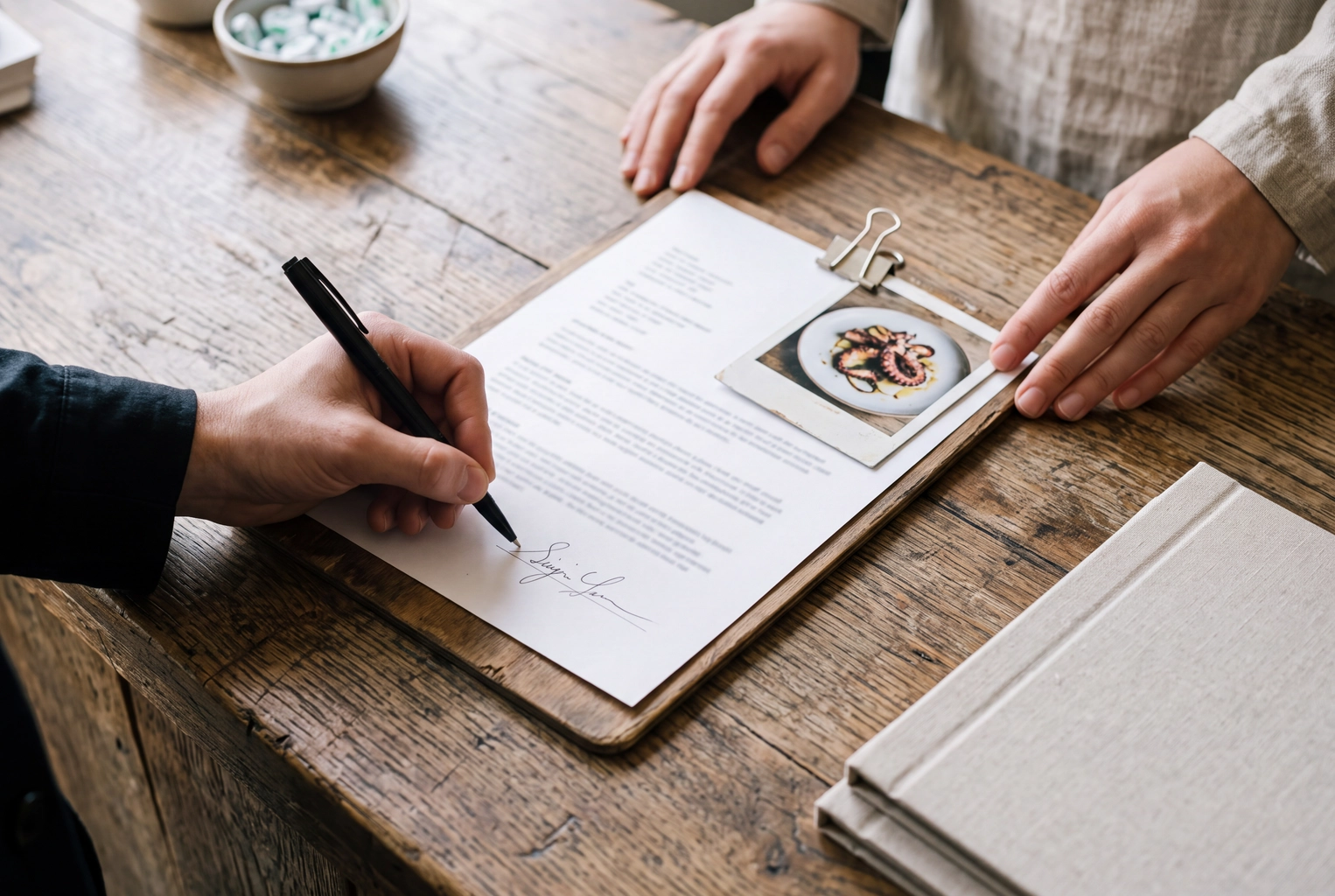 Guest signing a photo release at a restaurant host stand, the written consent needed before reusing UGC in ads
Match the permission to the use
| What you want to do | What you need | Why |
|---|---|---|
| Reshare a Story that mentions you, or use Instagram's or TikTok's repost button | Nothing beyond the platform's own button | The content stays on the platform, linked and credited to the guest |
| Download it and post it to your feed, Facebook page, website or email | A written yes in a DM, plus credit | The guest owns the copyright |
| Use it in a paid ad, in print, or on a menu board | A signed release, or the creator's approval through Meta's partnership ads | Ad and print use go beyond a casual "sure" |
| Use a photo that shows other people's faces | Consent from the people pictured (a parent for a child) | Using a recognizable face in an ad can need that person's consent |
| Put it on a delivery-app or Google menu item | Don't. Use your own photo | See the next section |
The DM template
Copy this, fill the brackets, and send it from your restaurant's account:
Hi [first name]! Thanks for coming in on [day]. Your photo of the [dish] made our kitchen's week. Could we share it on our Instagram, Facebook and website, credited to @[their handle]? If that's OK, just reply "Yes, [Restaurant] can use it." We won't edit it, we won't use it in paid ads without asking you first, and if you ever want it taken down, message us and it's gone within 48 hours.
Their reply is your written consent. Screenshot it. For ads, send a second message that names the ad, the platforms and the dates, and get a short signed release.
Six rules that keep reposts clean
- Ask before you download. Not after the post is up.
- Credit in the caption and the tag. "Photo by @handle" in the first line, and tag them in the image.
- Don't edit a guest's photo. No filters, no retouching the dish, no crop that cuts their handle or watermark. If a format needs a crop, ask for that in the DM.
- Don't run a guest's photo through any editing or AI tool, FoodShot included. If a dish needs a better picture, take your own.
- Ask again for every new use. Ads, print and new channels each need a fresh yes.
- Take it down fast when asked. Keep the promise in your DM.
Keep a rights log
A spreadsheet the whole team can open is enough. Use one row per photo with these columns: date, handle, link to the original post, dish, the exact words of their yes, what they agreed to (feed, website, ads), any end date, where you've used it, and takedown requests. When a manager leaves, the log stays. When someone asks "who said we could use this?", the answer takes ten seconds.
Where UGC works and where it does not
User-generated content works wherever its job is social proof: your social media feeds, Stories, website gallery and emails. It doesn't work where the job is an accurate photo of each item you sell, which means delivery-app menus, your Google menu, printed menus and menu boards. Those channels ask for pictures you own, of the exact item.
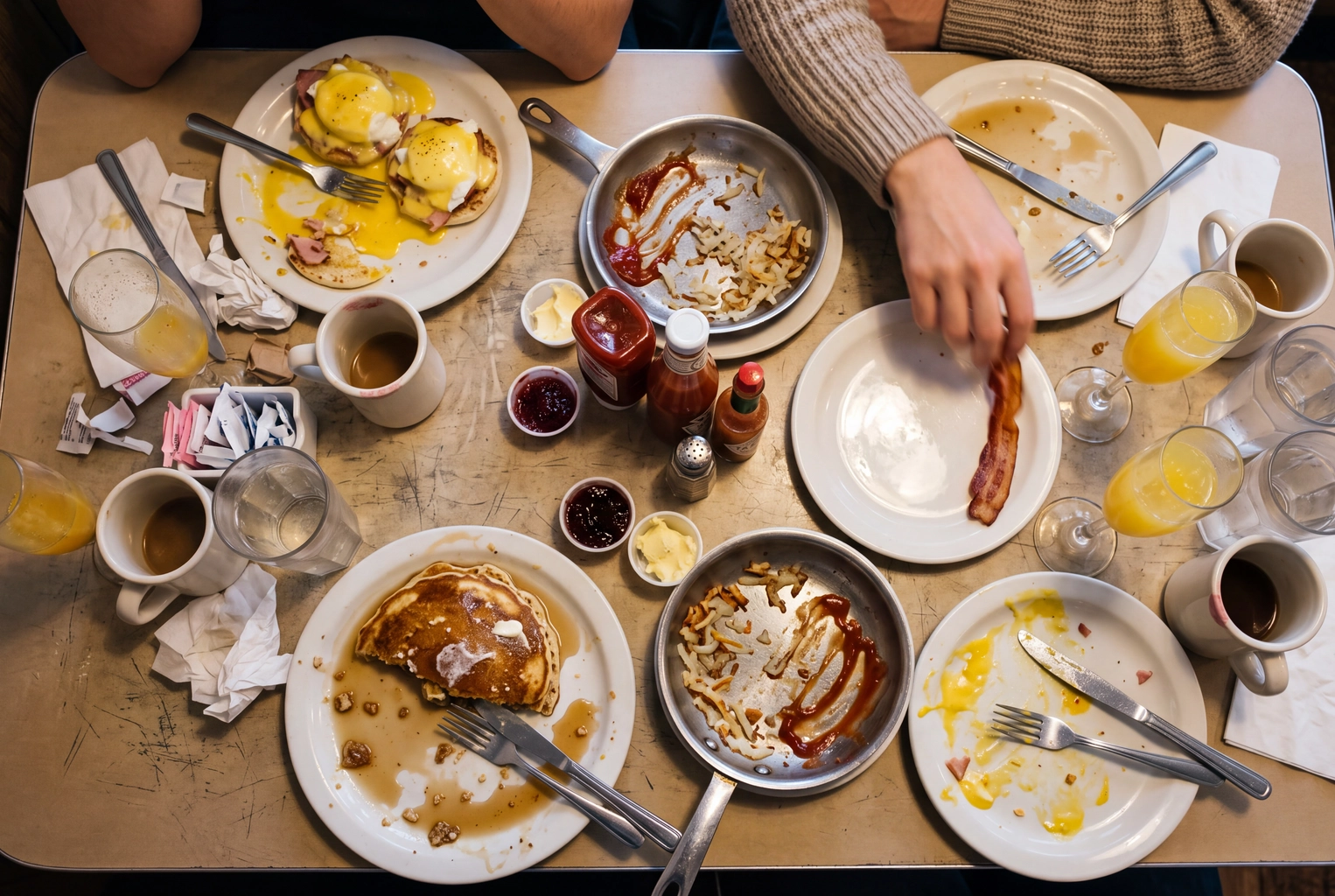 Overhead of a half-eaten brunch table with elbows and glare, why guest photos can't serve as menu item photos
| Channel | Use guest UGC? | Why |
|---|---|---|
| Story reshares and native reposts | Yes | Built-in tools, credited to the guest |
| Your feed, Facebook page, website gallery, email | Yes, with written consent | The guest owns the copyright |
| Paid social ads | Only with a signed release or a creator-approved ad | Ad use goes beyond a DM yes |
| Google ratings and guest pictures on your profile | Yes, customers add these themselves | Ask everyone, offer no incentive |
| Yelp | Let it happen; don't ask | Yelp's guidelines tell businesses not to request reviews |
| Uber Eats menu items | No | You must warrant usage rights and let Uber modify the photo |
| DoorDash menu items | No | Photos must be original images you own the rights to |
| Google Business Profile menu items | No, use your own | You upload item photos to your own profile, and they should represent reality |
| Printed menu, menu board, flyer | No | You need print rights and a consistent look across items |
Why a guest's yes doesn't cover your delivery menu
Uber Eats asks for a photo that will "accurately represent a single item" from your menu. By uploading, you warrant that you have usage rights and sub-license the photo to Uber, "including the right to modify photos without permission" (Uber merchant photo guidelines). A guest who said "sure, repost it" never agreed to that. DoorDash is blunter: "Photos must be original images that you own the rights to," and it lists third-party images among the things not to upload (DoorDash Help Center). Our guides to Uber Eats photo requirements and DoorDash photo requirements list the sizes and rejection reasons.
Google works the same way. To attach a photo to a menu item, you first upload it to your own Business Profile (Google for Developers), and Google's photo guidance asks for shots that are in focus, well lit and that "represent reality." Our Google Business Profile photo playbook covers which shots to add first.
There's also a plain accuracy problem. Guest shots show half-eaten plates, three dishes at once, a friend's elbow and the lighting of whatever table they sat at. A delivery customer choosing between two burgers needs to see the burger.
Cover the menu with your own photos
Shoot each item yourself, on one surface, in one light, from the same angle. A phone is enough; our guide on how to take food photos with your phone covers the setup. Then FoodShot turns each phone shot into a menu-ready photo in about a minute, keeping your real plate, portion and dish, in one of 200+ styles so the whole menu matches your brand. Output is 4K, and every plan includes a commercial license; plans start at 25 photos for $15 a month.
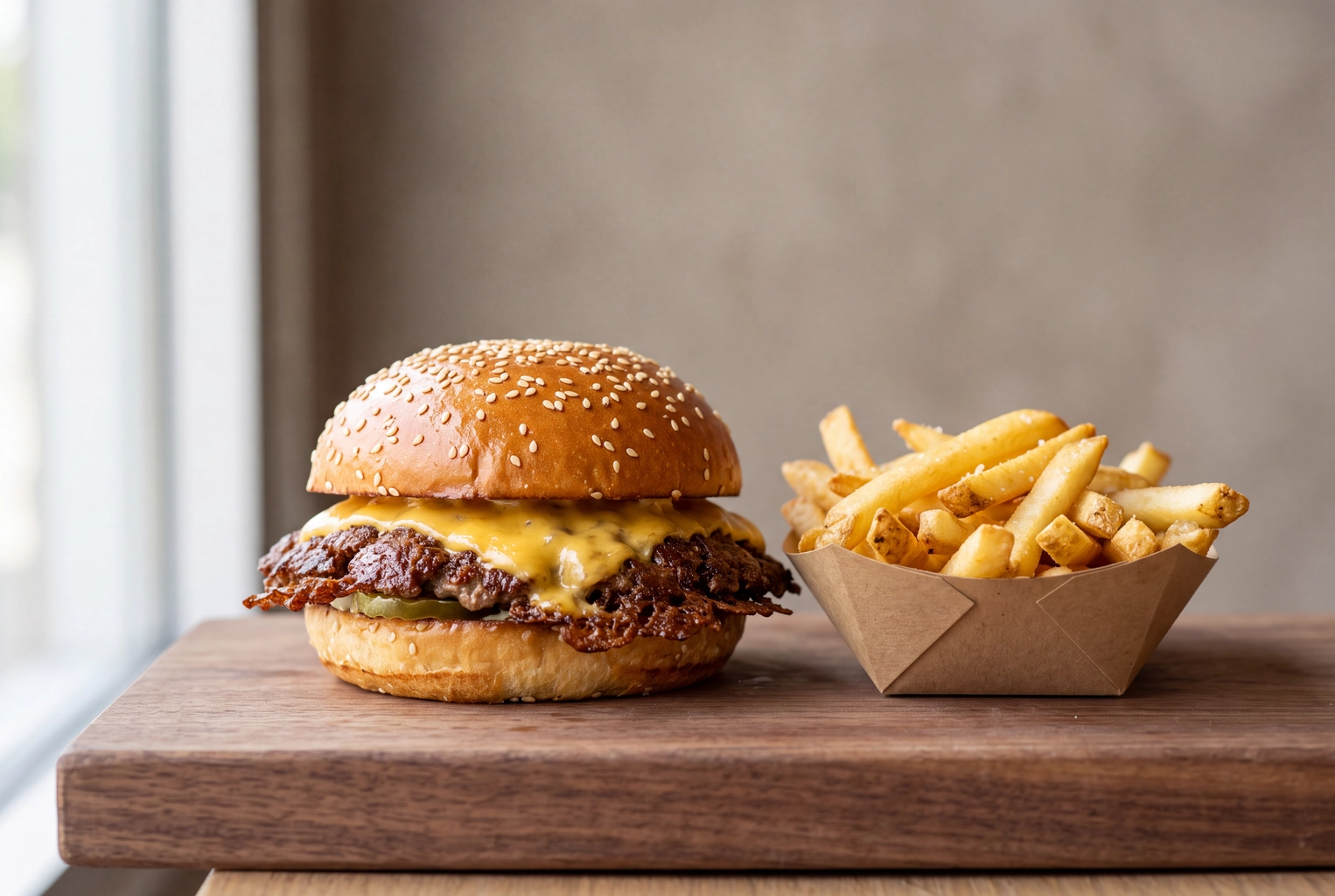 Single smash burger and fries on a walnut board in window light, the accurate own photo a delivery menu needs
That's the split that works. Guests prove that people love the place. Your own photos show exactly what each order looks like.
How do you know your UGC program is working?
Track four numbers for your user-generated content every week and compare them with your two-week baseline. If the first one doesn't move after a month, change the tactic, not the wording.
- Tagged posts and Story mentions per week. Stories vanish after 24 hours, so log mentions daily.
- Consent rate. Yes replies divided by DMs sent. A low rate usually means the ask is too vague or too late; send it within a day of the post.
- Reposts published per week. UGC you collect and never use teaches guests that posting does nothing.
- Menu coverage. The percentage of menu items with your own photo on each delivery app and on Google. This is the one guests can't fill for you.
For the days you have no guest content, pull from our restaurant social media post ideas, borrow a line from our restaurant captions for Instagram, and see what the best restaurant social media campaigns did with their guests' posts. Our guide to restaurant Instagram marketing fits the weekly UGC slot into a full posting routine.
Frequently Asked Questions
Is it legal to repost a customer's photo of my restaurant?
Using Instagram's or TikTok's own repost and Story-share features is generally fine, because the post stays linked and credited to the guest. Downloading the photo and posting it yourself, on your feed, website or anywhere else, needs the photographer's permission. A written yes in a DM, plus credit, covers organic social posts; ads and print need a signed release.
Can I put a guest's photo on my Uber Eats or DoorDash menu?
No. Uber Eats makes you warrant that you hold usage rights and lets Uber modify the photo, and DoorDash requires original images you own the rights to. Guest shots also rarely show a single item clearly. Use your own photo of each menu item.
Can I give a free dessert for an Instagram post?
You can reward a social post, but the guest then needs to disclose what they got, and you should tell them that up front. Never reward a Google or Yelp rating, and never tie any incentive to a positive opinion. A weekly repost is the simpler reward for customers: it costs nothing and doesn't turn their post into a paid one.
Can I edit or crop a guest's photo before reposting it?
Not without asking. Filters, retouching and crops change their work, and a crop can cut out their handle. If a format needs a crop, ask for it in the same DM where you ask to share the photo.
What's the difference between UGC and influencer marketing?
User-generated content comes from ordinary customers who post because they want to. Influencer marketing is a paid or comped deal with a creator who has an audience, which brings a contract, a brief and a disclosure. Most restaurants need both: a steady flow of real guest content for proof and a few creator visits for reach.
Do I need paid UGC creators, or are guests enough?
For social proof, guests are enough for most restaurants once the tactics above are in place. Paid UGC creators make sense when you need polished video on a deadline, such as a menu launch. Either way, the menu itself still needs your own real photo of every item.