Food Photography for Social Media in 9 Sizes
 Ali Tanis11 min read
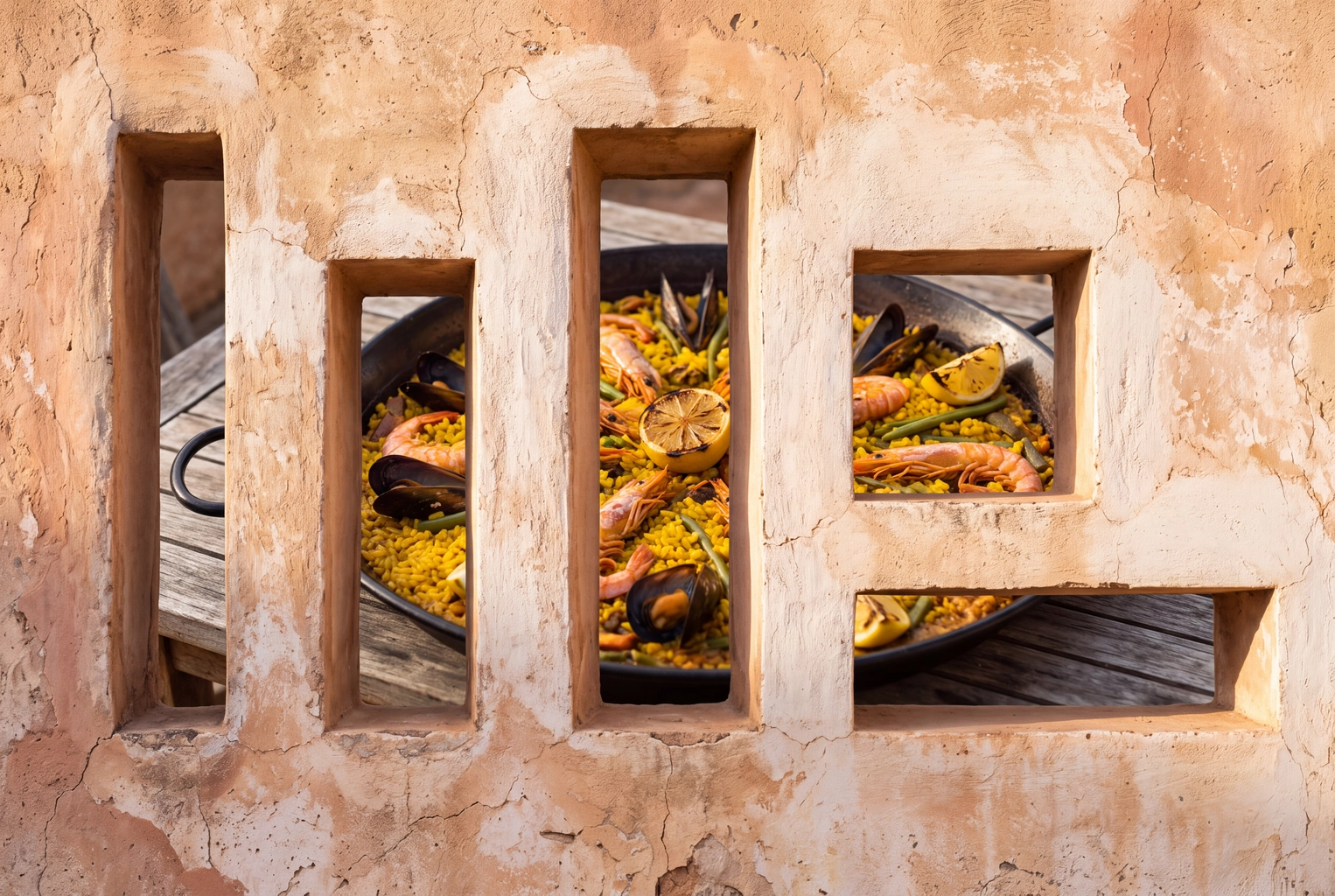
Food photography for social media fails restaurants and cafes the same way: one photo gets taken, uploaded everywhere, and every platform crops it differently. A burger framed for a square tile loses its bun in a 9:16 Story. The fix isn't nine shoots. It's one master photo framed wider than you need, five crops, and the sizes each platform actually publishes. If your starting point is a dim phone snap, run it through a food photo editor first so the master is worth cropping.
Quick Summary: Nine social placements need only five shapes: 4:5 (Instagram feed, Facebook, X, LinkedIn photos), 9:16 (Stories, Reels covers, TikTok), 2:3 (Pinterest), 1:1 (Google Business Profile, Yelp) and 1.91:1 (LinkedIn link previews). Shoot one master, keep the dish in the middle half of the frame, and export every crop from it.
Food Photography for Social Media: The 9-Placement Size Chart (November 2026)
Use 1080 × 1350 (4:5) for feeds, 1080 × 1920 (9:16) for anything full-screen, 1000 × 1500 (2:3) for Pinterest and a square of at least 720 × 720 for Google. We checked every row against the platform's own help page or ads guide on 6 November 2026. Where a platform publishes no number, the table says so.
| Placement | Shape and pixels | Keep clear | What to shoot |
|---|---|---|---|
| Instagram feed | 4:5, 1080 × 1350 (3:4 at 1080 × 1440 also keeps full quality) | The 3:4 profile grid trims about 34 px from each side of a 4:5 photo | 45-degree angle: burgers, layer cakes, cocktails |
| Stories and Reels covers | 9:16, 1080 × 1920 | Top 14% (269 px), bottom 35% (672 px), 6% (65 px) per side; the grid shows a cover's center 1080 × 1440 | A tall glass or a pour, empty wall above for text |
| Facebook feed | 4:5, 1440 × 1800; minimum 600 px wide | Nothing overlays the frame; Meta allows 3% ratio tolerance | Shared plates, the whole table |
| 2:3, 1000 × 1500 | Taller than 2:3 may be cut off; pure white or black backgrounds get a faint tint | Overhead flat lay with ingredients | |
| TikTok photo mode | 9:16, 1080 × 1920; up to 35 photos | Caption and buttons cover the bottom and right edge | A sequence: raw, plated, cut open |
| X | Any single photo from 2:1 to 3:4 shows in full | Multi-photo layouts crop each tile | One hero plate, today's special |
| Google Business Profile | 1:1, 720 × 720 recommended; 250 × 250 minimum; JPG or PNG, 10 KB to 5 MB | No heavy filters: Google wants photos that represent reality | Signature dishes as served, interior, storefront |
| Yelp | No published size; reuse the square | No logos or collages | One plate, close and well lit |
| Link previews 1.91:1 at 1200 × 627; photo-only posts reuse the 4:5 | Link images under 200 px wide shrink to a thumbnail | Catering spreads, the team at the pass |
Sources: the Instagram Help Center, Meta's Stories and Reels safe zone and Facebook Feed specs, Pinterest's specs, the X Help Center, Google Business Profile Help and LinkedIn Help. Meta writes its safe zones for ads; organic Stories carry the same overlays.
Five Shapes Cover All Nine Placements
The 4:5 file serves the Instagram feed, Facebook, X and LinkedIn. The 9:16 file serves Stories, Reels covers and TikTok. Pinterest gets its own 2:3, Google and Yelp share a square, and the 1.91:1 exists only for LinkedIn link previews. Name files by shape (ramen_4x5.jpg), not by platform, and your content library stays findable.
One Master Photo, Five Crops: The Workflow
Shoot one master that is wider and taller than any single crop, keep the dish inside the box every crop shares, then export each shape from that master. On a square frame, the shared box is the middle 56% of the width and 52% of the height.
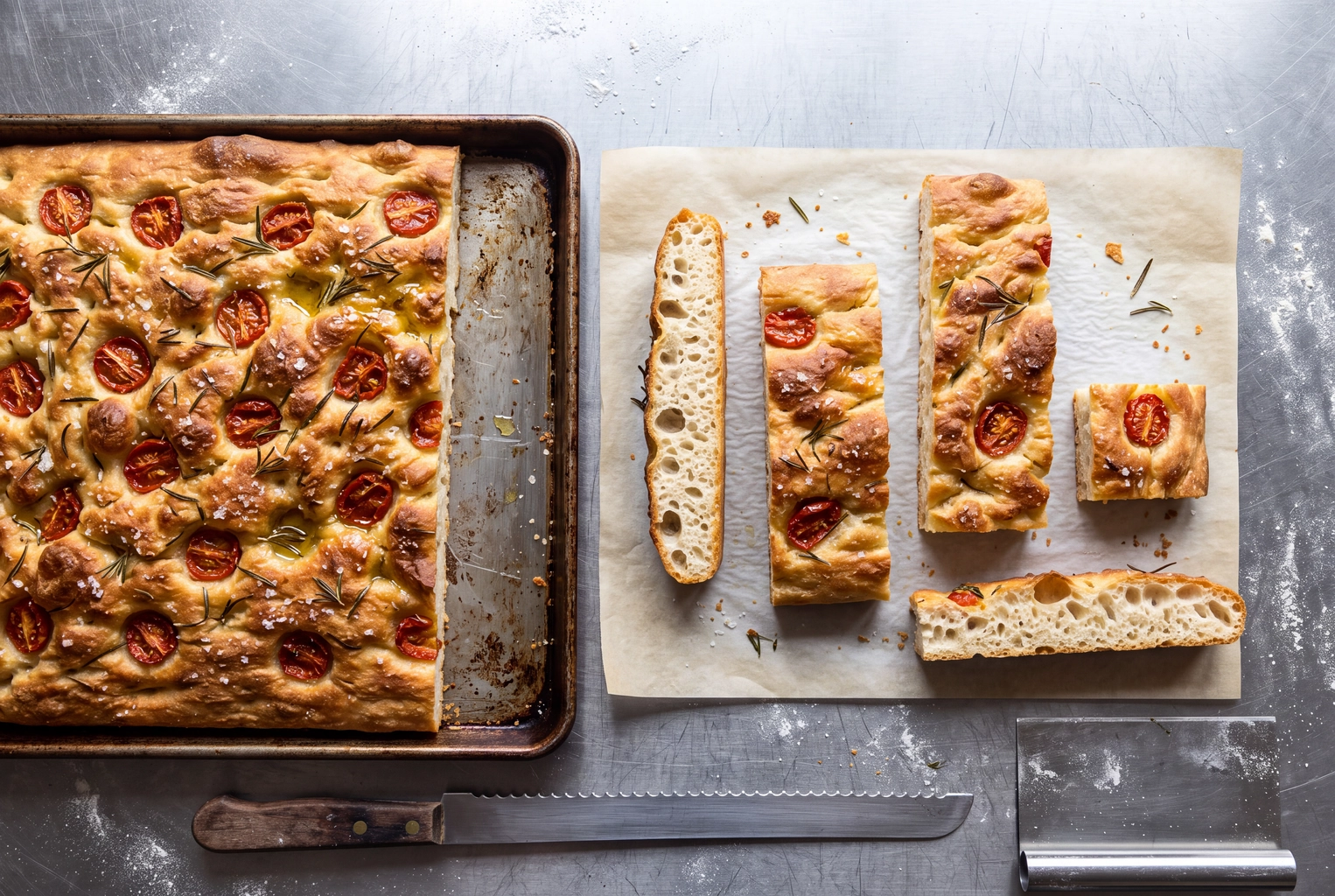 Sheet-pan focaccia with pieces cut in tall, portrait, square and wide shapes, one master photo cropped five ways
Step 1: Frame Wider Than Any Platform Needs
The 9:16 crop is the narrowest and the 1.91:1 the shortest: on a square master they keep 56% of the width and 52% of the height. Anything outside that center box goes missing somewhere.
Phone cameras make the box smaller: on a 4:3 camera frame held upright it's 75% of the width but only 39% of the height; held sideways, 42% of the width. So when taking the master, step back or raise the phone and leave table edges in. Our guide to shooting food on a phone covers stance and angles, and a tripod with an overhead arm makes flat lays repeatable.
Step 2: Check the Pixels Before You Crop
What a 4096 × 4096 master leaves after each crop, against the largest size asked:
| Crop | Pixels left from a 4096 × 4096 master | Largest size asked | Headroom |
|---|---|---|---|
| 9:16 | 2304 × 4096 | 1080 × 1920 (Stories, TikTok) | 2.1× |
| 4:5 | 3277 × 4096 | 1440 × 1800 (Facebook) | 2.3× |
| 2:3 | 2731 × 4096 | 1000 × 1500 (Pinterest) | 2.7× |
| 1.91:1 | 4096 × 2144 | 1200 × 627 (LinkedIn) | 3.4× |
| 1:1 | 4096 × 4096 | 1080 × 1080 (Yelp, reused) | 3.8× |
Every crop keeps at least twice the pixels it needs, so you can tighten a crop later without the food going soft.
Step 3: Export the Tightest Crop First
Start with 9:16. If the plate fits there, it fits everywhere. Then export 2:3, 4:5, the square and the 1.91:1. Save sRGB JPEGs: Pinterest converts uploads to 8-bit RGB JPEG anyway, and TikTok's developer guide accepts only JPEG or WebP photos, capped at 1080p.
Step 4: Add Text Last, Inside the Safe Band
On a 1080 × 1920 frame, Meta's safe band runs from 269 px to 1,248 px down and sits 65 px in from each side: a 950 × 979 px area. Put the dish name and price in the upper part of that band and let the plate fill the lower middle.
Platform Style Notes: What Each Feed Rewards
Size gets a photo displayed; style gets it stopped. Each feed favors different angles and a different amount of empty space.
Instagram Feed and Grid
Height sells in the feed: a 45-degree view shows the layers of a burger, a stack of pancakes or a cocktail's garnish. Since the profile grid switched to 3:4 tiles, uploading natively at 1080 × 1440 fills the tile with no side trim. Keep 4:5 for anything you cross-publish. Our Instagram food photography guide covers hashtags and editing.
Stories and Reels Covers
Vertical subjects win here: tall drinks, a pour, a dripping sauce. Leave a calm wall above the plate so text has somewhere to sit.
Pinterest rewards overhead flat lays that look like a recipe in progress: the bowl, the ingredients, a hand taking a spoonful. Pinterest also lays a faint tint over Pin images with pure white or near-black backgrounds, so off-white linen or pale wood keeps your colors as shot. If you love a look you found there, Pinterest-style food photos can apply it to your own plate, and our Pinterest food trends list shows what people save.
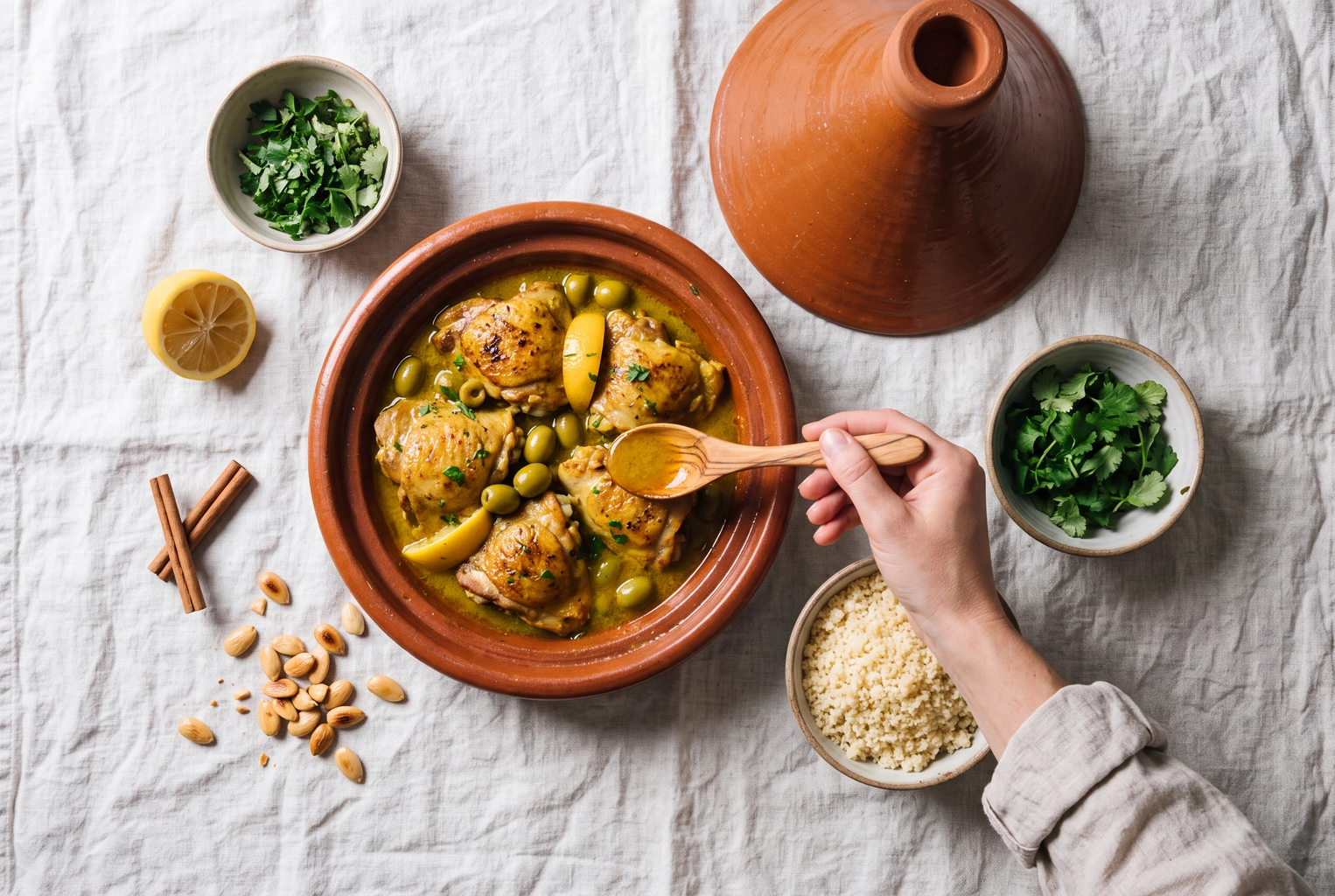 Overhead chicken tagine flat lay on off-white linen with a hand taking a spoonful, a Pinterest-style food photo
TikTok Photo Mode
A photo carousel takes up to 35 images, according to TikTok's Creator Academy. Treat it as a sequence: raw ingredients, the plate landing on the pass, the first cut. Keep text off the right edge, where the like and share buttons sit.
Facebook, X and LinkedIn
All three take the 4:5 file, and X shows any single photo between 2:1 and 3:4 in full. LinkedIn suits catering menus, event spreads and team photos; use the 1200 × 627 file only when sharing a link.
Google Business Profile and Yelp
Google asks for photos that are "in focus and well lit" with "no significant alterations or excessive use of filters", so upload the version that looks like what arrives at the table. Yelp publishes no pixel size, but its guidance for businesses warns against logos and collages and says photos rank among the top three things consumers weigh when choosing a business online. Our Google Business Profile photo specs break down every slot.
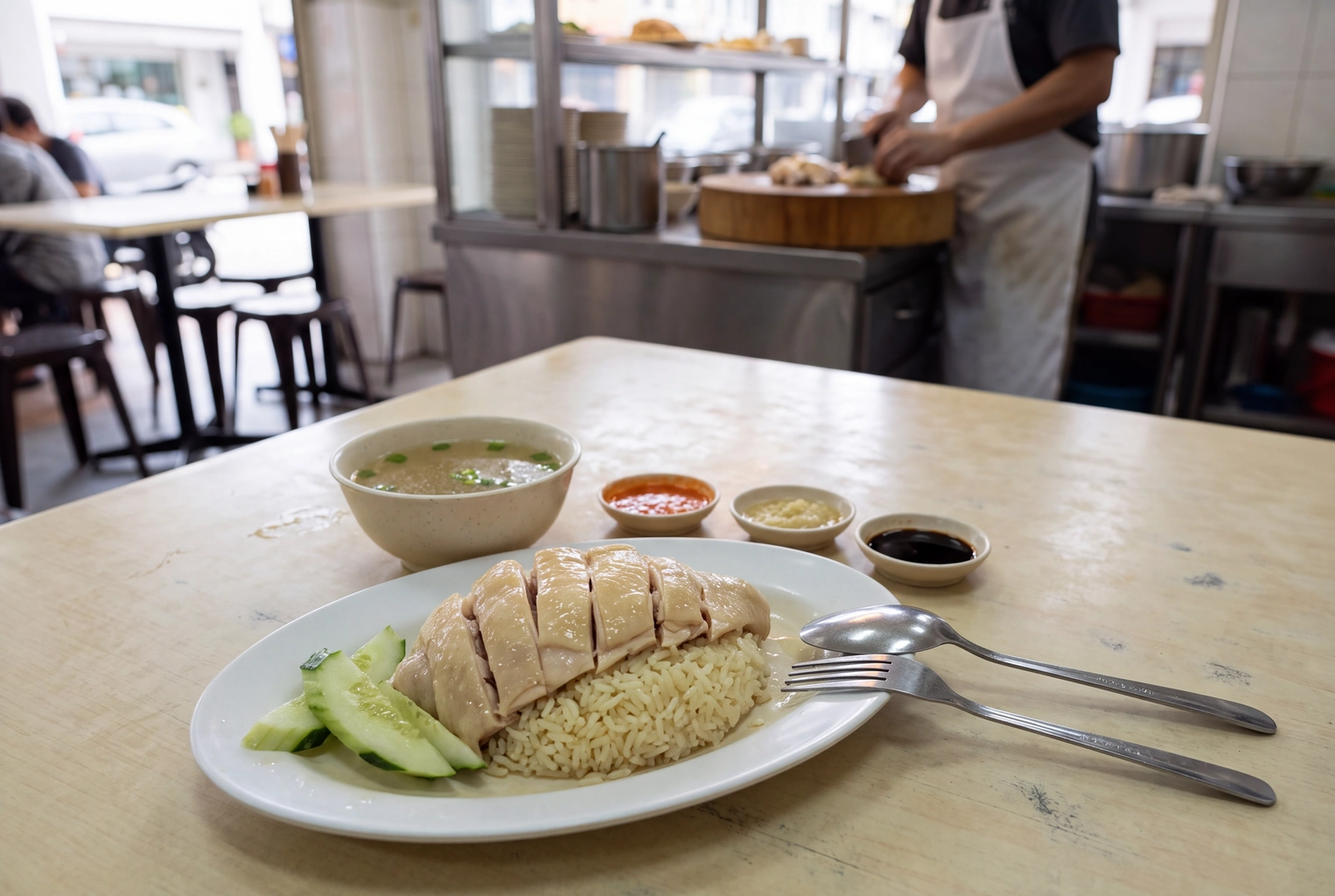 Hainanese chicken rice photographed as served by a lunch window, an honest Google Business Profile food photo
Which Platforms Actually Bring Diners In?
Facebook does, more than most owners expect. In Toast's blind survey of 1,466 U.S. adults, run October 9 to 15, 2025 and reported by PMQ Pizza, word of mouth led at 38% and walk-bys at 30%, followed by Facebook at 27%, map apps at 18%, search at 16%, Instagram and YouTube at 15% each, and TikTok at 14%. Among Gen Z, TikTok was cited by 38%.
Two takeaways. The square you upload to Google is social content too, since map apps beat Instagram in that survey. And match effort to audience: TikTok matters most if your guests skew Gen Z, while across all ages Facebook was cited nearly twice as often as Instagram. Our ranking of the best social media platforms for restaurants goes deeper.
What Earns Saves in Food Photography for Social Media
Engagement on food content comes from a handful of choices you make before you crop:
- Side light from one window. It carves texture into crusts and sears; overhead fluorescent lighting flattens them. Our lighting guide shows the setup.
- Texture close enough to read. The crumb of a croissant, the char on a skewer, steam over a bowl.
- A human element. A hand tearing bread or a pour mid-air turns a menu item into an experience.
- The cut. Show the inside: a sliced burger, a cake wedge, a dumpling opened with chopsticks.
- One hero per frame. Collages shrink every plate into thumbnails on a phone.
- A look people recognize. Same surface, same light, same color grade every time, and the feed reads as one brand.
That last one matters most when sharing across several platforms to the same followers.
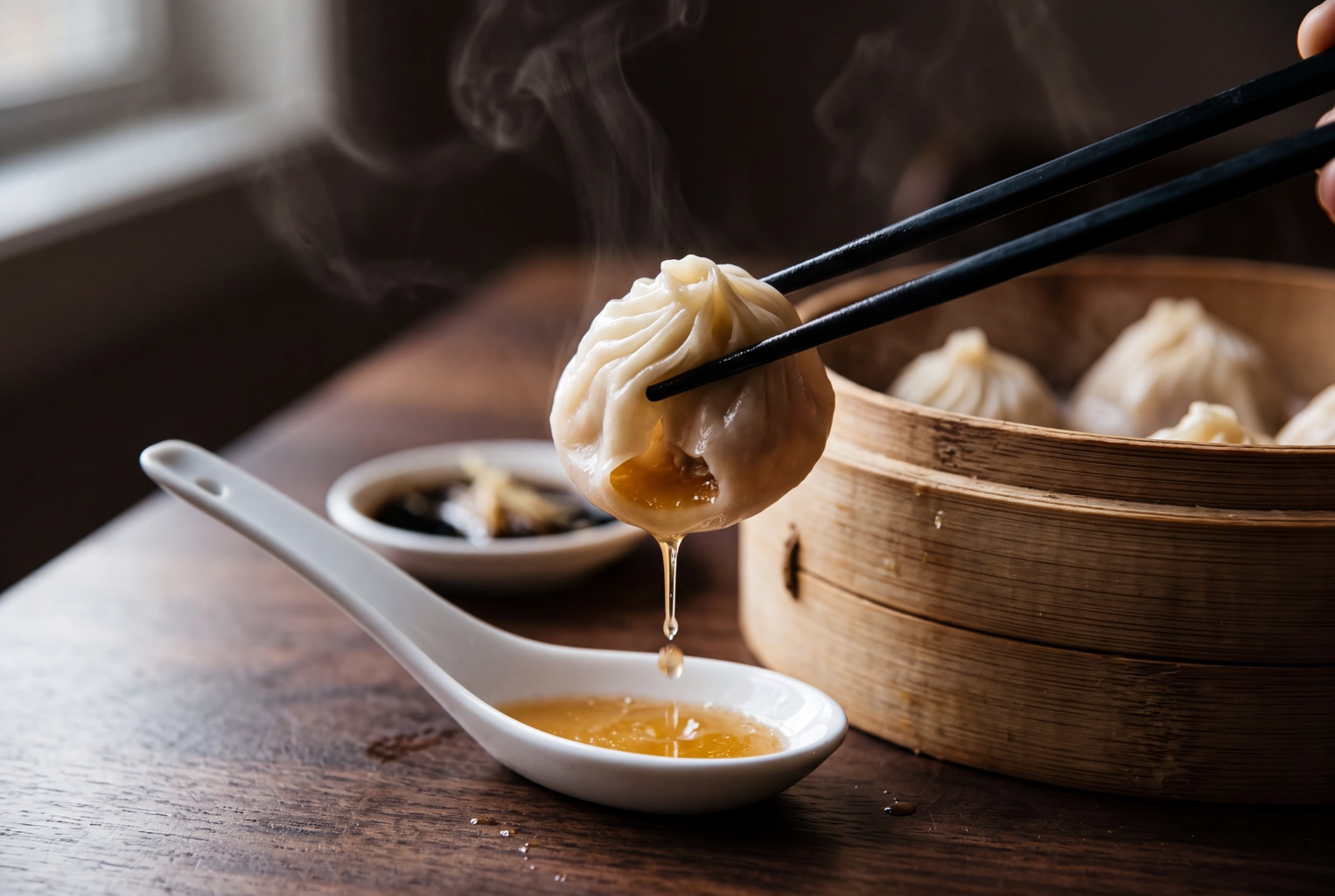 Chopsticks opening a xiaolongbao over a spoon as broth spills in window light, food photography that earns saves
Keeping Every Crop On-Brand Without a Weekly Shoot
Consistency is where most social media food content stalls: the photos are fine, but no two look like the same brand. FoodShot is built for that job. You upload a phone photo, pick one of 200+ styles (or match your brand using existing menu photos as a My Styles reference), and get several variations from one upload, each in about a minute. The output is 4K, and a square photo comes out at 4096 × 4096 px, exactly the master in the crop table above.
FoodShot makes still images only. Reels and TikTok videos still need video, but covers, Stories frames and photo carousels are stills. Every plan is paid and includes a commercial license, starting at $15 for 25 photos a month; see plans. Comparing tools first? Our roundup of the best food photography apps covers the alternatives, and 50 restaurant social media ideas fills a content calendar for food content creators and owners alike.
Frequently Asked Questions
What size should food photos be for Instagram in 2026?
Use 1080 × 1350 (4:5) for feed posts you also publish elsewhere, or 1080 × 1440 (3:4) if you upload natively and want the grid tile filled. Stories and Reels covers are 1080 × 1920 (9:16). Instagram scales anything wider than 1080 px down to 1080.
Can I use the same food photo on every platform?
The same photo, yes; the same file, no. Five crops of one master cover all nine placements. One file everywhere lets each app crop it, which is how dishes lose their garnish on Pinterest.
Are edited food photos allowed on Google Business Profile?
Google asks that photos "represent reality" with no significant alterations or excessive filters. Correcting light, color and framing keeps the plate true to what guests receive; swapping in a different dish or portion does not.
Do I need video for food photography for social media?
Reels are video, but TikTok photo mode takes up to 35 stills, and every Reel needs a cover. A strong still library covers the photo side; plan video separately, and spend the time saved on posts people actually save.
Start with the 9:16 test on your next plate: if it survives the tightest crop, the other four are just exports.