DoorDash Storefront Review: Fees, Setup and 5 Alternatives
 Ali Tanis10 min read
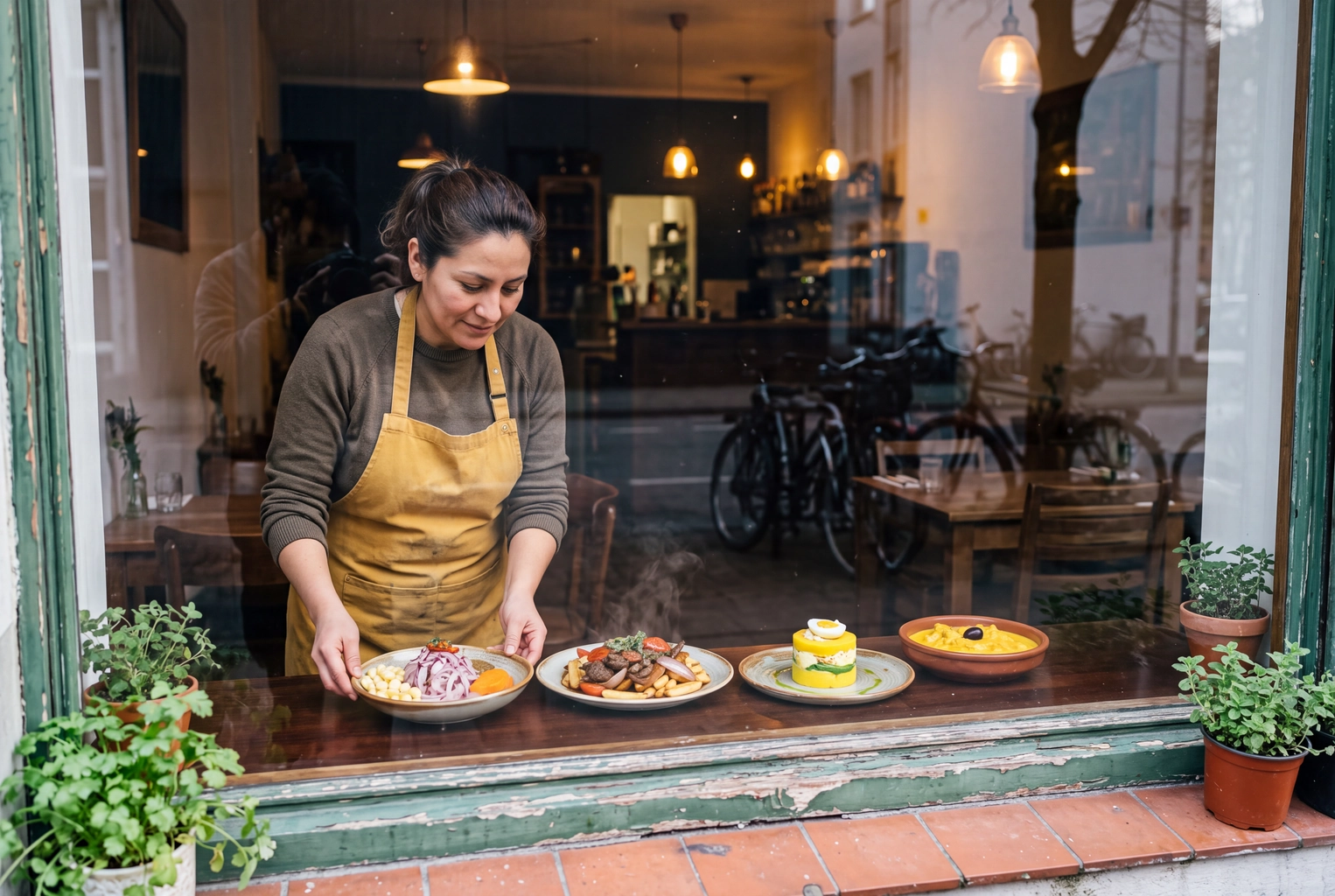
DoorDash Storefront is still searched by its old name, but DoorDash sells it today as Direct Ordering, part of a bundle called DoorDash Direct. The pitch is unchanged: customers order from your website, Google profile or Instagram, Dashers deliver, and you owe no commission. Whichever direct channel you pick, the page sells with its item photos, so get your restaurant food photos right first.
Quick Summary: DoorDash Storefront (now Direct Ordering) charges 0% commission on orders from your own channels. You cover card processing, last published at 3.3% + $0.30 per order; Boost ($99 a month) or Pro ($249) add a website, email marketing and an app. It's the easiest direct channel if you're already on DoorDash, but it shares your Marketplace menu, prices and photos.
What Is DoorDash Storefront Called Now?
DoorDash Storefront is called Direct Ordering today, part of DoorDash Direct. The company's FAQ traces the path: "DoorDash Storefront, later renamed Online Ordering, is now Direct Ordering." Existing Storefront merchants were moved over automatically at no extra cost.
The old name survives. The WordPress plugin is still "Storefront Online Ordering by DoorDash," and help articles mix all three names for one product: a commission-free ordering page that runs on your DoorDash Marketplace store.
DoorDash Storefront Fees in November 2026
DoorDash Storefront charges no commission on direct orders and no monthly charge for the basic page. You cover a standard payment processing fee per order. Current US pages don't print the rate; the last published one, in DoorDash's August 20, 2025 announcement, was 3.3% + $0.30 without a package and 2.9% + $0.30 with Boost or Pro. Boost launched at $54 a month; the DoorDash Direct page lists it at $99 today.
| Charge (checked Nov 4, 2026) | What DoorDash lists | On a $30 order |
|---|---|---|
| Commission on direct orders | 0% | $0 |
| Card processing, no package | 3.3% + $0.30 (last published) | $1.29 |
| Card processing, Boost or Pro | 2.9% + $0.30 (last published) | $1.17 |
| Boost: website, automated email, loyalty links | $99 a month | fixed |
| Pro: Boost plus branded app, texts, loyalty | $249 a month | fixed |
| Dasher delivery | charged to the customer | $0 to you |
| Marketplace delivery (Basic / Plus / Premier) | 15% / 25% / 30% | $4.50 / $7.50 / $9.00 |
| Marketplace pickup | 6% | $1.80 |
| Payouts | weekly by default, daily available | none |
On Plus, moving a regular from the DoorDash Marketplace to your own link saves $6.21 on a $30 delivery. Boost only earns its price if its website and emails win extra orders: the lower card rate alone saves 0.4% of sales, or $20 a month on $5,000. Marketplace rates are from DoorDash's pricing page; DoorDash fees for restaurants breaks down each plan, including the $6-a-week tablet rental.
 Two margherita pizzas, one with a thin sliver cut out and one with a quarter cut away: DoorDash Storefront fees vs commission
How to Set Up DoorDash Storefront in 5 Steps
Setting up DoorDash Storefront takes an afternoon if your Marketplace menu is live; DoorDash says most merchants take direct orders within 24 hours. You need an active store, because the page runs on your Merchant Portal account.
- Log in to the Merchant Portal. No store yet? Sign up for Marketplace first.
- Open the Commerce Platform tab and click Get Started.
- Decide on a package. The base page has no monthly charge; Boost and Pro can wait.
- Brand the page with your color and logo. Your menu syncs over automatically.
- Publish the link. Add a button to your website with the Smart Button script or the WordPress plugin (it needs your Business ID), then your Google Business Profile, Instagram bio, emails and a QR code on bag inserts.
Don't skip Google: make your direct link the preferred option on your Business Profile so searchers buy from you. If your website needs work first, see our best restaurant websites scores and restaurant website cost tiers.
 Georgian restaurant owner holding brand color swatches beside a khachapuri, choosing colors for a DoorDash Storefront page
What Your Ordering Page Shows Customers
Your DoorDash Storefront page shows the same menu as your store: item names, descriptions, photos, modifiers and hours, in your colors. Checkout takes saved cards, Apple Pay, Google Pay, Venmo and PayPal, with live Dasher tracking.
Two details decide whether it converts:
- Prices. If you mark up DoorDash prices to cover commission, direct customers may see the markup too. Dual Pricing lets a POS integration send in-store prices to pickup and direct orders. DoorDash's 2023 data on 4,500+ restaurants shows marked-up menus get up to 37% fewer sales and 78% lower reorder rates; our menu pricing formulas help you set both numbers.
- Photos. Menus with item photos earn up to 44% more monthly sales, per DoorDash's menu guide. A blank tile looks worse on your own domain, where the visitor came looking for you. See our DoorDash photo requirements and menu descriptions guides.
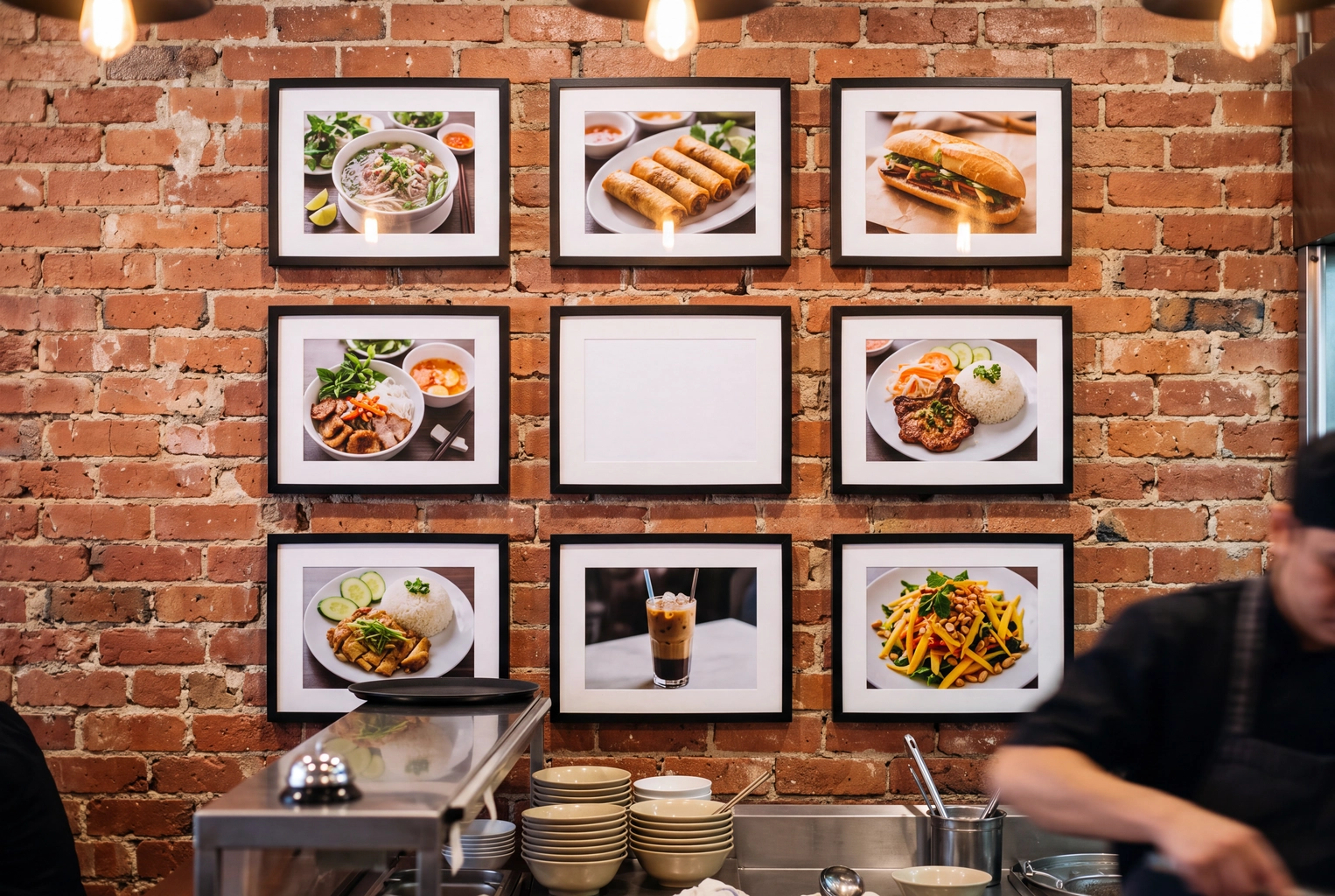 Brick wall of framed dish photos with one empty frame, the missing item photo that costs a DoorDash Storefront menu orders
DoorDash Storefront Pros and Cons From Operator Threads
DoorDash Storefront is cheap and quick, and its weak spots come from being tied to your DoorDash store.
Pros
- Card costs only. "Zero fees except for the credit card fees," one owner reported in an r/restaurateur thread.
- No new hardware. Direct orders land on the same tablet or POS, with 40+ integrations including Toast, Square and Otter.
- No drivers to hire. Dashers deliver and DoorDash handles delivery problems.
- Fast launch. Ridester's reviewer set up a store in about 5 minutes.
Cons
- Inherited markups. "The customer still pays your inflated DoorDash price," one commenter wrote; another replied that Storefront pricing can differ. Both are right; it depends on your integration.
- No discovery. The page converts existing customers, not new ones. One owner in an r/restaurantowners markup thread pushed regulars to Square and Storefront with promos "and we got almost no conversion."
- Your channel lives on DoorDash. Menu, payouts and help run through one portal; Capterra reviewers (via RestaurantTools.ai) rate merchant support 3.7 out of 5.
- Customers still cover delivery, so the savings land with you more than with them.
5 DoorDash Storefront Alternatives Compared
The best DoorDash Storefront alternative depends on which platform runs your counter and how much you deliver. The table prices each at $5,010 a month in direct sales (167 orders at $30), from published rates read November 4, 2026.
| Option | Monthly | Per order | Total at $5,010 | Delivery | Best fit |
|---|---|---|---|---|---|
| DoorDash Direct Ordering | $0 | 3.3% + $0.30 | $215 | Dashers, guest covers | Already on DoorDash |
| DoorDash + Boost | $99 | 2.9% + $0.30 | $294 | Dashers, guest covers | Wants a built site |
| Uber Webshop | $0 | 2.5% + $0.29 | $174 | Uber couriers, extra | Uber Eats first |
| Square Online (Free / Plus) | $0 / $49 | 3.3% / 2.9% + $0.30 | $215 / $244 | Couriers on demand | Square counters |
| Toast Online Ordering | Quoted | Toast rate | Quote | From $6.99 flat | Toast counters |
| ChowNow Launch | $249 + setup | 2.95% + $0.29 | $445 | $7.98 Flex | Leaving the apps |
| Owner.com (Flexible / Flat) | $249 / $499 | 5% / 0%, guest 5% | $500 / $499 | Available | Done-for-you marketing |
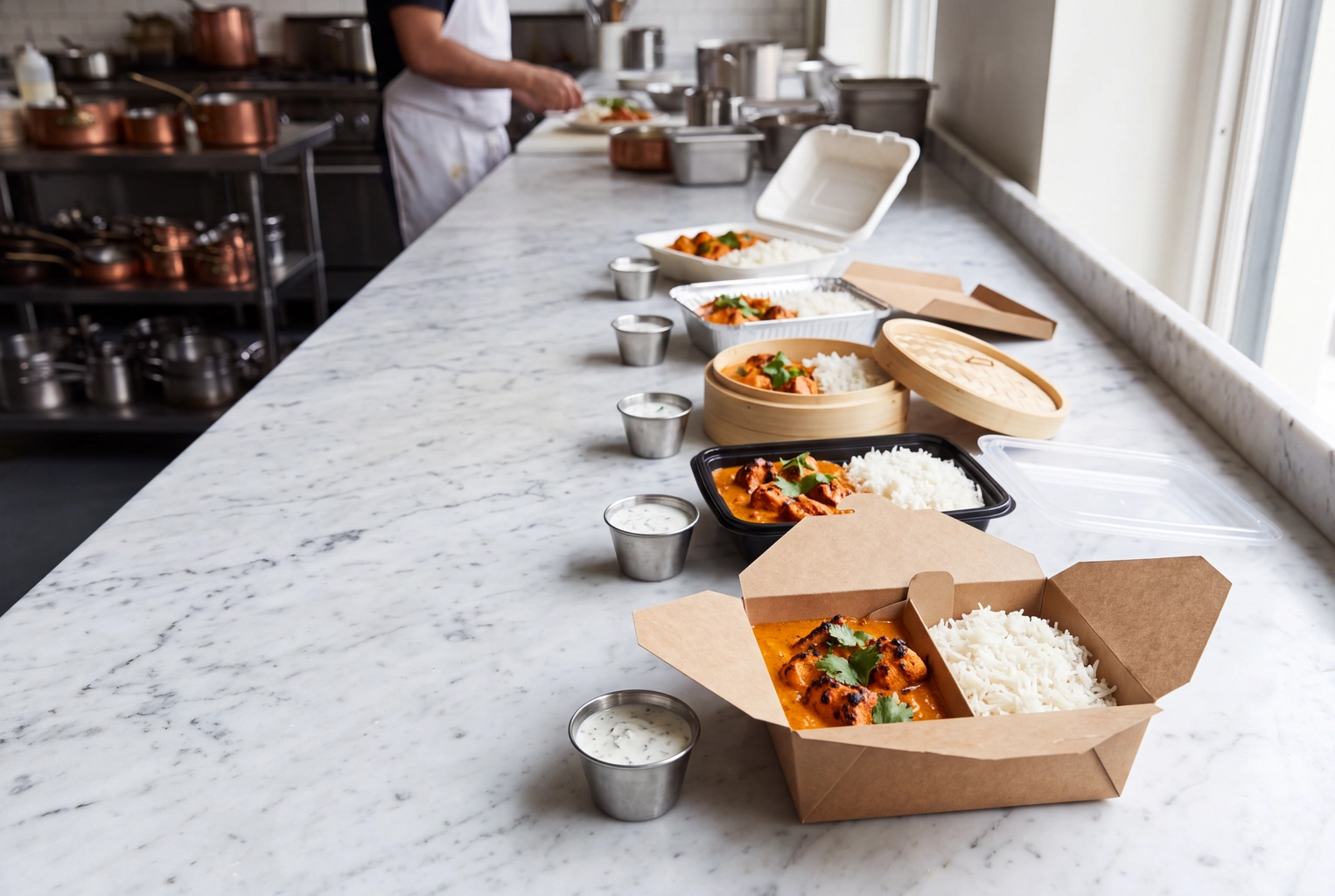 One chicken tikka order packed five ways on a marble counter, like choosing among DoorDash Storefront alternatives
Uber Webshop
Uber's version lives in Uber Eats Manager under Store. Its pricing page lists a 2.5% order processing fee + $0.29 per order and no commission: $1.04 on a $30 order, courier delivery extra. See Uber Eats fees for restaurants and our hub on how to get more orders on Uber Eats.
Square Online
Square Online comes with every Square plan. On Square Free, online card payments cost 3.3% + 30¢; Plus, at $49 a month per location, drops that to 2.9% + 30¢. It needs no delivery-app store.
Toast Online Ordering
Toast's ordering is commission-free and built into its POS, but its price is quoted inside a Digital Storefront package; one Toast user on Reddit reported $75 a month for the entry tier. Toast Delivery Services charges a flat $6.99 per delivery under 6 miles through Uber Direct, or $7.49 within 5 miles through DoorDash Drive.
ChowNow
ChowNow is the independent specialist, with its own commission-free diner app and marketing tools. Launch costs $249 a month ($229 billed annually) plus a $119 to $499 setup charge, and cards run 2.95% + $0.29. Flex Delivery adds $7.98 an order. It costs about twice DoorDash's base option, in exchange for independence.
Owner.com
Owner.com is a done-for-you platform that builds your website, app and marketing. Flexible is $249 a month plus 5% per order; Flat Rate is $499 with no restaurant fee. On both, guests cover a 5% order support charge, $1.50 on a $30 order. Its pricing page lists no card rate, so our total excludes one.
Which Direct Ordering Option Fits Your Restaurant?
- On DoorDash, modest direct volume: Direct Ordering with no package; add Boost when you want its website.
- Uber Eats is your main marketplace: Uber Webshop, the lowest total in our table.
- Square or Toast at the counter: their built-in ordering, so menus and card data stay in one system.
- Leaving the delivery apps: ChowNow or Owner.com, weighed against the commission you stop paying.
Not sure which marketplace to keep? Start with DoorDash vs Uber Eats vs Grubhub, then how to increase restaurant delivery sales.
Fix the Item Photos Before You Send Traffic
Every option above sells with a grid of dish photos, and on your direct page those photos decide whether a regular orders there or goes back to the marketplace.
FoodShot turns a phone photo of your real dish into a studio-quality menu shot in about a minute, at 4K, keeping the food as cooked and restyling the light, surface and plate. Plans start at $15 a month for 25 photos (pricing). Upload the results in your Merchant Portal and they show on your store and your Storefront page. Prefer a photographer? Compare the DoorDash photoshoot, which covers up to 20 items, and our DoorDash order tips.
Frequently Asked Questions
Is DoorDash Storefront free?
There's no monthly charge and no commission for the basic page. You cover payment processing, last published at 3.3% + $0.30 per order.
Was DoorDash Storefront discontinued?
No. It was renamed Online Ordering and is now Direct Ordering, part of DoorDash Direct, and existing merchants moved over automatically.
Do I need a DoorDash Marketplace store to use Storefront?
Yes, in practice: Direct Ordering runs on your store's menu and payouts. If you don't want a DoorDash Marketplace listing, look at ChowNow, Owner.com, Square Online or Toast.
Who pays for delivery on Storefront orders?
The customer. Dashers fulfill the order and you cover only card processing.
Can my Storefront prices differ from my app prices?
Yes, if your POS integration supports Dual Pricing. Without it, your direct page may show the marked-up prices. Contact Merchant Support or your POS provider to confirm.