Restaurant Menu Design Software: 7 Tools, $0 to $49/mo
 Ali Tanis8 min read
Most restaurant menu design software is bought for the wrong reason. Operators choose on template count, then find out six months later that one price rise means re-keying the same number in four places. Here are seven tools, priced from the vendors' own pages, judged on what actually costs you time.
Quick Summary: the seven restaurant menu design software tools below split three ways. iMenuPro ($16/mo) and MustHaveMenus ($49/mo per location) are purpose-built; Canva and Adobe Express are general design tools; Menutech, PosterMyWall and Square are specialists. None of them photograph your food.
The five things that decide it
Every template library looks the same in a screenshot. These don't.
Print-ready output and bleed
A true print-ready PDF carries 3 mm bleed, crop marks and CMYK colour. Without bleed your printer trims into the text or leaves a white hairline. Canva, Adobe Express and MustHaveMenus all export with bleed. iMenuPro prints straight from the browser — easy for in-house paper, thinner for a commercial press.
Where a price change lands
Count how many places you re-key one number. On a purpose-built menu maker you edit the item once and print, QR and TV board all follow. In a general design tool every menu is an unlinked file, so seasonal price updates eat two hours across dinner, brunch and takeaway.
QR and digital export
Included, or an add-on? iMenuPro publishes unlimited QR scans, multiple QR locations and digital TV signage at no extra charge. MustHaveMenus sells Display as a paid add-on — the most common complaint in its public reviews. Square hosts a free branded ordering page your customers order from.
Templates and the library
MustHaveMenus claims 15,000 restaurant designs; Canva's library is bigger but generic. What matters more: can you upload your logo, upload brand fonts and upload custom graphics without a paywall?
Whether you need a designer
Drag-and-drop auto-formatting makes price updates easy enough for your GM. Free-canvas tools mean somebody keeps text boxes aligned — usually you, at midnight.
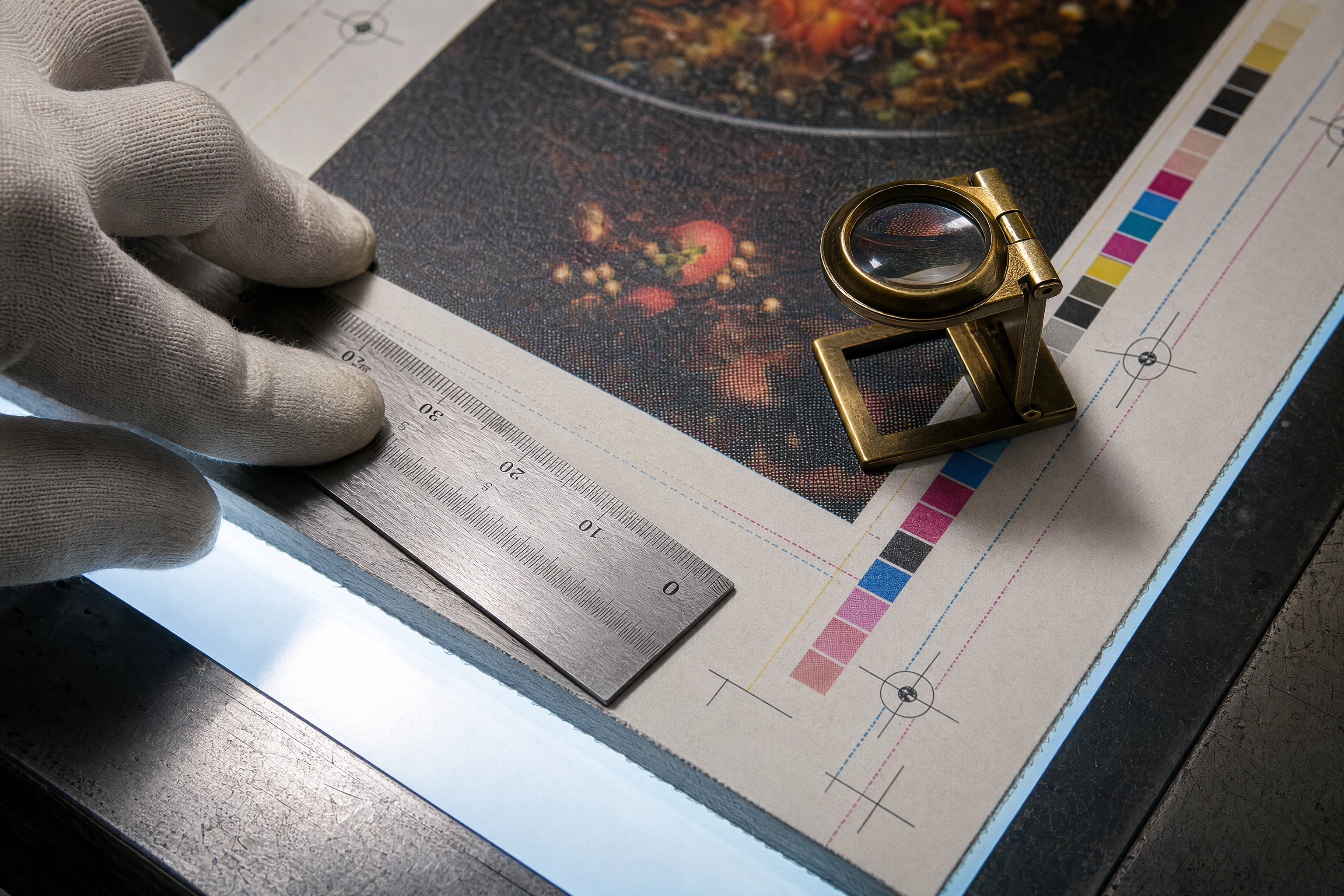 Prepress menu proof on a print shop light table showing crop marks, bleed guides and a colour control bar
Restaurant menu design software pricing
Verified against each vendor's own page on 1 September 2026.
| Tool | Published price | Billing unit |
|---|---|---|
| iMenuPro | $16/mo, or $135/yr | Account |
| MustHaveMenus | $49/mo, or $492/yr | Per location |
| Canva Pro | About $15–18/mo | Per user |
| Adobe Express | Not published statically | Per user |
| Menutech | €15–€60/mo, five tiers | Account |
| PosterMyWall | $5.99 per download, 9 pages | Per download |
| Square for Restaurants | Free, or $49/mo Plus | Per location |
Two honest gaps: Canva blocks automated price checks and has raised Pro more than once since 2024, so treat that as a range; Adobe publishes no comparable static US figure, so we are not inventing one.
The 7 tools, reviewed
1. iMenuPro — the purpose-built one
The only menu maker here whose whole product is menus. You type items into a list, not onto a canvas, and it formats itself with dot leaders and aligned prices. Switching designs keeps your text. Style synchronisation is why an edit propagates everywhere. Weak point: a smaller graphics library and a lower design ceiling.
2. MustHaveMenus — the biggest template library
15,000 restaurant menu templates, and the most professional item styling here: highlights, dietary icons, custom sections. The catch is the billing unit. MustHaveMenus charges per location, so five sites cost $245/mo before the Display add-on. For one venue where looks matter, MustHaveMenus wins.
3. Canva — the general design tool
The free tier is genuinely usable, the asset library is enormous, and you can share an editable link in seconds. But Canva has no menu data model: every file is separate, nothing syncs. Use it to create a specials board, not as your system of record.
4. Adobe Express — best typography
If your brand rides on a typeface, Express handles fonts and kerning better than anything else here, and its PDF export is press-grade. Adobe's own help pages say Express Premium now ships with an Acrobat Studio subscription, so check what your business already pays for before buying standalone.
5. Menutech — allergens and translation
Built for European hospitality. It manages recipes, ingredients and margins centrally, then generates allergen labelling and translated menus from the same items. Overkill for a 20-item taqueria; essential if you print in three languages.
6. PosterMyWall — pay per download
The outlier: start free, create and edit, then pay only to export — $5.99 for up to 9 pages, $14.95 for 10 or more. If you redesign twice a year that beats twelve monthly payments. Subscriptions exist if you also send email campaigns.
7. Square for Restaurants — the POS-native option
You may already own it. Square's free plan includes item and menu management plus a branded online ordering site, so your digital menu inherits the prices staff already ring in — the only true single source of truth here. It will not lay out printed menus. Plus is $49/mo per location.
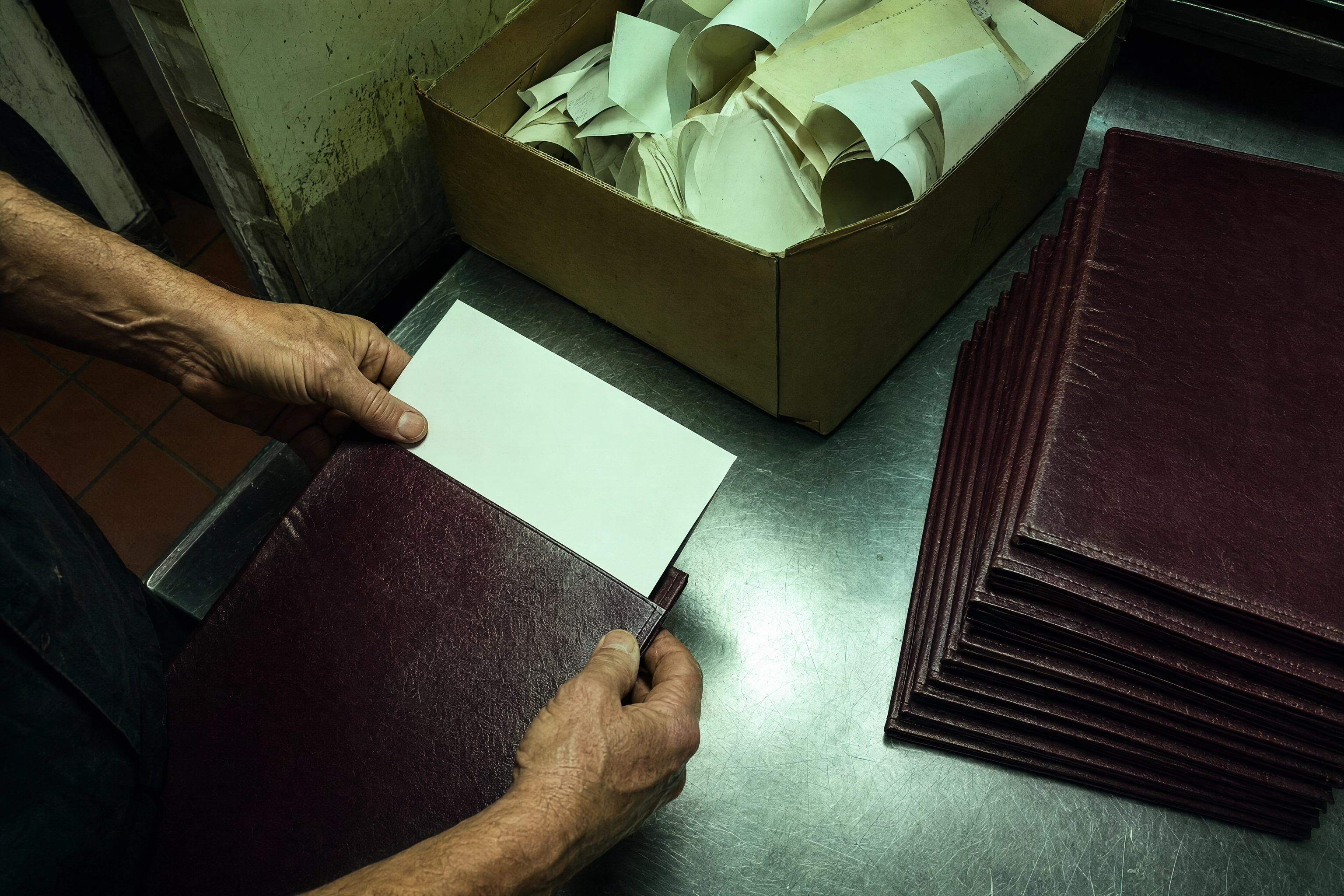 Hands sliding a fresh printed insert into a leather menu cover beside a bin of obsolete price sheets
How to choose restaurant menu design software
- One site, print-first: iMenuPro if you reprint weekly; MustHaveMenus if design beats turnaround.
- One site, QR-only: Square's free plan. Stop shopping.
- Multi-site, 2–10 venues: do the arithmetic — per-location billing usually loses to a flat account price.
- Hotels, care or multilingual: Menutech.
- Twice-a-year redesign: PosterMyWall, and keep the cash.
Still deciding the layout? Start with how to design a restaurant menu and menu board design. Screen-first operators want digital menu boards; mobile ones have their own limits in food truck menu design and food truck menu boards. Delivery brands: ghost kitchen menu planning. Chains with 20+ locations also meet FDA menu labeling requirements, and ADA guidance covers accessible formats.
Where every one of these tools stops
Here is what the vendor pages skip. All seven lay out the menu. Not one photographs your food.
The moment a template has an image well in it you need a picture — and you are back to a phone snap under kitchen fluorescents, a stock photo of someone else's burger, or a photographer's day rate. That is why photo menus so often ship with three good photos and eleven empty slots, and why a menu photoshoot fixes it once, then breaks when you change a garnish.
FoodShot is not restaurant menu design software and never will be. It is the step before: upload a phone photo of the real dish, choose a style, and get a 2K print-ready shot you then upload into whichever tool above you picked. Our restaurant food photography guide and menu photography guide cover shooting; pricing starts at $15/mo. See restaurants, cafes, pizzerias, fine dining, food trucks, ghost kitchens, AI food photography or the style library.
Frequently Asked Questions
What is the cheapest restaurant menu design software?
Square at $0 if you only need digital, and PosterMyWall at $5.99 per download if you rarely print. Canva's free tier works too, but you pay in time. The cheapest real subscription is iMenuPro at $11.25/mo billed annually.
Do I still need a graphic designer?
For a single-venue paper menu, no — drag-and-drop menu templates get you to something professional in two hours. Hire a designer for a brand identity or logo from scratch, or a custom die-cut. That is print production, not layout.
Can I use Canva for a print menu?
Yes. Set the trim size, enable crop marks and bleed on export, share the PDF with your printer. Just accept that nothing syncs: change a price and you edit every file by hand.
Which tool updates print and QR menus together?
iMenuPro is the clearest: it creates a QR menu from the printed one and keeps both in step. MustHaveMenus does it too, with displays behind an add-on. Square syncs digital to the POS but does not print.
Does menu design software create my food photos?
No. Every tool here hands you an empty frame and expects you to supply photos. You shoot them, buy them, or generate them from your own dish photos — see our AI food photo editors comparison and AI-generated food images.
The honest summary: choose the cheapest restaurant menu design software that syncs your prices, and spend the difference on photos your customers actually see. Layout is a solved problem. Pictures of your food are not.