6 Pixelcut Alternatives for Food Photos, Compared
 Ali Tanis22 min read
If you use Pixelcut for menu, delivery-app and social photos, a Pixelcut alternative is worth it when most of what you shoot is plated food and your gap is food styling, delivery-app sizing or one consistent look across the menu. It isn't worth it when you mainly sell jars, bottles and snack bags, or when cheap batch background removal is the whole job, because that's what Pixelcut is built for.
Disclosure: FoodShot AI is our product. We make the AI food photo editor listed first below, a material connection the FTC's Endorsement Guides say readers should know about. Every competitor fact here comes from the vendor's own pricing, product, help or blog pages, read on 23 November 2026. We ran no hands-on tests and name no overall winner. For a general ranking, see our roundup of AI food photo editors; if you're leaving Photoroom rather than Pixelcut, read Photoroom alternatives for food photos.
Quick Summary: Pixelcut is a general e-commerce photo editor with a free plan and Pro from $8 a month billed yearly, and its own food page leads with packaged goods and drinks. The six Pixelcut alternatives below (FoodShot AI, Photoroom, Claid.ai, Canva, Picsart and Adobe Express) each fit a different kind of food business. Whichever you pick, compare every AI-edited image with the real dish before it goes on a menu.
What Is Pixelcut Built For?
Pixelcut is an AI photo editing app for e-commerce sellers on iOS, Android and the web. Its homepage invites you to "join 70 million sellers," and its Product Studio page says it works "for any product you sell, from jewelry to sneakers to home goods," treating your upload "as the fixed part of the image" while an AI background generator builds the scene around it.
Food is covered, but on Pixelcut's terms. Its food page is titled "AI Food Photography for Packaged Goods and Drinks." You drop "your packaged food, drink, jar, or snack" into one of "dozens of Food & Beverage templates," and the page says they keep "shape, color, label text, and logo" faithful. That's a sensible promise for a bottle of hot sauce. A bowl of ramen has no label to lock.
Plans and limits, from Pixelcut's pricing page on 23 November 2026:
- Free: limited background removal and upscaling, and a free export without watermark.
- Pro: $10 a month, or $8 billed yearly, with 600 AI credits, unlimited background removal and upscaling, a 3-person team, 1,000 batch exports a month and a commercial license.
- Business: $30 a month, or $24 billed yearly, with 3,600 AI credits, a 10-person team and 2,000 batch exports.
- Daily limits: Generative Fill, Expand Image and AI Backgrounds are listed at up to 300 a day on Pro and up to 1,200 on Business; Pixelcut's help center calls these estimated, soft limits.
The credit allowance pays for third-party image generation models such as Nano Banana, Flux and ChatGPT Image. The FAQ says Pro adds "HD exports," and Product Studio offers resolution up to 4K. The commercial license is listed on the paid plans, not on Free.
What about the Pixa name?
Pixelcut says it briefly rebranded to Pixa in February 2026 and went back to the Pixelcut name in May, which is why some 2026 guides still call the editor "Pixa (formerly Pixelcut)." On 23 November 2026, pixa.com hosted a separate, invite-only workspace for AI agents, and its pricing page told visitors: "Looking for the photo editor? Go to Pixelcut.ai." For Pixelcut users, nothing above changes: the editor, its app and its plans still use the Pixelcut name.
Packaged Item vs Plated Dish: What Changes?
A packaged product is a rigid object with a printed label, so an editor can cut it out, lock it and swap the scene. A plated dish is soft, glossy and ragged at the edges, and the plate, sauce and garnish are part of what the customer pays for. That's the main reason a food business might look past Pixelcut.
| Packaged item (jar, can, snack bag) | Plated dish (ramen, tacos, cake slice) | |
|---|---|---|
| Outline | Hard, clean edge | Steam, crumbs, drips, translucent broth |
| What must stay fixed | Label text, logo, shape | Portion, garnish, doneness, the plate you serve on |
| What may change | Surface, props, light | Surface and light; the plate only if you really serve it that way |
| Background removal | Often the whole job | Removes the table, which is part of how a dish reads |
| Where generative edits go wrong | Redrawn or misspelled labels | Extra toppings, bigger portions, glossier sauce |
| Platform rule to watch | Uber Eats allows text and logos printed on packaging you sell | Uber Eats bans added text; DoorDash wants the portion the customer receives |
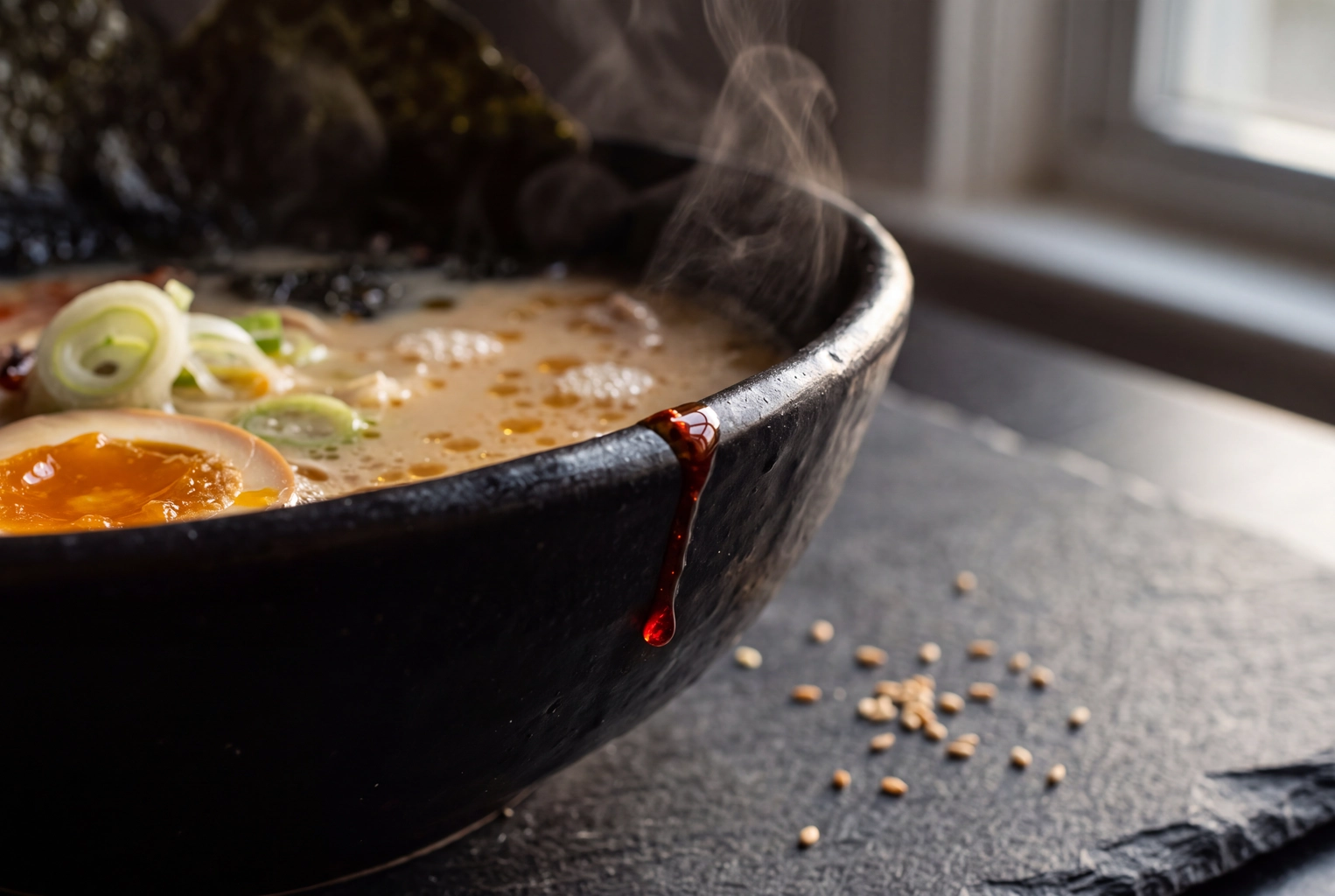 Macro of a ramen bowl rim with steam, translucent broth and a chili oil drip, the plated-dish edges a background remover must handle
The generative risk isn't hypothetical. Photoroom's own blog shows a generic AI prompt making chicken look "larger and more charred" and a portion "more generous than what the restaurant actually serves." So when a vendor says its tools keep your product faithful, check whether it means the label or the dish.
How We Compared These Pixelcut Alternatives
We read each vendor's own pages against the same seven questions. Where a vendor publishes nothing, the answer is "not stated by the vendor."
- Food-specific styling: looks made for dishes and drinks, or general product backgrounds?
- How much it can change the food: background removal leaves the dish alone, AI upscaling can rebuild fine texture, and generative edits can alter garnish, portion and texture.
- Delivery-app sizes: can you get the shapes Uber Eats, DoorDash and Grubhub ask for?
- Resolution: what maximum output does the vendor state?
- Batch workflow: can you process a whole menu at once?
- Price model: subscription, credits, free tier or trial.
- Commercial use terms: what the vendor says about using results in your business.
Delivery-app sizes are not delivery-app approval
A file in the right shape has cleared one check, not the review. Uber Eats' item photo guidelines say a picture must "accurately represent a single item" from your menu, sit centered and carry no added text, logos or watermarks. DoorDash's merchant photo guide rejects photos that don't show what the customer receives or that add overlays and borders.
| Platform | Shape | Size | What to protect when you crop |
|---|---|---|---|
| Uber Eats | 5:4 to 6:4 (recommended) | 550 to 10,000 px wide, 10 MB max | One item, centered, not cut off at the corners or edges |
| DoorDash | Landscape 16:9 | 1400 × 800 px minimum, 2 MB max | The app shows a centered square thumbnail, so keep the dish in the middle |
| Grubhub | Square 1:1 | 1400 × 1400 px recommended, 200 × 200 px minimum | Breathing room on all four sides |
The full rules are in our guides to Uber Eats photo requirements, DoorDash photo requirements and Grubhub photo requirements. One large master file lets you cut all three crops without upscaling, as our delivery app photography guide explains.
6 Pixelcut Alternatives for Food Businesses
Each entry answers one question for Pixelcut users: what would a food business gain or give up by switching?
1. FoodShot AI: built only for food and drink
FoodShot AI is a food and drink photo app for restaurants, cafes, bakeries and food brands. You upload a phone photo of a dish you already serve, choose one of 200+ styles, and get a restyled food photo, up to 4K, in about a minute, on the web or the iPhone and Android food photo editing app.
- Food fit: every style is for food or drink, grouped into Delivery, Menu and Fine Dining. Builder Mode picks the surface and the plate, and My Styles matches the look of your existing menu photos.
- Can it change the dish? Yes, more than a background swap does. FoodShot restyles the scene around your dish, and prompt edits can add sauce or swap plates, so compare each result with what you serve.
- Sizes, resolution, batch: the 200+ styles come out at 4K (at least 4096 px on the long side); Builder Mode and My Styles come out below that. A 2× upscale is in the studio, and the Scale plan processes 5 photos at once.
- Price and licence: $15 a month for 25 credits (about 25 image generations), $45 for 100 and $99 for 250; billed yearly, the entry plan is $9 a month. Every plan includes a commercial license, and unused credits don't roll over. See FoodShot pricing.
- Limits, stated plainly: no free plan; credit-based, so a heavy month costs more; food and drink only, so it can't edit the tote bags a bakery also sells; and generated results must be checked against the real plate.
- Versus Pixelcut: you gain looks designed for plated food and drinks. You give up a free tier, non-food editing and high-volume exports.
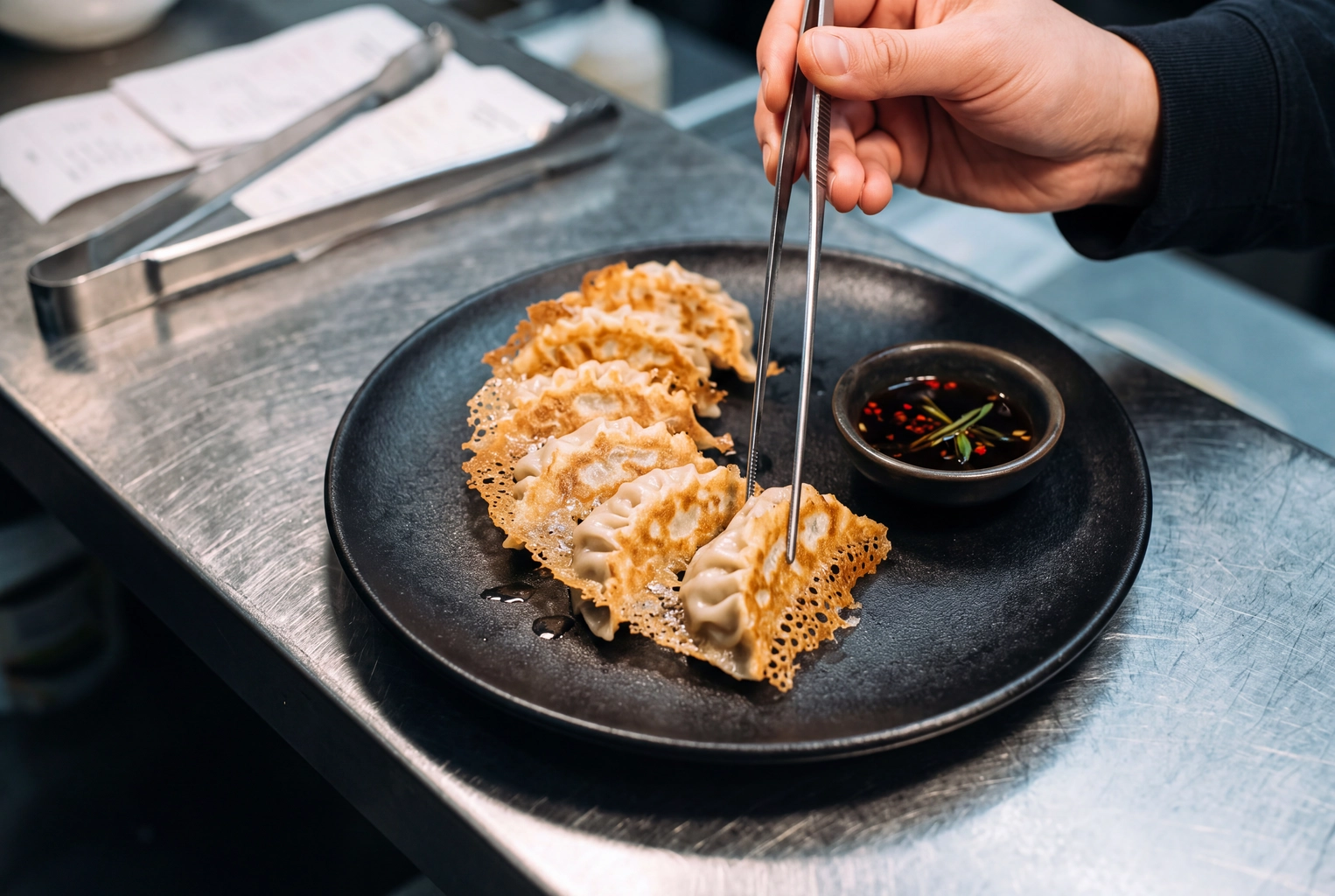 Cook's tweezers placing the sixth pan-fried gyoza on a black plate, the portion an AI food photo edit must not change
2. Photoroom: the closest like-for-like swap
Photoroom is a product photo editing app on phone and web with background removal, AI backgrounds, shadows and batch editing. It also publishes a food page aimed at restaurants and delivery platforms.
- Food fit: Photoroom's food page describes centering dishes and removing backgrounds, and its API lets you set the ratio and format for each sales channel.
- Can it change the dish? Background Remover leaves the dish alone. Retouch, AI Backgrounds and Edit with AI create new pixels, and Retouch can redraw part of a dish.
- Sizes, resolution, batch: each exported image counts against an export allowance (1,000 a month on Pro). Designs export at up to 4096 × 4096 px on Pro, Max and Ultra (2048 × 2048 px in Batch Mode), while the 4K AI-generation setting starts on Ultra.
- Price and licence: Pro is $7.50 a month billed yearly; Max is $20.99 and Ultra starts at $82.50, both a month billed yearly, in US dollars. Photoroom's help center says the free plan "is for personal, non-commercial use only," so it doesn't cover a restaurant menu.
- Versus Pixelcut: similar shape and price with more food-specific features. For one restaurant, it's a sideways move rather than a leap.
3. Claid.ai: enhancement pipelines for food platforms
Claid.ai is a product photography suite with web plans and an API. Its food page says Claid turns "messy restaurant, menu, and user-uploaded food photos into sharp, appetizing visuals," and cites delivery platform Rappi.
- Food fit: food is a named industry. Claid says its light correction makes "dishes look fresher without changing the actual food."
- Can it change the dish? Upscaling and light correction are light-touch. AI Photoshoot and AI Edit generate new content; Claid says enterprise workflows can include rules that preserve "dish structure, portion size, ingredients."
- Sizes, resolution, batch: Claid's AI generation runs at 2K on every paid plan, with 4K and batch processing added on Pro and Business; downloads are capped at 64 MP on Essentials, 128 MP on Pro and 559 MP on Business. Claid lists exports for Instagram Stories and Shopify; delivery-app presets on self-serve plans are not stated by the vendor.
- Price and licence: a free trial gives 50 credits. Essentials is $15 a month ($9 billed yearly) and Pro $49 ($35 billed yearly). A background removal costs 1 credit and an AI Photoshoot 4 at standard quality, more at studio quality. Claid's FAQ says generated or edited images are not subject to any Claid copyright.
- Versus Pixelcut: stronger if you run a multi-location brand or an ordering platform and want enhancement through an API; heavier than a single cafe needs.
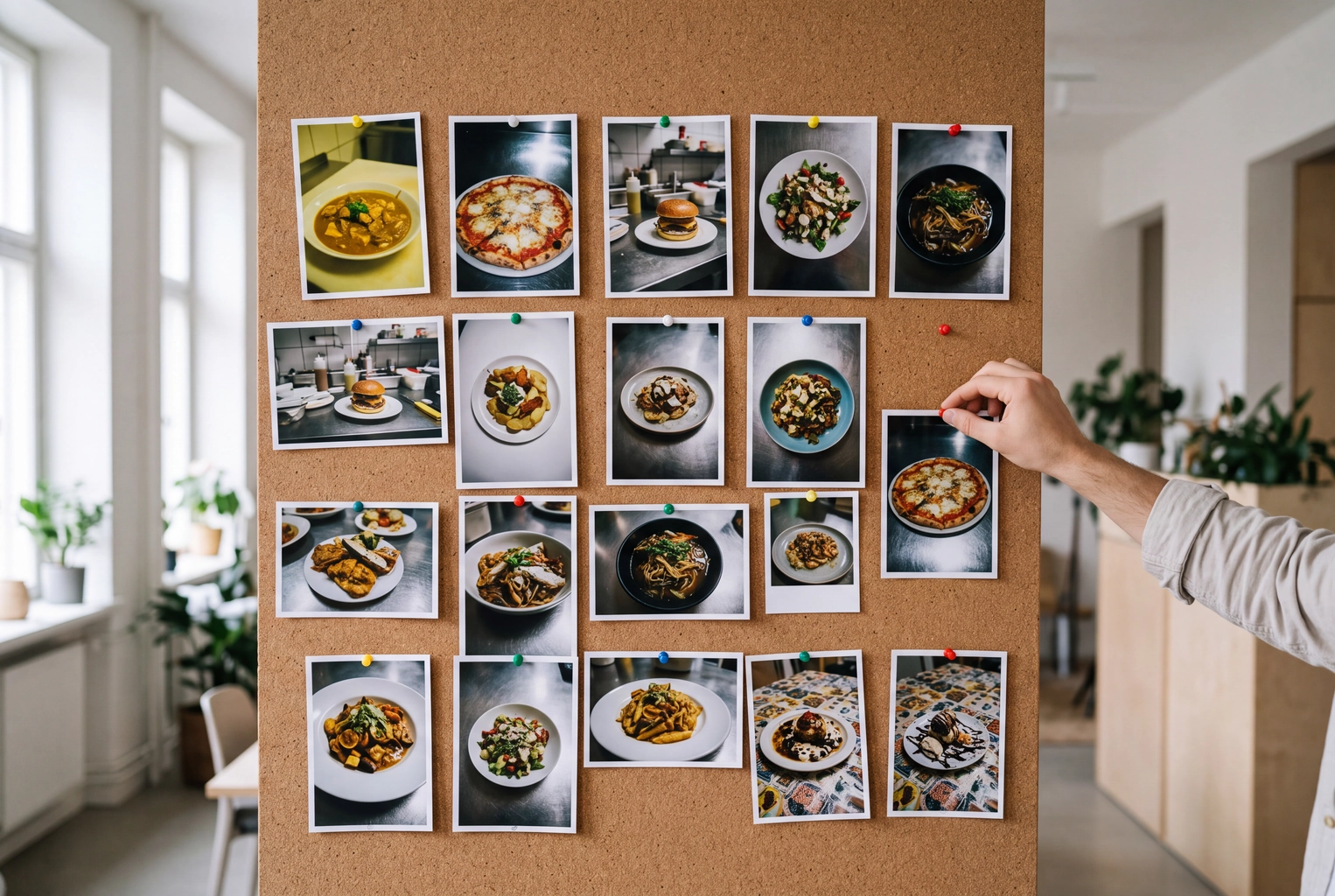 Corkboard of mismatched restaurant dish snapshots with yellow light and flash glare, the uploads food platforms enhance at scale
4. Canva: when the dish is one layer of a design
Canva is a design platform first. Canva Pro builds on the free editor with fuller Background Remover access, one-click resizing, premium content and up to five brand kits.
- Food fit: Canva's menu pages suggest styling food photos with crop, auto-enhance, brightness and warmth adjustments, but describe no food-specific AI restyling; its strength is menus, posters and social content.
- Can it change the dish? Background Remover isolates the dish. Magic Studio features such as Magic Edit generate or replace content, which can change what's on the plate.
- Sizes, resolution, batch: Pro resizes designs for other platforms in bulk and adds bulk background removal. Canva's size limits apply to designs; it gives no photo resolution spec.
- Price and licence: the free plan is US$0; Pro is US$144 a year for one person and Business US$250 a year per person. Canva's help center says AI-generated images can be used "for any lawful purpose, including selling them," under its AI Product Terms.
- Versus Pixelcut: you swap photo editing for design tools. Pick it when your output is posters, menu boards and social posts rather than listing photos.
5. Picsart: a creative suite with bulk edits
Picsart is an AI image and video platform with editing features, brand kits and dozens of third-party AI models.
- Food fit: Picsart's Food and Drink page shows generating a table setting around a real dish photo and preparing menu graphics.
- Can it change the dish? Background removal and the "1-tap image enhancer" are light edits. Object removal fills the gap with generated pixels, and the bundled generative models can redraw anything in the frame.
- Sizes, resolution, batch: Pro bulk-edits up to 50 images at once and Ultra up to 100. Export size and delivery-app presets are not stated on the pricing page.
- Price and licence: Pro is $15 a month, or $10.50 billed yearly; Ultra is priced by usage level. Picsart's help center says images from its generative AI tools are "made available to you for commercial purposes," but that it can't guarantee you can claim copyright in them.
- Versus Pixelcut: a similar buffet of AI models with more design and video features. For food photos alone, it's a sideways move unless your team lives in social media.
6. Adobe Express: templates with Adobe's licence wording
Adobe Express is Adobe's template-led design app, with Firefly generative AI built in.
- Food fit: Adobe publishes an Express tutorial for food backgrounds with food-styling prompts, but no built-in food presets.
- Can it change the dish? Remove Background isolates the dish. Firefly's image generator creates new pixels, and anything generated near the plate can change it.
- Sizes, resolution, batch: Adobe's FAQ names remove background and bulk resize as premium editing features. Image export size is not stated on the pricing page.
- Price and licence: the free plan needs no credit card. Premium is US$9.99 a month with 250 generative credits. Adobe says "in general, you may use outputs from generative AI features commercially," except beta features it marks otherwise.
- Versus Pixelcut: pick it if you already work in Adobe apps or want Adobe's commercial-use wording behind generated visuals. Its food help is a prompt tutorial, not built-in food styles.
Pixelcut Alternatives Side by Side (Checked 23 November 2026)
Prices are US list prices; they change often and vary by country, so check each vendor's page before you buy. Sources are plain text rather than links because we don't link to competing products.
What these tools do to a food photo
| Editor | Food-specific styling | How much it can change the food | Delivery-app sizing | Max resolution stated | Bulk |
|---|---|---|---|---|---|
| Pixelcut (baseline) | Food & Beverage templates, led by packaged goods and drinks | Product Studio keeps label and shape; Generative Fill and third-party models can redraw any area | No presets stated | Up to 4K in Product Studio | 1,000 batch exports a month on Pro |
| FoodShot AI | 200+ food and drink styles; Builder Mode | Restyles the scene; prompt edits can add sauce or swap plates | Delivery styles; crop the large file for each app | Up to 4K (the 200+ styles) | 5 at once on Scale |
| Photoroom | Food page; centers dishes | Background Remover; Retouch, AI Backgrounds and Edit with AI redraw pixels | Per-channel formats via its API | 4096 px design exports; 4K AI generation from Ultra | Export allowance per plan |
| Claid.ai | Food page for restaurants and platforms | Enhancement and light correction; AI Photoshoot and AI Edit generate | Resizing; Instagram and Shopify exports | 4K generation on Pro and Business; downloads 64 to 559 MP by plan | Pro and Business |
| Canva | Photo adjustments on its menu pages | Background Remover; Magic Studio edits | Resize on Pro | Design size limits only | Bulk background removal on Pro |
| Picsart | Food and Drink page; generated table scenes | Background removal and enhancer; object removal and generative models redraw | Not stated | Varies by AI model | 50 (Pro), 100 (Ultra) |
| Adobe Express | Food-background tutorial with prompts | Remove Background; Firefly edits | Bulk resize listed on Premium | Not stated for images | Bulk Create: up to 249 design variations |
What these tools cost, and what you may do with the results
| Editor | Price model | Entry paid plan | Free option | Commercial use | Source (vendor page, 23 Nov 2026) |
|---|---|---|---|---|---|
| Pixelcut | Subscription with AI credits | Pro $10/mo ($8 billed yearly) | Free plan, limited tools | Listed on Pro and Business | pixelcut.ai/pricing; pixelcut.ai/ai-product-photography/food |
| FoodShot AI | Monthly credit allowance | $15/mo for 25 photos ($9 billed yearly) | None | Commercial license on every plan | foodshot.ai/pricing |
| Photoroom | Subscription with AI credits and an export cap | Pro $7.50/mo billed yearly | Free plan, non-commercial | Paid plans only | photoroom.com/pricing; help.photoroom.com |
| Claid.ai | Pay per operation | Essentials $15/mo ($9 billed yearly) | 50-credit trial | FAQ: no Claid copyright on outputs | claid.ai/pricing; claid.ai/food |
| Canva | Subscription | Pro US$144/year | Free plan | AI output: any lawful purpose | canva.com/pricing; canva.com/help |
| Picsart | Subscription with usage allowance | Pro $15/mo ($10.50 billed yearly) | Free account, limited tools | Generative AI output for commercial purposes | picsart.com/pricing; support.picsart.com |
| Adobe Express | Subscription with generative allowance | Premium US$9.99/mo | Free plan, no card | Generally commercial, except marked betas | adobe.com/express/pricing |
When Should You Keep Pixelcut?
Keep Pixelcut when the thing in the frame is a package, not a plate, or when fast cutouts at volume are the whole job. In five cases, no Pixelcut alternative here clearly beats it:
- You sell packaged goods. Jars, cans, bottles and snack bags are exactly what its Food & Beverage templates are built for, and our guide to a clean white background for food covers the marketplace look.
- Your catalog is mixed. A coffee roaster selling beans, grinders and branded cups needs one editor for everything, and food-only tools can't touch the hardware.
- You need cheap volume. Pro at $8 a month billed yearly includes unlimited background removal and 1,000 batch exports a month.
- You want many models in one place. Pixelcut's allowance covers a long list of third-party image and video models.
- Your photos already pass. If a cluttered counter is the only problem, a background remover may be all you need, whether that's Pixelcut or a food background editor.
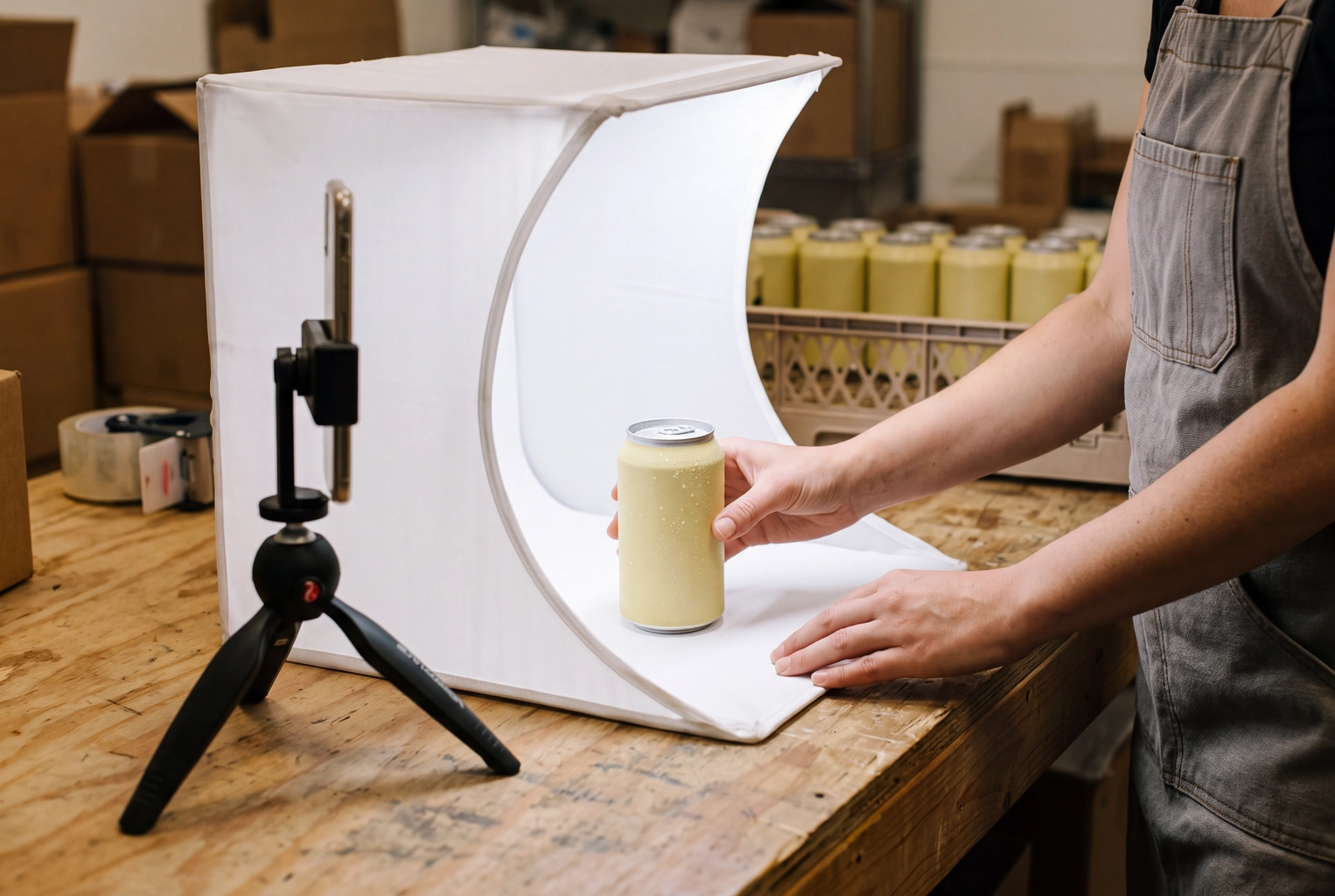 Producer setting an unlabeled yuzu soda can in a white light tent, a packaged-goods shot where keeping Pixelcut makes sense
Switching has a cost too: new habits and a menu re-edited so old and new photos match. Switch for a specific gap, not for novelty.
Which Pixelcut Alternative Fits Your Food Business?
There's no single winner. A ghost kitchen, a corner cafe and a granola brand want different things from the same photo, so match the tools to the job.
Delivery-only kitchen
You live on Uber Eats, DoorDash and Grubhub, and your menu is bowls and plates, not packages. What matters is one consistent look across dozens of dishes and a file big enough to crop three ways. A food-only styler such as FoodShot fits; Photoroom fits if clean cutouts are enough; Claid suits multi-brand operators who want an API. See our pages on ghost kitchens and delivery app photography.
Cafe with daily specials
New items most days, one person with a phone, and output for Instagram content, a menu board and maybe one delivery app. You need a quick, good-looking photo plus a design layer, not bulk processing: a food styler for the picture, then design tools such as Canva or Adobe Express for the story or poster. See cafe menu photography and our restaurant specials ideas.
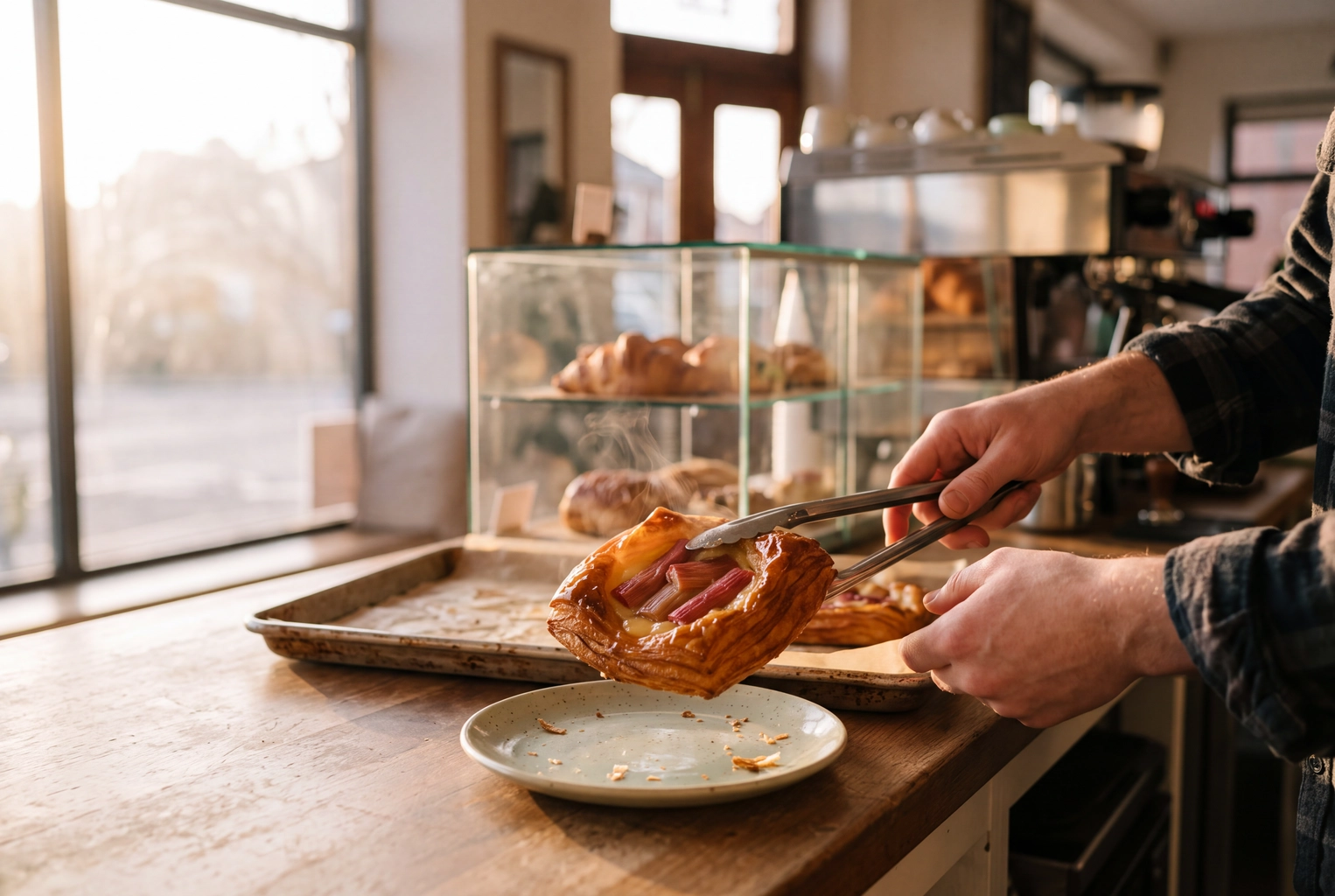 Cafe owner lifting a warm rhubarb custard danish onto a plate by the window, the daily special a small cafe photographs each morning
Packaged food brand
This is Pixelcut's home turf. Labels must read letter for letter on Amazon, Shopify and other e-commerce sites, and Pixelcut, Photoroom and Claid all describe packaged-food workflows on their own pages. When the product needs food around it, add serving scenes with packaged food photography or an AI product background generator for food, and check Amazon image requirements for food sellers before you upload. After any generative edit, read every word on the label.
Agency or consultant
You handle several client brands and need repeatable looks, seats and licences. Pixelcut Pro includes 3 team seats and Business 10; Photoroom's Pro, Max and Ultra allow up to 50 members per Space; Picsart Pro supports 3+ brand kits and Ultra 10+; Claid Pro includes brand kits. FoodShot's Enterprise plan includes a commercial and resale license; see FoodShot for food consultants.
A Five-Dish Trial Before You Cancel Pixelcut
Before you move a whole menu, run the same five difficult items through Pixelcut and one or two alternatives, then judge each result against the real plate. Pick dishes that expose the limits of AI editing tools:
- A soup or broth with steam and a translucent surface.
- A drink in clear glass, where edges and reflections are hard to cut out; drink-heavy menus can start with beverage photography.
- A sauced or glossy dish, where generative edits tend to add shine.
- A packaged item you sell, to see whether the label text survives.
- A crumbly or layered dessert, where portion and texture are easy to exaggerate.
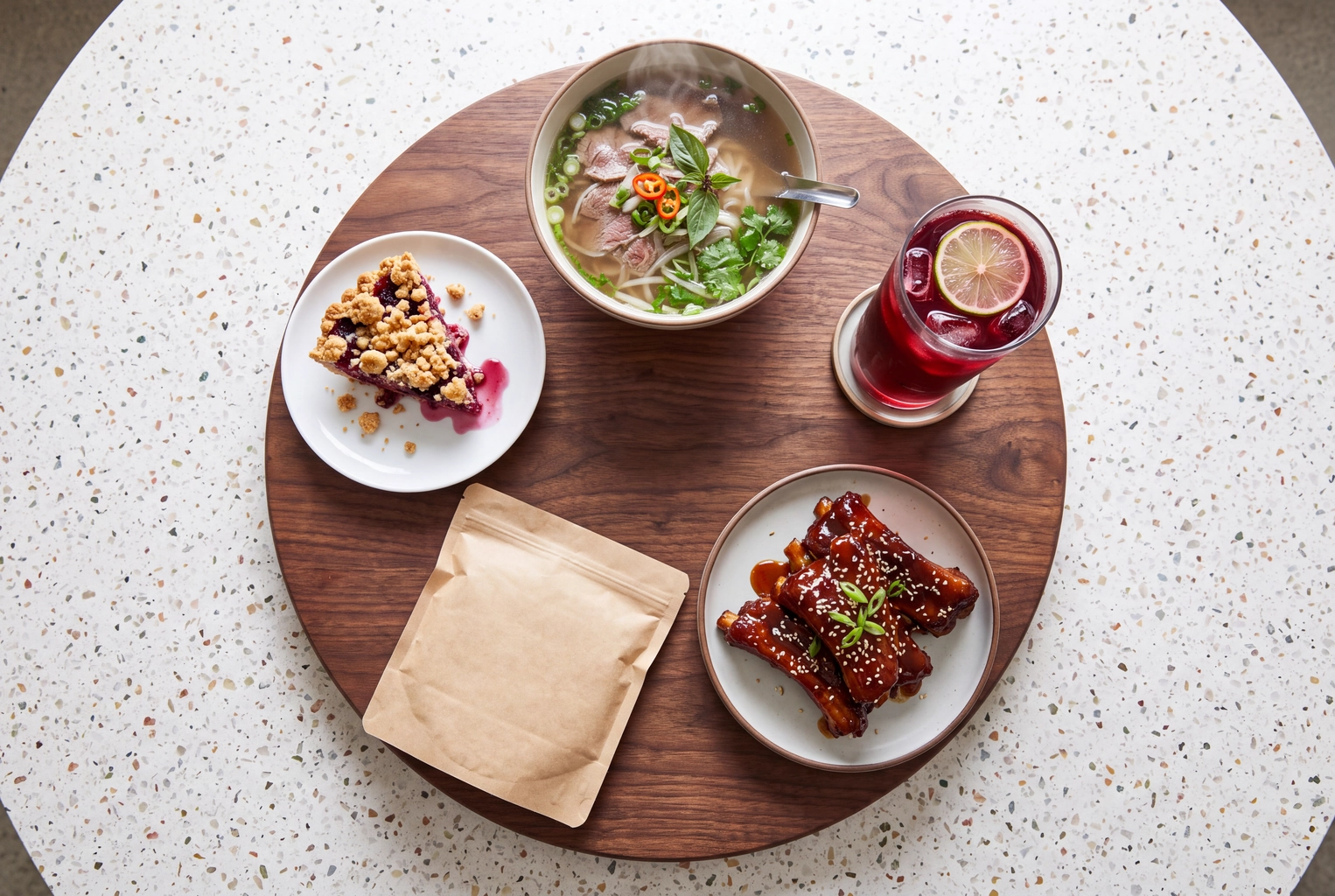 Five hard-to-edit test dishes on a wooden lazy Susan, from steaming pho to iced hibiscus tea, for a Pixelcut alternative trial
For each result, check four things: the same portion and number of pieces; no garnish, topping or sauce you don't serve; the crop each delivery app needs; and the licence on the plan you'd actually pay for, not the trial. FoodShot has no free trial, so testing it means one $15 month. Our breakdowns of which AI edits Uber Eats allows and DoorDash's rules on AI photos show where the line sits.
Frequently Asked Questions
Is Pixelcut now called Pixa?
Not the photo editor, as of 23 November 2026. Pixelcut says it briefly rebranded to Pixa in February 2026 and returned to the Pixelcut name in May; it runs at pixelcut.ai, with Free, Pro and Business plans. Pixa.com hosts a separate, invite-only workspace, and its pricing page sends people looking for the photo editor back to Pixelcut.ai.
Is there a free Pixelcut alternative for food photos?
Yes, with conditions. Canva, Picsart and Adobe Express have free plans, and Claid offers a 50-credit free trial. Photoroom's free plan is for personal, non-commercial use only. Check the licence before a free result goes on your menu. FoodShot AI has no free plan; it starts at $15 a month.
Can I use Pixelcut's free plan for my restaurant menu?
Pixelcut's pricing page lists a commercial license on Pro and Business, not on Free, while its help center says finished designs made from your own uploads can be used commercially without naming a plan. Read both pages before you rely on the free plan for menu, delivery-app or ad photos; Pro costs $8 a month billed yearly.
Does Pixelcut have food templates?
Yes. Pixelcut's food page offers "dozens of Food & Beverage templates" for "packaged food, drink, jar, or snack" photos and says they keep label text and logos faithful. The page also mentions menu shots and delivery apps, but its heading and main examples are packaged goods and drinks.
Is FoodShot a Pixelcut alternative for non-food products?
No. FoodShot AI handles food and drink only. If you also sell mugs, apparel or gift cards, keep a general editor such as Pixelcut or Photoroom for those, and use the food photo editor for the menu.