DoorDash AI Photos Allowed? 7 Rules Before You Upload
 Ali Tanis14 min read
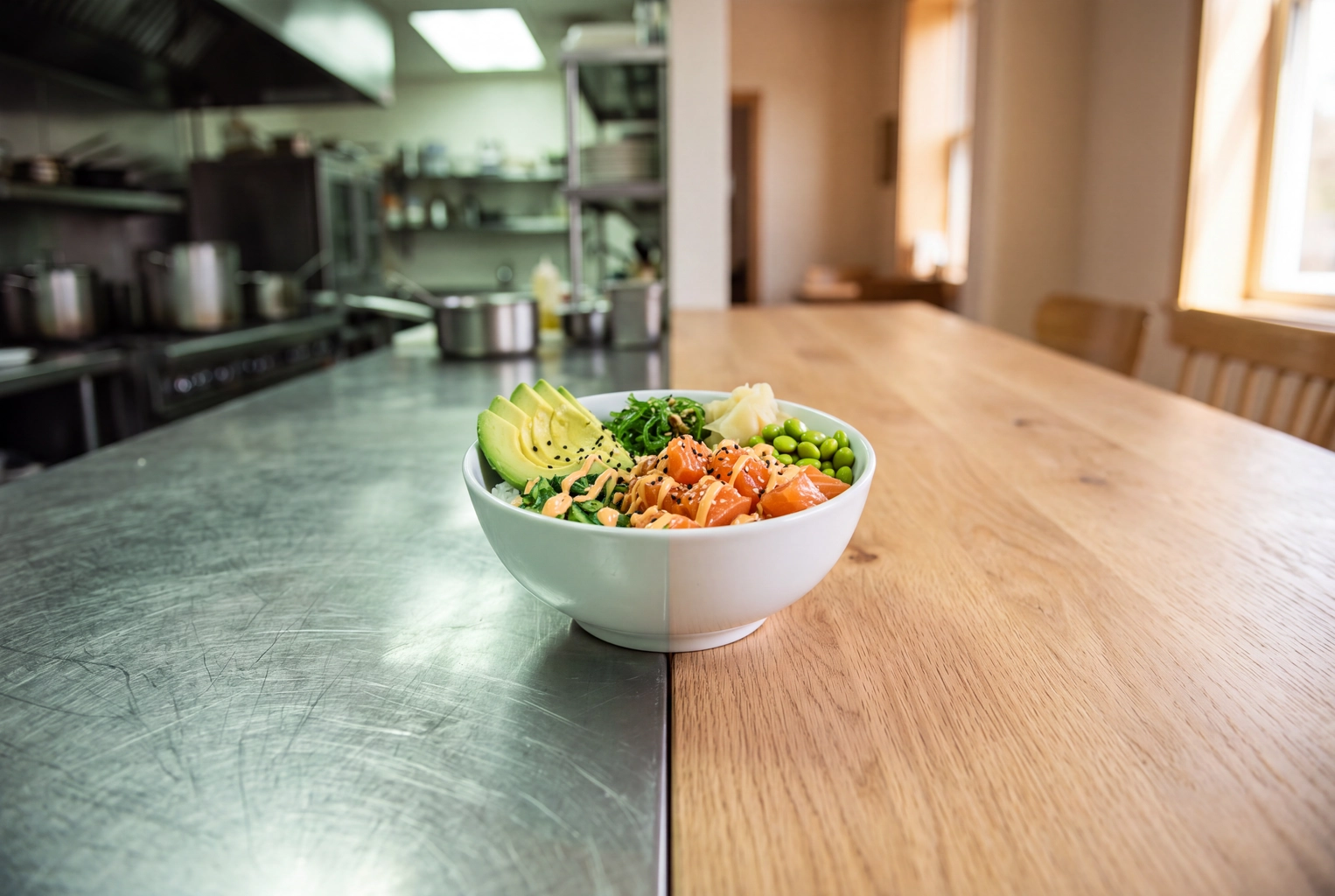
DoorDash AI photos are allowed, with one condition: the food in the picture has to be the dish you actually serve, unchanged. The platform now edits menu pictures with its own AI, tags some of those edits "AI-enhanced" for customers, and still rejects anything that misrepresents the item. Below: what each built-in mode changes, in the company's words, how it compares with editing your own DoorDash menu photos, and seven rules to run before anything goes live. Every help page cited here was checked on 19 November 2026.
Quick Summary: DoorDash's AI Photo Enhance (May 2026) has three modes: AI Retouch cleans up background, lighting and sharpness, AI Replate re-stages the dish on premium dinnerware, and Match Style copies the look of a reference shot. All three keep the dish as photographed and still go through review. What gets rejected is a picture showing something the buyer won't receive.
What DoorDash's AI Photo Tools Actually Change
The built-in tools change the setting around a dish, not the dish itself: surface, light, sharpness, dinnerware and overall look. They arrived in two waves. A camera and auto-review set was announced on 9 April 2025, and a three-mode editor called AI Photo Enhance opened to every merchant on 4 May 2026.
April 2025: the AI camera and one-minute reviews
The April 2025 announcement listed four merchant features, and three of them were about pictures:
- AI-powered Camera: real-time feedback on framing, smart lighting, backdrops and cropping, "without altering the appearance of the food itself."
- Instant Photo Approvals: AI moderation that clears select item shots meeting the platform's guidelines "in just one minute."
- Background Enhanced Menu Photos: turns casual snapshots from diners, the platform's user-generated content, into clean listing shots "without altering or editing the food itself."
QSR Magazine and Chain Store Age covered the launch that week (the fourth feature was a description generator), and the company's merchant blog still describes it.
May 2026: three AI editing modes
On 4 May 2026, TechCrunch reported that DoorDash had added AI editing for dishes alongside faster onboarding. The company's newsroom post says it is opening these capabilities "to all merchants as self-serve tools," with one editing experience across web, Android and iOS. The Merchant Help Center describes the modes like this:
| Mode | Help Center wording | Changes | Keeps |
|---|---|---|---|
| AI Retouch | "keeps the original dish; cleans up background, lighting, sharpness" | Surface, light, sharpness | The original dish |
| AI Replate | "re-stages the dish on premium dinnerware with polished plating" | Plate, styling, light | The dish itself |
| Match Style | Copies "the look (lighting, color, background) of a reference photo" onto the dish | Light, color, surface | The dish itself |
To use them, open Menu Manager in the Merchant Portal, select an existing picture, click edit, choose AI Retouch and pick a mode, then preview the result before you submit. The Help Center adds that edited pictures still go through the standard moderation and photo review, so the built-in feature is no shortcut past it.
Menu Manager's older editor, with automatic light and color fixes, cropping, new surfaces and text removal, is still there. But it "only helps to improve images that are slightly under the requirement." A blurry 600-pixel snapshot stays blurry.
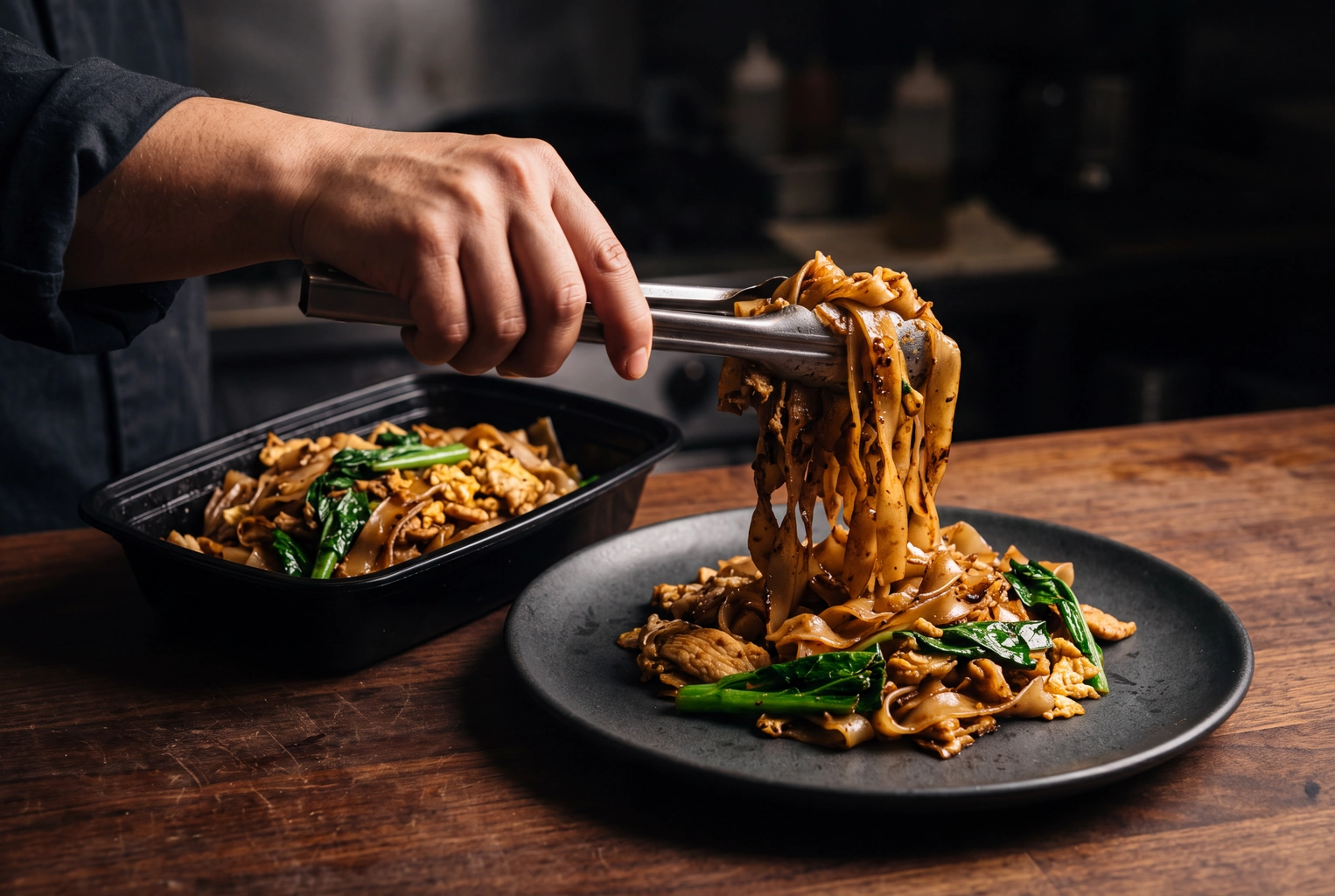 Tongs moving pad see ew from a black delivery container onto charcoal stoneware, the re-plating DoorDash AI Replate imitates
Are DoorDash AI Photos Allowed? Where the Line Sits
Yes. DoorDash allows AI edits of a real shot of your dish and rejects anything that misleads. The line runs through the food itself: light, surface, plate and crop can change, while ingredients, portion and garnish cannot. A dish generated from a text prompt fails before any of that, because nobody ever photographed it.
The bluntest wording sits in the virtual brand quality requirements: "Submitted photos must be real, clear, and representative of the actual menu item. Evidently AI-generated images, heavily altered images, or images that create a misleading representation of the item are not permitted." That page covers delivery-only brands, but a standard storefront faces the same core test. "Photo is not representative of the item" is one of the common rejection reasons, next to resolution, framing, lighting, overlays and duplicates. Our DoorDash photo requirements guide lists all eleven.
The company also watches for abuse. A spokesperson told TODAY that it has "strict anti-fraud protocols that combine technology with human review to identify instances where AI may have been used for fraud, such as manipulated images or fake delivery photos." How the review spots a generated picture is not published, so don't plan around beating it: a dish made in Google Gemini or ChatGPT is not your dish, whether anyone catches it or not.
Uber Eats and Grubhub handle AI differently; our breakdown of the AI edits Uber Eats allows covers both.
What the "AI-enhanced" label tells customers
The customer Photos FAQ puts it plainly: "If you see 'AI-enhanced' on a photo, DoorDash has used AI to improve the image in ways that go beyond basic lighting or clarity adjustments." It lists re-plating, replacing or adding background elements such as a table or plate, filling in missing parts of the image and adjusting perspective. The same page says the goal is improving pictures "without altering the actual food, ingredients, or portion size."
The Guardian reported on 6 September 2026 that the label goes on automatically when a restaurant uses the built-in AI editor. In an emailed statement, the company said the tools exist "to improve the presentation of an existing image of a dish." It documents that tag for its own editor, and we found nothing on how it treats pictures edited elsewhere.
Diners notice. A Reddit thread asking about "an uptick in AI generated images on delivery apps" drew complaints about "terrible AI pics" on listings. A 2026 study in Scientific Reports backs them up. Its 87 participants rated 60 pairs of AI-generated and real food photos. The AI versions matched on perceived healthiness and calories but scored lower on realism and on willingness to eat. On a delivery listing, willingness to eat is the whole job.
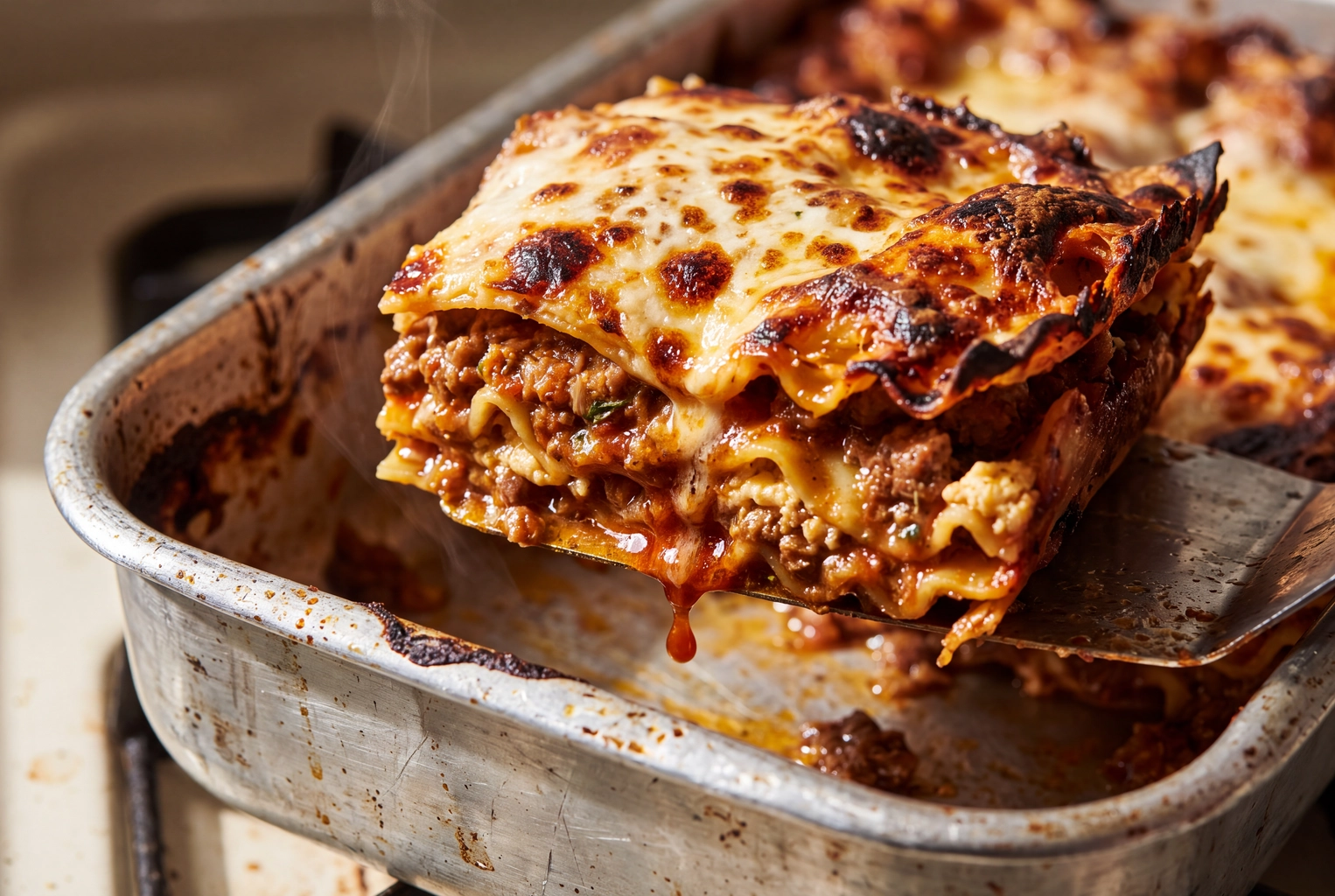 Macro of a lasagna corner with blistered cheese, crisp edges and a sauce drip, real texture diners trust over AI-looking food
DoorDash AI Tools vs DIY vs Photographer vs FoodShot
Each route changes a different part of the frame. The built-in modes edit a picture already on your listing. A DIY shot depends on your light and phone, a photographer stages the dish on the day, and FoodShot restyles your own phone photo of the real dish. What's on the plate must come through every route unchanged.
Getting this right pays. DoorDash's internal data from the second quarter of 2022, covering more than 15,000 small merchants, credits listings with item photos with up to 44% more monthly sales. As Fstoppers pointed out on 1 November 2026, the method has never been published.
| Option | Surface | Light | Plate | Crop | Cost | Usable elsewhere |
|---|---|---|---|---|---|---|
| AI Retouch | Clean, neutral | Optimized | Kept | Not stated | Self-serve in the portal | Made in the portal |
| AI Replate | Restyled | Adjusted | Premium dinnerware | Not stated | Self-serve in the portal | Made in the portal |
| Match Style | From a reference | From a reference | Not stated | Not stated | Self-serve in the portal | Made in the portal |
| DIY phone shot | Whatever is there | Window or kitchen | Yours | You choose | Your time | Yes |
| Free DoorDash photoshoot | Photographer's set | Photographer's | Yours | Photographer's | Food and prep labor | Not on rival delivery services |
| Hired photographer | Styled set | Lit on site | Yours or props | Per brief | Quoted per shoot | Per your contract |
| FoodShot | 200+ styles or your own | Restyled | Builder Mode plate or kept | You crop to 16:9 | From $15 for 25 photos a month | Yes, commercial license |
Two things the table can't show. First, the label: re-plating and new backdrops are exactly the edits the customer FAQ says go beyond basic adjustments. Second, portability. Pictures from the free DoorDash photoshoot "may not be used on other third-party delivery platforms," so a restaurant also selling on Uber Eats and Grubhub needs a second set anyway. Hired photographer rates are in our restaurant photography pricing guide, and the wider trade-offs are in traditional vs AI food photography.
When the built-in tools are enough
AI Retouch is the obvious first step if you sell only on DoorDash and your pictures are real but messy. It is available today in Menu Manager, it keeps the dish, and the result goes through the review it would face anyway. Match Style helps when one strong shot already exists and the rest should follow its look.
When your own edited set wins
Your own files win once you list on more than one service, or care how your brand looks beyond a single listing. Grubhub wants a 1400 x 1400 px square, and Uber Eats wants frames between 5:4 and 6:4 (see the Grubhub and Uber Eats requirements). Your website, social content and Google Business Profile want the same dishes again. One master set, cropped per channel, keeps the burger looking like the same burger everywhere. Our guide on how to edit food photos covers the manual route.
Where FoodShot fits
FoodShot is a food photo editor built for that master set. You upload your own phone photo of the real dish, pick one of 200+ styles, and get a restyled version in about a minute. My Styles lets you upload your existing shots as a brand reference, so new items match the old ones. Builder Mode combines a background surface, a plate style and your dish. Output goes up to 4K: the 200+ styles come out at 4K, at least 4096 px on the long side, far above DoorDash's 1400 x 800 px minimum.
Plans on the pricing page start at $15 a month for 25 photos. There is no free plan, and every plan includes a commercial license, so the same files can go on DoorDash, Uber Eats, Grubhub and your own site. Two honest notes. FoodShot isn't a DoorDash product or partner: you download the file and upload it in Menu Manager like any other picture. And prompt edits can add things, such as extra sauce, so check every result against the original. If it shows something the buyer won't get, don't upload it.
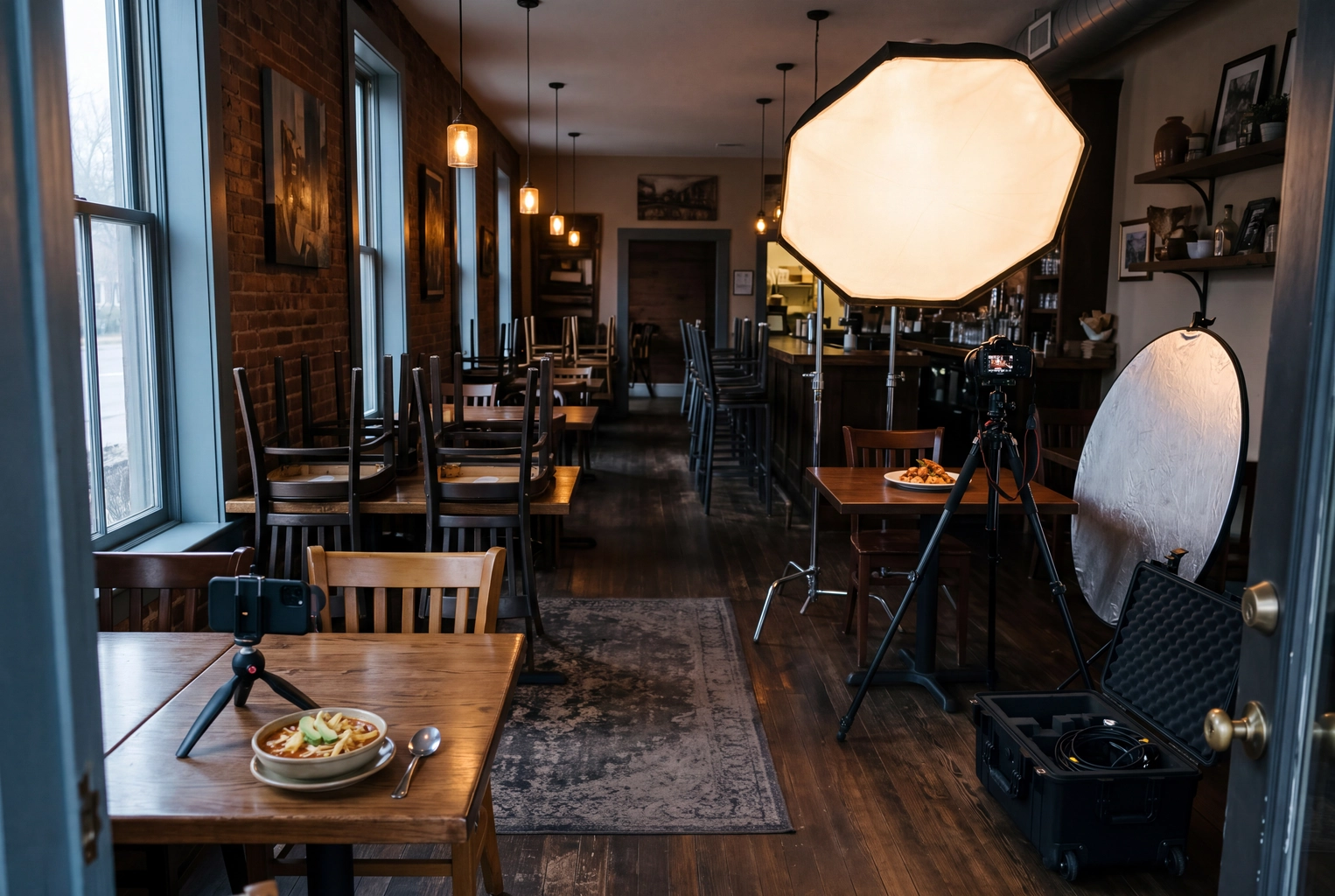 Hired photographer's softbox at one bistro table and an owner's phone tripod by the window, two routes to DoorDash menu photos
7 Rules Before Your Menu Goes Live
Run every one of your DoorDash AI photos, and every unedited shot too, through these seven checks before it reaches Menu Manager. Rules 1 to 3 keep the picture representative, rules 4 and 5 clear the technical rejections, and rules 6 and 7 protect you after launch.
1. Start from a shot of the dish you actually serve
Cook it, plate or pack it the way it leaves your kitchen, and photograph it in soft side light. AI content generated from a text prompt, a stock image or another restaurant's picture fails the representation and copyright rules no matter how good it looks. Our phone photo guide and lighting guide cover the shot itself.
2. Never change the food
Portion, ingredients, garnish, count and doneness stay exactly as served. Two shrimp on the plate means two shrimp in the picture. The platform holds its own editor to leaving "the actual food, ingredients, or portion size" alone, so hold every other edit to the same standard.
3. Choose a plate that keeps the portion honest
A new plate is not misrepresentation by itself, since a dinnerware swap is the whole point of AI Replate. But a small plate makes a regular portion look generous, and a dish that arrives in a kraft box can feel smaller than it looked on stoneware. Pick a plate close to the real serving size, or show the container you actually use.
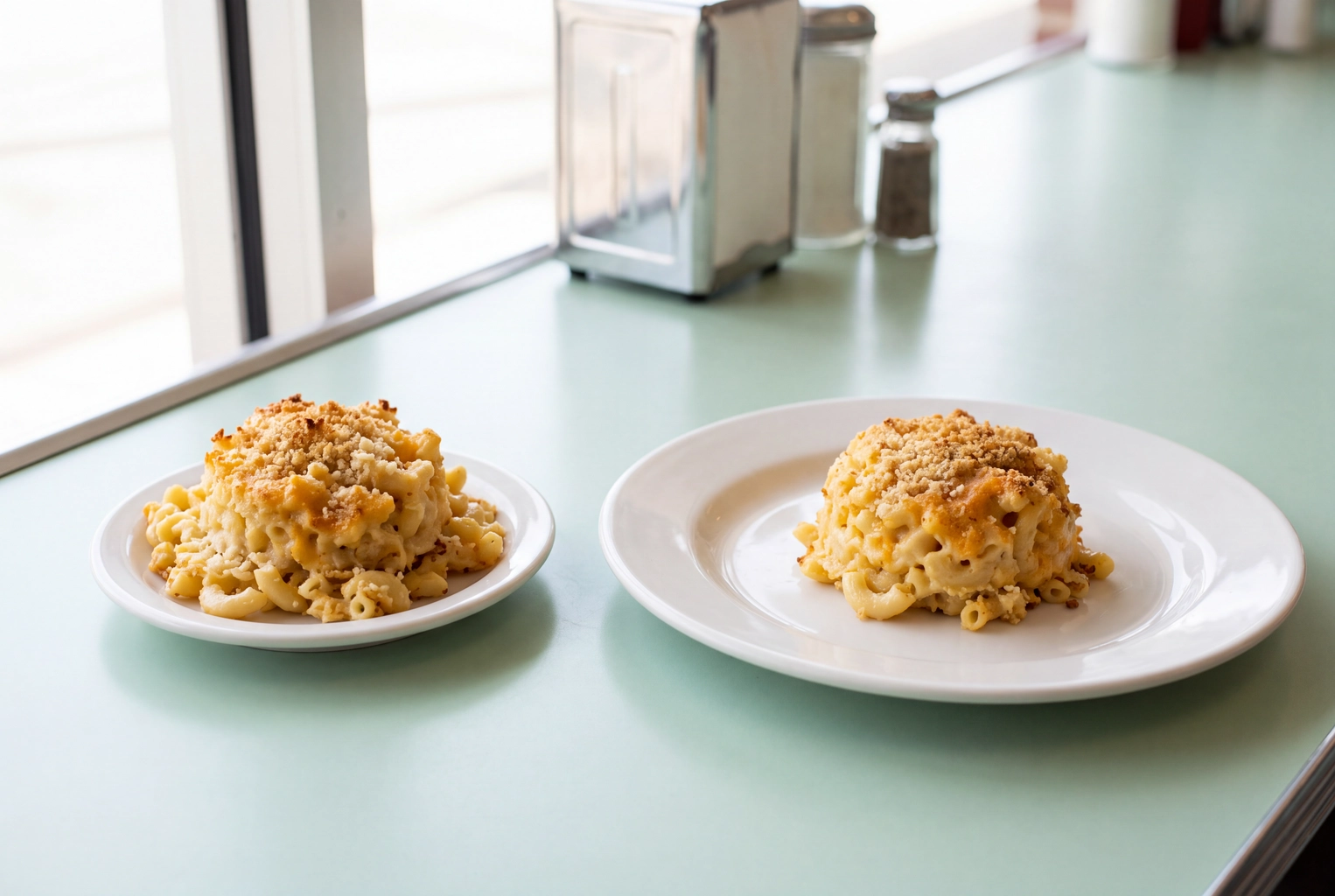 One portion of baked mac and cheese on a small plate and a wide plate, how plate size changes how big a menu portion looks
4. Hit the specs after editing, not before
Check the finished file: at least 1400 x 800 px, landscape 16:9, JPG or PNG, under 2 MB, with at least 80% of the item visible. Large exports often break the 2 MB limit, so save a compressed JPEG; a 2000 x 1125 px JPEG at quality 80 usually lands near 500 KB. Keep the dish centered, because listings also show a square crop. The full spec sheet is in our DoorDash photo requirements guide.
5. Keep text, frames and people out
No added text, logos, frames, watermarks or letterbox bars, and no faces or bodies in the shot. One item per picture, too: DoorDash rejects "hero shots" of several items sold separately, "as each photo must show exactly what a customer will receive when ordering that item." The delivery photo mistakes breakdown shows the most common slips.
6. Give the whole menu one look
Mixed light and mismatched surfaces make a listing look like five different restaurants. Even the built-in AI aims for "a more consistent browsing experience." Pick one surface family and one light direction and use them for every item. Match Style, one FoodShot style or a single shooting setup all get you there. The set then matches on DoorDash, your Google listing and Instagram. A food background editor handles the surface, and our restaurant branding guide explains how to choose the look.
7. Keep the original, and re-shoot when the recipe changes
Save the untouched phone photo next to every edited file. If someone complains or a picture gets flagged, you can show what the dish looked like before editing. When the recipe, portion or packaging changes, the picture changes with it: a shot from last spring may not show what you sell today.
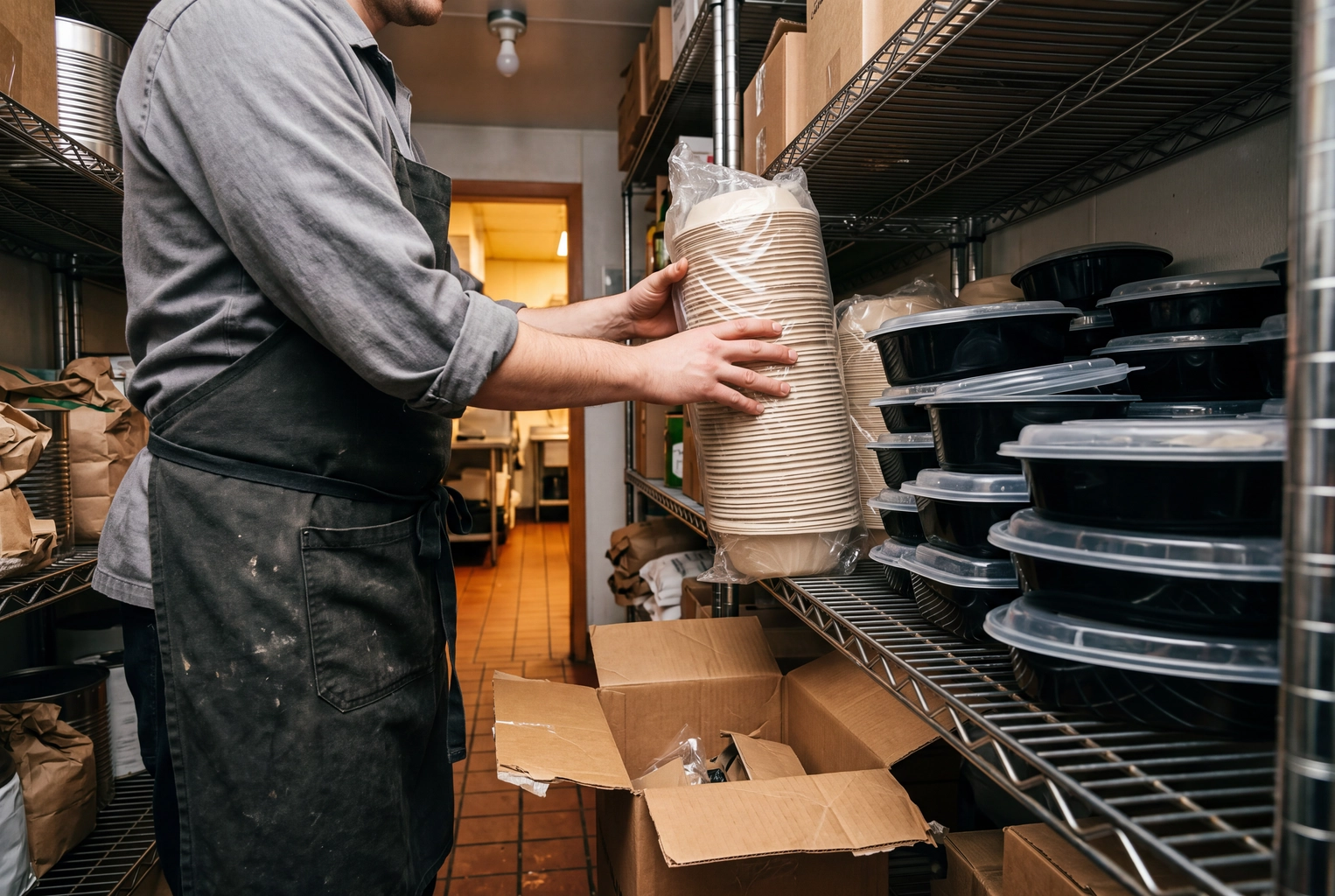 Cook shelving new molded-fiber takeout bowls beside old black plastic ones, a packaging change that means re-shooting DoorDash photos
Then run one last test. Hold the finished shot beside a real plate from the line. If someone holding that plate would feel misled, it fails.
Frequently Asked Questions
Can you use AI photos on DoorDash?
Yes, if they are AI-edited pictures of your real dish. DoorDash offers three AI editing modes itself. It won't accept a picture that misrepresents the item, and its virtual brand rules ban "evidently AI-generated images" outright.
Are DoorDash AI photos labeled for customers?
Yes, when the edit goes beyond basic light or clarity fixes. The customer FAQ says the tag covers re-plating, new backdrops, filled-in areas and adjusted perspective. The Guardian reported that it goes on automatically when a restaurant uses the built-in AI editor.
Will DoorDash reject a photo I edited outside DoorDash?
Not for the editing alone. Every upload is judged on the same content rules: real, representative, 16:9, sharp, and free of text and frames. Nothing published tells you how outside edits are treated, so the safest test is whether the picture still shows exactly what arrives at the door.
Does FoodShot connect to DoorDash?
Not directly. FoodShot is an independent editor, not a DoorDash product or partner. You restyle your picture, download it, crop it to 16:9 if needed and upload it in Menu Manager. It is built for restaurants, ghost kitchens and other kitchens that list on several delivery services.
More DoorDash Guides
- Photo requirements: sizes, file limits and all 11 rejection reasons
- Is the free photoshoot worth it?
- What is a virtual brand?
- Running a delivery-only ghost kitchen
- How to get more orders
- DoorDash vs Uber Eats vs Grubhub
- AI-generated food images: real vs fake