Grubhub Photo Requirements: 1400x1400 px, One Photo Set
 Ali Tanis14 min read
The Grubhub photo requirements differ from every other delivery app in one decisive way: Grubhub wants your menu photos square. DoorDash rejects square outright. Uber Eats renders a wider card. Get that single rule wrong and every dish you upload comes back rejected.
Below are the Grubhub photo requirements that can actually be verified — pulled from Grubhub's own Marketplace API documentation and merchant help centre on 10 September 2026 — plus an honest note on the numbers that circulate everywhere online and cannot be verified at all. A menu item with a photo wins orders that a text-only listing never sees, on every delivery platform, which is why twenty minutes on these specs pays for itself.
Quick Summary: Grubhub menu item photos are 1:1 square, 1400 x 1400 px recommended with a 200 x 200 px floor, JPEG preferred and PNG accepted. Logos are exactly 200 x 200 px on a square artboard with a 150 px content guide. Review runs about one to three business days, and a rejected photo leaves that item as a text-only listing.
Grubhub Photo Requirements at a Glance
Three asset types, three rule sets — and one gap Grubhub has never filled in publicly.
| Asset | Ratio | Resolution | Formats | Where the number comes from |
|---|---|---|---|---|
| Menu item photo | 1:1 square | 1400 x 1400 px recommended, 200 x 200 px floor | JPEG preferred, PNG accepted | Merchant guidance |
| Logo | 1:1 square | 200 x 200 px exactly | .png, .jpeg, .jpg | Grubhub Marketplace API docs |
| Header / cover | Not published | Not published | Not published | — |
That last row is not laziness. It is the most useful thing on this page, and we explain it below. Every image you submit must clear both the technical spec and the content rules — a photo that shows the wrong thing is rejected just as fast as one that is too small. Worth knowing up front: no white background is required. Grubhub is happy with the dish sitting on your actual table.
Grubhub Menu Item Photo Requirements
One dish per frame, square, and big enough to survive a retina display. That is the whole brief.
Resolution. Aim for 1400 x 1400 px. The floor is 200 x 200 px, but a 200 px file looks like a postage stamp on a modern phone, and soft images are a documented rejection trigger. Shoot well above the minimum and crop down — never upscale to meet the number, because upscaling creates exactly the blur that gets the photo refused.
Aspect ratio. 1:1, square. This is the rule that catches people migrating assets from another platform.
Format and file size. JPEG is preferred and PNG is accepted. Keep each file under 2 MB — more on that number in the cross-platform section. A 2000 x 2000 JPEG at quality 80 lands near 600 KB, so this only bites on untouched 4K exports.
Content. One menu item per photo, showing what the customer actually receives. Combos and bundles are the sane exception: if the item is three tacos and a drink, photograph three tacos and a drink.
Why the Square Ratio Changes How You Shoot
Grubhub displays menu items as square cards. It does not politely letterbox a wide photo — the outer edges are simply gone.
Compose for the square: the dish dead centre, breathing room on all four sides, nothing you care about near the left or right edge. A plate pushed to one side of a landscape frame will be half-missing on the card customers actually tap. Our menu photography guide covers framing, and the iPhone camera settings for food walkthrough gets capture right before you crop.
Grubhub Logo Specs: 200 x 200 With a 150 px Safe Zone
This is the section no competing guide on page one prints, because the numbers live inside a JavaScript-rendered developer portal that most scrapers never see.
Grubhub's Marketplace API documentation specifies:
- Image size: 200 x 200 pixels. Not "at least" — that is the artboard.
- Circular or rectangular marks still go on a 200 x 200 square artboard. Do not crop a round logo to a circle file.
- A 150 px guide sits inside the 200 px artboard as an optional tool to check that visual weight is distributed evenly. Treat it as your safe zone.
- Background fill should reach the 200 px square border, and the wordmark should not exceed the grey maximum shown in Grubhub's own diagram.
- Formats: .png, .jpeg or .jpg. Transparent backgrounds are preferred, as are compact social-media style lockups.
Your logo is not decoration. Grubhub places it at the top of your menu page beside your business name, and repeats it in the customer's Cart and Past Orders. At 200 px, a thin tagline turns to mush — strip it and keep the mark.
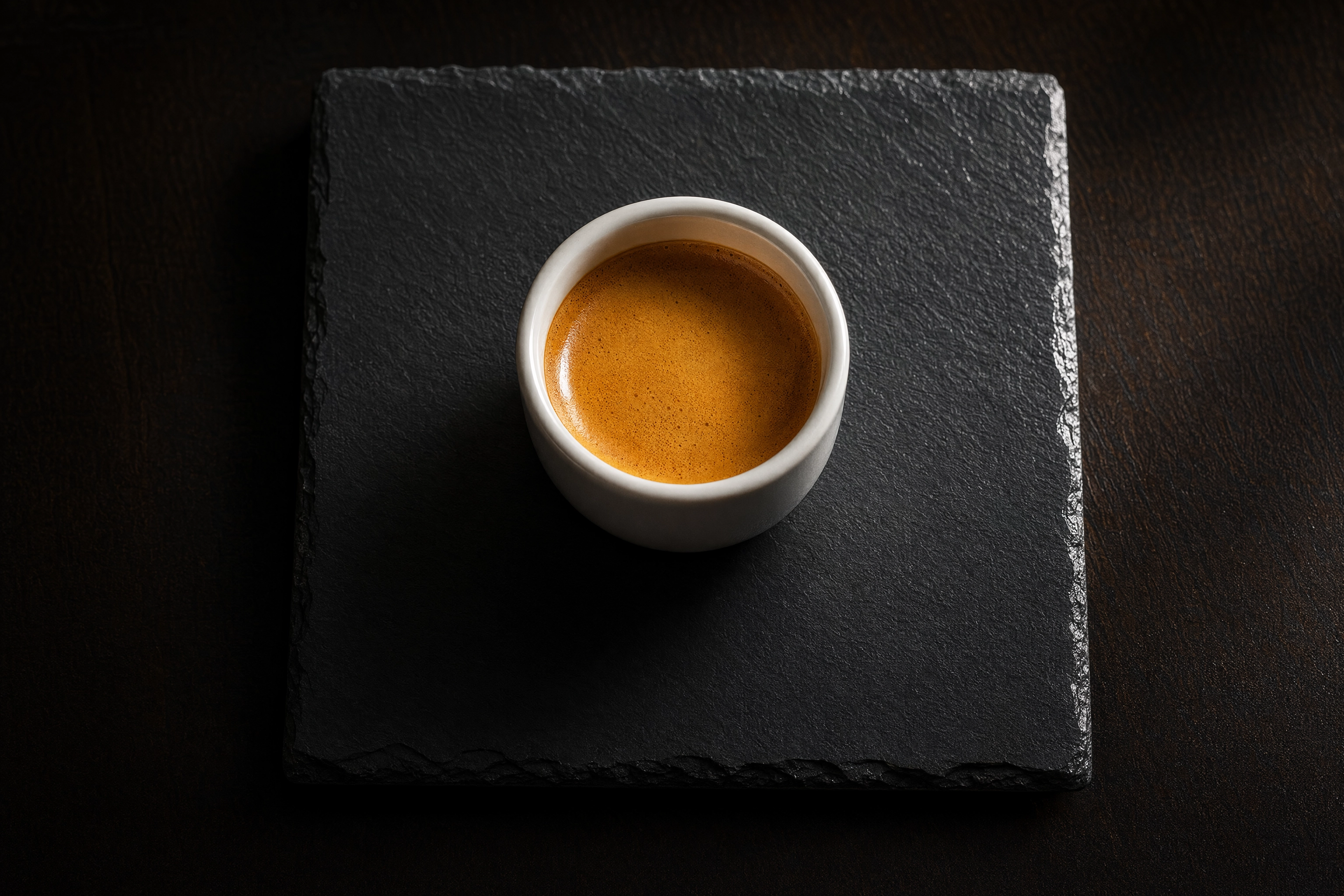 Round espresso cup centred on a square slate tile with wide even margins, illustrating a circular logo on Grubhub's 200x200 square artboard
Header and Cover Images: What Grubhub Actually Publishes
Search for a Grubhub header size and you get three confident, mutually exclusive answers: 4:3 at 4K, 16:9 at 1920 x 1080, and 4:1 at 2400 x 600. They cannot all be right, and none appears on Grubhub's public merchant criteria page, which verifies the square menu and logo rules and stops there.
So here is the honest instruction. Open your own Grubhub for Restaurants portal and check the header slot before you export anything — the accepted dimensions are shown at the point of upload, and that beats any blog post including this one. Meanwhile, shoot the header wide and high-resolution with the important content in the middle third. A 4000 px master survives all three competing specs; a 1200 px one survives none.
Why Grubhub Photos Get Rejected
A rejected photo does not degrade gracefully — the item reverts to a text-only listing, the worst state a menu item can sit in.
| Rejection trigger | What Grubhub wants | Fastest fix |
|---|---|---|
| Under-resolution or blurry | Sharp, 1400 x 1400 px | Reshoot; never upscale |
| Wrong aspect ratio | 1:1 square | Re-crop from the master |
| Multiple items in one frame | One menu item per photo | Shoot each dish separately |
| Text, overlays, watermarks, borders | A clean, unedited photo | Strip the overlay and re-export |
| People or faces | Food only | Reframe to exclude hands |
| Stock or borrowed imagery | Original work you own | Photograph your own dish |
| Not representative | The real portion, the real plate | Match the photo to the pass |
| Dirty plates or cluttered background | A clean, simple background | Wipe the rim, clear the table |
Duplicates matter. "Beef Taco" and "Chicken Taco" each need their own picture — one image reused across variants reads as a duplicate. The delivery photography mistakes breakdown covers the ones that repeat on every platform.
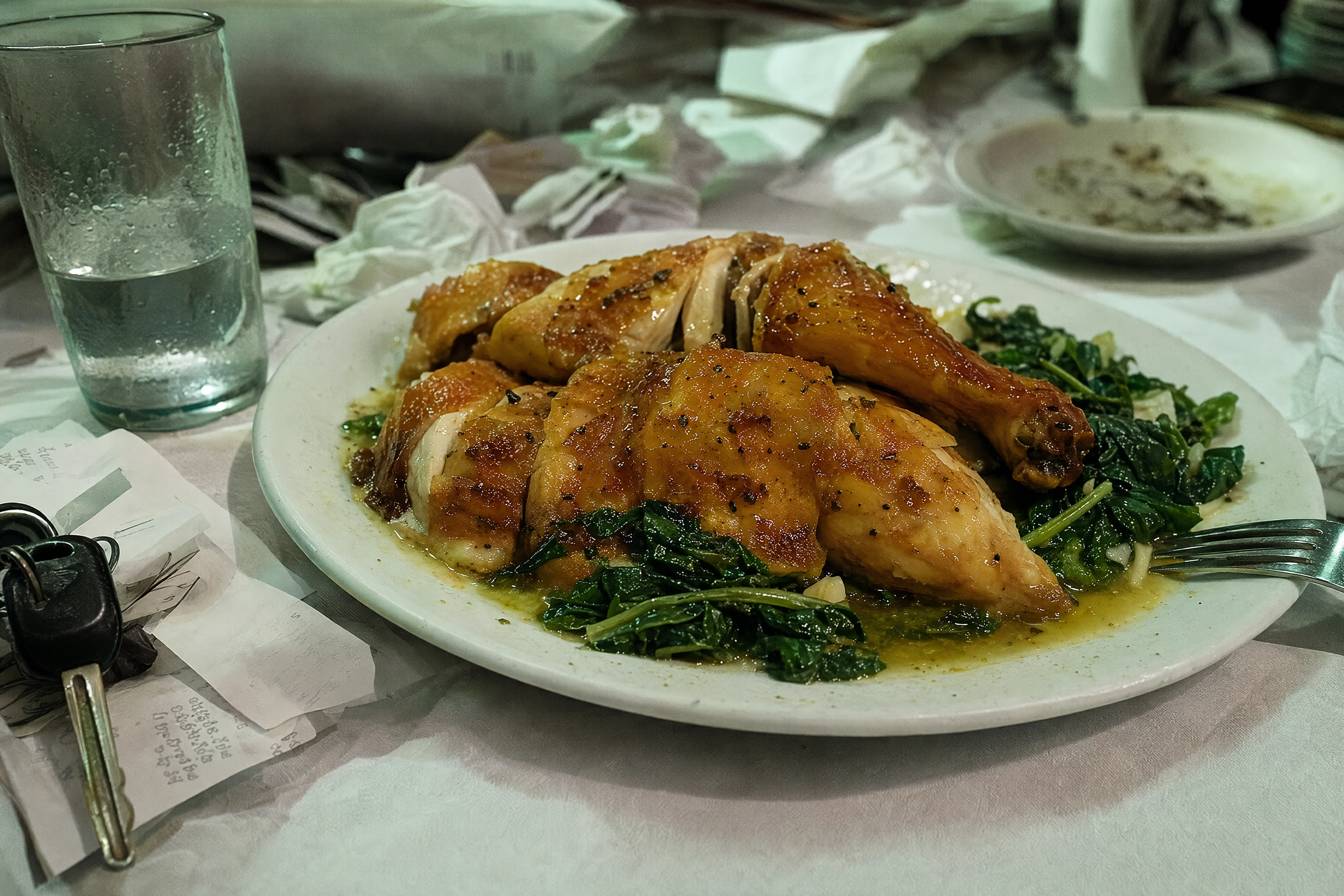 Beautifully roasted chicken plate surrounded by receipts, keys and a water glass under green overhead light, the cluttered background that gets photos rejected
How to Upload Photos in the Grubhub Merchant Portal
Meeting the Grubhub photo requirements is only half the job. The upload path is short, and the one step people miss is the terms checkbox.
- Log in to your Grubhub for Restaurants account.
- Open the Menu tab — left sidebar on desktop, menu dropdown on mobile.
- Find the item using the search field, or open the section it lives in.
- Select the item to edit its details.
- Click the photo icon, then choose Upload image or Import from Instagram.
- Agree to the terms and conditions — the upload will not complete until you do.
- Save.
Menu edits made here apply to both Grubhub Marketplace and your Grubhub Direct site, so you only do this once per dish.
Review time: roughly one to three business days. Plan menu launches around that, not against it.
If a photo is rejected in error: contact Restaurant Care on 877-799-0790. Rejections are reversible, and a genuinely compliant image that got caught by moderation is worth one phone call.
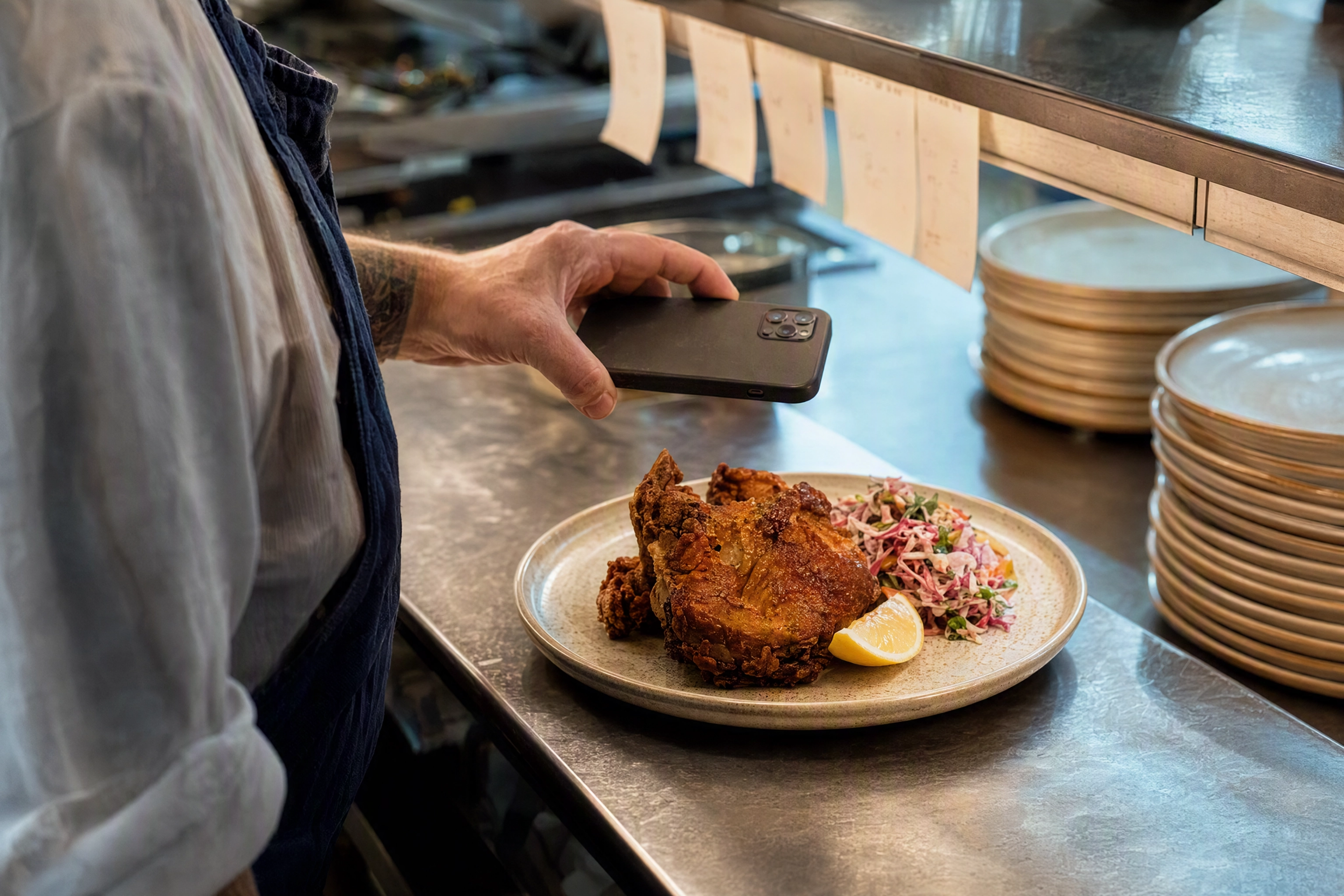 Chef's hands holding a phone back-on above a plated dish at a stainless kitchen pass, capturing a menu photo for the Grubhub merchant portal
Grubhub vs DoorDash vs Uber Eats Photo Requirements
Most merchants list on all three platforms, which means the real question is never "what does Grubhub want" — it is "what satisfies everybody at once".
| Requirement | Grubhub | DoorDash | Uber Eats |
|---|---|---|---|
| Item ratio | 1:1 square | Landscape 16:9 | 5:4 to 6:4 |
| Item minimum | 1400 x 1400 px | 1400 x 800 px | 1200 x 800 px recommended |
| Formats | JPEG, PNG | JPG, JPEG, PNG | JPG, PNG, GIF |
| Max file size | ~8 MB | 2 MB | 10 MB |
| Logo | 200 x 200 px | 230 x 230 px | — |
| Cover / header | Not published | 1400 x 800 px | 2880 x 2304 px, JPEG only |
| Review time | 1–3 business days | Instant to 5 business days | Up to 3 business days |
Read down the rows and the binding constraints jump out: Grubhub owns the tightest composition, DoorDash owns the tightest file size, and JPEG is the only format all three platforms accept. Full detail lives in our DoorDash photo requirements and Uber Eats photo requirements guides, and our menu photos across platforms comparison tracks how the specs drift over time.
Two rows deserve a warning. Uber Eats is the only platform demanding an exact cover size rather than a minimum, and DoorDash is the only one that renders a square crop of a landscape upload — so a photo that shows the whole dish on Grubhub can lose its edges on DoorDash. Chasing more orders on DoorDash or more orders on Uber Eats starts with images that survive each platform's crop.
One Photo Set That Passes All Three Platforms
You do not need three photoshoots. You need one master file and three crops.
Shoot one landscape master at maximum resolution. A modern phone gives you roughly 4000 x 2667 px. Watch what that single frame yields:
- Square crop for Grubhub: 2667 x 2667 px — comfortably past the 1400 px requirement.
- 16:9 crop for DoorDash: 4000 x 2250 px — nearly triple the 1400 x 800 minimum.
- 5:4 crop for Uber Eats: 3334 x 2667 px — far beyond 1200 x 800.
One frame, three crops, zero upscaling.
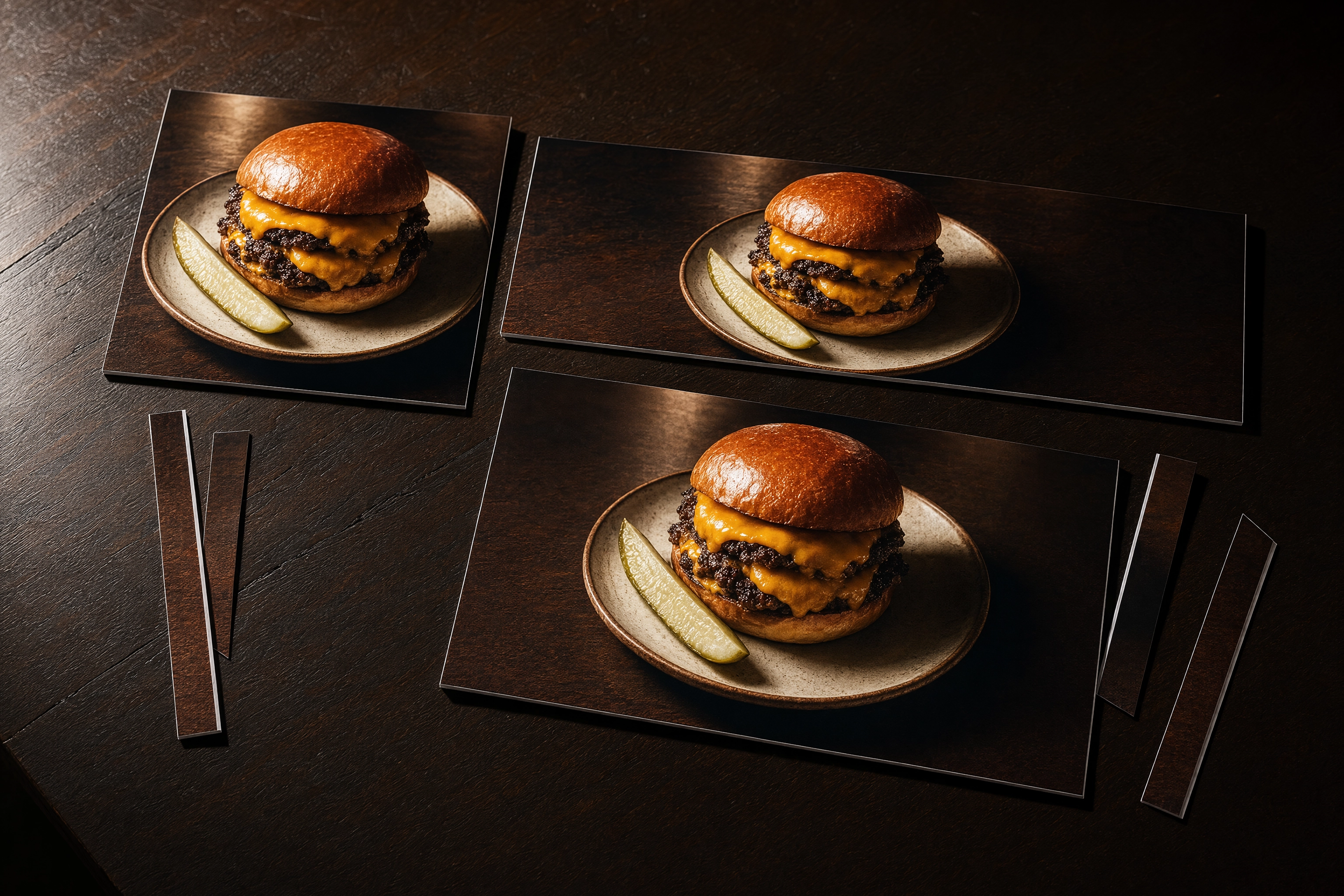 Three printed crops of one burger photo - square, wide and medium - fanned on dark walnut, showing one master file cropped for three delivery platforms
The rule that makes it work: compose inside the square. Because the square is the narrowest window of the three, anything surviving Grubhub's crop survives the other two automatically. Keep the dish in the central square region and let the outer wings carry nothing but table surface.
Export settings: JPEG, the only universal format, under 2 MB, because DoorDash's cap is tightest and clearing it clears all three platforms at once.
If you would rather not run a shoot at all, FoodShot AI turns a phone snap into a 2K studio image in about a minute — and 2K means at least 2048 px on the long side, enough to crop one dish for each platform. Pricing starts at $15/mo with a commercial licence. Multi-concept operators can see this play out on our ghost kitchens and delivery app photography pages.
The Free Grubhub Photoshoot, and Its Limits
Grubhub's merchant portal lets partners schedule a free photography session. It is genuinely worth booking — a professional shoot is the strongest possible baseline for a core menu.
The limits are practical, not secret. You book it, you wait for a slot, and you get one pass over the menu as it exists that day. It does not cover the seasonal special you added on Thursday, the item you reprice next month, or the LTO you are testing for three weeks. That gap between shoots is where most menus quietly go photo-less again — see our menu photoshoot planning guide for how to sequence it, and our food delivery app photography primer for what to shoot first.
A professional session and AI generation are not rivals. Book the shoot for your bestsellers, then keep the long tail current between visits — AI food photos on delivery apps covers what each platform permits, and AI food photo editors compares approaches. Strong menu descriptions do the rest.
Shooting Photos That Actually Pass Review
Meeting the spec gets a photo accepted. These habits get it ordered — reviewers judge image quality, not just dimensions, and consistency is what reads as professional.
Lighting. One window, indirect, hitting the dish from 45 to 90 degrees off to the side. No flash — it flattens food and blows out sauces. No overhead fluorescents, which throw the green-yellow cast that makes a good plate look grey. A $2 white card on the shadow side lifts the dark half. Our food photography lighting guide goes deeper.
Background. Clean and neutral: pale wood, matte stone, plain ceramic. Clear out receipts, spare cutlery and second plates, and wipe the plate rim — a sauce smudge reads as unsanitary. White background food shots and aesthetic food backgrounds both work inside Grubhub's rules.
Camera, focus and angle. Lock focus on the front edge of the dish, not the middle, and brace the phone on something solid. Overhead for flat food — pizza, bowls, salads. Around 45 degrees for anything with height — burgers, sandwiches, drinks. Shoot within a minute of plating.
Consistency. One session, one light, one surface. A menu where every dish matches reads as a professional kitchen; mixed lighting reads as a gamble. Our restaurant menu photography guide, iPhone food photography tips and how to edit food photos cover the rest.
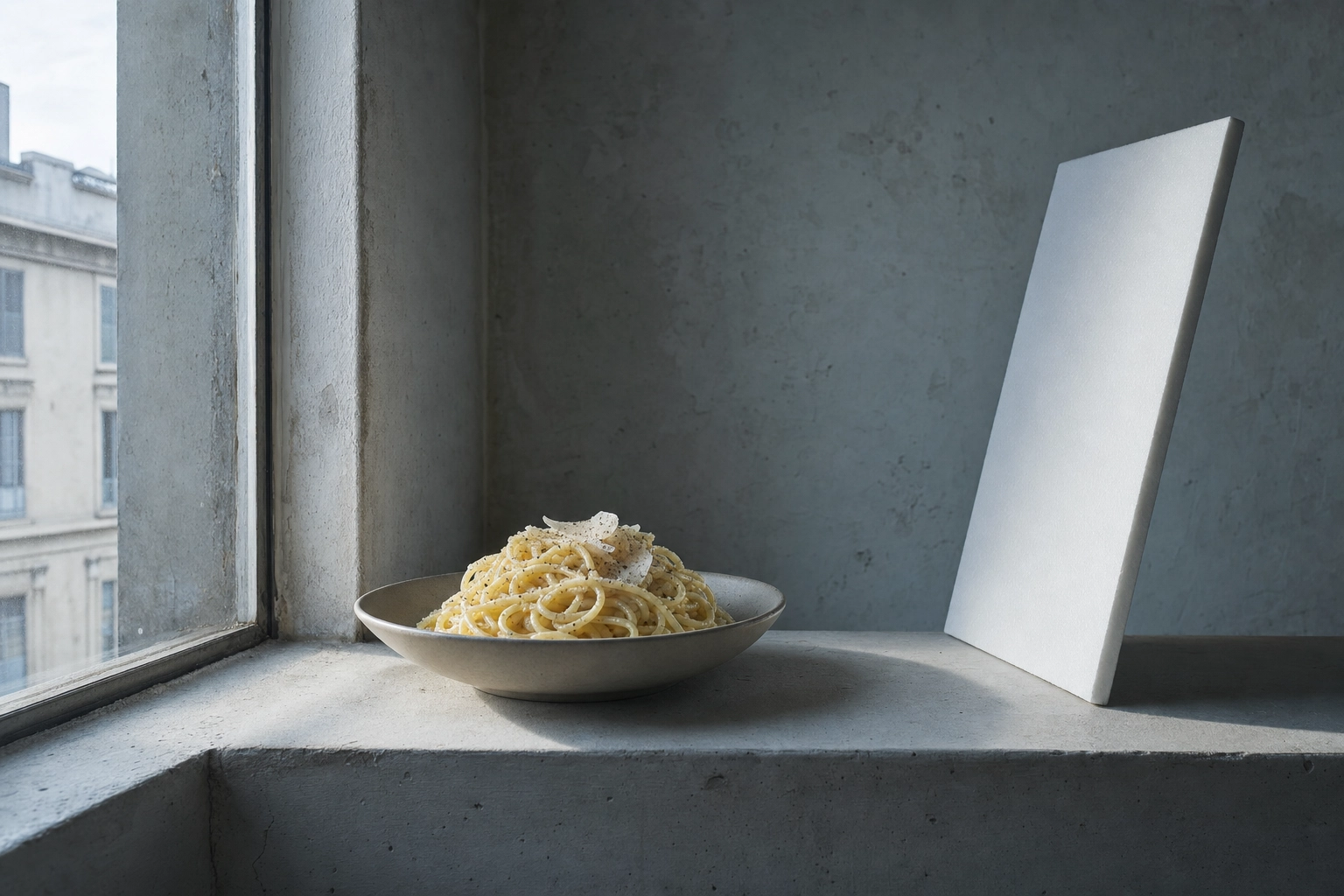 Plated pasta beside a bare window with a white foam bounce card on the shadow side, the side-lighting setup that passes delivery photo review
Frequently Asked Questions
What size should Grubhub photos be?
The Grubhub photo requirements for menu items are 1:1 square at 1400 x 1400 px, with 200 x 200 px as the absolute floor. Logos are exactly 200 x 200 px on a square artboard. Grubhub does not publish a header dimension on its public merchant criteria page.
Does Grubhub accept PNG or only JPEG?
Both. JPEG is preferred for menu item photos and PNG is accepted. Grubhub's API documentation lists .png, .jpeg and .jpg for logos, and transparent PNG is actually preferred there. HEIC is not on the list, so switch an iPhone to Most Compatible or convert before uploading.
How long does Grubhub photo approval take?
Roughly one to three business days. You are notified whether the image was approved or rejected, and a rejected photo leaves the item as a text-only listing until you replace it.
Can I use the same photo on Grubhub, DoorDash and Uber Eats?
Not the same file, but the same shot. Grubhub needs 1:1, DoorDash needs landscape 16:9 and Uber Eats needs 5:4 to 6:4, so one high-resolution landscape master crops to all three. Export as JPEG under 2 MB and the single set clears every platform.
Why was my Grubhub photo rejected?
The usual causes are a non-square ratio, resolution below the minimum, blur, multiple items in one frame, text or watermark overlays, visible people, or stock imagery you do not own. If you believe the rejection was wrong, Restaurant Care on 877-799-0790 can review it.
Does Grubhub take photos for restaurants for free?
Yes — Grubhub partners can schedule a free photography session from the merchant portal. It covers your menu as it stands on the day of the shoot, so you will still need a way to photograph specials and new items between sessions.
The One Thing to Take Away
The Grubhub photo requirements are not hard, just different: square where the other platforms are wide. Shoot one landscape master per dish, compose inside the square, export JPEG under 2 MB, and one asset set satisfies Grubhub, DoorDash and Uber Eats.