7 AI Menu Generators, $0-$25/mo - And the Photo Gap
 Ali Tanis12 min read
An AI menu generator turns a list of dishes and prices into a finished menu layout, usually in under five minutes. Seven distinct kinds of tool now do this and they look interchangeable. They are not. What decides which one you use is not price, and not template count.
It is what each one does with the photo slots.
Quick Summary: Every AI menu generator here creates the layout, the typography and the item copy. None can photograph the dish you actually cook, so they fill photo slots with stock or AI-imagined food. Pick the category that matches how you print or post, then supply your own food photos separately.
What an AI menu generator actually does
Three jobs, every time. It structures your items into categories with a readable hierarchy. It applies typography, spacing and colour so the page looks professional rather than typed. And it drafts item copy, which helps when you have 40 dishes and no copywriter.
What it does not do is understand your restaurant. It has never tasted the food or looked at your margins. Read how to design a restaurant menu before any tool arranges your items.
Pricing is consistent in 2026. Every serious option has a free tier, paid individual plans cluster between $8 and $18 a month, and team plans land near $25 per user. The AI is metered in credits — one widely used suite allows 20 premium AI uses free, 200 on its individual plan, 400 on its team plan.
The 7 kinds of AI menu generator, compared
Product names churn constantly; the underlying engines do not. These seven simple categories cover every tool ranking for this search today.
| # | Category | What it generates | Typical cost | Where it breaks |
|---|---|---|---|---|
| 1 | Template-library design suite | Editable layout plus copy | Free to $25/user/mo | Stock food photos |
| 2 | Prompt-to-document generator | Editable online document | Free to about $20/mo | Screen-shaped, not print-shaped |
| 3 | No-signup instant generator | A finished menu, no account | Free with limits | Watermarks, short retention |
| 4 | Text-to-image renderer | One flat picture of a menu | Free to about $15/mo | Uneditable, garbled text |
| 5 | Infographic and report builder | Poster-style menu designs | Free to about $20/mo | Export locked to paid tiers |
| 6 | Digital signage builder | A 16:9 screen board | Subscription plus hardware | Screens only |
| 7 | POS-connected menu engine | Item, price and modifier data | Quoted | Not a design tool |
1. Template-library design suites
The default choice, and usually the right one: a drag-and-drop editor, a template library measured in thousands, brand colours on paid tiers, and an AI layer that lays out a menu template on request. Print-ready PDF export is reliable.
Where it breaks: the stock library. Search "burger" and you get an excellent photograph of somebody else's burger. Fastest route to a professional menu, and fastest route to menus that misrepresent your kitchen.
2. Prompt-to-document generators
Describe the restaurant in a sentence and get a designed, editable document in seconds. The most pleasant tools here: one prompt, a real draft, every block still editable.
Where it breaks: built for decks and online documents, so the output is screen-shaped. Margins, bleed and CMYK are afterthoughts, and image slots default to generic art.
3. No-signup instant generators
Type or speak your items, pick a style, download instantly. No account, no onboarding, genuinely free. For a specials board you need this afternoon, nothing is faster.
Where it breaks: the free tier. Expect watermarks, capped resolution and short retention — one tool we checked stores creations for seven days unless you upgrade. There is no brand kit, so your fifth menu will not match your first.
4. Text-to-image menu renderers
A newer and stranger category: an image model paints the whole menu as one picture. Previews are gorgeous and the typography looks like a designer set it.
Where it breaks: hard. The output is a flat image, so changing one price means regenerating everything. Worse, image models approximate the shapes of letters rather than spelling them — TechCrunch documented generators producing a Mexican menu reading "taao", "burto" and "enchida". Proofread every character.
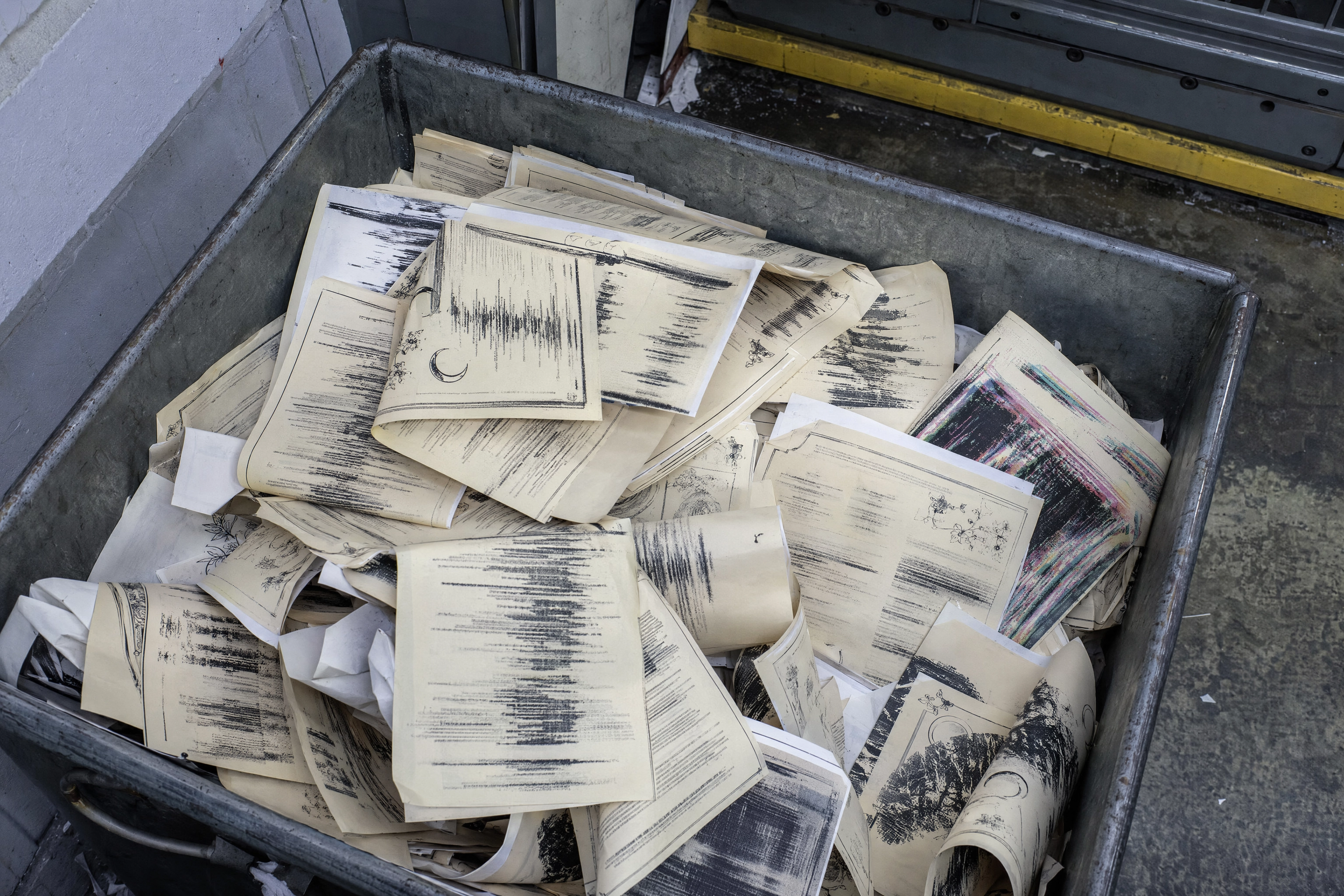 Creased misprinted menu sheets in a print shop reject bin with smeared unreadable type from a text-to-image generator
5. Infographic and report builders
Chart-and-poster platforms that added a menu template preset. They are strong at hierarchy and colour systems, which matters more for menus than it sounds.
Where it breaks: the DNA is data visualisation, not hospitality. Food typography is thin, the designs skew corporate, and high-resolution export is the paywall.
6. Digital signage and menu board builders
Prompt in, 16:9 board out, pushed to the screens behind your counter. Dayparting is the real feature — change a price at 11am and every screen updates instantly.
Where it breaks: subscription plus hardware, and it only makes screen assets. Photography carries these boards, because a backlit screen is mostly image. Our guide to digital menu boards covers the rules, and menu board design covers print.
7. POS-connected menu engines
The odd one out. These read your sales and guest data, then recommend which items to keep, cut, reprice or bundle.
Where it breaks: it is not a design tool. It generates the data layer and hands you a spreadsheet, not artwork. Powerful for a group, overkill for one dining room.
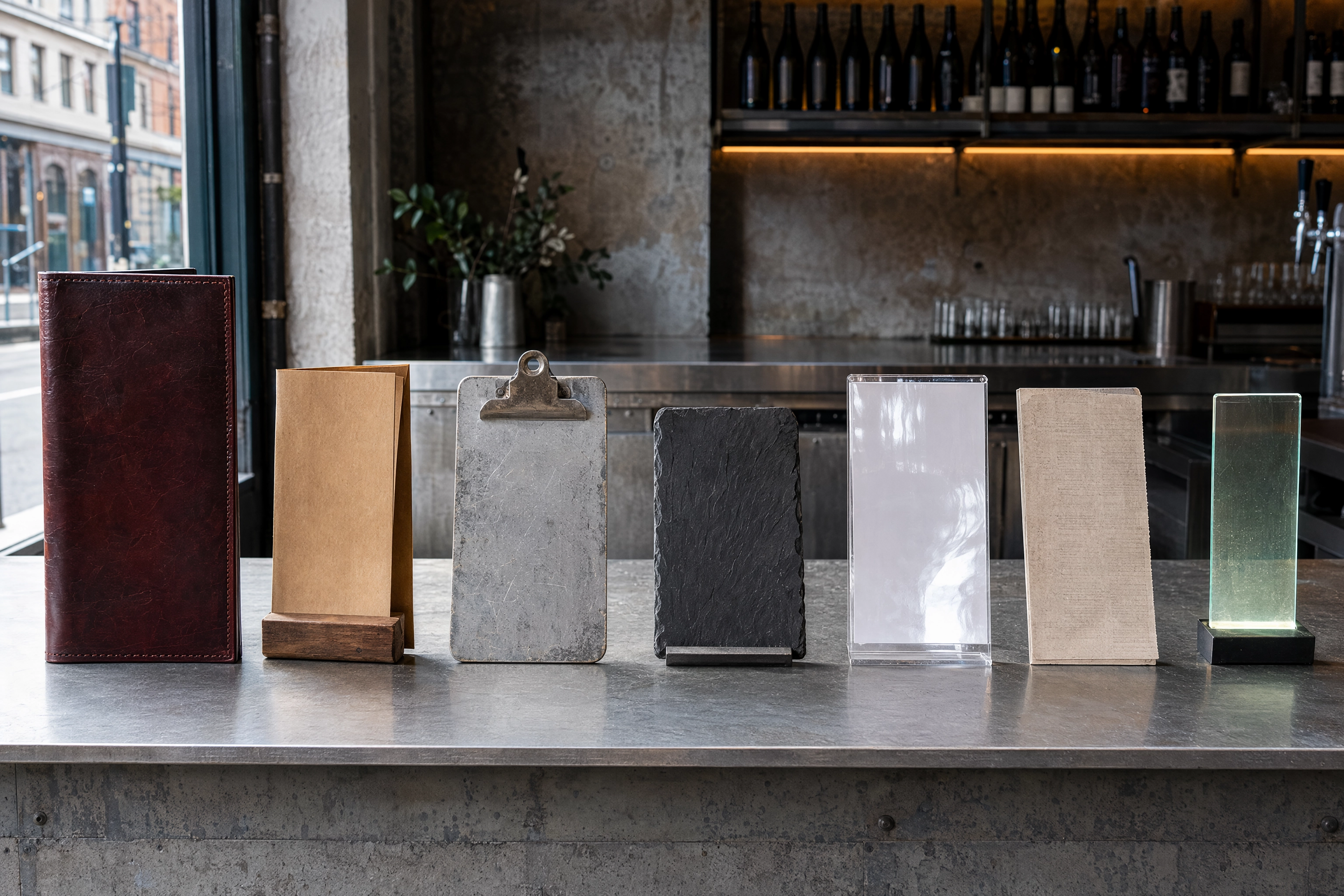 Seven different physical restaurant menu formats lined up on a zinc bar counter, one per AI menu generator category
The photo gap: what no AI menu generator can make
The honest verdict after looking at all seven: they hand you a beautiful layout containing photographs of food you have never served.
Only two fills are available. A stock library gives you a technically excellent photo of a dish from someone else's kitchen. A generative image model creates a dish that has never existed. Both fail the same test — the plate on the menu is not the plate that arrives.
That matters commercially. Deliveroo reports that photographing just 10% of a menu lifts online orders around 12%. Grubhub puts the increase near 30%. DoorDash has said items with photos generate up to 44% more monthly sales.
Restraint wins, though. A 2019 study by Yue, Tong and Prinyawiwatkul found one or two high-quality photos per page lifted order rates, while photographing every item made menus feel cheaper and cut average spend. Four to eight excellent images, not forty.
This is the one place we fit, so we will be quick. FoodShot is not a menu builder. It turns a phone photo of your real dish into a 2K, studio-lit shot in about 2 minutes, which you drop into whichever AI menu generator you picked. AI food photography has the detail.
Why stock food photos backfire
Guests compare the picture to the plate. When the two disagree you have not upsold anyone, you have written a complaint. Stock images repeat, too: the same three burger shots circulate across a whole town's online listings.
Licensing is the quieter risk. Free tiers often grant personal use only, and menus, flyers and paid ads are commercial use for a business. Read the terms before a stock image lands on 500 printed menus.
Why AI-imagined dishes are the same mistake
Generated food has tells: impossible cheese pulls, invented garnishes, sauces that defy physics. Desserts are the worst offenders, because frosting and glaze are where these models improvise. Food & Wine argued in August 2026 that AI-slop imagery erodes diner trust.
Delivery platforms are stricter than operators realise — the image must represent the item sold. Check the Uber Eats photo requirements and DoorDash photo requirements, and our take on AI generated food images.
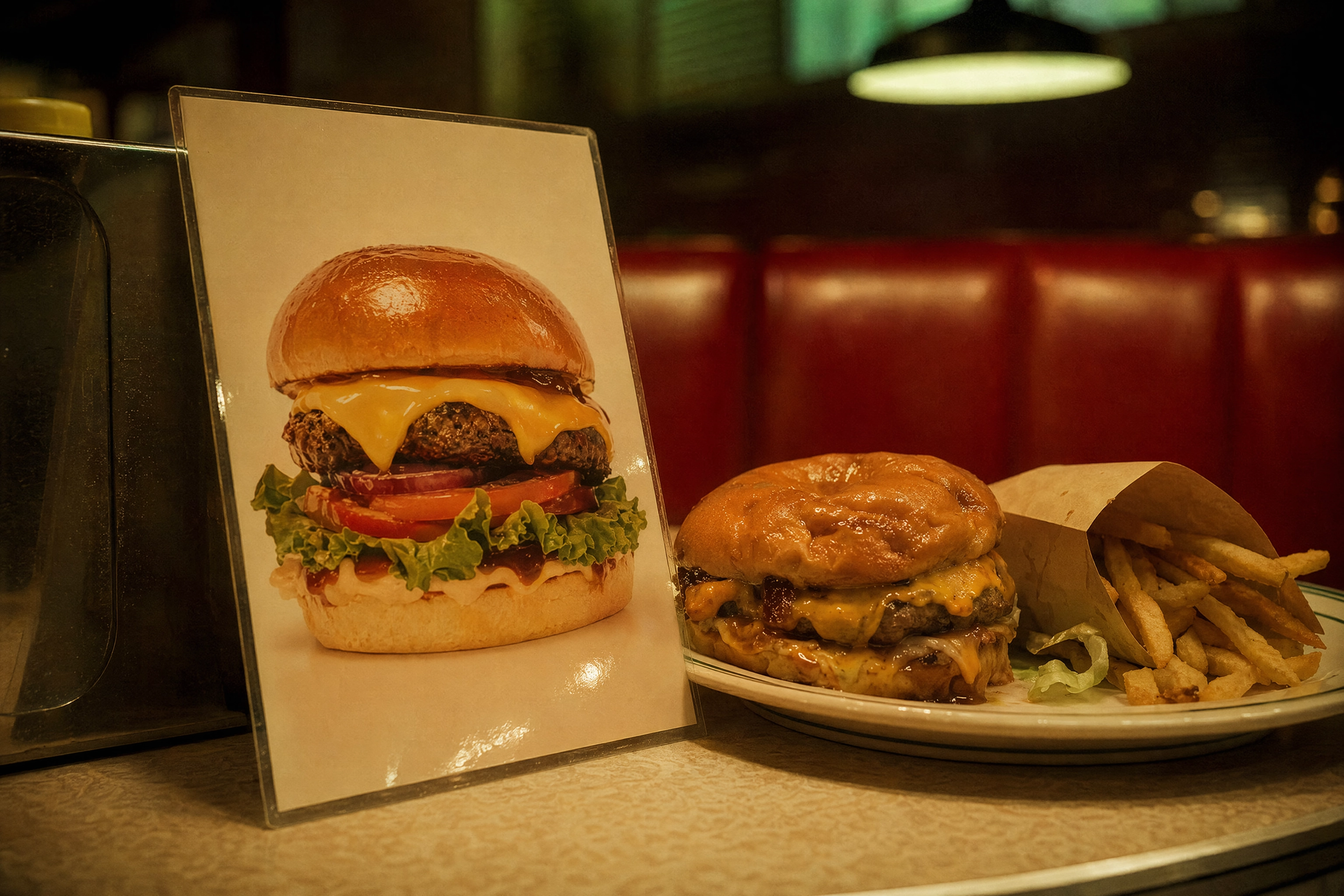 Idealised printed burger promo card leaning against the real burger served, showing stock and AI food image mismatch
Which type fits your restaurant
Skip the feature grids. Pick by how the menu leaves the building.
Single-location dine-in restaurants
Print quality is the binding constraint, so pick a template-library suite with reliable PDF export. Pair it with food photography for restaurant menus and one menu photography session.
Delivery-first and ghost kitchens
Your restaurant menu is an app listing: layout barely matters, images matter enormously. Put the budget into delivery app photography and settle the lineup with ghost kitchen menu planning.
Cafes, bars and food trucks
The board changes weekly, so favour editing speed over polish. See food truck menu design, the food truck menu board options, and how cafes handle seasonal swaps.
Multi-unit groups
Brand lock beats prettiness: a locked brand kit, one shared menu template, a POS-connected engine underneath. Get restaurant branding settled first, because no tool invents consistency for a growing business.
A 30-minute workflow that works
Most wasted time in menu design comes from doing these steps out of order.
Step 1: Create the item list first
Category, item, one-line description, price — in a simple text file. Generators are layout engines, not decision engines. Pasting a finished list takes two minutes; retyping inside an editor takes twenty.
Step 2: Sort the photos out before the layout
Photos determine layout, not the other way round. Pick the four to eight dishes that get an image, then get those images made. How to take food photos with your phone and how to edit food photos cover DIY; food photography cost covers hiring a professional.
Step 3: Create menus in threes
Run the same prompt three times with different style instructions — classic, minimal, bold — then compare the designs at actual size. One variation always feels inevitable; three make you notice the typography. A white background reads differently from a dark one, and menu background ideas is a simple way to test that.
Step 4: Check the print specs before export
This is where free tiers quietly fail. Add 0.125 in (3 mm) of bleed on every edge, so an 8.5 × 11 in restaurant menu is really an 8.75 × 11.25 in document. Keep text 0.125–0.25 in inside the trim. Export CMYK, not RGB, at 300 DPI, fonts embedded. Many templates export RGB PNG, and no printer will fix that for you.
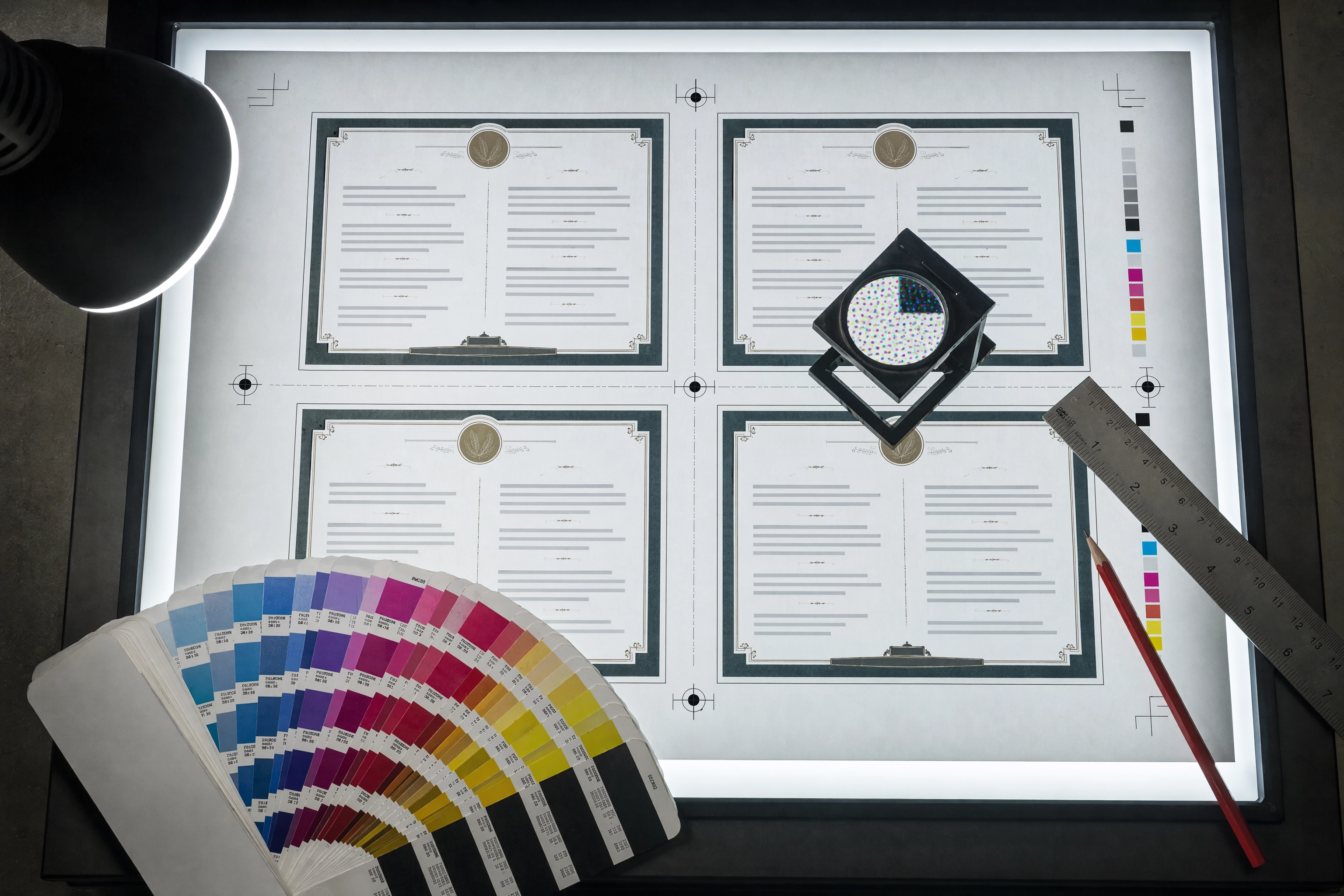 Overhead press sheet of menus on a light table with crop marks, CMYK colour bar and a loupe checking print specs
What AI menu generators still get wrong in 2026
Price formatting. Left alone, an AI menu generator prints $12.00 with a currency symbol and trailing zeros. Dropping both is one of the oldest findings in menu psychology, and no tool does it by default.
Allergen and calorie labelling. Legally required in several markets, and no generator creates it reliably. Check by hand, every time.
Contrast. These tools love pale type over a photograph. It looks appealing on a bright laptop and vanishes in a dim dining room at 8pm.
Reprint cost. An AI menu generator does not know your menus are printed on 300 gsm stock in runs of 500, so it suggests designs that force a reprint when one price moves. Create a fixed frame with an insert instead — which is why food flyer ideas beat reprints, and why AI tools for restaurants are worth auditing as a stack.
Frequently Asked Questions
What is an AI menu generator?
An AI menu generator is an online tool that converts a list of dishes, item copy and prices into a designed menu layout, handling categories, typography and spacing automatically. None produce photographs of your own food.
Is there a genuinely free AI menu generator?
Yes. Every category above has a free tier, and several no-signup tools create menus instantly without an account. The limits are predictable: watermarks, capped resolution, locked premium templates. Free is enough for a specials board, rarely enough for a printed menu.
Can an AI menu generator write my item descriptions?
It drafts them competently, but generically, and it will invent ingredients if you let it. Treat every generated line as a first pass and check it against what the kitchen plates.
Can these tools photograph my actual dishes?
No, and this is the core limitation. A tool can place an image, pull one from a stock library, or invent one. It cannot photograph a dish it has never seen.
Are AI-generated menu files ready for a commercial printer?
Rarely. Professional printers want CMYK PDFs at 300 DPI with 3 mm bleed and embedded fonts; most free exports are RGB at screen resolution. Check the settings and ask for a proof.
Do delivery apps allow AI-generated food images?
Policies vary and are tightening. The consistent rule: the image must accurately represent the item sold, which rules out invented dishes but not enhanced photographs of real ones.
How long does it take to create a menu this way?
Four to ten minutes for a first draft once the item list exists. Budget 30 minutes for something you would print.
Which type should a small cafe start with?
A template-library suite on its free tier, plus real photos of your four best sellers. It handles the print menu, the photo menus for delivery, and social posts from one file. See how other cafes and food trucks run the same stack, what restaurant photography pricing costs if you outgrow DIY, and our pricing for the photo side.