How to Increase Restaurant Delivery Sales: 15 Fixes
 Ali Tanis14 min read
How to increase restaurant delivery sales comes down to three moments on every app: guests find you, pick you over the next listing, and come back. DoorDash, Uber Eats and Grubhub give you the same six levers for those moments, hidden in different screens. Below: 15 fixes, in the order we'd make them, and an audit mapping each to all three apps.
Quick Summary: The quickest answer to how to increase restaurant delivery sales is the free levers: photos and descriptions on at least 70% of your items, a header and logo, honest hours and fast review replies. Then test one welcome offer per app.
How to increase restaurant delivery sales on every app at once
Treat DoorDash, Uber Eats and Grubhub as one storefront with three front doors. The same six levers decide your sales on each: item photos, menu structure, price and fees, promotions, ratings and hours, and repeat guests. Fix a lever once, then copy it to all three apps in the same week.
Most advice comes from one platform or from an online ordering vendor; for single-app depth, see our Uber Eats playbook and DoorDash guide. DoorDash says over 55% of first purchases at new restaurants come from customers browsing, not searching, and the National Restaurant Association's 2026 report notes 60% of operators reported softer traffic last year.
The 15-fix delivery listing audit: DoorDash vs Uber Eats vs Grubhub
This table is how to increase restaurant delivery sales across all three apps without guessing. Each row is one fix, the lever it pulls and where you change it. Open the DoorDash Merchant Portal, Uber Eats Manager and Grubhub for Restaurants side by side, work from the top, and tick each cell as you go.
| # | Fix | Lever | DoorDash | Uber Eats | Grubhub |
|---|---|---|---|---|---|
| 1 | Photo on every dish | Photos | Menu Manager; Instagram sync | Customers can add photos to bare dishes | Add Photo: upload or Instagram |
| 2 | One master, three crops | Photos | 16:9, 1400 x 800 px min | 5:4 to 6:4, 1200 x 800 px min | 1:1, 1400 x 1400 px |
| 3 | Header, cover, logo | Storefront | Store Settings; 230 px logo | Cover 2880 x 2304 px | Profile; 200 px logo |
| 4 | Matching descriptions | Copy | AI description tool | Description field | Description field |
| 5 | Cut what travels badly | Structure | Out of stock or remove | Sold out or remove | Edit or remove |
| 6 | Combos and add-ons | Basket size | Modifiers | Modifier groups | Modifiers |
| 7 | Price for the commission | Fees | 15%, 25% or 30%; pickup 6% | 20%, 25% or 30%; pickup 7% | 5%, 15% or 20%; couriers from 10% |
| 8 | Welcome offer | Promotions | Marketing tab | Marketing tab | Promotions dashboard |
| 9 | Sponsored listings | Ads | Pay per order, max bid | Premium matches up to $100/mo | Ad credit = commission rate |
| 10 | Member programs | Loyalty | DashPass on Plus, Premier | Uber One on Plus (+5%), Premium | Grubhub+ on every plan |
| 11 | Reply to reviews | Ratings | Within 24 hours | Feedback, then Reviews; 7 days | Premium-tier partners |
| 12 | Honest hours and stock | Reliability | Store availability; stock timer | Store hours; sold-out toggle | Hours page |
| 13 | Pack for the ride | Ratings | Feedback in the portal | Thumbs up or down per dish | Accuracy is on you |
| 14 | Win the second sale | Repeat | Loyalty campaigns | Offer code in a review reply | Win-back promotion |
| 15 | Same photos everywhere | Own channels | Commerce Platform: 2.9% + $0.30 | Webshop: 2.5% + $0.29 | Grubhub Direct: no commission |
Rows 1-6 and 11-13 are free; rows 7-10 change what you pay per ticket, so test those one app at a time. Figures: US merchant pages, September 2026.
Fixes 1-4: Item photos, the lever you control today
Photos are the one lever you can change tonight without a rep, a budget or a contract. All three apps publish the same finding in different words: listings with photos and descriptions on most items sell more. Photos drive the tap, and the apps fill empty slots with pictures you didn't choose, so a gap is never neutral.
- DoorDash: menus with item photos earn up to 44% more monthly sales (Q2 2022 study, 15,000+ small merchants).
- Uber Eats: merchants with photos and descriptions on 70%+ of items in week one earned $330 more per week on average.
- Grubhub: pictures and descriptions bring as much as 70% more orders and 65% higher sales.
If you're working out how to increase restaurant delivery sales with no ad budget, start here, and avoid these photo mistakes that cost you sales.
1. Fill every photo gap before the app fills it for you
DoorDash can sync your business Instagram to dishes with no photo, and Uber Eats invites customers to snap their meal when a dish has no image. Either way, a random picture sells your food. Aim for 100% coverage; our delivery app photography guide covers light and angles.
2. Shoot one master photo and export three crops
Every upload goes through a review process, and each app wants a different shape: DoorDash 16:9 at 1400 x 800 px or more, Uber Eats 5:4 to 6:4 at 1200 x 800 px or more, Grubhub a 1400 x 1400 px square. Shoot wide, keep the dish centred, export three files. Specs: DoorDash, Uber Eats and Grubhub photo requirements.
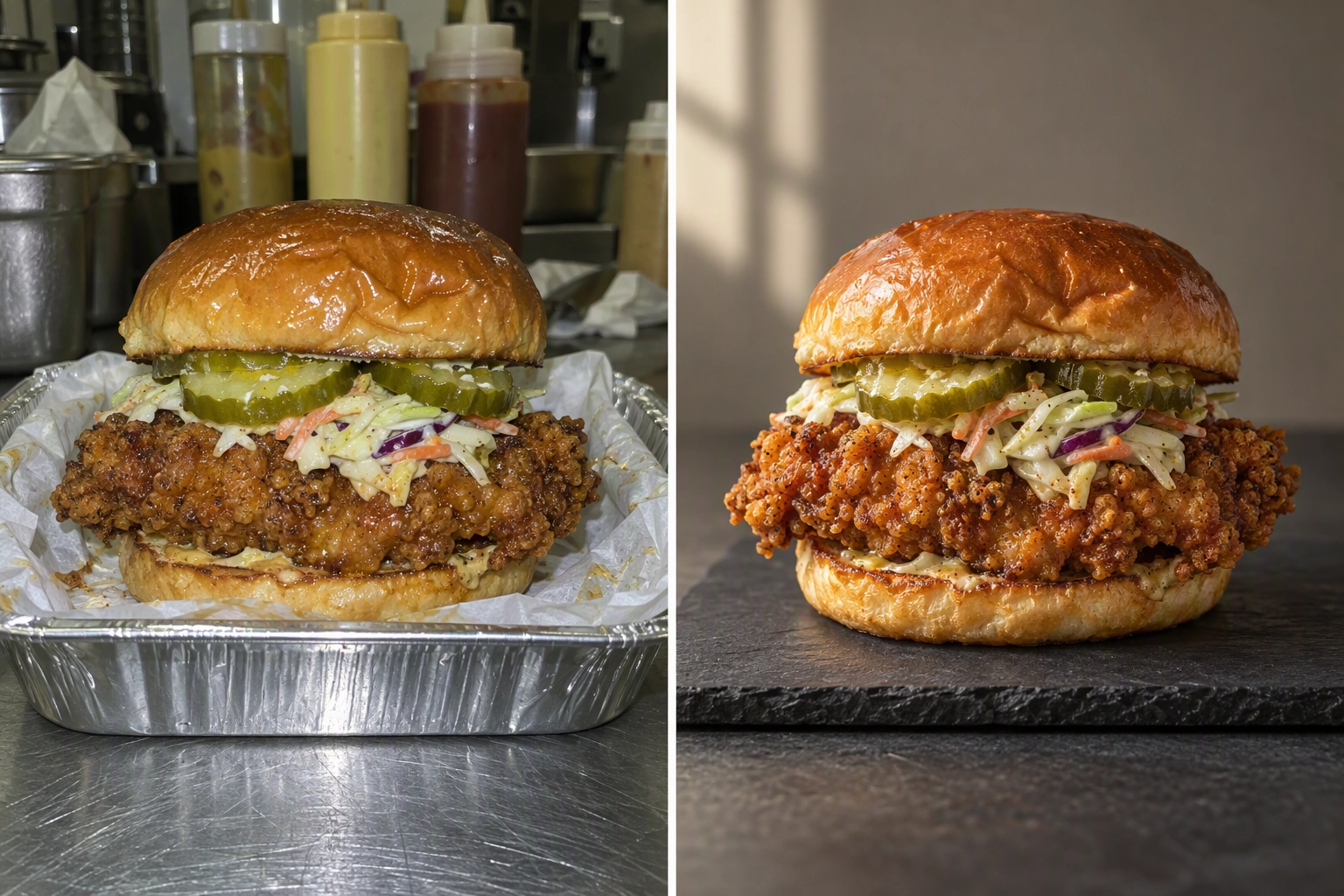 Before and after delivery app photo of a fried chicken sandwich: harsh phone flash versus soft window light
Mind who owns the pictures. Each app has its own ways to supply them: Grubhub a free photoshoot, Uber Eats Premium a $250+ photo package, DoorDash Premier a $200 credit. But DoorDash asks that photos from its free shoot stay off other apps. An AI food photo editor like FoodShot restyles a phone snap in about 2 minutes and exports 2K (2048 px) files you can reuse; on the $15 plan, 25 photos cost $0.60 each. See which AI edits Uber Eats allows and delivery app food photos.
3. Add the header, cover and logo
In a DoorDash study from April to June 2022, a header was linked to up to 50% more monthly sales and a logo to up to 23% more, an easy boost. DoorDash crops the header to 4:1 on the web, so centre the subject. The Uber Eats cover works best with three to five dishes; Grubhub's 200 px logo needs a clean brand mark.
4. Write descriptions that match the photo
Uber Eats and Grubhub measured photos and descriptions together. Name the protein, method, portion and one flavour word in about 20 words; see our menu descriptions rewrites. DoorDash's AI tool drafts one from the name, photo and modifiers, an easy first pass, but DoorDash bans text that names other apps or a cheaper website.
Fixes 5-7: Menu structure and prices that lift basket size
Part of how to increase restaurant delivery sales is a menu that fits a phone screen. Guests scroll, so keep it easy to scan: every extra category pushes your best sellers down. Cut what travels badly, bundle what sells together, and set prices per app so each ticket still clears food cost after commission.
5. Cut the dishes that travel badly
Crisp fries, soufflés and foams suffer most on a 20-minute ride. Box each dish, wait 20 minutes, taste it, keep the winners. Menu engineering shows which items earn most, and ghost kitchen menu planning shows a lean layout for any ghost kitchen or full-service room.
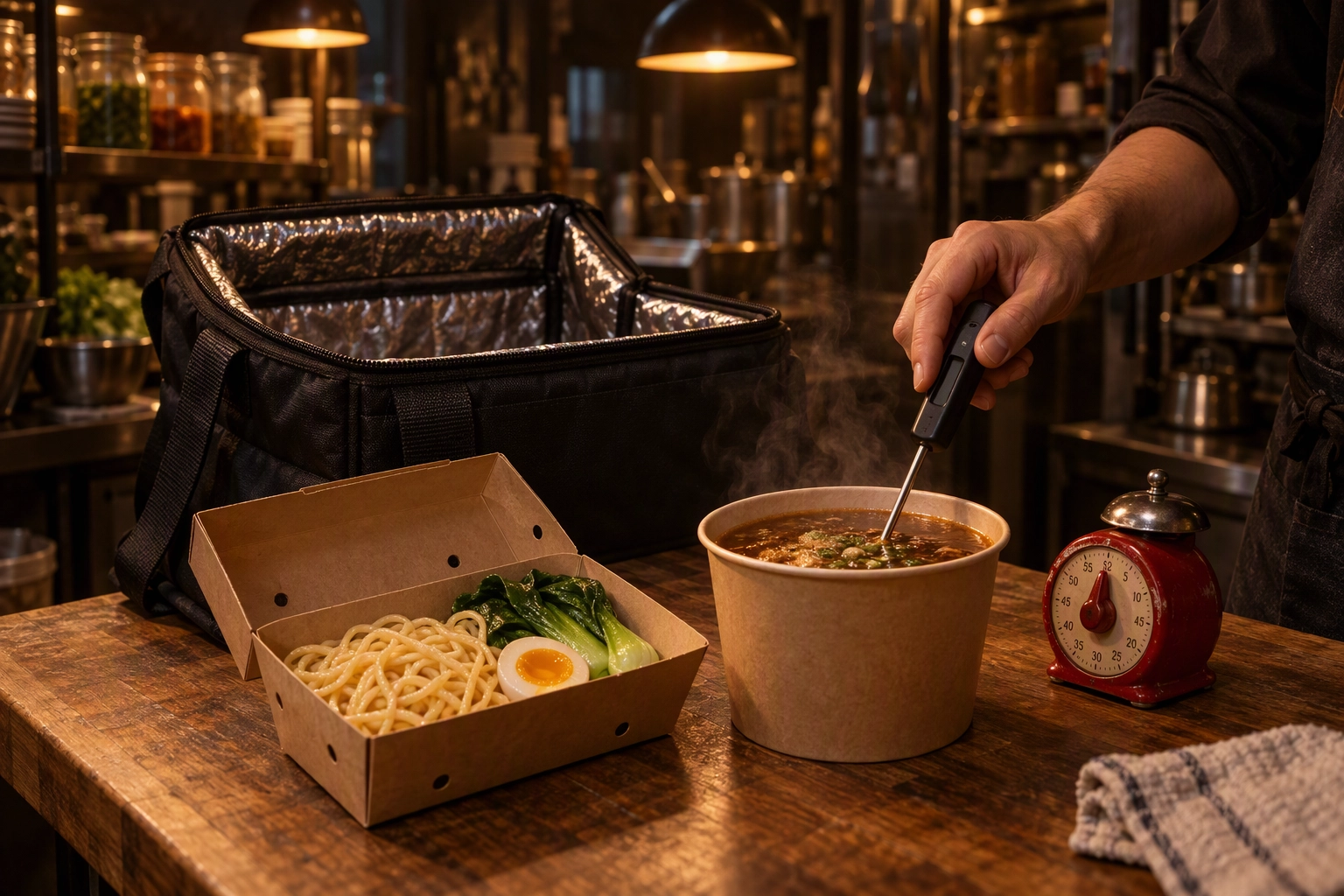 Cook probing a noodle soup kit after a 20-minute travel test beside an open insulated delivery bag
6. Build combos and add-ons into your best sellers
Modifiers raise the ticket without new guests. Add drink, side, protein or dessert options to top sellers, plus a meal for two and a family bundle. For offices, large-order trays turn a $25 ticket into $400.
7. Price for the commission, not against it
Run the maths on a $20 burger with $6 in food cost:
| App and plan | Fee | You keep | After food cost |
|---|---|---|---|
| DoorDash Plus | 25% | $15.00 | $9.00 |
| Uber Eats Lite | 20% | $16.00 | $10.00 |
| Grubhub Basic, its couriers | 5% + 10% | $17.00 | $11.00 |
Card fees, packaging and promos come off on top; a food cost calculator runs your own dishes. Uber Eats lists its 7% pickup fee "with validated in-store pricing", so check before you mark up. Rates: DoorDash, Uber Eats, Grubhub.
Fixes 8-10: Promotions and ads that pay back
Paid levers work best after the free ones, because an ad only sends guests to the listing you already have. Discounts are the priciest answer to how to increase restaurant delivery sales, so run one welcome offer per app, add sponsored listings with a written stop rule, and join member programs only where subscribers are dense.
8. Run a welcome offer on each app
DoorDash says Promotions return a median $4 in extra sales per $1 spent. Uber Eats runs up to 5 offers at once for new customers or everyone nearby, with its fee on the pre-discount price. Grubhub offers first-purchase, dollar-off, percent-off and free-item deals. Aim offers at slow dayparts; for peaks, see our holiday playbook.
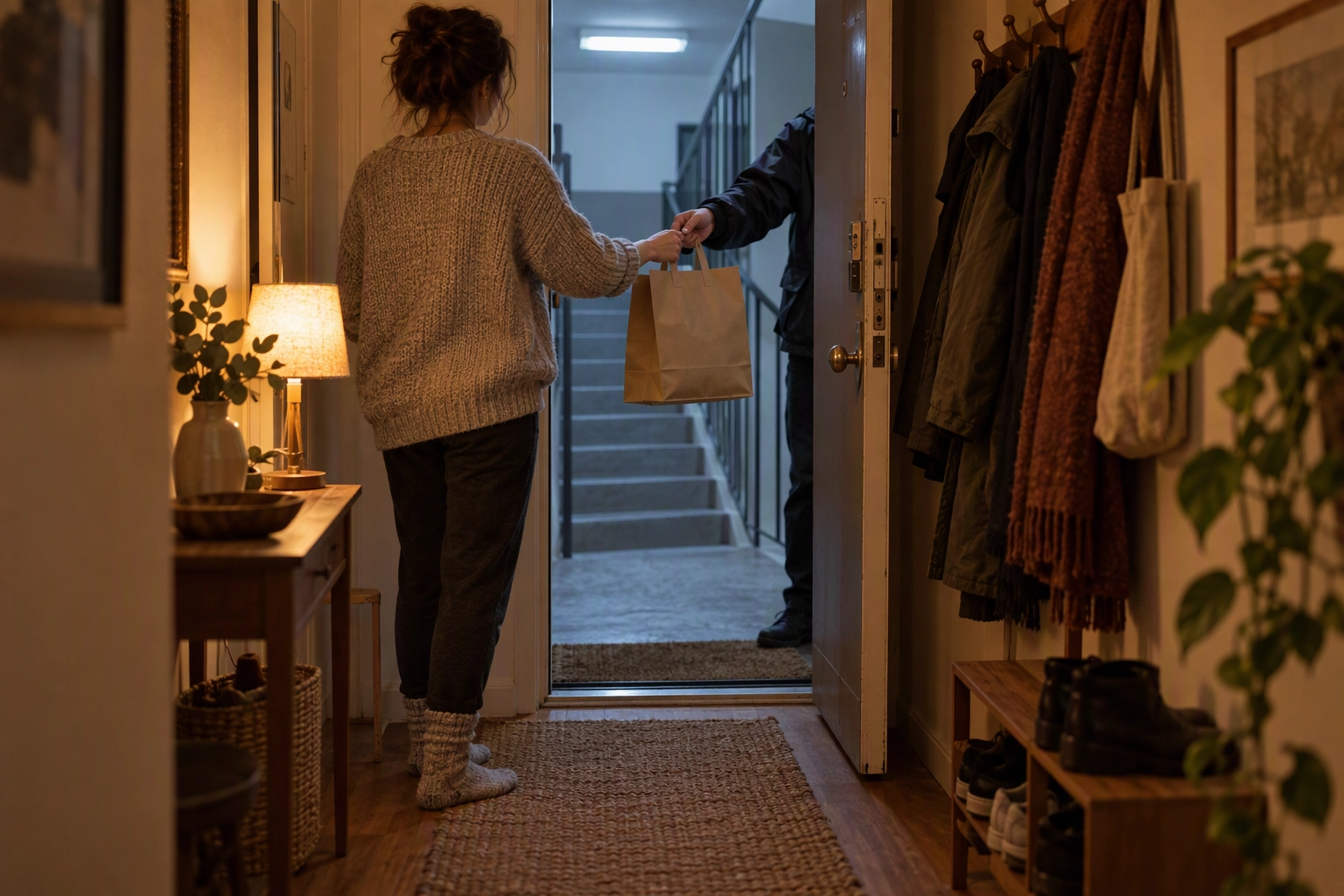 Resident taking a first delivery order from a courier at an apartment door, the new guest a welcome offer wins
9. Test sponsored listings with a stop rule
Ads boost a good listing and waste money on a weak one. DoorDash charges per order with a maximum bid, and runs ads at no extra cost for Premier stores. Uber Eats Premium matches ad spend up to $100 a month; Grubhub's Plus and All-access plans earn an ad credit equal to your commission rate. Stop rule: two weeks, one budget, pause if new guests cost more than the margin on two tickets. More in ghost kitchen marketing.
10. Decide whether you want the members
Member programs are the apps' loyalty systems for frequent customers. DoorDash says DashPass may boost revenue around 40%, from an internal 30-day study. Uber says Uber One members order 2x more than non-members; Plus pays 5% extra on those tickets, Premium includes them. Grubhub+ members average 4 purchases a month, almost 70% more often than others. The price is a higher commission.
Fixes 11-13: Ratings, hours and reliability
Reliability is the unglamorous side of how to increase restaurant delivery sales. A cancelled ticket, a kitchen closed during listed hours, or a cold, wrong bag costs more than one sale: it costs the review the next guest reads. These fixes cost staff attention, not money, and protect the experience every other fix promises.
11. Reply to every review within 24 hours
DoorDash advises replying within 24 hours. Uber Eats Manager gives you 7 days under Feedback, then Reviews, and lets you attach a self-funded offer code. Grubhub opens replies to Premium-tier partners. Treat it as service recovery: thank the diner, name the fix, invite them back (Uber's steps).
12. Keep hours and item availability honest
Set hours in DoorDash's Store availability and mark sold-out dishes with a timer, so a busy service doesn't become failed tickets. Uber Eats ties its Premium fee refund to staying online 95% of listed hours with under 3 cancellations a month.
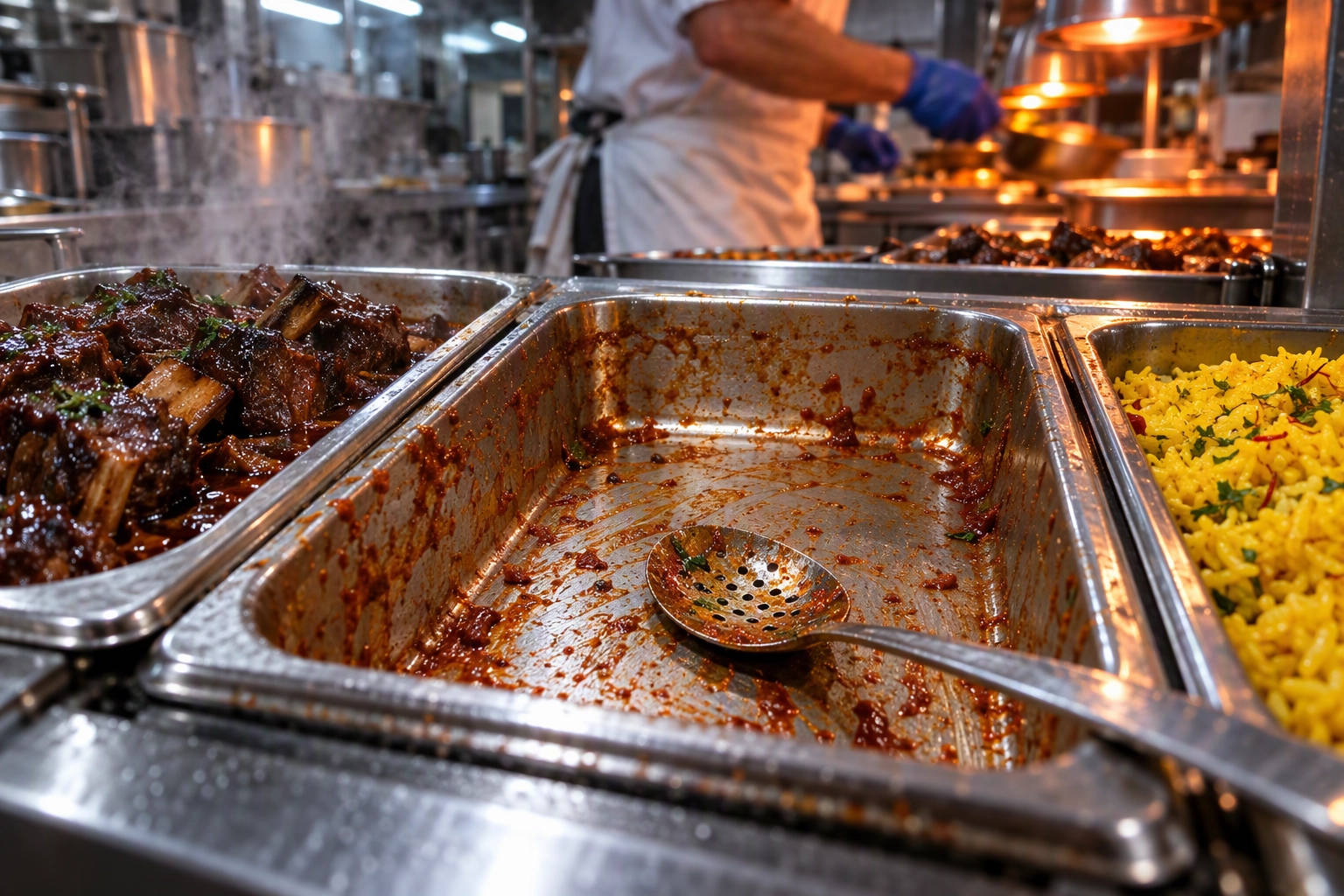 Empty hotel pan scraped clean on a busy steam table, the moment to mark a dish sold out on every delivery app
13. Pack for the ride and check the bag
Grubhub's policy makes the restaurant responsible for order accuracy: every item in the bag, made the way it was ordered. Use vented boxes for fried food, sauces on the side, a sealed bag and a final staff check. Uber Eats reviews show thumbs up or down per dish, so you can spot what travels badly. The bag is part of the guest experience.
Fixes 14-15: Repeat customers and your own channels
The second sale is the cheapest part of how to increase restaurant delivery sales. DoorDash reports that in 2025, repeat consumers made up over 20% of new merchants' tickets in month one and close to 40% by month three. Build on that with loyalty offers in each app, then point Google, your website and social media at the same photos.
14. Turn the first order into a second one
In 2025, over 15% of first-time customers on DoorDash reordered from the same restaurant within a month. Help the rest along in three ways: DoorDash loyalty campaigns, an offer code in good Uber Eats review replies, and a Grubhub win-back promotion. A thank-you card in the bag can drive a second visit from potential regulars; later, your own online ordering page can take over. More in 50 restaurant marketing ideas.
15. Point Google, your website and social media at the same photos
Many guests check Google before an app, so your Google Business Profile should show the same dishes and link to each app. Post them on social media via our restaurant Instagram marketing or social media marketing plan, so potential customers meet one brand look. For online ordering on your own website, each app sells a direct system: DoorDash Commerce Platform adds a 2.9% + $0.30 card fee, Uber Eats Webshop 2.5% + $0.29, and Grubhub Direct is a commission-free online ordering site for your business.
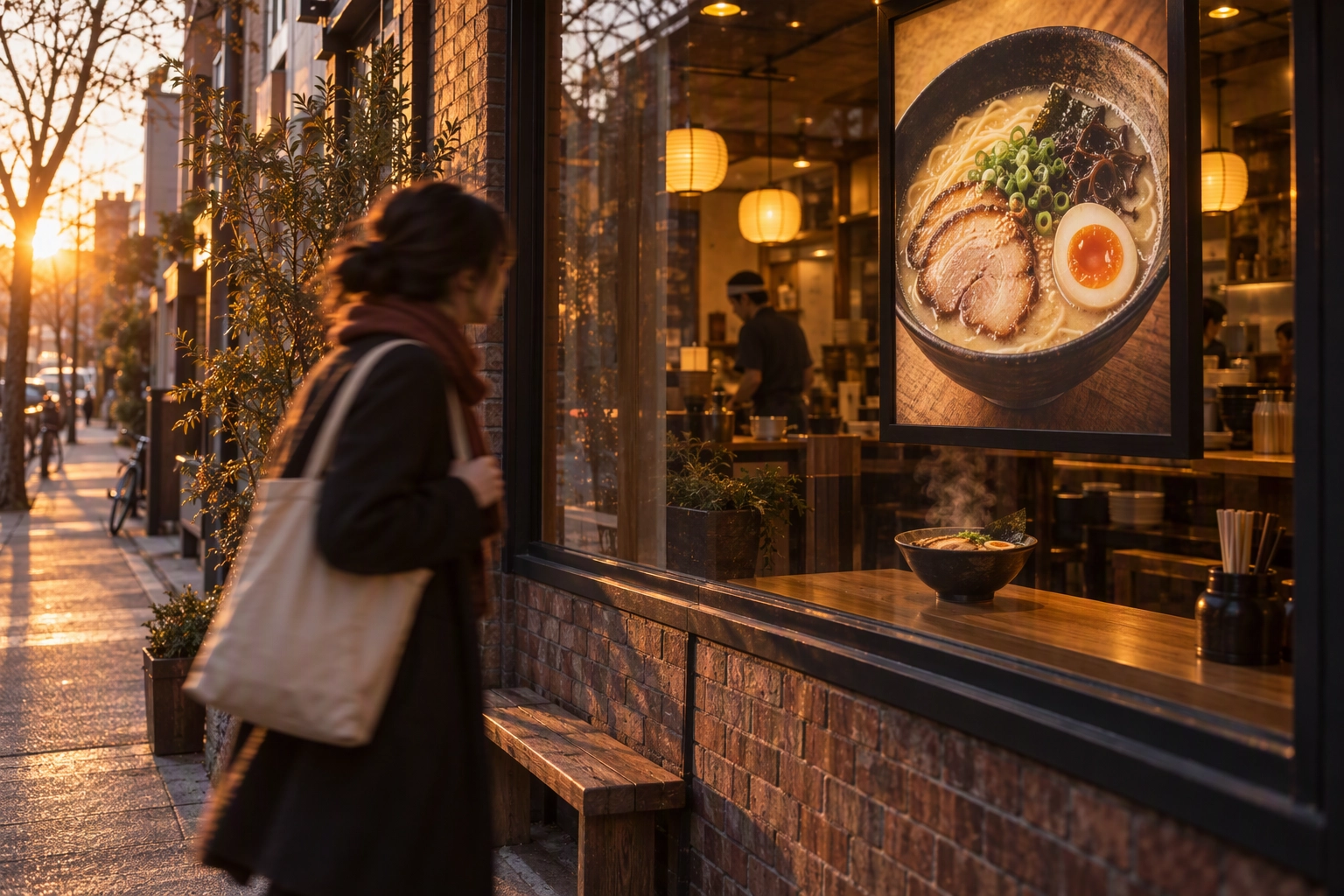 Ramen shop window at golden hour showing the same dish photo used on its delivery listings and Google profile
Which fix should you make first?
Start with what is free and visible on the listing: photos, header and logo, descriptions and hours. Most restaurants can finish those in a week without ad spend. Add one welcome offer per app in week two, and hold paid ads until the listing converts. Our order:
- Week 1: fixes 1-4 and 12, on all three apps.
- Week 2: fixes 5-7, then one offer per app (fix 8).
- Week 3: fixes 11 and 13, and start fix 14.
- Week 4: fix 9 with a stop rule, review fix 10, set up fix 15.
Track sales per app per week, before and after each change. That's how to increase restaurant delivery sales with proof. We built FoodShot for restaurants that want guests to see their real food this week.
Frequently Asked Questions
These are the questions operators ask most when comparing DoorDash, Uber Eats and Grubhub. Each answer uses the platforms' own published numbers, so you can check it against your merchant portal before changing a price, a plan or a promotion.
What is the fastest way to get more delivery orders?
The fastest answer to how to increase restaurant delivery sales is filling photo and description gaps on all three apps. It's free, takes a day, and each platform reports gains: up to 44% more monthly sales on DoorDash, $330 more a week on Uber Eats, up to 70% more orders on Grubhub.
Which delivery app charges restaurants the least?
On paper, Grubhub Basic, at a 5% marketing commission, though its couriers add a fee from 10%. DoorDash Basic is 15% and Uber Eats Lite 20%, couriers included. Cheaper tiers mean less visibility, so compare the dollars you keep.
Should app prices be higher than in-store prices?
Many operators price higher on the apps to cover commission; it's your business call. Uber Eats ties its 7% pickup fee to validated in-store pricing, and DoorDash bans item text that points customers to cheaper prices elsewhere.
How to increase restaurant delivery sales without discounts?
Knowing how to increase restaurant delivery sales without discounts starts with the free fixes: photos, descriptions, header, hours and review replies. Then add combos to lift each ticket and use loyalty tools so first buyers return. Treat discounts as a test.