How to Get More Orders on Grubhub: 12 Restaurant Fixes
 Ali Tanis12 min read
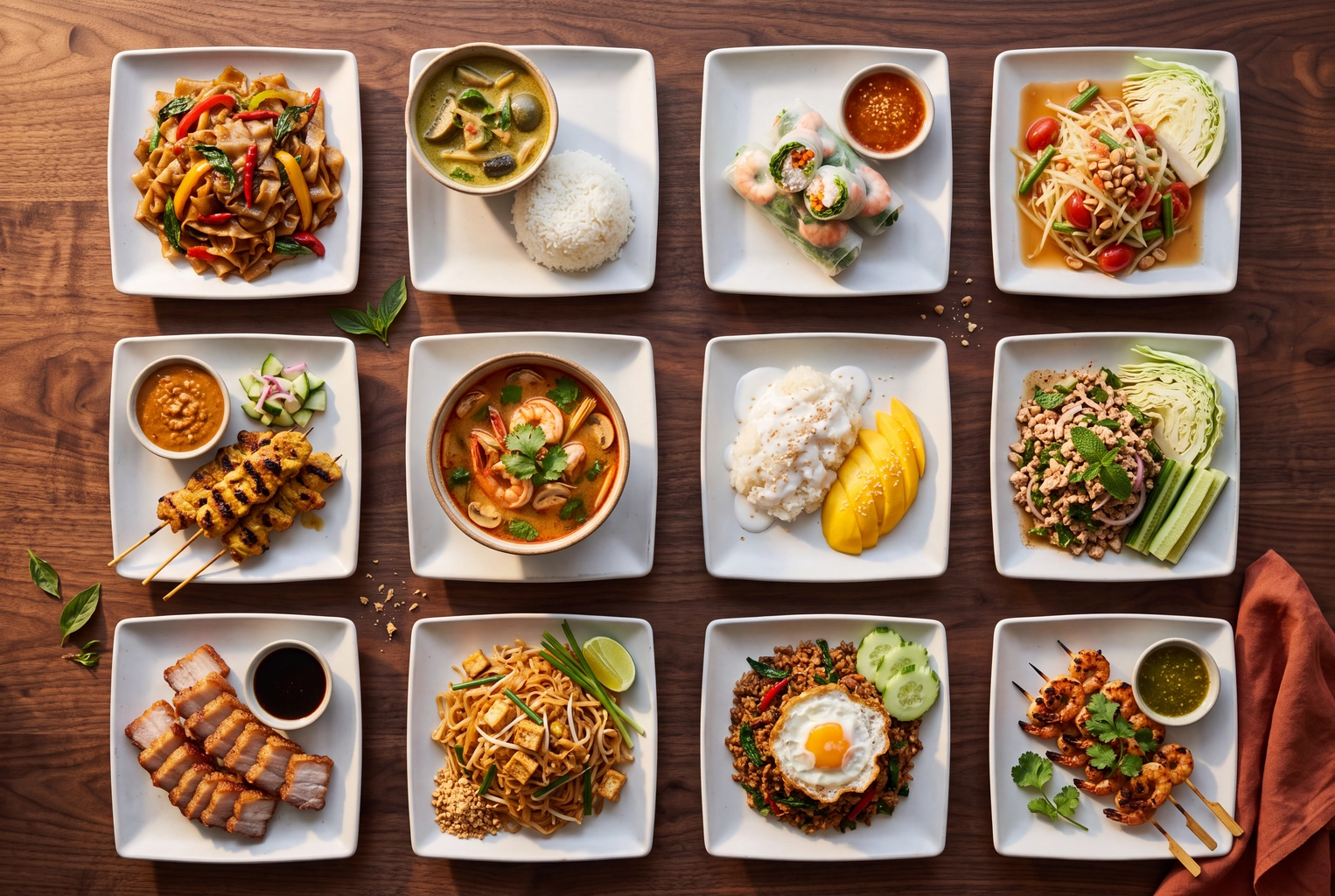
If your Grubhub orders have gone flat, the food is rarely the problem. The listing is: missing photos, hours that don't match the kitchen, and a prep time nobody can hit. This guide covers how to get more orders on Grubhub as a restaurant, not a driver. You get 12 fixes ranked by effort and impact, each tied to the screen in Grubhub for Restaurants (GFR) where you make the change. The cheapest fix is photo coverage, and you can fill those gaps with delivery app menu photos made from your own phone shots.
Quick Summary: Grubhub says restaurants that add photos and descriptions get as much as 70% more orders and 65% higher sales. Fix the $0 things first: photos on top sellers, accurate hours, fast confirmations and honest prep times. Then spend on promotions and ads, and judge everything against a 14-day baseline.
How Grubhub Decides Which Restaurant Gets the Order
Grubhub doesn't publish its ranking formula, so anyone quoting exact weights is guessing. What it does say suggests the orders Grubhub sends you depend on two jobs: getting seen in the feed and search, and getting chosen once a diner opens your menu. Online ordering discovery happens in the app. A Technomic survey cited on Grubhub's pricing page found 7 in 10 consumers use it to find new restaurants.
Grubhub's menu help article says your menu "plays the most significant role in determining your restaurant's success on Grubhub." Restaurants that add pictures and descriptions "receive as much as 70% more orders and 65% higher sales."
Getting seen is partly paid, through Grubhub Ads, and partly earned. Ratings are built from real orders, and the 2016 ratings overhaul split them into delivery time, order accuracy and food quality. That is why half of these fixes are kitchen habits, not marketing.
How to Get More Orders on Grubhub: 12 Fixes Ranked
Quick wins sit at the top. Effort and impact are our ratings, based on Grubhub's guidance and on whether a fix moves placement, conversion or both.
| # | Fix | Where in GFR | Effort | Impact | Cost |
|---|---|---|---|---|---|
| 1 | Photo on every top seller | Menu tab, Add Photo | Low | High | $0 |
| 2 | Hours that match reality | Hours tab | Low | High | $0 |
| 3 | One tablet owner per shift | Tablet, Confirm | Low | High | $0 |
| 4 | Prep time you can hit | Prep time, Order Ready | Low | Medium-high | $0 |
| 5 | Hide sold-out items | Item availability | Low | Medium | $0 |
| 6 | Rewrite top 20 descriptions | Info & Modifiers | Medium | High | $0 |
| 7 | Sections, modifiers, combos | Sections, Modifiers, Sizes | Medium | Medium | $0 |
| 8 | Book the free photoshoot | Photoshoot booking | Low | Medium | Included |
| 9 | One goal-based promotion | Promotions Manager | Medium | High | Your budget |
| 10 | Ads at peak hours | Grubhub Ads | Medium | Medium-high | Per click |
| 11 | Plan tier and delivery fee | Account advisor | High | High | 5-20% |
| 12 | Ratings and loyalty loop | Ratings, Loyalty | Medium | Compounding | $0 |
Fixes 1-5: Same-Day Changes That Cost Nothing
These five close the leaks that cost you rank and repeat business.
1. Put a Photo on Every Top Seller
Pull your 10 best sellers from your sales data and give each one a photo in the Menu tab. A text-only item is the weakest thing a diner can tap.
The help center asks for square 1:1 images, at least 200 × 200 px, saved as PNG, showing food only. Any image a reverse Google image search can match is rejected, so stock photos fail. Upload at 1400 × 1400 px so the dish stays sharp on a phone. Our Grubhub photo requirements guide has the full spec and compares it with other delivery platforms, and these photo mistakes that kill delivery orders cover the rest.
No usable photos? FoodShot turns a phone photo of the dish you actually serve into a 4K, professional-looking shot in about a minute. Crop it square, export a 1400 × 1400 px PNG, upload it, and reuse it on social media. Plans start at $15 for 25 photos, enough for a top 10 with retakes.
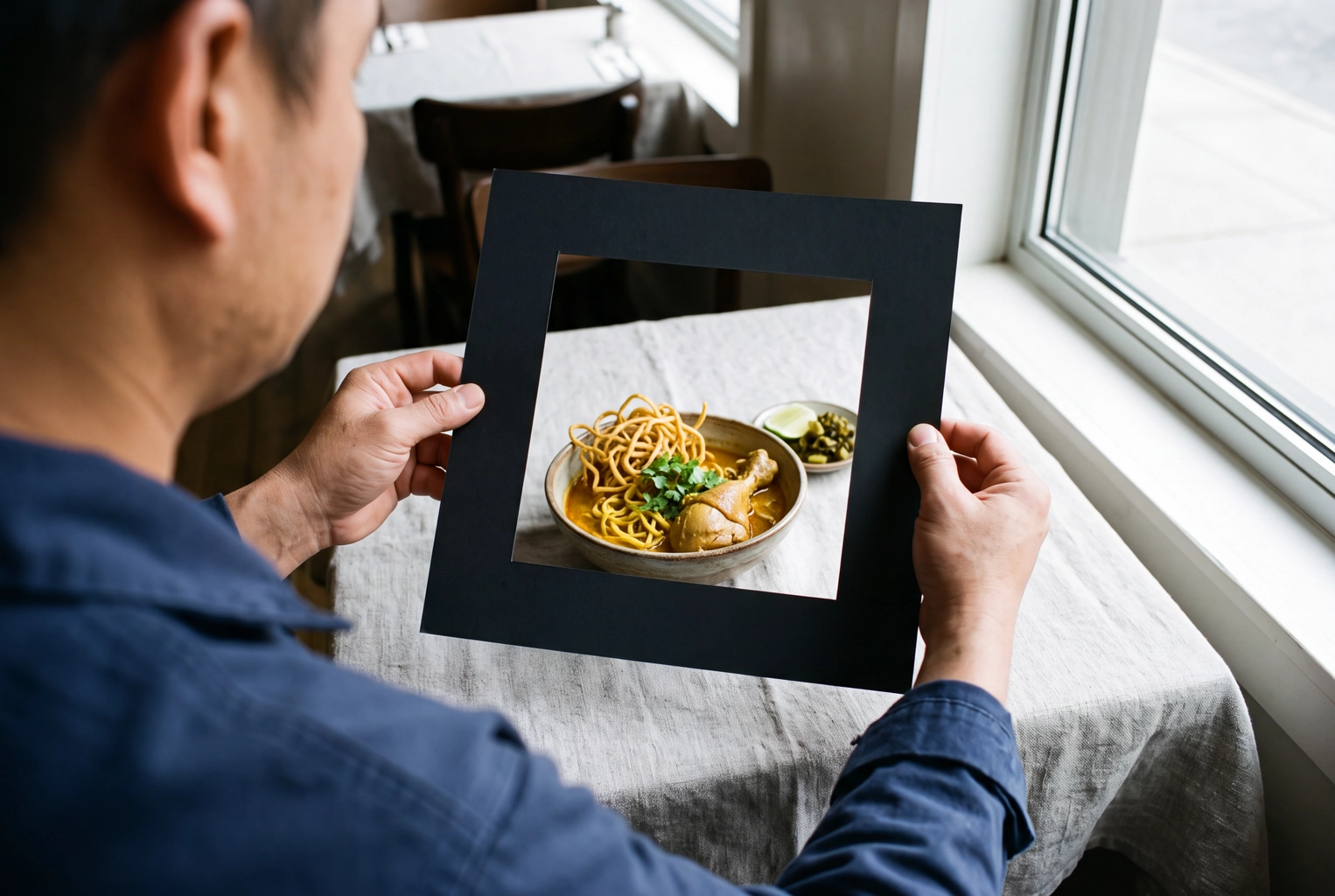 Cook framing a bowl of khao soi inside a square card cut-out, composing a 1:1 photo for a Grubhub menu item
2. Make Your Grubhub Hours Match Reality
Diners can't order from a closed listing, and they stop trusting one that cancels. Grubhub's order completion guidance says to check hours daily. When the kitchen is slammed, use Stop Taking Orders in the Hours tab instead of accepting tickets you'll cancel. Keep hours identical to your Google Business Profile so diners never see two answers.
3. Give One Person the Tablet
Every order has a confirmation window, and an unconfirmed ticket is the most avoidable lost sale in online ordering. Grubhub's first completion tip is to assign someone to monitor the tablet. Treat order management as a job: name a tablet owner each shift and turn the volume up.
4. Set a Prep Time You Can Actually Hit
For Grubhub Delivery restaurants, the food on-time rate is driver wait time. Too short a prep time makes drivers wait and food arrive late. Too long, and the delivery estimate scares diners off. Time 10 real tickets from confirm to sealed bag and set that number. Raise it during a rush, and tap Order Ready the moment the bag closes.
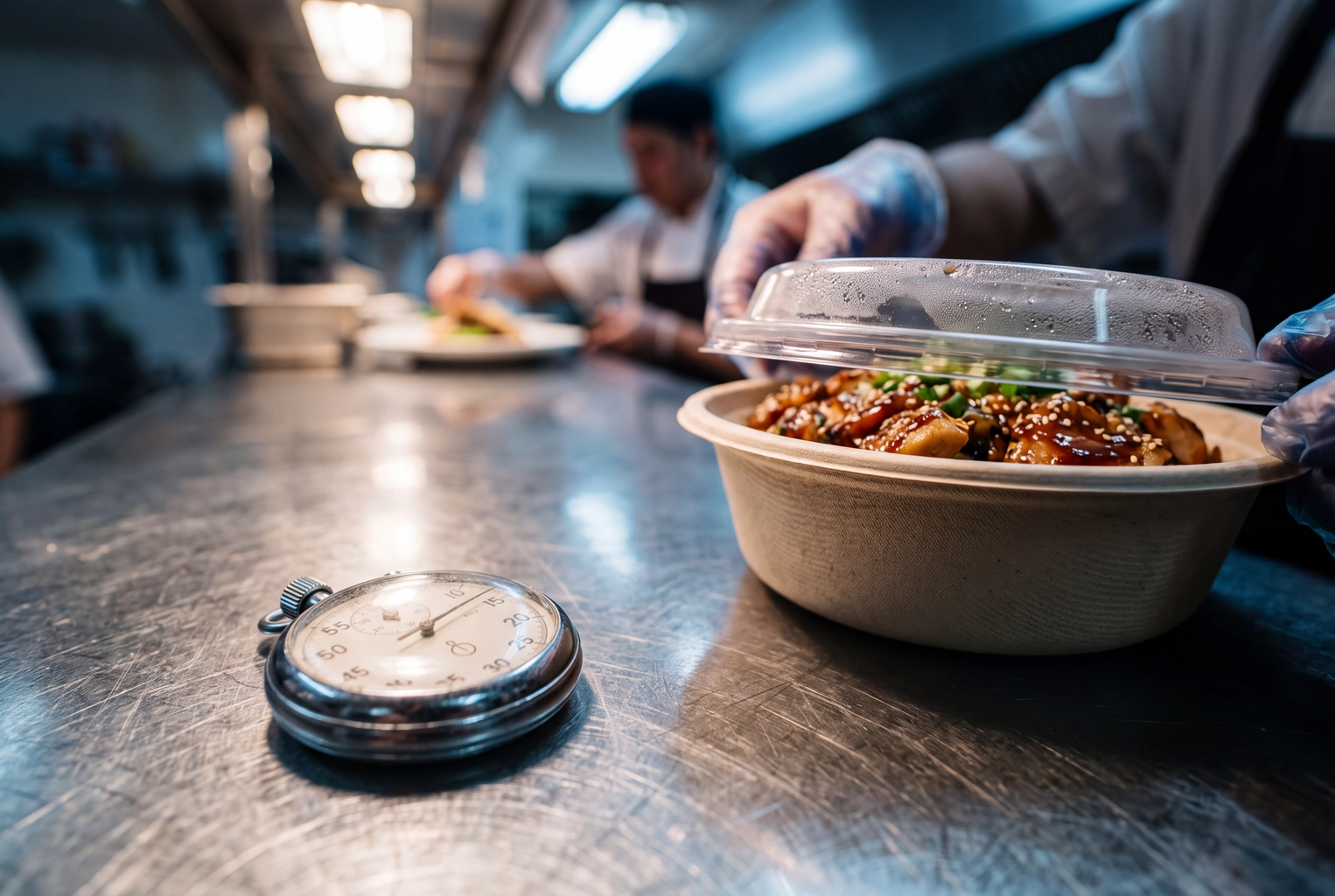 Steel stopwatch running beside a lidded bowl at a kitchen pass, timing real tickets to set an honest Grubhub prep time
5. Hide Sold-Out Items Instead of Cancelling
Out of short rib at 8 p.m.? Hide it instead of cancelling orders later. Grubhub's order accuracy guidance asks you to keep out-of-stock items updated, and cancellations hurt completion. Add a 60-second 86 check at opening and at the dinner changeover.
Fixes 6-8: Rebuild the Menu Page This Week
With the leaks closed, spend a few hours on menu management, because the menu page is where a diner decides.
6. Rewrite Descriptions for Your Top 20 Items
Good descriptions sell the dish and prevent wrong orders. Use one pattern: what it is, what makes it yours, what's included, how much. "Chicken sandwich" becomes "Buttermilk-fried thigh, brioche bun, house pickles, hot honey aioli, fries. Serves one." Name allergens and diets so diners filtering for vegan or gluten-free find you.
7. Restructure Sections, Modifiers and Combos
The menu tools cover sections, modifiers, sizes and schedules. Lead with best sellers, since diners navigate by section. Add modifiers for extras customers already ask for, like extra protein, to lift the average ticket without a price hike. Build one or two combos, and use schedules so lunch specials show only at lunch. Our menu pricing formulas help you price for delivery commissions.
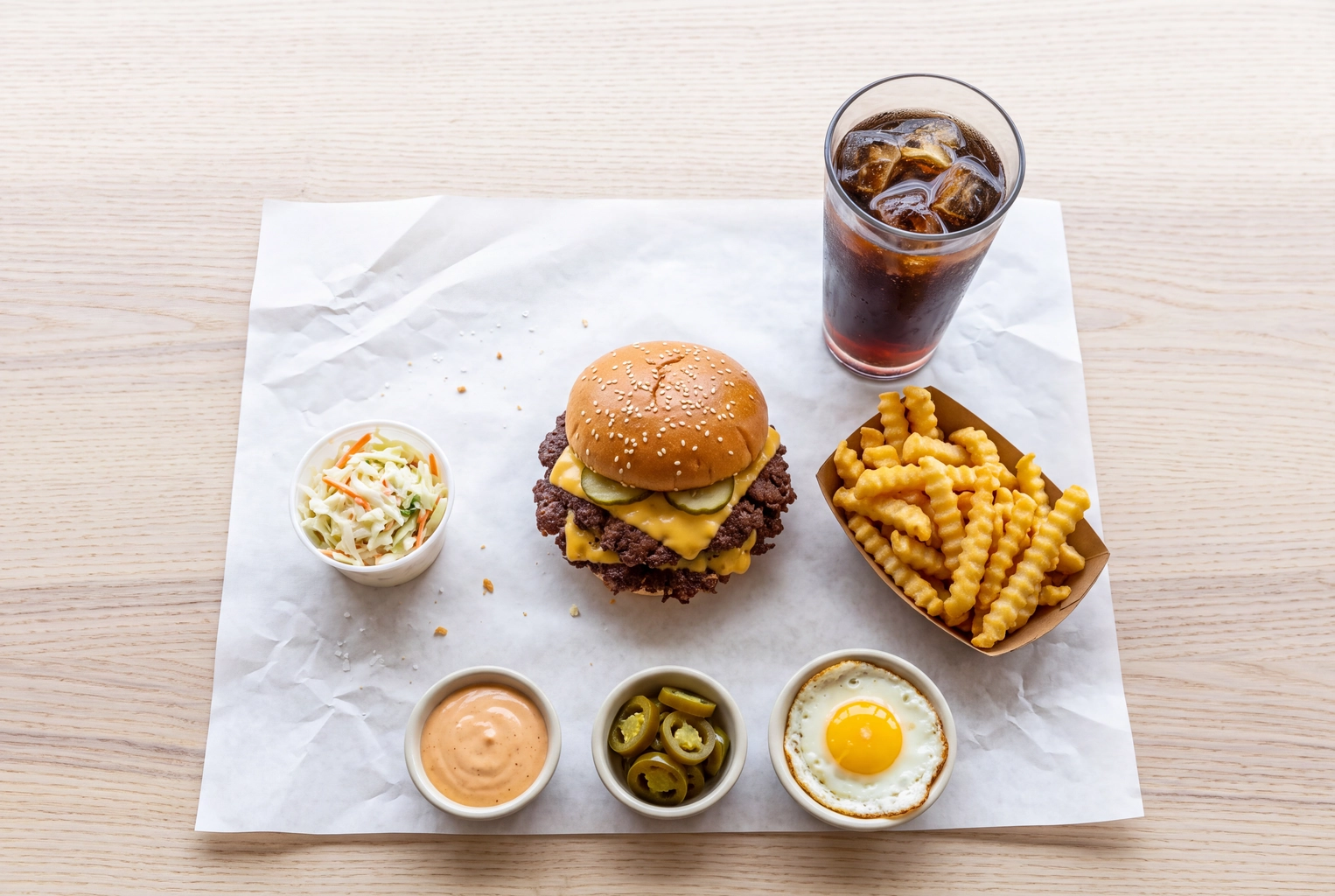 Burger combo with fries, slaw, a soda and extra sauce cups laid out on butcher paper, a Grubhub combo with modifiers
8. Book the Free Photoshoot, Then Fill the Gaps
Every Grubhub plan lists a free professional menu photoshoot, and since 2023 you can book it inside GFR, Food On Demand reported. Grubhub doesn't say how many dishes a shoot covers, and you can't book a professional photographer for every new special. Our Grubhub photoshoot alternative page compares the options.
Fixes 9-12: Buy Reach Only After the Listing Converts
Paid reach multiplies whatever your menu page converts, so start these after fixes 1-8.
9. Run One Goal-Based Promotion
Open Marketing, then Promotions Manager. Pick one goal: new customers, lapsed customers, Grubhub+ diners, specific items, meal hours or large orders. Offers include dollar off, percentage off or a free item, on a monthly budget you set, per Grubhub's promotions guide. A free side usually costs you less than 20% off an entree.
The marketing tools page also describes opting in to platform-backed events such as Treat Yourself Tuesdays. Check redemptions on the Promotions Reporting page after 14 days.
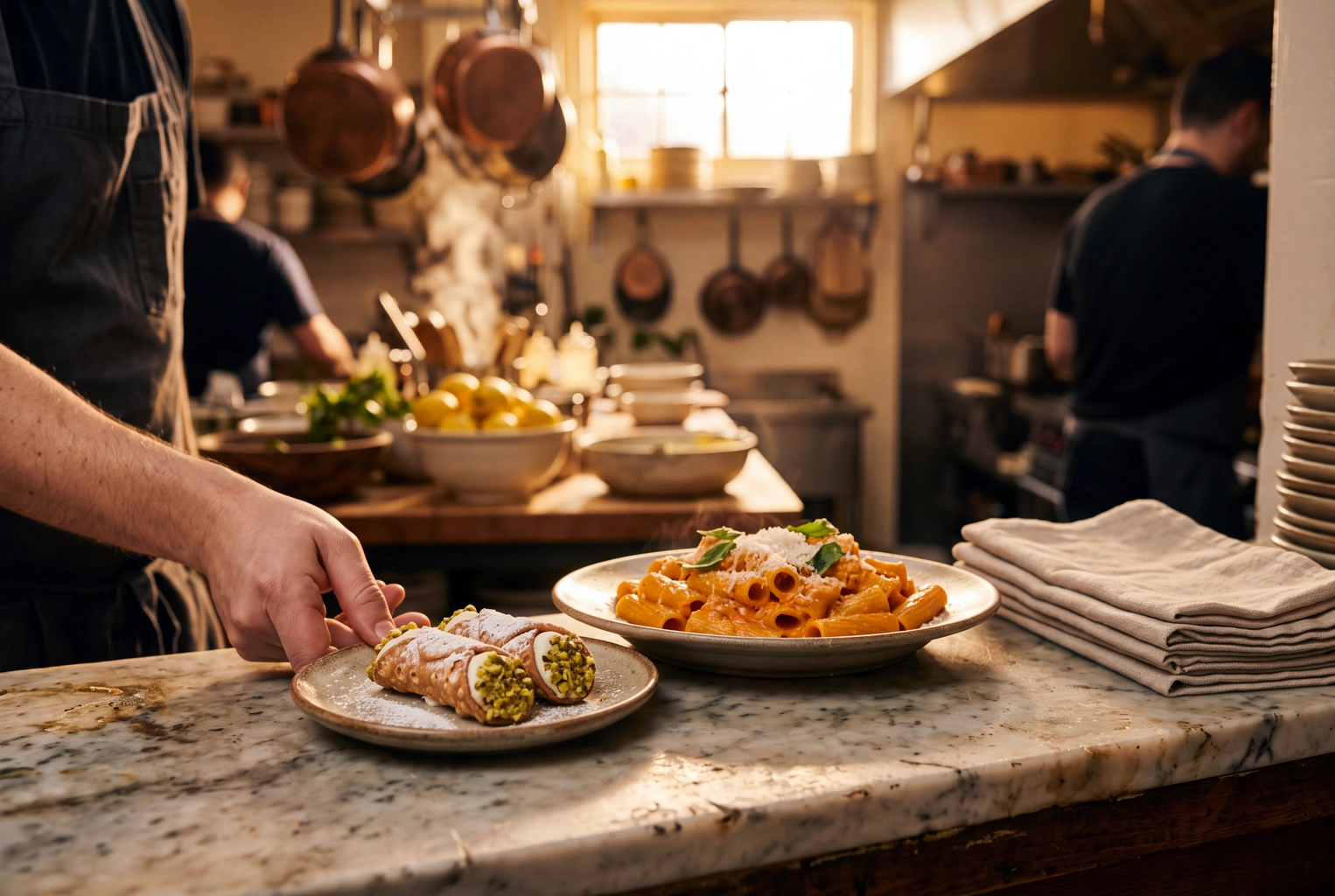 Server adding a free mini cannoli beside a rigatoni order, the free-item offer a Grubhub promotion can run
10. Test Grubhub Ads in Your Peak Window
Grubhub Ads launched in October 2024. They place you at the top of the homepage, search results and cuisine pages, and you pay only when a diner clicks. Test two weeks in your busiest window, such as Friday dinner. The launch release quoted owners reporting 15-40% lifts, but those are testimonials, not tests. Judge ads by the new-customer orders Grubhub reports in Customer Insights.
11. Price Your Listing for the Delivery Fee
Your plan sets what diners pay for delivery, and Grubhub's onboarding guide says customers weigh that fee. Basic charges a 5% marketing commission with a standard customer delivery fee. Plus charges 15% with a lower fee, and All-access 20% with the lowest. Grubhub Delivery adds a fee from 10%; self-delivery adds none. New York City pricing differs.
Keep your delivery minimum at $0. Grubhub's restaurant guide says a $0 minimum "can help generate more orders and appeal to more diners." Grubhub data shows Grubhub+ members order 4 times a month, almost 70% more often than non-members. A higher tier pays only if the extra orders Grubhub sends beat the extra commission. Our DoorDash vs Uber Eats vs Grubhub comparison lays out fees across platforms.
12. Turn Ratings Into a Weekly Routine
Harvard Business School's Michael Luca found one extra Yelp star brought independent restaurants a 5-9% revenue increase (working paper 12-016). Grubhub's ratings page quotes the same range.
Make review management a Monday task. Open the reviews at the bottom of your listing and tag each complaint: late, wrong or quality. Fix the biggest bucket first; a two-person check on every bag handles most "wrong" tags. Then switch on a loyalty program, which Grubhub tailors to your business and shows in the Offers tab.
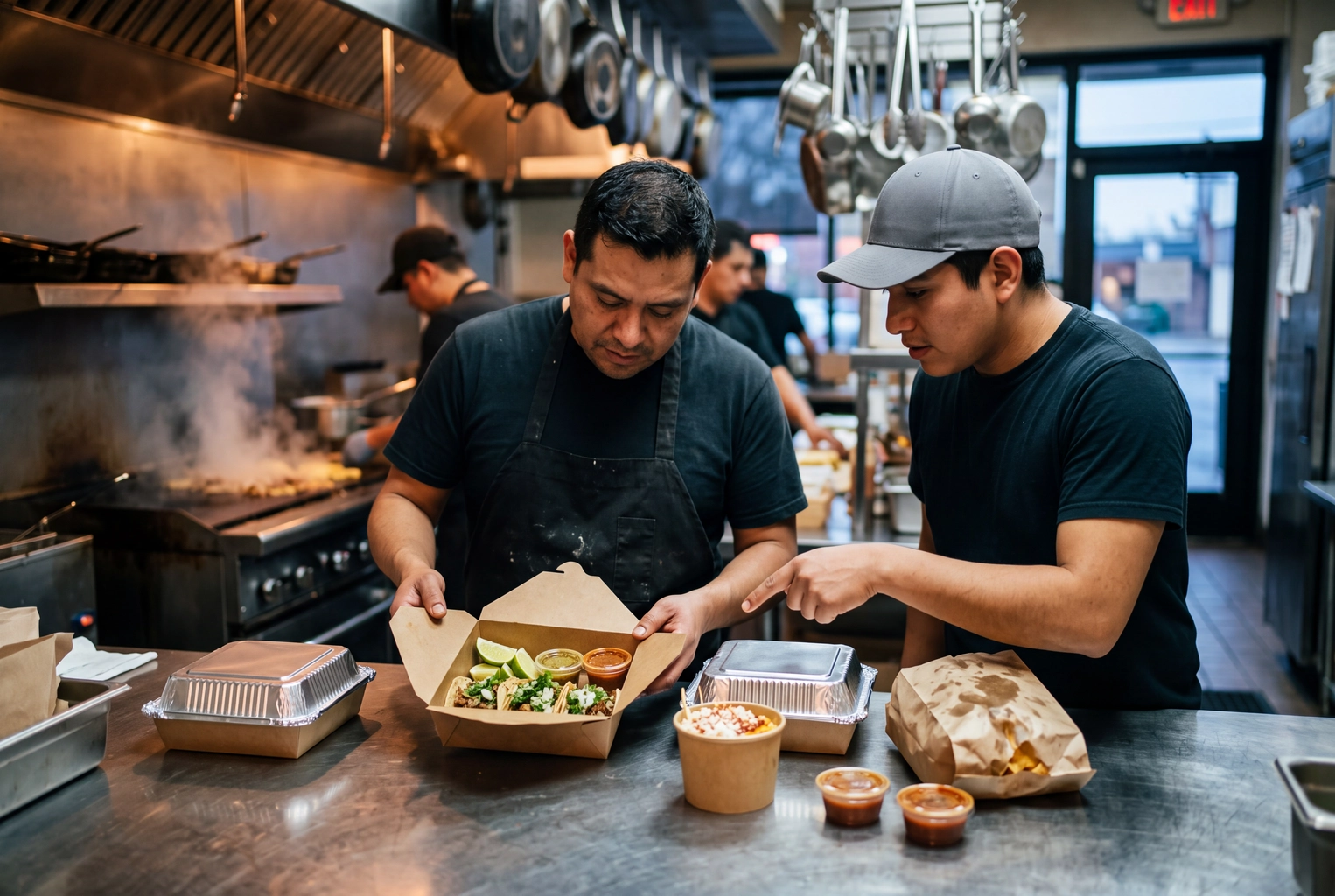 Two cooks checking a delivery order together at the pass, the two-person check that prevents wrong-order Grubhub reviews
What Amazon Dropping Grubhub+ Means for Your Listing
On November 5, 2026, Amazon ended the Prime Grubhub+ benefit; its Prime offer page says it "is no longer active on Prime." Per TechCrunch, Prime members can no longer order Grubhub through Amazon. Anyone who already activated Grubhub+ keeps it through December 31, 2027.
For restaurants, Amazon storefront orders stop and the Grubhub+ pool stops growing through Prime. Check the Grubhub+ share in Customer Insights monthly. Of the big platforms, Uber Eats now sits inside Prime with $0 delivery on eligible orders of $25 or more placed through Amazon, so tune that listing with our playbook for more orders on Uber Eats.
The 14-Day Grubhub Listing Tune-Up Plan
Run the fixes in this order so you can see which change worked. Screenshot your listing before Day 1.
| Days | Task | Where |
|---|---|---|
| 1-2 | Baseline orders, sales, Grubhub+ share, rating; audit hours | Insights, Hours tab |
| 3-4 | Name tablet owners, time 10 tickets, reset prep time; shoot photo gaps | Tablet, prep time |
| 5-6 | Upload photos, book the photoshoot, rewrite descriptions | Menu tab |
| 7-8 | Fix modifiers, reorder sections, add a combo, start 86 checks | Menu tab |
| 9-10 | Launch one promotion; tag the last 30 reviews | Promotions Manager, ratings |
| 11-12 | Review plan tier and $0 minimum; start an ads test | Account advisor, Ads |
| 13-14 | Fix rejected uploads; compare same weekdays with Day 1 | Insights |
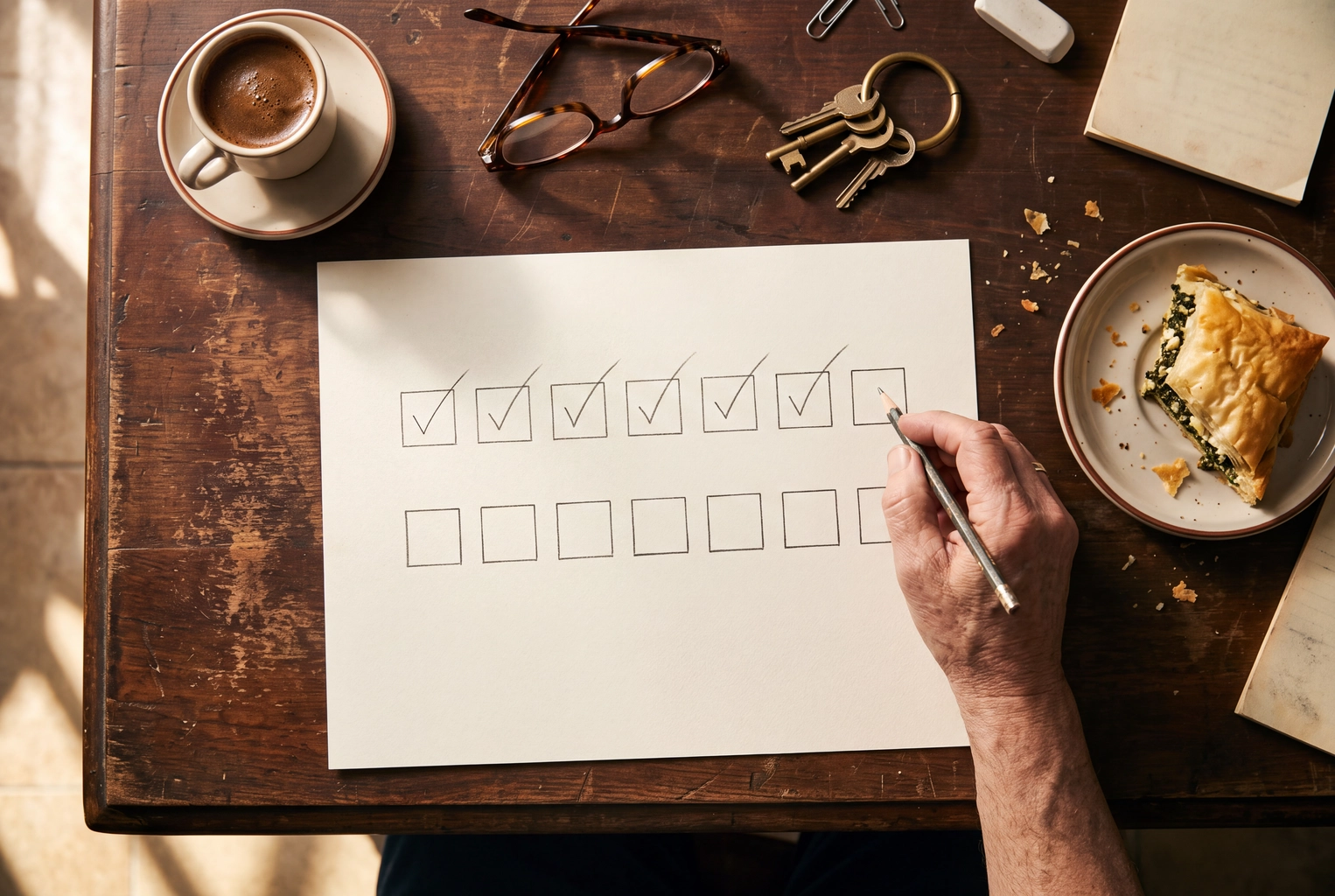 Owner ticking off a two-week paper planner of empty squares before opening, a 14-day Grubhub listing tune-up plan
Before/After Grubhub Listing Checklist
Compare your Day 1 and Day 14 screenshots row by row.
| Element | Before | After |
|---|---|---|
| Top 10 items | Half text-only | All have square photos |
| Photos | Dark, some rejected | Professional light, 1400 px |
| Descriptions | Blank or two words | Ingredients, portion, allergens |
| Sold-out items | Cancelled later | Hidden, not cancelled |
| Promotions | None, or always-on 20% off | One goal, one budget |
| Reviews | Checked after complaints | Tagged every Monday |
The same playbook works for food delivery on every app. Run it next for more orders on DoorDash, and fold all three into your restaurant delivery sales plan alongside online ordering on your own site.
Frequently Asked Questions
How long does it take to get more orders on Grubhub after these changes?
Menu fixes go live once photos clear review and show as Approved. Give each change 14 days and compare the same weekdays, since Fridays beat Tuesdays. Confirmations and prep time improve ratings over weeks, not days.
Is the free Grubhub photoshoot enough?
It's a good start, not a whole menu, since Grubhub doesn't publish how many dishes it covers. Book it, then shoot the rest yourself or with FoodShot, following the Grubhub photo specs.
Do Amazon Prime members still get free Grubhub+?
Not new ones. Amazon ended the benefit on November 5, 2026. Members who already activated Grubhub+ keep it through December 31, 2027. Everyone else pays $9.99 a month for $0 delivery fees on eligible orders over $12.